Dec 03, 2025
Nurul S.
7min Read
8 best portfolio website builders
A portfolio website builder is a tool that lets you create and design a portfolio site without coding. These platforms offer ready-made templates, drag-and-drop editors, and customization options, so you can focus on showcasing your work instead of learning web development. Whether you’re a designer, photographer, writer, or freelancer, a portfolio builder helps you present your projects professionally, attract potential clients, and grow your career.
In this guide, we’ll compare the top portfolio website builders, covering their features, ease of use, pricing, and best use cases to help you find the right one for your needs.
Here are the website builders we’ll review:
- Hostinger AI – AI-powered builder with 170+ templates and built-in content tools, ideal for creatives who want to build professional portfolios fast.
- WordPress.com – Highly customizable with a vast plugin library for flexible portfolio design.
- Adobe Portfolio – Elegant, Creative Cloud–integrated builder for photographers and visual artists.
- Authory – Automated content import and backup for writers and journalists.
- Weblium – Balanced editor with AI tools for easy yet customizable portfolio creation.
- Duda – Collaboration and client management features for teams and agencies.
- Fabrik – Industry-specific templates optimized for visual work like design, photography, and film.
- Jimdo – Fast, automated setup for simple portfolios with strong mobile optimization.
By the end of this article, you’ll know which portfolio website builder fits your style, budget, and goals best.
1. Hostinger AI
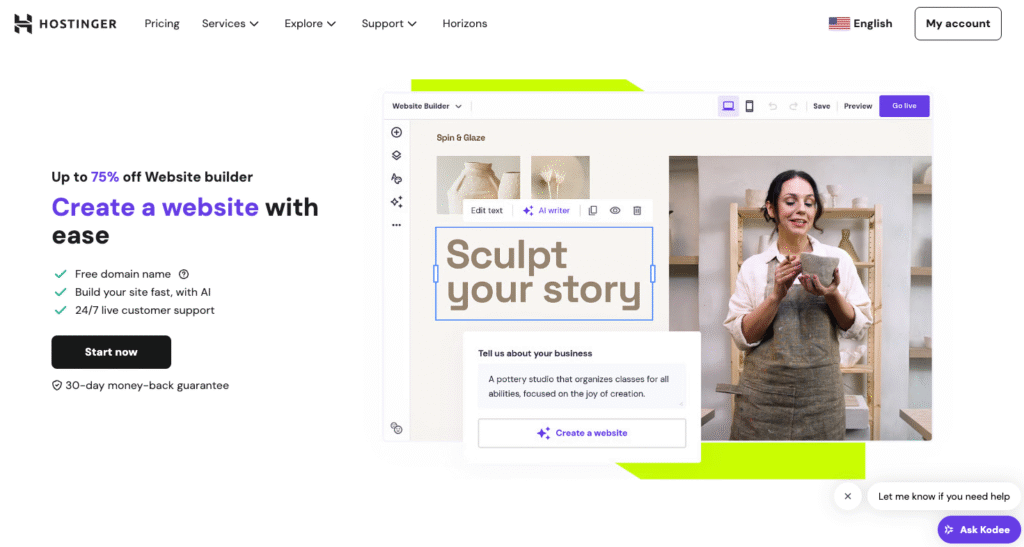
Hostinger AI Stats:
- Best for: Creatives who want to build portfolio websites quickly with AI
- Price: Starting from $2.49/month
Hostinger AI makes it easy for creatives to build professional portfolio websites in minutes. You can build in two ways: use the drag-and-drop editor with 170+ designer-made templates, or describe your portfolio and let AI generate a complete site with layout, content, and visuals.
The drag-and-drop editor lets you customize every element – upload project images, rearrange sections, and adjust colors and fonts to match your personal brand. AI suggestions help refine layouts and on-page content as you build.
For creatives who want even faster results, Horizons lets you describe your portfolio in plain language. The AI handles the design, copy, and structure – you guide the vision and make adjustments from there.
Built-in AI tools speed up the process further. Generate project descriptions and page copy with AI Writer, create custom graphics with the image generator, and design a logo that fits your brand.
The SEO assistant helps optimize page titles and meta descriptions so potential clients can find your work.
Every Hostinger AI plan includes hosting, a free custom domain, SSL certificate, and business email. You can edit your portfolio from any device with mobile editing, and track visitor behavior with live analytics.
Key Features:
- Two ways to build – Use the visual drag-and-drop editor with AI suggestions, or describe your portfolio and let Horizons create it for you.
- AI content and design tools – Generate project descriptions, page copy, custom images, and logos without starting from scratch.
- Mobile editor – Create, edit, and preview your portfolio on any device.
- SEO assistant – Optimize page titles, meta descriptions, and content to improve visibility in search results.

2. WordPress.com
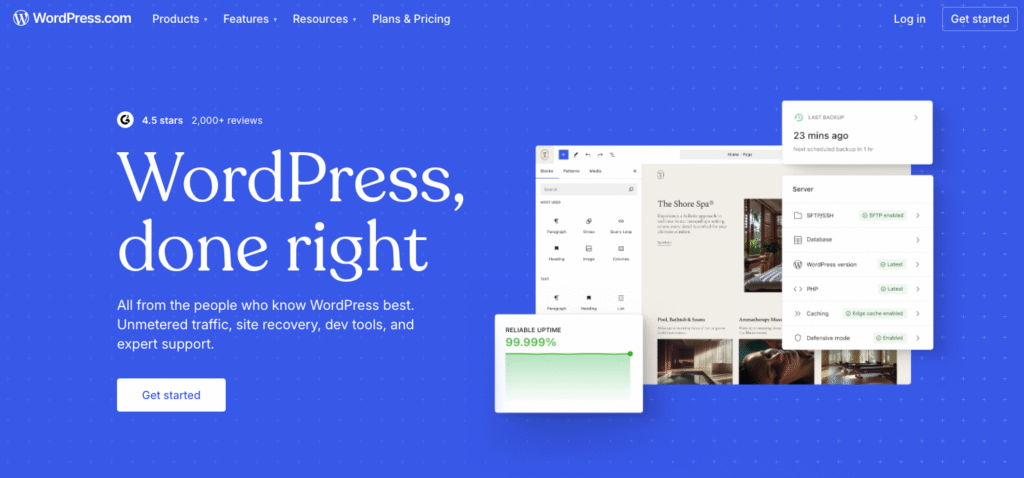
WordPress.com Stats:
- Best for: CMS-based portfolio website with managed service
- Price: Starting from $4/month
WordPress.com is a fully hosted platform best suited for those looking for an extensive range of features and flexibility in their website.
As opposed to WordPress.org, which requires users to download and install the software on their server, WordPress.com handles all hosting and maintenance for you. This means you can focus on creating and managing your website without the technical aspects.
WordPress.com offers various portfolio templates to choose from. To customize the template, use the block editor to drag and drop page content.
There are various pricing plans, starting at just $4/month and going up to $45/month. All paid plans come with a custom domain name to personalize your portfolio website.
Key Features
- Extensive theme library – WordPress.com offers a wide range of themes for you to choose from, allowing you to customize the look and feel of your website.
- Active community support – The WordPress community is constantly growing and active, meaning you can easily find help and resources if needed.
3. Adobe Portfolio
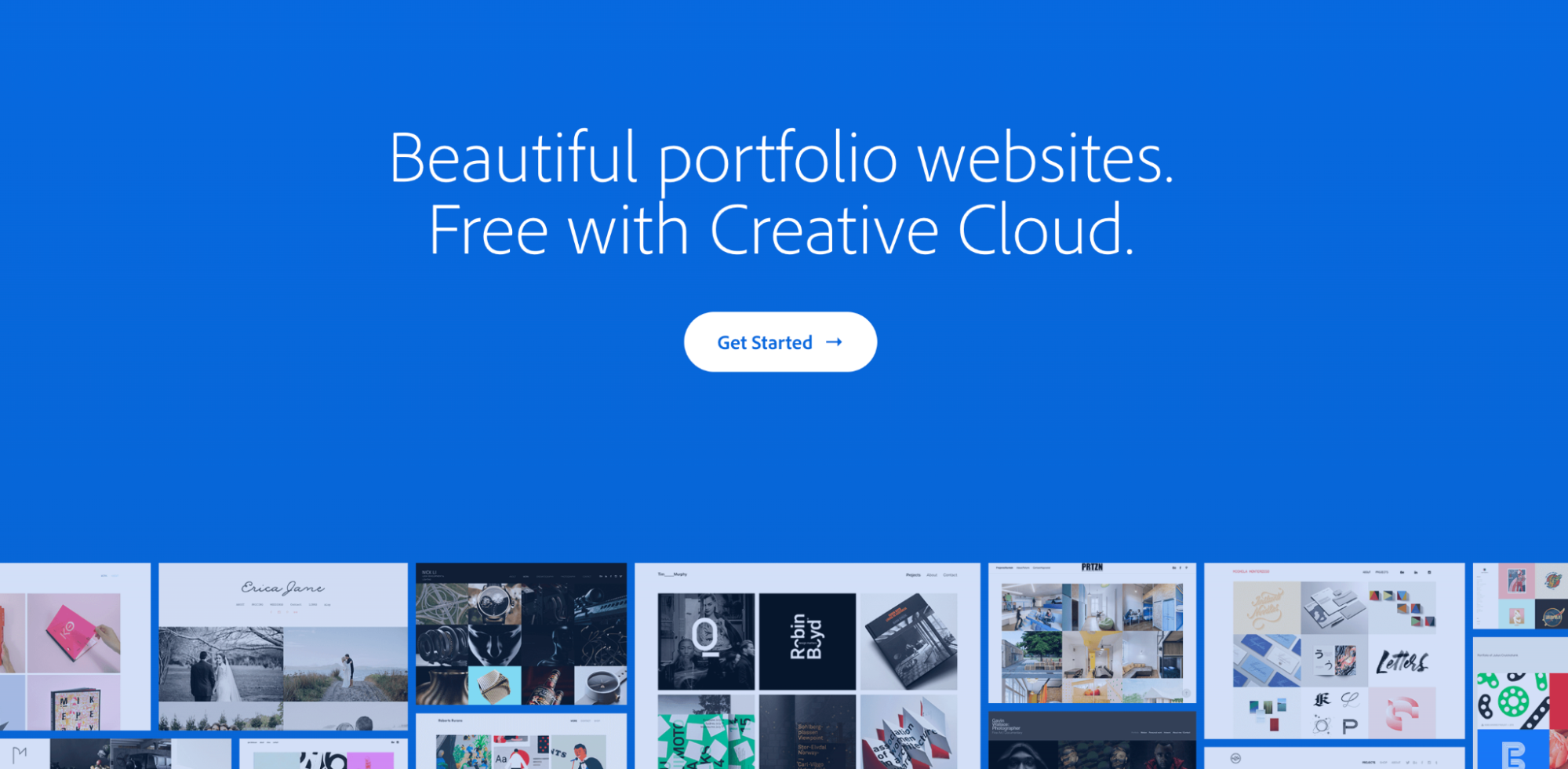
Adobe Portfolio Stats:
- Best for: creative professionals looking to showcase their work elegantly
- Price: Starting from $9.99/month
Adobe Portfolio is one of the best website builders for creative professionals to showcase their work in a visually stunning way. It is part of Adobe’s Creative Cloud suite, making it accessible to users with an Adobe subscription.
Setting up is easy, even if this is your first Adobe account. Choose a template you want, sign up, and start editing. The templates are responsive, meaning they will look great on any device and screen size.
One of the standout features of Adobe Portfolio is its integration with other Adobe programs, such as Photoshop, Lightroom, and Illustrator. This allows users to easily import their work from these programs directly into their portfolio.
However, Adobe Portfolio has limited flexibility in terms of design and layout. Unlike Hostinger Website Builder and WordPress, the platform doesn’t allow users to add custom CSS code.
Key Features
- Behance integration – seamlessly import your Behance projects into your portfolio site.
- Custom domain – make your portfolio site truly yours with a custom domain.
- Photo import feature – create portfolio albums easily by importing photos from your Lightroom account.
4. Authory
Authory Stats:
- Best for: articles, blogs, and other written content in one neatly organized space
- Price: Starting from $12/month
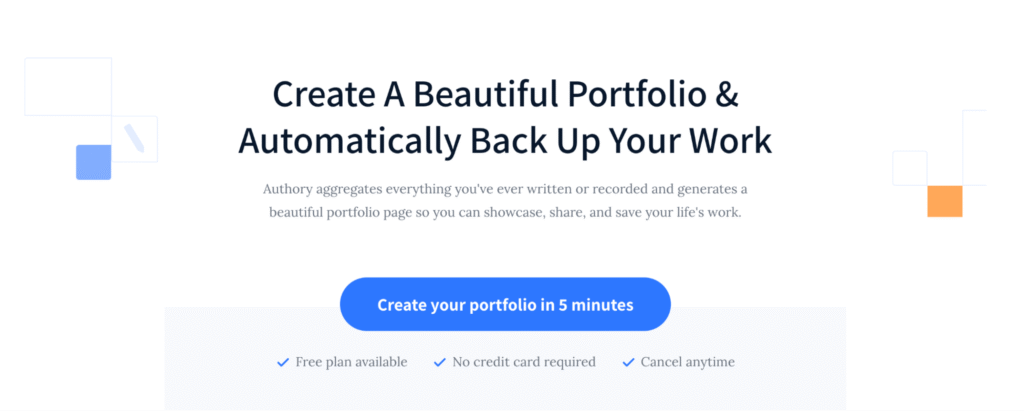
Authory is an exceptional platform for writers, journalists, and content marketers to compile articles, blogs, and other written work in one organized space.
It stands out with automatic content importation from various sources, including social media, ensuring a comprehensive and up-to-date portfolio.
Authory specializes in text-based content, offering unique features like full-text backups of your articles, so they remain accessible. However, for some users, it may lack the visual customization options of broader website builders.
With a price of $12/month, Authory provides excellent value, especially for writers looking for a dedicated portfolio solution.
Key Features
- Automatic import – easily import your content from various sources such as Medium, WordPress, and Twitter.
- Content backup – offers automatic backups of your original text-based content to ensure its safety.
- Original format storage – stores your content in its original format, preserving your writing style and formatting.
- Real-time email notifications – once your content is live or updated, Authory notifies your subscribers via email for instant distribution and engagement.
5. Weblium

Weblium Stats:
- Best for: users looking for a balance between customization freedom and ease of use.
- Price: Freemium, with the paid plan costing $8.25/month
Weblium is a website builder that offers professional-looking templates and a drag-and-drop editor for easy customization. It also has built-in SEO tools and analytics to help increase your website’s visibility and track its performance.
Upon setup, you will be asked about your website-building experience, whether this is your first time or not, and your occupation. After that, start editing an existing template by using the block editor.
There’s a guided tour to help users get started. However, the interface is simple enough to navigate without much help.
Like many freemium tools, there are limited features to the free plan. Opting for the paid plan at $8.25/month provides access to additional features, including a free custom domain and the ability to write custom code. What’s more, it comes with a free trial for 14 days.
Key Features
- AI Design Supervisor – ensures that all design elements on your site remain consistent, providing a professional look and feel.
- Drag-and-drop editor – easily add, remove, and customize elements on your portfolio website.
- Responsive templates – a variety of templates that automatically adjust to fit any screen size. This ensures that your website looks great on desktop, tablet, and mobile devices.
- Built-in CMS – helps organize and manage your portfolio content.
6. Duda
Duda Stats:
- Best for: portfolio websites with collaboration tools and client management features
- Price: Starting from $19/month
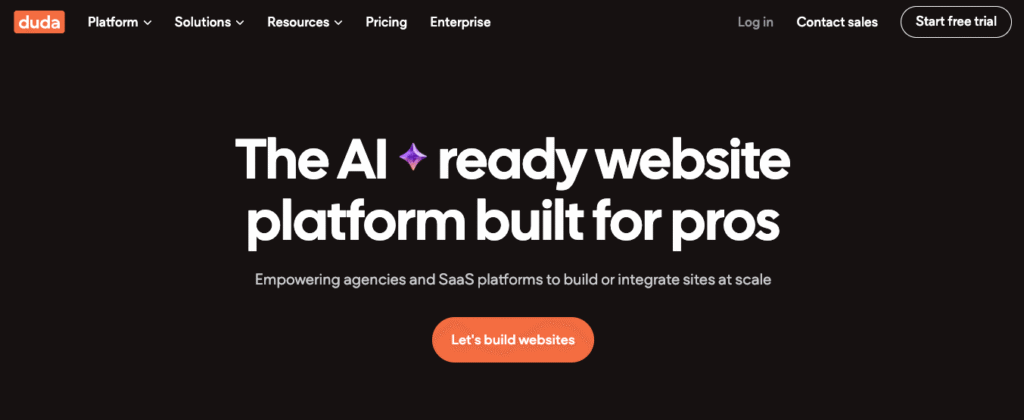
Duda is a portfolio website builder tailored particularly for teams and agencies that need collaboration and client management tools.
Its standout features include team collaboration, allowing multiple users to work on a project, and client management capabilities that streamline feedback and approval processes.
Compared to traditional website builders, Duda offers advanced team-oriented functionalities but might come at a higher cost and with a steeper learning curve for individual users or those with more straightforward needs.
Pricing begins at $19/month.
Key Features
- Team collaboration tools – allows for multiple users to work on a website, with varying permission levels and real-time updates.
- Integrated CRM – a client management platform that enables efficient communication, feedback collection, and approval processes.
- Widget builder – customize website features and add new functionalities by adding your custom widget.
- Extensive customization options – access a comprehensive widget builder and API to tailor your site precisely to client needs.
7. Fabrik

Fabrik Stats:
- Best for: templates and tools that showcase visual portfolios
- Price: Starting from $9.17/month (billed yearly)
Fabrik is specialized for creatives needing to showcase visual work, with a focus on high-quality templates and intuitive tools for building visually stunning portfolios.
What sets Fabrik apart is its industry-specific themes, which are tailored to suit different creative fields, such as filmmakers, designers, photographers, and artists. This ensures that each portfolio not only looks stunning but is also optimized for the type of work being showcased.
Although Fabrik is not as integrated with third-party tools as some other website builders, it focuses on delivering a high-quality display experience. It features responsive themes that adapt to any screen size.
Pricing is competitive, starting at $9.17/month for the personal plan, which includes all basic features like custom domain integration. More advanced features, like client proofing and online sales, are available in higher-tier plans – costing $13.34/month and $21.67/month.
Key Features
- Industry-specific themes – choose from a variety of templates designed for different creative sectors, such as graphic design and photography.
- Responsive design – ensures your portfolio looks great on desktops, tablets, and smartphones.
- Client proofing – share projects with clients and manage approvals directly from your website.
- HD video and image support – showcase your work in the highest quality possible.
8. Jimdo
Jimdo Stats:
- Best for: creating simple yet effective websites quickly, with a strong emphasis on automated website creation.
- Price: Freemium, with paid plans starting from $11/month
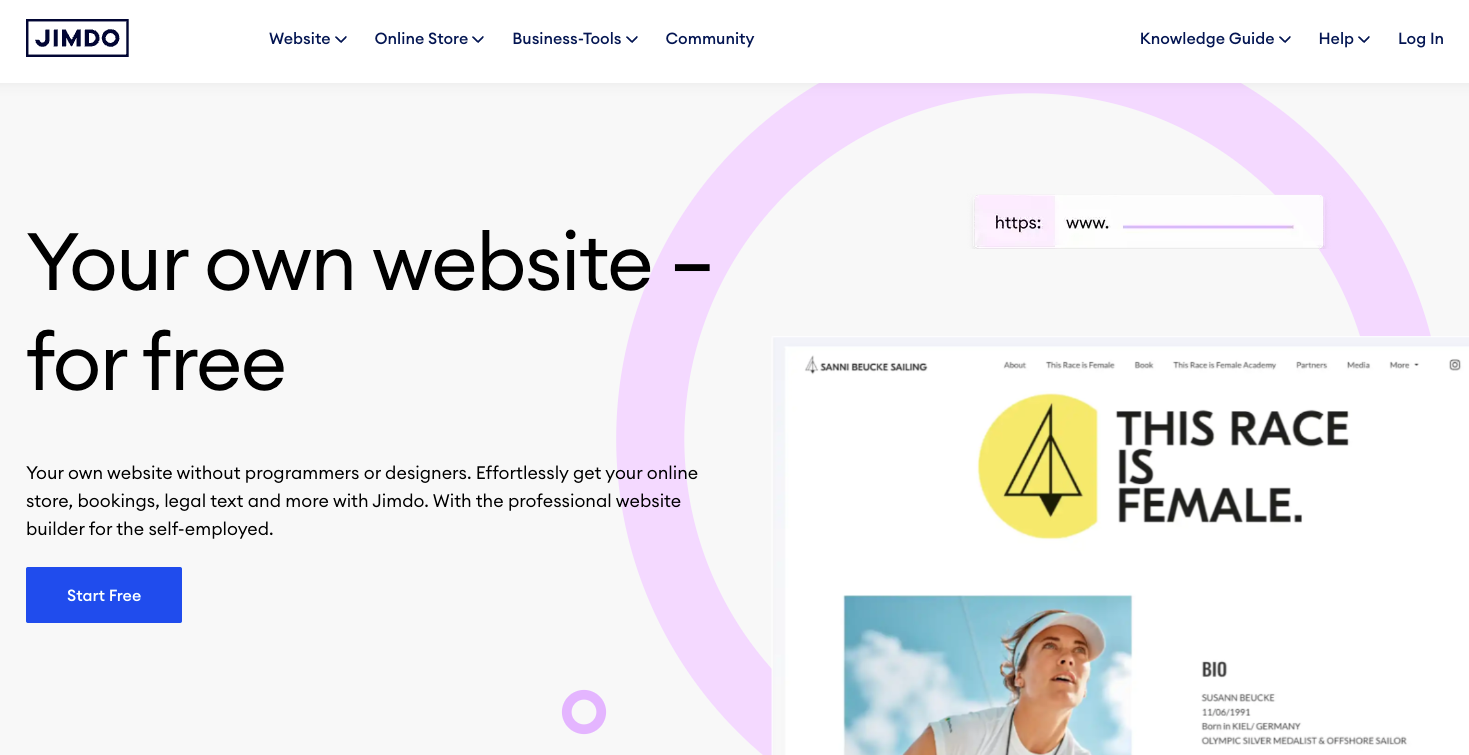
Jimdo is an ideal website builder for small business owners and entrepreneurs who need a straightforward platform to establish their online presence.
It works by asking a series of questions about your business and then suggesting a custom website design based on your answers, making the setup process incredibly fast and personalized.
The platform offers mobile optimization, ensuring that all Jimdo websites automatically look great on smartphones and tablets. This feature is crucial for reaching a broader audience in today’s mobile-first world.
Upon setting up the website, Jimdo offers a custom domain name that comes with one of the premium plans. These plans provide more features, such as SEO and CRM tools, as well as the ability to sell products on your site.
The premium plans cost from $11/month and go up to $45/month. However, the free version gives you enough resources to start.
Key Features
- SEO tools – optimize your site for search engines to increase online visibility.
- ecommerce features – sell products and services directly on your website.
- Photo import – connect with your Facebook or Instagram page to quickly add photos to your portfolio website.
Why choose a website builder for your portfolio?
A website builder takes the complexity out of creating your portfolio. You don’t need coding skills or technical experience – these tools are designed to be intuitive, so you can focus on showcasing your work instead of figuring out how to build the site.
Many builders also offer AI features to speed up the process. For example, with Hostinger AI, you can describe your portfolio and have a fully designed site ready in minutes. From there, it’s easy to customize layouts, upload your projects, and make your portfolio stand out.
Cost is another big advantage. Most portfolio website builders include hosting and a custom domain in affordable plans, giving you a professional-looking site without a large upfront investment.
This means you can launch quickly, present your work with confidence, and start attracting new clients or job opportunities right away.
All of the tutorial content on this website is subject to Hostinger's rigorous editorial standards and values.

Nurul Siregar has over 3+ years of experience in the tech industry with a passion for writing about digital marketing. Nurul enjoys reading fiction novels and making digital illustration in her free time. Follow her on LinkedIn.