# Hostinger Documentation
## Reliable Web Hosting Services
Recommended by **WordPress.org**
Trustpilot Custom Widget
[Trustpilot\\
\\
4.7 out of 5 star rating on Trustpilot\\
\\
TrustScore **4.7****43,776** reviews](https://www.trustpilot.com/review/hostinger.com?utm_medium=trustbox&utm_source=Mini)

Rating:
**4.8/5**
**1,237**
reviews

Rating:
**4.6/5**
**2,432**
reviews

Rating:
**4.7**
**874**
reviews
## Pick your perfect plan
Get started in complete confidence. Our 30-day money-back guarantee means it's risk-free.
Premium
Everything you need to create your website.
US$ 11.99SAVE 75%
US$ 2.99 /mo
For 48-month term
+3 months free
Choose plan
Renews at US$ 7.99/mo for 4 years. Cancel anytime.
**25** websites
Managed hosting for WordPress
**25 GB** SSD storage
Hostinger Website Builder
**Free** domain (US$ 9.99 value)
**Free** automatic website migration
**50 mailboxes** \- free for 1 year
**Unlimited free** SSL
**Weekly** backups
**Starter** WooCommerce
**Free** CDN
Dedicated IP address
Priority support
See all features
MOST POPULAR
Business
Level up with more power and enhanced features.
US$ 13.99SAVE 68%
US$ 4.49 /mo
For 48-month term
+3 months free
Choose plan
Renews at US$ 8.99/mo for 4 years. Cancel anytime.
**50** websites
Managed hosting for WordPress
**50 GB** NVMe storage
Hostinger Website Builder
**Free** domain (US$ 9.99 value)
**Free** automatic website migration
**100 mailboxes** \- free for 1 year
**Unlimited free** SSL
**Daily** backups (US$ 25.08 value)
**Basic** WooCommerce
**Free** CDN
Dedicated IP address
Priority support
See all features
Cloud Startup
Enjoy optimized performance & powerful resources.
US$ 27.99SAVE 71%
US$ 7.99 /mo
For 48-month term
+3 months free
Choose plan
Renews at US$ 19.99/mo for 4 years. Cancel anytime.
**100** websites
Managed hosting for WordPress
**100 GB** NVMe storage
Hostinger Website Builder
**Free** domain (US$ 9.99 value)
**Free** automatic website migration
**200 mailboxes** \- free for 1 year
**Unlimited free** SSL
**Daily** backups (US$ 25.08 value)
**Standard** WooCommerce
**Free** CDN
Dedicated IP address
Priority support
See all features
Payment terms
## Your online success starts here
Choose from a wide variety of products and services to grow your idea online.
Recommended
Create a website
Hosting
Domains & email
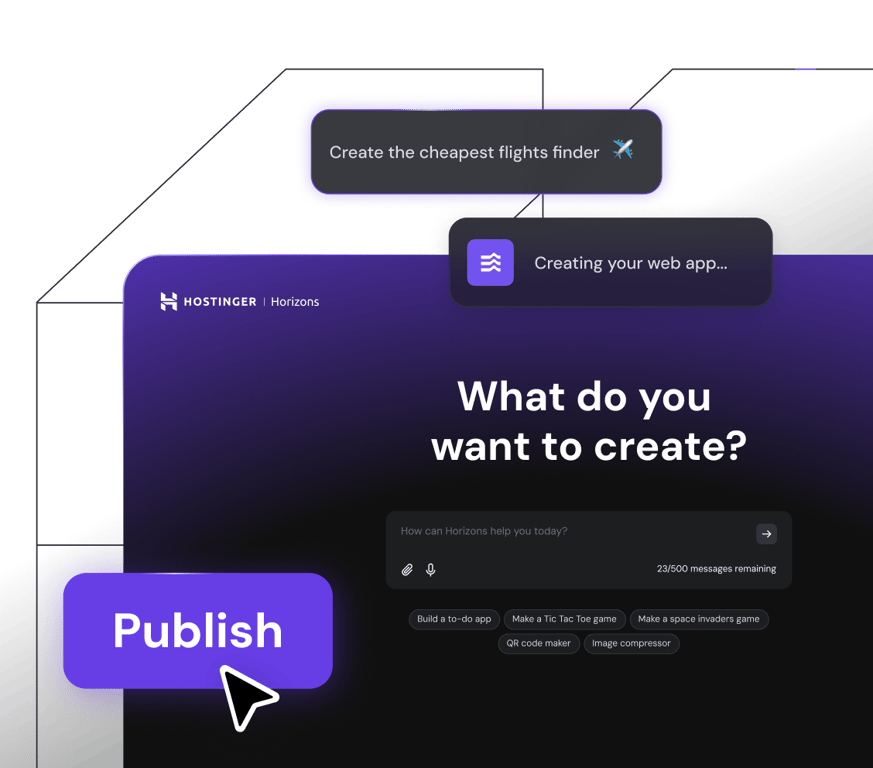
Hostinger Horizons
## Turn your idea into reality
Build and launch web apps, tools, and software in minutes – without writing any code.
[Start now](https://www.hostinger.com/horizons)
FREE WEBSITE MIGRATION
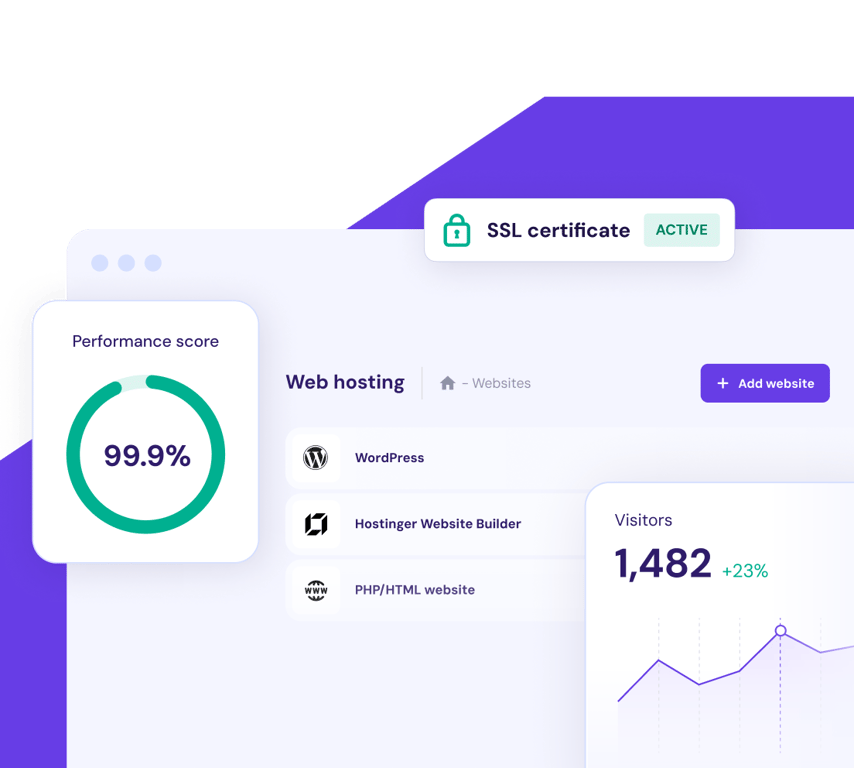
## Web hosting
Get unmatched website performance, high-speed hosting and security you can trust. Your growth is our goal.
[Start and scale](https://www.hostinger.com/web-hosting)
[**Find a domain that will help your business stand out**\\
\\
](https://www.hostinger.com/domain-name-search)
## Website migration. Made simple.
Currently hosting your website elsewhere? Join the 3+ million website owners who enjoy fast, secure and reliable web hosting here at Hostinger. Our expert team will handle everything while your site stays up and running throughout. That’s right – no downtime. No data loss. No problem.
3 simple steps
Simply pick your plan, fill in the migration request form, submit it and then sit back and relax.
Fast and secure
95% of websites are migrated in under 20 minutes. The other 5% are quicker than the industry average. And, your site stays live the whole time too.
Free
Whether you have 1 website to migrate or 100, migration is free with all of our plans.
[Get started](https://www.hostinger.com/#pricing)

I could **manage** the hosting, domain name, and SSL certificate **in one place**, which was really refreshing.
[Read the full story](https://www.hostinger.com/blog/gate-foot-forge)
Owen Phillips
gatefootforge.co.uk

Migrating to Hostinger was **the best decision** I ever made.
Gabrielle Scarlett
gabriellescarlett.com

We honestly reference **Hostinger as the benchmark** for our engineers when providing support.
[Read the full story](https://www.hostinger.com/blog/climbingvan)
Charlie Low and Dale Comely
nohma.com
EASY TO USE DASHBOARD
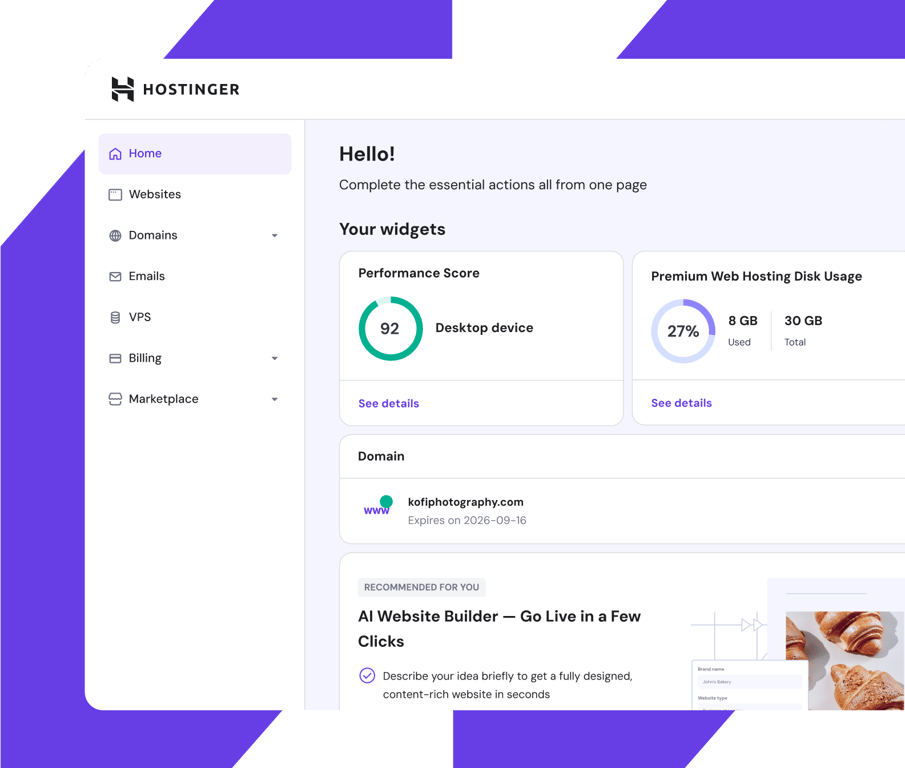
## See everything. Control everything.
Keep an eye on everything that’s important to you, with our easy to use dashboard.
Designed to be easy-to-use for beginners and professionals alike, you can see at a glance how your site is performing and make adjustments, among other things.
## Speed. Reliability. Efficiency.
Enjoy top-notch performance you can rely on and give your website visitors a smooth experience.
Local data centers.
Around the world.
Wherever you are in the world, your site will automatically connect to the closest data center in our global network. Extra efficiency at no extra cost.
Full speed ahead.
Whatever the traffic.
Benefit from lower response times and rapid page-loading speeds, no matter how high your site traffic spikes.
Live and kicking.
24/7.
Day and night your site is working hard. Our 99.9% uptime guarantee means your website is always available.
## Total security. Complete confidence.
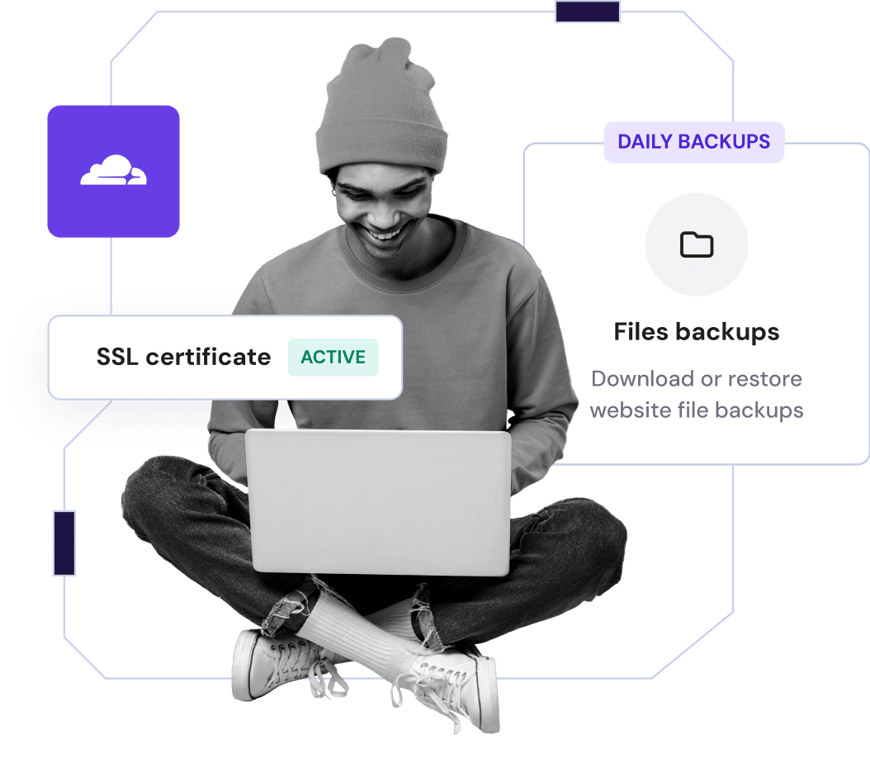
Secure your files with regular automatic backups and two-factor authentication
Encrypt your website traffic with unlimited SSL security certificates
Enjoy full protection from DDoS attacks with Cloudflare protected nameservers
[Get started](https://www.hostinger.com/#pricing)
## Trusted by 3+ million website owners worldwide

Charlie Low
Co-founder of Nohma
Ever since we've been with Hostinger, it's been amazing. We've not really had any issues at all and if we ever do have a question, their customer service is incredible.
[Read the full story](https://www.hostinger.com/blog/climbingvan)

Jack Bies
Creative director
Hostinger’s Customer Success team goes above and beyond to understand my problem.
[Read the full story](https://www.hostinger.com/blog/jack-bies-shared-hosting-success-story)

Jhon Ortega
Entrepreneur
I was looking for a hosting company that is very intuitive for beginners and very well-configured for good performance.
[Read the full story](https://www.hostinger.com/blog/how-jhon-scaled-his-minecraft-business)
[Read more stories](https://www.hostinger.com/blog/client-stories)
## Here to help 24/7
Access expert support whenever you need it via live chat and email
Our specialists are fluent in 10+ languages so you can be sure communication will be smooth
Spend less time waiting, our speedy support team typically responds in under 2 minutes

## Save up to 75% on your plan + get a free domain
Try risk-free. 30-day money-back guarantee.
[Get started](https://www.hostinger.com/#pricing)
### We care about your privacy
This website uses cookies that are needed for the site to work properly and to get data on how you interact with it, as well as for marketing purposes. By accepting, you agree to the use of cookies for ads and analytics as described in our [Cookie policy](https://www.hostinger.com/legal/cookie-policy). You can change your cookie settings or use Opt out anytime.
Got it
Opt out
Cookie settings
Ask Kodee
## Web Hosting Solutions
Recomendado por **WordPress.org**
Widget personalizado de Trustpilot
[Trustpilot\\
\\
4.7 estrella(s) de 5 en Trustpilot\\
\\
TrustScore **4.7****43.776** opiniones](https://es.trustpilot.com/review/hostinger.com?utm_medium=trustbox&utm_source=Mini)

Puntaje:
**4.8/5**
**1,237**
opiniones

Puntaje:
**4.6/5**
**2,432**
opiniones

Puntaje:
**4.7**
**874**
opiniones
## Elige el plan perfecto para ti
Empieza con total tranquilidad. Si cambias de idea, tenemos garantía de reembolso por 30 días.
Premium
El paquete perfecto para webs personales
11,99 €AHORRA 78%
2,59 € /mes
\*En planes de 48 meses; IVA no incluido
+3 meses GRATIS
Elegir plan
Se renueva a 5,99 €/mes por 4 años. Cancela cuando quieras.
**25** sitios web
Hosting administrado para WordPress
**25 GB** de SSD
Creador de sitios web \| Hostinger
Dominio **gratis** (9,99 €)
Migración automática de sitios web **gratis**
50 buzones: gratis durante 1 año
SSL **gratis e ilimitado**
Copias de seguridad **semanales**
WooCommerce **Starter**
CDN **gratis**
Dirección IP dedicada
Asistencia **prioritaria**
Ver todas las funciones
Más vendido
Business
Sube de nivel con más potencia y funciones mejoradas
14,99 €AHORRA 75%
3,79 € /mes
\*En planes de 48 meses; IVA no incluido
+3 meses GRATIS
Elegir plan
Se renueva a 7,99 €/mes por 4 años. Cancela cuando quieras.
**50** sitios web
Hosting administrado para WordPress
**50 GB** de almacenamiento NVMe
Creador de sitios web \| Hostinger
Dominio **gratis** (9,99 €)
Migración automática de sitios web **gratis**
100 buzones: gratis durante 1 año
SSL **gratis e ilimitado**
Copias de seguridad **diarias** (23,88 €)
WooCommerce **Basic**
CDN **gratis**
Dirección IP dedicada
Asistencia **prioritaria**
Ver todas las funciones
Cloud Startup
Disfruta de un rendimiento optimizado y recursos potentes
25,99 €AHORRA 69%
7,99 € /mes
\*En planes de 48 meses; IVA no incluido
+3 meses GRATIS
Elegir plan
Se renueva a 19,99 €/mes por 4 años. Cancela cuando quieras.
**100** sitios web
Hosting administrado para WordPress
**100 GB** de almacenamiento NVMe
Creador de sitios web \| Hostinger
Dominio **gratis** (9,99 €)
Migración automática de sitios web **gratis**
200 buzones: gratis durante 1 año
SSL **gratis e ilimitado**
Copias de seguridad **diarias** (23,88 €)
WooCommerce **Standard**
CDN **gratis**
Dirección IP dedicada
Asistencia **prioritaria**
Ver todas las funciones
Términos de pago
## Tu éxito online empieza aquí
Elige entre una amplia variedad de productos y servicios para hacer crecer tu idea en Internet.
Recomendado
Crea un sitio web
Hosting
Email y dominios
Hostinger Horizons
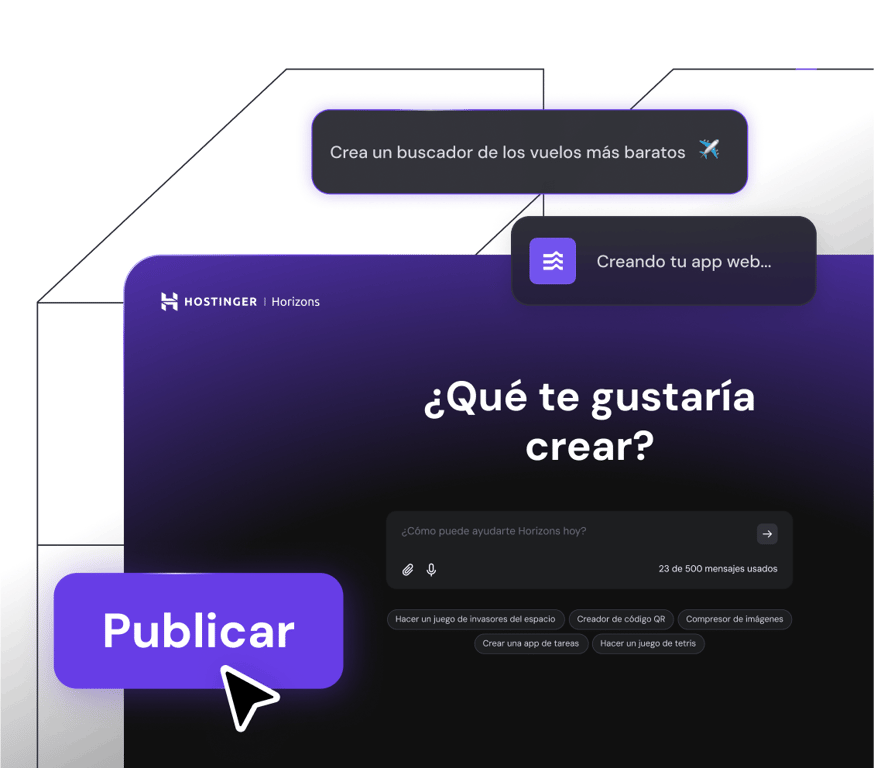
## Haz tu idea realidad
Crea y publica apps web, herramientas y software en minutos, sin necesidad de escribir código.
[Empezar ahora](https://www.hostinger.com/es/horizons)
MIGRACIÓN DE SITIO WEB GRATIS
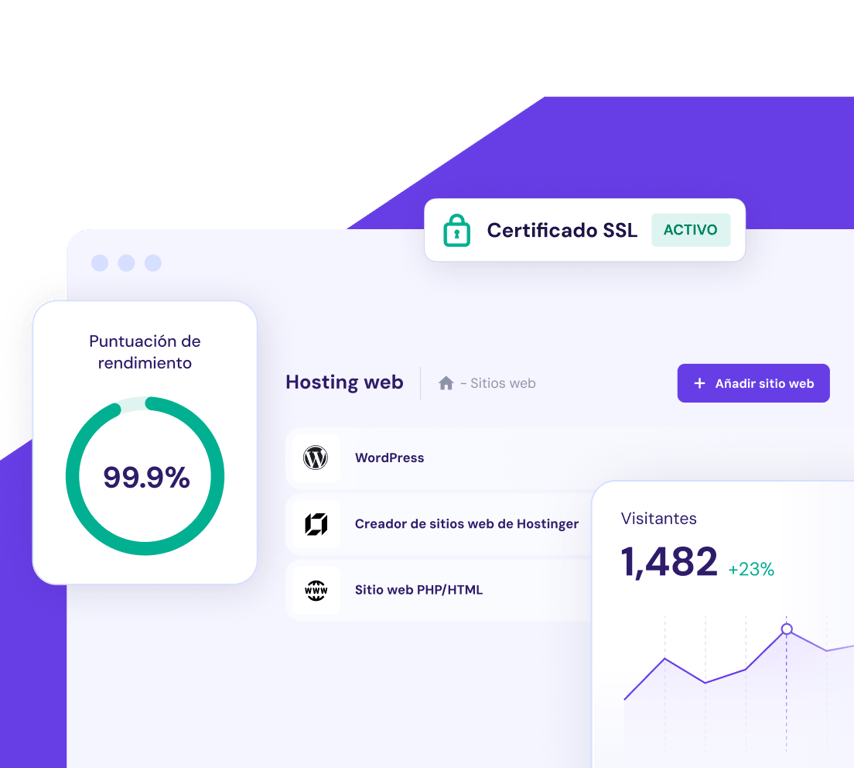
## Hosting web
Obtén rendimiento web inigualable, hosting ultrarrápido y seguridad en la que puedes confiar. Tu crecimiento es nuestro objetivo.
[Empieza y crece](https://www.hostinger.com/es/hosting-web)
[**Encuentra un dominio que ayude a que tu negocio destaque**\\
\\
](https://www.hostinger.com/es/comprar-dominio)
## Migración de sitios web más fácil que nunca
¿Actualmente tienes tu sitio web alojado en otro lugar? Únete a los más de 3 millones de propietarios de sitios web que disfrutan de un hosting web rápido, seguro y fiable aquí en Hostinger. Nuestro equipo de expertos se encargará de todo mientras tu sitio sigue funcionando sin interrupciones. Así es, sin tiempo de inactividad, sin pérdida de datos, sin problemas.
3 simples pasos
Simplemente elige tu plan, completa el formulario de solicitud de migración, envíalo y luego relájate.
Rápido y seguro
En el 95% de los casos, la migración del sitio web lleva menos de 20 minutos. El 5% restante se completa más rápido que el tiempo promedio del sector.
Gratis
Si tienes 1 sitio web para migrar o 100, la migración es gratuita con todos nuestros planes.
[Empezar ya](https://www.hostinger.com/es#pricing)

Pude **administrar** el hosting, el nombre de dominio y el certificado SSL **en un solo lugar**, lo que fue realmente novedoso y fácil.
[Leer toda la historia](https://www.hostinger.com/blog/gate-foot-forge)
Owen Phillips
gatefootforge.co.uk

Migrar a Hostinger fue **la mejor decisión** que tomé.
Gabrielle Scarlett
gabriellescarlett.com

La verdad es que ponemos a **Hostinger como estándar a seguir** para nuestros ingenieros a la hora de brindar servicios.
[Leer toda la historia](https://www.hostinger.com/blog/climbingvan)
Charlie Low and Dale Comely
nohma.com
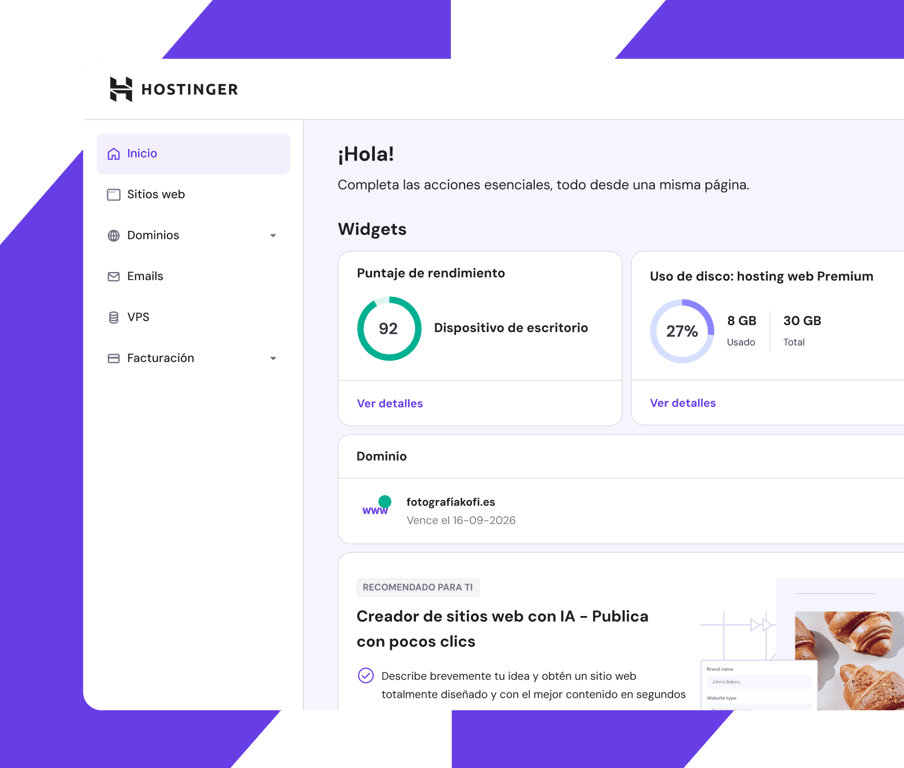
Panel de control fácil de usar
## Mira todo y controla todo
Mantente al tanto de todo lo que es importante para ti con nuestro panel de control fácil de usar.
Diseñado para ser intuitivo tanto para principiantes como para profesionales, puedes ver de un vistazo cómo está funcionando tu sitio web y hacer ajustes, entre otras cosas.
## Velocidad, fiabilidad y eficiencia.
Disfruta de un rendimiento de primera en el que puedes confiar y ofrece a los visitantes de tu sitio web una experiencia fluida.
Centros de datos locales
en todo el mundo
Estés donde estés en el mundo, tu sitio web se conectará automáticamente al centro de datos más cercano de nuestra red global. Más eficiencia sin coste adicional.
A toda velocidad
sin importar el tráfico
Disfruta de mejores tiempos de respuesta y velocidades de carga rápidas, sin importar qué tan alto sea el tráfico en tu sitio web.
Siempre activo y en marcha
Tu sitio web trabaja arduamente día y noche. Con nuestra garantía de un 99,9% de tiempo de actividad, tu sitio web estará siempre disponible.
## Seguridad total. Confianza total.
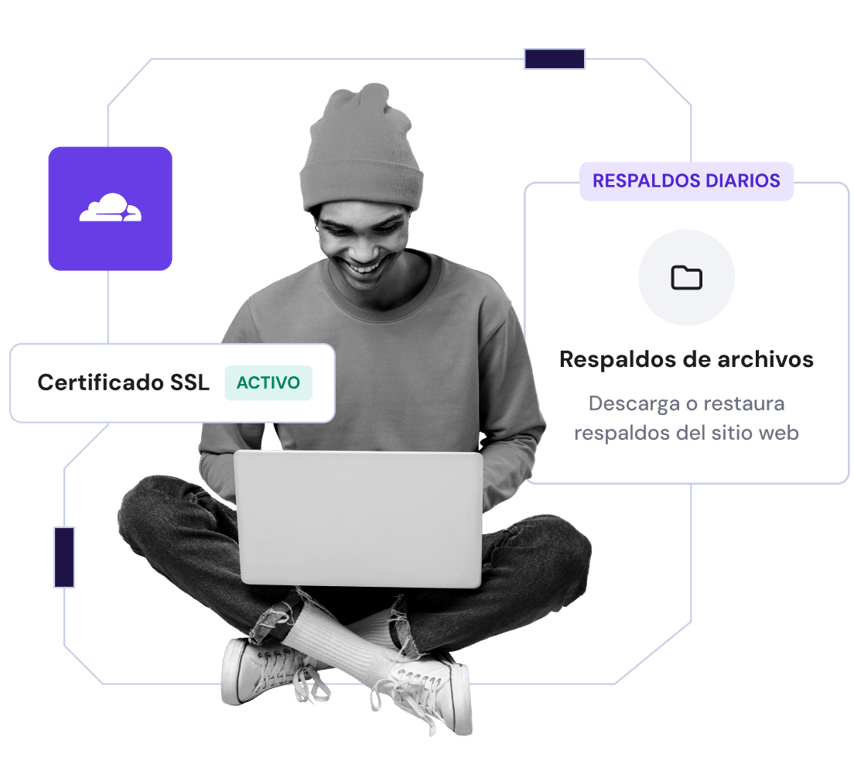
Protege tus archivos con copias de seguridad automáticas regulares y autenticación de dos factores.
Encripta el tráfico de tu sitio web con certificados de seguridad SSL ilimitados.
Disfruta de protección total contra ataques DDoS con los nameservers protegidos por Cloudflare.
[Empezar ya](https://www.hostinger.com/es#pricing)
## Con la confianza de +3 millones de propietarios de sitios web en todo el mundo

Charlie Low
Co-fundadora de Nohma
Desde que estamos con Hostinger, ha sido una experiencia increíble. No hemos tenido problemas y si alguna vez surge una pregunta, su servicio al cliente es excelente.
[Leer toda la historia](https://www.hostinger.com/blog/climbingvan)

Jack Bies
Director creativo
El equipo Éxito del cliente de Hostinger hace todo lo posible para conocer más mi problema.
[Leer toda la historia](https://www.hostinger.com/blog/jack-bies-shared-hosting-success-story)

Jhon Ortega
Emprendedor
Estaba buscando una empresa de hosting que fuera intuitiva para principiantes y bien configurada para un buen rendimiento.
[Leer toda la historia](https://www.hostinger.com/blog/how-jhon-scaled-his-minecraft-business)
[Ver más historias de clientes](https://www.hostinger.com/es/blog/historias-de-clientes)
## Soporte 24/7 y en español
Accede a soporte experto cuando lo necesites a través del chat o email.
Nuestros especialistas dominan el español a la perfección, por lo que la comunicación será fluida.
Dedica menos tiempo a esperar, pues nuestro ágil equipo de soporte suele responder en menos de 2 minutos.

## Ahorra hasta un 78% en tu plan + un dominio gratis
Pruébalo ya, sin riesgos, con garantía de reembolso de 30 días.
[Empezar ya](https://www.hostinger.com/es#pricing)
### Nos importa tu privacidad
This website uses cookies that are needed for the site to work properly and to get data on how you interact with it, as well as for marketing purposes. By accepting, you agree to the use of cookies for ads and analytics as described in our [Cookie policy](https://www.hostinger.com/es/legal/politica-de-cookies). You can change your cookie settings or use Opt out anytime.
Got it
Opt out
Configuración de cookies
Preguntarle a Kodee
## Affordable Web Hosting
Trustpilot Custom Widget
[Trustpilot\\
\\
4.7 out of 5 star rating on Trustpilot\\
\\
TrustScore **4.7****43,776** reviews](https://www.trustpilot.com/review/hostinger.com?utm_medium=trustbox&utm_source=Mini)

Rating:
**4.8/5**
**1,237**
reviews

Rating:
**4.6/5**
**2,432**
reviews

Rating:
**4.7**
**874**
reviews
## Alege planul perfect pentru tine
Pornește încrezător la drum. Ai 30 de zile de garanție garantată, deci nu-ți asumi niciun risc.
Premium
Pachetul perfect pentru site-uri personale
11,99 €ECONOMISEȘTI 75%
2,99 € /lună
\*La comanda pentru 48 de luni; Fără TVA
+3 luni gratuite
Alege un plan
Se reînnoiește la prețul de 5,99 €/lună pentru o perioadă de 4 ani. Poți anula oricând.
**25** site-uri web
Găzduire administrată pentru WordPress
**25 GB** Stocare SSD
Instrument Hostinger de creare site-uri
Domeniu **gratuit** (valoare: 9,99 €)
Migrarea automată **gratuită** a site-ului
**50 căsuțe poștale** \- gratuit pentru 1 an
SSL **nelimitat gratuit**
**Backup** săptămânal
**Starter** WooCommerce
CDN **gratuit**
Adresă IP dedicată
**Prioritate** la asistență
Vezi toate funcţionalităţile
Cel mai popular
Business
Treci la următorul nivel cu mai multă putere și funcții îmbunătățite
14,99 €ECONOMISEȘTI 73%
3,99 € /lună
\*La comanda pentru 48 de luni; Fără TVA
+3 luni gratuite
Alege un plan
Se reînnoiește la prețul de 7,99 €/lună pentru o perioadă de 4 ani. Poți anula oricând.
**50** site-uri web
Găzduire administrată pentru WordPress
**50 GB** Stocare NVMe
Instrument Hostinger de creare site-uri
Domeniu **gratuit** (valoare: 9,99 €)
Migrarea automată **gratuită** a site-ului
**100 căsuțe poștale** \- gratuit pentru 1 an
SSL **nelimitat gratuit**
Backup **zilnic** (valoare: 23,88 €)
WooCommerce **Basic**
CDN **gratuit**
Adresă IP dedicată
**Prioritate** la asistență
Vezi toate funcţionalităţile
Cloud Startup
Te bucuri de performanță optimizată și resurse puternice
25,99 €ECONOMISEȘTI 69%
7,99 € /lună
\*La comanda pentru 48 de luni; Fără TVA
+3 luni gratuite
Alege un plan
Se reînnoiește la prețul de 19,99 €/lună pentru o perioadă de 4 ani. Poți anula oricând.
**100** site-uri web
Găzduire administrată pentru WordPress
**100 GB** Stocare NVMe
Instrument Hostinger de creare site-uri
Domeniu **gratuit** (valoare: 9,99 €)
Migrarea automată **gratuită** a site-ului
**200 căsuțe poștale** \- gratuit pentru 1 an
SSL **nelimitat gratuit**
Backup **zilnic** (valoare: 23,88 €)
WooCommerce **Standard**
CDN **gratuit**
Adresă IP dedicată
**Prioritate** la asistență
Vezi toate funcţionalităţile
Termeni de plată
## Succesul tău în online începe aici
Alege dintr-o mare varietate de produse și servicii pentru a-ți dezvolta ideea online.
Recomandat
Creează un site web
Găzduire
Domenii și email
Hostinger Horizons
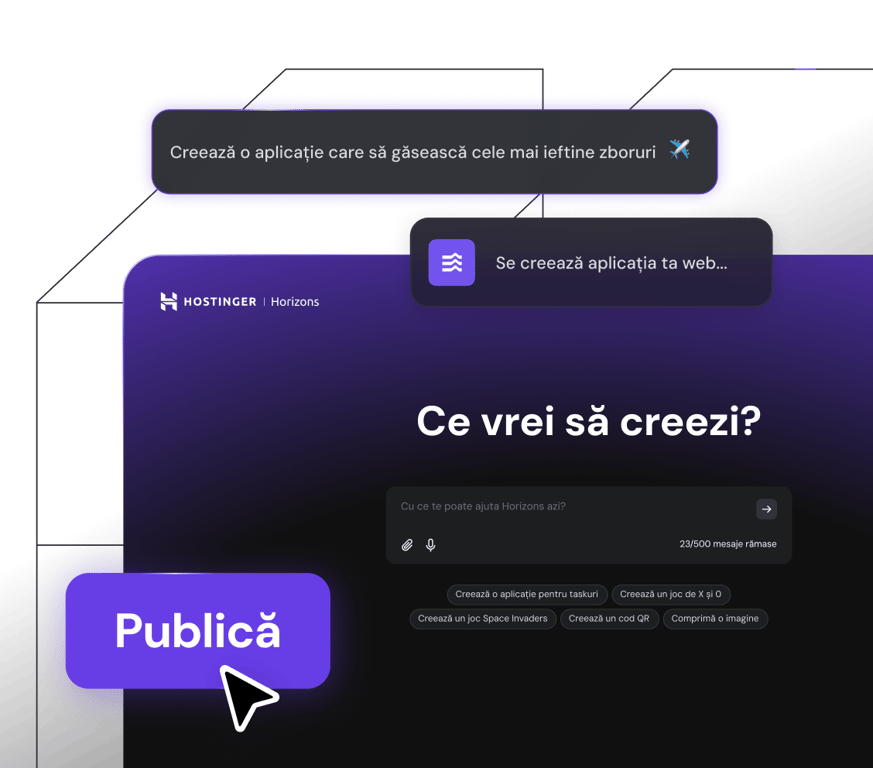
## Transformă-ți ideea în realitate
Creează și lansează aplicații web, instrumente și software în câteva minute fără să scrii vreo linie de cod.
[Începe acum](https://www.hostinger.com/ro/horizons)
Migrare site gratuită
## Găzduire web
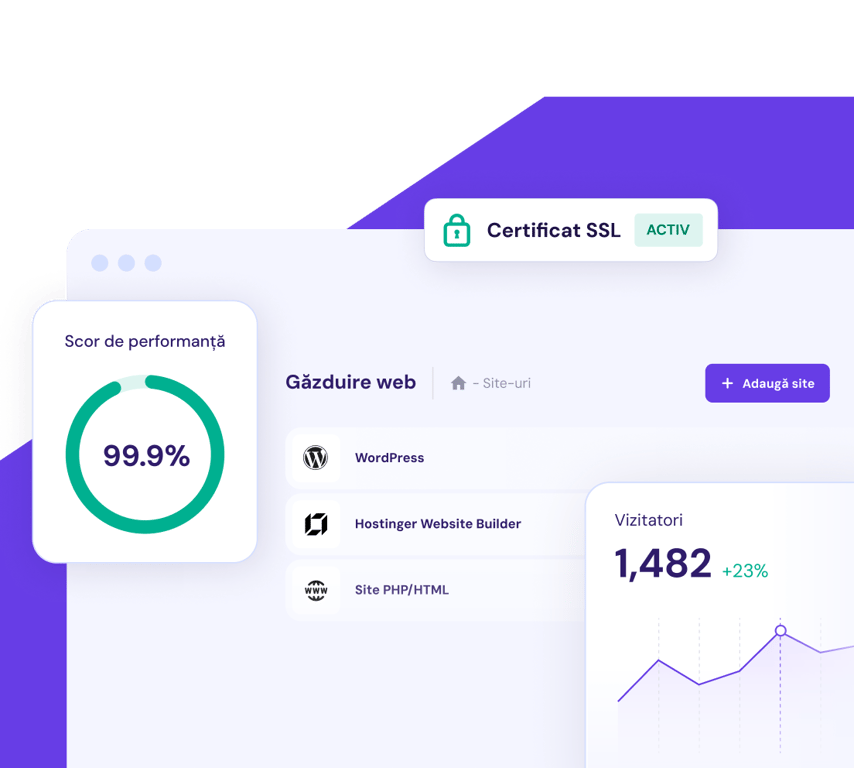
Obține performanțe de neegalat ale site-ului, găzduire de mare viteză și securitate în care poți avea încredere. Creșterea ta este obiectivul nostru.
[Începe și scalează](https://www.hostinger.com/ro/gazduire-web)
[**Găsește un domeniu care-ți va scoate afacerea în evidență**\\
\\
](https://www.hostinger.com/ro/verificare-domeniu)
## Migrarea site-ului web. Mai simplu.
Site-ul tău este găzduit în altă parte în prezent? Alătură-te celor peste 3 milioane de proprietari de site-uri web, care se bucură de găzduire web rapidă, sigură și fiabilă aici, la Hostinger. Echipa noastră de experți se va ocupa de tot, în timp ce site-ul tău rămâne activ pe tot parcursul procesului. Așa este - fără timpi morți. Fără pierderi de date. Nicio problemă.
3 pași simpli
Doar alege-ți planul, completează formularul de cerere de migrare, trimite-l și apoi relaxează-te.
Rapid și sigur
95% din site-uri sunt migrate în mai puțin de 20 de minute. Celelalte 5% sunt migrate mai rapid decât media din industrie. De asemenea, site-ul tău rămâne activ tot timpul.
Gratuit
Indiferent dacă ai unul sau 100 de site-uri de migrat, procesul este gratuit pentru toate planurile noastre.
[Începe acum](https://www.hostinger.com/ro#pricing)

Am putut **gestiona** găzduirea, numele de domeniu și certificatul SSL **dintr-un singur loc**, ceea ce a fost foarte revigorant.
[Citește toată povestea](https://www.hostinger.com/blog/gate-foot-forge)
Owen Phillips
gatefootforge.co.uk

Migrarea la Hostinger a fost **cea mai bună decizie** pe care am luat-o vreodată.
Gabrielle Scarlett
gabriellescarlett.com

Cu sinceritate, recomandăm **Hostinger ca etalon** inginerilor noștri atunci când oferim asistență.
[Citește toată povestea](https://www.hostinger.com/blog/climbingvan)
Charlie Low and Dale Comely
nohma.com
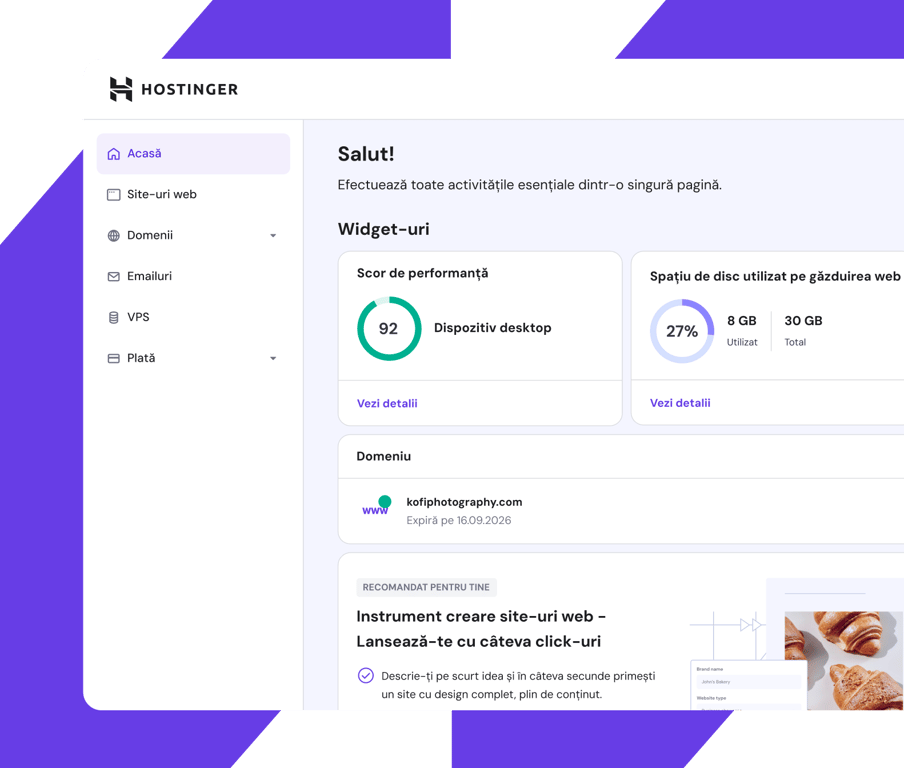
Panou de control ușor de utilizat
## Vezi totul. Controlezi totul.
Supraveghezi tot ceea ce este important pentru tine, cu panoul nostru de bord ușor de utilizat.
Conceput pentru a fi ușor de utilizat pentru începători și profesioniști deopotrivă, poți vedea dintr-o privire cum funcționează site-ul tău și, printre altele, poți face și ajustări.
## Viteză. Fiabilitate. Eficiență.
Bucură-te de performanțe de top pe care te poți baza și oferă vizitatorilor site-ului tău o experiență plăcută.
Centre de date locale.
În toată lumea.
Oriunde te afli în lume, site-ul tău se va conecta automat la cel mai apropiat centru de date din rețeaua noastră globală. Eficiență suplimentară fără costuri suplimentare.
Înaintăm cu viteză maximă.
Indiferent de trafic.
Beneficiezi de timpi de răspuns mai mici și de viteze rapide de încărcare a paginilor, indiferent de cât de mare este traficul pe site-ul tău.
Viu și puternic.
24/7.
Zi și noapte, site-ul tău lucrează din greu. Garanția noastră de uptime de 99,9% înseamnă că site-ul tău este întotdeauna disponibil.
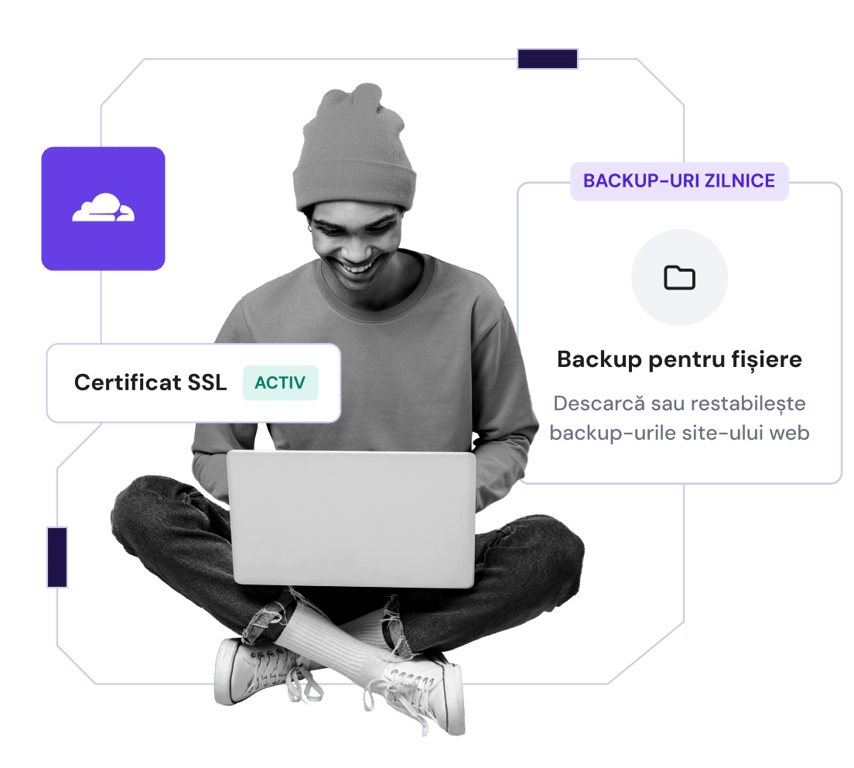
## Securitate totală. Încredere deplină.
Îți securizezi fișierele cu backup-uri automate regulate și autentificare cu doi factori
Criptezi traficul site-ului tău web cu certificate de securitate SSL nelimitate
Te bucuri de protecție completă împotriva atacurilor DDoS cu nameservere protejate de Cloudflare
[Începe acum](https://www.hostinger.com/ro#pricing)
## Avem încrederea a 3+ milioane de proprietari de site-uri web din întreaga lume

Charlie Low
Co-fondator Nohma
De când suntem cu Hostinger, totul e uimitor. Nu am avut niciun fel de probleme și dacă avem vreodată o întrebare, serviciul lor pentru clienți este incredibil.
[Citește toată povestea](https://www.hostinger.com/blog/climbingvan)

Jack Bies
Director de creație
Echipa de asistență Customer Success de la Hostinger se dă mereu peste cap să înțeleagă ce problemă am.
[Citește toată povestea](https://www.hostinger.com/blog/jack-bies-shared-hosting-success-story)

Jhon Ortega
Antreprenor
Căutam o companie de găzduire care să fie foarte intuitivă pentru începători și foarte bine configurată pentru o performanță bună.
[Citește toată povestea](https://www.hostinger.com/blog/how-jhon-scaled-his-minecraft-business)
[Vezi mai multe povești ale clienților](https://www.hostinger.com/blog/client-stories)
## Aici să te ajutăm 24/7
Accesezi asistență de specialitate prin chat live și email, oricând ai nevoie
Specialiștii noștri vorbesc fluent peste 10 limbi, astfel încât poți fi siguri că comunicarea va fi fluentă
Petreci mai puțin timp așteptând, pentru că echipa noastră rapidă de asistență răspunde de obicei în mai puțin de 2 minute

## Economisești până la 75% la planul tău + obții un domeniu gratuit
Încearcă fără riscuri. 30 de zile garanție necondiționată.
[Începe acum](https://www.hostinger.com/ro#pricing)
### Ne pasă de confidențialitatea ta
Acest site utilizează module cookie care sunt necesare pentru ca site-ul să funcționeze corect și pentru a obține date privind modul în care interacționați cu acesta, precum și în scopuri de marketing. Prin acceptare, sunteți de acord cu utilizarea cookie-urilor pentru anunțuri și analiză, așa cum este descris în [Politica privind cookie-urile](https://www.hostinger.com/ro/legal/politica-de-cookies). Puteți să vă modificați setările cookie sau să renunțați la anumite cookie-uri oricând.
Am înțeles
Renunță
Setări Cookie
Întreabă-l pe Kodee
## Affordable Web Hosting Solutions
Recommended by **WordPress.org**
Trustpilot Custom Widget
[Trustpilot\\
\\
4.7 out of 5 star rating on Trustpilot\\
\\
TrustScore **4.7****43,776** reviews](https://www.trustpilot.com/review/hostinger.com?utm_medium=trustbox&utm_source=Mini)

Rating:
**4.8/5**
**1,237**
reviews

Rating:
**4.6/5**
**2,432**
reviews

Rating:
**4.7**
**874**
reviews
## Pick your perfect plan
Get started in complete confidence. Our 30-day money-back guarantee means it's risk-free.
Single
Ideal solution for beginners.
RM 20.99SAVE 81%
RM 3.99 /mo
0 months free
Choose plan
Renews at RM 9.99/mo for 4 years. Cancel anytime.
**1** website
Managed hosting for WordPress
**10 GB** SSD storage
Hostinger Website Builder
**Free** domain (RM 39.99 value)
**Free** automatic website migration
**1 mailbox** \- free for 1 year
**Unlimited free** SSL
**Weekly** backups
WooCommerce
**Free** CDN
Dedicated IP address
Priority support
See all features
MOST POPULAR
Premium
Everything you need to create your website.
RM 31.99SAVE 75%
RM 7.99 /mo
+3 months free
Choose plan
Renews at RM 13.99/mo for 4 years. Cancel anytime.
**25** websites
Managed hosting for WordPress
**25 GB** SSD storage
Hostinger Website Builder
**Free** domain (RM 39.99 value)
**Free** automatic website migration
**50 mailboxes** \- free for 1 year
**Unlimited free** SSL
**Weekly** backups
**Starter** WooCommerce
**Free** CDN
Dedicated IP address
Priority support
See all features
Business
Level up with more power and enhanced features.
RM 36.99SAVE 62%
RM 13.99 /mo
+3 months free
Choose plan
Renews at RM 26.99/mo for 4 years. Cancel anytime.
**50** websites
Managed hosting for WordPress
**50 GB** NVMe storage
Hostinger Website Builder
**Free** domain (RM 39.99 value)
**Free** automatic website migration
**100 mailboxes** \- free for 1 year
**Unlimited free** SSL
**Daily** backups (RM 119.88 value)
**Basic** WooCommerce
**Free** CDN
Dedicated IP address
Priority support
See all features
Cloud Startup
Enjoy optimized performance & powerful resources.
RM 89.99SAVE 64%
RM 31.99 /mo
+3 months free
Choose plan
Renews at RM 62.99/mo for 4 years. Cancel anytime.
**100** websites
Managed hosting for WordPress
**100 GB** NVMe storage
Hostinger Website Builder
**Free** domain (RM 39.99 value)
**Free** automatic website migration
**200 mailboxes** \- free for 1 year
**Unlimited free** SSL
**Daily** backups (RM 119.88 value)
**Standard** WooCommerce
**Free** CDN
Dedicated IP address
Priority support
See all features
Payment terms
## Your online success starts here
Choose from a wide variety of products and services to grow your idea online.
Recommended
Create a website
Hosting
Domains & email
Hostinger horizons
## Turn your idea into reality
Build and launch web apps, tools, and software in minutes – without writing any code.
[Start now](https://www.hostinger.com/my/horizons)

FREE WEBSITE MIGRATION
## Web hosting
Get unmatched website performance, high-speed hosting and security you can trust. Your growth is our goal.
[Start and scale](https://www.hostinger.com/my/web-hosting)

[**Find a domain that will help your business stand out**\\
\\
](https://www.hostinger.com/my/domain-checker)
## Website migration. Made simple.
Currently hosting your website elsewhere? Join the 3+ million website owners who enjoy fast, secure and reliable web hosting here at Hostinger. Our expert team will handle everything while your site stays up and running throughout. That’s right – no downtime. No data loss. No problem.
3 simple steps
Simply pick your plan, fill in the migration request form, submit it and then sit back and relax.
Fast and secure
95% of websites are migrated in under 20 minutes. The other 5% are quicker than the industry average. And, your site stays live the whole time too.
Free
Whether you have 1 website to migrate or 100, migration is free with all of our plans.
[Get started](https://www.hostinger.com/my#pricing)

I could **manage** the hosting, domain name, and SSL certificate **in one place**, which was really refreshing.
[Read the full story](https://www.hostinger.com/blog/gate-foot-forge)
Owen Phillips
gatefootforge.co.uk

Migrating to Hostinger was **the best decision** I ever made.
Gabrielle Scarlett
gabriellescarlett.com

We honestly reference **Hostinger as the benchmark** for our engineers when providing support.
[Read the full story](https://www.hostinger.com/blog/climbingvan)
Charlie Low and Dale Comely
nohma.com

EASY TO USE DASHBOARD
## See everything. Control everything.
Keep an eye on everything that’s important to you, with our easy to use dashboard.
Designed to be easy-to-use for beginners and professionals alike, you can see at a glance how your site is performing and make adjustments, among other things.
## Speed. Reliability. Efficiency.
Enjoy top-notch performance you can rely on and give your website visitors a smooth experience.
Local data centers.
Around the world.
Wherever you are in the world, your site will automatically connect to the closest data center in our global network. Extra efficiency at no extra cost.
Full speed ahead.
Whatever the traffic.
Benefit from lower response times and rapid page-loading speeds, no matter how high your site traffic spikes.
Live and kicking.
24/7.
Day and night your site is working hard. Our 99.9% uptime guarantee means your website is always available.
## Total security. Complete confidence.
Secure your files with regular automatic backups and two-factor authentication
Encrypt your website traffic with unlimited SSL security certificates
Enjoy full protection from DDoS attacks with Cloudflare protected nameservers
[Get started](https://www.hostinger.com/my#pricing)

## Trusted by 3+ million website owners worldwide

Charlie Low
Co-founder of Nohma
Ever since we've been with Hostinger, it's been amazing. We've not really had any issues at all and if we ever do have a question, their customer service is incredible.
[Read the full story](https://www.hostinger.com/blog/climbingvan)

Jack Bies
Creative director
Hostinger’s Customer Success team goes above and beyond to understand my problem.
[Read the full story](https://www.hostinger.com/blog/jack-bies-shared-hosting-success-story)

Jhon Ortega
Entrepreneur
I was looking for a hosting company that is very intuitive for beginners and very well-configured for good performance.
[Read the full story](https://www.hostinger.com/blog/how-jhon-scaled-his-minecraft-business)
[Read more stories](https://www.hostinger.com/blog/client-stories)
## Here to help 24/7
Access expert support whenever you need it via live chat and email
Our specialists are fluent in 10+ languages so you can be sure communication will be smooth
Spend less time waiting, our speedy support team typically responds in under 2 minutes

## Save up to 75% on your plan + get a free domain
Try risk-free. 30-day money-back guarantee.
[Get started](https://www.hostinger.com/my#pricing)
### We care about your privacy
This website uses cookies that are needed for the site to work properly and to get data on how you interact with it, as well as for marketing purposes. By accepting, you agree to the use of cookies for ads and analytics as described in our [Cookie policy](https://www.hostinger.com/my/legal/cookie-policy). You can change your cookie settings or use Opt out anytime.
Got it
Opt out
Cookie settings
Ask Kodee
## Reliable Web Hosting
Trustpilot Custom Widget
[Trustpilot\\
\\
4.7 out of 5 star rating on Trustpilot\\
\\
TrustScore **4.7****43.776** reviews](https://www.trustpilot.com/review/hostinger.com?utm_medium=trustbox&utm_source=Mini)

Rating:
**4.8/5**
**1,237**
reviews

Rating:
**4.6/5**
**2,432**
reviews

Rating:
**4.7**
**874**
reviews
## Chọn gói hoàn hảo cho bạn
Tự tin để bắt đầu. Đảm bảo hoàn tiền trong 30 ngày đồng nghĩa với không rủi ro.
Single
Giải pháp hosting giá rẻ lý tưởng cho người mới
120.900 VNĐGIẢM 83%
20.900 VNĐ /th
0 tháng MIỄN PHÍ
Chọn gói
Gia hạn với 54.900 VNĐ/th cho 4 năm. Hủy bất cứ lúc nào.
**1** trang web
Managed Hosting cho WordPress
**10 GB** dung lượng đĩa SSD
Website Builder Hostinger
**Miễn phí** tên miền (trị giá 226.900 VNĐ)
**Miễn phí** tự động chuyển trang web
**1 hộp thư** \- miễn phí trong 1 năm
**Miễn phí không giới hạn** SSL
Sao lưu **hàng tuần**
**WooCommerce**
**Miễn Phí** CDN
Địa chỉ IP riêng
**Ưu tiên** Hỗ trợ
Xem tất cả tính năng
Phổ biến nhất
Premium
Hoàn hảo cho website cá nhân.
181.900 VNĐGIẢM 75%
45.900 VNĐ /th
+3 tháng miễn phí
Chọn gói
Gia hạn với 75.900 VNĐ/th cho 4 năm. Hủy bất cứ lúc nào.
**25** trang web
Managed Hosting cho WordPress
**25 GB** dung lượng đĩa SSD
Website Builder Hostinger
**Miễn phí** tên miền (trị giá 226.900 VNĐ)
**Miễn phí** tự động chuyển trang web
**50 hộp thư** \- miễn phí trong 1 năm
**Miễn phí không giới hạn** SSL
Sao lưu **hàng tuần**
**Starter** WooCommerce
**Miễn Phí** CDN
Địa chỉ IP riêng
**Ưu tiên** Hỗ trợ
Xem tất cả tính năng
Business
Nâng cấp thêm sức mạnh và tính năng nâng cao
211.900 VNĐGIẢM 64%
75.900 VNĐ /th
+3 tháng miễn phí
Chọn gói
Gia hạn với 150.900 VNĐ/th cho 4 năm. Hủy bất cứ lúc nào.
**50** trang web
Managed Hosting cho WordPress
**50 GB** lưu trữ NVMe
Website Builder Hostinger
**Miễn phí** tên miền (trị giá 226.900 VNĐ)
**Miễn phí** tự động chuyển trang web
**100 hộp thư** \- miễn phí trong 1 năm
**Miễn phí không giới hạn** SSL
Sao lưu **hàng ngày** (giá 622.800 VNĐ)
**Basic** WooCommerce
**Miễn Phí** CDN
Địa chỉ IP riêng
**Ưu tiên** Hỗ trợ
Xem tất cả tính năng
Cloud Startup
Tận hưởng hiệu suất được tối ưu hóa & tài nguyên mạnh mẽ.
514.900 VNĐGIẢM 65%
181.900 VNĐ /th
+3 tháng miễn phí
Chọn gói
Gia hạn với 362.900 VNĐ/th cho 4 năm. Hủy bất cứ lúc nào.
**100** trang web
Managed Hosting cho WordPress
**100 GB** lưu trữ NVMe
Website Builder Hostinger
**Miễn phí** tên miền (trị giá 226.900 VNĐ)
**Miễn phí** tự động chuyển trang web
**200 hộp thư** \- miễn phí trong 1 năm
**Miễn phí không giới hạn** SSL
Sao lưu **hàng ngày** (giá 622.800 VNĐ)
**Standard** WooCommerce
**Miễn Phí** CDN
Địa chỉ IP riêng
**Ưu tiên** Hỗ trợ
Xem tất cả tính năng
Điều khoản thanh toán
## Thành công sẽ bắt đầu ở đây
Chọn từ nhiều loại sản phẩm và dịch vụ khác nhau để phát triển ý tưởng trực tuyến.
Đề xuất
Tạo trang web
Hosting
Tên miền & email
Hostinger Horizons
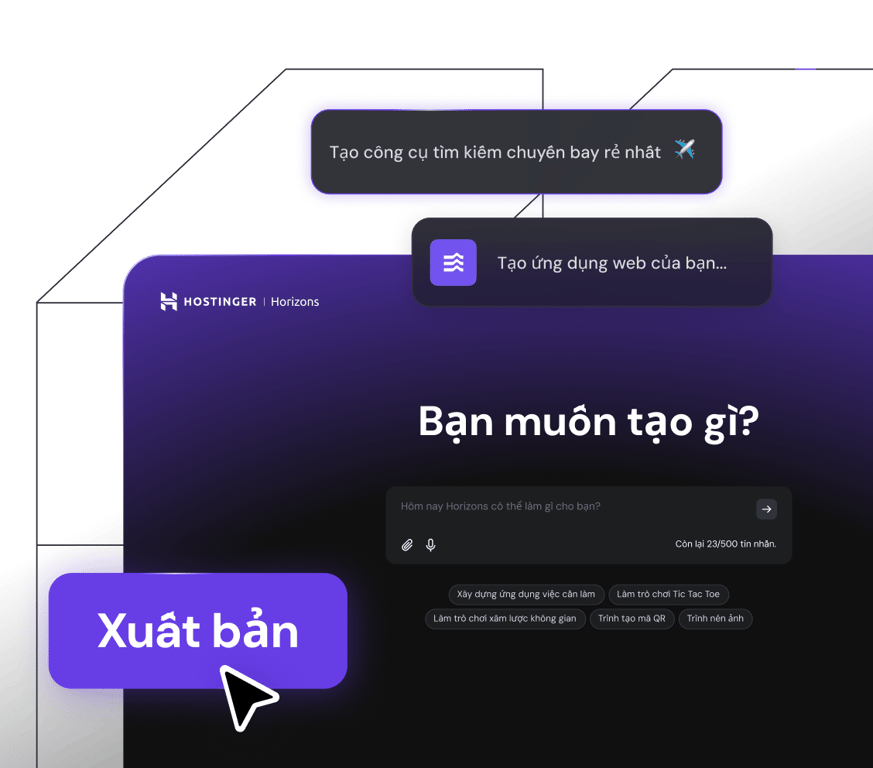
## Biến ý tưởng thành hiện thực
Xây dựng và khởi chạy các ứng dụng web, công cụ và phầm mềm trong vài phút mà không cần viết code.
[Bắt đầu ngay](https://www.hostinger.com/vn/horizons)
CHUYỂN WEBSITE MIỄN PHÍ
## Web hosting
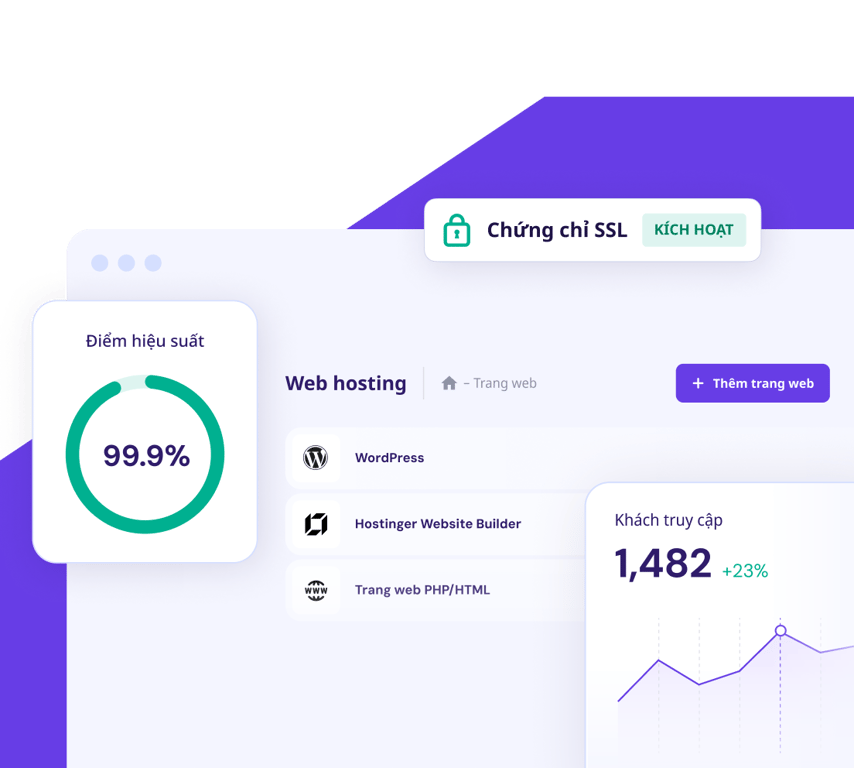
Hiệu suất trang web mạnh mẽ, hosting tốc độ cao và bảo mật đáng để bạn tin tưởng. Mục tiêu của chúng tôi là giúp bạn phát triển.
[Bắt đầu và mở rộng](https://www.hostinger.com/vn/web-hosting)
[**Tìm kiếm tên miền giúp doanh nghiệp nổi bật**\\
\\
](https://www.hostinger.com/vn/ten-mien)
## Chuyển trang web. Làm mọi thứ đơn giản.
Hiện bạn đang hosting trang web ở nơi khác? Tham gia cùng hơn 3 triệu chủ sở hữu đang tận hưởng web hosting nhanh, bảo mật và đáng tin cậy tại Hostinger. Đội ngũ chuyên gia của chúng tôi sẽ xử lý mọi thứ trong lúc trang web của bạn vẫn luôn trực tuyến. Không có thời gian ngoại tuyến. Không mất dữ liệu. Không sự cố.
3 bước đơn giản
Chỉ cần chọn gói, điền vào mẫu yêu cầu chuyển, gửi nó và thư giãn chờ đợi.
Nhanh và bảo mật
95% các trang web được chuyển trong vòng 20 phút. 5% còn lại nhanh hơn thời gian trung bình. Và trang web của bạn luôn trực tuyến suốt thời gian này.
Miễn phí
Cho dù bạn có 1 hay 100 trang web cần chuyển, các gói của chúng tôi đều chuyển miễn phí.
[Bắt đầu](https://www.hostinger.com/vn#pricing)

Tôi có thể **quản lý** hosting, tên miền và chứng chỉ SSL **ở cùng một nơi**, điều này thật mới mẻ.
[Đọc toàn bộ câu chuyện](https://www.hostinger.com/blog/gate-foot-forge)
Owen Phillips
gatefootforge.co.uk

Chuyển đến Hostinger là **quyết định đúng nhất** mà tôi từng làm.
Gabrielle Scarlett
gabriellescarlett.com

Chúng tôi thật sự xem **Hostinger là chuẩn mực** cho các kỹ sư của chúng tôi khi cung cấp hỗ trợ.
[Đọc toàn bộ câu chuyện](https://www.hostinger.com/blog/climbingvan)
Charlie Low and Dale Comely
nohma.com
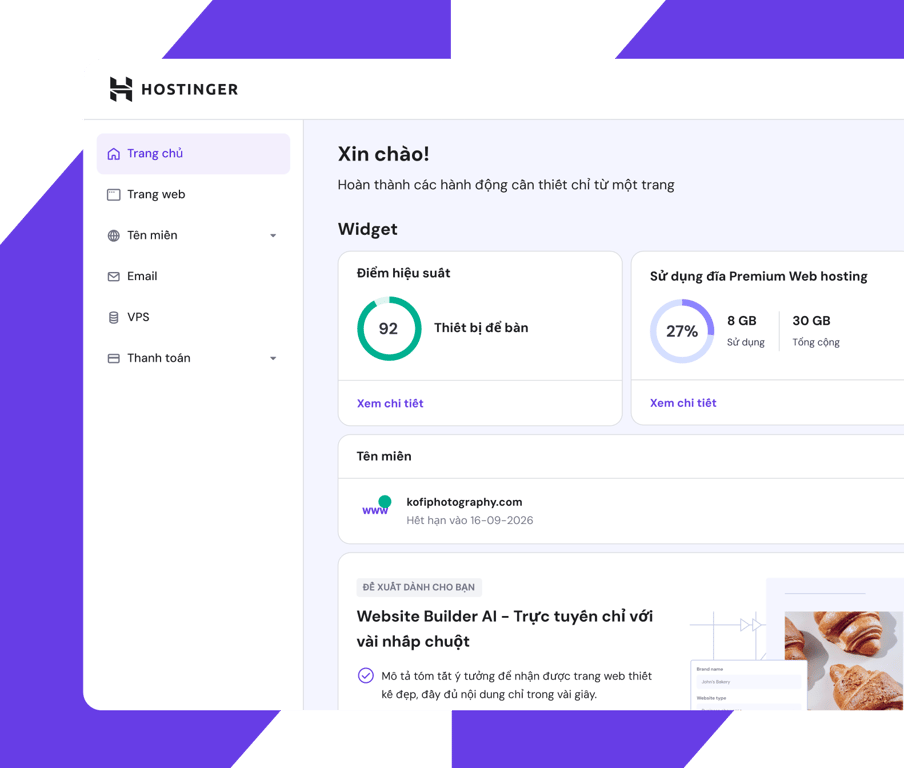
Bảng điều khiển dễ sử dụng
## Xem toàn bộ. Điều khiển tất cả.
Theo dõi mọi thứ quan trọng với bảng điều khiển dễ sử dụng của chúng tôi.
Được thiết kế dễ dàng sử dụng cho cả người mới bắt đầu và chuyên gia, bạn có thể nhanh chóng xem hiệu suất của trang web và thực hiện các điều chỉnh, cùng nhiều chức năng khác.
## Tốc độ. Ổn định. Hiệu quả.
Tận hưởng hiệu suất hàng đầu và giúp cho khách truy cập trang web của bạn có trải nghiệm tuyệt vời.
Trung tâm dữ liệu.
Trên toàn thế giới.
Dù bạn ở bất kỳ đâu, trang web của bạn sẽ tự động kết nối với trung tâm dữ liệu gần nhất trong mạng toàn cầu của chúng tôi. Hiệu quả cao mà không mất thêm phí.
Tốc độ hàng đầu.
Bất kể lượng truy cập.
Tận hưởng lợi ích từ thời gian phản hồi thấp và tốc độ tải trang cực nhanh bất kể lưu lượng truy cập trang của bạn cao như thế nào.
Luôn trực tuyến.
24/7.
Trang web hoạt động liên tục ngày và đêm. Đảm bảo thời gian hoạt động 99.9% nghĩa là trang web của bạn sẽ luôn luôn hoạt động.
## Bảo mật tuyệt đối. Hoàn toàn tự tin.
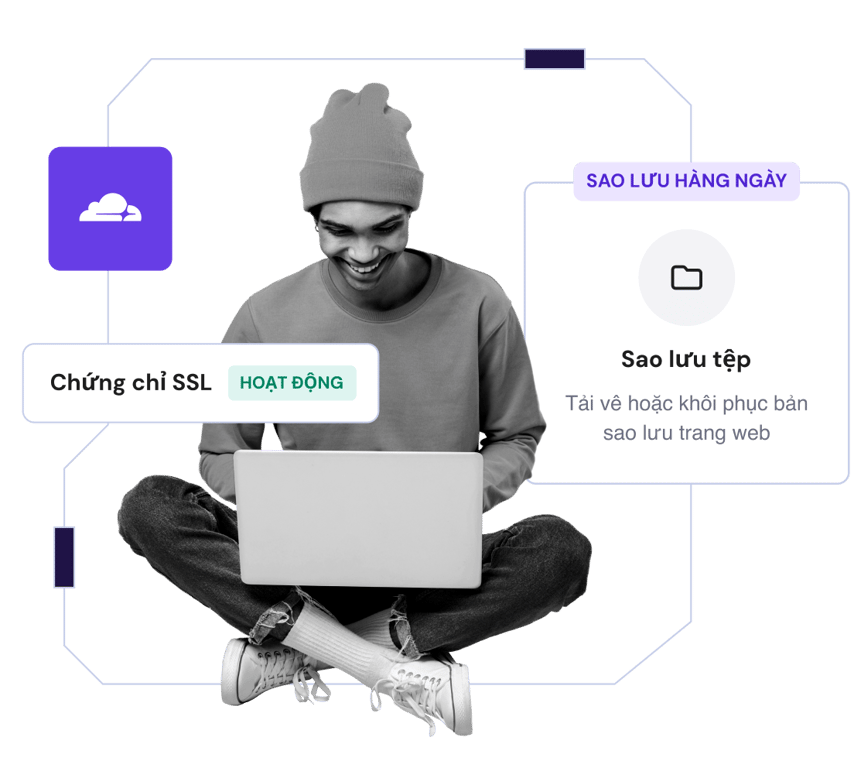
Bảo vệ tệp với tự động sao lưu định kỳ và xác thực hai bước
Mã hóa truy cập trang web với chứng chỉ bảo mật SSL không giới hạn
Bảo vệ toàn diện khỏi tấn công DDoS với máy chủ tên miền được bảo vệ bởi Cloudflare
[Bắt đầu](https://www.hostinger.com/vn#pricing)
## Được tin dùng bởi 3+ triệu chủ sở hữu trang web trên toàn cầu

Charlie Low
Đồng sáng lập Nohma
Kể từ khi chúng tôi làm việc với Hostinger, mọi thứ thật tuyệt vời. Chúng tôi chưa bao giờ gặp bất kỳ vấn đề nào cả và nếu chúng tôi có thắc mắc, dịch vụ khách hàng của họ thật tuyệt vời.
[Đọc toàn bộ câu chuyện](https://www.hostinger.com/blog/climbingvan)

Jack Bies
Giám đốc sáng tạo
Đội ngũ Chăm sóc Khách hàng của Hostinger luôn nỗ lực hết mình để hiểu vấn đề của tôi.
[Đọc toàn bộ câu chuyện](https://www.hostinger.com/blog/jack-bies-shared-hosting-success-story)

Jhon Ortega
Doanh nhân
Tôi đã tìm kiếm công ty hosting mà người mới có thể sử dụng dễ dàng và được cấu hình hoàn hảo để mang lại hiệu quả cao.
[Đọc toàn bộ câu chuyện](https://www.hostinger.com/blog/how-jhon-scaled-his-minecraft-business)
[Xem thêm các câu chuyện từ khách hàng](https://www.hostinger.com/blog/client-stories)
## Sẵn sàng hỗ trợ 24/7
Nhận hỗ trợ từ chuyên gia thông qua trò chuyện và email bất cứ lúc nào bạn cần
Đội ngũ của chúng tôi thành thạo hơn 10 ngôn ngữ, đảm bảo bạn có thể giao tiếp dễ dàng
Ít thời gian chờ đợi hơn, thời gian phản hồi trung bình của đội ngũ hỗ trợ dưới 2 phút
## Tiết kiệm lên đến 75% cho gói của bạn + nhận một tên miền miễn phí
Thử ngay mà không lo rủi ro. Đảm bảo hoàn tiền trong 30 ngày.
[Bắt đầu](https://www.hostinger.com/vn#pricing)
### Chúng tôi coi trọng quyền riêng tư của bạn
Trang web này sử dụng cookie cần thiết để trang web hoạt động bình thường và để lấy dữ liệu về cách bạn tương tác với trang web, cũng như cho mục đích tiếp thị. Bằng cách chấp nhận, bạn đồng ý sử dụng cookie cho quảng cáo và phân tích như được mô tả trong [Chính sách cookie](https://www.hostinger.com/vn/legal/chinh-sach-cookie) của chúng tôi. Bạn có thể thay đổi cấu hình cookie hoặc sử dụng Từ chối bất kỳ lúc nào.
Đã hiểu
Từ chối
Cấu hình cookie
Hỏi Kodee
## Hostinger Tutorials
[Tutorials](https://www.hostinger.com/tutorials)
[Horizons NEW](https://www.hostinger.com/horizons)
Hosting
VPS
Email
Domain
[Log In](https://www.hostinger.com/cpanel-login)
_menu_
[WordPress](https://www.hostinger.com/tutorials/wordpress)[VPS](https://www.hostinger.com/tutorials/vps)[Website development](https://www.hostinger.com/tutorials/website-development)[eCommerce](https://www.hostinger.com/tutorials/ecommerce)[Hostinger Horizons](https://www.hostinger.com/tutorials/hostinger-horizons)[How to make a website](https://www.hostinger.com/tutorials/how-to-make-a-website)
[WordPress](https://www.hostinger.com/tutorials/wordpress)[VPS](https://www.hostinger.com/tutorials/vps)[Website development](https://www.hostinger.com/tutorials/website-development)[eCommerce](https://www.hostinger.com/tutorials/ecommerce)[Hostinger Horizons](https://www.hostinger.com/tutorials/hostinger-horizons)[How to make a website](https://www.hostinger.com/tutorials/how-to-make-a-website)
# Follow along with one of our tutorials
Search
[](https://www.hostinger.com/tutorials/how-to-make-a-web-app-with-hostinger-horizons)
Featured tutorial
### [How to create a web app using Hostinger Horizons](https://www.hostinger.com/tutorials/how-to-make-a-web-app-with-hostinger-horizons)
Hostinger Horizons is an AI-powered tool that lets you create web applications without writing a single line of code. Whether you need a fitness app...

Aris Sentika
Apr 01, 2025
## Most Popular Tutorials
New to Hostinger Tutorials? Start with our most-viewed guides and resources.
[](https://www.hostinger.com/tutorials/website-design-inspiration)
16 Aug •
[Website development](https://www.hostinger.com/tutorials/website-development)• [Production](https://www.hostinger.com/tutorials/website-development/production)•
##### [15+ Best Website Design Examples in 2025 for Inspiration + What Makes a Good Web Design](https://www.hostinger.com/tutorials/website-design-inspiration)
A well-designed website can captivate visitors, convey your brand’s message, and establish credibility. It also improves the user journey,...
[](https://www.hostinger.com/tutorials/fix-dns_probe_finished_nxdomain)
25 Aug •
[DNS](https://www.hostinger.com/tutorials/dns)•
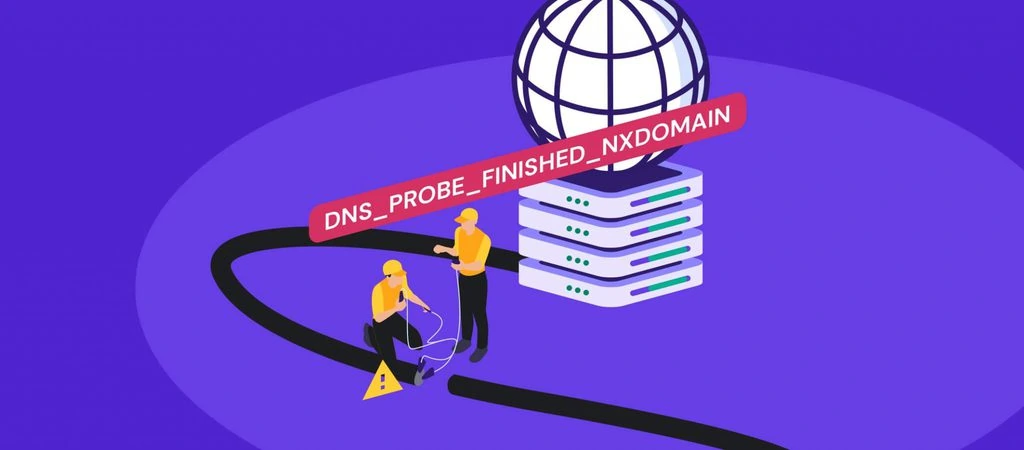
##### [DNS\_PROBE\_FINISHED\_NXDOMAIN: what it is and 9 ways to fix it](https://www.hostinger.com/tutorials/fix-dns_probe_finished_nxdomain)
DNS\_PROBE\_FINISHED\_NXDOMAIN error can occur for several reasons: On Google Chrome, you will see a message saying This site can’t be reached if you...
[](https://www.hostinger.com/tutorials/make-money-online/)
14 Feb •
[eCommerce](https://www.hostinger.com/tutorials/ecommerce)•
##### [25 Ways to Make Money Online in 2025](https://www.hostinger.com/tutorials/make-money-online/)
Making money online is easier than ever – from selling products to offering services, the opportunities are endless. But with so many options,...
## WordPress
Whether you’re an expert or beginner, we have the latest updates, tutorials, and tips for your WordPress projects.
[](https://www.hostinger.com/tutorials/speed-up-wordpress)
23 Dec •
[WordPress](https://www.hostinger.com/tutorials/wordpress)• [Optimization](https://www.hostinger.com/tutorials/wordpress/optimization-wordpress)•
##### [How to Speed Up a WordPress Website: 12 Actionable Steps + Free eBook](https://www.hostinger.com/tutorials/speed-up-wordpress)
Search engines like Google consider page speed a ranking factor as it affects the overall user experience. WordPress offers various tools and features...
[](https://www.hostinger.com/tutorials/what-is-wordpress-plugin)
13 Jan •
[WordPress](https://www.hostinger.com/tutorials/wordpress)• [Plugins](https://www.hostinger.com/tutorials/plugins)•
##### [What is a WordPress plugin: A comprehensive guide for beginners](https://www.hostinger.com/tutorials/what-is-wordpress-plugin)
WordPress plugins are a crucial aspect of building WordPress websites as they allow users to add additional features without touching a single line of...
[](https://www.hostinger.com/tutorials/how-to-secure-wordpress)
22 Feb •
[WordPress](https://www.hostinger.com/tutorials/wordpress)• [Security](https://www.hostinger.com/tutorials/wordpress/security)•
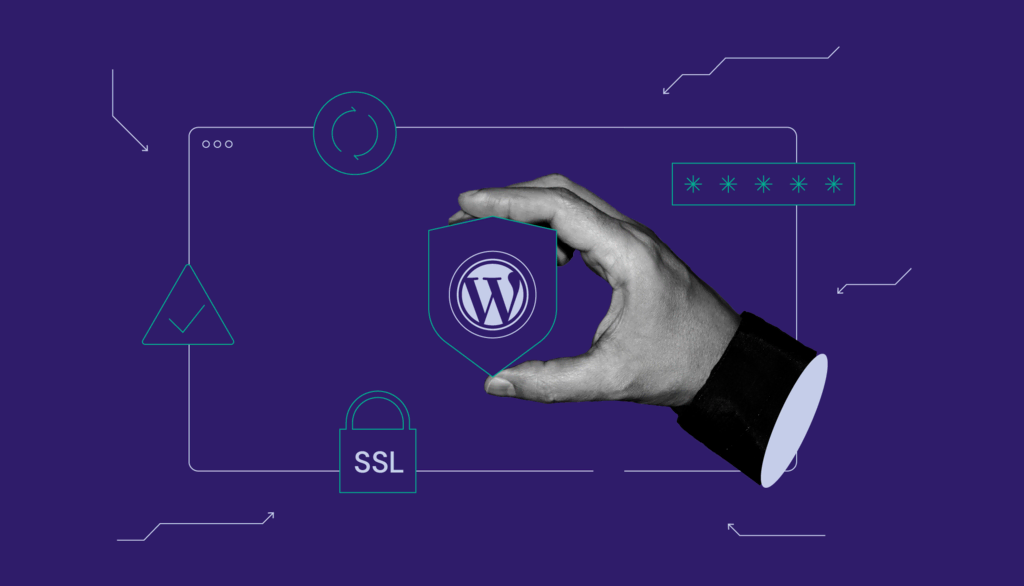
##### [How to improve WordPress security: 22 methods to protect your website](https://www.hostinger.com/tutorials/how-to-secure-wordpress)
WordPress is the most popular content management system (CMS), with 43.2% of all websites running on its software. Unfortunately, its popularity...
[View all](https://www.hostinger.com/tutorials/wordpress)
## Video tutorials
Our Hostinger Academy instructors teach you how to build a website, manage your hosting, and scale your online business.
[](https://www.hostinger.com/tutorials/video/how-to-build-a-website-with-wordpress)
18 Mar •
[Video](https://www.hostinger.com/tutorials/video)•
##### [How to Build a Website With WordPress – Video Tutorial](https://www.hostinger.com/tutorials/video/how-to-build-a-website-with-wordpress)
Tired of reading? watch our video tutorial on how to build a website with WordPress instead. Learning how to build a website with WordPress is great...
[](https://www.hostinger.com/tutorials/video/hostinger-web-hosting-plans-explained-shared-web-hosting-wordpress-hosting-vps-cloud-hosting)
05 Feb •
[Video](https://www.hostinger.com/tutorials/video)•
##### [Hostinger Web Hosting Plans Explained \| Shared Web Hosting, WordPress Hosting, VPS, Cloud Hosting](https://www.hostinger.com/tutorials/video/hostinger-web-hosting-plans-explained-shared-web-hosting-wordpress-hosting-vps-cloud-hosting)
Choosing the correct hosting plan can be difficult, especially when you’re a beginner. This isn’t made any easier by the number of...
[](https://www.hostinger.com/tutorials/video/how-to-create-a-wordpress-blog-course-for-beginners)
28 Dec •
[Video](https://www.hostinger.com/tutorials/video)•
##### [How to Create a WordPress Blog – Video Course For Beginners](https://www.hostinger.com/tutorials/video/how-to-create-a-wordpress-blog-course-for-beginners)
If you’re looking to start a blog, you’ll find everything you need in this step-by-step WordPress tutorial. This course is meant...
[View all](https://www.hostinger.com/tutorials/video)
## Webinars
Our Hostinger Academy webinar series welcomes experts to discuss WordPress, websites, digital marketing, and strategies to help you succeed online.
[](https://www.hostinger.com/tutorials/webinar/google-analytics-4-what-you-need-to-know-before-the-migration)
22 Jun •
[Webinar](https://www.hostinger.com/tutorials/webinar)•
##### [Google Analytics 4: What you need to know before the migration](https://www.hostinger.com/tutorials/webinar/google-analytics-4-what-you-need-to-know-before-the-migration)
Learn all about the next Google Analytics generation! Millions of businesses, large and small, rely on Google Analytics to understand their audience....
[View all](https://www.hostinger.com/tutorials/webinar)
## Weekly Editor's Pick
Every week, our editors curate the best content for you to build success online.
[](https://www.hostinger.com/tutorials/how-to-make-a-web-app-with-hostinger-horizons)
04 Mar •
[Hostinger Horizons](https://www.hostinger.com/tutorials/hostinger-horizons)•
##### [How to create a web app using Hostinger Horizons](https://www.hostinger.com/tutorials/how-to-make-a-web-app-with-hostinger-horizons)
Hostinger Horizons is an AI-powered tool that lets you create web applications without writing a single line of code. Whether you need a fitness app...
[](https://www.hostinger.com/tutorials/web-app-ideas)
04 Mar •
[Hostinger Horizons](https://www.hostinger.com/tutorials/hostinger-horizons)•
##### [15 innovative web app ideas you can build without coding in 2025](https://www.hostinger.com/tutorials/web-app-ideas)
Great web apps start with a simple goal: making life easier. The possibilities are endless, so it’s natural to wonder where to begin. To help,...
[](https://www.hostinger.com/tutorials/web-app-vs-website)
28 Feb •
[Hostinger Horizons](https://www.hostinger.com/tutorials/hostinger-horizons)•
##### [Web apps vs. websites: What are the key differences?](https://www.hostinger.com/tutorials/web-app-vs-website)
While web applications and websites are both accessed through web browsers, and are often referred to interchangeably, there are some important...
## Websites
Need a hand with a website? Our guides can walk you through all the processes, from choosing a hosting plan to optimizing site performance.
[](https://www.hostinger.com/tutorials/website-maintenance-cost)
21 Jan •
[Website development](https://www.hostinger.com/tutorials/website-development)• [Maintenance](https://www.hostinger.com/tutorials/website-development/maintenance)•
##### [Website Maintenance Cost in 2025 + Hiring a Professional vs Self-Maintenance](https://www.hostinger.com/tutorials/website-maintenance-cost)
Website maintenance cost varies depending on the platform, features, and services. Understanding your needs will help you create a proper website...
[](https://www.hostinger.com/tutorials/how-to-block-a-website-on-chrome)
19 Sep •
[Other](https://www.hostinger.com/tutorials/other)•
##### [How to Block a Website on Google Chrome: 6 Effective Methods](https://www.hostinger.com/tutorials/how-to-block-a-website-on-chrome)
With the abundance of web content available, some of it can be useless or even harmful. Such examples include websites with explicit content,...
[](https://www.hostinger.com/tutorials/how-to-buy-a-domain-name)
12 Jul •
[Website development](https://www.hostinger.com/tutorials/website-development)• [Domain](https://www.hostinger.com/tutorials/website-development/domain)•
##### [How to Buy a Domain Name in 5 Simple Steps and What to Consider When Purchasing a Domain](https://www.hostinger.com/tutorials/how-to-buy-a-domain-name)
A domain name serves as your web address and a powerful branding tool for building first impressions. If you want to build an online presence,...
[View all](https://www.hostinger.com/tutorials)
## All Hostinger Tutorials
Learn more about web hosting, VPS, domain names, SSL, and more with our newest releases.
[**Vibe coding vs traditional coding: Key differences**\\
\\
Hostinger Horizons \\
\\
Software development is changing fast. One of the latest trends is vibe coding – a new, AI-assisted way to build apps using natural language prompts... \\
\\
\\
\\
113\\
\\
\\
\\
0\\
\\
Apr 10, 2025 \\
\\
By Matleena S.](https://www.hostinger.com/tutorials/vibe-coding-vs-traditional-coding) [**What is SaaS? Understanding how it works, benefits, and popular use cases**\\
\\
Hostinger Horizons \\
\\
If you’ve ever used Google Docs, streamed music on Spotify, or managed projects with Trello, you’ve already experienced SaaS in action.... \\
\\
\\
\\
155\\
\\
\\
\\
0\\
\\
Apr 10, 2025 \\
\\
By Ksenija](https://www.hostinger.com/tutorials/what-is-saas) [**How to fix the permission denied error in Docker**\\
\\
VPS \\
\\
Docker \\
\\
Docker is a powerful tool for deploying applications using lightweight, portable containers. However, one of the most common and frustrating issues... \\
\\
\\
\\
246\\
\\
\\
\\
0\\
\\
Apr 09, 2025 \\
\\
By Dominykas J.](https://www.hostinger.com/tutorials/how-to-fix-docker-permission-denied-error) [**From idea to impact: how to set up your nonprofit .org website with Hostinger**\\
\\
Website development \\
\\
Domain \\
\\
You may already know that a website is a powerful tool for nonprofit organizations to spread their message and rally support. But did you know that a... \\
\\
\\
\\
614\\
\\
\\
\\
0\\
\\
Apr 09, 2025 \\
\\
By Jordana A.](https://www.hostinger.com/tutorials/create-nonprofit-org-website) [**Ecommerce website development: Essential strategies and practical tips**\\
\\
eCommerce \\
\\
Ready to turn your ecommerce vision into digital reality? Whether you’re a small shop wanting to reach more customers or an established company... \\
\\
\\
\\
186\\
\\
\\
\\
0\\
\\
Apr 09, 2025 \\
\\
By Simon L.](https://www.hostinger.com/tutorials/ecommerce-website-development) [**Vibe coding: What it is and how it works**\\
\\
Hostinger Horizons \\
\\
Vibe coding is one of the most talked-about trends among indie devs and creators building apps with AI tools. It’s fast, fun, and flexible – but... \\
\\
\\
\\
271\\
\\
\\
\\
0\\
\\
Apr 09, 2025 \\
\\
By Matleena S.](https://www.hostinger.com/tutorials/vibe-coding) [**How to connect a custom domain name to your web app**\\
\\
Hostinger Horizons \\
\\
Connecting a custom domain name is an essential part of creating a web app. It lets users reach your app by typing a simple, memorable name in their... \\
\\
\\
\\
977\\
\\
\\
\\
0\\
\\
Apr 03, 2025 \\
\\
By Larassatti D.](https://www.hostinger.com/tutorials/connect-custom-domain-to-web-app) [**How to use and customize Minecraft game rules**\\
\\
VPS \\
\\
Gaming \\
\\
Minecraft server management isn’t just about keeping things online – it’s about shaping the right experience for you and your players. Whether... \\
\\
\\
\\
943\\
\\
\\
\\
0\\
\\
Apr 03, 2025 \\
\\
By Alanas M.](https://www.hostinger.com/tutorials/minecraft-gamerules) [**How to make money fast as a woman: 25+ best ways (2025 guide)**\\
\\
eCommerce \\
\\
When life throws unexpected expenses your way, you need fast, reliable ways to make extra cash –and preferably, the sooner, the better. From... \\
\\
\\
\\
1085\\
\\
\\
\\
0\\
\\
Mar 31, 2025 \\
\\
By Matleena S.](https://www.hostinger.com/tutorials/make-money-fast-woman)
1 [2](https://www.hostinger.com/tutorials/page/2) [3](https://www.hostinger.com/tutorials/page/3) [4](https://www.hostinger.com/tutorials/page/4)… [162](https://www.hostinger.com/tutorials/page/162) [>](https://www.hostinger.com/tutorials/page/2)
## What our customers say
[Trustpilot](https://www.trustpilot.com/review/hostinger.com)
Ask AI
## No-Code Web App Builder

# Hostinger Horizons
# Bring your idea to life in minutes
Create and launch web apps without writing any code. Build by chatting with the AI and go live with 1 click.
Start for free. No credit card required.
Modern landing pageKanban boardPortfolio websiteExpenses tracker
Trustpilot Custom Widget
[Trustpilot\\
\\
4.7 out of 5 star rating on Trustpilot\\
\\
TrustScore **4.7****43,776** reviews](https://www.trustpilot.com/review/hostinger.com?utm_medium=trustbox&utm_source=Mini)

Rating:
**4.8/5**
**1,237**
reviews
## What is Hostinger Horizons?
Hostinger Horizons is a no-code web app builder that makes effortless web app creation accessible to all. You no longer need a big team or a massive budget to go live – all it takes is an idea.
Sorry, your browser doesn't support embedded videos.
01
Create an account
Sign up and get access to Hostinger Horizons. Begin building your web app with a 7-day free trial.
02
Build by prompting
Describe your web app idea and instantly receive the first version. Make edits by simply chatting with the AI.
03
Go live with 1 click
Get everything your web app needs – publish your creation under a custom domain straight from the interface.
Start for free
No credit card required
## Loved by users, recommended by industry leaders

Hostinger Horizons is a game-changer for early-stage creators and visionaries who want to build real, functioning apps without writing code, or hiring someone who does.

Hostinger Horizons is a one-of-a-kind AI-powered no-code web app builder to streamline the entire development process, starting from concept to deployment.

Hostinger Horizons lowers that barrier, enabling anyone to turn their idea into a working app and putting entrepreneurial success within reach of anyone with a good idea.
## Everything for your project in one place
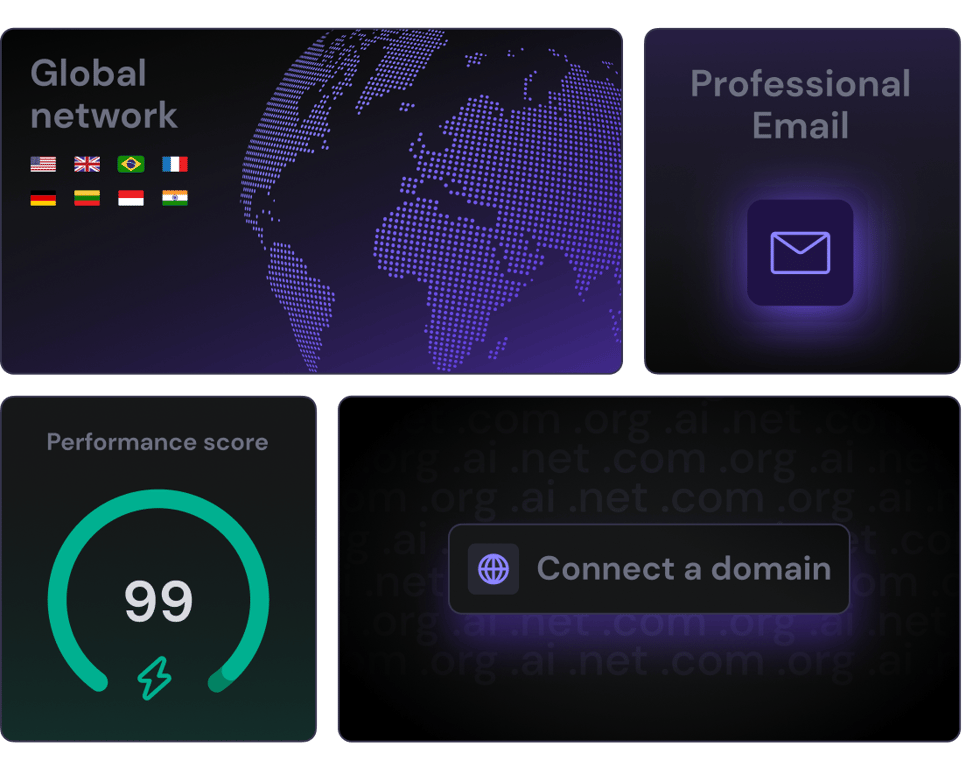
#### No-code web app builder
Get fully-functional software right away. Prompt with text or images and build as you go.
#### Web hosting & domain
Instantly take your creation live under a custom domain. No need for external tools or third-party solutions.
#### Professional email
Your brand is everything – stand out, boost credibility, and easily connect with your audience.
## Ready to turn your idea into reality?
Start for free
No credit card required
## Pricing
Outgrown the free trial? There's a Hostinger Horizons plan to fit your needs. Upgrade anytime.
Explorer
**50** messages/mo
For getting started and occasional use
US$ 9.99 /mo
Select plan
Renews at US$ 9.99/mo. Cancel anytime.
MOST POPULAR
Starter
**100** messages/mo
For small web apps and personal tools
US$ 19.99 /mo
Select plan
Renews at US$ 19.99/mo. Cancel anytime.
Hobbyist
**250** messages/mo
For medium-sized projects and regular use
US$ 49.99 /mo
Select plan
Renews at US$ 49.99/mo. Cancel anytime.
Hustler
**500** messages/mo
For large projects and intense use
US$ 99.99 /mo
Select plan
Renews at US$ 99.99/mo. Cancel anytime.
### Every plan has **everything you need** and more
No daily messages limit
50 projects
Accept payments
Visual editor
SOON
Auto error fixer
SOON
Hosting
1 MONTH FREE
Easy domain setup
Free professional email
Daily backups (US$ 25.08 value)
24/7 customer support
Enhanced DDoS protection
Malware Scanner
Web application firewall
30-Day money-back guarantee
The price shown is the monthly rate excluding any applicable taxes.
[COMMUNITY\\
\\
**Join our Discord** \\
\\
Connect with other creators. Share ideas, learn from experts, and grow together.\\
\\
](https://discord.gg/8p8nBUHrZk)
[UPCOMING EVENT\\
\\
**Save the date:** \\
\\
Check our top productivity-enhancing tools during our live event](https://evt.to/eiugmgiiw)
## Web app builder FAQs
Find answers to the most frequently asked questions about creating your own web app with AI.
### What is Hostinger Horizons, and how does it work?
Hostinger Horizons is an AI app builder that lets you build web apps without any coding experience. Think of it as an AI software engineer at your fingertips.
Getting started is easy – simply enter a prompt describing what you want to make in your native tongue, and Hostinger Horizons will generate your app. You’ll be able to see and test everything in the preview window to the right of the chat.
Hostinger Horizons also understands speech and images. For example, you can provide a sketch of your app – or a screenshot of what the AI needs to fix.
Want to make adjustments, add features, remove an element, or change text? You can do it all by chatting with the AI agent. Once you're happy with the result, you can publish your web app with a single click.
You can easily connect your custom domain directly from the Horizons interface. Plus, you get access to other useful tools, such as professional email, to help scale your business.
This no-code approach means you don’t need any technical skills to build or launch your web app.
For more information about the tool, be sure to read the extended [Hostinger Horizons FAQs](https://www.hostinger.com/tutorials/hostinger-horizons-faq) or our [guide on getting started](https://www.hostinger.com/tutorials/hostinger-horizons-getting-started).
### Who owns the code created with Hostinger Horizons?
When you create web apps with Hostinger Horizons, you are granted full ownership of all the code generated. You are free to download and migrate it to other platforms or hosting services, and use or modify the code for other projects.
### How is Hostinger Horizons different from Hostinger AI Website Builder?
While both solutions are designed for non-technical users, they serve different purposes.
Hostinger Horizons is a no-code AI app creator that lets you build custom web apps. These are applications that run in web browsers and allow users to interact with data. Web apps can be accessed from any device with an internet connection and can be easily updated since the changes are made on the server side.
This makes them ideal for founders and entrepreneurs who need tailored software solutions. With Hostinger Horizons, you can easily create an app using AI by simply prompting it with a description of what you want.
Meanwhile, Hostinger [AI Website Builder](https://www.hostinger.com/ai-website-builder) uses the latest artificial intelligence models to help you create websites, such as blogs, portfolios, and online stores.
In short, Hostinger Horizons is a tool for creating custom web apps, while Hostinger AI Website Builder is used for making websites.
### Can I update, customize or improve my app after it’s created?
Yes! You can keep improving and changing your app after you build it. The AI software agent allows you to make adjustments and improvements through simple prompts, making it possible – and easy – to upgrade your app over time.
You can customize the code generated by Hostinger Horizons in many ways, from making small design tweaks to adding new features without writing code yourself. Just describe what changes you want in plain text or an image, and it will update your app while keeping everything working properly.
### How much does it cost to use Hostinger Horizons?
Hostinger Horizons AI app generator plans start at US$ 9.99/mo. For this price, you get everything you need to create and refine your web app with prompts and publish it with one click. It comes with web hosting for one month, allowing you to quickly get your web app online.
### Is it possible to integrate third-party APIs or services with Hostinger Horizons?
Yes, you can integrate third-party APIs or services with Hostinger Horizons.
The AI web app builder is designed to connect smoothly with popular services like Stripe. Meanwhile, a simple API connection opens up numerous possibilities to integrate third-party services into your web app.
Instead of building everything from scratch, you can use established services for functions like payments, communications, or data processing. This saves you time and improves trust while letting you focus on your app’s unique value.
### What types of apps can I create with Hostinger Horizons?
Hostinger Horizons lets you create a wide range of web apps without code – your imagination is the only limit. For example, you can create food delivery apps, [SaaS products](https://www.hostinger.com/tutorials/how-to-build-a-saas-product-without-coding), [fitness trackers](https://www.hostinger.com/tutorials/create-fitness-web-app), software for non-profit organizations, and much more.
Whether you want to create a custom solution for your clients or an app that’s specific to your business needs, Hostinger Horizons is the perfect AI app maker to bring your ideas to life.
Check out our article on [how to create a web app with Hostinger Horizons](https://www.hostinger.com/tutorials/how-to-make-a-web-app-with-hostinger-horizons) for detailed instructions.
### Can I build mobile apps with Hostinger Horizons?
Web apps created with Hostinger Horizons are responsive and mobile-friendly. However, it's important to note that web apps created with Hostinger Horizons cannot be published as mobile apps on the App Store or Google Play.
### Can Hostinger Horizons be used to create a membership or subscription-based web application with no code?
Yes, Hostinger Horizons can be used to create a membership or subscription-based web app without code.
You can add membership features like user logins, member dashboards, and payment processing either by connecting third-party services through APIs or by making the features using the no-code web app generator.
Wondering what you can build? Examples include virtual diet coaches with personalized meal plans, legal document creators with membership access, or custom QR code generators with different subscription options.
The AI app builder handles the technical parts of memberships, allowing you to focus on providing valuable services for your subscribers.
### We care about your privacy
This website uses cookies that are needed for the site to work properly and to get data on how you interact with it, as well as for marketing purposes. By accepting, you agree to the use of cookies for ads and analytics as described in our [Cookie policy](https://www.hostinger.com/legal/cookie-policy). You can change your cookie settings or use Opt out anytime.
Got it
Opt out
Cookie settings
Ask Kodee
## Hostinger Web Hosting
Recomendado por **WordPress.org**
Widget personalizado de Trustpilot
[Trustpilot\\
\\
4.7 estrella(s) de 5 en Trustpilot\\
\\
TrustScore **4.7****43.776** opiniones](https://es.trustpilot.com/review/hostinger.com?utm_medium=trustbox&utm_source=Mini)

Puntaje:
**4.8/5**
**1,237**
opiniones

Puntaje:
**4.6/5**
**2,432**
opiniones

Puntaje:
**4.7**
**874**
opiniones
## Elige el plan perfecto para ti
Empieza con total tranquilidad. Si cambias de idea, tenemos garantía de reembolso por 30 días.
Premium
Todo lo que necesitas para una web personal.
MX$ 159.99AHORRA 72%
MX$ 44.99 /mes
+3 meses GRATIS
Elegir plan
Se renueva a MX$ 99.99/mes por 4 años. Cancela cuando quieras.
**25** sitios web
Hosting administrado para WordPress
**25 GB** de SSD
Creador de sitios web \| Hostinger
Dominio **gratis** (MX$ 176.99)
Migración automática de sitios web **gratis**
50 buzones: gratis durante 1 año
SSL **gratis e ilimitado**
Copias de seguridad **semanales**
WooCommerce **Starter**
CDN **gratis**
Dirección IP dedicada
Soporte **prioritario**
Ver más funciones
Más vendido
Business
Sube de nivel con más potencia y funciones mejoradas.
MX$ 219.99AHORRA 70%
MX$ 64.99 /mes
+3 meses GRATIS
Elegir plan
Se renueva a MX$ 159.99/mes por 4 años. Cancela cuando quieras.
**50** sitios web
Hosting administrado para WordPress
**50 GB** de almacenamiento NVMe
Creador de sitios web \| Hostinger
Dominio **gratis** (MX$ 176.99)
Migración automática de sitios web **gratis**
100 buzones: gratis durante 1 año
SSL **gratis e ilimitado**
Copias de seguridad **diarias** (valor: MX$ 515.88)
WooCommerce **básico**
CDN **gratis**
Dirección IP dedicada
Soporte **prioritario**
Ver más funciones
Cloud Startup
Disfruta de un rendimiento optimizado y recursos potentes.
MX$ 492.99AHORRA 71%
MX$ 140.99 /mes
+3 meses GRATIS
Elegir plan
Se renueva a MX$ 351.99/mes por 4 años. Cancela cuando quieras.
**100** sitios web
Hosting administrado para WordPress
**100 GB** de almacenamiento NVMe
Creador de sitios web \| Hostinger
Dominio **gratis** (MX$ 176.99)
Migración automática de sitios web **gratis**
200 buzones: gratis durante 1 año
SSL **gratis e ilimitado**
Copias de seguridad **diarias** (valor: MX$ 515.88)
WooCommerce **estándar**
CDN **gratis**
Dirección IP dedicada
Soporte **prioritario**
Ver más funciones
Términos de pago
El pago se puede realizar hasta en 12 cuotas

## Tu éxito online empieza aquí
Elige entre una amplia variedad de productos y servicios para hacer crecer tu idea en Internet.
Recomendado
Crea un sitio web
Hosting
Email y dominios
Hostinger Horizons
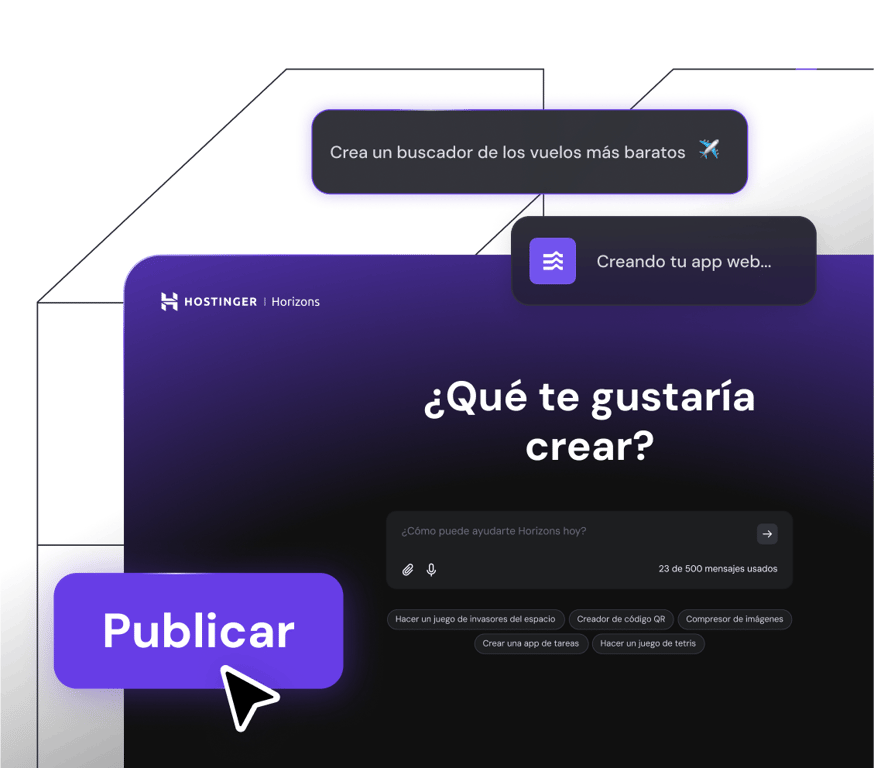
## Haz tu idea realidad
Crea y publica apps web, herramientas y software en minutos, sin necesidad de escribir código.
[Empezar ahora](https://www.hostinger.com/mx/horizons)
MIGRACIÓN DE SITIO WEB GRATIS
## Hosting web
Obtén rendimiento web inigualable, hosting ultrarrápido y seguridad en la que puedes confiar. Tu crecimiento es nuestro objetivo.
[Empieza y crece](https://www.hostinger.com/mx/hosting-web)
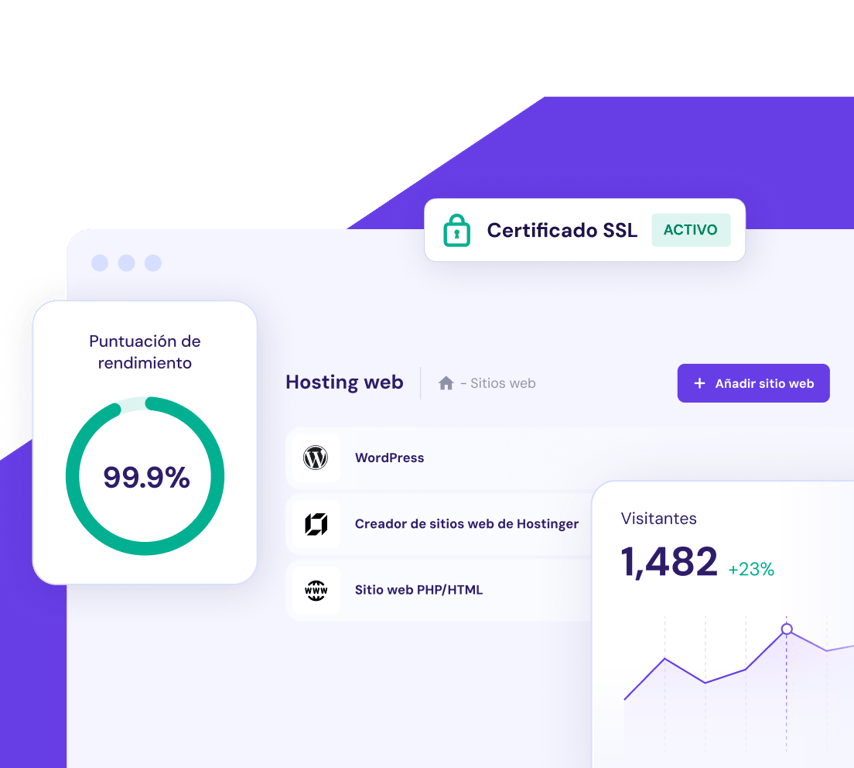
[**Encuentra un dominio que ayude a que tu negocio destaque**\\
\\
](https://www.hostinger.com/mx/dominios)
## Migración de sitios web fácil
¿Actualmente tienes tu sitio web alojado en otro lugar? Únete a los más de 3 millones de propietarios de sitios web que disfrutan de un hosting web rápido, seguro y fiable aquí en Hostinger. Nuestro equipo de expertos se encargará de todo mientras tu sitio sigue funcionando sin interrupciones. Así es, sin tiempo de inactividad, sin pérdida de datos, sin problemas.
3 sencillos pasos
Simplemente elige tu plan, completa el formulario de solicitud de migración, envíalo y luego relájate.
Rápido y seguro
El 95% de los sitios web se migran en menos de 20 minutos. El 5% restante lo hace más rápido que el promedio del sector. Además, tu sitio web permanece activo todo el tiempo.
Gratis
Tengas 1 sitio web para migrar o 100, la migración es gratuita con todos nuestros planes.
[Empezar ya](https://www.hostinger.com/mx#pricing)

Pude **administrar** el hosting, el nombre de dominio y el certificado SSL **en un solo lugar**, lo que fue realmente fascinante.
[Leer toda la historia](https://www.hostinger.com/blog/gate-foot-forge)
Owen Phillips
gatefootforge.co.uk

Migrar a Hostinger fue **la mejor decisión** que tomé.
Gabrielle Scarlett
gabriellescarlett.com

La verdad es que ponemos a **Hostinger como estándar a seguir** para nuestros ingenieros a la hora de brindar servicios.
[Leer toda la historia](https://www.hostinger.com/blog/climbingvan)
Charlie Low and Dale Comely
nohma.com
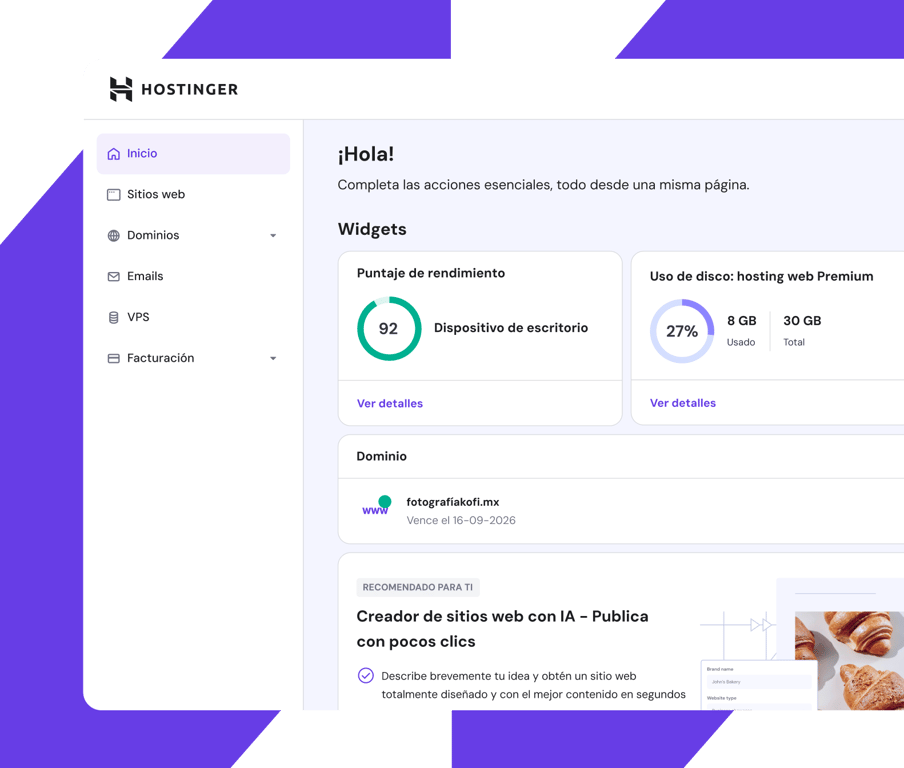
Panel de control fácil de usar
## Ve todo. Controla todo.
Mantente al tanto de todo lo que es importante para ti con nuestro panel de control fácil de usar.
Diseñado para ser intuitivo tanto para principiantes como para profesionales, puedes ver de un vistazo cómo está funcionando tu sitio web y hacer ajustes, entre otras cosas.
## Velocidad. Confiabilidad. Eficiencia.
Disfruta de un rendimiento de primera en el que puedes confiar y ofrece a los visitantes de tu sitio web una experiencia sin complicaciones.
Centros de datos locales
en todo el mundo
Estés donde estés en el mundo, tu sitio web se conectará automáticamente al centro de datos más cercano de nuestra red global. Más eficiencia sin costo adicional.
A toda velocidad,
sin importar el tráfico.
Disfruta de tiempos de respuesta más bajos y velocidades de carga rápidas, sin importar qué tan alto sea el tráfico en tu sitio web.
Siempre activo y en marcha
Tu sitio web funciona día y noche. Con nuestra garantía de un 99.9% de tiempo de actividad estará siempre disponible.
## Seguridad total. Confianza total.
Protege tus archivos con copias de seguridad automáticas regulares y autenticación de dos factores.
Encripta el tráfico de tu sitio web con certificados de seguridad SSL ilimitados.
Disfruta de protección total contra ataques DDoS con los nameservers protegidos por Cloudflare.
[Empezar ya](https://www.hostinger.com/mx#pricing)
## Con la confianza de +3 millones de propietarios de sitios web en todo el mundo

Charlie Low
Co-fundadora de Nohma
Desde que estamos con Hostinger, ha sido una experiencia increíble. No hemos tenido problemas y si alguna vez surge una pregunta, su servicio al cliente es excelente.
[Leer toda la historia](https://www.hostinger.com/blog/climbingvan)

Jack Bies
Director creativo
El equipo Éxito del cliente de Hostinger hace todo lo posible para conocer más mi problema.
[Leer toda la historia](https://www.hostinger.com/blog/jack-bies-shared-hosting-success-story)

Jhon Ortega
Emprendedor
Estaba buscando una empresa de hosting que fuera intuitiva para principiantes y bien configurada para un buen rendimiento.
[Leer toda la historia](https://www.hostinger.com/blog/how-jhon-scaled-his-minecraft-business)
[Ver más historias de clientes](https://www.hostinger.com/es/blog/historias-de-clientes)
## Ayuda 24/7 y en español
Accede a soporte experto cuando lo necesites a través del chat o email.
Nuestros especialistas dominan el español a la perfección, por lo que la comunicación será fluida.
Dedica menos tiempo a esperar, pues nuestro ágil equipo de soporte suele responder en menos de 2 minutos.

## Ahorra hasta un 72% en tu plan + un dominio gratis
Pruébalo ya, sin riesgos, con garantía de reembolso de 30 días.
[Empezar ya](https://www.hostinger.com/mx#pricing)
### Nos importa tu privacidad
This website uses cookies that are needed for the site to work properly and to get data on how you interact with it, as well as for marketing purposes. By accepting, you agree to the use of cookies for ads and analytics as described in our [Cookie policy](https://www.hostinger.com/mx/legal/politica-de-cookies). You can change your cookie settings or use Opt out anytime.
Got it
Opt out
Configuración de cookies
Preguntarle a Kodee
## Hostinger Affiliate Program
## What our partners say

Our experience collaborating with Hostinger has been truly enriching. It's a partnership that delivers immense satisfaction and mutual benefit. For those seeking enduring value in a partnership, we wholeheartedly recommend Hostinger.


Our partnership with Hostinger has been exceptional. They are not only reliable and professional but also incredibly warm and supportive. The commitment they show to delivering high-quality results in a timely manner is unmatched. Working with them has been an absolute pleasure.


Great conversion rates, timely payments and excellent support. This partnership has greatly contributed to our revenue generation.

## Join the program in four easy steps

### Instant sign up
Sign up in less than a minute – it's completely free. Get verified and gain access to your affiliate dashboard.

### Track your performance
Access one of the best affiliate control panels in the industry. Easily track and optimize your campaigns.

### Use affiliate banners
You won't be empty handed – get all marketing materials tailored to your style in one place.

### Get your payout
Every eligible sale made earns you a commission. It starts at 40% and grows depending on sales volume.
[Become an affiliate](https://affiliates.hostinger.com/)
## User-first affiliate marketing

#### High conversion rates
Our brand and effective promo materials mean the traffic you send our way will convert.

#### Commissions based on performance
The more sales you make, the bigger your commission.

#### Easy to start and grow
Drive conversions with professionally-designed banner packages, screenshots, and more.
## Affiliate program FAQs
Check out the frequently asked questions to start your affiliate business on the right foot.
[Get answers](https://www.hostinger.com/affiliates/faqs)
## Affiliate assets
Get the most out of your partnership with our branded assets.
[Check all assets](https://www.hostinger.com/affiliates/assets)
Hostinger branded assets' usage guidelines - YouTube
Hostinger
47.8K subscribers
[Hostinger branded assets' usage guidelines](https://www.youtube.com/watch?v=5-e7ldcjhs8)
Hostinger
Search
Watch later
Share
Copy link
Info
Shopping
Tap to unmute
If playback doesn't begin shortly, try restarting your device.
More videos
## More videos
You're signed out
Videos you watch may be added to the TV's watch history and influence TV recommendations. To avoid this, cancel and sign in to YouTube on your computer.
CancelConfirm
Share
Include playlist
An error occurred while retrieving sharing information. Please try again later.
[Watch on](https://www.youtube.com/watch?v=5-e7ldcjhs8&embeds_referring_euri=https%3A%2F%2Fwww.hostinger.com%2F)
0:00
0:00 / 1:08•Live
•
[Watch on YouTube](https://www.youtube.com/watch?v=5-e7ldcjhs8 "Watch on YouTube")
## Affiliate program agreement
Can't wait to start? Read our guidelines carefully and join the program!
[Read affiliate agreement](https://www.hostinger.com/legal/affiliate-program-agreement)

## How far can you go?
The better you perform, the higher your commission. We're here for you, every step of the way.
[Become an affiliate](https://affiliates.hostinger.com/)
### We care about your privacy
This website uses cookies that are needed for the site to work properly and to get data on how you interact with it, as well as for marketing purposes. By accepting, you agree to the use of cookies for ads and analytics as described in our [Cookie policy](https://www.hostinger.com/legal/cookie-policy). You can change your cookie settings or use Opt out anytime.
Got it
Opt out
Cookie settings
## Hostinger Web Hosting
Recomendado por **WordPress.org**
Widget personalizado da Trustpilot
[Trustpilot\\
\\
4.7 de 5 estrelas na Trustpilot\\
\\
TrustScore **4.7****43 776** opiniões](https://pt.trustpilot.com/review/hostinger.com?utm_medium=trustbox&utm_source=Mini)

Classificação:
**4.8/5**
**1,237**
opiniões

Classificação:
**4.6/5**
**2,432**
opiniões

Classificação:
**4.7**
**874**
opiniões
## Escolha o seu plano perfeito
Comece com confiança total. A nossa garantia de reembolso de 30 dias significa que não há riscos.
Premium
Tudo o que precisa para criar o seu site
11,99 €POUPE 75%
2,99 € /mês
\*Ao subscrever por 48 meses; IVA não incluído
+3 meses GRÁTIS
Escolher plano
Renova por 5,99 €/mês por 4 anos. Cancele a qualquer altura.
**25** Sites
Alojamento gerido para WordPress
**25 GB** de espaço SSD
Criador de Sites Hostinger
Domínio **gratuito** (valor de 9,99 €)
Migração automática de sites **gratuita**
**50 caixas de correio** \- grátis durante 1 ano
SSL **Grátis ilimitado**
Backups **Semanais**
WooCommerce **Starter**
CDN **Gratuito**
Endereço IP dedicado
Apoio **Prioritário**
Ver todos os recursos
Mais popular
Business
Maximize o seu site com mais recursos e funcionalidades
14,99 €POUPE 73%
3,99 € /mês
\*Ao subscrever por 48 meses; IVA não incluído
+3 meses GRÁTIS
Escolher plano
Renova por 7,99 €/mês por 4 anos. Cancele a qualquer altura.
**50** Sites
Alojamento gerido para WordPress
**50 GB** de Armazenamento NVMe
Criador de Sites Hostinger
Domínio **gratuito** (valor de 9,99 €)
Migração automática de sites **gratuita**
**100 caixas de correio** \- grátis durante 1 ano
SSL **Grátis ilimitado**
Backups **Diários** (23,88 €)
WooCommerce **Básico**
CDN **Gratuito**
Endereço IP dedicado
Apoio **Prioritário**
Ver todos os recursos
Cloud Startup
Desfrute de um desempenho otimizado e recursos dedicados.
25,99 €POUPE 69%
7,99 € /mês
\*Ao subscrever por 48 meses; IVA não incluído
+3 meses GRÁTIS
Escolher plano
Renova por 19,99 €/mês por 4 anos. Cancele a qualquer altura.
**100** Sites
Alojamento gerido para WordPress
**100 GB** de Armazenamento NVMe
Criador de Sites Hostinger
Domínio **gratuito** (valor de 9,99 €)
Migração automática de sites **gratuita**
**200 caixas de correio** \- grátis durante 1 ano
SSL **Grátis ilimitado**
Backups **Diários** (23,88 €)
WooCommerce **Standard**
CDN **Gratuito**
Endereço IP dedicado
Apoio **Prioritário**
Ver todos os recursos
Termos de pagamento
## O seu sucesso online começa aqui
Escolha entre uma grande variedade de produtos e serviços para fazer crescer a sua ideia online.
Recomendado
Crie um site
Alojamento
Domínios e email
Hostinger Horizons
## Transforme sua ideia em realidade
Crie e publique web apps, ferramentas e software em minutos - sem programar uma linha de código.
[Começar agora](https://www.hostinger.com/pt/horizons)
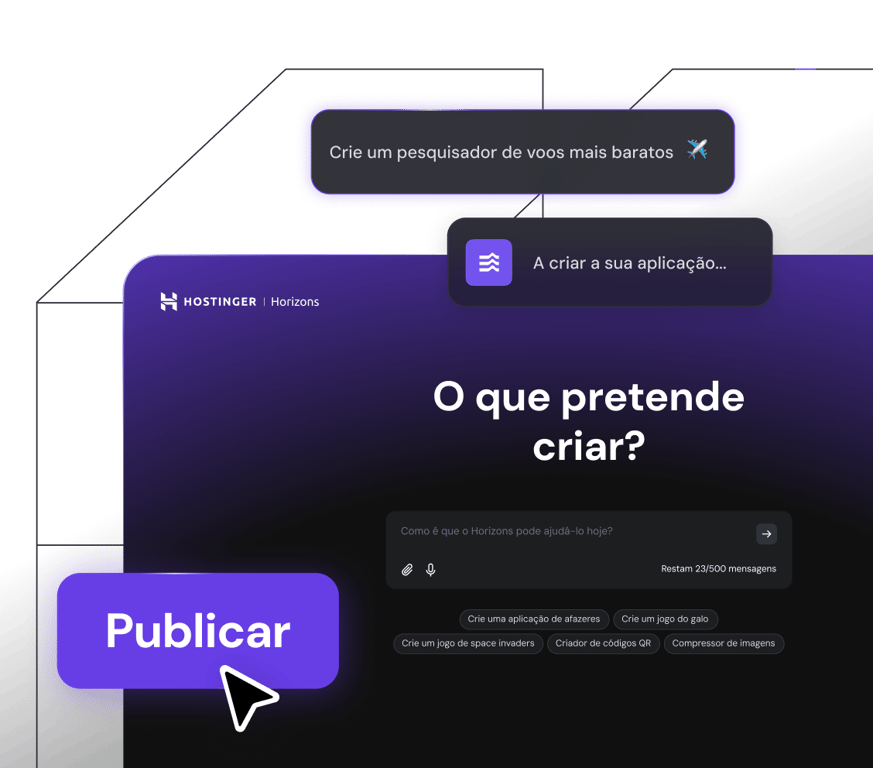
migração de sites gratuita
## Alojamento web
Obtenha um desempenho incomparável do site, alojamento de alta velocidade e segurança em que pode confiar. O seu crescimento é o nosso objetivo.
[Comece e expanda](https://www.hostinger.com/pt/hospedagem-barata)
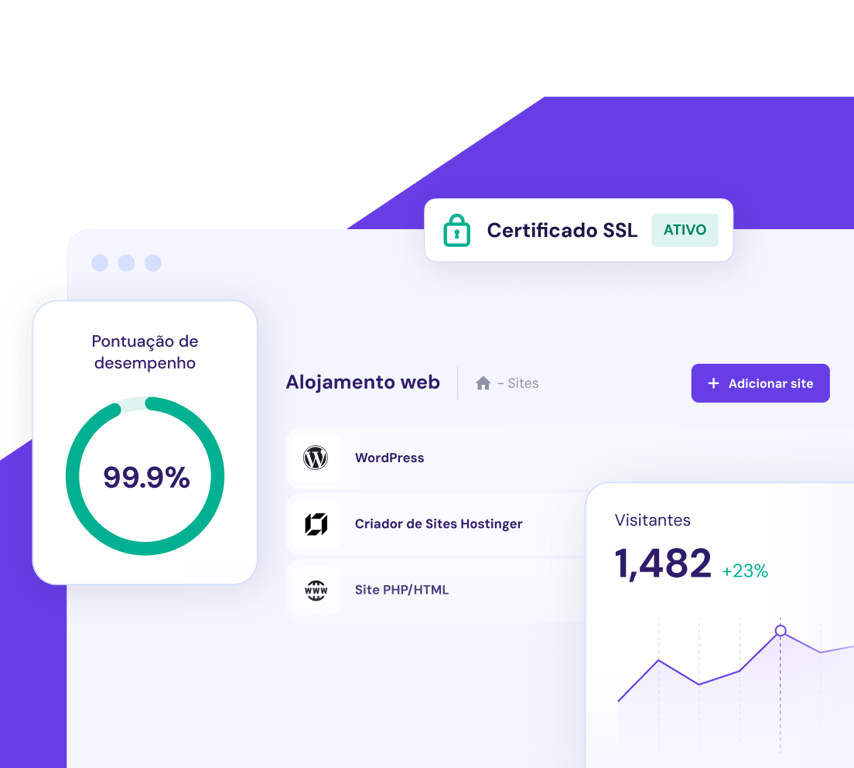
[**Encontre um domínio que ajude a sua empresa a destacar-se**\\
\\
](https://www.hostinger.com/pt/verificar-dominio)
## Migração de sites sem complicações.
Atualmente aloja o seu site noutro local? Junte-se aos mais de 3 de proprietários de sites que desfrutam de um alojamento web rápido, seguro e fiável aqui na Hostinger. A nossa equipa de especialistas tratará de tudo enquanto o seu site se mantém em funcionamento. É isso mesmo - sem downtime. Sem perda de dados. Sem problemas.
3 passos simples
Basta escolher o seu plano, preencher o formulário de pedido de migração, enviá-lo e depois sentar-se e relaxar.
Rápido e seguro
95% dos sites são migrados em menos de 20 minutos. Os restantes 5% são mais rápidos do que a média do setor. Além disso, o seu site permanece ativo durante todo o tempo.
Grátis
Quer tenha 1 ou 100 sites para migrar, a migração é gratuita em todos os nossos planos.
[Começar](https://www.hostinger.com/pt#pricing)

Eu pude **gerir** o alojamento, o nome de domínio e o certificado SSL **num só lugar**, o que foi realmente refrescante.
[Ler história completa](https://www.hostinger.com/blog/gate-foot-forge)
Owen Phillips
gatefootforge.co.uk

Migrar para a Hostinger foi **a melhor decisão** que já tomei.
Gabrielle Scarlett
gabriellescarlett.com

Referimo-nos honestamente à **Hostinger como referência** para os nossos engenheiros quando prestam assistência.
[Ler história completa](https://www.hostinger.com/blog/climbingvan)
Charlie Low and Dale Comely
nohma.com
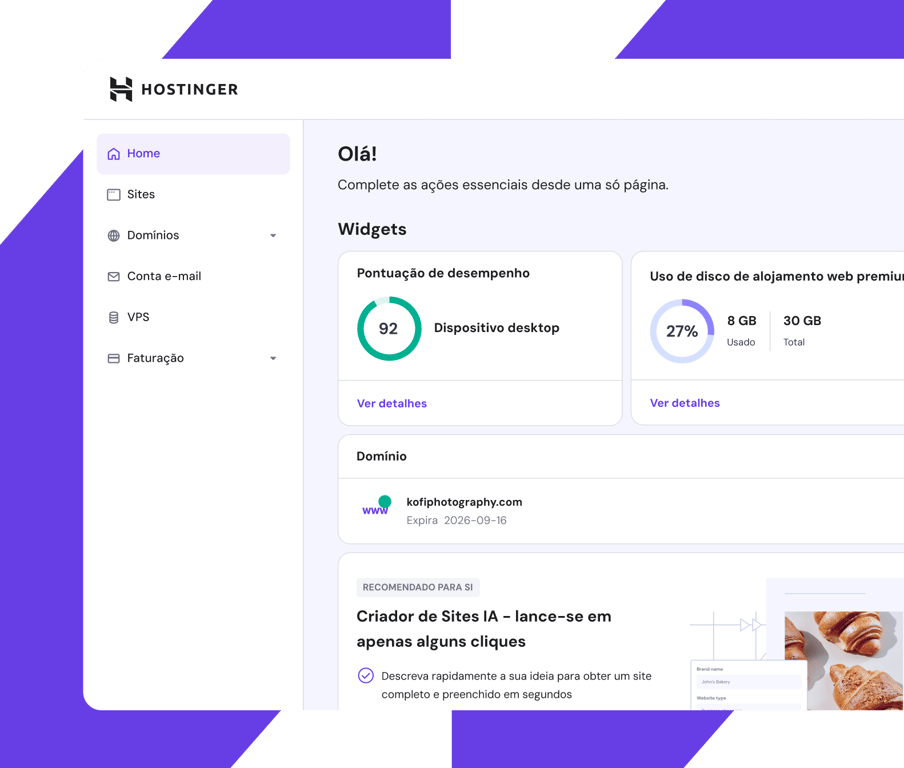
Painel de controlo fácil de utilizar
## Veja tudo. Controle tudo.
Mantenha-se atento a tudo o que é importante para si, com o nosso painel de controlo fácil de utilizar.
Concebido para ser fácil de utilizar tanto por principiantes como por profissionais, pode ver rapidamente o desempenho do seu site e fazer ajustes, entre outras coisas.
## Velocidade. Fiabilidade. Eficiência.
Desfrute de um desempenho de alto nível em que pode confiar e proporcione aos visitantes do seu site uma experiência tranquila.
Datacenters locais.
Em todo o mundo.
Onde quer que esteja no mundo, o seu site ligar-se-á automaticamente ao centro de dados mais próximo na nossa rede global. Eficiência extra sem custos adicionais.
A toda a velocidade. Seja qual for o trânsito.
Beneficie de tempos de resposta mais baixos e de velocidades de carregamento de páginas mais rápidas, independentemente dos picos de tráfego do seu site.
Ao vivo e a bombar.
24/7.
Dia e noite, o seu site está a trabalhar arduamente. A nossa garantia de 99,9% de uptime significa que o seu site está sempre disponível.
## Segurança total. Confiança total.
Proteja os seus ficheiros com cópias de segurança automáticas regulares e autenticação de dois factores
Criptografe o tráfego do seu site com certificados de segurança SSL ilimitados
Desfrute de proteção total contra ataques DDoS com namservers protegidos pela Cloudflare
[Começar](https://www.hostinger.com/pt#pricing)
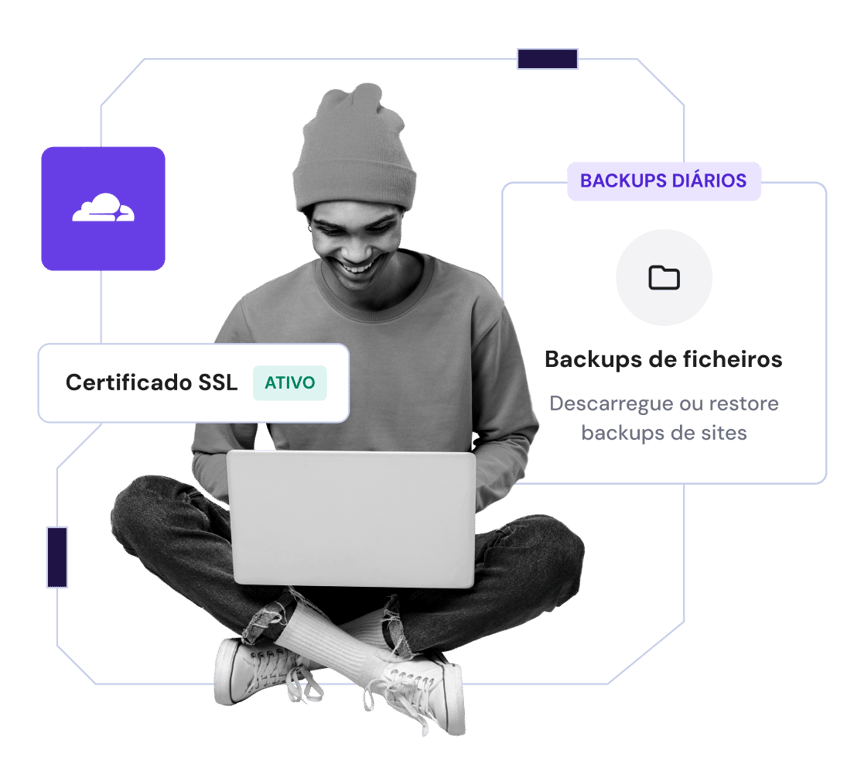
## Confiada por +3 milhões de proprietários de sites em todo o mundo

Charlie Low
Cofundador da Nohma
Desde que estamos com a Hostinger, tem sido fantástico. Não tivemos qualquer problema e, se tivermos alguma dúvida, o serviço de apoio ao cliente é incrível.
[Ler história completa](https://www.hostinger.com/blog/climbingvan)

Jack Bies
Diretor criativo
A equipa de Sucesso do Cliente da Hostinger faz de tudo para compreender o meu problema.
[Ler história completa](https://www.hostinger.com/blog/jack-bies-shared-hosting-success-story)

Jhon Ortega
Empreendedor
Estava à procura de uma empresa de alojamento que fosse muito intuitiva para principiantes e muito bem configurada para um bom desempenho.
[Ler história completa](https://www.hostinger.com/blog/how-jhon-scaled-his-minecraft-business)
[Ler mais histórias](https://www.hostinger.com/blog/client-stories)
## Apoio em português, 24/7
Aceda a apoio especializado sempre que precisar através do chat ao vivo ou por email
Os nossos especialistas são fluentes em mais de 10 idiomas de modo a assegurar uma comunicação fácil
Passe menos tempo à espera, a nossa equipa de apoio rápido responde normalmente em menos de 2 minutos
## Poupe até 75% no seu plano e obtenha um domínio gratuito
Experimente sem riscos. Garantia de reembolso de 30 dias.
[Começar](https://www.hostinger.com/pt#pricing)
### Preocupamo-nos com a sua privacidade
Este site utiliza cookies que são necessários para que o site funcione corretamente e para obter dados sobre a forma como o utilizador interage com o mesmo, bem como para fins de marketing. Ao aceitar, o utilizador concorda com a utilização de cookies para anúncios e análises, conforme descrito na nossa [Política de cookies](https://www.hostinger.com/pt/legal/politica-cookies). Pode alterar as suas definições de cookies ou utilizar a opção não participar em qualquer altura.
Entendido
Optar por não participar
Definições de cookies
Perguntar ao Kodee
## Hostinger Sustainability Report
## Hostinger sustainability report
Hostinger’s 2023 sustainability report highlights our journey toward a more sustainable business model through innovation, collaboration, and shared responsibility.
### Planet
As a global company, we acknowledge our crucial role in mitigating climate change and contributing toward a circular economy. Every action counts, and we've taken concrete measures to minimize negative environmental impacts.
From increasing renewable energy sources in our data centers, optimizing energy efficiency to raising awareness on this topic, we are actively seeking to reduce our carbon footprint.
### People
At Hostinger, we're committed to fostering a high-performing and thriving culture where employees can perform at their very best. That's why we focus on their training, well-being, and overall growth.
Beyond our team members, we also shape the global socioeconomic landscape and bridge digital divides by empowering millions of users to unlock the power of the internet.

### Governance
Hostinger’s governance culture is built on the principles of freedom and responsibility – our employees have the autonomy to make decisions and take ownership of their roles.
Nonetheless, we still provide continuous guidance and training to ensure adherence to established policies, company values, and long-term objectives.
This balanced approach allows us to foster a culture of accountability, innovation, and responsible decision-making as we continue to grow and thrive.

## Download Hostinger sustainability report
Learn more about our initiatives to reduce environmental and social impact.
[2023 report](https://assets.hostinger.com/Sustainability-Report-2024.pdf)
## 2023 sustainability highlights

### Emissions
Our Scope 1 and 2 emissions were 1,522 tCO2e, and for the first time, we also calculated Scope 3 emissions, which totaled 6,761 tCO2e.

### Renewable energy
Total renewable energy share in our data centers grew by 7% from 35% to 42%.

### The Green Web Foundation
Hostinger has been listed in the Green Web Foundation Initiative.

### Employee satisfaction
Our average Employee Net Promoter Score (eNPS) was 65.

### Leadership positions
Women held 52% of our leadership positions, while men held 48%. In total, women constituted 44% of our team members, and men, 56%.

### Social responsibility
We introduced Recharge Leave, a new perk offering 30 extra days of paid time off to employees with over 5 years of service.
## Hostinger sustainability initiatives
[\\
Jan 23, 2023Product updates100% renewable energy\\
Our customers can now choose a data center in France powered by 100% renewable energy.\\
\\
Read more](https://www.hostinger.com/blog/french-data-center)
[\\
Jun 28, 2023Daily lifeRecharge leave\\
We care about our employees' mental health – check out impressions about our global recharge policy.\\
\\
Read more](https://www.hostinger.com/blog/recharge-leave-impressions)
[\\
Sep 15, 2023Daily lifeGender balance\\
From the equal rights policy to the whistleblower channel – learn what we do to ensure equal opportunities.\\
\\
Read more](https://www.hostinger.com/blog/hostinger-sustainability-report#:~:text=Meanwhile%2C%20we're%20proud%20to,companies%20to%20achieve%20better%20results)
## We are proud to host clients that make the world a better place
[\\
Mar 10, 2023Customer spotlightEcotourism in Brazil\\
VaiViver, our clients from Brazil, connect people with nature, history, and local communities.\\
\\
Read more](https://www.hostinger.com/blog/vaiviver)
[\\
Jan 26, 2023Customer spotlightOff-grid electrical system\\
Nohma from the UK offers an off-grid electrical system design service for more sustainable camping.\\
\\
Read more](https://www.hostinger.com/blog/climbingvan)
[\\
Nov 30, 2022Customer spotlightLa Petite Alice: Kicking back against fast fashion\\
La Petite Alice, a lifestyle brand from Lithuania, creates clothes that can last 10-15 years.\\
\\
Read more](https://lapetitealice.com/)
[Questions about sustainability at Hostinger](mailto:sustainability@hostinger.com) [General communication questions](mailto:press@hostinger.com) [General questions about our Affiliate Program](mailto:affiliates@hostinger.com)
## Hostinger Web Hosting

Рейтинг:
**4.8/5**
**1,237**
відгуків

Рейтинг:
**4.6/5**
**2,432**
відгуків

Рейтинг:
**4.7**
**874**
відгуків
## Виберіть ідеальний тариф
Почніть роботу з повною впевненістю. Жодного ризику з 30-денною гарантією повернення коштів.
Single
Найкраще рішення для початківців
199,00 ₴ЗНИЖКА 80%
39,00 ₴ /міс.
0 міс. БЕЗПЛАТНО
Вибрати тариф
Вартість продовження 89,00 ₴/міс. на 4 р. Підписку можна скасувати у будь-який час.
Сайтів: **1**
Керований хостинг для WordPress
SSD-диск **10 ГБ**
Конструктор сайтів Hostinger
**Безплатний** домен (вартістю 379,00 ₴)
**Безплатна** автоматична міграція сайтів
**1 поштова скринька** – безплатно на 1 рік
**Необмежені безплатні** SSL
**Щотижневі** бекапи
**WooCommerce**
**Безплатна** CDN
Виділена IP-адреса
**Професійна** підтримка
Всі характеристики
Найпопулярніший
Premium
Усе необхідне для створення сайту
299,00 ₴ЗНИЖКА 74%
79,00 ₴ /міс.
+3 міс. безплатно
Вибрати тариф
Вартість продовження 129,00 ₴/міс. на 4 р. Підписку можна скасувати у будь-який час.
Cайтів: **25**
Керований хостинг для WordPress
SSD-диск **25 ГБ**
Конструктор сайтів Hostinger
**Безплатний** домен (вартістю 379,00 ₴)
**Безплатна** автоматична міграція сайтів
**Поштових скриньок: 50**. Безплатно на 1 рік
**Необмежені безплатні** SSL
**Щотижневі** бекапи
**Стартовий** WooCommerce
**Безплатна** CDN
Виділена IP-адреса
**Професійна** підтримка
Всі характеристики
Business
Більше ресурсів і вдосконалені функції
349,00 ₴ЗНИЖКА 63%
129,00 ₴ /міс.
+3 міс. безплатно
Вибрати тариф
Вартість продовження 249,00 ₴/міс. на 4 р. Підписку можна скасувати у будь-який час.
Cайтів: **50**
Керований хостинг для WordPress
Диск NVMe **50 ГБ**
Конструктор сайтів Hostinger
**Безплатний** домен (вартістю 379,00 ₴)
**Безплатна** автоматична міграція сайтів
**Поштових скриньок: 100**. Безплатно на 1 рік
**Необмежені безплатні** SSL
**Щоденні** бекапи (ціна 1.068,00 ₴)
**Базова** оптимізація WooCommerce
**Безплатна** CDN
Виділена IP-адреса
**Професійна** підтримка
Всі характеристики
Cloud Startup
Насолоджуйтеся оптимізованою продуктивністю та потужними ресурсами
849,00 ₴ЗНИЖКА 65%
299,00 ₴ /міс.
+3 міс. безплатно
Вибрати тариф
Вартість продовження 599,00 ₴/міс. на 4 р. Підписку можна скасувати у будь-який час.
Cайтів: **100**
Керований хостинг для WordPress
Диск NVMe **100 ГБ**
Конструктор сайтів Hostinger
**Безплатний** домен (вартістю 379,00 ₴)
**Безплатна** автоматична міграція сайтів
**Поштових скриньок: 200**. Безплатно на 1 рік
**Необмежені безплатні** SSL
**Щоденні** бекапи (ціна 1.068,00 ₴)
**Стандартний** WooCommerce
**Безплатна** CDN
Виділена IP-адреса
**Професійна** підтримка
Всі характеристики
Умови оплати
## Ваш успіх починається тут
Великий вибір послуг для реалізації вашої ідеї.
Рекомендовано
Створити сайт
Хостинг
Домени та пошта
Hostinger Horizons
## Реалізуйте вашу ідею
Створіть і запустіть вебдодатки, інструменти та програмне забезпечення без навичок кодування.
[Почати](https://www.hostinger.com/ua/horizons)

БЕЗПЛАТНА МІГРАЦІЯ САЙТІВ
## Хостинг сайтів
Швидкість, безпека та продуктивність, на які можна покластися. Ваше зростання – наша мета.
[Почати](https://www.hostinger.com/ua/hosting)

[**Знайдіть домен, який допоможе вашому бізнесу виділитися**\\
\\
](https://www.hostinger.com/ua/kupyty-domen)
## Просте перенесення сайтів
Приєднайтеся до понад 3 мільйонів власників сайтів, які користуються швидким, безпечним і надійним хостингом у Hostinger. Наша команда фахівців подбає, щоб ваш сайт працював без перебоїв під час міграції.
3 простих кроки
Виберіть тариф, заповніть форму запиту на міграцію та надішліть нам. Ми подбаємо про всі аспекти перенесення.
Швидко та безпечно
Ми переносимо 95% сайтів менше ніж за 20 хвилин. Решту 5% – швидше, ніж в середньому в галузі. Крім того, ваш сайт залишатиметься доступним під час міграції.
Безплатно
1 чи 100 – ми перенесемо всі ваші сайти безплатно.
[Почати](https://www.hostinger.com/ua#pricing)

Я можу **керувати** хостингом, доменом і SSL-сертифікатом **в одному місці**, що дуже зручно.
[Читати повністю](https://www.hostinger.com/blog/gate-foot-forge)
Owen Phillips
gatefootforge.co.uk

Перенести сайт у Hostinger – це **найкраще рішення** для мого бізнесу.
Gabrielle Scarlett
gabriellescarlett.com

Ми завжди посилаємося на **Hostinger як на взірець** для наших менеджерів з підтримки клієнтів.
[Читати повністю](https://www.hostinger.com/blog/climbingvan)
Charlie Low and Dale Comely
nohma.com

Зручна панель управління
## Просте управління
Керуйте всіма послугами за допомогою нашої зручної панелі управління.
Підходить як для початківців, так і для професіоналів. Ви можете слідкувати за роботою сайту та вносити зміни у будь-який час.
## Швидкість. Надійність. Продуктивність.
Насолоджуйтеся найкращою продуктивністю та безперебійною роботою сайту.
Локальні дата-центри.
По всьому світу.
Ваш сайт автоматично підключатиметься до найближчого дата-центру у нашій глобальній мережі без додаткової плати.
Виняткова швидкість.
Незалежно від трафіку.
Насолоджуйтеся швидким завантаженням, незалежно від того, наскільки стрімко зростає відвідуваність вашого сайту.
Безвідмовна робота сайту.
24/7.
Ваш сайт працюватиме безперебійно. Завжди онлайн із гарантією аптайм 99,9%.
## Безпечний хостинг
Захист файлів за допомогою регулярних автоматичних бекапів і двофакторної автентифікації
Шифрування трафіку сайту за допомогою необмежених SSL-сертифікатів
Захист від DDoS-атак за допомогою серверів імен, захищених Cloudflare
[Почати](https://www.hostinger.com/ua#pricing)

## Нам довіряють понад 3 мільйона власників сайтів по всьому світу

Charlie Low
Співзасновниця "Nohma"
Ми скористалися послугами Hostinger і отримали лише позитивний досвід. Якщо у нас виникнуть проблеми, впевнені, що їхня команда підтримки надасть професійну допомогу.
[Читати повністю](https://www.hostinger.com/blog/climbingvan)

Jack Bies
Креативний директор
Команда підтримки Hostinger зробила все можливе, щоб розв'язати мою проблему.
[Читати повністю](https://www.hostinger.com/blog/jack-bies-shared-hosting-success-story)

Jhon Ortega
Підприємець
Я шукав хостингову компанію, яка інтуїтивно зрозуміла для початківців і забезпечує високу продуктивність.
[Читати повністю](https://www.hostinger.com/blog/how-jhon-scaled-his-minecraft-business)
[Переглянути більше відгуків клієнтів](https://www.hostinger.com/blog/client-stories)
## Онлайн-підтримка 24/7
Отримайте професійну допомогу через онлайн-чат або електронною поштою
Жодних бар'єрів – наші фахівці володіють понад 10 мовами
Вам не доведеться чекати – зазвичай ми відповідаємо менше ніж за 2 хвилини

## Зекономте до 74% на хостинг-тарифі + отримайте безплатний домен
Спробуйте зараз. Жодного ризику з 30-денною гарантією повернення грошей.
[Почати](https://www.hostinger.com/ua#pricing)
## Hostinger's Core Principles
## Customer obsession
You start with the customer and work backwards.
You extensively research and strive to understand our customers better.
You work with great effort to earn and keep customer trust.
## Ownership
You care deeply about our customers and Hostinger's success.
You are passionate: committed in heart and mind.
You make decisions based on the long term.
You act on behalf of the entire company, beyond just your team. You never say "that's not my job".
## Learn and be curious
You constantly learn and always seek to improve yourself.
You are curious about new possibilities and act to explore them.
It is in your nature to innovate.
## Hire and develop the best
You always hire better people than yourself.
You keep only highly effective people.
Leaders develop leaders and take their role in coaching others seriously.
You help people to scale within the organization.
## Highest standards
You strive for the highest standards; many may think these standards are excessively high.
You inspire others with your thirst for excellence.
You continually raise the bar and drive your team to deliver high-quality services.
## Freedom and responsibility
You are self-motivated, self-aware, self-disciplined, and self-improving.
You don't wait or want to be told what to do.
You love freedom, and you deserve it.
## Focus
You constantly ask yourself, "What is the best thing I can do today that will contribute to long-term success?"
You are good at using data to support your intuition and make decisions.
You think strategically and can articulate what you are and are not trying to do.
## Bias toward action
Speed matters in business.
Many decisions and actions are reversible and do not need extensive study.
You promote action-oriented behavior, rather than discussion-based work.
## Courage and candidness
You say what you think, even if it is uncomfortable.
You give each other candid feedback and never wait to do so.
You make tough decisions without agonizing.
You question actions inconsistent with our principles.
## Deliver results
You deliver results with the highest quality and in a timely fashion.
You recognize and celebrate achievements.
## More about our culture
[\\
Shaping a company culture that ensures success: From vision to reality\\
Remember that meeting where a minor issue sparked a never-ending debate, and in the end, everyone forgot what they were arguing about?\\
Kotryna D.](https://www.hostinger.com/blog/culture-that-ensures-success)
[\\
Learning in action: How Hostinger fosters a culture of curiosity\\
At Hostinger, learning isn’t just a buzzword – it’s the fuel that drives our innovation engine. In a tech world where yesterday’s breakthrough is tomorrow’s baseline, we don’t just keep up with trends; we embrace learning as a daily ritual that powers both personal and collective growth.\\
Kotryna D.](https://www.hostinger.com/blog/learning-culture)
[\\
Reaching your peak: Lessons of building our performance management system for the self-motivated\\
Hostinger has been recognized as one of Europe’s fastest-growing companies for five years in a row. One of the leading factors behind this remarkable result is our efforts to nurture a high-performance culture.\\
Kotryna D.](https://www.hostinger.com/blog/reaching-your-peak)
## Get to know us better
Explore our career opportunities and start your journey today!
[See open positions](https://www.hostinger.com/career)
### We care about your privacy
This website uses cookies that are needed for the site to work properly and to get data on how you interact with it, as well as for marketing purposes. By accepting, you agree to the use of cookies for ads and analytics as described in our [Cookie policy](https://www.hostinger.com/legal/cookie-policy). You can change your cookie settings or use Opt out anytime.
Got it
Opt out
Cookie settings
## Hostinger Web Hosting
Trustpilot Custom Widget
TrustScore

Rating:
**4.8/5**
**1,237**
reviews

Rating:
**4.6/5**
**2,432**
reviews

Rating:
**4.7**
**874**
reviews
## Välj den perfekta planen för dig
Kom igång tryggt och säkert. Vår 30-dagars pengarna-tillbaka-garanti betyder att det är riskfritt.
Premium
Allt du behöver för att skapa din hemsida
141,90 krSPARA 75%
35,90 kr /mån
\*Vid köp av 48 månader ingår ej moms
+3 månader gratis
Välj plan
Förnyas för 70,90 kr/mån i 4 år. Säg upp när som helst.
**25** webbplatser
**Hanterat** Webbhotell för WordPress
**25 GB** SSD-lagringsutrymme
Hostinger Website Builder
**Gratis** domän (värde: 117,90 kr)
**Gratis** automatisk webbplatsmigration
**50 inkorga** \- gratis i 1 år
**Obegränsad gratis** SSL
**Veckovisa** säkerhetskopior
**Starter** WooCommerce
**Gratis** CDN
**Dedikerad** IP-adress
**Prioriterad** support
Se alla funktioner
Populärast
Business
Uppgradera för mer kraft och bättre funktionalitet
176,90 krSPARA 73%
46,90 kr /mån
\*Vid köp av 48 månader ingår ej moms
+3 månader gratis
Välj plan
Förnyas för 94,90 kr/mån i 4 år. Säg upp när som helst.
**50** webbplatser
**Hanterat** Webbhotell för WordPress
**50 GB** NVMe-lagring
Hostinger Website Builder
**Gratis** domän (värde: 117,90 kr)
**Gratis** automatisk webbplatsmigration
**100 inkorga** \- gratis i 1 år
**Obegränsad gratis** SSL
**Dagliga** säkerhetskopieringar (värde: 274,80 kr)
**Grundläggande** WooCommerce-optimering
**Gratis** CDN
**Dedikerad** IP-adress
**Prioriterad** support
Se alla funktioner
Cloud Startup
Få optimerad prestanda och kraftfulla resurser
305,90 krSPARA 69%
94,90 kr /mån
\*Vid köp av 48 månader ingår ej moms
+3 månader gratis
Välj plan
Förnyas för 235,90 kr/mån i 4 år. Säg upp när som helst.
**100** webbplatser
**Hanterat** Webbhotell för WordPress
**100 GB** NVMe-lagring
Hostinger Website Builder
**Gratis** domän (värde: 117,90 kr)
**Gratis** automatisk webbplatsmigration
**200 inkorga** \- gratis i 1 år
**Obegränsad gratis** SSL
**Dagliga** säkerhetskopieringar (värde: 274,80 kr)
**Standard** WooCommerce
**Gratis** CDN
**Dedikerad** IP-adress
**Prioriterad** support
Se alla funktioner
Betalningsvillkor
## Din framgångssaga på nätet startar här
Välj bland ett brett utbud av produkter och tjänster för att få din idé att slå igenom på nätet.
Rekommenderat
Skapa en webbplats
Webbhotell
Domäner och e-post
Hostinger Horizons
## Förverkliga din idé
Bygg och lansera webbappar, verktyg och programvaror på några minuter – utan att behöva skriva någon kod.
[Kom igång nu](https://www.hostinger.com/se/horizons)
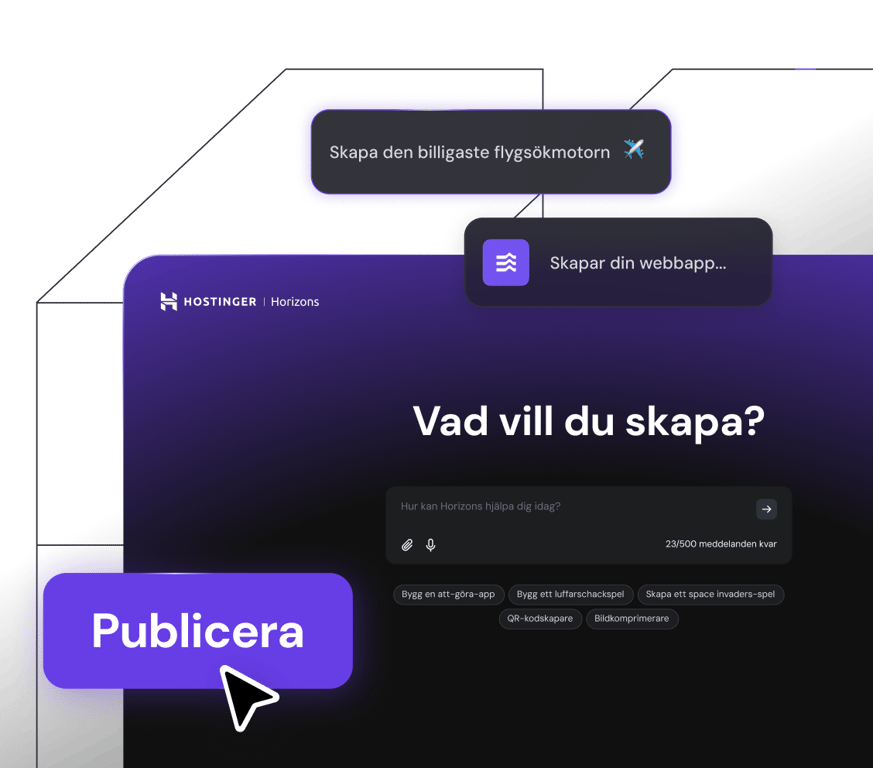
gratis webbplatsmigration
## Webbhotell
Få omatchad webbplatsprestanda, webbhotell med hög hastighet och säkerhet du kan lita på. Din tillväxt är vårt mål.
[Starta och expandera](https://www.hostinger.com/se/webbhotell)
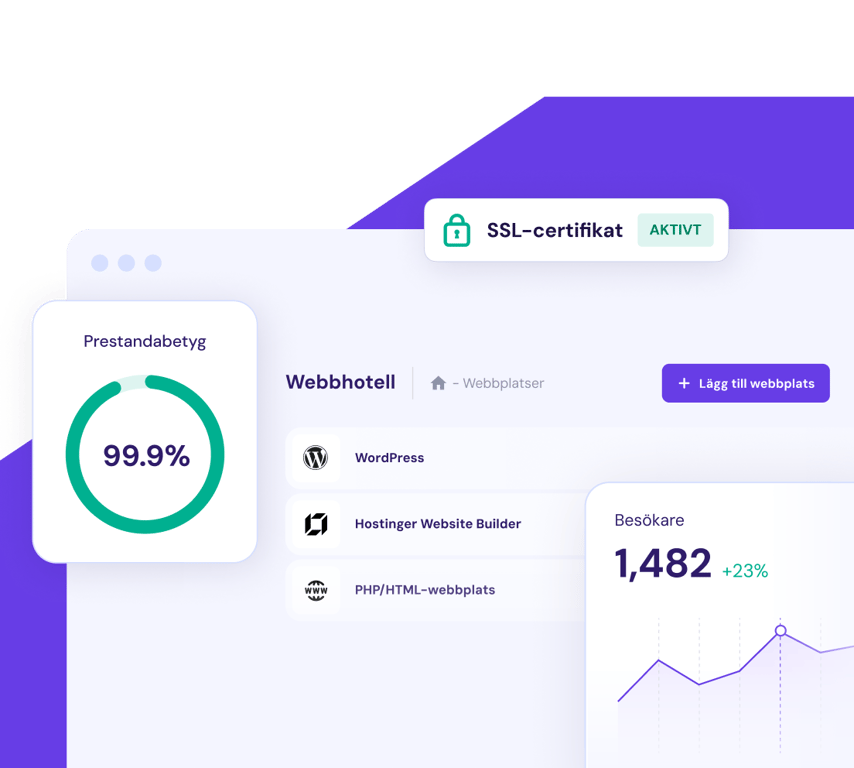
[**Hitta en domän som hjälper ditt företag att sticka ut**\\
\\
](https://www.hostinger.com/se/domansok)
## Flytta hemsida. Det enkla sättet.
Har du webbhotell för din hemsida någon annanstans? Anslut dig till de 3+ miljoner hemsidesägarna som får ett snabbt, säkert och pålitligt webbhotell här hos Hostinger. Vårt expertteam tar hand om allt medan din sajt är online under hela processen. Det stämmer – ingen nedtid. Inga dataförluster. Inga problem.
3 enkla steg
Välj bara din plan, fyll i formuläret för migrationsbegäran, skicka in den, luta dig tillbaka och koppla av.
Snabbt och säkert
95% av alla hemsidor migreras på under 20 minuter. Resterande 5% är snabbare än branschstandarden. Och din sajt är även live under hela processen.
Gratis
Oavsett om du har 1 hemsida att migrera eller 100 stycken – flytten är gratis med alla våra planer.
[Kom igång](https://www.hostinger.com/se#pricing)

Jag kunde **hantera** webbhotellet, domännamnet och SSL-certifikatet **på ett ställe**, vilket var riktigt skönt.
[Läs hela berättelsen](https://www.hostinger.com/blog/gate-foot-forge)
Owen Phillips
gatefootforge.co.uk

Att migrera till Hostinger var **det bästa beslutet** som jag någonsin gjort.
Gabrielle Scarlett
gabriellescarlett.com

Helt ärligt hänvisar vi till **Hostinger som standard** för våra tekniker när de ger support.
[Läs hela berättelsen](https://www.hostinger.com/blog/climbingvan)
Charlie Low and Dale Comely
nohma.com
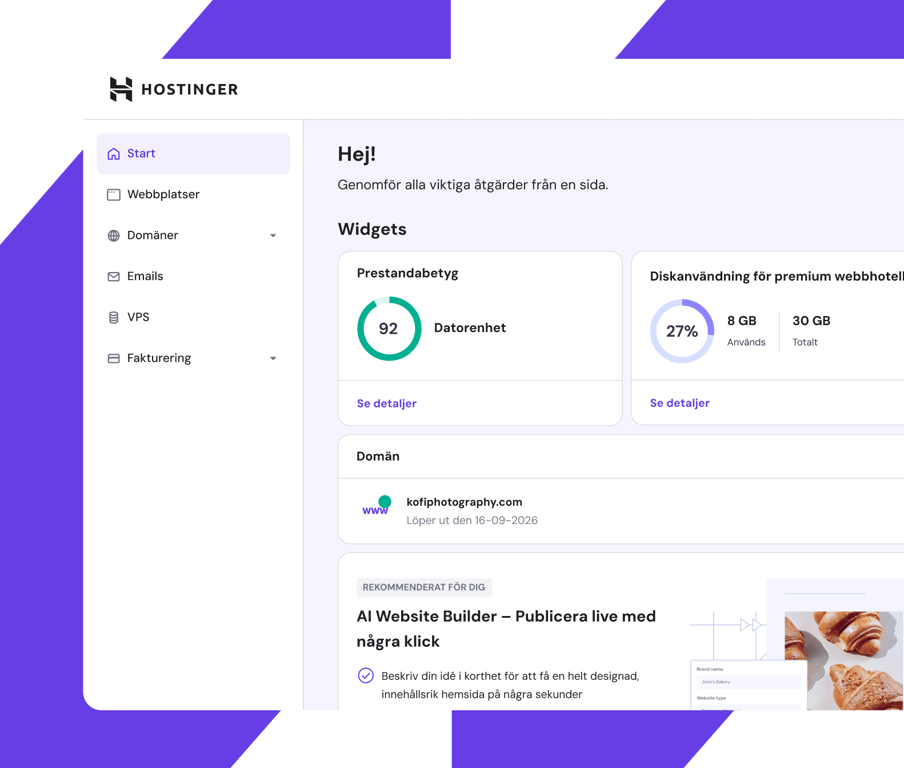
Lättanvänd översikt
## Se allt. Kontrollera allt.
Håll ett öga på allt som är viktigt för dig, med vår lättanvända översikt.
Eftersom den är designad för att vara användarvänlig både för proffs och nybörjare kan du snabbt se hur din sajt presterar och sedan göra justeringar och mer.
## Hastighet. Pålitlighet. Effektivitet.
Få förstklassig prestanda som du kan lita på och ge dina hemsidesbesökare en smidig upplevelse.
Lokala datacenter.
Runt om i världen.
Var du än är i världen kommer din sajt att automatiskt ansluta till det närmaste datacentret i vårt globala nätverk. Extra effektivitet utan extra kostnad.
Full fart framåt.
Oavsett hur hög trafiken är.
Dra fördel av låga svarstider och sidor som laddar snabbt, oavsett hur höga trafiktoppar du har.
Live och aktiv. Dygnet runt.
Din hemsida jobbar hårt, dag som natt. Vår 99,9% upptidsgaranti innebär att din sajt alltid är tillgänglig.
## Total säkerhet. Fullt förtroende.
Säkra dina filer med regelbundna automatiska säkerhetskopior och tvåfaktorautentisering
Kryptera din hemsidas trafik med obegränsade SSL-säkerhetscertifikat
Få fullt skydd mot DDoS-attacker med Cloudflare-skyddade namnservrar
[Kom igång](https://www.hostinger.com/se#pricing)
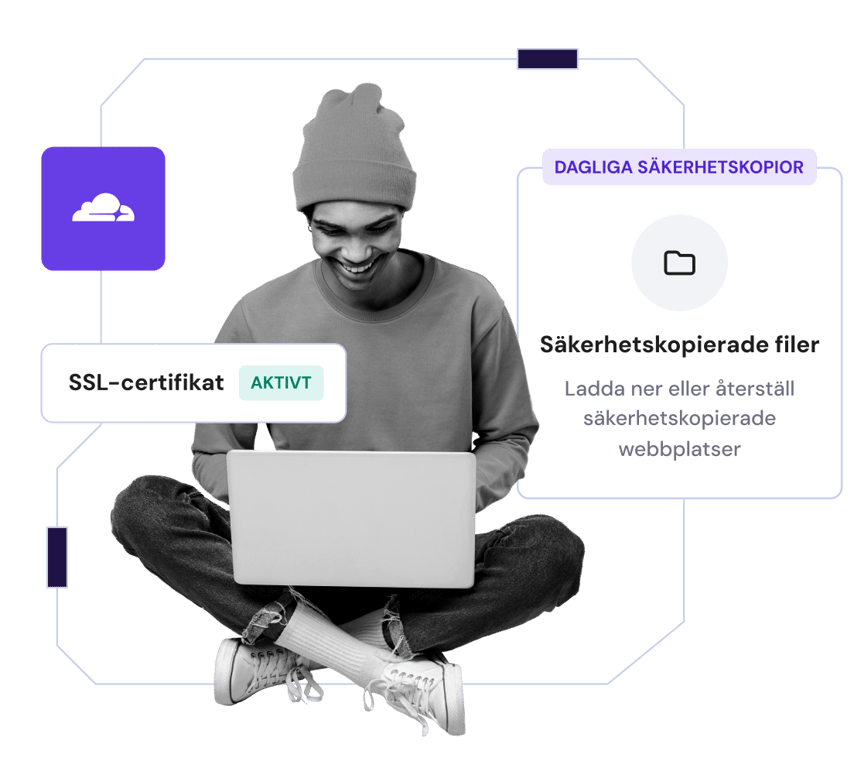
## Används av 3+ hemsidesägare världen över

Charlie Low
Medgrundare av Nohma
Ända sedan vi anslöt oss till Hostinger har det varit otroligt. Vi har inte haft några problem alls och om vi någonsin har en fråga är deras kundservice fantastisk.
[Läs hela berättelsen](https://www.hostinger.com/blog/climbingvan)

Jack Bies
Creative director
Hostingers kundnöjdhetsteam gör allt och lite till för att förstå mitt problem.
[Läs hela berättelsen](https://www.hostinger.com/blog/jack-bies-shared-hosting-success-story)

Jhon Ortega
Entreprenör
Jag letade efter ett webbhotellsföretag som är väldigt intuitivt för nybörjare och välkonfigurerat för bra prestanda.
[Läs hela berättelsen](https://www.hostinger.com/blog/how-jhon-scaled-his-minecraft-business)
[Visa fler kundberättelser](https://www.hostinger.com/blog/client-stories)
## Här för att hjälpa dig dygnet runt
Få expertsupport när du behöver det via livechatt och email
Våra experter pratar över 10 språk flytande så att kommunikationen med oss alltid är smidig och enkel
Spendera mindre tid på att vänta, vårt kvicka supportteam svarar vanligtvis på mindre än 2 minuter

## Spara upp till 75% på din plan + få en gratis domän
Prova riskfritt. 30-dagars pengarna-tillbaka-garanti.
[Kom igång](https://www.hostinger.com/se#pricing)
### Vi bryr oss om din integritet
Denna webbplats använder cookies som behövs för att webbplatsen ska fungera korrekt och för att få data om hur du interagerar med den, samt för marknadsföringsändamål. Genom att acceptera godkänner du användningen av cookies för annonser och analyser som beskrivs i vår [Cookiepolicy](https://www.hostinger.com/se/legal/cookie-policy). Du kan ändra dina cookieinställningar eller använda Välj bort när som helst.
Uppfattat
Välj bort
Cookie-inställningar
## Hostinger Pro Hosting
Recommended by **WordPress.org**
[iframe](https://widget.trustpilot.com/trustboxes/53aa8807dec7e10d38f59f32/index.html?templateId=53aa8807dec7e10d38f59f32&businessunitId=580cbf960000ff0005966f44#locale=en-US&styleHeight=94&styleWidth=190&theme=dark&stars=4%2C5&reviewLanguages=en&tags=English)

Rating:
**4.8/5**
**1,237**
reviews

Rating:
**4.6/5**
**2,432**
reviews

Rating:
**4.7**
**874**
reviews
## Web hosting designed for professionals and agencies
Get started in complete confidence. Our 30-day money-back guarantee means it's risk-free.
### Agency Startup
Optimized for business and ecommerce websites.
Agency Startup
Agency Professional
Resources
**6** CPU cores
**12 GB** RAM
**300 GB NVMe** storage
**4 000 000** inodes (files and directories)
**100** websites
US$ 69SAVE 58%
US$ 29.00 /mo
For 12-month term. US$ 49/mo when you renew
Priority 24/7 expert support
Full website isolation
NEW
Access sharing per site
NEW
CDN included
Unlimited SSL
FREE
Dedicated IP address
Managed hosting for WordPress and WooCommerce
**Daily** backups
Custom PHP Applications
COMING SOON
Choose plan
30-day money-back guarantee
The price displayed is the monthly rate excluding applicable taxes. The total price for the plan to be paid upfront at checkout includes the monthly rate multiplied by the number of months in your plan, along with any applicable taxes.
[Explore standard plans](https://www.hostinger.com/pricing#compare-table)
## Talk with our sales team
Find out about scaling, migrating, and choosing the right solution for your web projects.
[Talk with a sales specialist](https://calendly.com/d/cq6j-vxr-rwt)

Hostinger impressed me with **the amazing customer experience**. Finally, I don’t have to worry about any technical challenges, and I can fully dedicate myself to the creative aspects of my job.
[Read the full story](https://www.hostinger.com/blog/jakes-migration-experience)
Jake Sinclair
**Brand designer** \| jakesinclair.ca

I really enjoy the UI. I can set up **a client project** and take it off the ground **in 30 minutes**.
[Read the full story](https://www.hostinger.com/blog/rsnl-creative)
Dino Valdez
**Co-founder of RSNL Creative** \| rsnlcreative.com

**Hostinger specialists were always there to help me** immediately whenever I struggled to migrate my customers’ domains or access the backend of my website.
[Read the full story](https://www.hostinger.com/blog/why-mohamed-chose-hostinger)
Mohamed Yaseen Sattar
**Graphic & web designer** \| designbymys.com
## Here to help, 24/7
Expert support whenever you need it
Rapid response times, typically under 2 minutes
Specialists fluent in 10+ languages ensuring smooth communication


One of the best customer service you can find. Instant support. Patient, detailed and very hands-on support. I am a fan!

[SvgoChevronSmallRight](https://www.trustpilot.com/reviews/61e9c6aea16c1e751f6face9)

The best support in the industry. Amazing. Never fails to impress. Keep it up.

[SvgoChevronSmallRight](https://www.trustpilot.com/reviews/6249a678c7628b203ba129e4)

Support is fast and good. A company that still puts the customer first!

[SvgoChevronSmallRight](https://www.trustpilot.com/reviews/5f2cf1e51a5a69073c6e7c20)
## Performance you can count on
12x better - optimized LiteSpeed Web Servers deliver improved WordPress performance
30% faster - automatically connect to your local data center in our global network, at no extra cost
99.9% uptime - guaranteed

## Security you can trust
Regular automatic backups and two-factor authentication keep your files safe and sound
Unlimited SSL security certificates encrypt website traffic
Proactive protection from DDoS attacks from Cloudflare-protected nameservers

## Referral income for you. Discounts for your customers.
Earn up to 450 USD for your first referral!
Give your clients 20% discount on their purchases.
Refer a specific plan that’d be best for your client.
Manage your referred clients with easy access sharing tool.
[Refer clients](https://auth.hostinger.com/register?r=%2Fjump-to%2Fnew-panel%2Fsection%2Freferrals)

## Agency web hosting FAQs
Find answers to the most frequently asked questions about Hostinger Pro services.
### What is agency web hosting?
Agency hosting is web hosting service tailored specifically for web developers, freelancers, and agencies who look after multiple client websites to efficiently manage various sites under one account, via one easy-to-use dashboard. Alongside managing multiple websites from one place, Hostinger Pro offers optimal performance, full security, the ability to scale your business and 24/7 expert support.
### Can I share access to specific website hosted on my Agency plan?
Yes, you can invite a collaborator or your client to manage specific websites.
### How much can I earn from the referral program?
Refer your clients to Hostinger and earn a commission every time they sign up for one of our annual plans - equivalent to 20% of the plan’s price. Plus, your referred clients earn a 20% discount too. Win-win.
And, because the number of referrals is unlimited, so is your earning potential.
### How many customers can I manage with Hostinger?
The sky's the limit – Using our Access Sharing feature, add as many clients as you want to the hPanel.
### How can I get access to my clients’ sites?
Once you add a client, they will need to verify your access request. Then, you will be able to manage their services and websites directly from your hPanel.
This is a great solution when it comes to agencies and freelancers that have many clients – no more switching between different hosting control panels and dashboards.
### What kind of access will I have?
You have full ownership and access to your client’s account - depending on the access level and services chosen. That means you do not have to manually log in to their account to manage their websites and services.
### How much does it cost to join the referral program?
Hostinger Referral program is free to join. Simply [sign up](https://auth.hostinger.com/register?r=%2Fjump-to%2Fnew-panel%2Fsection%2Freferrals) to create your free account and begin adding clients.
### What kind of support can I expect?
Hostinger offers priority support with all cloud plans. Our Customer Success team has highly skilled professionals available 24/7.
We’re ready to answer any question you may have, including but not limited to selecting hosting plans, and setting up services, as well as technical topics related to WordPress, website troubleshooting, migrations, and backups.
### We care about your privacy
This website uses cookies that are needed for the site to work properly and to get data on how you interact with it, as well as for marketing purposes. By accepting, you agree to the use of cookies for ads and analytics as described in our [Cookie policy](https://www.hostinger.com/legal/cookie-policy). You can change your cookie settings or use Opt out anytime.
Got it
Opt out
Cookie settings
[iframe](https://td.doubleclick.net/td/rul/743689991?random=1744637735469&cv=11&fst=1744637735469&fmt=3&bg=ffffff&guid=ON&async=1>m=45be5490v9136195093z877887523za200zb77887523&gcd=13r3r3r3r5l1&dma=0&tag_exp=102509682~102803279~102813109~102887800~102926062~103021830~103027016~103050889~103051953~103055465&u_w=1280&u_h=1024&url=https%3A%2F%2Fwww.hostinger.com%2Fpro&hn=www.googleadservices.com&frm=0&tiba=Hostinger%20Pro%20%E2%80%93%20Web%20hosting%20for%20agencies%20and%20professionals&npa=0&pscdl=noapi&auid=68374525.1744637735&uaa=x86&uab=64&uafvl=Google%2520Chrome%3B135.0.7049.84%7CNot-A.Brand%3B8.0.0.0%7CChromium%3B135.0.7049.84&uamb=0&uam=&uap=Linux%20x86_64&uapv=6.6.72&uaw=0&fledge=1&data=event%3Dgtag.config)[iframe](https://td.doubleclick.net/td/rul/743689991?random=1744637735547&cv=11&fst=1744637735547&fmt=3&bg=ffffff&guid=ON&async=1>m=45be5490v9136195093z877887523za200zb77887523&gcd=13r3r3r3r5l1&dma=0&tag_exp=102509682~102803279~102813109~102887800~102926062~103021830~103027016~103050889~103051953~103055465&u_w=1280&u_h=1024&url=https%3A%2F%2Fwww.hostinger.com%2Fpro&hn=www.googleadservices.com&frm=0&tiba=Hostinger%20Pro%20%E2%80%93%20Web%20hosting%20for%20agencies%20and%20professionals&rdp=1&npa=0&pscdl=noapi&auid=68374525.1744637735&uaa=x86&uab=64&uafvl=Google%2520Chrome%3B135.0.7049.84%7CNot-A.Brand%3B8.0.0.0%7CChromium%3B135.0.7049.84&uamb=0&uam=&uap=Linux%20x86_64&uapv=6.6.72&uaw=0&fledge=1&_tu=CgI)[iframe](https://td.doubleclick.net/td/rul/743689991?random=1744637735551&cv=11&fst=1744637735551&fmt=3&bg=ffffff&guid=ON&async=1&gcl_ctr=1>m=45be5490v9136195093za200zb77887523&gcs=G111&gcd=13r3r3r3r5l1&dma=0&tag_exp=102509682~102803279~102813109~102887800~102926062~103021830~103027016~103050889~103051953~103055465&u_w=1280&u_h=1024&url=https%3A%2F%2Fwww.hostinger.com%2Fpro&hn=www.googleadservices.com&frm=0&tiba=Hostinger%20Pro%20%E2%80%93%20Web%20hosting%20for%20agencies%20and%20professionals&npa=0&pscdl=noapi&auid=68374525.1744637735&uaa=x86&uab=64&uafvl=Google%2520Chrome%3B135.0.7049.84%7CNot-A.Brand%3B8.0.0.0%7CChromium%3B135.0.7049.84&uamb=0&uam=&uap=Linux%20x86_64&uapv=6.6.72&uaw=0&label=n_KmCLuHxq8aEIeez-IC&ec_mode=a&fledge=1&capi=1&data=event%3Dgtag.config&em=tv.1&ct_cookie_present=0)[iframe](https://td.doubleclick.net/td/ga/rul?tid=G-73N1QWLEMH&gacid=808184393.1744637736>m=45je5490v871252345z877887523za200zb77887523&dma=0&gcs=G111&gcd=13r3r3r3r5l1&npa=0&pscdl=noapi&aip=1&fledge=1&frm=0&tag_exp=102509682~102803279~102813109~102887800~102926062~103021830~103027016~103050889~103051953~103055465&z=456836920)[iframe](https://td.doubleclick.net/td/rul/858978838?random=1744637735716&cv=11&fst=1744637735716&fmt=3&bg=ffffff&guid=ON&async=1>m=45je5490v871252345z877887523za200zb77887523&gcd=13r3r3r3r5l1&dma=0&tag_exp=102509682~102803279~102813109~102887800~102926062~103021830~103027016~103050889~103051953~103055465&u_w=1280&u_h=1024&url=https%3A%2F%2Fwww.hostinger.com%2Fpro&hn=www.googleadservices.com&frm=0&tiba=Hostinger%20Pro%20%E2%80%93%20Web%20hosting%20for%20agencies%20and%20professionals&rdp=1&npa=0&pscdl=noapi&auid=68374525.1744637735&uaa=x86&uab=64&uafvl=Google%2520Chrome%3B135.0.7049.84%7CNot-A.Brand%3B8.0.0.0%7CChromium%3B135.0.7049.84&uamb=0&uam=&uap=Linux%20x86_64&uapv=6.6.72&uaw=0&fledge=1&_tu=SgI)
## Hostinger Web Hosting

Rating:
**4.8/5**
**1,237**
reviews

Rating:
**4.6/5**
**2,432**
reviews

Rating:
**4.7**
**874**
reviews
## เลือกแพ็กเกจที่สมบูรณ์แบบของคุณ
เริ่มต้นอย่างมั่นใจ รับประกันคืนเงินภายใน 30 วันแบบไม่มีความเสี่ยง
Single
โซลูชันในอุดมคติสำหรับมือใหม่
฿ 169.00ประหยัด 83%
฿ 29.00 /เดือน
0 เดือน ฟรี
เลือกแพ็กเกจ
ต่ออายุที่ ฿79.00/เดือน เป็นเวลา 4 ปี ยกเลิกได้ตลอดเวลา
**1** เว็บไซต์
โฮสติ้งที่มีการจัดการสำหรับ WordPress
พื้นที่ SSD **10 GB**
เครื่องมือสร้างเว็บไซต์ Hostinger
**ฟรี** โดเมน (฿309.00)
**ฟรี** การย้ายเว็บไซต์อัตโนมัติ
**1 กล่องจดหมาย** \- ฟรี 1 ปี
SSL **ฟรีแบบไม่จำกัด**
สำรองข้อมูล **รายสัปดาห์**
**WooCommerce**
**ฟรี** CDN
ที่อยู่ IP เฉพาะ
ให้ความช่วยเหลือ **เป็นอันดับแรก**
ดูฟีเจอร์ทั้งหมด
นิยมมากที่สุด
Premium
ทุกสิ่งที่คุณต้องการสำหรับการสร้างเว็บไซต์
฿ 249.00ประหยัด 76%
฿ 59.00 /เดือน
+3 เดือน ฟรี
เลือกแพ็กเกจ
ต่ออายุที่ ฿109.00/เดือน เป็นเวลา 4 ปี ยกเลิกได้ตลอดเวลา
**25** เว็บไซต์
โฮสติ้งที่มีการจัดการสำหรับ WordPress
พื้นที่ SSD **25 GB**
เครื่องมือสร้างเว็บไซต์ Hostinger
**ฟรี** โดเมน (฿309.00)
**ฟรี** การย้ายเว็บไซต์อัตโนมัติ
**50 กล่องจดหมาย** \- ฟรี 1 ปี
SSL **ฟรีแบบไม่จำกัด**
สำรองข้อมูล **รายสัปดาห์**
**Starter** WooCommerce
**ฟรี** CDN
ที่อยู่ IP เฉพาะ
ให้ความช่วยเหลือ **เป็นอันดับแรก**
ดูฟีเจอร์ทั้งหมด
Business
ยกระดับด้วยพลังที่มากขึ้นและฟีเจอร์ที่พัฒนาแล้ว
฿ 289.00ประหยัด 62%
฿ 109.00 /เดือน
+3 เดือน ฟรี
เลือกแพ็กเกจ
ต่ออายุที่ ฿209.00/เดือน เป็นเวลา 4 ปี ยกเลิกได้ตลอดเวลา
**50** เว็บไซต์
โฮสติ้งที่มีการจัดการสำหรับ WordPress
พื้นที่จัดเก็บ NVMe **50 GB**
เครื่องมือสร้างเว็บไซต์ Hostinger
**ฟรี** โดเมน (฿309.00)
**ฟรี** การย้ายเว็บไซต์อัตโนมัติ
**100 กล่องจดหมาย** \- ฟรี 1 ปี
SSL **ฟรีแบบไม่จำกัด**
**รายวัน** สำรองข้อมูล (มูลค่า ฿948.00)
**Basic** WooCommerce
**ฟรี** CDN
ที่อยู่ IP เฉพาะ
ให้ความช่วยเหลือ **เป็นอันดับแรก**
ดูฟีเจอร์ทั้งหมด
Cloud Startup
เพลิดเพลินกับการปรับปรุงประสิทธิภาพและทรัพยากรเฉพาะ
฿ 689.00ประหยัด 64%
฿ 249.00 /เดือน
+3 เดือน ฟรี
เลือกแพ็กเกจ
ต่ออายุที่ ฿489.00/เดือน เป็นเวลา 4 ปี ยกเลิกได้ตลอดเวลา
**100** เว็บไซต์
โฮสติ้งที่มีการจัดการสำหรับ WordPress
พื้นที่จัดเก็บ NVMe **100 GB**
เครื่องมือสร้างเว็บไซต์ Hostinger
**ฟรี** โดเมน (฿309.00)
**ฟรี** การย้ายเว็บไซต์อัตโนมัติ
**200 กล่องจดหมาย** \- ฟรี 1 ปี
SSL **ฟรีแบบไม่จำกัด**
**รายวัน** สำรองข้อมูล (มูลค่า ฿948.00)
**Standard** WooCommerce
**ฟรี** CDN
ที่อยู่ IP เฉพาะ
ให้ความช่วยเหลือ **เป็นอันดับแรก**
ดูฟีเจอร์ทั้งหมด
เงื่อนไขการชำระเงิน
## ความสำเร็จออนไลน์ของคุณเริ่มต้นที่นี่
เลือกจากผลิตภัณฑ์และบริการที่หลากหลายเพื่อขยายความคิดของคุณทางออนไลน์
แนะนำ
สร้างเว็บไซต์
Hosting
โดเมน & อีเมล
Hostinger horizons
## เปลี่ยนความคิดของคุณให้กลายเป็นความจริง
สร้างและเปิดตัวแอปเว็บ เครื่องมือ และซอฟต์แวร์ภายในไม่กี่นาที โดยไม่ต้องเขียนโค้ดใดๆ
[เริ่มตอนนี้](https://www.hostinger.com/th/horizons)

การย้ายเว็บไซต์ฟรี
## เว็บโฮสติ้ง
รับประสิทธิภาพเว็บไซต์ที่ไม่มีใครเทียบได้ การโฮสต์ความเร็วสูง และระบบรักษาความปลอดภัยที่คุณวางใจได้ การเติบโตของคุณคือเป้าหมายของเรา
[เริ่มต้นและปรับขนาด](https://www.hostinger.com/th/web-hosting)

[**ค้นหาโดเมนที่จะช่วยให้ธุรกิจของคุณโดดเด่น**\\
\\
](https://www.hostinger.com/th/domain-checker)
## การย้ายเว็บไซต์ ทำได้ง่ายๆ
กำลังโฮสต์เว็บไซต์ของคุณที่อื่นอยู่หรือไม่? เข้าร่วมกับเจ้าของเว็บไซต์กว่า 3 ล้านคนที่เพลิดเพลินกับบริการโฮสต์เว็บไซต์ที่รวดเร็ว ปลอดภัย และเชื่อถือได้ที่ Hostinger ทีมผู้เชี่ยวชาญของเราจะจัดการทุกอย่างให้โดยที่เว็บไซต์ของคุณจะยังคงทำงานอยู่อย่างต่อเนื่อง ใช่แล้ว เพราะมันจะไม่หยุดทำงาน ข้อมูลไม่สูญเสีย และไม่เกิดปัญหาใดๆ
3 ขั้นตอนง่ายๆ
เพียงเลือกแพ็กเกจของคุณ กรอกแบบฟอร์มคำขอย้าย ส่ง และนั่งพักผ่อนได้เลย
รวดเร็วและปลอดภัย
95% ของเว็บไซต์ถูกย้ายภายใน 20 นาที ส่วนที่เหลืออีก 5% เร็วกว่าค่าเฉลี่ยของอุตสาหกรรม และเว็บไซต์ของคุณจะยังคงใช้งานได้ตลอดเวลาเช่นกัน
ฟรี
ไม่ว่าคุณจะมีเว็บไซต์ที่ต้องการย้าย 1 เว็บไซต์หรือ 100 เว็บไซต์ ก็ย้ายข้อมูลได้ฟรีทุกแพ็กเกจ
[เริ่มเลย](https://www.hostinger.com/th#pricing)

ผมสามารถ **จัดการ** โฮสติ้ง ชื่อโดเมน และใบรับรอง SSL ได้ในที่เดียว ซึ่งถือว่าสะดวกมากๆ
[อ่านเรื่องราวทั้งหมด](https://www.hostinger.com/blog/gate-foot-forge)
Owen Phillips
gatefootforge.co.uk

การย้ายไปใช้ Hostinger เป็น **การตัดสินใจที่ดีที่สุด** เท่าที่เคยทำมา
Gabrielle Scarlett
gabriellescarlett.com

เราขอบอกว่า **Hostinger เป็นมืออาชีพ** ในการช่วยเหลือวิศวกรของเราจริงๆ
[อ่านเรื่องราวทั้งหมด](https://www.hostinger.com/blog/climbingvan)
Charlie Low and Dale Comely
nohma.com

แผงควบคุมใช้งานง่าย
## เห็นทุกสิ่ง ควบคุมเองได้หมด
คอยติดตามทุกสิ่งที่สำคัญได้บนแดชบอร์ดที่ใช้งานง่ายของเรา
ที่ได้รับการออกแบบมาให้ใช้งานง่ายสำหรับมือใหม่และผู้เชี่ยวชาญ คุณสามารถดูได้ในทันทีว่าเว็บไซต์ของคุณทำงานอย่างไร และทำการปรับเปลี่ยนได้เลย
## ความเร็ว ความน่าเชื่อถือ ประสิทธิภาพ
เพลิดเพลินไปกับประสิทธิภาพชั้นยอดที่คุณวางใจได้ และมอบประสบการณ์ที่ราบรื่นให้แก่ผู้เยี่ยมชมเว็บไซต์ของคุณ
ศูนย์ข้อมูลท้องถิ่น
ทั่วโลก
ไม่ว่าคุณจะอยู่ที่ใดในโลก ไซต์ของคุณจะเชื่อมต่อกับศูนย์ข้อมูลที่ใกล้ที่สุดในเครือข่ายทั่วโลกของเราโดยอัตโนมัติ มีประสิทธิภาพสูงโดยไม่มีค่าใช้จ่ายเพิ่มเติม
เดินหน้าเต็มกำลัง
ไม่ว่าการเข้าชมจะเป็นอย่างไรก็ตาม
ได้ประโยชน์จากเวลาตอบสนองที่ต่ำและความเร็วในการโหลดหน้าที่รวดเร็ว ไม่ว่าปริมาณการเข้าชมไซต์ของคุณจะมีสูงเพียงใดก็ตาม
ไลฟ์และเริ่มได้ตลอด 24/7
เว็บไซต์ของคุณต้องทำงานหนักตลอดทั้งวัน การรับประกันความพร้อมใช้งาน 99.9% ของเราหมายความว่าเว็บไซต์ของคุณจะพร้อมใช้งานตลอดเวลา
## ความปลอดภัยครบวงจร ความมั่นใจอย่างเต็มเปี่ยม
รักษาความปลอดภัยไฟล์ของคุณด้วยการสำรองข้อมูลอัตโนมัติเป็นประจำและการตรวจสอบสิทธิ์แบบสองขั้นตอน
เข้ารหัสการเข้าชมเว็บไซต์ของคุณด้วยใบรับรองความปลอดภัย SSL ไม่จำกัด
เพลิดเพลินกับการป้องกันเต็มรูปแบบจากการโจมตี DDoS ด้วยเนมเซิร์ฟเวอร์ที่ได้รับการปกป้องจาก Cloudflare
[เริ่มต้นใช้งาน](https://www.hostinger.com/th#pricing)

## ได้รับความไว้วางใจจากเจ้าของเว็บไซต์มากกว่า 3 ล้านคนทั่วโลก

Charlie Low
ผู้ร่วมก่อตั้ง Nohma
ตั้งแต่เราใช้บริการของ Hostinger มา ทุกอย่างก็ยอดเยี่ยมมาก เราไม่เคยมีปัญหาใดๆ เลย และหากเรามีคำถามใดๆ ฝ่ายบริการลูกค้าของพวกเขาก็ยอดเยี่ยมมาก
[อ่านเรื่องราวทั้งหมด](https://www.hostinger.com/blog/climbingvan)

Jack Bies
ซีเนียกราฟฟิกดีไซน์
ตอนที่เห็น hPanel ของ Hostinger ก็รู้ได้ทันทีเลยว่ามันใช้งานง่ายมาก นักพัฒนาเว็บไซต์หลายคนอาจชอบตัวเลือกอื่น แต่ส่วนตัวแล้วผมชอบ hPanel
[อ่านเรื่องราวทั้งหมด](https://www.hostinger.com/blog/jack-bies-shared-hosting-success-story)

Jhon Ortega
เจ้าของกิจการ
ผมกำลังมองหาบริษัทที่ให้บริการโฮสติ้งที่ใช้งานง่ายสำหรับผู้เริ่มต้นและมีการกำหนดค่าพร้อมใช้เพื่อประสิทธิภาพที่ดี
[อ่านเรื่องราวทั้งหมด](https://www.hostinger.com/blog/how-jhon-scaled-his-minecraft-business)
[ดูเรื่องราวของลูกค้าเพิ่มเติม](https://www.hostinger.com/blog/client-stories)
## ช่วยเหลือตลอด 24/7
เข้าถึงการสนับสนุนจากผู้เชี่ยวชาญเมื่อใดก็ได้ที่คุณต้องการผ่านทางแชทสดและอีเมล
ผู้เชี่ยวชาญของเราสามารถสื่อสารได้คล่องกว่า 10 ภาษา มั่นใจได้ว่าการสื่อสารจะราบรื่นอย่างแน่นอน
ใช้เวลารอคอยน้อยลง ทีมสนับสนุนที่รวดเร็วของเรามักจะตอบกลับภายใน 2 นาที

## ประหยัดสูงสุด 76% สำหรับแพ็กเกจของคุณ + รับโดเมนฟรี
ทดลองใช้งานโดยไม่ต้องเสี่ยง รับประกันคืนเงินภายใน 30 วัน
[เริ่มเลย](https://www.hostinger.com/th#pricing)
## Hostinger Web Hosting Coupons
## Special discounts for web hosting
Looking to start a blog, personal website, or eCommerce website? Thanks to Hostinger web hosting coupon, you can get a hosting plan today for a fraction of its regular price. For your convenience, you won’t even have to insert the coupon code - it is applied automatically.
Build your online presence with a guarantee of 99.9% uptime and 24/7 customer support.
[Get started](https://www.hostinger.com/coupons#pricing)


Rating:
**4.8/5**
**1,237**
reviews

Rating:
**4.6/5**
**2,432**
reviews

Rating:
**4.7**
**874**
reviews
## Pick your perfect plan
Coupon code 'COUPONSPAGE' applied successfully.
Premium
Everything you need to create your website.
US$ 11.99SAVE 76%
US$ 2.84 /mo
For 48-month term
Use coupon
Renews at US$ 7.99/mo for 4 years. Cancel anytime.
**25** websites
Managed hosting for WordPress
**~25 000** visits monthly
**25 GB** SSD storage
**400 000** files and directories (inodes)
**Free** domain (US$ 9.99 value)
**Free** pre-built templates
**Free** automatic website migration
**Unlimited free** SSL
**50 mailboxes** \- free for 1 year
**Weekly** backups
WordPress vulnerabilities scanner
Smart WordPress auto updates
**Standard** WordPress acceleration
**Unlimited** bandwidth
**Free** CDN
WordPress staging tool
Dedicated IP address
Priority support
See all features
MOST POPULAR
Business
Level up with more power and enhanced features.
US$ 13.99SAVE 73%
US$ 3.79 /mo
For 48-month term
Use coupon
Renews at US$ 8.99/mo for 4 years. Cancel anytime.
**50** websites
Managed hosting for WordPress
**~100 000** visits monthly
**50 GB** NVMe storage
**600 000** files and directories (inodes)
**Free** domain (US$ 9.99 value)
**Free** pre-built templates
**Free** automatic website migration
**Unlimited free** SSL
**100 mailboxes** \- free for 1 year
**Daily and on-demand** backups
WordPress vulnerabilities scanner
Smart WordPress auto updates
**Advanced** WordPress acceleration
**Unlimited** bandwidth
**Free** CDN
WordPress staging tool
Dedicated IP address
Priority support
See all features
Cloud Startup
Enjoy optimized performance & powerful resources.
US$ 27.99SAVE 73%
US$ 7.59 /mo
For 48-month term
Use coupon
Renews at US$ 19.99/mo for 4 years. Cancel anytime.
**100** websites
Managed hosting for WordPress
**~200 000** visits monthly
**100 GB** NVMe storage
**2 000 000** files and directories (inodes)
**Free** domain (US$ 9.99 value)
**Free** pre-built templates
**Free** automatic website migration
**Unlimited free** SSL
**200 mailboxes** \- free for 1 year
**Daily and on-demand** backups
WordPress vulnerabilities scanner
Smart WordPress auto updates
**Advanced** WordPress acceleration
**Unlimited** bandwidth
**Free** CDN
WordPress staging tool
Dedicated IP address
Priority support
See all features
Cloud Professional
Hosting for WordPress for high-traffic sites and large-scale projects.
US$ 47.99SAVE 67%
US$ 15.99 /mo
For 48-month term
Use coupon
Renews at US$ 34.99/mo for 4 years. Cancel anytime.
**100** websites
Managed hosting for WordPress
**~300 000** visits monthly
**200 GB** NVMe storage
**3 000 000** files and directories (inodes)
**Free** domain (US$ 9.99 value)
**Free** pre-built templates
**Free** automatic website migration
**Unlimited free** SSL
**200 mailboxes** \- free for 1 year
**Daily and on-demand** backups
WordPress vulnerabilities scanner
Smart WordPress auto updates
**Advanced** WordPress acceleration
**Unlimited** bandwidth
**Free** CDN
WordPress staging tool
Dedicated IP address
Priority expert support
See all features
Payment terms
## How to redeem Hostinger coupons
Follow these 3 simple steps to use the Hostinger codes and coupons.

### Choose your plan with coupon applied
Claim your Hostinger promo code by clicking on your chosen plan in the table above and going to the checkout page.

### Go through the checkout process
Fill in the payment details and complete the transaction to reach the members area.

### Enjoy your web hosting
This is where your journey begins. Choose your website creation tool or upload an existing site.
## 30-day money-back guarantee
If you are not 100% satisfied, you can request a refund of your payment within a period of 30 days after your purchase. The process is seamless and risk-free. For more information, please check our [refund policy](https://www.hostinger.com/legal/refund-policy) (exclusions may apply).
[Get started](https://www.hostinger.com/coupons#pricing)
## Hostinger coupon codes FAQs
Find answers to frequently asked questions about the discount codes for our yearly hosting plans.
### How many web hosting discount codes are currently available?
Hostinger coupons and promo codes are not unlimited, so be sure to take advantage of the deals before they disappear.
When certain deals reach their expiration date, other web hosting discounts take their place, so there’s always something exciting we can offer our customers.
So make sure to come back to check Hostinger discounts and deals from time to time.
### Does Hostinger offer web hosting coupons for existing customers?
We offer amazing renewal discounts for our web hosting services, which can be accessed right from the hPanel. Existing customers can also use Hostinger discount codes when ordering new hosting plans.
So while we provide an exclusive sign-up hosting offer for new customers, our existing clients get great Hostinger deals too.
### What kind of savings can I get with Hostinger discount codes?
This depends on the discounts and sales available at the time of you reading this.
We often offer customer discounts of up to 90% on certain web hosting plans. Other times, the web hosting coupon may not be as big, but the choices will be much larger.
### Which web hosting services do you offer discounts for?
Hostinger offers a variety of different web hosting packages, including [cloud hosting](https://www.hostinger.com/cloud-hosting), [WordPress hosting](https://www.hostinger.com/wordpress-hosting), [web hosting](https://www.hostinger.com/web-hosting), and more. Some of these hosting plans already come with a free domain for a year and a free SSL certificate.
When it comes to discounts and sales, Hostinger may offer a promo code for any one of the plans mentioned above. It depends on the current deals, which change on a regular basis.
### Can I use more than one coupon at one time?
Hostinger coupons are limited to one per order, so unfortunately no, you cannot use multiple coupons at the same time.
### Does Hostinger have frequent sales and deals?
Absolutely. Hostinger offers various deals and sales all the time.
Be sure to check out the discounts on this page and use the Hostinger promo codes before the expiration dates in order to get our hosting plans for a much better price.
## Spring Sale Hosting Deals
WIOSENNA WYPRZEDAŻ
ZŁAP OKAZJĘ
[Trustpilot](https://www.trustpilot.com/review/www.hostinger.com)

Ocena:
**4.8/5**
**1,237**
recenzji

Ocena:
**4.6/5**
**2,432**
recenzji

Ocena:
**4.7**
**874**
recenzji
## Wybierz swój idealny plan
Zacznij bez obaw. Dzięki 30-dniowej gwarancji zwrotu pieniędzy nie ma żadnego ryzyka.
Premium
Wszystko, czego potrzebujesz do stworzenia swojej strony internetowej
49,99 złRABAT 80%
9,99 zł /mies.
\*Przy zakupie na 48 mies. Cena netto.
+3 miesiące ZA DARMO
Wybierz plan
Odnawia się w cenie 22,99 zł/mies. na okres 4 lat. Anuluj w dowolnym momencie.
**25** stron www
Zarządzany hosting pod WordPress
**25 GB** pamięci SSD
Kreator stron www Hostinger
**Darmowa** domena (wartość: 43,99 zł)
**Darmowa** i automatyczna migracja strony
**Skrzynki pocztowe: 50** \- bezpłatnie przez 1 rok
**Nielimitowane i darmowe** SSL
**Cotygodniowe** kopie zapasowe
WooCommerce **Starter**
**Darmowa** sieć CDN
Dedykowany adres IP
**Priorytetowe** wsparcie
Zobacz wszystkie funkcje
Najpopularniejszy
Business
Zyskaj więcej mocy z dostępem do zaawansowanych funkcji
59,99 złRABAT 77%
13,99 zł /mies.
\*Przy zakupie na 48 mies. Cena netto.
+3 miesiące ZA DARMO
Wybierz plan
Odnawia się w cenie 27,99 zł/mies. na okres 4 lat. Anuluj w dowolnym momencie.
**50** stron www
Zarządzany hosting pod WordPress
**50 GB** pamięci NVMe
Kreator stron www Hostinger
**Darmowa** domena (wartość: 43,99 zł)
**Darmowa** i automatyczna migracja strony
**Skrzynki pocztowe: 100** \- bezpłatnie przez 1 rok
**Nielimitowane i darmowe** SSL
**Codzienne** i automatyczne kopie zapasowe (wartość 107,88 zł)
WooCommerce **Basic**
**Darmowa** sieć CDN
Dedykowany adres IP
**Priorytetowe** wsparcie
Zobacz wszystkie funkcje
Cloud Startup
Ciesz się zoptymalizowaną wydajnością i potężnymi zasobami
112,99 złRABAT 69%
34,99 zł /mies.
\*Przy zakupie na 48 mies. Cena netto.
+3 miesiące ZA DARMO
Wybierz plan
Odnawia się w cenie 86,99 zł/mies. na okres 4 lat. Anuluj w dowolnym momencie.
**100** stron www
Zarządzany hosting pod WordPress
**100 GB** pamięci NVMe
Kreator stron www Hostinger
**Darmowa** domena (wartość: 43,99 zł)
**Darmowa** i automatyczna migracja strony
**Skrzynki pocztowe: 200** \- bezpłatnie przez 1 rok
**Nielimitowane i darmowe** SSL
**Codzienne** i automatyczne kopie zapasowe (wartość 107,88 zł)
WooCommerce **Standard**
**Darmowa** sieć CDN
Dedykowany adres IP
**Priorytetowe** wsparcie
Zobacz wszystkie funkcje
Warunki płatności
## Twój sukces online zaczyna się tutaj
Wybierz spośród szerokiej gamy produktów i usług, aby rozwinąć swój pomysł w Internecie.
Rekomendowane
Stwórz stronę
Hosting
Domeny i e-mail
Hostinger Horizons
## Zrealizuj swój pomysł
Zbuduj i uruchom aplikacje webowe, narzędzia i oprogramowanie w ciągu kilku minut – bez pisania kodu.
[Zacznij teraz](https://www.hostinger.com/pl/horizons)

DARMOWA MIGRACJA STRON
## Hosting stron
Uzyskaj niezrównaną wydajność strony, szybki hosting i bezpieczeństwo, którym możesz zaufać. Twój rozwój to nasz priorytet.
[Zacznij i rozwijaj się](https://www.hostinger.com/pl/hosting)

[**Znajdź domenę, która pomoże Twojej firmie się wyróżnić**\\
\\
](https://www.hostinger.com/pl/rejestracja-domeny)
## Migracja stron. Łatwa i szybka.
Hostujesz swoją stronę u innego dostawcy? Dołącz do grona ponad 3 milionów właścicieli stron, którzy cieszą się szybkim, bezpiecznym i niezawodnym hostingiem w Hostinger. Nasz zespół ekspertów zadba o wszystko, zapewniając, że Twoja strona będzie działać nieprzerwanie — bez żadnych komplikacji.
3 proste kroki
Wybierz swój plan, wypełnij formularz migracji i prześlij swoje zgłoszenie. My zajmiemy się resztą.
Szybko i bezpiecznie
95% migracji zajmuje nam mniej niż 20 minut, a 5% realizujemy szybciej niż wynosi średnia w branży. Przez cały proces Twoja strona będzie dostępna online.
Za darmo
Bez względu na liczbę stron — 1 czy 100, migracja jest darmowa z każdym planem Hostinger.
[Rozpocznij](https://www.hostinger.com/pl#pricing)

Możliwość **zarządzania** hostingiem, domeną i certyfikatem SSL **w jednym miejscu** była dla mnie naprawdę orzeźwiająca.
[Przeczytaj całą opinię](https://www.hostinger.com/blog/gate-foot-forge)
Owen Phillips
gatefootforge.co.uk

Decyzja o migracji do Hostinger była **najlepszym wyborem** z możliwych.
Gabrielle Scarlett
gabriellescarlett.com

Traktujemy **Hostinger jako standard**, do którego odnoszą się nasi eksperci, gdy udzielają wsparcia technicznego.
[Przeczytaj całą opinię](https://www.hostinger.com/blog/climbingvan)
Charlie Low and Dale Comely
nohma.com

Wygodny pulpit
## Kontroluj wszystko w jednym panelu
Monitoruj kluczowe dla Ciebie informacje przy użyciu naszego intuicyjnego i wygodnego w obsłudze panelu.
Zaprojektowane z myślą o użytkownikach na każdym poziomie zaawansowania, nasze narzędzie zapewnia szybki dostęp do wyników strony i umożliwia dokonywanie niezbędnych modyfikacji.
## Szybkość. Niezawodność. Wydajność.
Ciesz się wyjątkową wydajnością i zapewnij odwiedzającym bezproblemowe korzystanie z Twojej strony.
Lokalne serwery.
Na całym świecie.
Zwiększ wydajność bez dodatkowych kosztów. Twoja strona automatycznie łączy się z centrum danych najbliższym lokalizacji Twoich użytkowników.
Błyskawiczna prędkość.
Bez względu na natężenie ruchu.
Ciesz się krótszym czasem reakcji i błyskawicznym ładowaniem, niezależnie od natężenia ruchu na Twojej stronie.
Zero przestojów.
Dostępność 24/7.
Twoja strona będzie działać nieprzerwanie, 24 godziny na dobę. Nasza gwarancja 99,9% dostępności zapewnia, że strona jest zawsze online.
## Kompleksowa ochrona. Pełne zaufanie.
Skorzystaj z zaawansowanych systemów zarządzania kopiami zapasowymi i bezpiecznego logowania
Zabezpiecz ruch na swoich witrynach dzięki nielimitowanym certyfikatom SSL
Chroń swoją witrynę przed atakami DDoS dzięki zabezpieczonym przez Cloudflare serwerom nazw
[Rozpocznij](https://www.hostinger.com/pl#pricing)

## Ufa nam już ponad 3 mln użytkowników na świecie

Charlie Low
Współzałożycielka Nohma
Odkąd korzystamy z usług Hostinger, wszystko działa naprawdę super. Nie natknęliśmy się na żadne problemy, a obsługa klienta jest zawsze gotowa, żeby służyć pomocą.
[Przeczytaj całą opinię](https://www.hostinger.com/blog/climbingvan)

Jack Bies
Dyrektor kreatywny
Zespół ds. sukcesu klienta Hostinger zrobił wszystko, co mógł, aby zrozumieć mój problem.
[Przeczytaj całą opinię](https://www.hostinger.com/blog/jack-bies-shared-hosting-success-story)

Jhon Ortega
Przedsiębiorca
Intuicyjny hosting — łatwy w obsłudze nawet dla początkujących. Dodatkowo wydajność godna polecenia.
[Przeczytaj całą opinię](https://www.hostinger.com/blog/how-jhon-scaled-his-minecraft-business)
[Zobacz więcej opinii klientów](https://www.hostinger.com/blog/client-stories)
## Wspieramy Cię 24/7
Profesjonalne wsparcie przez czat na żywo lub e-mail jest dostępne zawsze, gdy go potrzebujesz
Nasi agenci płynnie operują w ponad 10 językach
Uzyskaj natychmiastową pomoc – nasz średni czas odpowiedzi wynosi niecałe 2 minuty

## Plan hostingowy tańszy nawet o 80% wraz z darmową domeną w pakiecie
Wypróbuj bez ryzyka i z 30-dniową gwarancją zwrotu pieniędzy.
[Rozpocznij](https://www.hostinger.com/pl#pricing)
### Dbamy o Twoją prywatność
Ta strona internetowa korzysta z plików cookie, które są niezbędne do jej prawidłowego działania, zbierania informacji o interakcjach z witryną oraz celów marketingowych. Akceptując, zgadzasz się na używanie plików cookie w celach reklamowych i analitycznych, zgodnie z naszą [Polityką plików cookie](https://www.hostinger.com/pl/legal/polityka-cookie). Możesz w każdej chwili zmienić ustawienia plików cookie lub Zrezygnować.
Rozumiem
Zrezygnuj
Ustawienia plików cookie
## Build Your Career
## Build your career with us
Check out our current opportunities. From fully remote jobs to positions in our offices or a mix of the two, we offer many benefits that promote a balanced life and help you unlock your potential.
## Benefits and extras
We believe people grow, develop, and do their best work when they’re challenged and appreciated. That’s why we offer:
### 360° growth
Fuel your professional and personal growth. Through training, workshops, global & local conferences, and learning platforms, you have the tools and freedom to unlock your full potential.

### Freedom & responsibility
Create your own work-life balance with flexibility in both location and working hours. Work from home, our modern offices, or anywhere in the world—while enjoying the freedom to manage your ways of work.

### Wellness simplified
Taking care of yourself has never been so easy. We offer one month of recharge leave, annual health checks, additional health insurance, company sick days, access to the gym, and various sports initiatives to maintain your wellness.

### Work hard - play hard
Recognize hard work with exclusive events, Meet the Client initiatives, team-building experiences, workations, and our legendary Summer and Winter festivals. Celebrate life’s big moments with milestone gifts for weddings, new parenthood, and graduations.
## Hostinger business and culture deck
Take a quick dive into our products, accomplishments, and unique culture.
[Explore more](https://assets.hostinger.com/hwebsites/career/Hostinger%20culture%20deck%202025%20Q2.pdf)
## 10 Hostinger principles
Inspirational workplace cultures don’t just happen. Creating and maintaining a healthy, thriving culture requires careful thought, consideration, and action from every person, every single day.
We apply Hostinger principles in each aspect of our work, starting already at the hiring stages and cascading through how we execute, make decisions, and provide feedback.
[Our principles](https://www.hostinger.com/principles)

## More about our culture
[\\
Trusted by 3 million clients\\
Hostinger’s client base has surpassed 3 million, and the number of managed domains has reached 5 million.\\
Kotryna D.](https://www.hostinger.com/blog/3-million-clients)
[\\
Decoding OKRs: The Hostinger Way\\
In every organization, setting measurable goals for every team member is a significant challenge. How do we tackle this at Hostinger?\\
Kotryna D.](https://www.hostinger.com/blog/decoding-okrs-hostinger-way)
[\\
Reaching your peak: Lessons of building our performance management system for the self-motivated\\
Hostinger has been recognized as one of Europe’s fastest-growing companies for five years in a row. One of the leading factors behind this remarkable result is our efforts to nurture a high-performance culture.\\
Kotryna D.](https://www.hostinger.com/blog/reaching-your-peak)
## Jump into our talent pool
Can’t see a role that fits your skills? We’d still love to hear from you. Send us your CV and tell us why you’d be a great addition to our team. Let’s see where your ambition and talent might take you.
[Send us your CV](https://jobs.lever.co/hostinger/3e775960-88b1-4d39-b40b-7deb5afc737c)
## Life at Hostinger
Take a look at our daily lives through a camera lens.
[](https://www.instagram.com/p/DITekd5oJDc/)[](https://www.instagram.com/reel/DHqjybXIZ5f/)[](https://www.instagram.com/reel/DHakm6AIJcr/)[](https://www.instagram.com/reel/DHImWDbIp-6/)[](https://www.instagram.com/reel/DG5S76kNj_R/)[](https://www.instagram.com/reel/DG2XHXzoFcy/)[](https://www.instagram.com/p/DGxXFj-oUHC/)[](https://www.instagram.com/p/DGlGMIlo5Cd/)[](https://www.instagram.com/p/DGkV3eTou1p/)
[See more on our Instagram](https://www.instagram.com/hostinger_global)
## Interactive office tour
Enjoy the vibe of a bustling office, where you can concentrate when needed and recharge in your beaks? We do too. Grab a coffee, some snacks and take a virtual tour of our Kaunas HQ.
[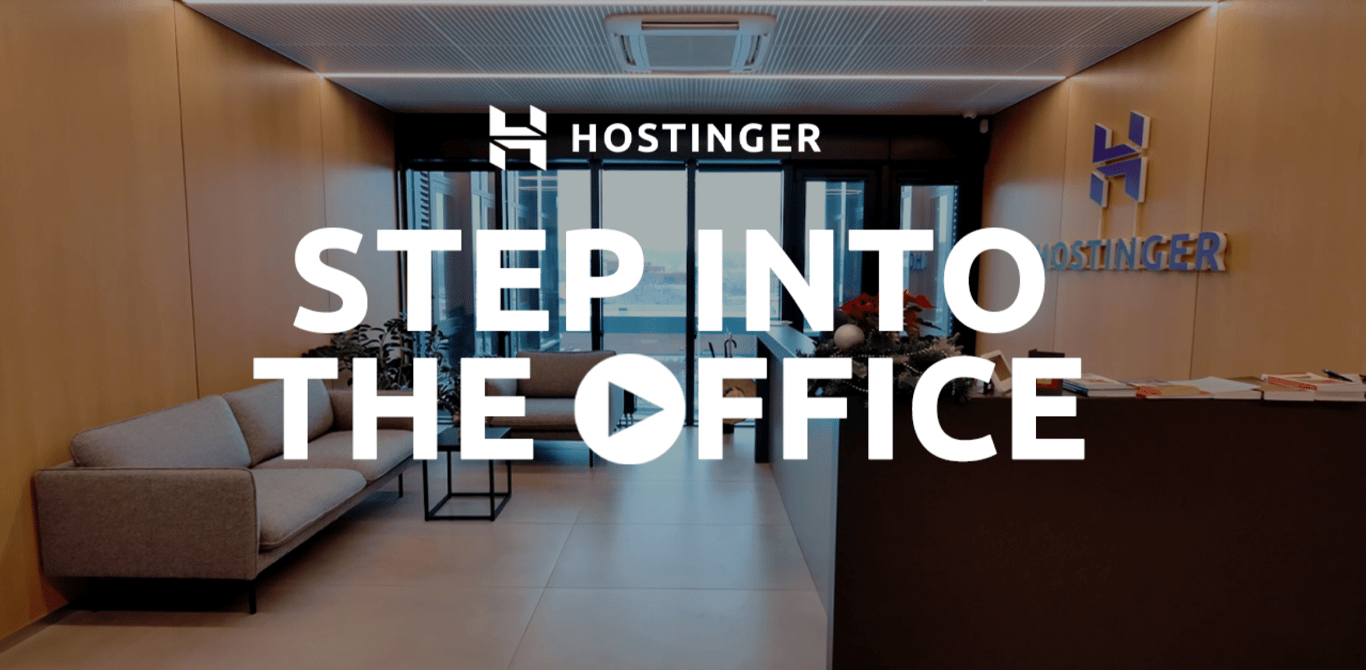](https://video.eko.com/v/Vo1o8x)
### We care about your privacy
This website uses cookies that are needed for the site to work properly and to get data on how you interact with it, as well as for marketing purposes. By accepting, you agree to the use of cookies for ads and analytics as described in our [Cookie policy](https://www.hostinger.com/legal/cookie-policy). You can change your cookie settings or use Opt out anytime.
Got it
Opt out
Cookie settings
## Reliable Web Hosting

Rating:
**4.8/5**
**1,237**
inceleme

Rating:
**4.6/5**
**2,432**
inceleme

Rating:
**4.7**
**874**
inceleme
## Mükemmel Planınızı Seçin
Şüpheniz kalmasın. 30 gün içinde para iade garantimiz sayesinde risksiz olduğu anlamına gelir.
Single
Yeni başlayanlar için ideal
₺ 206,99%76 İNDİRİM
₺ 49,99 /ay
0 ay ÜCRETSİZ
Plan Seçin
₺103,99/ay ücretine 4 yıllık yenilenir. İstediğiniz zaman iptal edebilirsiniz.
**1** Site
WordPress için Yönetimli Hosting
**10 GB** SSD Disk alanı
Hostinger Site Kurucu
**Ücretsiz** domain (₺338,99 değerinde)
**Ücretsiz** otomatik site taşıma
**1 posta kutusu** \- 1 yıl boyunca ücretsiz
**Sınırsız ücretsiz** SSL
**Haftalık** Yedekler
**WooCommerce**
**Ücretsiz** CDN
Özel IP Adresi
**Öncelikli** Destek
Tüm özelliklere göz atın
En Popüler
Premium
Kişisel web siteleri için kusursuz paket
₺ 269,99%70 İNDİRİM
₺ 79,99 /ay
+3 ay ücretsiz
Plan Seçin
₺159,99/ay ücretine 4 yıllık yenilenir. İstediğiniz zaman iptal edebilirsiniz.
**25** Site
WordPress için Yönetimli Hosting
**25 GB** SSD Disk alanı
Hostinger Site Kurucu
**Ücretsiz** domain (₺338,99 değerinde)
**Ücretsiz** otomatik site taşıma
**50 posta kutuları** \- 1 yıl boyunca ücretsiz
**Sınırsız ücretsiz** SSL
**Haftalık** Yedekler
**Starter** WooCommerce
**Ücretsiz** CDN
Özel IP Adresi
**Öncelikli** Destek
Tüm özelliklere göz atın
Business
Daha fazla güç ve gelişmiş özelliklerle seviye atlayın
₺ 379,99%66 İNDİRİM
₺ 129,99 /ay
+3 ay ücretsiz
Plan Seçin
₺269,99/ay ücretine 4 yıllık yenilenir. İstediğiniz zaman iptal edebilirsiniz.
**50** Site
WordPress için Yönetimli Hosting
**50 GB** NVMe Depolama
Hostinger Site Kurucu
**Ücretsiz** domain (₺338,99 değerinde)
**Ücretsiz** otomatik site taşıma
**100 posta kutuları** \- 1 yıl boyunca ücretsiz
**Sınırsız ücretsiz** SSL
**Günlük** Yedekler (₺983,88)
**Basic** WooCommerce
**Ücretsiz** CDN
Özel IP Adresi
**Öncelikli** Destek
Tüm özelliklere göz atın
Cloud Startup
Optimize edilmiş performansın ve güçlü kaynakların avantajından faydalanın.
₺ 963,99%71 İNDİRİM
₺ 275,99 /ay
+3 ay ücretsiz
Plan Seçin
₺687,99/ay ücretine 4 yıllık yenilenir. İstediğiniz zaman iptal edebilirsiniz.
**100** Site
WordPress için Yönetimli Hosting
**100 GB** NVMe Depolama
Hostinger Site Kurucu
**Ücretsiz** domain (₺338,99 değerinde)
**Ücretsiz** otomatik site taşıma
**200 posta kutuları** \- 1 yıl boyunca ücretsiz
**Sınırsız ücretsiz** SSL
**Günlük** Yedekler (₺983,88)
**Standard** WooCommerce
**Ücretsiz** CDN
Özel IP Adresi
**Öncelikli** Destek
Tüm özelliklere göz atın
Ödeme Şartları
## İnternet başarınız burada başlıyor
Fikrinizi çevrimiçi ortamda büyütmek için geniş ürün ve hizmet yelpazesinden seçim yapın.
Önerilir
Bir web sitesi oluştur
Hosting
Alan adları ve e-posta
Hostinger Horizons
## Fikrinizi gerçeğe dönüştürün
Hiçbir kod yazmadan dakikalar içinde tam yığın web uygulamaları, araçlar ve yazılımlar oluşturup yayınlayın.
[Hemen başla](https://www.hostinger.com/tr/horizons)

ÜCRETSİZ SİTE TAŞIMA
## Web hosting
Eşsiz web sitesi performansı, yüksek hızlı hosting ve güvenebileceğiniz güvenlik elde edin. Büyümeniz hedefimizdir.
[Başlat ve ölçeklendir](https://www.hostinger.com/tr/hosting)

[**İşletmenizin öne çıkmasına yardımcı olacak bir alan adı bulun**\\
\\
](https://www.hostinger.com/tr/domain-sorgulama)
## Kolay site taşıma.
Şu anda web sitenizi başka bir yerde mi barındırıyorsunuz? Hostinger'da hızlı, güvenli ve güvenilir web hosting hizmetinin kolaylığından faydalanan 3+ milyon web sitesi sahibine katılın. Siteniz her zaman çalışır durumda kalırken uzman ekibimiz her şeyi halledecektir. Bu doğru, kesinti yok. Veri kaybı yok. Sorun yok.
3 basit adım
Sadece planınızı seçin, taşıma talep formunu doldurun, gönderin ve arkanıza yaslanıp rahatlayın.
Hızlı ve güvenli
Web sitelerinin %95'i 20 dakikanın altında bir sürede taşınır. Diğer %5'i ise sektör ortalamasından daha hızlıdır. En önemlisi de siteniz de tüm bu süre boyunca erişilebilirdir.
Ücretsiz
Taşınacak ister 1 ister 100 siteniz olsun, tüm planlarımızda taşıma ücretsizdir.
[Başla](https://www.hostinger.com/tr#pricing)

Hostingi, alan adı ve SSL sertifikasını **tek bir yerden yönetebildim**, bu özellik sahiden rahatlatıcıydı.
[Tam öyküyü oku](https://www.hostinger.com/blog/gate-foot-forge)
Owen Phillips
gatefootforge.co.uk

Hostinger'a geçmek **şimdiye kadar verdiğim en iyi karardı**.
Gabrielle Scarlett
gabriellescarlett.com

Destek sağlarken, mühendislerimize **Hostinger'ı dürüstçe kıyas noktası olarak gösteriyoruz**.
[Tam öyküyü oku](https://www.hostinger.com/blog/climbingvan)
Charlie Low and Dale Comely
nohma.com

Basit Kontrol Paneli
## Her şeyi görün. Her şeyi kontrol edin.
Kullanımı kolay kontrol panelimizle sizin için önemli olan her şeye göz kulak olun.
Yeni başlayanlar ve profesyoneller için kullanımı kolay olacak şekilde tasarlanmıştır, sitenizin nasıl performans gösterdiğini bir bakışta görebilir ve diğer şeylerin yanı sıra ayarlamalar yapabilirsiniz.
## Hız. Güvenilirlik. Verimlilik.
Güvenebileceğiniz birinci sınıf performansın keyfini çıkarın ve web sitenizin ziyaretçilerine sorunsuz bir deneyim yaşatın.
Yerel veri merkezleri.
Dünya çapında.
Dünyanın neresinde olursanız olun, siteniz otomatik olarak küresel ağımızdaki en yakın veri merkezine bağlanacaktır. Ekstra maliyet olmadan ekstra verimlilik sunuyoruz.
Tam yol ileri.
Trafik ne kadar yoğun olursa olsun.
Site trafiğiniz ne kadar artarsa artsın, daha düşük yanıt sürelerinden ve yüksek sayfa yükleme hızlarından yararlanın.
Canlı ve güçlü.
7/24.
Gece gündüz demeden siteniz harıl harıl çalışır. 99,9 çalışma süresi garantimiz, web sitenizin her zaman kullanılabilirdir.
## Tam güvenlik. Tam güven.
Düzenli otomatik yedeklemeler ve iki faktörlü kimlik doğrulama ile dosyalarınızı güvence altına alın
Sınırsız SSL güvenlik sertifikası ile web sitenizin trafiğini şifreleyin
Cloudflare korumalı ad sunucuları ile DDoS saldırılarına karşı tam korumanın keyfini çıkarın
[Hemen başla](https://www.hostinger.com/tr#pricing)

## Dünya çapında 3+ milyon web sitesi sahibi bize güveniyor

Charlie Low
Nohma'ın Kurucu Ortağı
Hostinger ile çalışmaya başladığımızdan beri her şey inanılmaz. Gerçekten hiç sorun yaşamadık ve sorun olsa bile müşteri hizmetleri harika.
[Tam öyküyü oku](https://www.hostinger.com/blog/climbingvan)

Jack Bies
Yaratıcı yönetmen
Hostinger'ın Müşteri Başarı ekibi sorunumu anlamak için ellerinden geleni yapıyor.
[Tam öyküyü oku](https://www.hostinger.com/blog/jack-bies-shared-hosting-success-story)

Jhon Ortega
Girişimci
Yeni başlayanlar göre, sezgisel ve iyi performans için çok iyi yapılandırılmış bir hosting şirketi arıyordum.
[Tam öyküyü oku](https://www.hostinger.com/blog/how-jhon-scaled-his-minecraft-business)
[Daha fazla müşteri hikayesine göz at](https://www.hostinger.com/blog/client-stories)
## 7/24 yardıma hazırız
Canlı sohbet ve e-posta yoluyla ihtiyaç duyduğunuzda uzman desteğine erişin
Uzmanlarımız 10'dan fazla dili akıcı konuşmaktadır, iletişimin sorunsuz olacağından emin olabilirsiniz
Beklemek için daha az zaman harcayın, hızlı destek ekibimiz genellikle 2 dakikadan kısa sürede yanıt verir

## Planınızda %70 oranına varan tasarruf edin + ücretsiz alan adı alın
Riske girmeyin. 30 gün para iade garantisi sunuyoruz.
[Hemen başla](https://www.hostinger.com/tr#pricing)
## Hostinger Blog Insights
[Blog](https://www.hostinger.com/blog)
[Horizons NEW](https://www.hostinger.com/horizons)
Hosting
VPS
Email
Domain
[Log In](https://www.hostinger.com/cpanel-login)
_menu_
- [Clients](https://www.hostinger.com/blog/client-stories)
- [Product Updates](https://www.hostinger.com/blog/product-updates)
- [Daily Life](https://www.hostinger.com/blog/daily-life)
- [News](https://www.hostinger.com/blog/news)
- [WordPress](https://www.hostinger.com/blog/wordpress)
- [Engineering](https://www.hostinger.com/blog/engineering)
- [Insights](https://www.hostinger.com/blog/insights)
_search_
- [Clients](https://www.hostinger.com/blog/client-stories)
- [Product Updates](https://www.hostinger.com/blog/product-updates)
- [Daily Life](https://www.hostinger.com/blog/daily-life)
- [News](https://www.hostinger.com/blog/news)
- [WordPress](https://www.hostinger.com/blog/wordpress)
- [Engineering](https://www.hostinger.com/blog/engineering)
- [Insights](https://www.hostinger.com/blog/insights)
Topics
_menu_
_search_
_close_
[](https://www.hostinger.com/blog/website-competition-hostinger-horizons)
Featured story
### [Win $1,000 cash: demonstrate your Hostinger Horizons website](https://www.hostinger.com/blog/website-competition-hostinger-horizons)
Ready to turn your web development dreams into reality? Hostinger invites you to join the Hostinger Horizons showcase competition and show the world what you can build online. Thi…

Karolis Baranauskas
Apr 09, 2025
## Top stories
[](https://www.hostinger.com/blog/website-competition-hostinger-horizons)
09 Apr •
[Product Updates](https://www.hostinger.com/blog/product-updates)•
•
2min
##### [Win $1,000 cash: demonstrate your Hostinger Horizons website](https://www.hostinger.com/blog/website-competition-hostinger-horizons)
Ready to turn your web development dreams into reality? Hostinger invites you to join the Hostinger Horizons showcase competition and show the world what you can build online. Thi…
[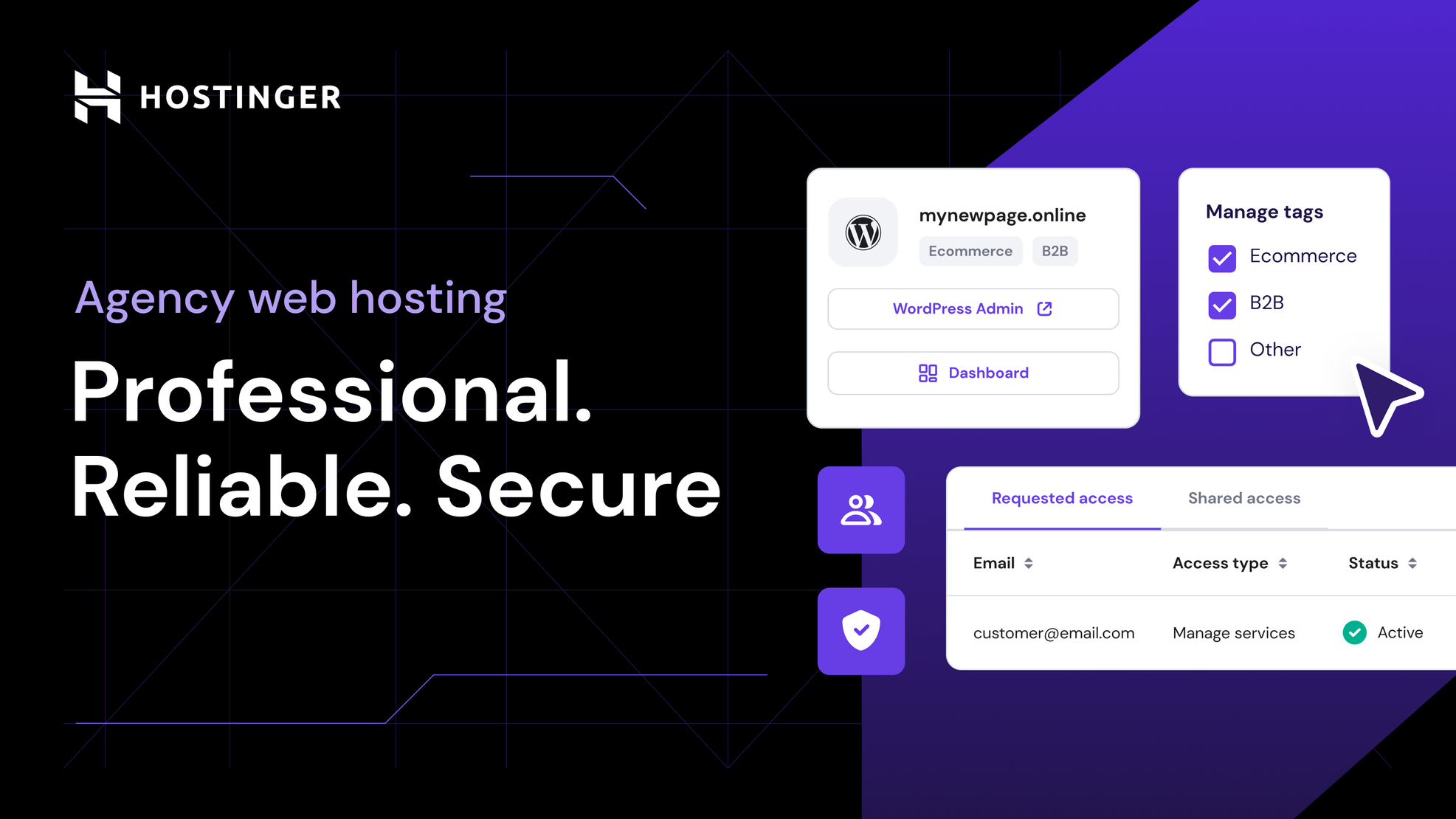](https://www.hostinger.com/blog/new-agency-hosting-plans)
01 Apr •
[Product Updates](https://www.hostinger.com/blog/product-updates)•
•
1min
##### [New Agency hosting plans for enhanced security, control, and performance](https://www.hostinger.com/blog/new-agency-hosting-plans)
If you’re a freelancer, developer, or agency building websites for clients, you need more than just reliable hosting. Our new Agency hosting plans are packed with features and, fo…
[](https://www.hostinger.com/blog/deliver-results-principles)
20 Mar •
[Daily Life](https://www.hostinger.com/blog/daily-life)•
•
4min
##### [10 principles of Hostinger: The key to building a result-driven mindset](https://www.hostinger.com/blog/deliver-results-principles)
You can often hear that the important thing is not to win but to participate. The most important thing is neither winning nor participating – it is giving your best to go the extr…
## Clients
Discover the stories of real-life heroes that took their dreams and ideas online with Hostinger.
[](https://www.hostinger.com/blog/wakamegirl)
30 Jan •
[Client Stories](https://www.hostinger.com/blog/client-stories)• [Customer Spotlight](https://www.hostinger.com/blog/client-stories/customer-spotlight)•
•
5min
##### [Wakame Girl: The taste of seaweed-selling success](https://www.hostinger.com/blog/wakamegirl)
Did you know Japanese seaweed (AKA wakame) is one of nature’s most powerful health ingredients? Darcy Recio, Founder of Wakame Girl, harnessed these powers to create tasty wakame …
[](https://www.hostinger.com/blog/bookwise-a-love-of-books-technology-and-simplicity)
13 Dec •
[Uncategorized](https://www.hostinger.com/blog/uncategorized)• [Client Stories](https://www.hostinger.com/blog/client-stories)• [Customer Spotlight](https://www.hostinger.com/blog/client-stories/customer-spotlight)•
•
4min
##### [Bookwise: A love of books, technology, and simplicity](https://www.hostinger.com/blog/bookwise-a-love-of-books-technology-and-simplicity)
Richard loves reading, technology, and simplicity.
Richard does not love complexity, eBooks, or servers that stumble.
So, when he set out to make reading online …
[](https://www.hostinger.com/blog/be-mag)
12 Sep •
[Client Stories](https://www.hostinger.com/blog/client-stories)• [Customer Spotlight](https://www.hostinger.com/blog/client-stories/customer-spotlight)•
•
4min
##### [Be-Mag: Reinventing the wheel, one spin at a time](https://www.hostinger.com/blog/be-mag)
Be-Mag is a rollerblading magazine founded in 1996 – one of the longest-running media companies in its niche. What started as a humble email newsletter evolved into a printed maga…
[View all](https://www.hostinger.com/blog/client-stories)
## WordPress
We bring you fresh news about WordPress trends, releases and features.
[](https://www.hostinger.com/blog/wordpress-6-7)
08 Nov •
[WordPress](https://www.hostinger.com/blog/wordpress)•
•
5min
##### [5 hot changes coming to WordPress 6.7](https://www.hostinger.com/blog/wordpress-6-7)
On November 12, WordPress is slated to release its third and final major update of the year with WordPress 6.7. As with all major releases, you can expect new and improved feature…
[](https://www.hostinger.com/blog/nilo-velez)
02 Oct •
[WordPress](https://www.hostinger.com/blog/wordpress)•
•
6min
##### [Nilo Velez: Making, nurturing, and capturing memories](https://www.hostinger.com/blog/nilo-velez)
With over two decades of experience in creating websites, WordPress has become an integral part of Nilo Velez’s professional and personal life.
Originally from Madrid but now b…
[](https://www.hostinger.com/blog/david-perez)
17 Sep •
[WordPress](https://www.hostinger.com/blog/wordpress)•
•
5min
##### [David Pérez: Ensuring plugins security, encouraging growth](https://www.hostinger.com/blog/david-perez)
For David Pérez, technology makes businesses work smarter and get better results. This belief led him to become who he is now: the Chief Technology Officer at a marketing agency a…
[View all](https://www.hostinger.com/blog/wordpress)
## Engineering
For those interested in the technical know-how, the engineering, technology, and tools used behind the Hostinger stage.
[](https://www.hostinger.com/blog/scaling-wordpress-with-kubernetes)
04 Feb •
[Engineering](https://www.hostinger.com/blog/engineering)•
•
6min
##### [Building a WordPress powerhouse: Utilizing Kubernetes for reliable, cloud-native scaling](https://www.hostinger.com/blog/scaling-wordpress-with-kubernetes)
For developers and engineers alike, WordPress is an excellent solution for building a versatile website that end-users can easily operate, maintain, and manage.
At Hostinger, w…
[](https://www.hostinger.com/blog/fireactions)
05 Dec •
[Engineering](https://www.hostinger.com/blog/engineering)•
•
3min
##### [Introducing Fireactions: Self-host your GitHub runners without a sweat](https://www.hostinger.com/blog/fireactions)
Scaling and boosting GitHub Actions runners is a must for those with high Continuous Integration / Continuous Deployment (CI/CD) workloads. Self-hosting the runners is a great sol…
[](https://www.hostinger.com/blog/building-kodee)
18 Sep •
[Engineering](https://www.hostinger.com/blog/engineering)•
•
15min
##### [How we built one of the most advanced LLM-based chat assistants: Lessons learned and tips](https://www.hostinger.com/blog/building-kodee)
The best thing about artificial intelligence (AI) technology is that it can handle simple, monotonous tasks, while you can focus on more important projects.
With this in mind, …
[View all](https://www.hostinger.com/blog/engineering)
## Daily Life
Get an exclusive look into the daily lives of Hostigerians — success stories, partnerships, the10 principles that guide us and more.
[](https://www.hostinger.com/blog/deliver-results-principles)
20 Mar •
[Daily Life](https://www.hostinger.com/blog/daily-life)•
•
4min
##### [10 principles of Hostinger: The key to building a result-driven mindset](https://www.hostinger.com/blog/deliver-results-principles)
You can often hear that the important thing is not to win but to participate. The most important thing is neither winning nor participating – it is giving your best to go the extr…
[](https://www.hostinger.com/blog/turn-passion-into-career)
17 Mar •
[Daily Life](https://www.hostinger.com/blog/daily-life)•
•
6min
##### [Marco Chiesi: How to turn your passion into a 20-year career in web development](https://www.hostinger.com/blog/turn-passion-into-career)
One of the biggest advantages of working in a leading global company is that you are rarely the smartest person in the room. Nearly every room you walk into is filled with people …
[](https://www.hostinger.com/blog/courage-candidness-principles)
13 Mar •
[Daily Life](https://www.hostinger.com/blog/daily-life)•
•
4min
##### [Ten principles of Hostinger: Why courage matters more than comfort?](https://www.hostinger.com/blog/courage-candidness-principles)
We are often taught to avoid questioning the status quo, stay in our lane, and go with the flow. However, leaving this comfort zone is crucial to encourage open communication and …
[View all](https://www.hostinger.com/blog/daily-life)
## All stories
Learn the latest Hostinger and hosting industry releases, trends and noteworthy news.
[**Win $1,000 cash: demonstrate your Hostinger Horizons website**\\
\\
Product Updates \\
\\
\\
Ready to turn your web development dreams into reality? Hostinger invites you to join the Hostinger Horizons showcase competition and show the world what you can build online. Thi… \\
\\
\\
\\
1468\\
\\
\\
\\
0\\
\\
Apr 09, 2025 \\
\\
By Karolis B.](https://www.hostinger.com/blog/website-competition-hostinger-horizons) [**The latest from Hostinger: 2025 product updates**\\
\\
Product Updates \\
\\
\\
Stay in the loop with our latest product updates. Explore new features and tools that make managing your website faster and easier. Check back every month for updates.\\
\\
Our 2024… \\
\\
\\
\\
1538\\
\\
\\
\\
2\\
\\
Apr 07, 2025 \\
\\
By Gediminas G.](https://www.hostinger.com/blog/product-updates-2025) [**Power up your VPS: Automate, scale, and take full control with Hostinger API**\\
\\
Product Updates \\
\\
\\
Gain enhanced server control, save time by automating repetitive tasks, connect your VPS to your favorite tools, and scale it effortlessly—this and more are possible now with Host… \\
\\
\\
\\
232\\
\\
\\
\\
0\\
\\
Apr 07, 2025 \\
\\
By Gediminas G.](https://www.hostinger.com/blog/hostinger-api) [**With Hostinger Website Builder, driving traffic to your website with Google Ads is now a breeze**\\
\\
Product Updates \\
\\
\\
The Google Ads App is now available to all Hostinger Website Builder clients. This embedded integration allows you to reach the right audience and get discovered across the web wi… \\
\\
\\
\\
439\\
\\
\\
\\
0\\
\\
Apr 02, 2025 \\
\\
By Gediminas G.](https://www.hostinger.com/blog/google-ads-app) [**New Agency hosting plans for enhanced security, control, and performance**\\
\\
Product Updates \\
\\
\\
If you’re a freelancer, developer, or agency building websites for clients, you need more than just reliable hosting. Our new Agency hosting plans are packed with features and, fo… \\
\\
\\
\\
510\\
\\
\\
\\
2\\
\\
Apr 01, 2025 \\
\\
By Gediminas G.](https://www.hostinger.com/blog/new-agency-hosting-plans) [**Hostinger Horizons: Connect your web app to Supabase in just a few clicks**\\
\\
Product Updates \\
\\
\\
Unlock the full potential of your web app by adding user logins, saving and updating data online, or offering personalized content. With our new Supabase integration in Hostinger … \\
\\
\\
\\
3843\\
\\
\\
\\
0\\
\\
Mar 31, 2025 \\
\\
By Gediminas G.](https://www.hostinger.com/blog/hostinger-horizons-supabase) [**A growing link: Website creation and small business success across the U.S.**\\
\\
Insights \\
\\
\\
The core American idea of transforming yourself into a business owner and holding the power of your professional destiny in your hands is currently closely linked to digital asset… \\
\\
\\
\\
604\\
\\
\\
\\
0\\
\\
Mar 20, 2025 \\
\\
By Ricardo](https://www.hostinger.com/blog/us-small-business-data) [**10 principles of Hostinger: The key to building a result-driven mindset**\\
\\
Daily Life \\
\\
\\
You can often hear that the important thing is not to win but to participate. The most important thing is neither winning nor participating – it is giving your best to go the extr… \\
\\
\\
\\
1091\\
\\
\\
\\
0\\
\\
Mar 20, 2025 \\
\\
By Rafael H.](https://www.hostinger.com/blog/deliver-results-principles) [**Marco Chiesi: How to turn your passion into a 20-year career in web development**\\
\\
Daily Life \\
\\
\\
One of the biggest advantages of working in a leading global company is that you are rarely the smartest person in the room. Nearly every room you walk into is filled with people … \\
\\
\\
\\
1101\\
\\
\\
\\
0\\
\\
Mar 17, 2025 \\
\\
By Monika D.](https://www.hostinger.com/blog/turn-passion-into-career)
1 [2](https://www.hostinger.com/blog/page/2?_gl=1%2Ahdxuy7%2A_gcl_au%2AMTE5NDEyOTI1My4xNzQ0NjI5MjYw%2A_ga%2AMTQ4NTE2MTMzMi4xNzQ0NjI5MjYx%2A_ga_73N1QWLEMH%2AMTc0NDYyOTI2MC4xLjAuMTc0NDYyOTI2NS41NS4wLjE0NDQ3NTEzMTY.&_ga=2.252239881.1083907253.1744629262-1485161332.1744629261) [3](https://www.hostinger.com/blog/page/3?_gl=1%2Ahdxuy7%2A_gcl_au%2AMTE5NDEyOTI1My4xNzQ0NjI5MjYw%2A_ga%2AMTQ4NTE2MTMzMi4xNzQ0NjI5MjYx%2A_ga_73N1QWLEMH%2AMTc0NDYyOTI2MC4xLjAuMTc0NDYyOTI2NS41NS4wLjE0NDQ3NTEzMTY.&_ga=2.252239881.1083907253.1744629262-1485161332.1744629261) [4](https://www.hostinger.com/blog/page/4?_gl=1%2Ahdxuy7%2A_gcl_au%2AMTE5NDEyOTI1My4xNzQ0NjI5MjYw%2A_ga%2AMTQ4NTE2MTMzMi4xNzQ0NjI5MjYx%2A_ga_73N1QWLEMH%2AMTc0NDYyOTI2MC4xLjAuMTc0NDYyOTI2NS41NS4wLjE0NDQ3NTEzMTY.&_ga=2.252239881.1083907253.1744629262-1485161332.1744629261)… [38](https://www.hostinger.com/blog/page/38?_gl=1%2Ahdxuy7%2A_gcl_au%2AMTE5NDEyOTI1My4xNzQ0NjI5MjYw%2A_ga%2AMTQ4NTE2MTMzMi4xNzQ0NjI5MjYx%2A_ga_73N1QWLEMH%2AMTc0NDYyOTI2MC4xLjAuMTc0NDYyOTI2NS41NS4wLjE0NDQ3NTEzMTY.&_ga=2.252239881.1083907253.1744629262-1485161332.1744629261) [>](https://www.hostinger.com/blog/page/2?_gl=1%2Ahdxuy7%2A_gcl_au%2AMTE5NDEyOTI1My4xNzQ0NjI5MjYw%2A_ga%2AMTQ4NTE2MTMzMi4xNzQ0NjI5MjYx%2A_ga_73N1QWLEMH%2AMTc0NDYyOTI2MC4xLjAuMTc0NDYyOTI2NS41NS4wLjE0NDQ3NTEzMTY.&_ga=2.252239881.1083907253.1744629262-1485161332.1744629261)
## **Become a part of Hostinger now!**
[Get Started](https://www.hostinger.com/career)
[Share This](https://x.com/intent/tweet?via=%username%&url=%url%&text=%prefix%%text%%suffix%&hashtags=%hashtags%)
### Share on Mastodon
Enter your Mastodon instance URL (optional)Share
## Web Hosting Solutions
Recomendado por **WordPress.org**

Puntaje:
**4.8/5**
**1,237**
opiniones

Puntaje:
**4.6/5**
**2,432**
opiniones

Puntaje:
**4.7**
**874**
opiniones
## Elegí el plan ideal para vos
Podés probar con total tranquilidad. Si cambiás de idea, tenemos garantía de reembolso de 30 días.
Single
Solución ideal para principiantes
AR$ 8.999AHORRÁ UN 78%
AR$ 1.999 /mes
0 meses gratis
Elegir plan
Se renueva a AR$ 4.999/mes por 4 años. Cancelá cuando quieras.
**1** sitio web
Hosting para WordPress administrado
**10 GB** de SSD
Creador de sitios web de Hostinger
Dominio **gratis** (precio normal: AR$ 17.699)
Migración web automática **gratis**
**1 casilla** gratis por 1 año
SSL **gratis e ilimitado**
Copias de seguridad de frecuencia **semanal**
**WooCommerce**
CDN **gratis**
Dirección IP dedicada
Asistencia **prioritaria**
Ver todas las características
Más vendido
Premium
Todo lo que necesitás para crear tu sitio web
AR$ 13.699AHORRÁ UN 72%
AR$ 3.899 /mes
+3 meses GRATIS
Elegir plan
Se renueva a AR$ 7.999/mes por 4 años. Cancelá cuando quieras.
**25** sitios web
Hosting para WordPress administrado
**25 GB** de SSD
Creador de sitios web de Hostinger
Dominio **gratis** (precio normal: AR$ 17.699)
Migración web automática **gratis**
**50 casillas** gratis por 1 año
SSL **gratis e ilimitado**
Copias de seguridad de frecuencia **semanal**
WooCommerce **Starter**
CDN **gratis**
Dirección IP dedicada
Asistencia **prioritaria**
Ver todas las características
Business
Más potencia y funciones mejoradas
AR$ 19.399AHORRÁ UN 72%
AR$ 5.399 /mes
+3 meses GRATIS
Elegir plan
Se renueva a AR$ 13.999/mes por 4 años. Cancelá cuando quieras.
**50** sitios web
Hosting para WordPress administrado
**50 GB** de NVMe
Creador de sitios web de Hostinger
Dominio **gratis** (precio normal: AR$ 17.699)
Migración web automática **gratis**
**100 casillas** gratis por 1 año
SSL **gratis e ilimitado**
Copias de seguridad **diarias** (AR$ 44.388)
WooCommerce **básico**
CDN **gratis**
Dirección IP dedicada
Asistencia **prioritaria**
Ver todas las características
Cloud Startup
Rendimiento optimizado y recursos potentes
AR$ 38.699AHORRÁ UN 71%
AR$ 11.099 /mes
+3 meses GRATIS
Elegir plan
Se renueva a AR$ 27.699/mes por 4 años. Cancelá cuando quieras.
**100** sitios web
Hosting para WordPress administrado
**100 GB** de NVMe
Creador de sitios web de Hostinger
Dominio **gratis** (precio normal: AR$ 17.699)
Migración web automática **gratis**
**200 casillas** gratis por 1 año
SSL **gratis e ilimitado**
Copias de seguridad **diarias** (AR$ 44.388)
WooCommerce **Standard**
CDN **gratis**
Dirección IP dedicada
Asistencia **prioritaria**
Ver todas las características
Términos de pago
El pago se puede realizar en hasta 12 cuotas

## Tu éxito online comienza acá
Elegí entre una amplia variedad de productos y servicios para llevar tu proyecto a internet.
Recomendado
Creá un sitio web
Hosting
Dominios & emails
Hostinger Horizons
## Hacé tu idea realidad
Creá y publicá apps web, herramientas y software en minutos, sin necesidad de saber programar.
[Empezar ahora](https://www.hostinger.com/ar/horizons)

migración de sitios web gratis
## Hosting web
Rendimiento web insuperable, hosting rápido y la seguridad que necesitás. Tu crecimiento es nuestra prioridad.
[Empezá y escalá](https://www.hostinger.com/ar/hosting-web)

[**Elegí un dominio que te ayude a destacarte**\\
\\
](https://www.hostinger.com/ar/dominios)
## Migración de sitios web simplificada
¿Actualmente alojás tu sitio con otro proveedor? Unite a los más de 3 millones de propietarios de webs que accedieron a un hosting rápido, seguro y confiable aquí en Hostinger. Nuestro equipo de expertos se puede encargar de la migración mientras tu sitio permanece en funcionamiento en todo momento. Sí, leíste bien: sin tiempo de inactividad, sin pérdida de datos y sin problemas.
3 simples pasos
Solo tenés que elegir tu plan, completar el formulario de solicitud de migración y enviarlo. Eso es todo.
Rápido y seguro
El 95% de las webs migran en menos de 20 minutos. El 5% restante, más rápido que el promedio del sector ¡Y tu sitio web permanece activo todo el tiempo!
Gratis
No importa si tenés una web o 100, migrarlas a Hostinger es gratis con todos nuestros planes.
[Empezar](https://www.hostinger.com/ar#pricing)

Pude **administrar** el hosting, el nombre de dominio y el certificado SSL **en un solo lugar**, lo que fue realmente novedoso.
[Leer la historia completa](https://www.hostinger.com/blog/gate-foot-forge)
Owen Phillips
gatefootforge.co.uk

Migrar a Hostinger fue **la mejor decisión** que tomé.
Gabrielle Scarlett
gabriellescarlett.com

Honestamente, tomamos como referencia a **Hostinger** para nuestros ingenieros a la hora de brindar soporte.
[Leer la historia completa](https://www.hostinger.com/blog/climbingvan)
Charlie Low and Dale Comely
nohma.com

Panel de control fácil de usar
## Visualizá todo. Controlá todo.
Mantenete al tanto de todo gracias a nuestro panel de control.
Está diseñado para ser intuitivo y sencillo para principiantes y profesionales. Te permite ver rápidamente cómo está funcionando tu sitio y hacer ajustes, entre otras cosas.
## Rapidez. Confiabilidad. Eficiencia.
El más alto rendimiento y la mejor experiencia de usuario para tu audiencia.
Centros de datos locales.
En todo el mundo.
Tu sitio se va a conectar automáticamente al centro de datos más cercano en nuestra red global para mayor eficiencia.
Velocidad máxima.
Sea cual sea el tráfico.
Menos tiempo de respuesta y carga rápida de páginas incluso durante los picos de tráfico.
En vivo.
24/7.
Gracias a nuestra garantía de uptime del 99,9%, tu sitio web va a estar trabajando día y noche.
## Seguridad completa. Confianza total.
Protegé tus archivos con copias de seguridad automáticas y doble factor de autenticación
Encriptá el tráfico de tu web con certificados SSL ilimitados
Obtené seguridad total contra ataques DDoS gracias a nameservers protegidos por Cloudflare
[Empezar](https://www.hostinger.com/ar#pricing)

## Más de 3 millones de dueños de webs en todo el mundo confían en nosotros

Charlie Low
Co-fundadora de Nohma
Desde que trabajamos con Hostinger, todo ha sido fantástico. Nunca hemos tenido ningún problema y, si alguna vez tuvimos alguna pregunta, su servicio de atención al cliente es increíble.
[Leer la historia completa](https://www.hostinger.com/blog/climbingvan)

Jack Bies
Director creativo
El equipo de Éxito del cliente de Hostinger supera las expectativas al entender mi problema.
[Leer la historia completa](https://www.hostinger.com/blog/jack-bies-shared-hosting-success-story)

Jhon Ortega
Emprendedor
Estaba buscando una empresa de hosting que fuera intuitiva para principiantes y bien configurada para un buen rendimiento.
[Leer la historia completa](https://www.hostinger.com/blog/how-jhon-scaled-his-minecraft-business)
[Ver más historias de clientes](https://www.hostinger.com/es/blog/historias-de-clientes)
## Listos para ayudarte 24/7
Accedé a soporte especializado y en español siempre que lo necesites, por chat o email
Contamos con especialistas multilingües para garantizarte una comunicación fluida en tu mismo idioma
Olvidate de perder tiempo esperando: nuestro equipo suele responder en menos de 2 minutos

## Ahorrá hasta un 72% en tu plan y llevate un dominio gratis
Probalo ahora, sin riesgos, con garantía de reembolso de 30 días.
[Empezar](https://www.hostinger.com/ar#pricing)
## Hostinger Web Hosting

Rating:
**4.8/5**
**1,237**
reviews

Rating:
**4.6/5**
**2,432**
reviews

Rating:
**4.7**
**874**
reviews
## Válassza ki a tökéletes csomagot
Vágjon bele maximális bizalommal. 30 napos pénzvisszafizetési garanciánknak köszönhetően kockázatmentesen próbálhatja ki.
Premium
Ideális bloghoz és magán weboldalhoz
4 839 Ft75% KEDVEZMÉNY
1 209 Ft /hó
\*48 hónapra megrendelve; az áfát nem tartalmazza
+3 hónap INGYEN
Válasszon csomagot
2 419 Ft/hó áron újul meg 4 évre. Bármikor lemondhatja.
**25** webhely
Felügyelt WordPress tárhely
**25 GB** SSD tárhely
Hostinger Webhelyszerkesztő
**Ingyenes** domain (4 029 Ft érték)
**Ingyenes** automatikus webhelymigráció
**50 postafiók** – 1 évig ingyen
**Korlátlan ingyenes** SSL
**Heti** biztonsági mentések
**Starter** WooCommerce
**Ingyenes** CDN
Dedikált IP-cím
**Kiemelt** ügyféltámogatás
Összes funkció megtekintése
Legnépszerűbb
Business
Szintlépés nagyobb teljesítménnyel és továbbfejlesztett funkciókkal
6 049 Ft73% KEDVEZMÉNY
1 609 Ft /hó
\*48 hónapra megrendelve; az áfát nem tartalmazza
+3 hónap INGYEN
Válasszon csomagot
3 229 Ft/hó áron újul meg 4 évre. Bármikor lemondhatja.
**50** webhely
Felügyelt WordPress tárhely
**50 GB** NVMe tárhely
Hostinger Webhelyszerkesztő
**Ingyenes** domain (4 029 Ft érték)
**Ingyenes** automatikus webhelymigráció
**100 postafiók** – 1 évig ingyen
**Korlátlan ingyenes** SSL
**Napi** biztonsági mentések (9 708 Ft érték)
**Basic** WooCommerce
**Ingyenes** CDN
Dedikált IP-cím
**Kiemelt** ügyféltámogatás
Összes funkció megtekintése
Cloud Startup
Használja ki az optimalizált teljesítményt és a hatékony erőforrásokat.
10 489 Ft69% KEDVEZMÉNY
3 229 Ft /hó
\*48 hónapra megrendelve; az áfát nem tartalmazza
+3 hónap INGYEN
Válasszon csomagot
8 069 Ft/hó áron újul meg 4 évre. Bármikor lemondhatja.
**100** webhely
Felügyelt WordPress tárhely
**100 GB** NVMe tárhely
Hostinger Webhelyszerkesztő
**Ingyenes** domain (4 029 Ft érték)
**Ingyenes** automatikus webhelymigráció
**200 postafiók** – 1 évig ingyen
**Korlátlan ingyenes** SSL
**Napi** biztonsági mentések (9 708 Ft érték)
**Standard** WooCommerce
**Ingyenes** CDN
Dedikált IP-cím
**Kiemelt** ügyféltámogatás
Összes funkció megtekintése
Fizetési feltételek
## Online sikere itt kezdődik
Válasszon termékek és szolgáltatások tárházából ötlete online növeléséhez.
Ajánlott
Hozzon létre webhelyet
Tárhelyek
Domainek és e-mail
Hostinger Horizons
## Váltsa valóra az elképzeléseit
Készítsen és élesítsen webalkalmazásokat, eszközöket és szoftvereket percek alatt, kódolás nélkül.
[Vágjon bele most!](https://www.hostinger.com/hu/horizons)

ingyenes webhelyköltöztetés
## Webtárhely
Jusson páratlan webhelyteljesítményhez, nagy sebességű tárhelyhez és olyan biztonsághoz, amelyben megbízhat. A mi célunk az Ön növekedése.
[Kezdjen hozzá, majd növelje](https://www.hostinger.com/hu/webtarhely)

[**Találjon olyan domaint, amellyel vállalkozása kitűnik a tömegből**\\
\\
](https://www.hostinger.com/hu/domain-kereso)
## Weboldal-költöztetés, egyszerűen.
Jelenleg máshol tárolja webhelyét? Csatlakozzon a több mint 3 millió webhelytulajdonoshoz, akik már élvezik a gyors, biztonságos és megbízható webtárhelyet itt a Hostingernél. Szakértői csapatunk mindent elintéz, és webhelye közben folyamatosan működik. Így van – nincs leállás. Nincs adatvesztés. Nincs probléma.
3 egyszerű lépés
Egyszerűen válasszon csomagot, töltse ki a migráció kérelmezéséhez megadott űrlapot, küldje el, majd dőljön hátra és lazítson.
Gyors és biztonságos
A webhelyek 95%-át kevesebb mint 20 perc alatt áthozzuk. A fennmaradó 5% is gyorsabb, mint az iparági átlag. Ráadásul webhelye egész idő alatt aktív marad.
Ingyenes
Akár 1, akár 100 áttelepítendő webhelye van, a migráció minden csomagunkban ingyenes.
[Vágjon bele](https://www.hostinger.com/hu#pricing)

**Egy helyen** tudtam **kezelni** a tárhelyet, a domainnevet és az SSL-tanúsítványt, ami igazán üdítő volt.
[Olvassa el a teljes történetet](https://www.hostinger.com/blog/gate-foot-forge)
Owen Phillips
gatefootforge.co.uk

A Hostingerre való átállás volt **a legjobb döntés**, amit valaha hoztam.
Gabrielle Scarlett
gabriellescarlett.com

**A Hostinger a mércénk**, ha a mérnökeink támogatásáról van szó.
[Olvassa el a teljes történetet](https://www.hostinger.com/blog/climbingvan)
Charlie Low and Dale Comely
nohma.com

Felhasználóbarát irányítópult
## Maximális rálátás. Teljes körű irányítás.
Felhasználóbarát irányítópultunkkal szemmel tarthat mindent, ami fontos Önnek.
A kezdők és a profik számára egyaránt könnyen használhatóra terveztük, így például egy szempillantás alatt átláthatja, hogyan teljesít webhelye és módosíthatja is azt.
## Sebesség. Megbízhatóság. Hatékonyság.
Élvezze a tartósan kiváló teljesítményt, és biztosítson zökkenőmentes élményt webhelye látogatóinak.
Helyi adatközpontok.
Az egész világon.
Bárhol legyen is a világon, webhelye automatikusan csatlakozik globális hálózatunk legközelebbi adatközpontjához. Extra hatékonyság, extra költségek nélkül.
Teljes sebességgel előre.
A forgalomtól függetlenül.
Használja ki az alacsonyabb válaszidőt és a gyors oldalbetöltési sebességet, függetlenül attól, hogy milyen magasra ugrik webhelye forgalma.
Él és mozog,
éjjel-nappal.
Webhelye éjjel-nappal keményen dolgozik. 99,9%-os üzemidő garanciánk azt jelenti, hogy webhelye mindig elérhető.
## Teljes biztonság. Teljes bizalom.
Gondoskodjon fájljai biztonságáról rendszeres automatikus biztonsági mentésekkel és kétfaktoros hitelesítéssel;
Titkosítsa webhelye forgalmát korlátlan számú SSL biztonsági tanúsítvánnyal;
Élvezze a teljes körű védelmet a DDoS támadásokkal szemben, a Cloudflare által védett névszervereknek köszönhetően.
[Vágjon bele](https://www.hostinger.com/hu#pricing)

## Több mint 3 millió webhelytulajdonos bízza ránk magát világszerte

Charlie Low
A Nohma társalapítója
Amióta a Hostingernél vagyunk, minden szuper. Nem is igazán volt problémánk, és ha mégis kérdésünk van, remek az ügyfélszolgálatuk.
[Olvassa el a teljes történetet](https://www.hostinger.com/blog/climbingvan)

Jack Bies
Kreatívigazgató
A Hostinger Ügyfélsiker-csapata minden követ megmozgat, hogy megértse, mi a problémám.
[Olvassa el a teljes történetet](https://www.hostinger.com/blog/jack-bies-shared-hosting-success-story)

Jhon Ortega
Vállalkozó
Egy kezdők számára könnyen használható és nagy teljesítményhez konfigurált tárhelyszolgáltatót kerestem.
[Olvassa el a teljes történetet](https://www.hostinger.com/blog/how-jhon-scaled-his-minecraft-business)
[Olvasson még több visszajelzést ügyfeleinktől](https://www.hostinger.com/blog/client-stories)
## Nonstop segítségnyújtás
Élő chaten és e-mailen keresztül bármikor kérhet szakértői támogatást, amikor csak szüksége van rá
Munkatársaink 10-nél is több nyelvet beszélnek folyékonyan, így biztosan számíthat a gördülékeny kommunikációra.
Nálunk kevesebbet kell várakozni: gyors ügyfélszolgálati csapatunk általában 2 percen belül válaszol.

## Spóroljon akár 75%-ot előfizetésén, és ingyenes domaint kap
Próbálja ki kockázatmentesen a 30 napos pénzvisszafizetési garanciánknak köszönhetően.
[Vágjon bele](https://www.hostinger.com/hu#pricing)
## Hostinger Web Hosting
Recommended by **WordPress.org**
[Trustpilot](https://www.trustpilot.com/review/www.hostinger.com)

Rating:
**4.8/5**
**1,237**
reviews

Rating:
**4.6/5**
**2,432**
reviews

Rating:
**4.7**
**874**
reviews
## Pick your perfect plan
Get started in complete confidence. Our 30-day money-back guarantee means it's risk-free.
Single
Ideal solution for beginners.
₱ 279.00SAVE 82%
₱ 49.00 /mo
0 months free
Choose plan
Renews at ₱129.00/mo for 4 years. Cancel anytime.
**1** website
Managed hosting for WordPress
**10 GB** SSD storage
Hostinger Website Builder
**Free** domain (₱509.00 value)
**Free** automatic website migration
**1 mailbox** \- free for 1 year
**Unlimited free** SSL
**Weekly** backups
WooCommerce
**Free** CDN
Dedicated IP address
Priority support
See all features
MOST POPULAR
Premium
Everything you need to create your website.
₱ 409.00SAVE 73%
₱ 109.00 /mo
+3 months free
Choose plan
Renews at ₱169.00/mo for 4 years. Cancel anytime.
**25** websites
Managed hosting for WordPress
**25 GB** SSD storage
Hostinger Website Builder
**Free** domain (₱509.00 value)
**Free** automatic website migration
**50 mailboxes** \- free for 1 year
**Unlimited free** SSL
**Weekly** backups
**Starter** WooCommerce
**Free** CDN
Dedicated IP address
Priority support
See all features
Business
Level up with more power and enhanced features.
₱ 479.00SAVE 65%
₱ 169.00 /mo
+3 months free
Choose plan
Renews at ₱339.00/mo for 4 years. Cancel anytime.
**50** websites
Managed hosting for WordPress
**50 GB** NVMe storage
Hostinger Website Builder
**Free** domain (₱509.00 value)
**Free** automatic website migration
**100 mailboxes** \- free for 1 year
**Unlimited free** SSL
**Daily** backups (₱1,548.00 value)
**Basic** WooCommerce
**Free** CDN
Dedicated IP address
Priority support
See all features
Cloud Startup
Enjoy optimized performance & powerful resources.
₱ 1,159.00SAVE 65%
₱ 409.00 /mo
+3 months free
Choose plan
Renews at ₱819.00/mo for 4 years. Cancel anytime.
**100** websites
Managed hosting for WordPress
**100 GB** NVMe storage
Hostinger Website Builder
**Free** domain (₱509.00 value)
**Free** automatic website migration
**200 mailboxes** \- free for 1 year
**Unlimited free** SSL
**Daily** backups (₱1,548.00 value)
**Standard** WooCommerce
**Free** CDN
Dedicated IP address
Priority support
See all features
Payment terms
## Your online success starts here
Choose from a wide variety of products and services to grow your idea online.
Recommended
Create a website
Hosting
Domains & email
Hostinger horizons
## Turn your idea into reality
Build and launch web apps, tools, and software in minutes – without writing any code.
[Start now](https://www.hostinger.com/ph/horizons)

FREE WEBSITE MIGRATION
## Web hosting
Get unmatched website performance, high-speed hosting and security you can trust. Your growth is our goal.
[Start and scale](https://www.hostinger.com/ph/web-hosting)

[**Find a domain that will help your business stand out**\\
\\
](https://www.hostinger.com/ph/domain-checker)
## Website migration. Made simple.
Currently hosting your website elsewhere? Join the 3+ million website owners who enjoy fast, secure and reliable web hosting here at Hostinger. Our expert team will handle everything while your site stays up and running throughout. That’s right – no downtime. No data loss. No problem.
3 simple steps
Simply pick your plan, fill in the migration request form, submit it and then sit back and relax.
Fast and secure
95% of websites are migrated in under 20 minutes. The other 5% are quicker than the industry average. And, your site stays live the whole time too.
Free
Whether you have 1 website to migrate or 100, migration is free with all of our plans.
[Get started](https://www.hostinger.com/ph#pricing)

I could **manage** the hosting, domain name, and SSL certificate **in one place**, which was really refreshing.
[Read the full story](https://www.hostinger.com/blog/gate-foot-forge)
Owen Phillips
gatefootforge.co.uk

Migrating to Hostinger was **the best decision** I ever made.
Gabrielle Scarlett
gabriellescarlett.com

We honestly reference **Hostinger as the benchmark** for our engineers when providing support.
[Read the full story](https://www.hostinger.com/blog/climbingvan)
Charlie Low and Dale Comely
nohma.com

EASY TO USE DASHBOARD
## See everything. Control everything.
Keep an eye on everything that’s important to you, with our easy to use dashboard.
Designed to be easy-to-use for beginners and professionals alike, you can see at a glance how your site is performing and make adjustments, among other things.
## Speed. Reliability. Efficiency.
Enjoy top-notch performance you can rely on and give your website visitors a smooth experience.
Local data centers.
Around the world.
Wherever you are in the world, your site will automatically connect to the closest data center in our global network. Extra efficiency at no extra cost.
Full speed ahead.
Whatever the traffic.
Benefit from lower response times and rapid page-loading speeds, no matter how high your site traffic spikes.
Live and kicking.
24/7.
Day and night your site is working hard. Our 99.9% uptime guarantee means your website is always available.
## Total security. Complete confidence.
Secure your files with regular automatic backups and two-factor authentication
Encrypt your website traffic with unlimited SSL security certificates
Enjoy full protection from DDoS attacks with Cloudflare protected nameservers
[Get started](https://www.hostinger.com/ph#pricing)

## Trusted by 3+ million website owners worldwide

Charlie Low
Co-founder of Nohma
Ever since we've been with Hostinger, it's been amazing. We've not really had any issues at all and if we ever do have a question, their customer service is incredible.
[Read the full story](https://www.hostinger.com/blog/climbingvan)

Jack Bies
Creative director
Hostinger’s Customer Success team goes above and beyond to understand my problem.
[Read the full story](https://www.hostinger.com/blog/jack-bies-shared-hosting-success-story)

Jhon Ortega
Entrepreneur
I was looking for a hosting company that is very intuitive for beginners and very well-configured for good performance.
[Read the full story](https://www.hostinger.com/blog/how-jhon-scaled-his-minecraft-business)
[Read more stories](https://www.hostinger.com/blog/client-stories)
## Here to help 24/7
Access expert support whenever you need it via live chat and email
Our specialists are fluent in 10+ languages so you can be sure communication will be smooth
Spend less time waiting, our speedy support team typically responds in under 2 minutes

## Save up to 73% on your plan + get a free domain
Try risk-free. 30-day money-back guarantee.
[Get started](https://www.hostinger.com/ph#pricing)
### We care about your privacy
This website uses cookies that are needed for the site to work properly and to get data on how you interact with it, as well as for marketing purposes. By accepting, you agree to the use of cookies for ads and analytics as described in our [Cookie policy](https://www.hostinger.com/ph/legal/cookie-policy). You can change your cookie settings or use Opt out anytime.
Got it
Opt out
Cookie settings
## Hostinger Web Hosting

Rating:
**4.8/5**
**1,237**
reviews

Rating:
**4.6/5**
**2,432**
reviews

Rating:
**4.7**
**874**
reviews
## בחרו את התוכנית המושלמת עבורכם
התחילו בביטחון מלא. החזר כספי מובטח במשך 30 יום, ללא כל סיכון.
Premium
כל מה שאתם צריכים כדי ליצור את האתר שלכם
44.99 ₪חיסכון של 73%
11.99 ₪ /חודש
+3 חודשים בחינם
בחירת תוכנית
מתחדש ב-29.99 ₪/חודש ל-4 שנים. בטלו בכל עת.
**25** אתרים
אחסון מנוהל ל-WordPress
**25GB** אחסון SSD
בונה האתרים של Hostinger
דומיין **חינם** (בשווי 36.99 ₪)
העברת אתרים אוטומטית **חינם**
**50 תיבות דואר** \- חינם לשנה אחת
SSL **ללא הגבלה בחינם**
גיבויים **שבועיים**
**Starter** WooCommerce
CDN **חינם**
כתובת IP ייעודית
תמיכה **מועדפת**
הצגת כל המאפיינים
הפופולרי ביותר
Business
שדרגו את הרמה שלכם עם עוצמה רבה יותר ומאפיינים משופרים
51.99 ₪חיסכון של 71%
14.99 ₪ /חודש
+3 חודשים בחינם
בחירת תוכנית
מתחדש ב-33.99 ₪/חודש ל-4 שנים. בטלו בכל עת.
**50** אתרים
אחסון מנוהל ל-WordPress
**50GB** אחסון NVMe
בונה האתרים של Hostinger
דומיין **חינם** (בשווי 36.99 ₪)
העברת אתרים אוטומטית **חינם**
**100 תיבות דואר** \- חינם לשנה אחת
SSL **ללא הגבלה בחינם**
גיבויים **יומיים** (בשווי 95.88 ₪)
WooCommerce **בסיסי**
CDN **חינם**
כתובת IP ייעודית
תמיכה **מועדפת**
הצגת כל המאפיינים
Cloud Startup
תהנו מביצועים מותאמים ומשאבים עוצמתיים
103.99 ₪חיסכון של 71%
29.99 ₪ /חודש
+3 חודשים בחינם
בחירת תוכנית
מתחדש ב-73.99 ₪/חודש ל-4 שנים. בטלו בכל עת.
**100** אתרים
אחסון מנוהל ל-WordPress
**100GB** אחסון NVMe
בונה האתרים של Hostinger
דומיין **חינם** (בשווי 36.99 ₪)
העברת אתרים אוטומטית **חינם**
**200 תיבות דואר** \- חינם לשנה אחת
SSL **ללא הגבלה בחינם**
גיבויים **יומיים** (בשווי 95.88 ₪)
WooCommerce **סטדנרטי**
CDN **חינם**
כתובת IP ייעודית
תמיכה **מועדפת**
הצגת כל המאפיינים
תנאי תשלום
## ההצלחה שלכם ברשת מתחילה כאן.
בחרו ממגוון רחב של מוצרים ושירותים כדי להגדיל את הרעיון שלכם ברשת.
מומלץ
צרו אתר אינטרנט
אחסון
דומיינים ואימייל
Hostinger Horizons
## הפכו את הרעיון שלכם למציאות
בנו והשיקו יישומי רשת, כלים, ותוכנות תוך דקות \- מבלי לכתוב שורה של קוד.
[התחילו עכשיו](https://www.hostinger.com/il/horizons)

העברת אתר אינטרנט בחינם
## אחסון אתרים
קבלו ביצועי אתר שאין להם תחרות, אחסון במהירויות גבוהות ואבטחה שאתם יכולים לסמוך עליה. הצמיחה שלכם היא המטרה שלנו.
[התחילו והרחיבו](https://www.hostinger.com/il/web-hosting)

[**מצא דומיין שיעזור לעסק שלכם להתבלט**\\
\\
](https://www.hostinger.com/il/domain-checker)
## העברת אתרים. קל.
מאחסנים את האתר שלכם במקום אחר? הצרפו ליותר מ-3 מיליון בעלי-אתרים שנהנים מאחסון אתרים מהיר, מאובטח, ואמין אצלנו ב-Hostinger. הצוות המומחה שלנו יטפל בהכל בזמן שהאתר שלכם נשאר פעיל לאורך כל הליך ההעברה. שמעתם נכון - אפס זמן השבתה. אפס אובדן נתונים. אפס דאגות.
3 צעדים פשוטים
פשוט בחרו את התוכנית שלכם, מלאו את טופס בקשת ההעברה, הגישו אותו ותתרווחו לכם בנחת.
מהיר ומאובטח
95% מהאתרים מועברים תוך פחות מ-20 דקות. ה-5% הנותרים מהירים מהממוצע בתעשייה. ובנוסף, האתר שלכם נשאר פעיל לאורך כל הזמן הזה.
חינם
בין אם יש לכם אתר אחד להעביר או 100 - העברה היא חינמית בכל התוכניות שלנו.
[התחילו](https://www.hostinger.com/il#pricing)

יכולתי **לנהל** את האירוח, שם הדומיין, ותעודת ה-SSL **במקום אחד**, שזה מדהים.
[קראו את הביקורת המלאה](https://www.hostinger.com/blog/gate-foot-forge)
Owen Phillips
gatefootforge.co.uk

המעבר ל-Hostinger הייתה **ההחלטה הכי טובה** שקיבלתי.
Gabrielle Scarlett
gabriellescarlett.com

האמת שאנחנו משתמשים ב- **Hostinger בתור המדד** למהנדסים שלנו בנושאי תמיכה.
[קראו את הביקורת המלאה](https://www.hostinger.com/blog/climbingvan)
Charlie Low and Dale Comely
nohma.com

לוח בקרה קל-לשימוש
## הכל במקום אחד. הכל בשליטה.
פקחו עין על כל מה שחשוב לכם, עם לוח הבקרה הפשוט לשימוש שלנו.
לוח הבקרה שלנו עוצב להיות קל-לשימוש עבור מתחילים ומקצוענים כאחד, והוא מאפשר לכם לראות במבט כולל את ביצועי האתר שלכם, לבצע התאמות, ועוד.
## מהירות. אמינות. יעילות.
תיהנו מביצועים מובילים ואמינים והעניקו למבקרים שלכם חוויה חלקה.
מרכזי נתונים מקומיים.
מסביב לעולם.
היכן שלא תהיו בעולם, האתר שלכם יתחבר אוטומטית למרכז הנתונים הקרוב ביותר ברשת העולמית שלנו. אקסטרה יעילות באפס עלות.
בשיא המהירות.
בכל התנאים.
תיהנו מזמני-תגובה נמוכים וזמני טעינת-אתר מהירים יותר, לא משנה כמה גבוהה התעבורה באתר שלכם.
חי ובועט.
24/7.
האתר שלכם עובד מסביב לשעון. ההבטחה שלנו ל-99.9% זמן פעילות אומרת שהאתר שלכם תמיד זמין.
## אבטחה טוטאלית. בטחון מוחלט.
אבטחו את הקבצים שלכם עם גיבויים שגרתיים אוטומטיים ואימות דו-שלבי
הצפינו את תעבורת האתר שלכם עם תעודות אבטחה SSL ללא-הגבלה
תיהנו מהגנה מלאה נגד התקפות DDoS עם שרתי-שם בהגנת Cloudflare
[התחילו](https://www.hostinger.com/il#pricing)

## זכינו באמון של למעלה מ-3 מיליון בעלי-אתרים ברחבי העולם

Charlie Low
מייסדת שותפה של Nohma
מאז שאנחנו עם Hostinger, זה היה מדהים. לא היו לנו באמת בעיות בכלל ואם אי פעם יש לנו שאלה, שירות הלקוחות שלהם מדהים.
[קראו את הביקורת המלאה](https://www.hostinger.com/blog/climbingvan)

Jack Bies
מנהל Creative
צוות הצלחת הלקוחות של Hostinger עושה מעל ומעבר כדי להבין את הבעיה שלי.
[קראו את הביקורת המלאה](https://www.hostinger.com/blog/jack-bies-shared-hosting-success-story)

Jhon Ortega
יזם
חיפשתי חברת אירוח אינטואיטיבית מאוד למתחילים ושבנויה היטב לביצועים טובים.
[קראו את הביקורת המלאה](https://www.hostinger.com/blog/how-jhon-scaled-his-minecraft-business)
[עיינו בעוד סיפורי לקוחות](https://www.hostinger.com/blog/client-stories)
## כאן לעזרתכם, 24/7
קבלו תמיכה מומחית בכל עת באמצעות מענה צ'אט אנושי ואימייל
המומחים שלנו בקיאים ביותר מ-10 שפות כדי שתוכלו להיות בטוחים שהתקשורת תהיה חלקה
אל תבזבזו זמן בהמתנה \- צוות התמיכה שלנו מגיב בדרך-כלל תוך פחות מ-2 דקות

## חסכו עד 73% על התוכנית שלכם + קבלו דומיין חינם
נסו ללא סיכון. החזר-כספי מובטח במשך 30-יום.
[התחילו](https://www.hostinger.com/il#pricing)
## Hostinger Web Hosting

Rating:
**4.8/5**
**1,237**
reviews

Rating:
**4.6/5**
**2,432**
reviews

Rating:
**4.7**
**874**
reviews
## 料金プラン
30日間の返金保証があるため、リスクなく安心してご利用いただけます。
Premium
Webサイト作成に必要なすべてのもの
¥ 1,26976%節約
¥ 299 /月
+3 ヶ月無料
プランを選択
更新料は4年で¥ 569/月です。いつでもキャンセルできます。
**25** 件のWebサイト
WordPress向けマネージドホスティング
**25GB** のSSDストレージ
Hostingerのサイト作成ツール
**無料** のドメイン(¥ 1,549相当)
**無料** の自動Webサイト移行
**50個のメールボックス** \- 1年間無料
**無料で無制限** のSSL
**毎週** のバックアップ
**スターター** WooCommerce
**無料** のCDN
専用のIPアドレス
優先的なサポート
すべての機能を表示
一番人気
Business
高度な機能が備わったプラン
¥ 1,79974%節約
¥ 469 /月
+3 ヶ月無料
プランを選択
更新料は4年で¥ 969/月です。いつでもキャンセルできます。
**50** 件のWebサイト
WordPress向けマネージドホスティング
**50GB** のNVMeストレージ
Hostingerのサイト作成ツール
**無料** のドメイン(¥ 1,549相当)
**無料** の自動Webサイト移行
**100個のメールボックス** \- 1年間無料
**無料で無制限** のSSL
**毎日** のバックアップ(¥ 3,948相当)
**ベーシック** WooCommerce
**無料** のCDN
専用のIPアドレス
優先的なサポート
すべての機能を表示
Cloud Startup
最適化されたパフォーマンス&強力なリソース
¥ 3,56971%節約
¥ 1,019 /月
+3 ヶ月無料
プランを選択
更新料は4年で¥ 2,549/月です。いつでもキャンセルできます。
**100** 件のWebサイト
WordPress向けマネージドホスティング
**100GB** のNVMeストレージ
Hostingerのサイト作成ツール
**無料** のドメイン(¥ 1,549相当)
**無料** の自動Webサイト移行
**200個のメールボックス** \- 1年間無料
**無料で無制限** のSSL
**毎日** のバックアップ(¥ 3,948相当)
**スタンダード** WooCommerce
**無料** のCDN
専用のIPアドレス
優先的なサポート
すべての機能を表示
支払い条件について
## オンラインでの成功はここから
幅広い製品やサービスから選択して、オンライン上のアイデアを成長させましょう。
推奨
Webサイト制作
ホスティング
ドメイン&メール
Hostinger Horizons
## アイデアをカタチに
コードを一切書くことなく、Webアプリ / ツール / ソフトウェアを数分で構築&公開できます。
[今すぐ始める](https://www.hostinger.com/jp/horizons)

無料のWebサイト移行
## レンタルサーバー
卓越したWebサイトパフォーマンス、高速なホスティング、信頼できるセキュリティを実現して、成功を手にしましょう。
[詳細はこちら](https://www.hostinger.com/jp/web-hosting)

[**最適なドメインを見つけてビジネスを強化**\\
\\
](https://www.hostinger.com/jp/domain-checker)
## シンプルに行うWebサイトの移行
現在、他のサービスでサイトをホスティング中の場合も、Hostingerの高速で安全、信頼性の高いレンタルサーバーを利用する300万人以上のユーザーに仲間入りしましょう。当社の専門チームが対応するため、ダウンタイムやデータ損失の心配はなく、移行中もサイトはオンラインを維持します。
3つの簡単なステップ
プランを選び、移行リクエストフォームに記入して、送信するだけで移行が始まります。あとはリラックスしてお待ちください。
スピードとセキュリティ
95%のWebサイトは20分以内に移行が完了します。残りの5%についても、業界水準より速く移行が完了します。さらに、移行中もお客様のサイトは稼働したままとなります。
無料
Webサイトが1個の場合も100個ある場合も、すべてのプランで移行は無料となります。
[今すぐ始める](https://www.hostinger.com/jp#pricing)

Hostingerは、簡単でお値打ちなサービスとして友人に勧められました。初期設定は簡単で、費用面でも大満足でした。
[Webサイトに移動](https://munokai.com/)
宇野 宏泰 様
munokai.comのWebサイトマネージャー

Hostingerへの移行は、これまでで **最高の** 決断でした。
Gabrielle Scarlett
gabriellescarlett.com

Hostingerは、弊社のエンジニアがサポートを提供する際の **ベンチマーク** となっています。
[ストーリー全文を読む](https://www.hostinger.com/blog/climbingvan)
Charlie Low & Dale Comely
nohma.com

使いやすいダッシュボード
## 見やすいパネルで簡単に管理
使いやすいダッシュボードで、大切な情報のすべてを簡単に確認することができます。
初心者でもプロでも使いやすいように設計されており、サイトのパフォーマンスを一目で確認して、調整できます。
## スピード・信頼性・効率性
信頼できる最高水準のパフォーマンスで、サイトの訪問者にスムーズな体験を提供しましょう。
世界各地のデータセンター
世界中どこにいても、お客様のサイトは当社のグローバルネットワークのうち、最も近いデータセンターに自動的に接続されます。追加の費用なしで、さらなる効率化を実現します。
トラフィックを迅速に処理
アクセスがどんなに急増しても、応答時間を短く保ち、ページの読み込み速度を高い水準で維持します。
いつでも快適に稼働
昼夜を問わず、サイトは常に高いパフォーマンスを発揮します。99.9%の稼働率が保証されるため、お客様のWebサイトはいつでもアクセスが可能となります。
## 万全のセキュリティ&高い信頼性
定期的な自動バックアップと二段階認証でファイルを保護
無制限のSSL証明書でWebサイトのトラフィックを暗号化
Cloudflareの保護されたネームサーバーでDDoS攻撃を完全に防御
[早速始める](https://www.hostinger.com/jp#pricing)

## 世界中の300万人以上のWebサイトオーナーからの高い信頼

Charlie Low
Nohma 共同創業者
Hostingerを利用し始めて以来、とても満足しています。問題はほとんどありませんし、もし何か不明点があったとしても、カスタマーサービスの対応が素晴らしいです。
[ストーリー全文を読む](https://www.hostinger.com/blog/climbingvan)

Jack Bies
クリエイティブディレクター
問題が発生した時には、Hostingerのカスタマーサクセスチームが期待以上の対応をしてくれます。
[ストーリー全文を読む](https://www.hostinger.com/blog/jack-bies-shared-hosting-success-story)

Jhon Ortega
起業家
パフォーマンスを発揮できる機能が整っているホスティングサービスを探していました。
[ストーリー全文を読む](https://www.hostinger.com/blog/how-jhon-scaled-his-minecraft-business)
[ストーリーをさらに読む](https://www.hostinger.com/blog/client-stories)
## 年中無休のサポート
ライブチャットとメールから、必要なときにいつでも専門家によるサポートを受けられます。
当社の専門家は10ヶ国以上の言語に対応しているため、スムーズなコミュニケーションが可能となります。
サポートチームが迅速に対応し、通常2分以内に問題を解決するため、待ち時間を最小限に抑えられます。

## 最大で76%割引のプラン + 無料のドメイン
30日間の返金保証により、リスクなくお試しいただけます。
[今すぐ始める](https://www.hostinger.com/jp#pricing)
## Affordable Web Hosting

Rating:
**4.8/5**
**1,237**
reviews

Rating:
**4.6/5**
**2,432**
reviews

Rating:
**4.7**
**874**
reviews
## 选择你的完美套餐
自信地开启你的建站之旅。我们的 30 天退款保证意味着它是无风险的。
Premium
创建网站所需的一切
CNY 87.99节省 75%
CNY 21.99 /月
+3 个月免费赠期
选择套餐
以 CNY 58.99/月 的价格续订 4 年。可随时取消。
**25** 个网站
自托管WordPress主机
**25 GB** SSD 存储
Hostinger建站助手
**免费** 域名(价值 CNY 73.99)
**免费** 自动网站迁移
**50 个邮箱** \- 免费使用 1 年
**无限免费** SSL
**每周** 备份
**入门** WooCommerce
**免费** CDN
专用 IP 地址
**优先** 支持
查看所有功能
最热门
Business
升级带来强化的性能和力量
CNY 102.99节省 71%
CNY 29.99 /月
+3 个月免费赠期
选择套餐
以 CNY 65.99/月 的价格续订 4 年。可随时取消。
**50** 个网站
自托管WordPress主机
**50 GB** NVMe 存储
Hostinger建站助手
**免费** 域名(价值 CNY 73.99)
**免费** 自动网站迁移
**100 个邮箱** \- 免费使用 1 年
**无限免费** SSL
**每日** 备份 (价值CNY 191.88)
**基础** WooCommerce
**免费** CDN
专用 IP 地址
**优先** 支持
查看所有功能
Cloud Startup
享受优化的性能和专用资源
CNY 204.99节省 71%
CNY 58.99 /月
+3 个月免费赠期
选择套餐
以 CNY 146.99/月 的价格续订 4 年。可随时取消。
**100** 个网站
自托管WordPress主机
**100 GB** NVMe 存储
Hostinger建站助手
**免费** 域名(价值 CNY 73.99)
**免费** 自动网站迁移
**200 个邮箱** \- 免费使用 1 年
**无限免费** SSL
**每日** 备份 (价值CNY 191.88)
**标准** WooCommerce
**免费** CDN
专用 IP 地址
**优先** 支持
查看所有功能
付款须知
## 您的在线成功从这里开始
从各种各样的产品和服务中进行选择,在互联网上拓展您的方案。
推荐
创建一个网站
托管
域名和电子邮件
Hostinger Horizons
## 让想法成为现实
在几分钟内创建并启动网络应用程序、工具和软件 \- 无需编写任何代码。
[立即开始](https://www.hostinger.com/hk/horizons)

免费网站迁移
## 虚拟主机
获得无与伦比的网站性能、高速托管和值得信赖的安全性。您的成长是我们的目标。
[开启并扩展业务](https://www.hostinger.com/hk/web-hosting)

[**寻找一个合适的域名,让您的企业脱颖而出**\\
\\
](https://www.hostinger.com/hk/yuming-jianchaqi)
## 网站迁移。变得简单。
目前您的网站是否已在其他地方托管?加入 3+百万网站所有者,在 Hostinger 享受快速、安全、可靠的网站托管。我们的专家团队将处理一切事务,确保您的网站始终正常运行。没错 - 不会停机。不会丢失数据。没有问题。
3 个简单步骤
只需选择你的套餐,填写迁移申请表,提交,随后的工作全部由我们完成。
快速、安全
95% 的网站可在 20 分钟内完成迁移。其余 5% 的速度快于行业平均水平。同时,你的网站始终保持在线状态。
完全免费
无论你需要迁移 1 个还是 100 个网站,我们所有的套餐均提供免费迁移服务。
[开始](https://www.hostinger.com/hk#pricing)

我可以 **在一个地方** 同时管理 **托管、域名和 SSL 证书**,这个功能确实非同寻常。
[阅读完整故事](https://www.hostinger.com/blog/gate-foot-forge)
Owen Phillips
gatefootforge.co.uk

迁移至 Hostinger 是我所做过的 **最好的决定**。
Gabrielle Scarlett
gabriellescarlett.com

在提供支持时,我们始终坚持参考 **Hostinger** 作为我们工程师的基准。
[阅读完整故事](https://www.hostinger.com/blog/climbingvan)
Charlie Low and Dale Comely
nohma.com

易于使用的控制面板
## 洞察一切。掌控一切。
通过我们易于使用的控制面板,密切关注最至关重要的部分。
为初学者和专业人士而设计,简单易用,让你一目了然地看到网站的运行情况,同时对其进行调整等等。
## 速度。 可靠性。 效率。
享受值得信赖的顶级性能,为网站访问者提供流畅的体验。
本地数据中心。
遍布世界各地。
无论你身在何处,你的网站都将自动连接到我们全球网络中最近的数据中心。无需额外费用即可获得更高的效率。
全速前进。
不惧流量高低。
无论网站流量峰值有多高,你都可以享受更短的响应时间和更快的页面加载速度。
随时在线。
7天24小时。
你的网站日夜不停地保持工作。我们保证 99.9% 的正常运行时间,这意味着你的网站始终可用。
## 绝对安全。完全放心。
通过定期自动备份和双因素身份验证保护你的文件
使用无限 SSL 安全证书加密你的网站流量
使用 Cloudflare 保护的域名服务器,全面防御 DDoS 攻击
[立即开始](https://www.hostinger.com/hk#pricing)

## 受到全球超过3亿网站所有者的信赖

Charlie Low
Nohma 联合创始人
自从我们与 Hostinger 合作以来,体验一直都很棒。我们没有遇到过任何问题,如果我们出现任何疑问,他们的客户服务也让我们觉得非常可靠。
[阅读完整故事](https://www.hostinger.com/blog/climbingvan)

Jack Bies
创意总监
Hostinger的客户成功团队尽他们最大的努力去了解我所面对的难题。
[阅读完整故事](https://www.hostinger.com/blog/jack-bies-shared-hosting-success-story)

Jhon Ortega
企业家
我一直在寻找一家对初学者来说非常直观而且配置良好、性能良好的托管公司。
[阅读完整故事](https://www.hostinger.com/blog/how-jhon-scaled-his-minecraft-business)
[浏览更多客户案例](https://www.hostinger.com/blog/client-stories)
## 中文客服, 24小时全天候提供帮助
随时通过实时聊天和电子邮件获取专家支持
我们的专家精通 10 多种语言,确保沟通顺畅
减少等待时间,我们的快速支持团队通常会在 2 分钟内做出回应

## 套餐节省高达 75% + 获得免费域名
无风险尝试。30 天退款保证。
[立即开始](https://www.hostinger.com/hk#pricing)
## Fast Hosting Solutions

### Built for Speed
Response time 11-274 ms.

### Support
Live chat 24/7.

### Efficiency
The best price/quality ratio.

### Simplicity
9 of 10 find our hPanel smooth and intuitive.
Data centers
## All data - secured
We protect your websites with multiple levels of fail-safes, RAID-10, daily or weekly backups. All of our 10 data centers are distributed globally to keep your websites fast in every country. Your visitors will enjoy the lowest latency and unmatched reliability as we deploy in globally connected Tier-3 datacenters.
### Plans include:
In-house built hPanel, Access Manager, LiteSpeed web server, Cloudflare integration, Let’s Encrypt integration, in-house developed WAF.

Infrastructure
## Maximum efficiency
Safety, fast performance, and stability are equally important. We strive to maintain 99.99% uptime for your website. Our servers are operating on CloudLinux – the leading OS for hosting providers. We are renewing our systems on a regular basis, shielding servers from DDoS attacks, and improving their speed with the newest LiteSpeed technologies.
### Plans include:
Daily backups, CloudLinux, LVE containers for account isolation, Wanguard realtime anti-DDoS protection on switches, full SSD servers.

hPanel
## Built for smooth control
We are proud of our in-house-developed hPanel. And we fine-tune every aspect of the hosting experience until every step of building a website is intuitive for beginners and straightforward for professionals. Here’s also an in-house WordPress migrator for fast auto migrations.

Support
## Focused on success
We believe that showing how to solve a problem is the best way to guide customers towards success. Our technical team is here 24/7 to navigate you through any pain you experience while working on your website.

## Latest blog issues
[\\
Cloudprober explained: the way we use it at Hostinger\\
Cloudprober is a software used to monitor the availability and performance of various components of the system.\\
Ieva T.](https://www.hostinger.com/blog/cloudprober-explained-the-way-we-use-it-at-hostinger)
[\\
hPanel vs. cPanel: everything you need to know\\
Control panel is a popular tool used to manage your hosting package.\\
Rusne S.](https://www.hostinger.com/blog/hpanel-vs-cpanel-everything-you-need-to-know)
[\\
GraphQL vs. REST: which is the best for API development?\\
API, the acronym for Application Programming Interface, is a software intermediary that allows two applications to communicate with each other.\\
Ieva T.](https://www.hostinger.com/blog/graphql-rest-best-for-api-development)
### We care about your privacy
This website uses cookies that are needed for the site to work properly and to get data on how you interact with it, as well as for marketing purposes. By accepting, you agree to the use of cookies for ads and analytics as described in our [Cookie policy](https://www.hostinger.com/legal/cookie-policy). You can change your cookie settings or use Opt out anytime.
Got it
Opt out
Cookie settings
## Domain Lookup Tool
# Whois domain lookup
Find out everything you need to know about a domain name.
Search
Buy a Domain
[Transfer domain](https://www.hostinger.com/transfer-domain)

### Check domain name availability
Hostinger’s Whois search tool helps you check whether your chosen domain name is available. In case it is, you can straightaway employ our [domain checker](https://www.hostinger.com/domain-name-search) and buy it for your site.

### Find a domain name owner
If your desired domain name is taken, use our Whois lookup service to find all publicly available information about the current registrar and website owner, including their name and personal contact details.

### See the domain expiration date
Find out when a domain name is due to expire. This will provide you the opportunity to grab a great domain as soon as it becomes available if the current owner decides not to renew.
## What is the Whois lookup tool?
Hostinger’s Whois lookup tool shows the latest data registered on the official Whois domain database. It can be used for obtaining information about the domain's registrant as many times as you want for free.
### How does it work?
Whenever someone registers a domain name, they have to submit their information to ICANN. Some of this information is made available on the public database and can be accessed using our lookup services.

## Whois FAQs
Find answers to frequently asked questions about the Whois lookup database.
### What is the whois database?
The whois database contains listings of all registered domain names on the internet. It is maintained and regularly updated by the Internet Corporation for Assigned Names and Numbers (ICANN).
The database can be used to obtain information and records of domain names, like registration and expiration dates, current domain registrar and name servers, as well as the owner's personal contact information.
### What is whois privacy?
To register a domain, you need to submit personal information, including your name, address, phone number, and email for verification.
This information is stored on the public whois database as a listing that anyone can access using a whois query. This doesn’t include domains registered in the EU and protected by the GDPR, or that have their details hidden using the Domain Privacy Protection service.
Whois privacy protection secures registrants' details by replacing them with the details of a proxy server. Hostinger users enjoy this perk for free. It is enabled for all recently purchased domains and can be turned on via hPanel.
### Is the whois checker tool free to use?
Yes, you can use our [whois tool](https://www.hostinger.com/whois#whois-search) to find out who owns a domain name completely free of charge. What's more, there is no limit to the number of queries you can perform, so feel free to obtain information on as many websites as you want.
### How to use the whois data search tool?
Performing a whois search is easy. Just enter the domain or website name into the [search box above](https://www.hostinger.com/whois#whois-search) and click search. The tool will scour the public database and show you the collected information within seconds.
### How to update your whois information?
You should always keep your whois information updated to comply with ICANN rules about domain ownership. That means providing accurate contact information through which you can receive correspondence from your domain registrar.
You can update it easily via hPanel. You only need to log in and [update the domains section](https://www.hostinger.com/support/articles/4778256-how-to-change-your-domain-contact-details).
### Why are some whois entries hidden?
Domain name owners can apply for the whois privacy protection, and the registrar will replace their information with proxy server details.
The domain registrar can also hide some information following the local data protection and privacy laws, such as the GDPR.
### What is the process for hiding whois information?
All domain names you buy through Hostinger come with free whois privacy protection – it can also be activated through your hPanel account. Simply follow our [whois privacy activation guide](https://www.hostinger.com/support/articles/1583419-how-to-enable-whois-privacy-protection) and you'll have it set in minutes.
Note that even without activating whois privacy protection, your personal details and contact information won't be shown if your domain is registered in the EU.
### Can the whois search tool be used to register domains?
Yes, it can. When you [search for a domain using our tool](https://www.hostinger.com/whois#whois-search), the whois lookup results will show whether it’s available for purchase. If it is, you can buy it for your website right there and then.
For more options and advanced suggestions, use our [domain checker](https://www.hostinger.com/domain-name-search) tool!
### We care about your privacy
This website uses cookies that are needed for the site to work properly and to get data on how you interact with it, as well as for marketing purposes. By accepting, you agree to the use of cookies for ads and analytics as described in our [Cookie policy](https://www.hostinger.com/legal/cookie-policy). You can change your cookie settings or use Opt out anytime.
Got it
Opt out
Cookie settings
## Web Hosting Solutions
Recomendado por **WordPress.org**

Puntaje:
**4.8/5**
**1,237**
opiniones

Puntaje:
**4.6/5**
**2,432**
opiniones

Puntaje:
**4.7**
**874**
opiniones
## Elige el plan perfecto para ti
Empieza con total tranquilidad. Si cambias de idea, tenemos garantía de reembolso por 30 días.
Single
El host perfecto para novatos
CO$ 25.900AHORRA 81%
CO$ 4.900 /mes
0 meses gratis
Elegir plan
Se renueva a CO$ 12.900/mes por 4 años. Cancela cuando quieras.
**1** sitio web
Hosting administrado para WordPress
**10 GB** de almacenamiento SSD
Creador de sitios web \| Hostinger
Dominio **gratis** (CO$ 36.900)
Migración automática de sitios web **gratis**
**1 buzón**: gratis durante 1 año
SSL **gratis e ilimitado**
Copias de seguridad **semanales**
**WooCommerce**
CDN **gratis**
Dirección IP dedicada
Soporte **prioritario**
Ver todas las funciones
Más vendido
Premium
El paquete perfecto para sitios web personales
CO$ 39.900AHORRA 78%
CO$ 8.900 /mes
+3 meses GRATIS
Elegir plan
Se renueva a CO$ 21.900/mes por 4 años. Cancela cuando quieras.
**25** sitios web
Hosting administrado para WordPress
**25 GB** de almacenamiento SSD
Creador de sitios web \| Hostinger
Dominio **gratis** (CO$ 36.900)
Migración automática de sitios web **gratis**
50 buzones: gratis durante 1 año
SSL **gratis e ilimitado**
Copias de seguridad **semanales**
WooCommerce **Starter**
CDN **gratis**
Dirección IP dedicada
Soporte **prioritario**
Ver todas las funciones
Business
Sube de nivel con más potencia y funciones mejoradas
CO$ 54.900AHORRA 75%
CO$ 13.900 /mes
+3 meses GRATIS
Elegir plan
Se renueva a CO$ 37.900/mes por 4 años. Cancela cuando quieras.
**50** sitios web
Hosting administrado para WordPress
**50 GB** de almacenamiento NVMe
Creador de sitios web \| Hostinger
Dominio **gratis** (CO$ 36.900)
Migración automática de sitios web **gratis**
100 buzones: gratis durante 1 año
SSL **gratis e ilimitado**
Copias de seguridad **diarias** (valor: CO$ 106.800)
WooCommerce **básico**
CDN **gratis**
Dirección IP dedicada
Soporte **prioritario**
Ver todas las funciones
Cloud Startup
Disfruta de un rendimiento optimizado y recursos potentes.
CO$ 101.900AHORRA 71%
CO$ 29.900 /mes
+3 meses GRATIS
Elegir plan
Se renueva a CO$ 72.900/mes por 4 años. Cancela cuando quieras.
**100** sitios web
Hosting administrado para WordPress
**100 GB** de almacenamiento NVMe
Creador de sitios web \| Hostinger
Dominio **gratis** (CO$ 36.900)
Migración automática de sitios web **gratis**
200 buzones: gratis durante 1 año
SSL **gratis e ilimitado**
Copias de seguridad **diarias** (valor: CO$ 106.800)
WooCommerce **estándar**
CDN **gratis**
Dirección IP dedicada
Soporte **prioritario**
Ver todas las funciones
Términos de pago
El pago se puede realizar en hasta 12 cuotas

## Tu éxito online empieza aquí
Elige entre una amplia variedad de productos y servicios para hacer crecer tu idea en Internet.
Recomendado
Crea un sitio web
Hosting
Email y dominios
Hostinger Horizons
## Haz tu idea realidad
Crea y publica apps web, herramientas y software en minutos, sin necesidad de escribir código.
[Empezar ahora](https://www.hostinger.com/co/horizons)

MIGRACIÓN DE SITIO WEB GRATIS
## Hosting web
Obtén rendimiento web inigualable, hosting ultrarrápido y seguridad en la que puedes confiar. Tu crecimiento es nuestro objetivo.
[Empieza y crece](https://www.hostinger.com/co/hosting-web)

[**Encuentra un dominio que ayude a que tu negocio destaque**\\
\\
](https://www.hostinger.com/co/comprar-dominio)
## Migración de sitios web simplificada
¿Tienes tu sitio web alojado con otro proveedor? Únete a los más de 3 millones de propietarios de sitios web que disfrutan de un hosting web rápido, seguro y fiable aquí en Hostinger. Nuestro equipo de expertos se encargará de todo mientras tu sitio sigue funcionando sin interrupciones. Así es, sin tiempo de inactividad, sin pérdida de datos, sin problemas.
3 simples pasos
Simplemente elige tu plan, completa el formulario de solicitud de migración, envíalo y luego relájate.
Rápido y seguro
El 95% de los sitios web se migran en menos de 20 minutos. El 5% restante lo hace más rápido que el promedio del sector. Además, tu sitio web permanece activo todo el tiempo.
Gratis
Tengas 1 sitio web para migrar o 100, la migración es gratuita con todos nuestros planes.
[Empezar ya](https://www.hostinger.com/co#pricing)

Pude **administrar** el hosting, el nombre de dominio y el certificado SSL **en un solo lugar**, lo que fue realmente refrescante.
[Leer toda la historia](https://www.hostinger.com/blog/gate-foot-forge)
Owen Phillips
gatefootforge.co.uk

Migrar a Hostinger fue **la mejor decisión** que tomé.
Gabrielle Scarlett
gabriellescarlett.com

La verdad es que ponemos a **Hostinger como estándar a seguir** para nuestros ingenieros a la hora de brindar servicios.
[Leer toda la historia](https://www.hostinger.com/blog/climbingvan)
Charlie Low and Dale Comely
nohma.com

Panel de control fácil de usar
## Ve todo. Controla todo
Mantente al tanto de todo lo que es importante para ti con nuestro panel de control fácil de usar.
Diseñado para ser intuitivo tanto para principiantes como para profesionales, puedes ver de un vistazo cómo está funcionando tu sitio web y hacer ajustes, entre otras cosas.
## Velocidad. Confiabilidad. Eficiencia
Disfruta de un rendimiento de primera en el que puedes confiar y ofrece a los visitantes de tu sitio web una experiencia fluida.
Centros de datos locales
en todo el mundo
Estés donde estés en el mundo, tu sitio web se conectará automáticamente al centro de datos más cercano de nuestra red global. Más eficiencia sin costo adicional.
A toda velocidad,
sin importar el tráfico
Disfruta de tiempos de respuesta más bajos y velocidades de carga rápidas, sin importar qué tan alto sea el tráfico en tu sitio web.
Siempre activo y en marcha
Tu sitio web trabaja arduamente día y noche. Con nuestra garantía de un 99,9% de tiempo de actividad, tu sitio web estará siempre disponible.
## Seguridad total. Confianza total
Protege tus archivos con copias de seguridad automáticas regulares y autenticación de dos factores.
Encripta el tráfico de tu sitio web con certificados de seguridad SSL ilimitados.
Disfruta de protección total contra ataques DDoS con los nameservers protegidos por Cloudflare.
[Empezar ya](https://www.hostinger.com/co#pricing)

## Con la confianza de +3 millones de propietarios de sitios web en todo el mundo

Charlie Low
Co-fundadora de Nohma
Desde que estamos con Hostinger, ha sido una experiencia increíble. No hemos tenido problemas y si alguna vez surge una pregunta, su servicio al cliente es excelente.
[Leer toda la historia](https://www.hostinger.com/blog/climbingvan)

Jack Bies
Director creativo
El equipo Éxito del cliente de Hostinger hace todo lo posible para conocer más mi problema.
[Leer toda la historia](https://www.hostinger.com/blog/jack-bies-shared-hosting-success-story)

Jhon Ortega
Emprendedor
Estaba buscando una empresa de hosting que fuera intuitiva para principiantes y bien configurada para un buen rendimiento.
[Leer toda la historia](https://www.hostinger.com/blog/how-jhon-scaled-his-minecraft-business)
[Ver más historias de clientes](https://www.hostinger.com/es/blog/historias-de-clientes)
## Ayuda 24/7 y en español
Accede a soporte experto cuando lo necesites a través del chat o email.
Nuestros especialistas dominan el español a la perfección, por lo que la comunicación será fluida.
Dedica menos tiempo a esperar, pues nuestro ágil equipo de soporte suele responder en menos de 2 minutos.

## Ahorra hasta un 78% en tu plan y obtén un dominio gratis
Pruébalo ya, sin riesgos, con garantía de reembolso de 30 días.
[Empezar ya](https://www.hostinger.com/co#pricing)
## Hostinger Web Hosting

Rating:
**4.8/5**
**1,237**
reviews

Rating:
**4.6/5**
**2,432**
reviews

Rating:
**4.7**
**874**
reviews
## Valitse unelmiesi paketti
Aloita luottavaisin mielin. 30 päivän tyytyväisyystakuumme tekee siitä riskitöntä.
Premium
Täydellinen paketti henkilökohtaisille verkkosivuille
11,99 €SÄÄSTÄ 75%
2,99 € /kk
\*48 kk tilauksissa ALV ei sisälly hintaan
+3 kk ILMAISEKSI
Valitse paketti
Uusitaan hintaan 5,99 €/kk 4 vuoden ajaksi. Peruuta milloin tahansa.
**25** sivustoa
Hallinnoitu webhotelli WordPressille
**25 Gt** SSD-tallennustilaa
Hostingerin kotisivukone
**Ilmainen** domain (arvo 9,99 €)
**Ilmainen** automaattinen sivuston siirto
**50 postilaatikkoa** – ilmainen vuoden ajan
**Rajaton ilmainen** SSL
**Viikoittaiset** varmuuskopiot
**Aloittelijan** WooCommerce
**Ilmainen** CDN
Dedikoitu IP-osoite
**Priority**-asiakastuki
Katso kaikki ominaisuudet
Suosituin
Business
Lisätehoa ja paranneltuja ominaisuuksia
14,99 €SÄÄSTÄ 73%
3,99 € /kk
\*48 kk tilauksissa ALV ei sisälly hintaan
+3 kk ILMAISEKSI
Valitse paketti
Uusitaan hintaan 7,99 €/kk 4 vuoden ajaksi. Peruuta milloin tahansa.
**50** sivustoa
Hallinnoitu webhotelli WordPressille
**50 Gt** NVMe-levytilaa
Hostingerin kotisivukone
**Ilmainen** domain (arvo 9,99 €)
**Ilmainen** automaattinen sivuston siirto
**100 postilaatikkoa** – ilmainen vuoden ajan
**Rajaton ilmainen** SSL
**Päivittäiset** varmuuskopiot (arvo 23,88 €)
**Perustason** WooCommerce
**Ilmainen** CDN
Dedikoitu IP-osoite
**Priority**-asiakastuki
Katso kaikki ominaisuudet
Cloud Startup
Nauti optimoidusta suorituskyvystä ja tehokkaista resursseista
25,99 €SÄÄSTÄ 69%
7,99 € /kk
\*48 kk tilauksissa ALV ei sisälly hintaan
+3 kk ILMAISEKSI
Valitse paketti
Uusitaan hintaan 19,99 €/kk 4 vuoden ajaksi. Peruuta milloin tahansa.
**100** sivustoa
Hallinnoitu webhotelli WordPressille
**100 Gt** NVMe-levytilaa
Hostingerin kotisivukone
**Ilmainen** domain (arvo 9,99 €)
**Ilmainen** automaattinen sivuston siirto
**200 postilaatikkoa** – ilmainen vuoden ajan
**Rajaton ilmainen** SSL
**Päivittäiset** varmuuskopiot (arvo 23,88 €)
**Standardi** WooCommerce
**Ilmainen** CDN
Dedikoitu IP-osoite
**Priority**-asiakastuki
Katso kaikki ominaisuudet
Maksuehdot
## Tiesi verkkomenestykseen alkaa tästä
Valitse monista tuotteista ja palveluista, joiden avulla voit kasvattaa ideaasi verkossa.
Suositeltu
Luo verkkosivut
Webhotelli
Domainit ja sähköposti
Hostinger horizons
## Tee ideastasi todellisuutta
Rakenna ja julkaise verkkosovelluksia, työkaluja ja ohjelmistoja minuuteissa kirjoittamatta lainkaan koodia.
[Aloita nyt](https://www.hostinger.com/fi/horizons)

Ilmainen sivuston siirto
## Webhotelli
Lyömätön sivuston suorituskyky, nopea webhotelli ja luotettavat turvatoimet. Sinun kasvusi on meidän prioriteettimme.
[Aloita ja skaalaa](https://www.hostinger.com/fi/hostingpalvelu)

[**Löydä domain, jolla yrityksesi erottuu edukseen**\\
\\
](https://www.hostinger.com/fi/domain-haku)
## Helpoksi tehty sivuston siirto.
Ovatko sivusi toisessa webhotellissa? Liity yli 3 miljoonan käyttäjän joukkoon nauttimaan nopeasta, turvallisesta ja luotettavasta webhotellipalvelusta Hostingerilla. Asiantuntijatiimimme hoitaa siirron varmistaen, että sivustosi pysyy toiminnassa koko prosessin ajan. Luit oikein – ei käyttökatkoja. Ei menetettyjä tietoja. Ei ongelmia.
Kolme helppoa vaihetta
Valitse pakettisi, lähetä siirtopyyntölomake ja rentoudu.
Nopea ja turvallinen
95 % sivustoista siirretään alle 20 minuutissa, ja loput 5 % alan keskiarvoa nopeammin. Sivustosi pysyy myös toiminnassa koko prosessin ajan.
Ilmainen
Siirtopalvelu sisältyy kaikkiin paketteihin, olipa siirrettäviä sivustoja sitten 1 tai 100.
[Aloita tästä](https://www.hostinger.com/fi#pricing)

Voin **hallinnoida** webhotellia, domainia ja SSL-varmennetta **yhdessä paikassa**, mikä on todella virkistävää.
[Lue lisää](https://www.hostinger.com/blog/gate-foot-forge)
Owen Phillips
gatefootforge.co.uk

Hostingerille siirtyminen oli elämäni **paras päätös.**
Gabrielle Scarlett
gabriellescarlett.com

Käytämme **Hostingeria asiakastuen malliesimerkkinä** insinööreillemme.
[Lue lisää](https://www.hostinger.com/blog/climbingvan)
Charlie Low and Dale Comely
nohma.com

Helppokäyttöinen hallintapaneeli
## Tarkastele ja hallinnoi kaikkea.
Tarkastele kaikkia tärkeimpiä tietoja helppokäyttöisen ohjauspaneelimme kautta.
Sekä aloittelijoiden että ammattilaisten käyttöön suunnitellun paneelin kautta pidät helposti silmällä sivustosi suoriutumista, teet muutoksia ja paljon muuta.
## Nopea. Luotettava. Tehokas.
Nauti luotettavasta huippuluokan suorituskyvystä ja hemmottele kävijöitäsi sujuvalla käyttökokemuksella.
Paikalliset palvelinkeskukset ympäri maailman.
Sivustosi yhdistyy automaattisesti sinua lähimpään palvelinkeskukseen maailmanlaajuisessa verkossamme. Lisätehokkuutta ilman kuluja.
Täyttä vauhtia eteenpäin.
Vasteajat pysyvät alhaisina ja latausajat nopeina jopa sivustosi suurimpien kävijäpiikkien aikana.
Verkossa vuorokauden ympäri.
Sivustosi pyörii päivin öin. 99,9 % käytettävyystakuumme ansiosta sivustosi on aina saatavilla.
## Turvallisuus, johon voit luottaa.
Suojaa tiedostosi automaattisilla varmuuskopioilla ja kaksivaiheisella tunnistautumisella
Salaa sivustosi liikenne rajattomilla SSL-sertifikaateilla
Täysi suojaus DDoS-hyökkäyksiltä Cloudflare-suojatuilla nimipalvelimilla
[Aloita tästä](https://www.hostinger.com/fi#pricing)

## Yli 3 miljoonaa asiakasta ympäri maailman luottaa meihin

Charlie Low
Nohman perustaja
Hostinger on ollut loistava alusta alkaen. Emme ole kohdanneet juurikaan ongelmia ja kun kysyttävää on ilmennyt, on asiakaspalvelu ollut mahtavaa.
[Lue lisää](https://www.hostinger.com/blog/climbingvan)

Jack Bies
Luova johtaja
Hostingerin asiakaspalvelutiimi tekee kaikkensa ymmärtääkseen ongelmani.
[Lue lisää](https://www.hostinger.com/blog/jack-bies-shared-hosting-success-story)

Jhon Ortega
Yrittäjä
Etsin webhotellipalvelua, joka olisi intuitiivinen aloittelijoille ja tarjoaisi korkean suorituskyvyn.
[Lue lisää](https://www.hostinger.com/blog/how-jhon-scaled-his-minecraft-business)
[Lue lisää asiakaskokemuksia](https://www.hostinger.com/blog/client-stories)
## Olemme apunasi 24/7
Asiantuntija-apu on aina saatavillasi live-chatissä ja sähköpostitse
Asiantuntijamme puhuvat sujuvasti yli 10 kieltä, mikä takaa sujuvan kommunikaation
Älä tuhlaa aikaasi odottelemalla. Asiakaspalvelijamme vastaavat keskimäärin alle 2 minuutissa

## Webhotelli + ilmainen domain jopa 75 % alennuksella
Kokeile riskittä. 30 päivän tyytyväisyystakuu.
[Aloita tästä](https://www.hostinger.com/fi#pricing)
## Hostinger Web Hosting

Rating:
**4.8/5**
**1,237**
reviews

Rating:
**4.6/5**
**2,432**
reviews

Rating:
**4.7**
**874**
reviews
## Velg din perfekte plan
Kom i gang i full trygghet. Vår 30-dagers pengene-tilbake-garanti betyr at det er risikofritt.
Premium
Alt du trenger for å skape din nettside
kr 144,99SPAR 74%
kr 36,99 /måned
\*Ved bestilling av 48 måneder; inkluderes ikke MVA
+3 måneder gratis
Velg plan
Fornyes ved kr 72,99/måned i 4 år. Avbryt når som helst.
**25** nettsider
Administrert hosting for WordPress
**25 GB** SSD-lagring
Hostinger nettsidebygger
**Gratis** domene (verdi kr 120,99)
**Gratis** automatisk nettsidemigrering
**50 e-postbokser** – gratis i 1 år
**Ubegrenset gratis** SSL
**Ukentlige** sikkerhetskopier
**Starter** WooCommerce
**Gratis** CDN
Dedikert IP-adresse
**Prioritert** support
Se alle funksjoner
Mest populær
Business
Gå opp i nivå med mer kraft og forbedrede funksjoner
kr 180,99SPAR 73%
kr 48,99 /måned
\*Ved bestilling av 48 måneder; inkluderes ikke MVA
+3 måneder gratis
Velg plan
Fornyes ved kr 96,99/måned i 4 år. Avbryt når som helst.
**50** nettsider
Administrert hosting for WordPress
**50 GB** NVMe-lagring
Hostinger nettsidebygger
**Gratis** domene (verdi kr 120,99)
**Gratis** automatisk nettsidemigrering
**100 e-postbokser** – gratis i 1 år
**Ubegrenset gratis** SSL
**Daglige** sikkerhetskopier (verdi kr 287,88)
**Basic** WooCommerce
**Gratis** CDN
Dedikert IP-adresse
**Prioritert** support
Se alle funksjoner
Cloud Startup
Nyt optimalisert prestasjon og kraftige ressurser.
kr 313,99SPAR 69%
kr 96,99 /måned
\*Ved bestilling av 48 måneder; inkluderes ikke MVA
+3 måneder gratis
Velg plan
Fornyes ved kr 241,99/måned i 4 år. Avbryt når som helst.
**100** nettsider
Administrert hosting for WordPress
**100 GB** NVMe-lagring
Hostinger nettsidebygger
**Gratis** domene (verdi kr 120,99)
**Gratis** automatisk nettsidemigrering
**200 e-postbokser** – gratis i 1 år
**Ubegrenset gratis** SSL
**Daglige** sikkerhetskopier (verdi kr 287,88)
**Standard** WooCommerce
**Gratis** CDN
Dedikert IP-adresse
**Prioritert** support
Se alle funksjoner
Betalingsvilkår
## Din online suksess starter her
Velg blant et bredt utvalg av produkter og tjenester for å utvikle ideen din på nettet.
Anbefalt
Opprett en nettside
Hosting
Domener og e-post
Hostinger horizons
## Gjør ideen din til virkelighet
Bygg og start webapper, verktøy og programvare på få minutter – uten å skrive noen kode.
[Start nå](https://www.hostinger.com/no/horizons)

GRATIS NETTSIDEMIGRERING
## Webhotell
Få uovertruffen ytelse, høyhastighets hosting og sikkerhet du kan stole på. Din vekst er vårt mål.
[Start og skaler](https://www.hostinger.com/no/webhotell)

[**Finn et domene som vil hjelpe bedriften din med å skille seg ut**\\
\\
](https://www.hostinger.com/no/domenesok)
## Nettsidemigrering. Gjort enkelt.
Har du nettsiden din et annet sted? Bli en av de mer enn 3+ millioner nettstedseierne som nyter godt av rask, sikker og pålitelig webhotell her hos Hostinger. Vårt ekspertteam tar seg av alt, mens nettsiden din forblir oppe og går hele tiden. Det stemmer - ingen nedetid. Ingen tap av data. Ingen problem.
3 enkle steg
Velg din plan, fyll ut skjemaet for migreringsforespørsel, send det inn, og len deg tilbake og slapp av.
Rask og sikker
95% av nettsidene migreres på under 20 minutter. De resterende 5% er raskere enn bransjegjennomsnittet. Og nettsiden din forblir live hele tiden.
Gratis
Enten du har 1 eller 100 nettsider som skal migreres, er migreringen gratis med alle planene våre.
[Kom i gang](https://www.hostinger.com/no#pricing)

Jeg kunne **administrere** hostingen, domenenavn og SSL-sertifikat **på ett sted**, noe som var veldig forfriskende.
[Les hele historien](https://www.hostinger.com/blog/gate-foot-forge)
Owen Phillips
gatefootforge.co.uk

Å migrere til Hostinger var **den beste avgjørelsen** jeg noensinne har tatt.
Gabrielle Scarlett
gabriellescarlett.com

Vi refererer ærlig talt til **Hostinger som benchmark** for våre ingeniører når vi gir support.
[Les hele historien](https://www.hostinger.com/blog/climbingvan)
Charlie Low and Dale Comely
nohma.com

Dashbord som er enkel å bruke
## Se alt. Kontroller alt.
Hold øye med alt som er viktig for deg, med vårt brukervennlige dashbord.
Designet for å være enkelt å bruke for både nybegynnere og profesjonelle, kan du med et øyeblikk se hvordan nettsiden din utfører og gjøre justeringer, blant annet.
## Hastighet. Pålitelighet. Effektivitet.
Du kan stole på topp ytelse og gi de besøkende på nettsiden en problemfri opplevelse.
Lokale datasentre.
Over hele verden.
Uansett hvor du befinner deg i verden, vil nettsiden din automatisk koble seg til det nærmeste datasenteret i vårt globale nettverk. Ekstra effektivitet uten ekstra kostnader.
Full fart fremover.
Uansett trafikk.
Dra nytte av lavere responstider og rask sideinnlasting, uansett hvor stor trafikken på nettsiden din er.
Live og i full fart.
24/7.
Nettsiden din jobber hardt dag og natt. Vår oppetidsgaranti på 99,9% betyr at nettsiden din alltid er tilgjengelig.
## Total sikkerhet. Fullstendig tillit.
Sikre filene dine med regelmessige automatiske sikkerhetskopier og tofaktorautentisering
Krypter trafikken på nettsiden din med ubegrenset antall SSL-sikkerhetssertifikater
Nyt full beskyttelse mot DDoS-angrep med Cloudflare-beskyttede navneservere
[Kom i gang](https://www.hostinger.com/no#pricing)

## Stoles på av 3+ millioner nettsideeiere over hele verden

Charlie Low
Medgrunnlegger av Nohma
Helt siden vi har vært med Hostinger har det vært fantastisk. Vi har faktisk ikke hatt noen problemer i det hele tatt og hvis vi noen gang har et spørsmål, er deres kundeservice helt utrolig.
[Les hele historien](https://www.hostinger.com/blog/climbingvan)

Jack Bies
Kreativ leder
Hostingers kundesuksess-team gjør mer enn det de kan for å forstå problemet mitt.
[Les hele historien](https://www.hostinger.com/blog/jack-bies-shared-hosting-success-story)

Jhon Ortega
Gründer
Jeg så etter et hostingselskap som er veldig intuitivt for nybegynnere og veldig godt konfigurert for god prestasjon.
[Les hele historien](https://www.hostinger.com/blog/how-jhon-scaled-his-minecraft-business)
[Bla gjennom flere kundehistorier](https://www.hostinger.com/blog/client-stories)
## Her for å hjelpe 24/7
Få tilgang til ekspertsupport når du trenger det via live chat og e-post
Våre spesialister behersker mer enn 10 språk, så du kan være sikker på at kommunikasjonen vil gå som smurt
Bruk mindre tid på å vente, vårt raske supportteam svarer vanligvis på under 2 minutter

## Spar opptil 74% på planen din + få et gratis domene
Prøv risikofritt. 30-dagers pengene-tilbake-garanti.
[Kom i gang](https://www.hostinger.com/no#pricing)
## Hostinger Web Hosting

Rating:
**4.8/5**
**1,237**
reviews

Rating:
**4.6/5**
**2,432**
reviews

Rating:
**4.7**
**874**
reviews
## Išsirink tobulą planą
Pradėk visiškai užtikrintai. Jokios rizikos su mūsų 30 dienų pinigų grąžinimo garantija.
Premium
Tobulas planas asmeninėms svetainėms
11,99 €75 % NUOLAIDA
2,99 € /mėn.
\*užsisakant planą 48 mėn. laikotarpiui; be PVM
+3 mėn. nemokamai
Rinktis planą
Pratęsiama 4 m. už 5,99 €/mėn. Atšauk bet kada.
**25** svetainių
Valdomas hostingas, skirtas WordPress
**25 GB** SSD talpa
Hostinger svetainių kūrimo įrankis
**Nemokamas** domenas (9,99 € vertės)
**Nemokamas** automatinis svetainės perkėlimas
**50** pašto dėž. – 1 m. nemokamai
**Neriboti ir nemokami** SSL
**Savaitinės** duomenų kopijos
**Starter** WooCommerce
**Nemokamas** CDN
Dedikuotas IP adresas
**Išskirtinė** specialistų pagalba
Sužinoti daugiau
Populiariausias
Business
Optimalu vidutinio dydžio verslams
14,99 €73 % NUOLAIDA
3,99 € /mėn.
\*užsisakant planą 48 mėn. laikotarpiui; be PVM
+3 mėn. nemokamai
Rinktis planą
Pratęsiama 4 m. už 7,99 €/mėn. Atšauk bet kada.
**50** svetainių
Valdomas hostingas, skirtas WordPress
**50 GB** NVMe disko talpa
Hostinger svetainių kūrimo įrankis
**Nemokamas** domenas (9,99 € vertės)
**Nemokamas** automatinis svetainės perkėlimas
**100** pašto dėž. – 1 m. nemokamai
**Neriboti ir nemokami** SSL
**Kasdienės** duomenų kopijos (23,88 € vertės)
**Elementarus** WooCommerce optimizavimas
**Nemokamas** CDN
Dedikuotas IP adresas
**Išskirtinė** specialistų pagalba
Sužinoti daugiau
Cloud Startup
Optimizuotas našumas ir galingi resursai
25,99 €69 % NUOLAIDA
7,99 € /mėn.
\*užsisakant planą 48 mėn. laikotarpiui; be PVM
+3 mėn. nemokamai
Rinktis planą
Pratęsiama 4 m. už 19,99 €/mėn. Atšauk bet kada.
**100** svetainių
Valdomas hostingas, skirtas WordPress
**100 GB** NVMe disko talpa
Hostinger svetainių kūrimo įrankis
**Nemokamas** domenas (9,99 € vertės)
**Nemokamas** automatinis svetainės perkėlimas
**200** pašto dėž. – 1 m. nemokamai
**Neriboti ir nemokami** SSL
**Kasdienės** duomenų kopijos (23,88 € vertės)
**Standartinis** WooCommerce
**Nemokamas** CDN
Dedikuotas IP adresas
**Išskirtinė** specialistų pagalba
Sužinoti daugiau
Mokėjimo sąlygos
## Tavo sėkmė internete prasideda čia
Rinkis iš plataus spektro paslaugų ir produktų, kurie padės tavo idėjai augti internete.
Rekomenduojama
Svetainės kūrimas
Hostingas
Domenai ir el. paštas
Hostinger Horizons
## Paversk idėjas realybe
Sukurk ir paleisk web programas ar įrankius vos per kelias minutes – be jokio programavimo
[Pradėti dabar](https://www.hostinger.com/lt/horizons)

nemokamas svetainės perkėlimas
## Web hostingas
Gauk neprilygstamą svetainės našumą, greitą hostingą ir saugumą, kuriuo gali pasitikėti. Mūsų tikslas – tavo augimas.
[Startuok ir auk](https://www.hostinger.com/lt/hostingas)

[**Atrask domeną, kuris padės tavo verslui išsiskirti**\\
\\
](https://www.hostinger.com/lt/domenai)
## Svetainės perkėlimas. Paprastas, kaip dukart du.
Svetainę valdai kitoje hostingo paslaugų įmonėje? Prisijunk prie daugiau nei 3 mln. patenkintų Hostinger klientų, kurie naudojasi greitu, saugiu ir patikimu hostingu. Mūsų specialistų komanda viską sutvarkys taip, kad tavo svetainės veikla nebūtų sutrikdyta. Jokių trikdžių. Jokių duomenų praradimų. Jokių problemų.
3 paprasti žingsniai
Išsirink planą, pateik užpildytą perkėlimo prašymą ir atsipalaiduok.
Greita ir saugu
95 % svetainių perkeliama per mažiau nei 20 minučių. Likusieji 5 % perkeliami greičiau nei įprasta. Svarbiausia – tavo svetainė visą laiką išlieka veikianti.
Nemokama
Nesvarbu, ar turi 1, ar 100 svetainių, siūlome nemokamą svetainių perkėlimą su visais mūsų planais.
[Rinktis planą](https://www.hostinger.com/lt#pricing)

Labiausiai džiugina, kad **vienoje vietoje** galiu **valdyti** hostingą, domeną ir SSL sertifikatus.
[Skaityti visą atsiliepimą](https://www.hostinger.com/blog/gate-foot-forge)
Owen Phillips
gatefootforge.co.uk

Perkelti svetainę į Hostinger buvo **geriausias mano sprendimas**.
Gabrielle Scarlett
gabriellescarlett.com

Savo inžinieriams **Hostinger nurodome, kaip pavyzdį**.
[Skaityti visą atsiliepimą](https://www.hostinger.com/blog/climbingvan)
Charlie Low ir Dale Comely
nohma.com

Paprastas valdymas
## Matyk viską. Valdyk viską.
Su mūsų paprastu valdymo skydu pro akis nepraslys jokia svarbi detalė.
Įrankį sukūrėme taip, kad juo būtų patogu naudotis tiek pradedantiesiems, tiek profesionalams. Vos užmetęs akį galėsi matyti, kaip sekasi tavo svetainei ir atlikti norimus pakeitimus.
## Greita. Patikima. Efektyvu.
Mėgaukis aukščiausio lygio rezultatais ir sukurk sklandžią patirtį savo svetainės lankytojams.
Vietiniai duomenų centrai.
Visame pasaulyje.
Kad ir kurioje pasaulio vietoje esi, tavo svetainė automatiškai prisijungs prie artimiausio pasaulinio tinklo duomenų centro. Papildomas efektyvumas be papildomų išlaidų.
Visu greičiu.
Nesvarbu, koks srautas.
Mėgaukis trumpu atsako laiku ir greitu puslapių įkėlimu nepriklausomai nuo svetainės lankytojų srauto intensyvumo.
Nepertraukiamas veikimas.
24/7.
Tavo svetainė sunkiai darbuosis dieną ir naktį. Mūsų 99,9 % veikimo garantija užtikrins, kad tavo svetainė visada būtų pasiekiama.
## Nuolatinis saugumas. Visiškas pasitikėjimas.
Apsaugok savo failus naudodamas automatines atsargines kopijas ir dviejų veiksnių autentifikavimą
Užšifruok savo svetainės srautą su neribotais SSL saugumo sertifikatais
Būk apsaugotas nuo DDoS atakų su Cloudflare apsauga vardų serveriams
[Rinktis planą](https://www.hostinger.com/lt#pricing)

## Mumis pasitiki daugiau nei 3 mln. klientų visame pasaulyje

Charlie Low
Viena iš Nohma įkūrėjų
Nuo tada, kai pradėjome bendradarbiauti su Hostinger, viskas einasi puikiai. Neturėjome jokių problemų, o jei kyla klausimų, visada padeda nuostabi klientų aptarnavimo komanda.
[Skaityti visą atsiliepimą](https://www.hostinger.com/blog/climbingvan)

Jack Bies
Kūrybos vadovas
Hostinger klientų aptarnavimo komanda padaro viską, kas įmanoma, kad suprastų mano problemą.
[Skaityti visą atsiliepimą](https://www.hostinger.com/blog/jack-bies-shared-hosting-success-story)

Jhon Ortega
Antrepreneris
Ieškojau pradedantiesiems draugiško hostingo, kuris taip pat būtų tinkamas siekiant geriausių svetainės rezultatų.
[Skaityti visą atsiliepimą](https://www.hostinger.com/blog/how-jhon-scaled-his-minecraft-business)
[Skaityti daugiau istorijų](https://www.hostinger.com/blog/client-stories)
## Pasiruošę padėti 24/7
Susisiek el. paštu arba pradėdamas tiesioginį pokalbį
Jokių nesusipratimų, nes į tavo klausimus atsakysime lietuviškai
Ilgai laukti nereikės – atsakysime greičiau nei per 2 minutes

## Įsigyk planą iki 75 % pigiau ir rinkis nemokamą domeną
Jokios rizikos. 30 d. pinigų grąžinimo garantija.
[Rinktis planą](https://www.hostinger.com/lt#pricing)
## Hostinger Web Hosting

Rating:
**4.8/5**
**1,237**
reviews

Rating:
**4.6/5**
**2,432**
reviews

Rating:
**4.7**
**874**
reviews
## اختر خطتك المثالية
ابدأ بثقة كاملة. ضمان استرداد رسوم التسجيل لمدة 30 يومًا يعني تجربة بدون مخاطر.
Single
الحل المثالي للمبتدئين
US$ 9.99وفِّر 85%
US$ 1.49 /الشهر
0 أشهر مجانا
اختر خطة
تتجدّد مقابل US$ 3.99/الشهر/الشهر لـ4 سنوات. يمكنك إلغاء الاشتراك في أي وقت!
**1** موقع
استضافة ووردبريس مُدارة
قرص SSD سعة **10GB**
منشئ المواقع من Hostinger
دومين **مجاني** (بقيمة US$ 9.99)
نقل **مجاني** وتلقائي للمواقع الإلكترونية
**صندوق بريد** مجانًا لمدة سنة كاملة
SSL **مجاني غير محدود**
نسخ احتياطية **أسبوعية**
**WooCommerce**
CDN **مجاني**
عنوان IP مخصص
دعم ذو **أولوية**
اطلع على جميع المميزات
الأكثر شهرة
Premium
كل ما تحتاجه لإنشاء موقعك الإلكتروني
US$ 11.99وفِّر 78%
US$ 2.59 /الشهر
+3 أشهر مجانا
اختر خطة
تتجدّد مقابل US$ 6.99/الشهر/الشهر لـ4 سنوات. يمكنك إلغاء الاشتراك في أي وقت!
**25** موقع
استضافة ووردبريس مُدارة
قرص SSD سعة **25GB**
منشئ المواقع من Hostinger
دومين **مجاني** (بقيمة US$ 9.99)
نقل **مجاني** وتلقائي للمواقع الإلكترونية
50 صناديق بريد مجانية لمدة سنة كاملة
SSL **مجاني غير محدود**
نسخ احتياطية **أسبوعية**
WooCommerce **للمبتدئين**
CDN **مجاني**
عنوان IP مخصص
دعم ذو **أولوية**
اطلع على جميع المميزات
Business
طوّر مستواك مع المزيد من القوة والميزات المحسنة
US$ 14.99وفِّر 75%
US$ 3.79 /الشهر
+3 أشهر مجانا
اختر خطة
تتجدّد مقابل US$ 8.99/الشهر/الشهر لـ4 سنوات. يمكنك إلغاء الاشتراك في أي وقت!
**50** موقع
استضافة ووردبريس مُدارة
تخزين NVMe بسعة **50GB**
منشئ المواقع من Hostinger
دومين **مجاني** (بقيمة US$ 9.99)
نقل **مجاني** وتلقائي للمواقع الإلكترونية
100 صناديق بريد مجانية لمدة سنة كاملة
SSL **مجاني غير محدود**
نسخ احتياطية **يومية** (US$ 25.08/سنة)
WooCommerce **أساسي**
CDN **مجاني**
عنوان IP مخصص
دعم ذو **أولوية**
اطلع على جميع المميزات
Cloud Startup
استمتع بالأداء الأمثل والموارد القوية
US$ 27.99وفِّر 71%
US$ 7.99 /الشهر
+3 أشهر مجانا
اختر خطة
تتجدّد مقابل US$ 19.99/الشهر/الشهر لـ4 سنوات. يمكنك إلغاء الاشتراك في أي وقت!
**100** موقع
استضافة ووردبريس مُدارة
تخزين NVMe بسعة **100GB**
منشئ المواقع من Hostinger
دومين **مجاني** (بقيمة US$ 9.99)
نقل **مجاني** وتلقائي للمواقع الإلكترونية
200 صناديق بريد مجانية لمدة سنة كاملة
SSL **مجاني غير محدود**
نسخ احتياطية **يومية** (US$ 25.08/سنة)
**القياسي** WooCommerce
CDN **مجاني**
عنوان IP مخصص
دعم ذو **أولوية**
اطلع على جميع المميزات
شروط الدفع
## نجاحك على الانترنت يبدأ من هنا
اختر من بين مجموعة واسعة من المنتجات والخدمات لتنمية فكرتك عبر الإنترنت.
موصى به
أنشئ موقعا
الاستضافة
الدومينات والبريد الإلكتروني
Hostinger Horizons
## حوّل أفكارك إلى واقع
أنشئ وأطلق تطبيقات ويب، وأدوات، وبرامج في دقائق دون كتابة أي كود.
[ابدأ الآن](https://www.hostinger.com/ae/horizons)

ترحيل مجاني للمواقع
## استضافة مواقع
احصل على أداء لا مثيل له لموقعك الإلكتروني واستضافة عالية السرعة وأمان يمكنك الوثوق به. نموك هو هدفنا.
[ابدأ وتوسّع](https://www.hostinger.com/ae/web-hosting)

[**ابحث عن الدومين الذي سيساعد عملك على التميّز**\\
\\
](https://www.hostinger.com/ae/domain-name-search)
## ترحيل المواقع الإلكترونية أصبح سهلاً.
هل تستضيف موقعك الإلكتروني حاليًا في مكان آخر؟ انضم إلى أكثر من 3 مليون مالك موقع إلكتروني يستمتعون باستضافة مواقع سريعة وآمنة وموثوقة هنا في Hostinger. سيتكفل فريق الخبراء لدينا بكل شيء وسيبقى موقعك قيد التشغيل طوال الوقت. هذا صحيح، لا توجد أي أوقات تعطّل. دون فقدان للبيانات. ودون أي مشاكل.
3 خطوات بسيطة
ما عليك سوى اختيار خطتك وملء نموذج طلب الترحيل وإرساله ثم الجلوس والاسترخاء.
سريعة وآمنة
سيتم نقل 95% من المواقع الإلكترونية في أقل من 20 دقيقة. أما الـ 5% الأخرى، فستكون سرعة نقلها أفضل من المتوسط في هذا المجال. وسيظل موقعك نشطًا طوال الوقت أيضًا.
مجاني
سواء كان لديك موقع إلكتروني واحد لترحيله أو 100 موقع، فإن عملية الترحيل مجانية مع جميع خططنا.
[ابدأ الآن](https://www.hostinger.com/ae#pricing)

تمكنت من **إدارة** الاستضافة، واسم الدومين، وشهادة SSL **من مكان واحد**، وهو أمر رائع حقًا.
[اقرأ القصة كاملة](https://www.hostinger.com/blog/gate-foot-forge)
Owen Phillips
gatefootforge.co.uk

لقد كان الانتقال إلى Hostinger هو **أفضل قرار** اتخذته على الإطلاق.
Gabrielle Scarlett
gabriellescarlett.com

نحن نشير بكل صدق إلى **Hostinger** باعتبارها المعيار لمهندسينا عند تقديم الدعم.
[اقرأ القصة كاملة](https://www.hostinger.com/blog/climbingvan)
Charlie Low and Dale Comely
nohma.com

لوحة تحكم سهلة الاستخدام
## اعرض كل شيء، وتحكم في كل شيء.
راقب كل ما يهمك باستخدام لوحة التحكم سهلة الاستخدام.
تم تصميم لوحة التحكم لتكون سهلة الاستخدام للمبتدئين والمحترفين على حد سواء، حيث يمكنك رؤية أداء موقعك وإجراء التعديلات، والعديد من الأشياء الأخرى، في لمح البصر.
## سرعة. موثوقية. كفاءة.
استمتع بأداء رفيع المستوى يمكنك الاعتماد عليه وامنح زوار موقعك الإلكتروني تجربة سلسة.
مراكز بيانات محلية.
في جميع أنحاء العالم.
أينما كنت في العالم، سيتصل موقعك تلقائيًا بأقرب مركز بيانات في شبكتنا العالمية. كفاءة إضافية دون أي تكلفة إضافية.
إلى الأمام بأقصى سرعة.
مهما كانت حركة المرور.
استفد من أوقات الاستجابة المنخفضة وسرعات تحميل الصفحات السريعة، مهما زادت حركة المرور في موقعك.
حي ونشط 24/7
يعمل موقعك ليلًا ونهارًا. بفضل ضمان التشغيل بنسبة 99.9%، سيكون موقعك متاحاً دائمًا.
## أمان تام وثقة كاملة.
أمّن ملفاتك باستخدام النسخ الاحتياطية التلقائية المنتظمة والمصادقة الثنائية
قم بتشفير حركة المرور على موقعك الإلكتروني باستخدام شهادات أمان SSL غير المحدودة
استمتع بالحماية الكاملة من هجمات DDoS مع خوادم أسماء محمية بواسطة Cloudflare
[ابدأ الآن](https://www.hostinger.com/ae#pricing)

## يحظى بثقة 3+ مليون مالك موقع إلكتروني حول العالم

Charlie Low
مؤسس مشارك في Nohma
لقد كان الأمر مذهلاً منذ البداية مع Hostinger. لم نواجه أي مشكلات على الإطلاق، وإذا خطر علينا أي سؤال، فإن خدمة عملائهم رائعة.
[اقرأ القصة كاملة](https://www.hostinger.com/blog/climbingvan)

Jack Bies
المدير الإبداعي
يبذل فريق نجاح العملاء في Hostinger قصارى جهده لفهم مشكلتي.
[اقرأ القصة كاملة](https://www.hostinger.com/blog/jack-bies-shared-hosting-success-story)

Jhon Ortega
صاحب مشروع
لقد كنت أبحث عن شركة استضافة سهلة الاستعمال للمبتدئين ومجهزة جيدًا للحصول على أداء جيّد.
[اقرأ القصة كاملة](https://www.hostinger.com/blog/how-jhon-scaled-his-minecraft-business)
[تصفح المزيد من قصص العملاء](https://www.hostinger.com/blog/client-stories)
## نحن هنا لمساعدتك 24/7
احصل على دعم الخبراء متى احتجت إليه عبر الدردشة المباشرة والبريد الإلكتروني
يتقن متخصّصونا أكثر من 10 لغات، من بينها العربية، لنضمن تواصلك معنا بكل سلاسة.
اقضِ وقتًا أقل في الانتظار، حيث يستجيب فريق الدعم السريع لدينا عادةً في أقل من دقيقتين

## وفّر إلى غاية 78% على خطتك + احصل على دومين مجاني
جرب الآن دون مخاطر. ضمان استرداد رسوم التسجيل لمدة 30 يومًا.
[ابدأ الآن](https://www.hostinger.com/ae#pricing)
## Hostinger Contact Options
## How can we help?
If you’re not already a Hostinger customer, or your question relates to something different, here are some alternative options.
[Account recovery\\
\\
Email our Account Recovery team.](https://auth.hostinger.com/account-recovery) [Security, spam, phishing, and malware\\
\\
Report any security issues, spam, phishing or malware.](https://www.hostinger.com/report-abuse) [Knowledge Base\\
\\
Find answers to our most frequently asked questions covering everything from Website Builder and hPanel, to domains and DNS.](https://www.hostinger.com/support) [Hostinger Academy\\
\\
Enjoy over 500+ videos, explaining and exploring how to achieve success online.](https://www.youtube.com/HostingerAcademy) [Tutorials\\
\\
Learn how to do everything from building a website with AI to 20 ways to make money online.](https://www.hostinger.com/tutorials/) [Customer success stories and blog\\
\\
Learn how our customers have found success and catch up on our latest articles.](https://www.hostinger.com/blog/)
## Find out more
Get answers to your questions by speaking to a sales specialist, or emailing our press team.

### Media and news
Looking for some information or want to ask us a question?
[Email our press team](mailto:press@hostinger.com)

### Talk with a sales specialist
Get advice on the best solutions and migration options.
Contact our sales team
## Our office locations

### Kaunas, Lithuania
Hostinger, UAB
Jonavos str. 60C, 44192

### Vilnius, Lithuania
Hostinger, UAB
Švitrigailos str. 34, 03230

### Larnaca, Cyprus
Hostinger International Ltd.
61 Lordou Vironos Street, 6023

### Yogyakarta, Indonesia
Hostinger International Ltd.
Palagan Tentara Pelajar 81, 55581
## Hostinger Web Hosting
Empfohlen von **WordPress.org**

Note:
**4.8/5**
**1,237**
Bewertungen

Note:
**4.6/5**
**2,432**
Bewertungen

Note:
**4.7**
**874**
Bewertungen
## Wählen Sie den perfekten Plan
Starten Sie mit vollem Vertrauen. Unsere 30-Tage-Geld-zurück-Garantie macht das Ganze risikofrei.
Premium
Perfektes Paket für persönliche Websites
11,99 €75 % SPAREN
2,99 € /Mon.
bei Bestellung für 48 Monate; ohne MwSt.
+3 Monate GRATIS
Plan wählen
Verlängerungspreis 5,99 €/Mon. für 4 Jahre. Jederzeit kündbar.
**25** Websites
Managed Hosting für WordPress
**25 GB** SSD-Speicher
Hostinger Website-Baukasten
**Kostenlose** Domain (i.W.v. 9,99 €)
**Kostenloser** automatischer Website-Umzug
**50 Postfächer** – 1 Jahr lang kostenlos
**Unbegrenzt kostenloses** SSL
**Wöchentliche** Backups
**Einsteiger** WooCommerce
**Kostenloses** CDN
Eigene IP-Adresse
**Prioritätssupport**
Alle Leistungen anzeigen
BESTSELLER
Business
Mehr Leistung und erweiterte Funktionen
14,99 €73 % SPAREN
3,99 € /Mon.
bei Bestellung für 48 Monate; ohne MwSt.
+3 Monate GRATIS
Plan wählen
Verlängerungspreis 7,99 €/Mon. für 4 Jahre. Jederzeit kündbar.
**50** Websites
Managed Hosting für WordPress
**50 GB** NVMe-Speicher
Hostinger Website-Baukasten
**Kostenlose** Domain (i.W.v. 9,99 €)
**Kostenloser** automatischer Website-Umzug
**100 Postfächer** – 1 Jahr lang kostenlos
**Unbegrenzt kostenloses** SSL
**Tägliche** Backups (sonst 23,88 €)
**Einfaches** WooCommerce
**Kostenloses** CDN
Eigene IP-Adresse
**Prioritätssupport**
Alle Leistungen anzeigen
Cloud Startup
Optimierte Performance und leistungsstarke Ressourcen
25,99 €69 % SPAREN
7,99 € /Mon.
bei Bestellung für 48 Monate; ohne MwSt.
+3 Monate GRATIS
Plan wählen
Verlängerungspreis 19,99 €/Mon. für 4 Jahre. Jederzeit kündbar.
**100** Websites
Managed Hosting für WordPress
**100 GB** NVMe-Speicher
Hostinger Website-Baukasten
**Kostenlose** Domain (i.W.v. 9,99 €)
**Kostenloser** automatischer Website-Umzug
**200 Postfächer** – 1 Jahr lang kostenlos
**Unbegrenzt kostenloses** SSL
**Tägliche** Backups (sonst 23,88 €)
**Standard** WooCommerce
**Kostenloses** CDN
Eigene IP-Adresse
**Prioritätssupport**
Alle Leistungen anzeigen
Zahlungsbedingungen
## Ihr Online-Erfolg beginnt hier
Wählen Sie aus einer breiten Produkt- und Dienstleistungspalette, um Ihre Idee online zu erweitern.
Empfohlen
Website erstellen
Hosting
Domains und E-Mail
Hostinger Horizons
## Verwirklichen Sie Ihre Idee
Erstellen und starten Sie Web-Apps, Tools und Software in wenigen Minuten – ohne Code zu schreiben.
[Loslegen](https://www.hostinger.com/de/horizons)

GRATIS WEBSITE-UMZUG
## Webhosting
Unübertroffene Website-Performance, Hochgeschwindigkeits-Hosting und Sicherheit, der Sie vertrauen können. Ihr Wachstum ist unser Ziel.
[Loslegen und wachsen](https://www.hostinger.com/de/webhosting)

[**Finden Sie eine Domain, mit der sich Ihr Unternehmen von anderen abhebt**\\
\\
](https://www.hostinger.com/de/domain-check)
## Website-Umzug leicht gemacht
Hosten Sie Ihre Website derzeit woanders? Werden Sie Teil der mehr als 3 Millionen Website-Besitzer, die zuverlässiges Webhosting bei Hostinger genießen. Unser Expertenteam kümmert sich um alles, und Ihre Website bleibt durchgehend online. Keine Ausfallzeiten. Kein Datenverlust. Kein Problem.
Nur 3 Schritte
Wählen Sie einfach Ihren Plan aus, füllen Sie den Umzugsantrag aus, schicken Sie ihn ab und lehnen Sie sich zurück.
Schnell und sicher
95 % der Websites werden in weniger als 20 Minuten übertragen. Die übrigen 5 % sind schneller als üblich. Ihre Website bleibt die ganze Zeit über online.
Gratis
Egal, ob Sie 1 oder 100 Websites zu übertragen haben, der Umzug ist bei allen unseren Tarifen kostenlos.
[Jetzt loslegen](https://www.hostinger.com/de#pricing)

Ich kann das Hosting, den Domainnamen und das SSL-Zertifikat **an einem Ort verwalten**, was wirklich angenehm ist.
[Lesen Sie die ganze Bewertung](https://www.hostinger.com/blog/gate-foot-forge)
Owen Phillips
gatefootforge.co.uk

Die Umstellung auf Hostinger war **die beste Entscheidung**, die ich je getroffen habe.
Gabrielle Scarlett
gabriellescarlett.com

Wir beziehen uns ehrlich gesagt auf **Hostinger als Maßstab** für unsere Techniker, wenn es um Support geht.
[Lesen Sie die ganze Bewertung](https://www.hostinger.com/blog/climbingvan)
Charlie Low and Dale Comely
nohma.com

Intuitives Dashboard
## Alles im Blick. Alles unter Kontrolle.
Mit unserem benutzerfreundlichen Dashboard haben Sie alles im Blick, was für Sie wichtig ist.
Gestaltet für Anfänger und Profis gleichermaßen, können Sie auf einen Blick sehen, wie es um Ihre Website steht und unter anderem Anpassungen vornehmen.
## Schnell. Zuverlässig. Effizient.
Erstklassige Leistung, auf die Sie sich verlassen können, für eine reibungslose Benutzererfahrung.
Lokale Rechenzentren.
Auf der ganzen Welt.
Ihre Website wird automatisch mit dem nächstgelegenen Rechenzentrum verbunden. Zusätzliche Effizienz ohne zusätzliche Kosten.
Volle Kraft voraus.
Unabhängig vom Traffic.
Profitieren Sie von kurzen Reaktions- und schnellen Ladezeiten, egal wie hoch der Traffic auf Ihrer Website ist.
Online und erreichbar.
24/7.
Ihre Website ist Tag und Nacht im Einsatz. Unsere Uptime-Garantie von 99,9 % bedeutet, dass Ihre Website immer verfügbar ist.
## Umfassende Sicherheit. Volles Vertrauen.
Sichern Sie Ihre Dateien mit regelmäßigen automatischen Backups und Zwei-Faktor-Authentifizierung
Verschlüsseln Sie Ihren Website-Traffic mit unbegrenzten SSL-Sicherheitszertifikaten
Genießen Sie vollen Schutz vor DDoS-Angriffen mit Cloudflare-geschützten Nameservern
[Jetzt loslegen](https://www.hostinger.com/de#pricing)

## Vertrauen von über 3 Millionen Website-Besitzern weltweit

Charlie Low
Mitbegründer von Nohma
Seit wir Hostinger nutzen, läuft es hervorragend. Wir hatten noch nie irgendwelche Probleme und falls wir mal eine Frage haben, ist der Kundenservice fantastisch.
[Lesen Sie die ganze Bewertung](https://www.hostinger.com/blog/climbingvan)

Jack Bies
Creative Director
Das Kundenerfolgs-Team von Hostinger geht einen Schritt weiter, um mein Problem zu verstehen.
[Lesen Sie die ganze Bewertung](https://www.hostinger.com/blog/jack-bies-shared-hosting-success-story)

Jhon Ortega
Unternehmer
Ich war auf der Suche nach einem Hosting-Unternehmen, das für Anfänger sehr intuitiv und für eine optimale Leistung konfiguriert ist.
[Lesen Sie die ganze Bewertung](https://www.hostinger.com/blog/how-jhon-scaled-his-minecraft-business)
[Weitere Kundenberichte anzeigen](https://www.hostinger.com/blog/client-stories)
## Jederzeit für Sie da
Zugang zu Experten-Support, wann immer Sie ihn brauchen, über Live-Chat und E-Mail
Unsere Spezialisten sind rund um die Uhr erreichbar, sodass Sie nicht von Bürozeiten abhängig sind
Weniger Wartezeit: unser schnelles Support-Team antwortet in der Regel in weniger als 2 Minuten

## Sparen Sie bis zu 75 % bei Ihrem Plan und erhalten Sie eine kostenlose Domain
Risikofrei ausprobieren. 30 Tage Geld-zurück-Garantie.
[Jetzt loslegen](https://www.hostinger.com/de#pricing)
## Hostinger Web Hosting

Valutazione
**4.8/5**
**1,237**
recensioni

Valutazione
**4.6/5**
**2,432**
recensioni

Valutazione
**4.7**
**874**
recensioni
## Scegli il piano perfetto per te
Inizia in tutta tranquillità e senza rischi con la nostra garanzia di rimborso di 30 giorni.
Premium
Piano perfetto per siti web personali
11,99 €75% DI RISPARMIO
2,99 € /mese
\*con ordini di 48 mesi; IVA non inclusa
+3 mesi GRATIS
Scegli un piano
Si rinnova a 5,99 €/mese per 4 anni. Puoi annullare in qualsiasi momento.
**25** siti web
Hosting gestito per WordPress
**25 GB** di memoria SSD
Website builder di Hostinger
Dominio **gratuito** (valore 9,99 €)
Migrazione del sito web automatica **gratuita**
**50 caselle di posta** \- gratis per 1 anno
SSL **gratuito illimitato**
Backup **settimanali**
WooCommerce **Starter**
CDN **gratuita**
Indirizzo IP dedicato
Supporto **prioritario**
Vedi tutte le funzionalità
Popolare
Business
Maggiore potenza e funzioni avanzate
14,99 €73% DI RISPARMIO
3,99 € /mese
\*con ordini di 48 mesi; IVA non inclusa
+3 mesi GRATIS
Scegli un piano
Si rinnova a 7,99 €/mese per 4 anni. Puoi annullare in qualsiasi momento.
**50** siti web
Hosting gestito per WordPress
**50 GB** di memoria NVME
Website builder di Hostinger
Dominio **gratuito** (valore 9,99 €)
Migrazione del sito web automatica **gratuita**
**100 caselle di posta** \- gratis per 1 anno
SSL **gratuito illimitato**
Backup **giornalieri** (valore 23,88 €)
WooCommerce **Basic**
CDN **gratuita**
Indirizzo IP dedicato
Supporto **prioritario**
Vedi tutte le funzionalità
Cloud Startup
Prestazioni ottimizzate e risorse potenti
25,99 €69% DI RISPARMIO
7,99 € /mese
\*con ordini di 48 mesi; IVA non inclusa
+3 mesi GRATIS
Scegli un piano
Si rinnova a 19,99 €/mese per 4 anni. Puoi annullare in qualsiasi momento.
**100** siti web
Hosting gestito per WordPress
**100 GB** di memoria NVME
Website builder di Hostinger
Dominio **gratuito** (valore 9,99 €)
Migrazione del sito web automatica **gratuita**
**200 caselle di posta** \- gratis per 1 anno
SSL **gratuito illimitato**
Backup **giornalieri** (valore 23,88 €)
WooCommerce **Standard**
CDN **gratuita**
Indirizzo IP dedicato
Supporto **prioritario**
Vedi tutte le funzionalità
Termini di pagamento
## Il tuo successo online inizia qui
Scegli tra un'ampia gamma di prodotti e servizi per far crescere la tua idea online.
Raccomandato
Crea un sito web
Hosting
Domini & email
Hostinger Horizons
## Trasforma la tua idea in realtà
Crea e avvia app web, strumenti e software in pochi minuti: senza scrivere codice.
[Inizia ora](https://www.hostinger.com/it/horizons)

migrazione gratuita del sito web
## Web hosting
Ottieni prestazioni del sito web senza pari, hosting ad alta velocità e sicurezza di cui ti puoi fidare. La tua crescita è il nostro obiettivo.
[Inizia ed espandi](https://www.hostinger.com/it/hosting)

[**Trova un dominio che aiuterà la tua attività a distinguersi**\\
\\
](https://www.hostinger.com/it/domini)
## Migrazione del sito web semplificata.
Stai attualmente ospitando il tuo sito web altrove? Unisciti a oltre 3 milioni di proprietari di siti web che apprezzano un web hosting veloce, sicuro e affidabile qui su Hostinger. Il nostro team di esperti si occuperà di tutto mentre il tuo sito rimane attivo e funzionante. Esatto, nessun downtime. Nessuna perdita di dati. Nessun problema.
3 semplici passaggi
Basta scegliere il piano, compilare il modulo di richiesta di migrazione, inviarlo e poi sedersi e rilassarsi.
Veloce e sicuro
Il 95% dei siti web viene migrato in meno di 20 minuti. L'altro 5% è più veloce della media del settore. E il tuo sito rimane attivo per tutto il tempo.
Gratis
Che tu abbia 1 o 100 siti web da migrare, la migrazione è gratuita con tutti i nostri piani.
[Inizia](https://www.hostinger.com/it#pricing)

Ho potuto **gestire** l'hosting, il nome di dominio e il certificato SSL **in un unico posto**, il che è stato davvero incoraggiante.
[Leggi la storia completa](https://www.hostinger.com/blog/gate-foot-forge)
Owen Phillips
gatefootforge.co.uk

Passare a Hostinger è stata **la decisione migliore** che abbia mai preso.
Gabrielle Scarlett
gabriellescarlett.com

Quando forniamo supporto, prendiamo sinceramente in considerazione **Hostinger come punto di riferimento** per i nostri ingegneri.
[Leggi la storia completa](https://www.hostinger.com/blog/climbingvan)
Charlie Low and Dale Comely
nohma.com

Dashboard facile da usare
## Visualizza tutto. Controlla tutto.
Tieni d'occhio tutto quello che è importante per te, con la nostra dashboard.
Progettata per essere facile da usare sia per i principianti che per i professionisti, puoi controllare le prestazioni del tuo sito e apportare modifiche, tra le altre cose.
## Velocità. Affidabilità. Efficienza.
Goditi prestazioni di alto livello su cui puoi contare e offri ai visitatori del tuo sito web un'esperienza fluida.
Data center locali.
In tutto il mondo.
Ovunque tu sia nel mondo, il tuo sito si collegherà automaticamente al data center più vicino nella nostra rete globale. Efficienza extra senza costi aggiuntivi.
A tutta velocità.
Qualunque sia il traffico.
Approfitta di tempi di risposta più rapidi e di una maggiore velocità di caricamento delle pagine, indipendentemente dall'entità dei picchi di traffico del tuo sito.
Disponibile
24/7.
Il tuo sito lavora sodo giorno e notte. La nostra garanzia di uptime del 99,9% significa che il tuo sito web è sempre disponibile.
## Sicurezza totale. Fiducia assoluta.
Proteggi i tuoi file con backup automatici regolari e autenticazione a due fattori
Crittografa il traffico del tuo sito web con certificati di sicurezza SSL illimitati
Goditi la protezione completa dagli attacchi DDoS con i nameserver protetti da Cloudflare
[Inizia](https://www.hostinger.com/it#pricing)

## Scelto da oltre 3 milioni di proprietari di siti web in tutto il mondo

Charlie Low
Co-fondatore di Nohma
Tutta la nostra esperienza con Hostinger è stata fantastica. Non abbiamo avuto alcun problema e se mai dovessimo avere una domanda, il loro servizio clienti è sempre disponibile.
[Leggi la storia completa](https://www.hostinger.com/blog/climbingvan)

Jack Bies
Direttore creativo
Il team di assistenza clienti di Hostinger fa di tutto per comprendere il mio problema.
[Leggi la storia completa](https://www.hostinger.com/blog/jack-bies-shared-hosting-success-story)

Jhon Ortega
Imprenditore
Stavo cercando una società di hosting che fosse molto intuitiva per i principianti e molto ben configurata per buone prestazioni.
[Leggi la storia completa](https://www.hostinger.com/blog/how-jhon-scaled-his-minecraft-business)
[Sfoglia altre storie dei clienti](https://www.hostinger.com/blog/client-stories)
## Siamo qui per aiutarti, 24/7
Accedi all'assistenza di esperti ogni volta che ne hai bisogno tramite chat live ed email
I nostri specialisti parlano fluentemente più di 10 lingue, quindi puoi essere certo che la comunicazione sarà fluida
Trascorri meno tempo ad aspettare, il nostro rapido team di supporto risponde in genere in meno di 2 minuti

## Risparmia fino al 75% sul tuo piano + ottieni un dominio gratuito
Prova senza rischi. Garanzia soddisfatti o rimborsati entro 30 giorni.
[Inizia](https://www.hostinger.com/it#pricing)
## Hostinger Newsroom
Press releases
Media resources
Press kit
## Latest news

Feb 5, 2025
### 6th year in a row: Hostinger among the FT 1000 ranking of Europe’s fastest-growing companies
Hostinger has once again secured a spot on the Financial Times’ FT 1000 list, ranking among the fastest-growing companies in Europe for the sixth consecutive year...
[Read more](https://www.hostinger.com/blog/fastest-growing-companies)

Jan 20, 2025
### We are set to disrupt the web app market with a fully integrated no-code solution — Hostinger Horizons
We are launching Hostinger Horizons, a new AI tool that enables anyone to build, edit, and publish custom web apps without writing a single line of code or using third-party...
[Read more](https://www.hostinger.com/blog/hostinger-horizons)

Aug 11, 2024
### While AI automates tasks, we’re hiring 200+ skilled professionals to boost innovation and growth
We plan to continue our growth momentum this year by investing in the development of artificial intelligence (AI), which creates more than 200 new career opportunities...
[Read more](https://www.hostinger.com/blog/seeking-over-200-skilled-professionals)
## Feel free to get in touch
[Eiviltas Paraščiakas\\
\\
Head of communications](mailto:eiviltas.parasciakas@hostinger.com)
[Brand assets\\
\\
General brand assets questions](mailto:creatives@hostinger.com)
[Affiliate partnerships\\
\\
Brand assets questions for affiliate program](mailto:affiliates@hostinger.com)
## Want to know more?
To get a better picture of Hostinger, visit our company pages.

### About us
How it started and where we're going.
[Read more](https://www.hostinger.com/about)

### Our technology
Our state-of-the-art technology delivers maximum speed and security.
[Read more](https://www.hostinger.com/technology)

### Blog
Stay on top of web hosting trends on our blog.
[Read more](https://www.hostinger.com/blog/)
## Looking for brand assets?
Get our company description, correct logotype, fonts, pictures, and illustrations for media usage.
Go to press kit
## Hostinger Web Hosting
Recommended by **WordPress.org**
[Trustpilot](https://www.trustpilot.com/review/www.hostinger.com)

Rating:
**4.8/5**
**1,237**
reviews

Rating:
**4.6/5**
**2,432**
reviews

Rating:
**4.7**
**874**
reviews
## Pick your perfect plan
Get started in complete confidence. Our 30-day money-back guarantee means it's risk-free.
Single
Ideal solution for beginners.
Rs. 1,399SAVE 79%
Rs. 299 /mo
0 months free
Choose plan
Renews at Rs.699/mo for 4 years. Cancel anytime.
**1** website
Managed hosting for WordPress
**10 GB** SSD storage
Hostinger Website Builder
**Free** domain (Rs.2,499 value)
**Free** automatic website migration
**1 mailbox** \- free for 1 year
**Unlimited free** SSL
**Weekly** backups
WooCommerce
**Free** CDN
Dedicated IP address
Priority support
See all features
MOST POPULAR
Premium
Everything you need to create your website.
Rs. 1,999SAVE 72%
Rs. 559 /mo
+3 months free
Choose plan
Renews at Rs.1,099/mo for 4 years. Cancel anytime.
**25** websites
Managed hosting for WordPress
**25 GB** SSD storage
Hostinger Website Builder
**Free** domain (Rs.2,499 value)
**Free** automatic website migration
**50 mailboxes** \- free for 1 year
**Unlimited free** SSL
**Weekly** backups
**Starter** WooCommerce
**Free** CDN
Dedicated IP address
Priority support
See all features
Business
Level up with more power and enhanced features.
Rs. 2,499SAVE 64%
Rs. 899 /mo
+3 months free
Choose plan
Renews at Rs.1,899/mo for 4 years. Cancel anytime.
**50** websites
Managed hosting for WordPress
**50 GB** NVMe storage
Hostinger Website Builder
**Free** domain (Rs.2,499 value)
**Free** automatic website migration
**100 mailboxes** \- free for 1 year
**Unlimited free** SSL
**Daily** backups (Rs.7,188 value)
**Basic** WooCommerce Optimisation
**Free** CDN
Dedicated IP address
Priority support
See all features
Cloud Startup
Enjoy optimized performance & powerful resources.
Rs. 5,699SAVE 63%
Rs. 2,099 /mo
+3 months free
Choose plan
Renews at Rs.4,099/mo for 4 years. Cancel anytime.
**100** websites
Managed hosting for WordPress
**100 GB** NVMe storage
Hostinger Website Builder
**Free** domain (Rs.2,499 value)
**Free** automatic website migration
**200 mailboxes** \- free for 1 year
**Unlimited free** SSL
**Daily** backups (Rs.7,188 value)
**Standard** WooCommerce
**Free** CDN
Dedicated IP address
Priority support
See all features
Payment terms
## Your online success starts here
Choose from a wide variety of products and services to grow your idea online.
Recommended
Create a website
Hosting
Domains & email
Hostinger horizons
## Turn your idea into reality
Build and launch web apps, tools, and software in minutes – without writing any code.
[Start now](https://www.hostinger.com/pk/horizons)

FREE WEBSITE MIGRATION
## Web hosting
Get unmatched website performance, high-speed hosting and security you can trust. Your growth is our goal.
[Start and scale](https://www.hostinger.com/pk/web-hosting)

[**Find a domain that will help your business stand out**\\
\\
](https://www.hostinger.com/pk/domain-name-search)
## Website migration. Made simple.
Currently hosting your website elsewhere? Join the 3+ million website owners who enjoy fast, secure and reliable web hosting here at Hostinger. Our expert team will handle everything while your site stays up and running throughout. That’s right – no downtime. No data loss. No problem.
3 simple steps
Simply pick your plan, fill in the migration request form, submit it and then sit back and relax.
Fast and secure
95% of websites are migrated in under 20 minutes. The other 5% are quicker than the industry average. And, your site stays live the whole time too.
Free
Whether you have 1 website to migrate or 100, migration is free with all of our plans.
[Get started](https://www.hostinger.com/pk#pricing)

I could **manage** the hosting, domain name, and SSL certificate **in one place**, which was really refreshing.
[Read the full story](https://www.hostinger.com/blog/gate-foot-forge)
Owen Phillips
gatefootforge.co.uk

Migrating to Hostinger was **the best decision** I ever made.
Gabrielle Scarlett
gabriellescarlett.com

We honestly reference **Hostinger as the benchmark** for our engineers when providing support.
[Read the full story](https://www.hostinger.com/blog/climbingvan)
Charlie Low and Dale Comely
nohma.com

EASY TO USE DASHBOARD
## See everything. Control everything.
Keep an eye on everything that’s important to you, with our easy to use dashboard.
Designed to be easy-to-use for beginners and professionals alike, you can see at a glance how your site is performing and make adjustments, among other things.
## Speed. Reliability. Efficiency.
Enjoy top-notch performance you can rely on and give your website visitors a smooth experience.
Local data centers.
Around the world.
Wherever you are in the world, your site will automatically connect to the closest data center in our global network. Extra efficiency at no extra cost.
Full speed ahead.
Whatever the traffic.
Benefit from lower response times and rapid page-loading speeds, no matter how high your site traffic spikes.
Live and kicking.
24/7.
Day and night your site is working hard. Our 99.9% uptime guarantee means your website is always available.
## Total security. Complete confidence.
Secure your files with regular automatic backups and two-factor authentication
Encrypt your website traffic with unlimited SSL security certificates
Enjoy full protection from DDoS attacks with Cloudflare protected nameservers
[Get started](https://www.hostinger.com/pk#pricing)

## Trusted by 3+ million website owners worldwide

Charlie Low
Co-founder of Nohma
Ever since we've been with Hostinger, it's been amazing. We've not really had any issues at all and if we ever do have a question, their customer service is incredible.
[Read the full story](https://www.hostinger.com/blog/climbingvan)

Jack Bies
Creative director
Hostinger’s Customer Success team goes above and beyond to understand my problem.
[Read the full story](https://www.hostinger.com/blog/jack-bies-shared-hosting-success-story)

Jhon Ortega
Entrepreneur
I was looking for a hosting company that is very intuitive for beginners and very well-configured for good performance.
[Read the full story](https://www.hostinger.com/blog/how-jhon-scaled-his-minecraft-business)
[Read more stories](https://www.hostinger.com/blog/client-stories)
## Here to help 24/7
Access expert support whenever you need it via live chat and email
Our specialists are fluent in 10+ languages so you can be sure communication will be smooth
Spend less time waiting, our speedy support team typically responds in under 2 minutes

## Save up to 72% on your plan + get a free domain
Try risk-free. 30-day money-back guarantee.
[Get started](https://www.hostinger.com/pk#pricing)
### We care about your privacy
This website uses cookies that are needed for the site to work properly and to get data on how you interact with it, as well as for marketing purposes. By accepting, you agree to the use of cookies for ads and analytics as described in our [Cookie policy](https://www.hostinger.com/pk/legal/cookie-policy). You can change your cookie settings or use Opt out anytime.
Got it
Opt out
Cookie settings
## Web Hosting Solutions
Direkomendasikan oleh **WordPress.org**

Rating:
**4.8/5**
**1,237**
reviews

Rating:
**4.6/5**
**2,432**
reviews

Rating:
**4.7**
**874**
reviews
## Pilih paket web hosting untuk website Anda
Pilih paket web hosting lebih yakin dengan jaminan 30 hari uang kembali, bebas risiko.
Single
Ideal untuk pemula
Rp 89.900DISKON 86%
Rp 12.900 /bln
Gratis 0 Bulan
Pilih Paket
Biaya perpanjangan Rp29.900/bln per 4 tahun. Bisa dibatalkan kapan saja!
**1** website
Managed Hosting untuk WordPress
**10 GB** SSD storage
Website Builder Hostinger
**Gratis** domain (senilai Rp149.900)
**Gratis** migrasi website otomatis
**1 mailbox** \- gratis selama 1 tahun
Gratis SSL **unlimited**
Backup **mingguan**
**WooCommerce**
**Gratis** CDN
Dedicated IP
Bantuan **Prioritas**
Lihat semua fitur
Produk Terlaris
Premium
Untuk blog dan website sederhana
Rp 109.900DISKON 77%
Rp 24.900 /bln
+3 bulan gratis
Pilih Paket
Biaya perpanjangan Rp49.900/bln per 4 tahun. Bisa dibatalkan kapan saja!
**25** website
Managed Hosting untuk WordPress
**25 GB** SSD storage
Website Builder Hostinger
**Gratis** domain (senilai Rp149.900)
**Gratis** migrasi website otomatis
**50 mailboxes** \- gratis selama 1 tahun
Gratis SSL **unlimited**
Backup **mingguan**
**Starter** WooCommerce
**Gratis** CDN
Dedicated IP
Bantuan **Prioritas**
Lihat semua fitur
Business
Untuk website bisnis dan toko online
Rp 129.900DISKON 69%
Rp 39.900 /bln
+3 bulan gratis
Pilih Paket
Biaya perpanjangan Rp93.900/bln per 4 tahun. Bisa dibatalkan kapan saja!
**50** website
Managed Hosting untuk WordPress
**50 GB** NVMe storage
Website Builder Hostinger
**Gratis** domain (senilai Rp149.900)
**Gratis** migrasi website otomatis
**100 mailboxes** \- gratis selama 1 tahun
Gratis SSL **unlimited**
Backup **harian** (senilai Rp418.800)
**Basic** WooCommerce
**Gratis** CDN
Dedicated IP
Bantuan **Prioritas**
Lihat semua fitur
Cloud Startup
Dedicated resource untuk performa website optimal
Rp 329.900DISKON 65%
Rp 116.900 /bln
+3 bulan gratis
Pilih Paket
Biaya perpanjangan Rp232.900/bln per 4 tahun. Bisa dibatalkan kapan saja!
**100** website
Managed Hosting untuk WordPress
**100 GB** NVMe storage
Website Builder Hostinger
**Gratis** domain (senilai Rp149.900)
**Gratis** migrasi website otomatis
**200 mailboxes** \- gratis selama 1 tahun
Gratis SSL **unlimited**
Backup **harian** (senilai Rp418.800)
**Standard** WooCommerce
**Gratis** CDN
Dedicated IP
Bantuan **Prioritas**
Lihat semua fitur
Ketentuan Pembayaran
## Mulai sukses online Anda di sini
Pilih berbagai layanan dan produk untuk onlinekan bisnis Anda.
Rekomendasi
Buat website
Hosting
Domain & email
Hostinger Horizons
## Ubah ide jadi nyata
Bangun aplikasi web, tool, dan software praktis tanpa coding.
[Buat sekarang](https://www.hostinger.com/id/horizons)

GRATIS MIGRASI WEBSITE
## Web hosting
Performa website yang cepat, aman, dan andal untuk optimalkan bisnis Anda.
[Mulai dan kembangkan](https://www.hostinger.com/id/web-hosting)

[**Temukan domain terbaik untuk bisnis Anda**\\
\\
](https://www.hostinger.com/id/domain-murah)
## Migrasi website jadi praktis
Sudah hosting website di provider lain? Migrasi ke Hostinger dan nikmati layanan hosting yang cepat, aman, dan dipercaya lebih dari 3+ juta pelanggan. Tim kami siap menangani proses migrasi sepenuhnya dan memastikan website Anda tetap aktif tanpa downtime, kehilangan data, dan bebas error.
Cukup ikuti 3 langkah
Pilih paket hosting, kirim permintaan, dan tunggu hingga proses migrasi selesai.
Migrasi aman dan cepat
95% migrasi website selesai dalam kurang dari 20 menit dan 5% lainnya lebih cepat dari rata-rata provider hosting. Website Anda juga tetap aktif selama migrasi berjalan.
Gratis
Gratis migrasi 1 hingga 100 website sekalipun.
[Pilih paket](https://www.hostinger.com/id#pricing)

**Kelola** hosting, nama domain, bahkan sertifikat SSL bisa dilakukan **dari satu tempat**. Benar-benar praktis!
[Baca cerita lengkapnya](https://www.hostinger.com/blog/gate-foot-forge)
Owen Phillips
gatefootforge.co.uk

Migrasi ke Hostinger adalah **keputusan terbaik** saya.
Gabrielle Scarlett
gabriellescarlett.com

Kami menjadikan **Hostinger sebagai patokan** untuk memberikan dukungan teknis.
[Baca cerita lengkapnya](https://www.hostinger.com/blog/climbingvan)
Charlie Low and Dale Comely
nohma.com

Dashboard praktis
## Kelola segalanya dari satu dashboard
Tersedia dashboard lengkap untuk kelola hosting dan website Anda.
Fiturnya dirancang agar mudah digunakan oleh pemula hingga profesional yang ingin cek performa website, mengatasi kendala, dan mengatur layanan dengan mudah dari satu tempat.
## Cepat. Andal. Efisien.
Hadirkan performa website dan pengalaman terbaik bagi pengunjung dengan web hosting paling andal.
Data center lokal
di seluruh dunia
Untuk kecepatan maksimal, website Anda akan otomatis terhubung ke data center terdekat di jaringan global kami tanpa tambahan biaya.
Tetap ngebut
saat website ramai
Waktu loading website tetap ngebut meski traffic kunjungan sedang tinggi.
Online setiap saat
24/7
Website selalu online dengan jaminan uptime 99,9%.
## Perlindungan penuh, keamanan terjamin
Amankan file website dengan backup otomatis dan 2FA.
Enkripsi trafik website dengan SSL unlimited.
Aman dari serangan DDoS dengan nameserver Cloudflare.
[Coba sekarang](https://www.hostinger.com/id#pricing)

## Dipercaya 3+ juta pelanggan di seluruh dunia

Charlie Low
Co-Founder Nohma
Kami tidak pernah mengalami kendala selama menggunakan layanan Hostinger. Layanan CS sangat responsif dan andal.
[Baca cerita lengkapnya](https://www.hostinger.com/blog/climbingvan)

Jack Bies
Creative director
Tim Customer Success Hostinger bisa mengatasi semua kendala dengan sangat baik.
[Baca cerita lengkapnya](https://www.hostinger.com/blog/jack-bies-shared-hosting-success-story)

Jhon Ortega
Entrepreneur
Layanan hosting yang mudah dioperasikan untuk pemula seperti saya. Performa hosting mantap.
[Baca cerita lengkapnya](https://www.hostinger.com/blog/how-jhon-scaled-his-minecraft-business)
[Lihat testimoni pelanggan](https://www.hostinger.com/blog/client-stories)
## Kami siap membantu Anda 24/7
Bantuan langsung dari tim customer success kami via email atau live chat
Tersedia dalam bahasa Indonesia dan 10+ bahasa lainnya
Dapatkan bantuan langsung kurang dari 2 menit

## Hemat hingga 77% + dapat gratis domain
Ada jaminan 30 uang kembali. Coba sekarang!
[Daftar sekarang](https://www.hostinger.com/id#pricing)
## Hostinger Pricing Plans
Web hosting
Website Builder
VPS hosting
Domains
Email
Type of hosting
Web hostingCloud hostingManaged hosting for WordPressManaged hosting for WooCommerce
Length of subscription
48-months24-months12-months1-month
Premium
Everything you need to create your website.
US$ 11.99SAVE 75%
US$ 2.99 /mo
For 48-month term
+3 months free
Choose plan
Renews at US$ 7.99/mo for 4 years. Cancel anytime.
**25** websites
Managed hosting for WordPress
**~25 000** visits monthly
**25 GB** SSD storage
**400 000** files and directories (inodes)
**Free** pre-built templates
**Free** automatic website migration
**Unlimited free** SSL
**50 mailboxes** \- free for 1 year
**Weekly** backups
WordPress vulnerabilities scanner
Smart WordPress auto updates
**Standard** WordPress acceleration
**Unlimited** bandwidth
**Free** domain (US$ 9.99 value)
**Free** CDN
WordPress AI tools
WordPress staging tool
Dedicated IP address
Priority support
MOST POPULAR
Business
Level up with more power and enhanced features.
US$ 13.99SAVE 71%
US$ 3.99 /mo
For 48-month term
+3 months free
Choose plan
Renews at US$ 8.99/mo for 4 years. Cancel anytime.
**50** websites
Managed hosting for WordPress
**~100 000** visits monthly
**50 GB** NVMe storage
**600 000** files and directories (inodes)
**Free** pre-built templates
**Free** automatic website migration
**Unlimited free** SSL
**100 mailboxes** \- free for 1 year
**Daily and on-demand** backups
WordPress vulnerabilities scanner
Smart WordPress auto updates
**Advanced** WordPress acceleration
**Unlimited** bandwidth
**Free** domain (US$ 9.99 value)
**Free** CDN
WordPress AI tools
WordPress staging tool
Dedicated IP address
Priority support
Cloud Startup
Enjoy optimized performance & powerful resources.
US$ 27.99SAVE 71%
US$ 7.99 /mo
For 48-month term
+3 months free
Choose plan
Renews at US$ 19.99/mo for 4 years. Cancel anytime.
**100** websites
Managed hosting for WordPress
**~200 000** visits monthly
**100 GB** NVMe storage
**2 000 000** files and directories (inodes)
**Free** pre-built templates
**Free** automatic website migration
**Unlimited free** SSL
**200 mailboxes** \- free for 1 year
**Daily and on-demand** backups
WordPress vulnerabilities scanner
Smart WordPress auto updates
**Advanced** WordPress acceleration
**Unlimited** bandwidth
**Free** domain (US$ 9.99 value)
**Free** CDN
WordPress AI tools
WordPress staging tool
Dedicated IP address
Priority support
[Compare plans](https://www.hostinger.com/pricing#compare-table)
All plans are paid upfront. The monthly rate reflects the total plan price divided by the number of months in your plan.
### Enjoy all this. At no extra cost.
Unlimited SSL security certificates
Free domain (with annual plans)
Professionally designed templates
Automatic back-ups and updates
Email addresses
Unlimited web traffic
## Find the right hosting for you
FOR SMALL TO MEDIUM WEBSITES
Web hosting
Perfect for beginners. Everything you need to take your idea online.
eCommerce
500 products
Simplicity
High
Server control
Low
Scalability
Medium
FOR FANS OF WORDPRESS
Hosting for WordPress
Optimized hosting for the world’s most popular CMS. For medium size websites.
eCommerce
5 000 products
Simplicity
High
Server control
Low
Scalability
Medium
FOR LARGE SCALE PROJECTS
Cloud hosting
Take your business to the next level. Perfect for client website management.
eCommerce
5 000 products
Simplicity
High
Server control
Low
Scalability
High
[Get started](https://www.hostinger.com/pricing#pricing)
## Compare our plans
See at a glance what each plan costs and what you get for your money.
### Plan features
Premium
Business
Cloud Startup
Top features
websites
Managed hosting for WordPress
Visits monthly
SSD storage
files and directories (inodes)
**Free** pre-built templates
**Free** automatic website migration
**Unlimited free** SSL
**mailboxes** \- free for 1 year
**Weekly** backups
WordPress vulnerabilities scanner
Smart WordPress auto updates
**Standard** WordPress acceleration
**Unlimited** bandwidth
Free domain value
**Free** CDN
WordPress AI tools
WordPress staging tool
Dedicated IP address
Priority support
Managed hosting for WordPress
**Free** 1-click WordPress installation
**Free** 1-click Google integration
WordPress acceleration (LiteSpeed)
WordPress compatibility checker
**Starter** WooCommerce
WordPress multisite
WP-CLI and SSH
**Free** Amazon affiliate WordPress plugin
Object cache for WordPress
On-demand backup
Hostinger Website Builder
AI website builder
Drag & drop editor
150 templates
Marketing integrations
AI image generator
AI writer
AI blog generator
AI heatmaps
AI SEO tools
eCommerce features
0% transaction fees
100+ payment methods
Security
**Standard** DDoS protection
Web application firewall
Cloudflare protected nameservers
**Malware** Scanner
Secure access manager
Free domain WHOIS privacy protection value
Service and support
30-Day money-back guarantee
99.9% uptime guarantee
Global data centers
24/7 customer support
Technical details
PHP workers
Visits monthly
subdomains
MySQL max user connections
databases
**Unlimited** FTP accounts
**Unlimited** cronjobs
GIT access
Multiple PHP versions
DNS management
Cache manager
Powerful control panel
SSH access
25
25 000
25 GB
400 000
50
US$ 9.99
US$ 9.99
40
25 000
100
50
300
50
100 000
50 GB
600 000
100
US$ 9.99
US$ 9.99
60
100 000
100
75
300
100
200 000
100 GB
2 000 000
200
US$ 9.99
US$ 9.99
100
200 000
300
100
800
US$ 2.99 /mo
Choose plan
US$ 3.99 /mo
Choose plan
US$ 7.99 /mo
Choose plan
## Trusted by 3+ million website owners worldwide

Charlie Low
Co-founder of Nohma
Ever since we've been with Hostinger, it's been amazing. We've not really had any issues at all and if we ever do have a question, their customer service is incredible.
[Read the full story](https://www.hostinger.com/blog/climbingvan)

Jack Bies
Creative director
Hostinger’s Customer Success team goes above and beyond to understand my problem.
[Read the full story](https://www.hostinger.com/blog/jack-bies-shared-hosting-success-story)

Jhon Ortega
Entrepreneur
I was looking for a hosting company that is very intuitive for beginners and very well-configured for good performance.
[Read the full story](https://www.hostinger.com/blog/how-jhon-scaled-his-minecraft-business)
## Included with every plan

### Website Builder
Build your website in 3 simple steps, with AI tools. You’ll be going live in minutes.

### Total security
Relax, your websites and visitors are protected by the latest security software.

### 99.9% uptime. Guaranteed
Our 99.9% uptime guarantee means your website is always available.

### A single, simple dashboard
Designed to be easy-to-use for beginners and professionals alike, you can see at a glance how your site is performing.

### 24/7 customer support
Access expert support whenever you need it. We typically respond in under 2 minutes and our team speak 10+ languages.
[Get started](https://www.hostinger.com/pricing#pricing)

We honestly reference **Hostinger as the benchmark** for our engineers when providing support.
[Read the full story](https://www.hostinger.com/blog/climbingvan)
Charlie Low and Dale Comely
nohma.com

Migrating to Hostinger was **the best decision** I ever made.
[Read the full story](https://www.hostinger.com/blog/gate-foot-forge)
Owen Phillips
gatefootforge.co.uk

I could **manage** the hosting, domain name, and SSL certificate **in one place**, which was really refreshing.
Gabrielle Scarlett
gabriellescarlett.com
## Save up to **75%** on your plan
If you are not 100% satisfied, you can request a refund of your payment within a period of 30 days after your purchase. The process is seamless and risk-free. For more information, please check our [refund policy](https://www.hostinger.com/legal/refund-policy) (exclusions may apply).
[Get started](https://www.hostinger.com/pricing#pricing)
## Hostinger pricing FAQs
### How do I register the free domain included with annual hosting plans?
To activate the free 12-month domain included with every annual plan, simply log in to your dashboard, go to ‘domain’, find your perfect domain, and register it.
### How do I activate the free SSL certificate?
You don’t need to do anything. We automatically set up your SSL certificate when you sign up, so you can sit back and relax, safe in the knowledge your site is secure.
### Can I change my plan, if my circumstances change?
Yes, you can easily upgrade your plan if your circumstances change. Our scalable options allow you to seamlessly switch without any downtime.
### Why do different plans cost different amounts?
While all our web hosting plans include everything you need to get your website online, alongside performance and security you can rely on, each plan is tailored to suit different needs. For example, an individual’s professional portfolio website doesn’t require the same eCommerce resources that a medium-sized retailer would need for their online store, or a developer might need to host a dedicated online game server. By offering a variety of plans, we can ensure you only pay for the features and resources you need.
### Does Hostinger offer eCommerce hosting?
Yes, we offer a variety of eCommerce plans that include everything you need to open your online store and start selling. All our eCommerce plans include inventory management, multiple payment methods, marketing integrations, client appointment scheduling, and 0% transaction fees, so you keep more of what you make.
### Can I migrate existing websites to Hostinger?
Yes, you can quickly and easily migrate your existing website to Hostinger - and it’s free. We offer an unlimited website migrations service that handles everything and ensures you can transfer your site - or sites - without any hassle, cost, data loss, or downtime.
### I have a domain name at a different company. Can I transfer it to Hostinger?
Absolutely. You can transfer your domain name to Hostinger by following our simple domain transfer process. Then you can manage your domain and hosting services all in one place.
### I'm a professional web developer, which is better for me, web hosting, Cloud hosting, or VPS hosting?
Our Shared hosting is designed to be user-friendly, making it perfect for beginners and small businesses. However, professional-level developers and designers might benefit more from our VPS hosting, which offers more back-end control, flexibility, and resources. Our Cloud hosting plans sit in the middle offering more resources than shared hosting, but less control than VPS hosting.
### Can I build a website on WordPress and host it with Hostinger?
Yes. All our hosting plans are compatible with WordPress. Our Managed WordPress Hosting plan is perfect for making the most out of your WordPress website. Meanwhile, our WooCommerce hosting plan is ideal if you’re opening an online store.
### We care about your privacy
This website uses cookies that are needed for the site to work properly and to get data on how you interact with it, as well as for marketing purposes. By accepting, you agree to the use of cookies for ads and analytics as described in our [Cookie policy](https://www.hostinger.com/legal/cookie-policy). You can change your cookie settings or use Opt out anytime.
Got it
Opt out
Cookie settings
## Hostinger Web Hosting

Score:
**4.8/5**
**1,237**
beoordelingen

Score:
**4.6/5**
**2,432**
beoordelingen

Score:
**4.7**
**874**
beoordelingen
## Kies jouw perfecte plan
Ga vol vertrouwen aan de slag. Onze 30-dagen geld-terug-garantie biedt risicovrije kansen.
Premium
Perfect plan voor persoonlijke websites.
€ 11,99BESPAAR 75%
€ 2,99 /mnd
\*Bij een 48 maanden plan; Exclusief BTW.
+3 Maanden gratis
Kies Plan
Wordt verlengt voor € 5,99/mnd voor 4 jaar. Opzeggen kan altijd!
**25** Websites
Managed Hosting voor WordPress
**25 GB** SSD-opslag
Hostinger Website Bouwer
**Gratis** domein (€ 9,99 waarde)
**Gratis** automatische website migratie
**50 mailboxen** \- gratis voor 1 jaar
**Onbeperkt gratis** SSL
**Wekelijkse** Back-ups
**Starter** WooCommerce
**Gratis** CDN
Dedicated IP-adres
**Voorrang met** Ondersteuning
Bekijk alle functies
Populairste keuze
Business
Level-up met meer kracht en verbeterde functies.
€ 14,99BESPAAR 73%
€ 3,99 /mnd
\*Bij een 48 maanden plan; Exclusief BTW.
+3 Maanden gratis
Kies Plan
Wordt verlengt voor € 7,99/mnd voor 4 jaar. Opzeggen kan altijd!
**50** Websites
Managed Hosting voor WordPress
**50GB** NVMe-opslag
Hostinger Website Bouwer
**Gratis** domein (€ 9,99 waarde)
**Gratis** automatische website migratie
**100 mailboxen** \- gratis voor 1 jaar
**Onbeperkt gratis** SSL
**Dagelijkse** back-ups (t.w.v. € 23,88)
**Basis** WooCommerce Optimalisatie
**Gratis** CDN
Dedicated IP-adres
**Voorrang met** Ondersteuning
Bekijk alle functies
Cloud Startup
Geniet van geoptimaliseerde prestaties & een grotere opslagruimte.
€ 25,99BESPAAR 69%
€ 7,99 /mnd
\*Bij een 48 maanden plan; Exclusief BTW.
+3 Maanden gratis
Kies Plan
Wordt verlengt voor € 19,99/mnd voor 4 jaar. Opzeggen kan altijd!
**100** Websites
Managed Hosting voor WordPress
**100GB** NVMe-opslag
Hostinger Website Bouwer
**Gratis** domein (€ 9,99 waarde)
**Gratis** automatische website migratie
**200 mailboxen** \- gratis voor 1 jaar
**Onbeperkt gratis** SSL
**Dagelijkse** back-ups (t.w.v. € 23,88)
**Standaard** WooCommerce
**Gratis** CDN
Dedicated IP-adres
**Voorrang met** Ondersteuning
Bekijk alle functies
Betaalvoorwaarden
## Jouw online succes start hier
Kies uit een breed scala aan producten en diensten om jouw idee online te laten groeien.
Aanbevolen
Maak een website
Hosting
Domeinen & e-mail
Hostinger horizons
## Zet je idee om in werkelijkheid
Bouw en lanceer web apps, tools en software in enkele minuten - zonder code te schrijven.
[Start nu](https://www.hostinger.com/nl/horizons)

gratis website migratie
## Webhosting
Ontvang ongeëvenaarde websiteprestaties, supersnelle hosting en beveiliging waar je op kunt vertrouwen. Jouw groei is ons doel.
[Starten en opschalen](https://www.hostinger.com/nl/webhosting)

[**Vind een domein dat je bedrijf laat opvallen**\\
\\
](https://www.hostinger.com/nl/domeinnaam-checken)
## Website migratie. Eenvoudig gemaakt.
Host je je website momenteel ergens anders? Sluit je aan bij de 3+ miljoen website-eigenaren die genieten van snelle, veilige en betrouwbare webhosting hier bij Hostinger. Ons deskundige team regelt alles terwijl je site altijd online blijft. Dat klopt – geen downtime. Geen dataverlies. Geen probleem.
3 eenvoudige stappen
Kies eenvoudig je abonnement, vul het migratieaanvraagformulier in, verstuur het, leun achterover en ontspan.
Snel en veilig
95% van de websites wordt in minder dan 20 minuten gemigreerd. De overige 5% is sneller dan het gemiddelde in de sector. En je site blijft de hele tijd live.
Gratis
Of je nu 1 website wilt migreren of 100, migratie is gratis bij al onze plannen.
[Ga aan de slag](https://www.hostinger.com/nl#pricing)

Ik kon de hosting, domeinnaam en het SSL-certificaat **op één plek** beheren, wat echt verfrissend was.
[Lees het hele verhaal](https://www.hostinger.com/blog/gate-foot-forge)
Owen Phillips
gatefootforge.co.uk

Migreren naar Hostinger was **de beste beslissing** die ik ooit heb genomen.
Gabrielle Scarlett
gabriellescarlett.com

We gebruiken **Hostinger als de benchmark** voor onze technici bij het bieden van ondersteuning.
[Lees het hele verhaal](https://www.hostinger.com/blog/climbingvan)
Charlie Low and Dale Comely
nohma.com

Eenvoudig te gebruiken dashboard
## Bekijk alles. Controleer alles.
Houd alles wat belangrijk voor je is in de gaten met ons gebruiksvriendelijke dashboard.
Ontworpen voor zowel beginners als professionals, zodat je in één oogopslag kunt zien hoe je site presteert, aanpassingen kunt aanbrengen en andere taken kunt uitvoeren.
## Snel. Betrouwbaar. Efficiënt.
Profiteer van de beste prestaties waarop je kunt vertrouwen en waarmee je jouw websitebezoekers een soepele ervaring kunt bieden.
Lokale datacenters.
Overal ter wereld.
Waar je ook bent in de wereld, jouw site maakt automatisch verbinding met het dichtstbijzijnde datacenter in ons wereldwijde netwerk. Extra efficiëntie zonder extra kosten.
Volle kracht vooruit.
Ongeacht de drukte.
Profiteer van lagere responstijden en snelle pagina's, ongeacht de pieken in het verkeer op jouw site.
Altijd live.
24/7.
Je site werkt dag en nacht door. Onze 99,9% uptime garantie betekent dat je website altijd beschikbaar is.
## Totale veiligheid. Volledig vertrouwen.
Beveilig je bestanden met regelmatige automatische back-ups en tweefactor authenticatie
Versleutel je websiteverkeer met onbeperkte SSL-beveiligingscertificaten
Profiteer van volledige bescherming tegen DDoS-aanvallen met door Cloudflare beveiligde nameservers
[Ga aan de slag](https://www.hostinger.com/nl#pricing)

## Vertrouwd door 3+ miljoen website-eigenaren wereldwijd

Charlie Low
Medeoprichter van Nohma
Sinds we bij Hostinger zijn, gaat het geweldig. We hebben eigenlijk nog geen problemen gehad en als we ooit een vraag hebben, is hun klantenservice ongelooflijk goed.
[Lees het hele verhaal](https://www.hostinger.com/blog/climbingvan)

Jack Bies
Creatief directeur
Het klantensuccesteam van Hostinger gaat verder dan wat nodig is en begrijpt mijn probleem.
[Lees het hele verhaal](https://www.hostinger.com/blog/jack-bies-shared-hosting-success-story)

Jhon Ortega
Ondernemer
Ik was op zoek naar een hostingbedrijf dat voor beginners heel intuïtief is en goed ingesteld is met het oog op goede prestaties.
[Lees het hele verhaal](https://www.hostinger.com/blog/how-jhon-scaled-his-minecraft-business)
[Bekijk meer klantverhalen](https://www.hostinger.com/blog/client-stories)
## Wij zijn 24/7 beschikbaar om je te helpen
Krijg toegang tot deskundige ondersteuning wanneer je die nodig hebt via live-chat en e-mail
Onze specialisten spreken meer dan 10 talen vloeiend, dus je kunt er zeker van zijn dat de communicatie soepel verloopt
Je hoeft minder lang te wachten, ons snelle ondersteuningsteam reageert doorgaans binnen 2 minuten

## Bespaar tot 75% op je abonnement + ontvang een gratis domein
Probeer het zonder risico. 30-dagen-geld-terug-garantie.
[Ga aan de slag](https://www.hostinger.com/nl#pricing)
## Professional Web Hosting
Recommended by **WordPress.org**

Rating:
**4.8/5**
**1,237**
reviews

Rating:
**4.6/5**
**2,432**
reviews

Rating:
**4.7**
**874**
reviews
## Web hosting designed for professionals and agencies
Get started in complete confidence. Our 30-day money-back guarantee means it's risk-free.
### Agency Startup
Optimized for business and ecommerce websites.
Agency Startup
Agency Professional
Resources
**6** CPU cores
**12 GB** RAM
**300 GB NVMe** storage
**4 000 000** inodes (files and directories)
**100** websites
Rs. 16799SAVE 60%
Rs. 6,799 /mo
For 12-month term. Rs. 11799/mo when you renew
Choose plan
30-day money-back guarantee
Priority 24/7 expert support
Full website isolation
NEW
Access sharing per site
NEW
CDN included
Unlimited SSL
FREE
Dedicated IP address
Managed hosting for WordPress and WooCommerce
**Daily** backups
Custom PHP Applications
COMING SOON
The price displayed is the monthly rate excluding applicable taxes. The total price for the plan to be paid upfront at checkout includes the monthly rate multiplied by the number of months in your plan, along with any applicable taxes.
[Explore standard plans](https://www.hostinger.com/pk/pricing#compare-table)

Hostinger impressed me with **the amazing customer experience**. Finally, I don’t have to worry about any technical challenges, and I can fully dedicate myself to the creative aspects of my job.
[Read the full story](https://www.hostinger.com/blog/jakes-migration-experience)
Jake Sinclair
**Brand designer** \| jakesinclair.ca

I really enjoy the UI. I can set up **a client project** and take it off the ground **in 30 minutes**.
[Read the full story](https://www.hostinger.com/blog/rsnl-creative)
Dino Valdez
**Co-founder of RSNL Creative** \| rsnlcreative.com

**Hostinger specialists were always there to help me** immediately whenever I struggled to migrate my customers’ domains or access the backend of my website.
[Read the full story](https://www.hostinger.com/blog/why-mohamed-chose-hostinger)
Mohamed Yaseen Sattar
**Graphic & web designer** \| designbymys.com
## Here to help, 24/7
Expert support whenever you need it
Rapid response times, typically under 2 minutes
Specialists fluent in 10+ languages ensuring smooth communication


One of the best customer service you can find. Instant support. Patient, detailed and very hands-on support. I am a fan!

[SvgoChevronSmallRight](https://www.trustpilot.com/reviews/61e9c6aea16c1e751f6face9)

The best support in the industry. Amazing. Never fails to impress. Keep it up.

[SvgoChevronSmallRight](https://www.trustpilot.com/reviews/6249a678c7628b203ba129e4)

Support is fast and good. A company that still puts the customer first!

[SvgoChevronSmallRight](https://www.trustpilot.com/reviews/5f2cf1e51a5a69073c6e7c20)
## Performance you can count on
12x better - optimized LiteSpeed Web Servers deliver improved WordPress performance
30% faster - automatically connect to your local data center in our global network, at no extra cost
99.9% uptime - guaranteed

## Security you can trust
Regular automatic backups and two-factor authentication keep your files safe and sound
Unlimited SSL security certificates encrypt website traffic
Proactive protection from DDoS attacks from Cloudflare-protected nameservers

## Referral income for you. Discounts for your customers.
Earn up to 450 USD for your first referral!
Give your clients 20% discount on their purchases.
Refer a specific plan that’d be best for your client.
Manage your referred clients with easy access sharing tool.
[Refer clients](https://auth.hostinger.com/pk/register?r=%2Fjump-to%2Fnew-panel%2Fsection%2Freferrals)

## Agency web hosting FAQs
Find answers to the most frequently asked questions about Hostinger Pro services.
### What is agency web hosting?
Agency hosting is web hosting service tailored specifically for web developers, freelancers, and agencies who look after multiple client websites to efficiently manage various sites under one account, via one easy-to-use dashboard. Alongside managing multiple websites from one place, Hostinger Pro offers optimal performance, full security, the ability to scale your business and 24/7 expert support.
### Can I share access to specific website hosted on my Agency plan?
Hostinger offers priority support with all cloud plans. Our Customer Success team consists of highly skilled professionals available 24/7 – we will get back to you in less than one minute.
We’re ready to answer general questions about our hosting plans and technical topics related to WordPress, migrations, and backups.
### How much can I earn from the referral program?
Refer your clients to Hostinger and earn a commission every time they sign up for one of our annual plans - equivalent to 20% of the plan’s price. Plus, your referred clients earn a 20% discount too. Win-win.
And, because the number of referrals is unlimited, so is your earning potential.
### How many customers can I manage with Hostinger?
The sky's the limit – Using our Access Sharing feature, add as many clients as you want to the hPanel.
### How can I get access to my clients’ sites?
Once you add a client, they will need to verify your access request. Then, you will be able to manage their services and websites directly from your hPanel.
This is a great solution when it comes to agencies and freelancers that have many clients – no more switching between different hosting control panels and dashboards.
### What kind of access will I have?
You have full ownership and access to your client’s account - depending on the access level and services chosen. That means you do not have to manually log in to their account to manage their websites and services.
### How much does it cost to join the referral program?
Hostinger Referral program is free to join. Simply [sign up](https://auth.hostinger.com/pk/register?r=%2Fjump-to%2Fnew-panel%2Fsection%2Freferrals) to create your free account and begin adding clients.
### What kind of support can I expect?
Hostinger offers priority support with all cloud plans. Our Customer Success team has highly skilled professionals available 24/7.
We’re ready to answer any question you may have, including but not limited to selecting hosting plans, and setting up services, as well as technical topics related to WordPress, website troubleshooting, migrations, and backups.
## Web Hosting Plans
Web hosting
Website Builder
VPS hosting
Domains
Email
Type of hosting
Web hostingCloud hostingManaged hosting for WordPressManaged hosting for WooCommerce
Length of subscription
48-months24-months12-months1-month
Single
Ideal solution for beginners.
Rs. 1,399SAVE 79%
Rs. 299 /mo
0 months free
Choose plan
Renews at Rs.699/mo for 4 years. Cancel anytime.
**1** website
Managed hosting for WordPress
**~10 000** visits monthly
**10 GB** SSD storage
**200 000** files and directories (inodes)
**Free** pre-built templates
**Free** automatic website migration
**Unlimited free** SSL
**1 mailbox** \- free for 1 year
**Weekly** backups
WordPress vulnerabilities scanner
Smart WordPress auto updates
**Standard** WordPress acceleration
**100 GB** bandwidth
**Free** domain (Rs.2,499 value)
**Free** CDN
WordPress AI tools
WordPress staging tool
Dedicated IP address
Priority support
MOST POPULAR
Premium
Everything you need to create your website.
Rs. 1,999SAVE 72%
Rs. 559 /mo
+3 months free
Choose plan
Renews at Rs.1,099/mo for 4 years. Cancel anytime.
**25** websites
Managed hosting for WordPress
**~25 000** visits monthly
**25 GB** SSD storage
**400 000** files and directories (inodes)
**Free** pre-built templates
**Free** automatic website migration
**Unlimited free** SSL
**50 mailboxes** \- free for 1 year
**Weekly** backups
WordPress vulnerabilities scanner
Smart WordPress auto updates
**Standard** WordPress acceleration
**Unlimited** bandwidth
**Free** domain (Rs.2,499 value)
**Free** CDN
WordPress AI tools
WordPress staging tool
Dedicated IP address
Priority support
Business
Level up with more power and enhanced features.
Rs. 2,499SAVE 64%
Rs. 899 /mo
+3 months free
Choose plan
Renews at Rs.1,899/mo for 4 years. Cancel anytime.
**50** websites
Managed hosting for WordPress
**~100 000** visits monthly
**50 GB** NVMe storage
**600 000** files and directories (inodes)
**Free** pre-built templates
**Free** automatic website migration
**Unlimited free** SSL
**100 mailboxes** \- free for 1 year
**Daily and on-demand** backups
WordPress vulnerabilities scanner
Smart WordPress auto updates
**Advanced** WordPress acceleration
**Unlimited** bandwidth
**Free** domain (Rs.2,499 value)
**Free** CDN
WordPress AI tools
WordPress staging tool
Dedicated IP address
Priority support
Cloud Startup
Enjoy optimized performance & powerful resources.
Rs. 5,699SAVE 63%
Rs. 2,099 /mo
+3 months free
Choose plan
Renews at Rs.4,099/mo for 4 years. Cancel anytime.
**100** websites
Managed hosting for WordPress
**~200 000** visits monthly
**100 GB** NVMe storage
**2 000 000** files and directories (inodes)
**Free** pre-built templates
**Free** automatic website migration
**Unlimited free** SSL
**200 mailboxes** \- free for 1 year
**Daily and on-demand** backups
WordPress vulnerabilities scanner
Smart WordPress auto updates
**Advanced** WordPress acceleration
**Unlimited** bandwidth
**Free** domain (Rs.2,499 value)
**Free** CDN
WordPress AI tools
WordPress staging tool
Dedicated IP address
Priority support
[Compare plans](https://www.hostinger.com/pk/pricing#compare-table)
All plans are paid upfront. The monthly rate reflects the total plan price divided by the number of months in your plan.
### Enjoy all this. At no extra cost.
Unlimited SSL security certificates
Free domain (with annual plans)
Professionally designed templates
Automatic back-ups and updates
Email addresses
Unlimited web traffic
## Find the right hosting for you
FOR SMALL TO MEDIUM WEBSITES
Web hosting
Perfect for beginners. Everything you need to take your idea online.
eCommerce
500 products
Simplicity
High
Server control
Low
Scalability
Medium
FOR FANS OF WORDPRESS
WordPress hosting
Optimized hosting for the world’s most popular CMS. For medium size websites.
eCommerce
5 000 products
Simplicity
High
Server control
Low
Scalability
Medium
FOR LARGE SCALE PROJECTS
Cloud hosting
Take your business to the next level. Perfect for client website management.
eCommerce
5 000 products
Simplicity
High
Server control
Low
Scalability
High
[Get started](https://www.hostinger.com/pk/pricing#pricing)
## Compare our plans
See at a glance what each plan costs and what you get for your money.
### Plan features
Single
Premium
Business
Cloud Startup
Top features
website
Managed hosting for WordPress
Visits monthly
SSD storage
files and directories (inodes)
**Free** pre-built templates
**Free** automatic website migration
**Unlimited free** SSL
**1 mailbox** \- free for 1 year
**Weekly** backups
WordPress vulnerabilities scanner
Smart WordPress auto updates
**Standard** WordPress acceleration
Bandwidth
Free domain value
**Free** CDN
WordPress AI tools
WordPress staging tool
Dedicated IP address
Priority support
Managed hosting for WordPress
**Free** 1-click WordPress installation
**Free** 1-click Google integration
WordPress acceleration (LiteSpeed)
WordPress compatibility checker
**Starter** WooCommerce
WordPress multisite
WP-CLI and SSH
**Free** Amazon affiliate WordPress plugin
Object cache for WordPress
On-demand backup
Hostinger Website Builder
AI website builder
Drag & drop editor
150 templates
Marketing integrations
AI image generator
AI writer
AI blog generator
AI heatmaps
AI SEO tools
eCommerce features
0% transaction fees
100+ payment methods
Security
**Standard** DDoS protection
Web application firewall
Cloudflare protected nameservers
**Malware** Scanner
Secure access manager
Free domain WHOIS privacy protection value
Service and support
30-Day money-back guarantee
99.9% uptime guarantee
**Global** Data Centres
24/7 customer support
Technical details
PHP workers
Visits monthly
subdomains
MySQL max user connections
databases
FTP account
cronjobs
GIT access
Multiple PHP versions
DNS management
Cache manager
Powerful control panel
SSH access
1
10 000
10 GB
200 000
100 GB
Rs.2,499
Rs.2,499
25
10 000
2
25
2
1
2
25
25 000
25 GB
400 000
50
Rs.2,499
Rs.2,499
40
25 000
100
50
300
50
100 000
50 GB
600 000
100
Rs.2,499
Rs.2,499
60
100 000
100
75
300
100
200 000
100 GB
2 000 000
200
Rs.2,499
Rs.2,499
100
200 000
300
100
800
Rs. 299 /mo
Choose plan
Rs. 559 /mo
Choose plan
Rs. 899 /mo
Choose plan
Rs. 2,099 /mo
Choose plan
## Trusted by 3+ million website owners worldwide

Charlie Low
Co-founder of Nohma
Ever since we've been with Hostinger, it's been amazing. We've not really had any issues at all and if we ever do have a question, their customer service is incredible.
[Read the full story](https://www.hostinger.com/blog/climbingvan)

Jack Bies
Creative director
Hostinger’s Customer Success team goes above and beyond to understand my problem.
[Read the full story](https://www.hostinger.com/blog/jack-bies-shared-hosting-success-story)

Jhon Ortega
Entrepreneur
I was looking for a hosting company that is very intuitive for beginners and very well-configured for good performance.
[Read the full story](https://www.hostinger.com/blog/how-jhon-scaled-his-minecraft-business)
## Included with every plan

### Website Builder
Build your website in 3 simple steps, with AI tools. You’ll be going live in minutes.

### Total security
Relax, your websites and visitors are protected by the latest security software.

### 99.9% uptime. Guaranteed
Our 99.9% uptime guarantee means your website is always available.

### A single, simple dashboard
Designed to be easy-to-use for beginners and professionals alike, you can see at a glance how your site is performing.

### 24/7 customer support
Access expert support whenever you need it. We typically respond in under 2 minutes and our team speak 10+ languages.
[Get started](https://www.hostinger.com/pk/pricing#pricing)

We honestly reference **Hostinger as the benchmark** for our engineers when providing support.
[Read the full story](https://www.hostinger.com/blog/climbingvan)
Charlie Low and Dale Comely
nohma.com

Migrating to Hostinger was **the best decision** I ever made.
[Read the full story](https://www.hostinger.com/blog/gate-foot-forge)
Owen Phillips
gatefootforge.co.uk

I could **manage** the hosting, domain name, and SSL certificate **in one place**, which was really refreshing.
Gabrielle Scarlett
gabriellescarlett.com
## Save up to **79%** on your plan
If you are not 100% satisfied, you can request a refund of your payment within a period of 30 days after your purchase. The process is seamless and risk-free. For more information, please check our [refund policy](https://www.hostinger.com/pk/legal/refund-policy) (exclusions may apply).
[Get started](https://www.hostinger.com/pk/pricing#pricing)
## Hostinger pricing FAQs
### How do I register the free domain included with annual hosting plans?
To activate the free 12-month domain included with every annual plan, simply log in to your dashboard, go to ‘domain’, find your perfect domain, and register it.
### How do I activate the free SSL certificate?
You don’t need to do anything. We automatically set up your SSL certificate when you sign up, so you can sit back and relax, safe in the knowledge your site is secure.
### Can I change my plan, if my circumstances change?
Yes, you can easily upgrade your plan if your circumstances change. Our scalable options allow you to seamlessly switch without any downtime.
### Why do different plans cost different amounts?
While all our web hosting plans include everything you need to get your website online, alongside performance and security you can rely on, each plan is tailored to suit different needs. For example, an individual’s professional portfolio website doesn’t require the same eCommerce resources that a medium-sized retailer would need for their online store, or a developer might need to host a dedicated online game server. By offering a variety of plans, we can ensure you only pay for the features and resources you need.
### Does Hostinger offer eCommerce hosting?
Yes, we offer a variety of eCommerce plans that include everything you need to open your online store and start selling. All our eCommerce plans include inventory management, multiple payment methods, marketing integrations, client appointment scheduling, and 0% transaction fees, so you keep more of what you make.
### Can I migrate existing websites to Hostinger?
Yes, you can quickly and easily migrate your existing website to Hostinger - and it’s free. We offer an unlimited website migrations service that handles everything and ensures you can transfer your site - or sites - without any hassle, cost, data loss, or downtime.
### I have a domain name at a different company. Can I transfer it to Hostinger?
Absolutely. You can transfer your domain name to Hostinger by following our simple domain transfer process. Then you can manage your domain and hosting services all in one place.
### I'm a professional web developer, which is better for me, web hosting, Cloud hosting, or VPS hosting?
Our Shared hosting is designed to be user-friendly, making it perfect for beginners and small businesses. However, professional-level developers and designers might benefit more from our VPS hosting, which offers more back-end control, flexibility, and resources. Our Cloud hosting plans sit in the middle offering more resources than shared hosting, but less control than VPS hosting.
### Can I build a website on WordPress and host it with Hostinger?
Yes. All our hosting plans are compatible with WordPress. Our Managed WordPress Hosting plan is perfect for making the most out of your WordPress website. Meanwhile, our WooCommerce hosting plan is ideal if you’re opening an online store.
### We care about your privacy
This website uses cookies that are needed for the site to work properly and to get data on how you interact with it, as well as for marketing purposes. By accepting, you agree to the use of cookies for ads and analytics as described in our [Cookie policy](https://www.hostinger.com/pk/legal/cookie-policy). You can change your cookie settings or use Opt out anytime.
Got it
Opt out
Cookie settings
## Hosting Plans Overview
Hosting web
Creador de sitios web
Hosting VPS
Dominios
Email
Tipo de hosting
Hosting webCloud hostingHosting administrado para WordPressHosting administrado para WooCommerce
Tiempo de suscripción
48 meses24 meses12 meses1 mes
Single
Solución ideal para principiantes
AR$ 8.999AHORRÁ UN 78%
AR$ 1.999 /mes
0 meses gratis
Elegir plan
Se renueva a AR$ 4.999/mes por 4 años. Cancelá cuando quieras.
**1** sitio web
Hosting para WordPress administrado
**~10 000** visitas mensuales
**10 GB** de SSD
**200 000** archivos y directorios (inodos)
Plantillas prediseñadas **gratis**
Migración web automática **gratis**
SSL **gratis e ilimitado**
**1 casilla** gratis por 1 año
Copias de seguridad de frecuencia **semanal**
Escáner de vulnerabilidades de **WordPress**
Actualizaciones automáticas **inteligentes de WordPress**
Aceleración de WordPress **estándar**
**100 GB** de ancho de banda
Dominio **gratis** (precio normal: AR$ 17.699)
CDN **gratis**
Herramientas de **WordPress** con IA
Herramienta WordPress staging
Dirección IP dedicada
Asistencia **prioritaria**
Más vendido
Premium
Todo lo que necesitás para crear tu sitio web
AR$ 13.699AHORRÁ UN 72%
AR$ 3.899 /mes
+3 meses GRATIS
Elegir plan
Se renueva a AR$ 7.999/mes por 4 años. Cancelá cuando quieras.
**25** sitios web
Hosting para WordPress administrado
**~25 000** visitas mensuales
**25 GB** de SSD
**400 000** archivos y directorios (inodos)
Plantillas prediseñadas **gratis**
Migración web automática **gratis**
SSL **gratis e ilimitado**
**50 casillas** gratis por 1 año
Copias de seguridad de frecuencia **semanal**
Escáner de vulnerabilidades de **WordPress**
Actualizaciones automáticas **inteligentes de WordPress**
Aceleración de WordPress **estándar**
Ancho de banda **ilimitado**
Dominio **gratis** (precio normal: AR$ 17.699)
CDN **gratis**
Herramientas de **WordPress** con IA
Herramienta WordPress staging
Dirección IP dedicada
Asistencia **prioritaria**
Business
Más potencia y funciones mejoradas
AR$ 19.399AHORRÁ UN 72%
AR$ 5.399 /mes
+3 meses GRATIS
Elegir plan
Se renueva a AR$ 13.999/mes por 4 años. Cancelá cuando quieras.
**50** sitios web
Hosting para WordPress administrado
**~100 000** visitas mensuales
**50 GB** de NVMe
**600 000** archivos y directorios (inodos)
Plantillas prediseñadas **gratis**
Migración web automática **gratis**
SSL **gratis e ilimitado**
**100 casillas** gratis por 1 año
Copias de seguridad **diarias y a pedido**
Escáner de vulnerabilidades de **WordPress**
Actualizaciones automáticas **inteligentes de WordPress**
Aceleración de WordPress **avanzada**
Ancho de banda **ilimitado**
Dominio **gratis** (precio normal: AR$ 17.699)
CDN **gratis**
Herramientas de **WordPress** con IA
Herramienta WordPress staging
Dirección IP dedicada
Asistencia **prioritaria**
Cloud Startup
Rendimiento optimizado y recursos potentes
AR$ 38.699AHORRÁ UN 71%
AR$ 11.099 /mes
+3 meses GRATIS
Elegir plan
Se renueva a AR$ 27.699/mes por 4 años. Cancelá cuando quieras.
**100** sitios web
Hosting para WordPress administrado
**~200 000** visitas mensuales
**100 GB** de NVMe
**2 000 000** archivos y directorios (inodos)
Plantillas prediseñadas **gratis**
Migración web automática **gratis**
SSL **gratis e ilimitado**
**200 casillas** gratis por 1 año
Copias de seguridad **diarias y a pedido**
Escáner de vulnerabilidades de **WordPress**
Actualizaciones automáticas **inteligentes de WordPress**
Aceleración de WordPress **avanzada**
Ancho de banda **ilimitado**
Dominio **gratis** (precio normal: AR$ 17.699)
CDN **gratis**
Herramientas de **WordPress** con IA
Herramienta WordPress staging
Dirección IP dedicada
Asistencia **prioritaria**
El pago se puede realizar en hasta 12 cuotas

[Comparar planes](https://www.hostinger.com/ar/precios#compare-table)
Todos los planes se pagan por adelantado. El precio que se muestra es el costo total dividido por la cantidad de meses del plan.
### Disfrutá de todo esto sin costo extra
Certificados SSL ilimitados
Dominio gratis (con planes anuales)
Plantillas diseñadas por profesionales
Backups y actualizaciones automáticas
Emails
Tráfico web ilimitado
## Encontrá el hosting ideal para vos
PARA WEBS CHICAS Y MEDIANAS
Hosting web
Ideal para principiantes. Todo lo que necesitás para subir tu proyecto a internet.
e-commerce
500 artículos
Sencillez
Alto
Control del servidor
Bajo
Escalabilidad
Mediano
PARA FANS DE WORDPRESS
Hosting para WordPress
Hosting optimizado para el CMS más famoso. Para webs de tamaño mediano.
e-commerce
5000 artículos
Sencillez
Alto
Control del servidor
Bajo
Escalabilidad
Mediano
PARA PROYECTOS A GRAN ESCALA
Cloud hosting
Subí de nivel con tu negocio. Perfecto para la gestión de webs de clientes.
e-commerce
5000 artículos
Sencillez
Alto
Control del servidor
Bajo
Escalabilidad
Alto
[Empezar](https://www.hostinger.com/ar/precios#pricing)
## Compará nuestros planes
Obtené la info principal de cuánto cuesta cada plan y qué incluye.
### Características
Single
Premium
Business
Cloud Startup
Características principales
sitio web
Hosting para WordPress administrado
Visitas mensuales
Almacenamiento SSD
archivos y directorios (inodos)
Plantillas prediseñadas **gratis**
Migración web automática **gratis**
SSL **gratis e ilimitado**
**1 casilla** gratis por 1 año
Copias de seguridad de frecuencia **semanal**
Escáner de vulnerabilidades de **WordPress**
Actualizaciones automáticas **inteligentes de WordPress**
Aceleración de WordPress **estándar**
Ancho de banda
Valor del dominio gratis
CDN **gratis**
Herramientas de **WordPress** con IA
Herramienta WordPress staging
Dirección IP dedicada
Asistencia **prioritaria**
Hosting administrado para WordPress
Instalación de WordPress con 1 clic **gratis**
Integración con Google en un solo clic **gratis**
Aceleración LiteSpeed para **WordPress**
Verificador de compatibilidad **WordPress**
WooCommerce **Starter**
**WordPress** multisitio
**WP-CLI** y SSH
Plugin WordPress de Amazon Afiliados **gratis**
**Object Cache** para WordPress
Copia de seguridad **a pedido**
Creador de sitios web de Hostinger
Creador de webs con **IA**
Editor de **arrastrar y soltar**
**150** plantillas
Integraciones de marketing
Generador de imágenes con **IA**
Escritor con **IA**
Generador de blogs con **IA**
Mapas de calor con **IA**
Herramientas de SEO con **IA**
Funciones de e-commerce
Comisión por venta: **0 %**
+100 medios de pago
Seguridad
Protección DDoS **estándar**
Firewall de **aplicaciones web**
Nameservers protegidos por **Cloudflare**
Escáner de **malware**
Administrador de acceso **seguro**
Precio de la protección de privacidad WHOIS del dominio gratis
Servicio y soporte
Garantía de reembolso de **30 días**
Garantía de uptime: **99,9 %**
Centros de datos **mundiales**
Atención **24/7**
Detalles técnicos
PHP Workers
Visitas mensuales
subdominios
conexiones máximas en MySQL
bases de datos
cuenta FTP
cronjobs
Acceso GIT
**Distintas** versiones de PHP
Gestión de **DNS**
Administrador de **caché**
**Potente** panel de control
Acceso **SSH**
1
10 000
10 GB
200 000
100 GB
AR$ 17.699
AR$ 17.699
25
10 000
2
25
2
1
2
25
25 000
25 GB
400 000
50
AR$ 17.699
AR$ 17.699
40
25 000
100
50
300
50
100 000
50 GB
600 000
100
AR$ 17.699
AR$ 17.699
60
100 000
100
75
300
100
200 000
100 GB
2 000 000
200
AR$ 17.699
AR$ 17.699
100
200 000
300
100
800
AR$ 1.999 /mes
Elegir plan
AR$ 3.899 /mes
Elegir plan
AR$ 5.399 /mes
Elegir plan
AR$ 11.099 /mes
Elegir plan
## Más de 3 millones de dueños de webs en todo el mundo confían en nosotros

Charlie Low
Cofundadora de Nohma
Desde que trabajamos con Hostinger, todo ha sido fantástico, nunca hemos tenido ningún problema. Si eventualmente tenemos alguna pregunta, su servicio de atención al cliente es siempre increíble.
[Leer la historia completa](https://www.hostinger.com/blog/climbingvan)

Jack Bies
Director creativo
El equipo de Éxito del cliente de Hostinger supera las expectativas al entender mi problema.
[Leer la historia completa](https://www.hostinger.com/blog/jack-bies-shared-hosting-success-story)

Jhon Ortega
Emprendedor
Estaba buscando una empresa de hosting que fuera intuitiva para principiantes y bien configurada para un buen rendimiento.
[Leer la historia completa](https://www.hostinger.com/blog/how-jhon-scaled-his-minecraft-business)
## Incluido con todos los planes

### Creador de sitios web
Creá tu sitio web en 3 simples pasos con herramientas de inteligencia artificial. Vas a poder publicar en minutos.

### Seguridad total
Tus webs y tus visitantes protegidos por lo último en softwares de seguridad.

### Uptime del 99,9%: garantizado
Tu web siempre online gracias a nuestra garantía de uptime del 99,9%.

### Panel de control simplificado
Diseñado para ser sencillo incluso para principiantes, te permite ver rápidamente cómo está funcionando tu sitio.

### Atención al cliente 24/7
Obtené soporte de expertos siempre que lo necesites, en más de 10 idiomas. Nuestro tiempo promedio de respuesta es de 2 minutos.
[Empezar](https://www.hostinger.com/ar/precios#pricing)

Honestamente, **Hostinger es el modelo a seguir** para nuestros ingenieros a la hora de brindar soporte.
[Leer la historia completa](https://www.hostinger.com/blog/climbingvan)
Charlie Low and Dale Comely
nohma.com

Migrar a Hostinger fue **la mejor decisión** que tomé.
[Leer la historia completa](https://www.hostinger.com/blog/gate-foot-forge)
Owen Phillips
gatefootforge.co.uk

Pude **administrar** el hosting, el nombre de dominio y el certificado SSL **en un solo lugar**, lo que fue realmente novedoso.
Gabrielle Scarlett
gabriellescarlett.com
## Ahorrá hasta un **78%** en tu plan
Si no estás 100% satisfecho, podés pedir la devolución de tu dinero dentro de los 30 días de realizada la compra. Es fácil y seguro. Para mayor información, chequeá nuestra [Política de reembolso](https://www.hostinger.com/ar/legal/reembolsos) (pueden aplicarse excepciones).
[Empezar YA](https://www.hostinger.com/ar/precios#pricing)
## FAQs: Precios de hosting
### ¿Cómo hago para registrar el dominio gratis incluido con los planes anuales de hosting?
Para activar tu dominio gratis por 12 meses, incluido con todos nuestros planes anuales, solo tenés que iniciar sesión en tu panel de control, buscar el dominio que querés y registrarlo.
### ¿Cómo hago para activar el certificado SSL gratis?
No es necesario que hagas nada, automáticamente configuramos tu certificado SSL cuando te registrás. Quedate tranquilo, tu sitio y tus datos están seguros con nosotros.
### Si mis necesidades cambian, ¿puedo cambiar de plan?
Sí, podés actualizar fácilmente tu plan si tus circunstancias cambian. Nuestras opciones escalables te permiten cambiar de plan de forma sencilla sin tiempo de inactividad.
### ¿Por qué los precios de Hostinger varían según el plan?
Si bien todos nuestros planes de hosting web incluyen todo lo que necesitás para poner en línea tu sitio web, junto con el mejor rendimiento y seguridad de primer nivel, cada plan está diseñado para satisfacer diferentes necesidades. Para graficarlo: una web de portfolio personal no necesita los mismos recursos que la tienda online de un comercio minorista o el servidor de gaming de un desarrollador. Además del mejor precio de hosting, ofrecemos una amplia variedad de planes. Te garantizamos que solo vas a pagar por las funciones y los recursos que efectivamente necesites.
### ¿Hostinger ofrece hosting e-commerce?
Sí, ofrecemos una variedad de planes de e-commerce que incluyen todo lo necesario para que abras tu tienda online y empieces a vender. Todos los planes e-commerce incluyen manejo de stock, múltiples métodos de pago, integraciones de marketing, gestores de reservas y turnos. Además no cobramos ninguna comisión por venta, tus ganancias son 100% tuyas.
### ¿Puedo migrar sitios web actuales a Hostinger?
Sí, podés migrar fácil y rápido tu sitio web actual hacia Hostinger. Además, es totalmente gratis. Ofrecemos un servicio de migración sin límite de webs que incluye todo y te asegura una transferencia sin pérdidas, costos ni tiempo de inactividad.
### Ya tengo un nombre de dominio en otra empresa ¿Puedo transferirlo a Hostinger?
Sí, por supuesto. Podés transferir tu nombre de dominio a Hostinger siguiendo nuestro sencillo proceso de transferencia de dominios. Vas a poder administrar tu dominio y tus servicios de hosting todo en un mismo lugar.
### Soy un desarrollador web profesional ¿Qué me conviene? ¿Hosting web, cloud hosting o hosting VPS?
Nuestro hosting compartido está diseñado para ser amigable con el usuario, lo cual lo hace perfecto para principiantes y para negocios pequeños. El hosting VPS, en cambio, es ideal para desarrolladores y diseñadores, ya que ofrece más control del backend, flexibilidad y recursos. Por otra parte, nuestros planes de cloud hosting son un punto medio genial entre los recursos del VPS y la sencillez del hosting compartido.
### ¿Puedo crear un sitio web en WordPress y alojarlo con Hostinger?
Sí, todos nuestros planes de hosting son compatibles con WordPress. Nuestro plan de hosting para WordPress administrado es perfecto para tu sitio WordPress, y el hosting para WooCommerce es ideal si estás por abrir una tienda online.
### Nos ocupamos de la protección de tu privacidad
Este sitio web utiliza cookies necesarias para que el sitio funcione correctamente y para obtener datos sobre cómo interactuás con él, así como para fines de marketing. Al aceptar, consentís el uso de cookies para anuncios y estadísticas, tal como se describe en nuestra [Política de cookies](https://www.hostinger.com/ar/legal/politica-de-cookies). Podés cambiar tu configuración de cookies o utilizar la opción de exclusión voluntaria en cualquier momento.
Entendido
Darse de baja
Configuración de cookies
## Domain Name Search
# Cerca un nome di dominio
Scopri, acquista e registra il tuo dominio unico con la nostra ricerca di nomi di dominio o il generatore di domini AI
Ricerca dominio
Generatore di domini AI
Cerca
.it
15,99 €15,99 €
.com
15,99 €9,99 €
.shop
32,99 €0,99 €
.pro
23,99 €2,99 €
.net
14,99 €13,99 €
.xyz
13,99 €1,99 €
\*1° anno con iscrizione di 2 o più anni
In ogni dominio idoneo è inclusa una protezione della privacy gratuita
Hai già un dominio?
[Trasferiscilo](https://www.hostinger.com/it/trasferimento-dominio)
## Scegli tra le estensioni di dominio più popolari

Mostra ai tuoi clienti che fai affari nel .it
15,99 €0% DI RISPARMIO
15,99 € /anno
Registralo

Crea fiducia con questo dominio più noto
15,99 €69% DI RISPARMIO
9,99 € /anno
Registralo

Mostra ai tuoi clienti che fai affari con il .shop
32,99 €97% DI RISPARMIO
0,99 € /anno
Registralo

Mostra ai tuoi clienti che fai affari con il .io
54,99 €45% DI RISPARMIO
29,99 € /anno
Registralo

Mostra ai tuoi clienti che fai affari con il .icu
14,99 €93% DI RISPARMIO
0,99 € /anno
Registralo

Dominio unico e di tendenza per il tuo business di successo
13,99 €86% DI RISPARMIO
1,99 € /anno
Registralo

Mostra le tue abilità attraverso un dominio .pro
23,99 €88% DI RISPARMIO
2,99 € /anno
Registralo

Mostra ai tuoi clienti che fai affari con il .cloud
18,99 €90% DI RISPARMIO
1,99 € /anno
Registralo

Mostra ai tuoi clienti che fai affari nel .it
15,99 €0% DI RISPARMIO
15,99 € /anno
Registralo

Crea fiducia con questo dominio più noto
15,99 €69% DI RISPARMIO
9,99 € /anno
Registralo

Mostra ai tuoi clienti che fai affari con il .shop
32,99 €97% DI RISPARMIO
0,99 € /anno
Registralo

Mostra ai tuoi clienti che fai affari con il .io
54,99 €45% DI RISPARMIO
29,99 € /anno
Registralo

Mostra ai tuoi clienti che fai affari con il .icu
14,99 €93% DI RISPARMIO
0,99 € /anno
Registralo

Dominio unico e di tendenza per il tuo business di successo
13,99 €86% DI RISPARMIO
1,99 € /anno
Registralo

Mostra le tue abilità attraverso un dominio .pro
23,99 €88% DI RISPARMIO
2,99 € /anno
Registralo

Mostra ai tuoi clienti che fai affari con il .cloud
18,99 €90% DI RISPARMIO
1,99 € /anno
Registralo
## 6 suggerimenti per trovare e acquistare un dominio perfetto

### Mantienilo breve
Cerca di mantenere il tuo nome di dominio sotto le tre parole. Questo lo rende più facile da leggere e ricordare.

### Meno è meglio
Evita trattini, numeri, slang e parole con un'ortografia complicata: questi elementi rendono il dominio del tuo sito molto più difficile da scrivere e ricordare.

### Includi il nome del tuo brand
Utilizza il nome del tuo brand o parole chiave pertinenti per aumentare il riconoscimento e la visibilità nei risultati di ricerca.

### Verifica la disponibilità
Cerca il dominio desiderato per vedere se è disponibile. Ricorda di verificare anche che non sia stato registrato come marchio.

### Pensa localmente
Se il dominio .com è già occupato, prova a scegliere un'estensione specifica per Paese come .co.uk, .us o .pk, per un migliore targeting regionale.

### Agisci velocemente
I domini migliori vengono venduti rapidamente: cerca e assicurati il tuo oggi stesso per mettere online il tuo progetto o la tua attività.
## Proteggi la tua privacy, gratuitamente
Proteggi i tuoi dati personali con Hostinger. Il nostro servizio di protezione della privacy del dominio manterrà le tue informazioni personali nascoste agli spammer.
Quando registri un dominio, le tue informazioni personali sono solitamente disponibili su database pubblici come WHOIS.
Ma non deve essere per forza così.
Su Hostinger, la protezione della privacy WHOIS è inclusa in ogni registrazione di dominio idonea. Questo mantiene le tue informazioni personali nascoste a terze parti.
Verifica la disponibilità del dominio

## Hai già un nome di dominio? Trasferiscilo oggi su Hostinger
Con Hostinger puoi facilmente utilizzare il nome di dominio del tuo sito web esistente trasferendolo dal tuo attuale provider di dominio: bastano pochi click.
[Trasferisci il tuo dominio](https://www.hostinger.com/it/trasferimento-dominio)

## Ottieni un nome di dominio gratuito con l'hosting
La maggior parte dei pacchetti di web hosting di Hostinger include nomi di dominio gratuiti con tutte le estensioni più popolari. Oltre ai domini generici di primo livello come .com, .net e molti altri, Hostinger fornisce gratuitamente anche un'ampia varietà di estensioni di domini.
Verifica la disponibilità del dominio

## Perché acquistare nomi di dominio su Hostinger?
Trova il nome di dominio perfetto e vai online in pochi minuti con un provider di fiducia utilizzato da milioni di persone in tutto il mondo.
Supporto live 24/7
Hai bisogno di aiuto? Contatta il nostro team di assistenza clienti in qualsiasi momento.
Registrar di domini attendibile
Hostinger è accreditato ICANN e offre 300 estensioni di dominio.
Configurazione rapida, gestione semplice
Registra il tuo dominio in pochi click senza bisogno di saper programmare
## Il futuro è .online
Ottieni un indirizzo web per il tuo sito che faccia sapere al mondo che sei sempre online.
### Crea un brand online
Non sono solo i nomi di dominio a far risaltare il tuo brand, la tua estensione di dominio dovrebbe anche far sapere ai visitatori di cosa ti occupi. Registra un indirizzo web .online e fai sapere alle persone che stai creando un sito web moderno o un'azienda tecnologica pronta per la prossima generazione.
### Affidabile, disponibile, unico
Un [dominio .online](https://www.hostinger.com/it/tld/dominio-online) è un nuovo nome di dominio di primo livello per il tuo sito che comunica che il tuo brand non è legato a una regione specifica ma è pronto per un pubblico globale. Inoltre, trattandosi di una nuova estensione, è molto più probabile trovare un nome di dominio disponibile che non sia già registrato presso un'altra società o un nome di dominio specifico che sarebbe troppo costoso.

## I domini .xyz sono sempre disponibili
Prova un'estensione diversa per assicurarti che il tuo nome di dominio specifico sia sempre disponibile.
### Distinguiti dalla folla
I nomi di dominio giusti non sono sempre quelli più costosi o popolari. La preoccupazione principale nella scelta dei nomi di dominio è assicurarsi che si distinguano su internet. Un [dominio .xyz](https://www.hostinger.com/it/tld/dominio-xyz) sarà quasi sempre disponibile ed è anche memorabile.
### Domini da sogno ad un ottimo prezzo
Usa il nostro strumento di verifica dominio per verificare se il dominio dei tuoi sogni è disponibile con un'estensione .xyz. Inserisci semplicemente il dominio che stai cercando nella barra di ricerca in alto e scopri come acquistare un dominio a un ottimo prezzo.

## Esplora le possibilità e scegli la migliore estensione di dominio per il tuo sito web
[.ai](https://www.hostinger.com/it/tld/dominio-ai) [.app](https://www.hostinger.com/it/tld/dominio-app) [.at](https://www.hostinger.com/it/tld/dominio-at) [.biz](https://www.hostinger.com/it/tld/dominio-biz) [.ca](https://www.hostinger.com/it/tld/dominio-ca) [.cc](https://www.hostinger.com/it/tld/dominio-cc) [.ch](https://www.hostinger.com/it/tld/dominio-ch) [.cloud](https://www.hostinger.com/it/tld/dominio-cloud) [.club](https://www.hostinger.com/it/tld/dominio-club) [.co](https://www.hostinger.com/it/tld/dominio-co) [.com](https://www.hostinger.com/it/tld/dominio-com) [.dev](https://www.hostinger.com/it/tld/dominio-dev) [.es](https://www.hostinger.com/it/tld/dominio-es) [.eu](https://www.hostinger.com/it/tld/dominio-eu) [.icu](https://www.hostinger.com/it/tld/dominio-icu) [.info](https://www.hostinger.com/it/tld/dominio-info) [.io](https://www.hostinger.com/it/tld/dominio-io) [.it](https://www.hostinger.com/it/tld/dominio-it) [.live](https://www.hostinger.com/it/tld/dominio-live) [.me](https://www.hostinger.com/it/tld/dominio-me) [.net](https://www.hostinger.com/it/tld/dominio-net) [.online](https://www.hostinger.com/it/tld/dominio-online) [.org](https://www.hostinger.com/it/tld/dominio-org) [.se](https://www.hostinger.com/it/tld/dominio-se) [.shop](https://www.hostinger.com/it/tld/dominio-shop) [.site](https://www.hostinger.com/it/tld/dominio-site) [.space](https://www.hostinger.com/it/tld/dominio-space) [.store](https://www.hostinger.com/it/tld/dominio-store) [.tech](https://www.hostinger.com/it/tld/dominio-tech) [.tv](https://www.hostinger.com/it/tld/dominio-tv) [.us](https://www.hostinger.com/it/tld/dominio-us) [.xyz](https://www.hostinger.com/it/tld/dominio-xyz)
Vedi di più
## FAQ sulla registrazione del dominio
Trova le risposte alle domande frequenti sulla registrazione dei domini.
### Cos'è un dominio?
Il nome di dominio, o semplicemente dominio, è simile all'indirizzo di casa nella vita reale. È il modo in cui le persone trovano il tuo sito online: inseriscono il dominio in un browser web o in un motore di ricerca.
Hostinger.com è un dominio, proprio come Google.com e Facebook.com. Idealmente, un dominio dovrebbe essere registrato con lo stesso nome del brand che rappresenta.
### Perché devo acquistare un nome di dominio?
È importante avere nomi di dominio per aiutare i potenziali visitatori a trovare il tuo sito web. Senza nomi assegnati ai siti, potremmo accedervi solo inserendo il loro indirizzo IP.
Aggiungendo parole chiave e nomi di brand ai domini, è molto più facile per le persone cercare siti web e trovare ciò che stanno cercando online.
### Come scegliere un buon nome di dominio?
È facile e veloce acquistare un nome di dominio non appena lo si trova disponibile. Ma ci sono alcune buone prassi per scegliere un buon nome di dominio:
**Lunghezza.** Mantienilo breve. Da due a tre parole è l'ideale.
**Semplicità.** Non usare parole lunghe o difficili da pronunciare.
**Parole chiave.** Aggiungi una parola chiave dalla tua nicchia. Ad esempio, se vendi chicchi di caffè a Seattle, prova Seattlecoffeebeans.com.
**Evita i numeri.** I numeri sono difficili da ricordare e rendono tutto più complesso.
**Nome del brand.** Registra un dominio con il tuo brand per il massimo riconoscimento.
### Una volta registrato un dominio, posso cambiarlo in seguito?
No, una volta registrato un dominio, non è possibile cambiarlo. Tuttavia, è possibile acquistare un altro nome di dominio e trasferirvi il proprio sito web.
### Quanto dura la registrazione di un nome di dominio?
Il periodo minimo di registrazione dei nomi di dominio è di un anno. Con Hostinger è possibile registrare anche domini .com, .net, .org e altri per un massimo di tre anni.
Se vuoi rimanere l'attuale proprietario del tuo dominio e assicurarti che sia sempre registrato a te e al tuo sito web, ti consigliamo di impostare il rinnovo automatico.
### Devo aggiungere www davanti al dominio?
No. Il www davanti a un URL non fa parte del tuo dominio.
Se aggiungi www davanti al tuo nome di dominio registrato, l'indirizzo finale del sito web avrà un aspetto simile a questo: www.wwwesempio.com. Per questo motivo, non dovresti aggiungere www.
### Come verificare la disponibilità di un dominio?
Digita il nome desiderato nello strumento di ricerca dei nomi di dominio per verificarne la disponibilità.
Se non è disponibile, puoi aggiungerlo al carrello e completare il processo di registrazione del dominio. In caso contrario, ti forniremo altre ottime opzioni.
### Quali sono i requisiti per acquistare nomi di dominio su Hostinger?
Non ci sono requisiti particolari per la registrazione di un dominio. Richiediamo solo informazioni di contatto di base e un metodo di pagamento valido.
Puoi anche acquistare domini con noi e indirizzarli a un altro fornitore di hosting.
### Ho già acquistato un nome di dominio. Posso trasferirlo su Hostinger?
Certo. Quando registri un dominio, appartiene a te e non alla società con cui lo hai registrato.
È facile utilizzare il nostro servizio di [trasferimento del dominio](https://www.hostinger.com/it/trasferimento-dominio) per passare a Hostinger. Ti accompagneremo in ogni fase del processo.
### Cosa sono i TLD, i ccTLD e i gTLD?
TLD sta per dominio di primo livello. È la parte finale di qualsiasi dominio come .com, .org o .gov.
ccTLD sta per domini di primo livello con codice paese. È una sottocategoria di TLD utilizzati per identificare un determinato paese. Ad esempio, .co.uk, .de, .mx e .fr sono tutti ccTLD.
gTLD sta per dominio di primo livello generico. I gTLD sono il tipo più comune di nome di dominio. In parte perché questa categoria include domini .com, che hanno più registrazioni di tutti i ccTLD messi insieme.
Storicamente, i principali gTLD erano .com, .org, .net, .edu, .gov e .mil, ma il numero di gTLD disponibili è stato ampliato con il risultato che ora ci sono centinaia di gTLD disponibili tra cui .online, . xyz e .name.
### Quanto tempo ci vuole per registrare un nome di dominio?
Hostinger offre la registrazione e l'attivazione istantanea del dominio, in modo che tu possa essere certo che il tuo nuovo dominio sarà subito pronto all'uso.
Abbiamo reso il processo il più rapido possibile: ci vogliono solo un paio di minuti per passare dalla verifica della disponibilità del nome di dominio alla sua registrazione.
### Come posso ottenere un dominio gratuito?
Hostinger offre il modo migliore per ottenere un dominio gratuito. Devi solo iscriverti a un piano di web hosting web Premium o Business per 12 mesi o più e riceverai una registrazione gratuita del dominio per un anno.
Scopri come [richiedere il tuo dominio gratuito](https://www.hostinger.com/it/dominio-gratuito).
### Cosa succede se il dominio non è disponibile nei risultati dello strumento di verifica del dominio?
Se il nome del sito web è già stato registrato, si può provare con un'altra estensione. Spesso le estensioni più popolari sono già occupate, ma potrebbero essere ancora disponibili estensioni specifiche di un paese, come .co.uk, o meno comuni, come .xyz oppure .online. Il nostro strumento di ricerca di domini per siti web ti suggerirà anche altre ottime opzioni disponibili.
### Che cos'è la protezione della privacy?
La protezione della privacy è talvolta chiamata protezione WHOIS perché nasconde alcune informazioni sul proprietario di un nome di dominio che sarebbero altrimenti rilevabili attraverso una ricerca WHOIS.
La protezione della privacy consente al registrar del dominio di sostituire il nome, l'indirizzo, il numero di telefono, l'indirizzo email e la ragione sociale con una serie di informazioni generiche e non identificabili.
### Qual è la differenza tra .com, .net, .org e .info?
Ciascuno dei gTLD ha un significato leggermente diverso, quindi di solito è meglio scegliere quello più rilevante per il tuo sito web.
I domini che terminano con .com vengono solitamente utilizzati per scopi commerciali, sebbene vengano sempre più utilizzati per impostazione predefinita poiché implicano una certa fiducia. I domini .net erano originariamente utilizzati da società di networking (come i provider di servizi internet), ma ora sono anche multiuso.
I domini che terminano in .org sono ancora ampiamente utilizzati come originariamente intesi, come gTLD per enti di beneficenza, comunità e organizzazioni locali. Nel frattempo, .info è rivolto a siti web basati su informazioni come wiki e siti di tutorial.
Con tutti questi gTLD, c'è una certa quantità di spazio di manovra. Non esiste una regola che dice che devi utilizzare un tipo di nome di dominio o un altro e nessun test da superare se vuoi registrarne uno. Considerali come linee guida piuttosto che come regole.
### Qual è la differenza tra un nome di dominio e il web hosting?
Considera il nome di dominio come il tuo indirizzo e il web hosting come la struttura fisica. Se vuoi lanciare un sito web, hai bisogno di entrambi: un dominio che le persone possono usare per trovarti e un hosting per memorizzare il sito web vero e proprio.
Anche se è tecnicamente possibile avere uno senza l'altro, funzionano meglio insieme. Per questo motivo molte società di hosting offrono nomi di dominio e molte società di registrazione di domini offrono servizi di hosting.
## Enqueue Scripts in WordPress
[Tutorials](https://www.hostinger.com/tutorials)
[Horizons NEW](https://www.hostinger.com/horizons)
Hosting
VPS
Email
Domain
[Log In](https://www.hostinger.com/cpanel-login)
_menu_
[WordPress](https://www.hostinger.com/tutorials/wordpress)[VPS](https://www.hostinger.com/tutorials/vps)[Website development](https://www.hostinger.com/tutorials/website-development)[eCommerce](https://www.hostinger.com/tutorials/ecommerce)[Hostinger Horizons](https://www.hostinger.com/tutorials/hostinger-horizons)[How to make a website](https://www.hostinger.com/tutorials/how-to-make-a-website)
_search_
[WordPress](https://www.hostinger.com/tutorials/wordpress) [Advanced](https://www.hostinger.com/tutorials/wordpress/advanced)
Mar 26, 2024
Ignas R.
4min Read
# How to Enqueue Scripts Using wp\_enqueue\_scripts Hook in WordPress
[Copy link\\
\\
Copied!](https://www.hostinger.com/tutorials/wp_enqueue_script#)
The **wp\_enqueue\_scripts** action hook is a vital component of the WordPress development process.
Together with the **wp\_enqueue\_script()** and **[wp\_enqueue\_style()](https://www.hostinger.com/tutorials/wp_enqueue_style)** functions, it helps WordPress output content on the website.
In this tutorial, we’ll cover the **wp\_enqueue\_scripts** action hook along with its complementary functions and provide various use cases to help you improve your WordPress projects.
[Download all in one WordPress cheat sheet](https://assets.hostinger.com/content/tutorials/pdf/Mega-WordPress-Cheat-EN.pdf)
## How Enqueueing Works in WordPress
Enqueueing in WordPress refers to registering and adding scripts and stylesheets to your site.
The **wp\_enqueue\_script()** and **wp\_enqueue\_style()** functions instruct the WordPress server to add these scripts and stylesheets to a queue to load on your website’s front end.
The main aspect of enqueueing is that it can improve website performance by reducing page load times and help avoid script conflicts when different plugins or WordPress themes try to load the same script or stylesheet.
## Understanding wp\_enqueue\_script
The enqueueing process consists of the **wp\_enqueue\_scripts** [WordPress hook](https://www.hostinger.com/tutorials/what-are-wordpress-hooks/) and two additional functions for stylesheets and scripts.
To begin with, **wp\_enqueue\_scripts** is an action hook used to enqueue stylesheets and JavaScript files on your WordPress site. This hook is usually used in a WordPress theme’s **functions.php** or plugin files.
It is the recommended method for [adding JavaScript to WordPress](https://www.hostinger.com/tutorials/wordpress-javascript) since developers can determine when the code loads to avoid conflicts.
Meanwhile, **wp\_register\_style()** and **wp\_enqueue\_style()** are WordPress functions that work with stylesheets. The register functions to a stylesheet to use in a theme or plugin, while the enqueue function loads a registered stylesheet to a WordPress website.
By default, both of these functions have two main parameters:
- **$handle**– a unique name for a stylesheet to identify it within the WordPress codebase. It must match the handle you specified when registering the stylesheet.
- **$src**– a URL or a path to the stylesheet file. This can be a relative file path to a stylesheet in the WordPress theme or plugin directory or an absolute URL to a stylesheet hosted elsewhere. **$src** is optional and only needs to be specified if you didn’t do so in the **wp\_register\_style()** function.
As a result, it’s possible to use the **wp\_enqueue\_style()** function without using the [**wp\_register\_style()**](https://developer.wordpress.org/reference/functions/wp_register_style/) first.
To illustrate, here’s code with both functions:
```
function register_plugin_styles() {
wp_register_style( 'plugin-development', plugins_url( '/css/plugin.css' ) );
wp_enqueue_style( 'plugin-development' );
}
add_action( 'wp_enqueue_scripts', 'register_plugin_styles' );
```
Now, here is the code with only **wp\_enqueue\_style()**:
```
function register_plugin_styles() {
wp_enqueue_style( 'plugin-development', plugins_url( '/css/plugin.css' ) );
}
add_action( 'wp_enqueue_scripts', 'register_plugin_styles' );
```
Equally important, **wp\_register\_script()** and **wp\_enqueue\_script()** areWordPress functions responsible for managing custom scripts. The register function registers custom JavaScript files, while the **wp\_enqueue\_script()** function loads the registered scripts to the website. These functions both take two main parameters:
- **$handle** – unique name for the script. Remember that the handle must match between [**wp\_register\_script()**](https://developer.wordpress.org/reference/functions/wp_register_script/) and **wp\_enqueue\_script()** functions.
- **$src** – URL or path to the jQuery script file. This is optional for **wp\_enqueue\_script()** if you already specified it on the register function.
Moreover, you can specify three additional parameters:
- **$deps** – an array of other scripts that the current script depends on. For example, jQuery JavaScript files or json2.
- **$ver** – the version number of the script. Useful if you have a lot of different scripts and want to track their versions.
- **$in\_footer** – determines whether to load the script in the footer. By default, WordPress loads scripts in the **** section.
Similarly to **wp\_enqueue\_style()**, you can use the **wp\_enqueue\_script()** function without registering it first.
Here’s an example with both functions:
```
function register_plugin_script() {
wp_register_script( 'new-script', plugins_url( '/script.js' ) );
wp_enqueue_script( 'new-script' );
}
add_action( 'wp_enqueue_scripts', 'register_plugin_script' );
```
Now, let’s see an example with a single **wp\_enqueue\_script()** function:
```
function register_plugin_script() {
wp_enqueue_script( 'new-script', plugins_url( '/script.js' ) );
}
add_action( 'wp_enqueue_scripts', 'register_plugin_script' );
```
## How to Use wp\_enqueue\_script in WordPress
As we’ve covered the main aspects of the **wp\_enqueue\_script()** function, it’s time to check out a few popular use cases to help you understand it better.
### How to Use wp\_enqueue\_script With jQuery
The **wp\_enqueue\_script()** function has an additional **array()** parameter that lets users specify needed script dependencies.
```
function my_custom_script() {
wp_enqueue_script( 'registered-script', get_template_directory_uri() . '/js/my-script.js', array('jquery'), '1.0', true );
}
add_action( 'wp_enqueue_scripts', 'my_custom_script' );
```
In the above code, we’ve used the **wp\_enqueue\_scripts()** function to enqueue a script called **my-script.js**.
We specified that it depends on the jQuery library and will load in the page’s footer. We also used the **get\_template\_directory\_uri()** function to get the URL of the current theme directory.
#### Suggested Reading
Learn more about WordPress Function:
[How to Use WordPress get\_post\_meta Function](https://www.hostinger.com/tutorials/wordpress-get-post-meta)
### How to Load Scripts in the Footer With wp\_enqueue\_script
You can improve your website’s speed by loading scripts in the footer. By default, WordPress loads scripts in your site’s header section, meaning they load before the other content.
This can result in slower page loading times as the browser waits for these scripts.
If you move scripts to the footer section, the browser can display the content first and then load scripts. Check the following example for more information:
```
function plugin_assets() {
wp_enqueue_script( 'custom-script', plugins_url( '/js/my-script.js' , __FILE__ ), array( 'jquery' ), true );
}
add_action( 'wp_enqueue_scripts', 'plugin_assets' );
```
Here, we’ve [set the **wp\_enqueue\_script()** function’s](https://developer.wordpress.org/reference/functions/wp_enqueue_script/) **$in\_footer** parameter as **true**, which will enqueue the script in the footer instead of ****.
### How to Use wp\_enqueue\_scripts to Specify Media for Styles
The **wp\_register\_style()** and **wp\_enqueue\_style()** functions come with a media parameter. It specifies the intended media type for the stylesheet. By default, this parameter is set as **all**, meaning the stylesheet applies to all media types.
Here’s how a modified function looks:
```
function my_custom_styles() {
// Register custom stylesheet
wp_register_style( 'my-styles', get_template_directory_uri() . '/css/my-styles.css', array(), '1.0', 'screen' );
// Enqueue custom stylesheet
wp_enqueue_style( 'my-styles' );
}
// Add the hook to the wp_enqueue_scripts action
add_action( 'wp_enqueue_scripts', 'my_custom_styles' );
```
In this example, we’ve created a function called **my\_custom\_styles** that registered and enqueued a custom stylesheet called **my-styles.css**.
We’ve also set the media parameter to **screen**, which means the stylesheet applies to screen media such as desktop screens, laptops, or tablets.
You can also use different media types, such as **print** for print media or **handheld** for handheld devices.
[](https://www.hostinger.com/wordpress-hosting)
## Conclusion
The **wp\_enqueue\_scripts** hook and complementary functions like **wp\_enqueue\_script()** **wp\_enqueue\_style()** are useful for adding custom scripts and styles to your WordPress site easily and efficiently.
In this tutorial, we’ve covered the WordPress enqueueing process and provided various use case examples for **wp\_register\_script()**, **wp\_register\_style()**, **wp\_enqueue\_script()**, and **wp\_enqueue\_style()** functions.
We hope you found this tutorial useful and understand the enqueueing process better now. Should you have any questions, check out our [WordPress guide](https://www.hostinger.com/tutorials/wordpress) or leave a comment below.

The author
Ignas R.
Ignas takes great satisfaction in helping people tackle even the most complex technical issues. His current goal is to write easy-to-follow articles so that these issues will not happen at all. During his free time, Ignas likes to play video games and fix up things around his house.
[More from Ignas R.](https://www.hostinger.com/tutorials/author/ignasr)
[Copy link\\
\\
Copied!](https://www.hostinger.com/tutorials/wp_enqueue_script#)
## Related tutorials
[](https://www.hostinger.com/tutorials/wordpress-search-function)
31 Mar •
[WordPress](https://www.hostinger.com/tutorials/wordpress)• [Customization](https://www.hostinger.com/tutorials/wordpress/customization)•
##### [How does the WordPress search function work?](https://www.hostinger.com/tutorials/wordpress-search-function)
If you’re running a content-heavy website, your visitors may still struggle to find what they need no matter how well-organized your navigation is....
[By Ksenija Drobac Ristovic](https://www.hostinger.com/tutorials/author/ksenija)
[](https://www.hostinger.com/tutorials/get_template_part)
31 Mar •
[WordPress](https://www.hostinger.com/tutorials/wordpress)• [Advanced](https://www.hostinger.com/tutorials/wordpress/advanced)•
##### [What is the get\_template\_part function and how to use it in WordPress](https://www.hostinger.com/tutorials/get_template_part)
Knowing how to customize your WordPress theme is a crucial step in shaping your site to match your vision. Key to helping you achieve this is the...
[By Jordana Alexandrea](https://www.hostinger.com/tutorials/author/jordana)
[](https://www.hostinger.com/tutorials/wordpress-recovery-mode)
27 Mar •
[WordPress](https://www.hostinger.com/tutorials/wordpress)• [Troubleshooting](https://www.hostinger.com/tutorials/wordpress/troubleshooting)•
##### [What is WordPress recovery mode and how to use it](https://www.hostinger.com/tutorials/wordpress-recovery-mode)
Have you ever tried logging into your WordPress admin panel, only to see a “There has been a critical error on this website” message instead of...
[By Ksenija Drobac Ristovic](https://www.hostinger.com/tutorials/author/ksenija)
## What our customers say
[Trustpilot](https://www.trustpilot.com/review/hostinger.com)
### Leave a reply [Cancel reply](https://www.hostinger.com/tutorials/wp_enqueue_script\#respond)
Please fill the required fields.Please accept the privacy checkbox.Please fill the required fields and accept the privacy checkbox.
By using this form you agree that your personal data would be processed in accordance with our [Privacy Policy](https://www.hostinger.com/legal/privacy-policy).
Δ
Thank you! Your comment has been successfully submitted. It will be approved within the next 24 hours.
## Web Hosting Packages
Web hosting
Website Builder
VPS hosting
Domain
Email
Jenis hosting
Web HostingCloud hostingHosting untuk WordPressManaged Hosting untuk WooCommerce
Durasi berlangganan
48 bulan24 bulan12 bulan1 bulan
Single
Ideal untuk pemula
Rp 89.900DISKON 86%
Rp 12.900 /bln
Gratis 0 Bulan
Pilih Paket
Biaya perpanjangan Rp29.900/bln per 4 tahun. Bisa dibatalkan kapan saja!
**1** website
Managed Hosting untuk WordPress
**~10 000** kunjungan per bulan
**10 GB** SSD storage
**200 000** file dan direktori (inode)
**Gratis** template siap pakai
**Gratis** migrasi website otomatis
Gratis SSL **unlimited**
**1 mailbox** \- gratis selama 1 tahun
Backup **mingguan**
**WordPress** Vulnerabilities Scanner
**Smart Update WordPress** Otomatis
**Standard** WordPress accelerator
**100 GB** bandwidth
**Gratis** domain (senilai Rp149.900)
**Gratis** CDN
Tool AI **WordPress**
WordPress staging tool
Dedicated IP
Bantuan **Prioritas**
Produk Terlaris
Premium
Untuk blog dan website sederhana
Rp 109.900DISKON 77%
Rp 24.900 /bln
+3 bulan gratis
Pilih Paket
Biaya perpanjangan Rp49.900/bln per 4 tahun. Bisa dibatalkan kapan saja!
**25** website
Managed Hosting untuk WordPress
**~25 000** kunjungan per bulan
**25 GB** SSD storage
**400 000** file dan direktori (inode)
**Gratis** template siap pakai
**Gratis** migrasi website otomatis
Gratis SSL **unlimited**
**50 mailboxes** \- gratis selama 1 tahun
Backup **mingguan**
**WordPress** Vulnerabilities Scanner
**Smart Update WordPress** Otomatis
**Standard** WordPress accelerator
Bandwidth **unlimited**
**Gratis** domain (senilai Rp149.900)
**Gratis** CDN
Tool AI **WordPress**
WordPress staging tool
Dedicated IP
Bantuan **Prioritas**
Business
Untuk website bisnis dan toko online
Rp 129.900DISKON 69%
Rp 39.900 /bln
+3 bulan gratis
Pilih Paket
Biaya perpanjangan Rp93.900/bln per 4 tahun. Bisa dibatalkan kapan saja!
**50** website
Managed Hosting untuk WordPress
**~100 000** kunjungan per bulan
**50 GB** NVMe storage
**600 000** file dan direktori (inode)
**Gratis** template siap pakai
**Gratis** migrasi website otomatis
Gratis SSL **unlimited**
**100 mailboxes** \- gratis selama 1 tahun
Backup **harian dan sesuai kebutuhan**
**WordPress** Vulnerabilities Scanner
**Smart Update WordPress** Otomatis
**Advanced** WordPress accelerator
Bandwidth **unlimited**
**Gratis** domain (senilai Rp149.900)
**Gratis** CDN
Tool AI **WordPress**
WordPress staging tool
Dedicated IP
Bantuan **Prioritas**
Cloud Startup
Dedicated resource untuk performa website optimal
Rp 329.900DISKON 65%
Rp 116.900 /bln
+3 bulan gratis
Pilih Paket
Biaya perpanjangan Rp232.900/bln per 4 tahun. Bisa dibatalkan kapan saja!
**100** website
Managed Hosting untuk WordPress
**~200 000** kunjungan per bulan
**100 GB** NVMe storage
**2 000 000** file dan direktori (inode)
**Gratis** template siap pakai
**Gratis** migrasi website otomatis
Gratis SSL **unlimited**
**200 mailboxes** \- gratis selama 1 tahun
Backup **harian dan sesuai kebutuhan**
**WordPress** Vulnerabilities Scanner
**Smart Update WordPress** Otomatis
**Advanced** WordPress accelerator
Bandwidth **unlimited**
**Gratis** domain (senilai Rp149.900)
**Gratis** CDN
Tool AI **WordPress**
WordPress staging tool
Dedicated IP
Bantuan **Prioritas**
[Bandingkan paket](https://www.hostinger.com/id/harga#compare-table)
Paket harus lunas dibayar di awal. Harga bulanan yang ditampilkan adalah total harga produk dibagi durasi paket.
### Akses semuanya tanpa biaya tambahan
SSL unlimited untuk enkripsi traffic website
Domain gratis khusus paket tahunan
Template buatan desainer
Backup dan update otomatis
Alamat email
Traffic Unlimited
## Temukan paket hosting terbaik untuk Anda
UNTUK WEBSITE KECIL & SEDERHANA
Web Hosting
Cocok untuk pemula yang ingin membuat website.
eCommerce
500 produk
Kemudahan
Tinggi
Kontrol server
Rendah
Skalabilitas
Sedang
UNTUK PENGGUNA WORDPRESS
Hosting untuk WordPress
Hosting untuk CMS terpopuler di dunia. Dioptimasi untuk bisnis kecil dan menengah.
eCommerce
5.000 produk
Kemudahan
Tinggi
Kontrol server
Rendah
Skalabilitas
Sedang
UNTUK WEBSITE SKALA BESAR
Cloud hosting
Untuk kembangkan bisnis dan kelola website klien.
eCommerce
5.000 produk
Kemudahan
Tinggi
Kontrol server
Rendah
Skalabilitas
Tinggi
[Pilih paket](https://www.hostinger.com/id/harga#pricing)
## Bandingkan paket
Lihat perbandingan fitur dan harga dari setiap paket.
### Fitur
Single
Premium
Business
Cloud Startup
Fitur unggulan
website
Managed Hosting untuk WordPress
Kunjungan tiap bulan
SSD storage
file dan direktori (inode)
**Gratis** template siap pakai
**Gratis** migrasi website otomatis
Gratis SSL **unlimited**
**1 mailbox** \- gratis selama 1 tahun
Backup **mingguan**
**WordPress** Vulnerabilities Scanner
**Smart Update WordPress** Otomatis
**Standard** WordPress accelerator
Bandwidth
Gratis domain senilai
**Gratis** CDN
Tool AI **WordPress**
WordPress staging tool
Dedicated IP
Bantuan **Prioritas**
Managed Hosting untuk WordPress
**Gratis** instalasi WordPress otomatis
**Gratis** integrasi Google otomatis
**WordPress** Accelerator (LiteSpeed)
**WordPress** Compatability Checker
**Starter** WooCommerce
**WordPress** Multisite
**WP-CLI** dan SSH
**Gratis** plugin Amazon affiliate WordPress
**Object Cache** untuk WordPress
Backup **Sesuai Kebutuhan**
Website Builder Hostinger
**AI** Website Builder
Editor **Drag&Drop**
**150** Template
Integrasi tool marketing
**AI** Image Generator
**AI** Writer
**AI** Blog Generator
**AI** Heatmap
Tool **AI** SEO
Fitur khusus eCommerce
Biaya Transaksi **0%**
100+ metode pembayaran
Keamanan
Proteksi DDoS **standar**
**Web Application** Firewall
Nameserver Dilindungi **Cloudflare**
Pendeteksi **Malware**
Access Manager **Aman**
Gratis proteksi privasi domain WHOIS senilai
Bantuan & Pelayanan
Jaminan **30 Hari** Uang Kembali
Jaminan uptime **99,9%**
Data Center **Global**
Bantuan pelanggan **24/7**
Fitur Teknis
PHP worker
Kunjungan tiap bulan
subdomain
koneksi user MySQL
database
akun FTP
cronjob
GIT access
**Berbagai** Versi PHP
Manajemen **DNS**
**Cache** Manager
**Powerful** Control Panel
**SSH** Access
1
10 000
10 GB
200 000
100 GB
Rp149.900
Rp149.900
25
10 000
2
25
2
1
2
25
25 000
25 GB
400 000
50
Rp149.900
Rp149.900
40
25 000
100
50
300
50
100 000
50 GB
600 000
100
Rp149.900
Rp149.900
60
100 000
100
75
300
100
200 000
100 GB
2 000 000
200
Rp149.900
Rp149.900
100
200 000
300
100
800
Rp 12.900 /bln
Pilih paket
Rp 24.900 /bln
Pilih paket
Rp 39.900 /bln
Pilih paket
Rp 116.900 /bln
Pilih paket
## Dipercaya 3+ juta pelanggan di seluruh dunia

Charlie Low
Co-founder Nohma
Kami tidak pernah mengalami kendala selama menggunakan layanan Hostinger. Layanan CS sangat responsif dan andal.
[Baca cerita lengkapnya](https://www.hostinger.com/blog/climbingvan)

Jack Bies
Creative director
Tim Customer Success Hostinger bisa mengatasi semua kendala dengan sangat baik.
[Baca cerita lengkapnya](https://www.hostinger.com/blog/jack-bies-shared-hosting-success-story)

Jhon Ortega
Entrepreneur
Layanan hosting yang mudah dioperasikan untuk pemula seperti saya. Performa hosting mantap.
[Baca cerita lengkapnya](https://www.hostinger.com/blog/how-jhon-scaled-his-minecraft-business)
## Termasuk dalam semua paket

### Website Builder
Buat website dengan tool AI hanya dalam 3 langkah mudah.

### Perlindungan penuh
Lindungi website dan pengunjung Anda dengan fitur keamanan terbaru.

### Jaminan uptime 99,9%
Website selalu online dengan jaminan uptime 99,9%.

### Dashboard lengkap dan praktis
Fiturnya dirancang agar mudah digunakan oleh pemula hingga profesional yang ingin cek performa website.

### Bantuan 24/7
Dapatkan bantuan langsung kurang dari 2 menit. Spesialis kami tersedia kapan saja dalam 10+ bahasa.
[Buat sekarang](https://www.hostinger.com/id/harga#pricing)

Kami menjadikan **Hostinger sebagai patokan** untuk memberikan dukungan teknis.
[Baca cerita lengkapnya](https://www.hostinger.com/blog/climbingvan)
Charlie Low and Dale Comely
nohma.com

Migrasi ke Hostinger adalah **keputusan terbaik** saya.
[Baca cerita lengkapnya](https://www.hostinger.com/blog/gate-foot-forge)
Owen Phillips
gatefootforge.co.uk

**Kelola** hosting, nama domain, bahkan sertifikat SSL bisa dilakukan **dari satu tempat**. Benar-benar praktis!
Gabrielle Scarlett
gabriellescarlett.com
## Diskon paket hingga 86%
Apabila dalam jangka waktu 30 hari Anda tidak puas dengan layanan Hostinger, kami kembalikan uang Anda sepenuhnya tanpa syarat. Untuk informasi selengkapnya, baca [Kebijakan Pengembalian Uang](https://www.hostinger.com/id/legal/kebijakan-pengembalian-uang) kami (pengecualian mungkin berlaku).
[Coba Sekarang](https://www.hostinger.com/id/harga#pricing)
## Tanya Jawab (FAQ) Harga Hosting Hostinger
### Bagaimana cara mendaftarkan domain gratis dari paket hosting tahunan?
Untuk aktifkan domain gratis 12 bulan dari pembelian paket tahunan, cukup login ke dashboard Anda, klik 'Domain', cari domain yang diinginkan, dan daftarkan.
### Bagaimana cara mengaktifkan SSL gratis?
Serahkan saja kepada kami. Sertifikat SSL gratis akan otomatis diaktifkan untuk amankan website Anda.
### Apakah saya bisa mengubah paket di kemudian hari?
Tentu, silakan upgrade paket Anda kapan saja seiring berubahnya kebutuhan Anda, tanpa perlu khawatir website down.
### Mengapa harga paket berbeda-beda?
Semua paket hosting kami memang sudah menyediakan segala fitur yang dibutuhkan untuk onlinekan website, termasuk fitur keamanan dan optimasi performa website. Namun, setiap paket dioptimasi untuk kebutuhan yang berbeda-beda. Misalnya, website pribadi untuk portofolio tidak perlu banyak resource seperti toko online atau dedicated online game server bagi developer. Dengan adanya berbagai pilihan paket ini, bisa dipastikan Anda hanya membayar sesuai fitur dan resource yang Anda butuhkan.
### Apakah Hostinger menyediakan eCommerce Hosting?
Tentu saja, di Hostinger tersedia berbagai paket eCommerce dengan fitur lengkap untuk membuat toko online dan mulai berjualan. Semua paket eCommerce kami sudah dilengkapi dengan manajemen inventaris, berbagai metode pembayaran, integrasi tool marketing, dan fitur reservasi. Bebas biaya transaksi, semua keuntungan Anda jadi milik Anda.
### Apakah saya bisa memindahkan website ke Hostinger?
Tentu. Proses migrasi website ke Hostinger gratis dan tidak memakan waktu lama. Anda bisa transfer website sebanyak yang Anda perlukan tanpa khawatir soal biaya, risiko kehilangan data, atau downtime.
### Bisakah saya transfer domain ke Hostinger?
Tentu saja! Cukup ikuti langkah-langkah yang tersedia untuk transfer domain ke Hostinger dengan mudah. Setelah itu, Anda bisa mengelola semua domain dan hosting di satu tempat.
### Mana yang paling cocok untuk web developer profesional? Web Hosting, Cloud Hosting, atau VPS Hosting?
Shared Hosting kami dirancang untuk memudahkan pemula dan pemilik bisnis kecil. Untuk web developer dan designer profesional, sebaiknya pilih VPS Hosting karena dilengkapi kontrol back-end, fleksibilitas, dan resource yang lebih besar. Untuk pilihan di antaranya, ada paket Cloud Hosting dengan resource lebih besar dari Shared Hosting, tapi kontrolnya lebih terbatas dari VPS Hosting.
### Apakah bisa buat website di WordPress dan hosting di Hostinger?
Tentu saja. Semua paket hosting kompatibel dengan WordPress. Paket Hosting untuk WordPress sangat cocok untuk memaksimalkan performa website WordPress Anda. Sementara itu, paket Hosting untuk WooCommerce kami cocok untuk Anda yang ingin buat website toko online.
### Kami menjaga informasi pribadi Anda
Website ini menggunakan cookie untuk memberikan pengalaman terbaik, mengumpulkan data tentang interaksi pengunjung dengan situs dan layanan kami, dan untuk keperluan pemasaran. Dengan klik tombol Izinkan, Anda menyetujui penggunaan semua cookie di website kami untuk keperluan iklan dan analisis seperti yang disebutkan di [Kebijakan Cookie](https://www.hostinger.com/id/legal/kebijakan-cookie) kami. Anda dapat mengubah pengaturan cookie atau memilih opsi Keluar kapan saja.
Mengerti
Keluar
Pengaturan cookie
## Fix ERR_SPDY Error
[Tutorials](https://www.hostinger.com/tutorials)
[Horizons NEW](https://www.hostinger.com/horizons)
Hosting
VPS
Email
Domain
[Log In](https://www.hostinger.com/cpanel-login)
_menu_
[WordPress](https://www.hostinger.com/tutorials/wordpress)[VPS](https://www.hostinger.com/tutorials/vps)[Website development](https://www.hostinger.com/tutorials/website-development)[eCommerce](https://www.hostinger.com/tutorials/ecommerce)[Hostinger Horizons](https://www.hostinger.com/tutorials/hostinger-horizons)[How to make a website](https://www.hostinger.com/tutorials/how-to-make-a-website)
_search_
[Errors](https://www.hostinger.com/tutorials/errors)
Jun 27, 2024
Noviantika G.
5min Read
# How to Fix the ERR\_SPDY\_PROTOCOL\_ERROR in Google Chrome: 7 Solutions
[Copy link\\
\\
Copied!](https://www.hostinger.com/tutorials/err_spdy_protocol_error#)
Encountering the ERR\_SPDY\_PROTOCOL\_ERROR in Chrome can be irritating for website visitors. The message indicates the browser’s inability to connect to the web server using the SPDY protocol.
This error prevents a visitor from accessing a site, which may harm its web traffic volume.
Fortunately, solving the ERR\_SPDY\_PROTOCOL\_ERROR is relatively easy. In this article, we will explain what it is, its possible causes, and seven ways to fix ERR\_SPDY\_PROTOCOL\_ERROR.
[](https://assets.hostinger.com/content/tutorials/pdf/How-to-Speed-Up-Your-Website-EN.pdf)
| | |
| --- | --- |
| **Error code** | Connection refused |
| **Error type** | Network communication protocol error |
| **Error causes** | Network problem
Incorrect SSH installation
Wrong credentials
Security system configuration |
## What Is the ERR\_SPDY\_PROTOCOL\_ERROR?
[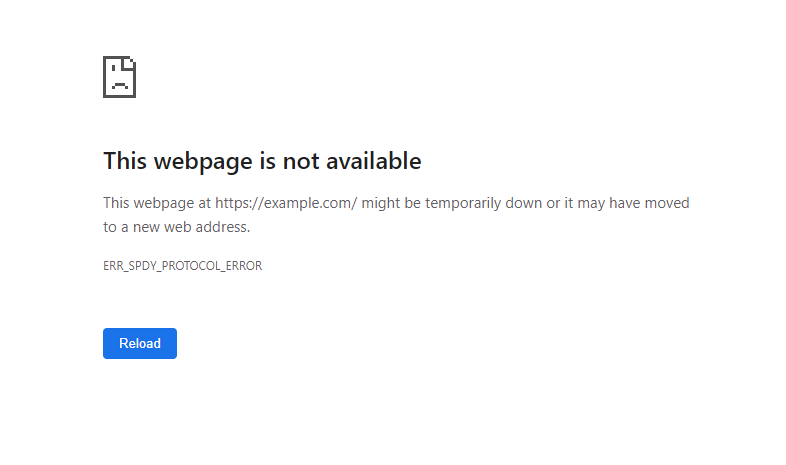](https://www.hostinger.com/tutorials/wp-content/uploads/sites/2/2022/09/ERR_SPDY_PROTOCOL_ERROR-on-Google-Chrome.webp)
SPDY was a pre-installed application-layer protocol on Google Chrome that utilizes the Transmission Control Protocol (TCP) to transport web content. Developed by The Chromium Projects, it was designed to reduce latency and increase loading speed.
But as the adoption of HTTP/2 became widespread, browsers, including Google Chrome, began [ending support for SPDY](https://blog.chromium.org/2016/02/transitioning-from-spdy-to-http2.html). Currently, no modern browser supports SPDY, making it an obsolete protocol.
However, some users may still encounter SPDY-related errors and receive the ERR\_SPDY\_PROTOCOL\_ERROR page.
In most cases, the ERR\_SPDY\_PROTOCOL\_ERROR is a client-side issue. For instance, the site you are trying to visit may still use the older Hypertext Transfer Protocol (HTTP) connection, or your system is using an outdated browser or cache.
[](https://www.hostinger.com/web-hosting)
## 7 Ways to Fix ERR\_SPDY\_PROTOCOL\_ERROR
Before exploring the troubleshooting methods, try these quick fixes first:
- Open a new browser window.
- Check the internet connection.
- Restart the internet router.
If the error persists, try the following methods:
### 1\. Update Your Browser
Using an outdated version of Google Chrome may trigger connectivity and performance issues. We recommend using the latest Chrome release to prevent issues that might contribute to the ERR\_SPDY\_PROTOCOL\_ERROR.
Follow these steps to check your Chrome browser version and update it:
1. Open **Google Chrome**.
2. Click the **three-dotted menu** on Chrome’s top menu bar.
3. Select **Help**-\> **About Google Chrome**.
4. If you’re using the newest release, the page will tell you that your Chome is up to date.
[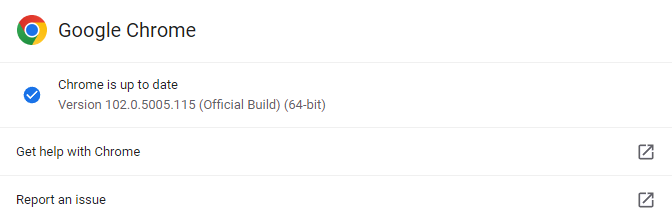](https://www.hostinger.com/tutorials/wp-content/uploads/sites/2/2022/09/The-Google-Chrome-version.webp)
However, if a Google Chrome update is available, the system will automatically download and install it.
[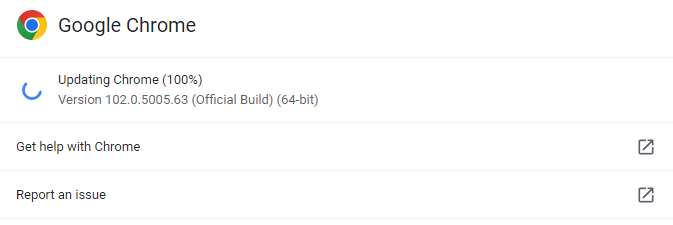](https://www.hostinger.com/tutorials/wp-content/uploads/sites/2/2022/09/Updating-the-Google-Chrome-version.webp)
5. Once the update is complete, a **Relaunch** button will appear. Click it to restart the browser and use the latest version.
6. Revisit the website to see if the issue persists.
Making your browser version up to date can fix incompatibility and security issues. In most cases, this should solve the ERR\_SPDY\_PROTOCOL\_ERROR problem.
### 2\. Switch to Incognito Mode
If you only encounter the ERR\_SPDY\_PROTOCOL\_ERROR message on a particular website, try visiting it using Chrome’s Incognito mode.
The Incognito mode will not retain cookies, site data, browsing history, and any information you enter into forms. However, bookmarks and downloads are still saved.
Here’s how to switch to Google Chrome’s Incognito mode:
1. Open **Google Chrome**.
2. Select the **three-dotted menu** on Chrome’s top menu bar.
3. Click the **New Incognito window** option. Alternatively, use the keyboard shortcuts **Ctrl + Shift + N**.
[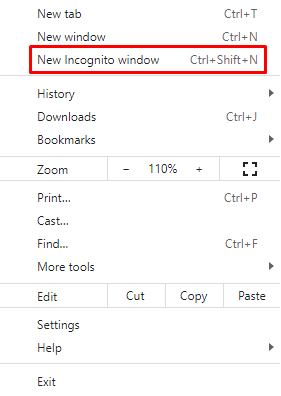](https://www.hostinger.com/tutorials/wp-content/uploads/sites/2/2022/09/Opening-a-new-Incognito-window-on-Google-Chrome.webp)
4. Reaccess the web page.
If the problem persists, proceed to the next step.
### 3\. Clear Cache and Cookies
The cache contains browsing history from all the web pages or URLs you have visited. Your browser data may be corrupted, causing the ERR\_SPDY\_PROTOCOL\_ERROR issue. [Clearing your browser’s cache](https://www.hostinger.com/tutorials/clear-browser-cache) is one possible way to solve the problem.
There are two options to choose from – the **Basic** tab and the **Advanced** tab. The former will retain saved passwords, auto-fill information, site settings, and hosted app data. The latter option will clear out all information from your browser.
If you can access the site after clearing the browser cache and cookies, it was probably the cause of the issue.
### 4\. Run the Google Chrome Cleanup Tool
The ERR\_SPDY\_PROTOCOL\_ERROR problem may occur because of harmful software installed on the computer. The best way to solve this issue is by running the Chrome Cleanup Tool. It scans the computer and removes unwanted applications interfering with your web browser.
Here’s how to run the Chrome Cleanup Tool:
1. Open **Google Chrome**.
2. Click the **three-dotted menu** on Chrome’s top menu bar.
3. Select **Settings** -\> **Reset and clean up** -\> **Clean up computer**.
[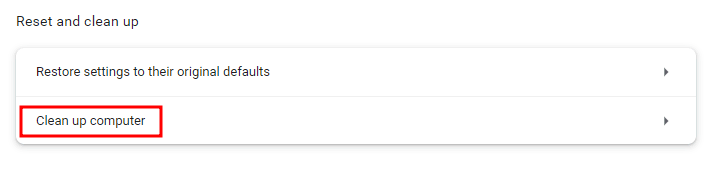](https://www.hostinger.com/tutorials/wp-content/uploads/sites/2/2022/09/Choosing-the-Clean-up-computer-option-on-Google-Chrome.webp)
4. Click the **Find** button to start scanning for harmful software on your computer.
[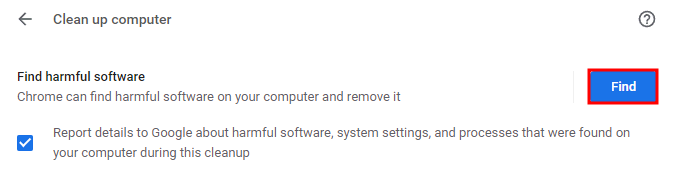](https://www.hostinger.com/tutorials/wp-content/uploads/sites/2/2022/09/Selecting-the-Find-button-to-scan-for-any-harmful-software-on-the-computer-using-the-Chrome-clean-up-tool.webp)
5. Wait until the cleanup process is complete.
[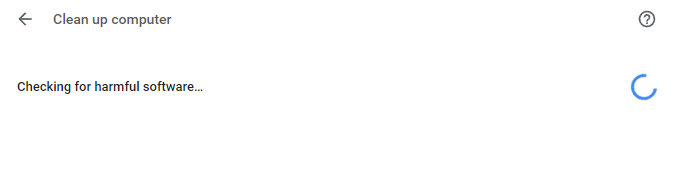](https://www.hostinger.com/tutorials/wp-content/uploads/sites/2/2022/09/Scanning-for-harmful-software-on-your-computer-using-the-Chrome-clean-up-tool.webp)
6. Reaccess the website.
### 5\. Flush the SPDY Sockets
A common solution to fix the ERR\_SPDY\_PROTOCOL\_ERROR is flushing the SPDY sockets in Google Chrome. Here’s how to do it:
1. Open the **Google Chrome** browser.
2. Copy the URL **chrome://net-internals/#sockets** and paste it into the Chrome address bar. Press **Enter** to load the page.
3. Select **Flush socket pools** to flush SPDY sockets.
[](https://www.hostinger.com/tutorials/wp-content/uploads/sites/2/2022/09/Choosing-the-Flush-socket-pools-option-on-Google-Chrome.webp)
4. Restart the Chrome browser and reaccess the website.
This should allow you to open the web page you are trying to visit. But if the issue persists, try the following method.
### 6\. Flush DNS Cache and Renew the IP Address
If you have tried all the methods above, but the ERR\_SPDY\_PROTOCOL\_ERROR still occurs, the problem may be with the [Domain Name System (DNS)](https://www.hostinger.com/tutorials/what-is-dns) configuration.
Try [flushing DNS](https://www.hostinger.com/tutorials/how-to-flush-dns) to clear IP addresses or other records from your DNS cache to fix it. Then, reboot the computer before reaccessing the same website for the best results.
Additionally, renewing the IP address may also solve the SPDY protocol error. Here’s how to do it on **Windows**:
1. Open **Command Prompt** using the search bar. Alternatively, use the keyboard shortcut **Win + R**, type in **cmd**,and press **Enter**. Make sure to **Run as administrator**.
2. Type the following commandto release the old IP address and press **Enter**.
```
ipconfig /release
```
[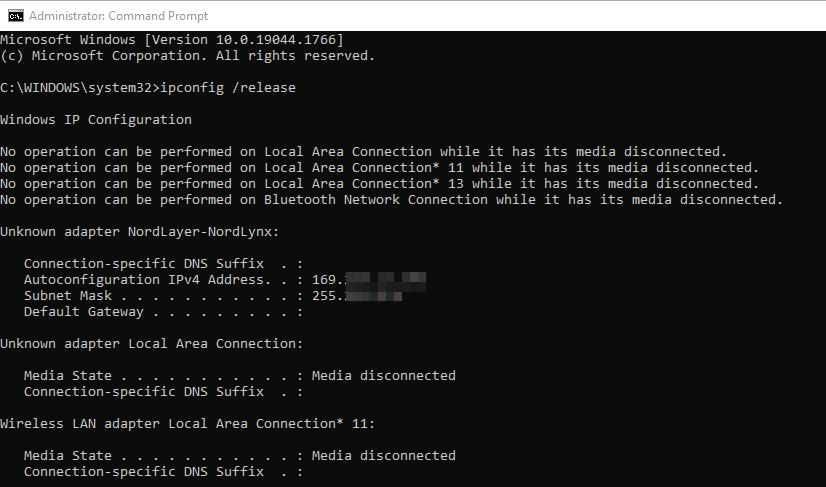](https://www.hostinger.com/tutorials/wp-content/uploads/sites/2/2022/09/Releasing-old-IP-address-via-Command-Prompt-on-Windows..webp)
3. Enter the command below to renew the IP address.
```
ipconfig /renew
```
[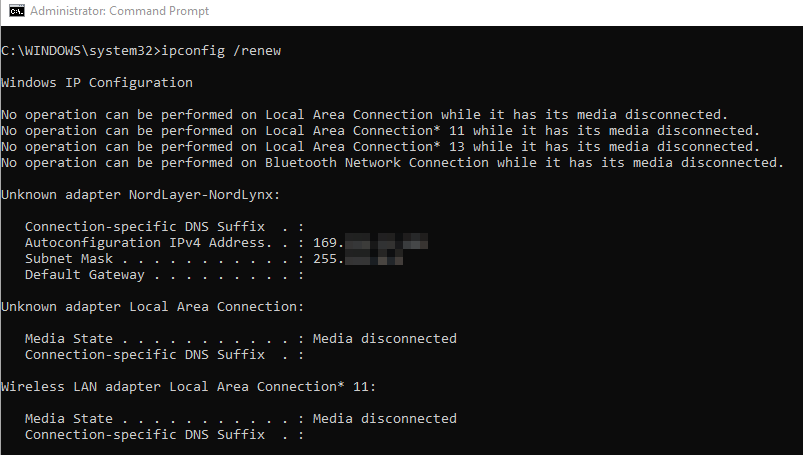](https://www.hostinger.com/tutorials/wp-content/uploads/sites/2/2022/09/Renewing-IP-address-via-Command-Prompt-on-Windows.webp)
4. Try to visit the website again.
Flushing the DNS cache and renewing the IP address should solve the the SPDY protocol issue in most cases.
### 7\. Change the Avast Settings
If you use Avast as your antivirus software, it may cause the ERR\_SPDY\_PROTOCOL\_ERROR message. Although Avast and other antivirus applications protect against security threats, they may disrupt your network connection and block access to specific sites.
Remember that fully disabling antivirus software may expose your device to malware. So instead, we recommend applying the following configurations – turning off HTTPS scanning, disabling Web Shield, and adding exceptions.
Follow these steps to **disable the HTTPS scanning feature**:
1. Open **Avast** and open **Menu** in the window’s upper-right corner.
[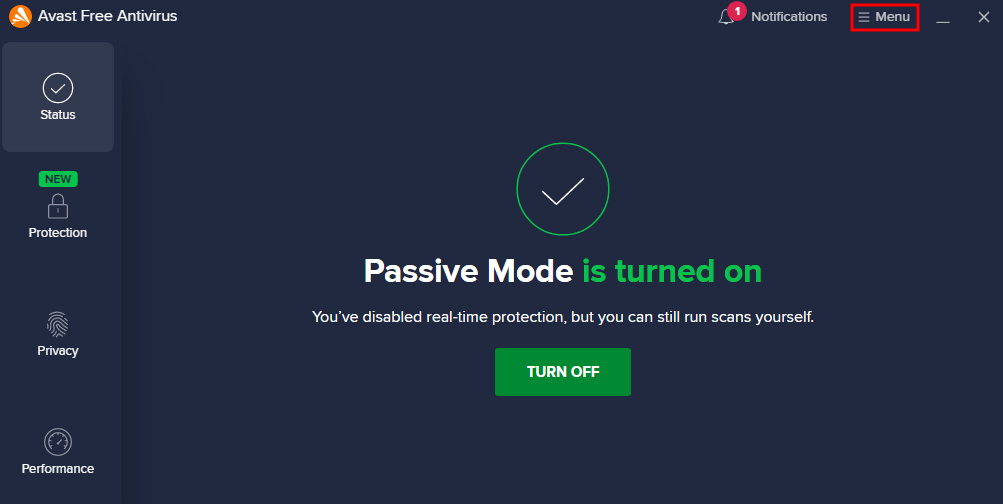](https://www.hostinger.com/tutorials/wp-content/uploads/sites/2/2022/09/Choosing-the-Menu-option-on-the-Avast-Antivirus-application.webp)
2. From the drop-down menu, choose **Settings**.
[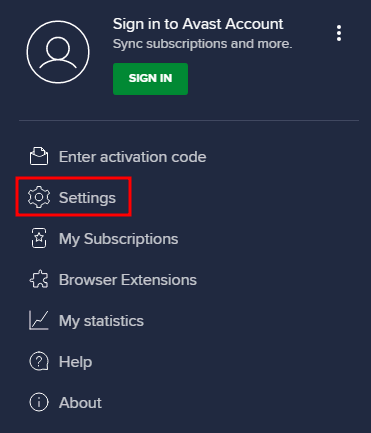](https://www.hostinger.com/tutorials/wp-content/uploads/sites/2/2022/09/Choosing-the-Settings-option-inside-the-Avast-Antivirus-application.webp)
3. Select **Protection** -\> **Core Shields**.
[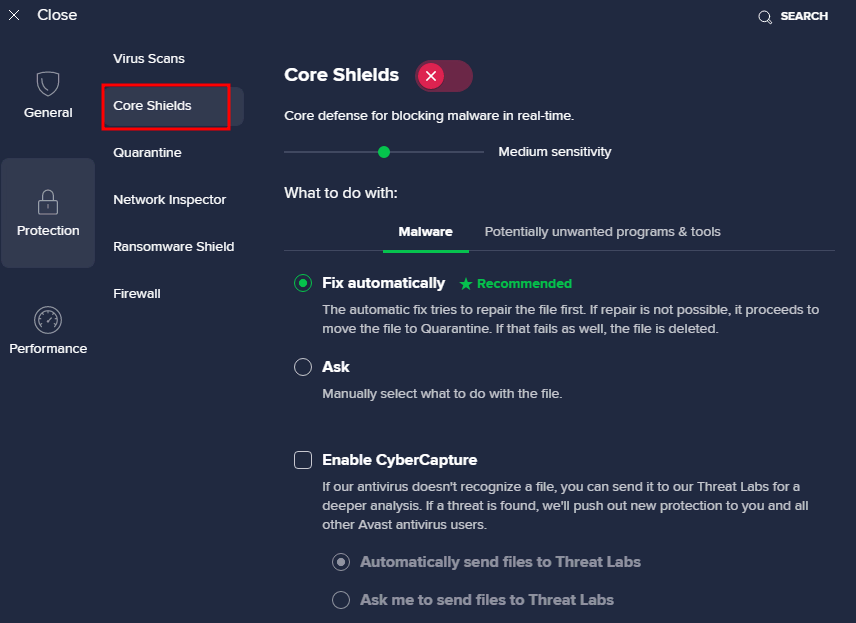](https://www.hostinger.com/tutorials/wp-content/uploads/sites/2/2022/09/The-Core-Shields-menu-inside-the-Avast-Antivirus-application.webp)
4. Scroll down to the **Configure shield settings** tab and select **Web Shield**.
[](https://www.hostinger.com/tutorials/wp-content/uploads/sites/2/2022/09/Choosing-the-shield-settings-inside-the-Avast-Antivirus-application.webp)
5. The **Enable HTTPS scanning** option is on by default. Uncheck the box to disable it.
[](https://www.hostinger.com/tutorials/wp-content/uploads/sites/2/2022/09/Disabling-the-Enable-HTTPS-scanning-option-inside-the-Avast-Antivirus-application.webp)
Here’s how to **turn off** **Web Shield**:
1. Open **Avast** and click the **Menu** button in the window’s upper-right corner.
2. Select **Settings**-\> **Protection** -\> **Core Shields**.
3. Scroll down to the **Configure shield settings** tab and choose **Web Shield**.
4. Uncheck the **Enable Web Shield** option to disable it.
[](https://www.hostinger.com/tutorials/wp-content/uploads/sites/2/2022/09/Disabling-the-Web-Shield-option-inside-the-Avast-Antivirus-application.webp)
5. The **Web Shield** is off.
Follow these instructions to **add exceptions**:
1. Open **Avast** and go to **Menu** in the window’s upper-right corner.
2. Go to **Settings**-\> **General** -\> **Exceptions**.
[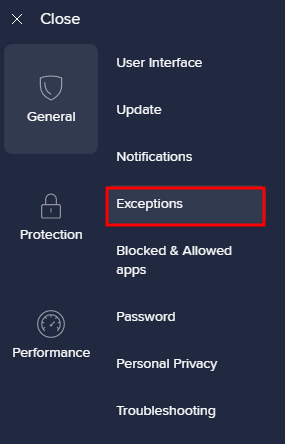](https://www.hostinger.com/tutorials/wp-content/uploads/sites/2/2022/09/Choosing-the-Exceptions-menu-inside-the-Avast-Antivirus-application.webp)
3. Click the **Add Advanced Exception** button.
[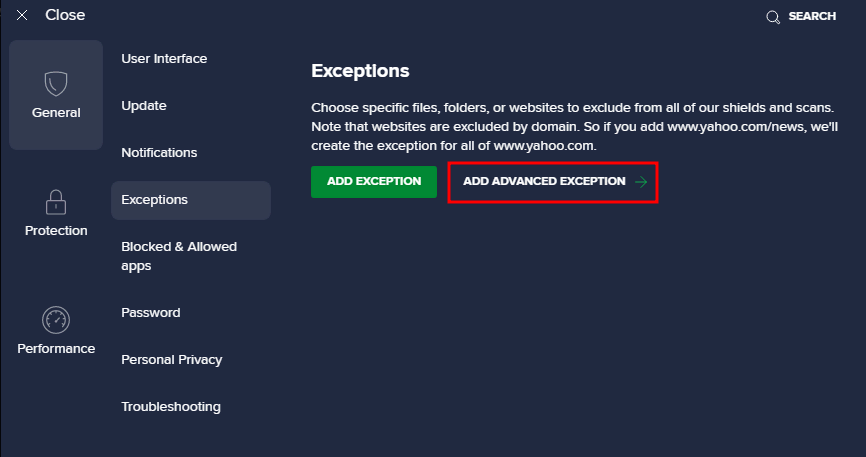](https://www.hostinger.com/tutorials/wp-content/uploads/sites/2/2022/09/Choosing-the-Add-Advanced-Exception-option-inside-the-Avast-Antivirus-application.webp)
4. Choose the **Website/Domain** tab.
[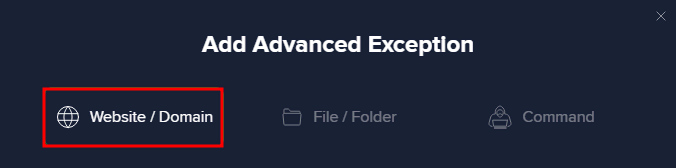](https://www.hostinger.com/tutorials/wp-content/uploads/sites/2/2022/09/Adding-Advanced-Exception-inside-the-Avast-Antivirus-application.webp)
5. Enter the URL of the site you want to exclude from the antivirus protection and click the **Add Exception** button.
[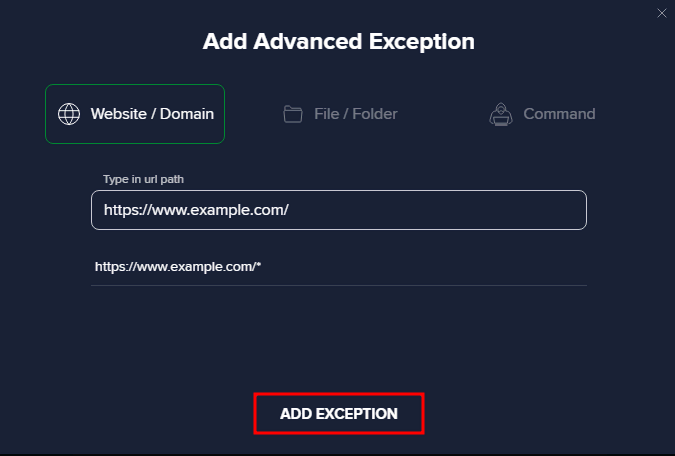](https://www.hostinger.com/tutorials/wp-content/uploads/sites/2/2022/09/Applying-the-exception-inside-the-Avast-Antivirus-application.webp)
If disabling antivirus software fixes the issue, consider switching to a different security program.
#### Other Errors Similar to ERR\_SPDY\_PROTOCOL\_ERROR
[How to Fix ERR\_NAME\_NOT\_RESOLVED](https://www.hostinger.com/tutorials/err_name_not_resolved)
[How to Fix ERR\_CONNECTION\_REFUSED](https://www.hostinger.com/tutorials/err_connection_refused)
[How to Fix ERR\_CONNECTION\_TIMED\_OUT](https://www.hostinger.com/tutorials/fix-err_connection_timed_out)
[How to Fix ERR\_CONNECTION\_RESET](https://www.hostinger.com/tutorials/how-to-fix-err-connection-reset-error)
## Conclusion
ERR\_SPDY\_PROTOCOL\_ERROR may be a common problem for Google Chrome users. This error message usually occurs when the browser can’t support the SPDY protocol when connecting to the target web server.
The error has several possible causes. For example, the site you are trying to visit uses an HTTP connection, or your browser is outdated or has a cache issue.
This tutorial has covered seven methods to troubleshoot this error. We recommend trying all of them to solve the problem.
We hope this article has helped you solve ERR\_SPDY\_PROTOCOL\_ERROR in Chrome. If you have any questions or suggestions, please leave them in the comments section below.
## ERR\_SPDY\_PROTOCOL\_ERROR FAQs
Here are the answers to some frequently asked questions about the error.
### Does the ERR\_SPDY\_PROTOCOL\_ERROR Only Happen in Google Chrome?
No, the ERR\_SPDY\_PROTOCOL\_ERROR error can occur in any web browser that uses the SPDY protocol to establish secure connections, including Google Chrome, Mozilla Firefox, and Opera. However, the error is more commonly associated with Google Chrome, which was one of the first browsers to adopt the SPDY protocol.
### How Can I Prevent ERR\_SPDY\_PROTOCOL\_ERROR From Happening?
To prevent ERR\_SPDY\_PROTOCOL\_ERROR, try disabling the SPDY protocol in the web browser settings and using the traditional SSL/TLS protocol instead. Clearing browser cache and cookies, disabling browser extensions, and updating the browser to the latest version can also help resolve the error.

The author
Noviantika G.
Noviantika is a web development enthusiast with customer obsession at heart. Linux commands and web hosting are like music to her ears. When she's not writing, Noviantika likes to snuggle with her cats and brew some coffee.
[More from Noviantika G.](https://www.hostinger.com/tutorials/author/noviantika)
[Copy link\\
\\
Copied!](https://www.hostinger.com/tutorials/err_spdy_protocol_error#)
## Related tutorials
[](https://www.hostinger.com/tutorials/how-to-fix-err-quic-protocol-error)
03 Feb •
[Errors](https://www.hostinger.com/tutorials/errors)•
##### [How to Fix ERR\_QUIC\_PROTOCOL\_ERROR in Google Chrome: 3 Methods](https://www.hostinger.com/tutorials/how-to-fix-err-quic-protocol-error)
Despite being a widely-used web browser, Google Chrome is still prone to errors that can hinder your site’s accessibility. One of them is...
[By Ignas R.](https://www.hostinger.com/tutorials/author/ignasr)
[](https://www.hostinger.com/tutorials/inet_e_resource_not_found)
24 Nov •
[Errors](https://www.hostinger.com/tutorials/errors)•
##### [10 Ways to Fix INET\_E\_RESOURCE\_NOT\_FOUND Error](https://www.hostinger.com/tutorials/inet_e_resource_not_found)
INET\_E\_RESOURCE\_NOT\_FOUND is an error code Windows users may encounter when the visited websites can’t load. While it usually occurs on Microsoft...
[By Aris Sentika](https://www.hostinger.com/tutorials/author/aris)
[](https://www.hostinger.com/tutorials/err_connection_closed)
29 Sep •
[Errors](https://www.hostinger.com/tutorials/errors)•
##### [ERR\_CONNECTION\_CLOSED: what it is and 3 ways to fix it](https://www.hostinger.com/tutorials/err_connection_closed)
ERR\_CONNECTION\_CLOSED indicates that the connection to the website is disrupted because of a server or hosting service flaw. The target host cannot...
[By Noviantika G.](https://www.hostinger.com/tutorials/author/noviantika)
## What our customers say
[Trustpilot](https://www.trustpilot.com/review/hostinger.com)
### Leave a reply [Cancel reply](https://www.hostinger.com/tutorials/err_spdy_protocol_error\#respond)
Please fill the required fields.Please accept the privacy checkbox.Please fill the required fields and accept the privacy checkbox.
By using this form you agree that your personal data would be processed in accordance with our [Privacy Policy](https://www.hostinger.com/legal/privacy-policy).
Δ
Thank you! Your comment has been successfully submitted. It will be approved within the next 24 hours.
## AI eCommerce Website Builder
[Trustpilot](https://www.trustpilot.com/review/www.hostinger.com)

Rating:
**4.8/5**
**1,237**
reviews

Rating:
**4.6/5**
**2,432**
reviews
## Everything you need for your eCommerce website
**Free** domain (US$ 9.99 value)
**100 mailboxes** \- free for 1 year
Drag & drop editor
150 templates
Marketing integrations
Google Ads App
NEW
Mobile editing
30-Day money-back guarantee
24/7 customer support
eCommerce features
0% transaction fees
100+ payment methods
AI website builder
AI image generator
AI writer
AI blog generator
AI heatmaps
AI SEO tools
AI logo maker
AI product generator
Business Website Builder
US$ 13.99SAVE 71%
US$ 3.99 /mo
+3 months free
Add to cart
Payment terms
**Free** domain (US$ 9.99 value)
**100 mailboxes** \- free for 1 year
Drag & drop editor
150 templates
Marketing integrations
Google Ads App
NEW
Mobile editing
30-Day money-back guarantee
24/7 customer support
eCommerce features
0% transaction fees
100+ payment methods
AI website builder
AI image generator
AI writer
AI blog generator
AI heatmaps
AI SEO tools
AI logo maker
AI product generator
## Create an eCommerce website in 3 easy steps

### 1\. Choose how to build
Answer three simple questions and watch as AI generates an eCommerce site for you in less than a minute or pick from 150 designer-crafted and fully customizable templates.

### 2\. Customize your online store
Easily move elements with a drag-and-drop editor and experiment with different color schemes and fonts. Once you like the design, you can start adding your products.

### 3\. Go live
Select the perfect domain name and launch your online store with confidence, knowing it will work reliably with our 99.9% uptime guarantee.
Get started


## Start selling online faster with AI
Upload images and let AI generate product details, saving you hours of busywork.
Remove backgrounds and polish your product images with AI.
[Start now](https://www.hostinger.com/ecommerce-website#pricing)
## Explore eCommerce website templates designed for success
Save time – build your online store on a fully customizable and mobile-friendly theme. Choose any template you like and enjoy the full range of eCommerce features.
[Get started](https://www.hostinger.com/ecommerce-website#pricing)
PortfolioBusiness showcaseOnline storeBlogOther
PortfolioBusiness showcaseOnline storeBlogOther
[](https://builder.hostinger.com/templates?preview=anderslite&hideRating=1)[](https://builder.hostinger.com/templates?preview=minalite&hideRating=1)[](https://builder.hostinger.com/templates?preview=niqvistlite&hideRating=1)[](https://builder.hostinger.com/templates?preview=feyerlite&hideRating=1)
## Customize your eCommerce business easily
Perfect your online store with user-friendly, intuitive customization tools.

### Drag & drop
Simply pick up website elements and drag and drop them where you like.

### Manage inventory
Sell up to 500 products, manage orders and stocks, set up shipping options, and calculate taxes.

### Set up appointments
Let your potential clients book a consultation with you to help them choose the best product.

### Add discounts
Share promo codes to attract more users to your store. Add discounts for one product or all inventory – as you prefer.

### Describe products instantly
Upload an image of your product, and AI will create the perfect title, description, and label in seconds.
[Get started](https://www.hostinger.com/ecommerce-website#pricing)

## Keep your profit
Keep 100% of your profit – we don’t charge any transaction fees. Choose from the major payment gateways like Stripe and PayPal, and accept [100+ payment methods](https://www.hostinger.com/support/articles/6538413-website-builder-online-payment-gateways), including cards, Apple Pay, and Google Wallet.
[Get started](https://www.hostinger.com/ecommerce-website#pricing)

Switching to Hostinger Website Builder improved my shipping process – the backend setup made managing it **so much simpler**.
[Visit website](https://zaftigpress.com/)
Dan Varenka
**Artist** \| zaftigpress.com

## Manage your online store conveniently
Manage your orders, adjust pricing, use tax tools, and get notifications in one AI eCommerce platform.
Choose from flexible shipping options, including flat-rate, weight-based, and real-time shipping rates.
Optimize your business with third-party marketing tools, such as Google Analytics, Hotjar, Messenger Live Chat, and more.
[Get started](https://www.hostinger.com/ecommerce-website#pricing)
## Get instant support 24/7
Not sure how to navigate the platform? Need some tips? Chat with our AI assistant.
Have more advanced questions? Contact our customer success team via live chat and get an answer in less than three minutes.
Want to improve your knowledge? Explore our vast library of [step-by-step guides](https://www.hostinger.com/support/collections/3587143-website-builder).

All-in-one eCommerce solution
## Create your online store today. It’s **easier than you think** with AI eCommerce website builder.
[Get started](https://www.hostinger.com/ecommerce-website#pricing)
## eCommerce website builder FAQs
Read answers to frequently asked questions about creating an online store.
### What is an eCommerce website?
An [eCommerce](https://www.hostinger.com/tutorials/what-is-ecommerce) website, also known as an online store, lets customers purchase physical products and services online. Users simply make payments over the internet and get the products shipped to their address.
An online shop can be anything from a small business selling homemade products on a basic storefront to a huge online marketplace selling thousands of products.
More and more business owners decide to make an online store, as it enables them to sell internationally, operate 24/7, and save costs on keeping the brick-and-mortar store.
### What is an eCommerce website builder?
An eCommerce or online store builder is an all-in-one solution for launching your business online. For example, Hostinger eCommerce Website Builder comes with web hosting, a free custom domain name for the first year, free email, and various eCommerce tools and built-in features for a quick and successful launch.
You will be able to upload up to 500 products, calculate taxes, set up shipping options, and use AI tools to help with product descriptions and overall marketing strategy. In fact, all you need for a successful start is an idea – our AI Online Store Builder can do the heavy lifting and create your online storefront in seconds.
If you don’t know what you want to sell yet, explore our list of [trending products](https://www.hostinger.com/tutorials/trending-products) that are having a moment online right now.
### How to build an eCommerce website?
There are two ways to build online stores – you can use a website builder with eCommerce functionality or a content management system (CMS) like WordPress.
Building an eCommerce store with a builder is more straightforward as the process takes place on an all-in-one platform, from inventory management to payment and shipping options. With our eCommerce site builder, you will be able to launch your website store in four simple steps:
1. Use AI to generate a unique eCommerce site or pick a designer-made template.
2. Customize the website as you want with a drag-and-drop editor and AI tools.
3. Add products together with their images and descriptions.
4. Publish your online store.
For more information, refer to our tutorial on [how to make an online store with Hostinger eCommerce builder](https://www.hostinger.com/tutorials/how-to-make-online-store-with-website-builder).
### How much does it cost to build a fully-functional online store?
It depends on your chosen web hosting provider and eCommerce platform. With Hostinger Website Builder, you will only have to pay for the Business website builder plan, starting at **US$ 3.99/month**.
This plan includes everything you need to create a store online – reliable web hosting, a free custom domain name for the first year, free email, advanced AI tools, and eCommerce features.
### How profitable is eCommerce?
Having an online web store is more profitable than running a traditional one. As your eCommerce store exists online, you won’t have to worry about costly expenses like electricity, water, and rent for your store property.
You also won’t be restricted by your geographical location or set opening hours, as an online shop is open 24/7 and can be accessed from all corners of the globe. Chances are that you also won’t need as much staff, meaning that general operating costs will be lower.
Similar to a traditional business, your profit will depend on multiple factors, including your industry, niche, products or services, pricing strategy, and marketing budget. Usually, small-to-medium eCommerce websites earn from a few hundred to thousands of dollars per month.
### How long does it take to create an online store?
With Hostinger AI eCommerce Website Builder, you can make a fully functioning online store in minutes simply by describing your business.
The rest of the time will depend on how you want to customize your store or the range of products you want to sell. As we have all the essential tools for you to speed up this process, you can start selling on the same day.
### Does Hostinger online store builder charge sales commission fees?
No, Hostinger does not charge any sales commission fees on purchases made through your store, so your profit will be 100% yours. As a result, you can keep your pricing strategy competitive.
However, depending on the payment gateway provider you choose, there may be fees associated with processing payments.
### Do I have support to build my eCommerce website?
Yes, our multilingual Customer Success team is ready to answer any questions you might have 24/7. Even better – our eCommerce website creator comes with AI Assistant ready to help you navigate the platform or answer your questions about building an online store.
To expand your knowledge, explore our extensive [eCommerce support articles](https://www.hostinger.com/support/collections/3638826-online-store), vast library of [tutorials](https://www.hostinger.com/tutorials), or [Hostinger Academy](https://www.youtube.com/@HostingerAcademy).
### Is Hostinger eCommerce Website Builder SEO-friendly?
Yes. Whether you generate your eCommerce website with AI or pick a designer-made template, your online store will be mobile-friendly, load fast, and have optimized code by default. Having a fast and responsive website is crucial to your SEO strategy.
Then, turn to our AI SEO Assistant – it can automatically generate your default sitemap, do keyword research, add alt text, generate meta titles, and more.
Finally, produce SEO-friendly content by default with AI Writer.
### How many products or services can I add to my eCommerce store?
You can add up to 500 products, which range from physical and digital products to services, appointments, and donations.
### What payment options can I add to my eCommerce store? Can I sell in multiple currencies?
Hostinger Website Builder clients can choose from three main [payment gateways](https://www.hostinger.com/support/articles/6538413-website-builder-online-payment-gateways) – Stripe, PayPal, and dLocal Go – that support over 20 payment methods from over 100 countries.
However, note that payment methods depend on your country, currency, and products. As for the currency, you can set up only one, depending on your payment gateway. Most of them allow you to sell in popular currencies like EUR, GBP, USD, and CAD.
Be sure to research the available options before making your choice. Check out this article to learn more about [supported currencies for your online store](https://www.hostinger.com/support/articles/6815760-website-builder-supported-currencies-in-the-online-store).
Additionally, consider factors such as transaction fees, payment processing times, and legal requirements. Knowing the rules surrounding eCommerce payments will ensure that your business remains compliant with local laws and regulations.
### Can I integrate my eCommerce website with social media?
Yes, eCommerce businesses and social media go well together. You can use social media to promote your store and vice versa by adding social media links or icons to your website.
By adding links to your website on Facebook, X (Twitter), Instagram, or any other popular platform, you can increase your brand’s visibility online. This makes it easy for customers to find out more about your products and services and easily make purchases.
### We care about your privacy
This website uses cookies that are needed for the site to work properly and to get data on how you interact with it, as well as for marketing purposes. By accepting, you agree to the use of cookies for ads and analytics as described in our [Cookie policy](https://www.hostinger.com/legal/cookie-policy). You can change your cookie settings or use Opt out anytime.
Got it
Opt out
Cookie settings
## eCommerce Templates
Choose your category
[All templates](https://www.hostinger.com/website-templates#templates) [Popular templates](https://www.hostinger.com/templates/popular#templates) [Blank templates](https://www.hostinger.com/templates/blank#templates) [Landing page](https://www.hostinger.com/templates/landing-page#templates)
[Fashion](https://www.hostinger.com/templates/fashion#templates) [Photography](https://www.hostinger.com/templates/photography#templates) [Portfolio](https://www.hostinger.com/templates/portfolio#templates) [Resume](https://www.hostinger.com/templates/resume#templates) [Wedding](https://www.hostinger.com/templates/wedding#templates)
[Technology](https://www.hostinger.com/templates/technology#templates) [Entertainment](https://www.hostinger.com/templates/entertainment#templates) [Marketing](https://www.hostinger.com/templates/marketing#templates) [Event](https://www.hostinger.com/templates/event#templates) [Education](https://www.hostinger.com/templates/education#templates)
[eCommerce](https://www.hostinger.com/templates/ecommerce#templates) [Travel](https://www.hostinger.com/templates/travel#templates) [Health & Beauty](https://www.hostinger.com/templates/health-and-beauty#templates) [Interior design](https://www.hostinger.com/templates/interior-design#templates) [Construction](https://www.hostinger.com/templates/construction#templates)
[Non profit](https://www.hostinger.com/templates/non-profit#templates) [Restaurant](https://www.hostinger.com/templates/restaurant#templates) [Business](https://www.hostinger.com/templates/business#templates) [Blog](https://www.hostinger.com/templates/blog#templates) [Real estate](https://www.hostinger.com/templates/real-estate#templates)
[Modern](https://www.hostinger.com/templates/modern#templates) [Simple](https://www.hostinger.com/templates/simple#templates) [Creative](https://www.hostinger.com/templates/creative#templates)
All templatesPopular templatesBlank templatesLanding pageFashionPhotographyPortfolioResumeWeddingTechnologyEntertainmentMarketingEventEducationeCommerceTravelHealth & BeautyInterior designConstructionNon profitRestaurantBusinessBlogReal estateModernSimpleCreative
Or use the power of AI to create a website tailored specifically for you
[Try AI Website Builder](https://www.hostinger.com/ai-website-builder)
## Choose your favorite eCommerce template
[](https://builder.hostinger.com/templates?preview=mina&hideRating=1)
Mina
[](https://builder.hostinger.com/templates?preview=niqvist&hideRating=1)
Niqvist
[](https://builder.hostinger.com/templates?preview=feyer&hideRating=1)
Feyer
[](https://builder.hostinger.com/templates?preview=greenshop&hideRating=1)
Green shop
[](https://builder.hostinger.com/templates?preview=ensonlite&hideRating=1)
Enson
[](https://builder.hostinger.com/templates?preview=safalite&hideRating=1)
Safa
[](https://builder.hostinger.com/templates?preview=anderslite&hideRating=1)
Anders
[](https://builder.hostinger.com/templates?preview=wellslite&hideRating=1)
Wells
[](https://builder.hostinger.com/templates?preview=shawlite&hideRating=1)
Shaw
[](https://builder.hostinger.com/templates?preview=hobartlite&hideRating=1)
Hobart
[1](https://www.hostinger.com/templates/ecommerce?page=1#templates)
[2](https://www.hostinger.com/templates/ecommerce?page=2#templates)
[3](https://www.hostinger.com/templates/ecommerce?page=3#templates)
[ChevronSmallRight](https://www.hostinger.com/templates/ecommerce?page=2#templates)
## Start creating your website today with Hostinger Website Builder Templates.
Get started
## Free Domain Registration
# Free Domain Name
Enter your desired name and sign up for 12 months of web hosting to get a free website domain name.
Search
A free privacy protection is included with every eligible domain
Already have a domain?
[Transfer it](https://www.hostinger.com/transfer-domain)
## Start your journey with free domains
The free domain name registration for the first year is included in our annual Premium and Business plans. Claim yours today.
## Enjoy premium features
The two fundamentals of a strong online presence are a great domain name and fast web hosting. Register with Hostinger to get all the tools you need.
[Claim your free domain](https://www.hostinger.com/free-domain#free-domain-search)

## Get the perfect domains
Our free domain names include the most popular domain name extensions around. Choose the most suitable domain for your website, and start your online journey today.

## Choose a web hosting plan
Pick a web hosting plan and get a free domain name for your website.
Premium
Everything you need to create your website.
US$ 11.99SAVE 75%
US$ 2.99 /mo
For 48-month term
Choose plan
Renews at US$ 7.99/mo for 4 years. Cancel anytime.
**25** websites
**25 GB** SSD storage
**50 mailboxes** \- free for 1 year
**Unlimited free** SSL
**Free** domain (US$ 9.99 value)
**Unlimited** bandwidth
Managed hosting for WordPress
WordPress acceleration
Website builder
30-Day money-back guarantee
**300** databases
GIT access
SSH access
**Weekly** backups
Object cache for WordPress
WordPress staging tool
See all features
MOST POPULAR
Business
Level up with more power and enhanced features.
US$ 13.99SAVE 71%
US$ 3.99 /mo
For 48-month term
Choose plan
Renews at US$ 8.99/mo for 4 years. Cancel anytime.
**50** websites
**50 GB** NVMe disk space
**100 mailboxes** \- free for 1 year
**Unlimited free** SSL
**Free** domain (US$ 9.99 value)
**Unlimited** bandwidth
Managed hosting for WordPress
WordPress acceleration
Website builder
30-Day money-back guarantee
**300** databases
GIT access
SSH access
**Daily** backups (US$ 25.08 value)
Object cache for WordPress
WordPress staging tool
See all features
Payment terms
## 24/7 expert support
Our team of experts is ready to help you at any time of the day. Whether it’s about setting up your free website domains, creating domain-based email accounts, or about web hosting in general, we’ll help you with any issues that may arise.

## Reliable web hosting
Our web hosting plans include free domain registration, website builder, regular backups, unlimited bandwidth, and a 99.9% uptime guarantee. That way, you can focus on building your website or growing your online business.

## Free business email
Grow your online presence by using your business name in your email address. Finish the free domain registration and use it to create a custom email account.
[Pick your domain name](https://www.hostinger.com/free-domain#free-domain-search)

## Need more power? Try cloud hosting
[See all plans](https://www.hostinger.com/cloud-hosting)

## Free domain FAQs
Find answers to frequently asked questions about our free domains.
### What is a domain name?
A domain name is your site address, consisting of a website name and a domain extension. Domains make it easier to navigate the internet, as the alternative would be using IP addresses.
A domain extension is the last part of the domain name, located right after the dot. They can either be generic, such as .com, .net, or .online, or specify the purpose or location of the site, like .store, .edu, or .co.uk.
### Is There a List of Free Domains?
The free domains that are available for registration at Hostinger are: .xyz, .com, .online, .link, .shop, .live, .digital, .tech, .space, .website, .email, .fun, .click, .site, .uno, .in, .host, .store, .press, .me, .help.
These domain extensions can be used for any business because they are all highly reputable and in demand, so grab yours while it’s available.
### How to get a domain name for free?
To get a totally free domain name, you just need to purchase one of our [web hosting](https://www.hostinger.com/web-hosting) plans. Free website domain registration is available for the first year.
Besides a free .com domain, you can choose from many other TLDs that have greater availability, aiding your site’s credibility.
### Are there any other costs included?
No. You only need to pay for the web hosting plan, and afterward, you can register a domain name for free for one year. This deal also includes unlimited SSL certificates to secure your website domains further and run it on HTTPS.
Once the first year is up, the only other cost will be the domain renewal fee.
### How to complete a free domain registration?
You can start the free domain registration by using the search tool above. Simply type your preferred free web domain → click Add to Cart → Select hosting plan → enter your details and complete the purchase.
### How can Hostinger offer free domains for your websites?
We have been an ICANN-accredited registrar for many years, and we also have partnerships with multiple renowned registrars and a massive user base.
We believe that the power of the internet should be available to everyone. That’s why we offer a domain for free with our hosting.
### Can I transfer my free domain names to another registrar?
Free domain name registration is locked for the first 60 days. After that, you can transfer your domain to another registrar.
However, keep in mind that there is usually a transfer fee applied to the service.
### Can I Use My Free Domain Name Registration to Create a Domain-Based Email?
Yes. Besides registering free domain names for website creation, you can also make a domain-based email address.
We also offer [business email](https://www.hostinger.com/business-email) hosting solutions with more storage space and extra features.
## Affordable Web Hosting

Рейтинг:
**4.8/5**
**1,237**
відгуків

Рейтинг:
**4.6/5**
**2,432**
відгуків

Рейтинг:
**4.7**
**874**
відгуків
## Виберіть ідеальний тариф
Почніть роботу з повною впевненістю. Жодного ризику з 30-денною гарантією повернення коштів.
Single
Найкраще рішення для початківців
199,00 ₴ЗНИЖКА 80%
39,00 ₴ /міс.
0 міс. БЕЗПЛАТНО
Вибрати тариф
Вартість продовження 89,00 ₴/міс. на 4 р. Підписку можна скасувати у будь-який час.
Сайтів: **1**
Керований хостинг для WordPress
**~10 000** відвідувань/міс.
SSD-диск **10 ГБ**
Файлів і каталогів (інодів): **200 000**
**Безплатні** готові шаблони
**Безплатна** автоматична міграція сайтів
**Необмежені безплатні** SSL
**1 поштова скринька** – безплатно на 1 рік
**Щотижневі** бекапи
Сканер вразливостей **WordPress**
Розумне автооновлення **WordPress**
**Стандартне** прискорення WordPress
Трафік **100 ГБ**
**Безплатний** домен (вартістю 379,00 ₴)
**Безплатна** CDN
Розумні інструменти для **WordPress**
Проміжне середовище WordPress
Виділена IP-адреса
**Професійна** підтримка
Всі характеристики
Найпопулярніший
Premium
Усе необхідне для створення сайту
299,00 ₴ЗНИЖКА 74%
79,00 ₴ /міс.
+3 міс. безплатно
Вибрати тариф
Вартість продовження 129,00 ₴/міс. на 4 р. Підписку можна скасувати у будь-який час.
Cайтів: **25**
Керований хостинг для WordPress
**~25 000** відвідувань/міс.
SSD-диск **25 ГБ**
Файлів і каталогів (інодів): **400 000**
**Безплатні** готові шаблони
**Безплатна** автоматична міграція сайтів
**Необмежені безплатні** SSL
**Поштових скриньок: 50**. Безплатно на 1 рік
**Щотижневі** бекапи
Сканер вразливостей **WordPress**
Розумне автооновлення **WordPress**
**Стандартне** прискорення WordPress
**Необмежений** трафік
**Безплатний** домен (вартістю 379,00 ₴)
**Безплатна** CDN
Розумні інструменти для **WordPress**
Проміжне середовище WordPress
Виділена IP-адреса
**Професійна** підтримка
Всі характеристики
Business
Більше ресурсів і вдосконалені функції
349,00 ₴ЗНИЖКА 63%
129,00 ₴ /міс.
+3 міс. безплатно
Вибрати тариф
Вартість продовження 249,00 ₴/міс. на 4 р. Підписку можна скасувати у будь-який час.
Cайтів: **50**
Керований хостинг для WordPress
**~100 000** відвідувань/міс.
Диск NVMe **50 ГБ**
Файлів і каталогів (інодів): **600 000**
**Безплатні** готові шаблони
**Безплатна** автоматична міграція сайтів
**Необмежені безплатні** SSL
**Поштових скриньок: 100**. Безплатно на 1 рік
Бекапи: **щоденні та за запитом**
Сканер вразливостей **WordPress**
Розумне автооновлення **WordPress**
**Розширене** прискорення WordPress
**Необмежений** трафік
**Безплатний** домен (вартістю 379,00 ₴)
**Безплатна** CDN
Розумні інструменти для **WordPress**
Проміжне середовище WordPress
Виділена IP-адреса
**Професійна** підтримка
Всі характеристики
Cloud Startup
Насолоджуйтеся оптимізованою продуктивністю та потужними ресурсами
849,00 ₴ЗНИЖКА 65%
299,00 ₴ /міс.
+3 міс. безплатно
Вибрати тариф
Вартість продовження 599,00 ₴/міс. на 4 р. Підписку можна скасувати у будь-який час.
Cайтів: **100**
Керований хостинг для WordPress
**~200 000** відвідувань/міс.
Диск NVMe **100 ГБ**
Файлів і каталогів (інодів): **2 000 000**
**Безплатні** готові шаблони
**Безплатна** автоматична міграція сайтів
**Необмежені безплатні** SSL
**Поштових скриньок: 200**. Безплатно на 1 рік
Бекапи: **щоденні та за запитом**
Сканер вразливостей **WordPress**
Розумне автооновлення **WordPress**
**Розширене** прискорення WordPress
**Необмежений** трафік
**Безплатний** домен (вартістю 379,00 ₴)
**Безплатна** CDN
Розумні інструменти для **WordPress**
Проміжне середовище WordPress
Виділена IP-адреса
**Професійна** підтримка
Всі характеристики
Умови оплати

Ми завжди посилаємося на Hostinger як на взірець для наших менеджерів з підтримки.
[Читати повністю](https://www.hostinger.com/blog/climbingvan)
Charlie Low & Dale Comley
**Співзасновники "Nohma"** \| nohma.com

Я можу керувати хостингом, доменом і SSL-сертифікатом в одному місці, що дуже зручно.
[Читати повністю](https://www.hostinger.com/blog/gate-foot-forge)
Owen Phillips
**Коваль** \| gatefootforge.co.uk

Ми перенесли сайт в Hostinger і тепер він працює без перебоїв. Ми задоволені послугами хостингу.
[Читати повністю](https://www.hostinger.com/blog/cinq-galerie)
Túlio & Eric
**Бізнес-партнери** \| cinqgalerie.com
## Онлайн-підтримка
Отримайте професійну допомогу через **онлайн-чат або електронною поштою**.
Більше не потрібно чекати – ми розв'яжемо будь-яку проблему менше ніж за **3 хвилини**.
Жодних бар’єрів – наші фахівці вільно володіють **понад 10 мовами**.


Просте налаштування та професійна підтримка клієнтів. Це найкраща хостингова компанія.

[SvgoChevronSmallRight](https://www.trustpilot.com/reviews/6438cc1c746ca7dfea090728)

Жодного разу не пошкодував, що вибрав Hostinger. Окрім надійного хостингу, мене вразила швидка та експертна підтримка.

[SvgoChevronSmallRight](https://www.trustpilot.com/reviews/64354796520b4a84cd0df059)

Професійна команда підтримки Hostinger була поруч на кожному етапі.

[SvgoChevronSmallRight](https://www.trustpilot.com/reviews/64beebbec7897678615a04fe)
## Легко запустіть сайт з інструментами ШІ
Отримайте готовий до запуску сайт завдяки **темам для блогу Hostinger**, інтегрованих з ШІ.
Створіть унікальний та SEO-friendly контент за допомогою **плагіна AI Assistant**.
Економте час – **ШІ підбере найкращі зображення** для вашого сайту.

## Спробуйте можливості керованого хостингу
[Почати](https://www.hostinger.com/ua/hosting#pricing)
## Безпека на першому місці
Автоматичне встановлення **безплатних SSL-сертифікатів** для захисту конфіденційної інформації ваших клієнтів.
**Сканер шкідливих програм** швидко виявляє та видаляє небезпечні файли.
**Захист конфіденційності** для максимальної безпеки особистої інформації.
CDN Hostinger захищає від несанкціонованого доступу за допомогою опцій **блокування IP-адреси та країни**.

## Висока продуктивність сайту
Мінімальна затримка та максимальна швидкість із **диском NVMe**.
Блискавичне завантаження сторінок завдяки **CDN, кешуванню об'єктів** і серверу **LiteSpeed**.
Легко обробляйте великий об'єм трафіку завдяки **необмеженій пропускній здатності**.


Hostinger – наш беззаперечний фаворит. Протестувавши різні хостинги, ми зрозуміли, що саме з Hostinger наш сайт працює найкраще.

Середній час завантаження нашого сайту варіюється від 450 до 625 мс. Простіше кажучи, швидкість – одна із сильних сторін хостингу Hostinger.

Для компаній з невеликим ІТ-персоналом або взагалі без нього важливо мати кваліфіковану підтримку клієнтів. Hostinger – найкращий варіант, якщо ви шукаєте доступний і надійний хостинг.
## Спробуйте найшвидший хостинг
[Переглянути тарифи](https://www.hostinger.com/ua/hosting#pricing)
## Масштабуйте бізнес – ми допоможемо
Будьте готові до великого об'єму трафіку – спробуйте тариф вищого рівня з **можливістю безплатного підсилення на 24-години**.
Збільшуйте або зменшуйте ресурси сайту за допомогою наших **масштабованих тарифів хостингу**.
Підвищте впізнаваність за допомогою **безплатного домену, як-от .com, .net і ще понад 20 розширень**.
Насолоджуйтеся високим показником аптайму та швидким доставленням контенту з **глобальною мережею дата-центрів**.

## Проста міграція в Hostinger
Перенесіть будь-яку кількість сайтів безплатно за допомогою нашого **інструменту автоматичної міграції сайтів**.
Наша **команда міграції** гарантує плавне перенесення.
**Жодних перебоїв** – ваш сайт залишатиметься онлайн під час перенесення.


Коли у мене виникають проблеми, я зазвичай користуюся навчальними посібниками. Якщо мені не вдається знайти рішення, я просто переходжу в онлайн-чат і завжди отримую вичерпну консультацію.

[SvgoChevronSmallRight](https://www.g2.com/products/hostinger/reviews/hostinger-review-8201575)

Я маю великий досвід роботи з багатьма хостинговими компаніями. Лише у Hostinger я можу без жодних труднощів керувати хостингом, SSL, електронною поштою, файлами, доменами та клієнтами.

[SvgoChevronSmallRight](https://www.g2.com/products/hostinger/reviews/hostinger-review-8252878)

У Hostinger мені подобається простота налаштування та запуску. А швидка реакція – те, що вирізняє цю платформу серед інших. Окрім того, тут найдоступніші ціни.

[SvgoChevronSmallRight](https://www.g2.com/products/hostinger/reviews/hostinger-review-8096613)
## Приєднайтеся до понад 3 мільйонів власників сайтів
[Почати](https://www.hostinger.com/ua/hosting#pricing)
## Часті запитання про спільний хостинг
Знайдіть відповіді на поширені запитання про спільний хостинг.
### Що таке хостинг і навіщо він потрібен?
Хостинг – це послуга, за допомогою якої ви можете розмістити сайт в інтернеті. Тобто хостинг-провайдер надає вам в оренду сервер, на якому зберігаються файли вашого онлайн-ресурсу. Для того, щоб він працював, вам потрібен тариф хостингу.
Виберіть надійного провайдера, який подбає про безперебійну роботу сайту та надасть професійну підтримку. Розгляньмо наші найпопулярніші типи хостингу, які підходять як для особистих, так і для бізнес цілей.
- **Спільний хостинг (shared hosting)**. На одному фізичному сервері розміщується кілька різних сайтів, при цьому кожному користувачеві виділяється певний обсяг пам'яті та інші ресурси. Це ідеальний варіант для початківців та блогерів, оскільки це дешевий хостинг.
- **Хостинг для WordPress**. Цей тип схожий на спільний хостинг. Різниця полягає в тому, що тарифи керованого хостингу WordPress включають безліч інструментів і функцій для оптимізації швидкості та продуктивності сайту WordPress, а також полегшують його обслуговування.
- **VPS-хостинг**. Це рішення хостингу розділяє фізичний сервер на кілька віртуальних машин, надаючи кожному користувачеві виділені ресурси та повний root-доступ. Пакети хостингу віртуального приватного сервера (VPS) орієнтовані на технічно підкованих користувачів, які потребують більшої потужності та контролю.
- **Хмарний хостинг (cloud hosting)**. Сайти працюють на декількох віртуальних серверах, аби уникнути простоїв та збоїв в роботі обладнання. Хмарні тарифи ідеально підійдуть, якщо вам потрібен стабільний та швидкий хостинг, наприклад, якщо ви розробник сайтів з великою кількістю клієнтів.
Обираючи тип хостингу зверніть увагу, чи включає він конструктор сайтів і бажану систему управління контентом (CMS). Адже це значно полегшить процес створення сайту.
Hostinger пропонує конструктор сайтів, інсталятор WordPress за 1 клік, а також високошвидкісний хостинг з аптаймом 99,9% за надзвичайно привабливою ціною. Тож ви можете почати зі спільного хостингу та перейти на [хмарний](https://www.hostinger.com/ua/khmarnyi-hosting), якщо вам знадобиться більше потужності, або навіть на [VPS-хостинг](https://www.hostinger.com/ua/vps-hosting), коли будете готові до самоврядного рішення.
Все ще не впевнені, який хостинг найкраще підійде для вашого сайту? Прочитайте наш посібник про те, [як вибрати хостинг-тариф](https://hostinger.com/tutorials/how-to-choose-web-hosting-plan), у якому ви знайдете вичерпну інформацію про всі пакети.
### Як придбати хостинг-тариф?
Отримати хостинг-тариф Hostinger дуже просто – прокрутіть вгору до таблиці цін, виберіть один із пакетів і натисніть кнопку "Додати".
Перейшовши на сторінку оформлення замовлення, виберіть період підписки. Ви можете оплачувати наші послуги хостингу щомісяця, однак ми рекомендуємо вибрати більш тривалі варіанти, оскільки вони мають краще співвідношення ціни та якості.
Після цього створіть акаунт Hostinger або увійдіть в наявний і виберіть спосіб оплати. Введіть свою особисту інформацію та натисніть кнопку "До безпечної оплати", щоб завершити процес реєстрації.
Після оплати ви отримаєте дані для входу до вашого хостинг-акаунта. Безпосередньо з нього ви зможете керувати кількома сайтами, доменами, поштовими скриньками, базами даних, файлами тощо.
### Яку підтримку ми надаємо?
Hostinger – це один із небагатьох провайдерів хостингу, який надає підтримку різними мовами. Ви завжди отримаєте необхідну допомогу – до нашої команди підтримки входять професіонали, які докладають максимум зусиль, щоб якнайшвидше розв'язати вашу проблему.
Не соромтеся [зв'язатися з нами через онлайн-чат](https://www.hostinger.com/ua/support/1583780-%D1%8F%D0%BA-%D0%B7%D0%B2-%D1%8F%D0%B7%D0%B0%D1%82%D0%B8%D1%81%D1%8F-%D0%B7%D1%96-%D1%81%D0%BB%D1%83%D0%B6%D0%B1%D0%BE%D1%8E-%D0%BF%D1%96%D0%B4%D1%82%D1%80%D0%B8%D0%BC%D0%BA%D0%B8), якщо вам знадобиться допомога.
До того ж у нас є велика база [навчальних посібників Hostinger](https://hostinger.com/tutorials), які допоможуть самостійно усунути несправності сайту, покращити пошукову оптимізацію тощо. Також ви можете переглянути прості та інформативні відеоуроки від [Hostinger Academy](https://www.hostinger.com/ua/%7Blink%7D).
### Як купити хостинг сайту та домен?
У Hostinger усі хостинг-тарифи, окрім "Single", включають безплатний домен при підписці на один рік або довше.
Якщо у вас уже є домен від іншого реєстратора, просто [направте його на сервери імен Hostinger](https://www.hostinger.com/support/articles/1863967-how-to-point-a-domain-to-hostinger). Зареєструвавши хостинг-акаунт та домен в одній хостинговій компанії, вам буде значно простіше керувати сайтом і розв'язувати можливі проблеми.
### У чому різниця між хостингом сайту та доменом?
Хостинг – це послуга, яка допомагає розмістити сайт та надати до нього доступ в інтернеті. А доменне ім’я – це, власне, адреса сайту, наприклад **hostinger.com**. Безумовно, обидві послуги надзвичайно важливі для створення повнофункціонального онлайн-ресурсу.
Без хостингу довелося б перетворити свій комп’ютер на сервер сайту, що вимагає поглиблених технічних знань та чималих витрат на обслуговування. Тим часом без домену користувачам знадобилося б використовувати IP-адресу, щоб перейти на сайт, а це дуже непрактично.
### Які ліміти CPU, RAM, інодів і трафіку тарифів Hostinger?
Перегляньте нашу статтю про [параметри та ліміти хостинг-тарифів](https://www.hostinger.com/ua/support/6976044-%D0%BF%D0%B0%D1%80%D0%B0%D0%BC%D0%B5%D1%82%D1%80%D0%B8-%D1%82%D0%B0-%D0%BB%D1%96%D0%BC%D1%96%D1%82%D0%B8-%D1%85%D0%BE%D1%81%D1%82%D0%B8%D0%BD%D0%B3-%D1%82%D0%B0%D1%80%D0%B8%D1%84%D1%96%D0%B2), щоб дізнатися, які ресурси ми надаємо. Ця стаття містить вичерпну інформацію про ліміти кожного тарифу та допоможе вибрати найкраще рішення для вашого сайту.
### Чи можу я перенести свій сайт в Hostinger?
Так, ми пропонуємо безплатну необмежену [міграцію сайтів](https://www.hostinger.com/ua/perenesty-sait) без даунтайму.
Перед тим, як перенести сайт WordPress від інших хостингових компаній в Hostinger, придбайте один із наших керованих тарифів хостингу для WordPress. Після цього увійдіть у панель управління hPanel, щоб надіслати запит на автоматичну міграцію сайту або вручну перенесіть файли вашого онлайн-ресурсу.
Якщо ви не використовуєте CMS або вам потрібна допомога, зверніться до нашої команди підтримки.
### Чи потрібен мені хостинг WordPress?
Так. Хоча WordPress це безплатна система управління контентом, яка допомагає створити сайт на WordPress, потрібно придбати окремий тариф хостингу та доменне ім'я.
Щоб заощадити гроші, розмістіть сайт на нашому [керованому хостингу WordPress](https://www.hostinger.com/ua/wordpress-hosting). Усі тарифи включають домен при підписці на рік або довше, інструмент для встановлення WordPress за 1 клік та необмежену кількість SSL-сертифікатів.
Крім того, ви отримаєте функції для оптимізації швидкості, такі як LiteSpeed і кеш об'єктів, автоматичні оновлення та вбудовані інструменти ШІ для швидкого створення контенту.
### Чи пропонує Hostinger автоматичне встановлення скриптів?
Так, за допомогою спеціально розробленого інструменту ви можете встановити понад 100 додатків одним натисканням миші. Наш автовстановлювач дозволяє швидко та легко випробувати різні скрипти та підібрати найкращий варіант для вашого сайту.
### Чи потрібні технічні знання, щоб користуватися спільним хостингом?
Ні. Тарифи хостингу Hostinger максимально полегшують початківцям процес створення та розвитку сайтів.
Завдяки нашій інтуїтивно зрозумілій панелі управління hPanel ви можете легко виконувати різноманітні задачі без технічних знань. Наприклад, налаштування корпоративної пошти, встановлення системи управління вмістом і використання [конструктора сайтів](https://www.hostinger.com/ua/stvoryty-sait), який допомагає швидко створити онлайн-ресурс.
Якщо вам потрібні [хостинг-тарифи для професіоналів](https://www.hostinger.com/ua/pro), ми також маємо чудову пропозицію. Ми пропонуємо різноманітні інструменти для розробників, призначені для управління кількома сайтами клієнтів.
Якщо у вас виникнуть проблеми, ви можете звернутися до команди підтримки та переглянути вичерпні онлайн-посібники.
### Чи включає спільний хостинг панель управління?
Так, до кожного тарифу спільного хостингу входить наша власна панель управління [hPanel](https://hostinger.com/tutorials/hpanel-tutorial). З її допомогою ви зможете керувати обліковим записом хостингу, контролювати використання ресурсів, створювати електронні адреси та встановлювати системи управління контентом (CMS).
Панель управління відрізняється від адміністративної панелі сайту, яка створюється під час встановлення CMS. Панель управління WordPress – один із найпопулярніших прикладів.
### Де розташовані ваші сервери?
У нас є сервери по всьому світу. Під час налаштування ви можете вибрати сервер, найближчий до ваших користувачів. Оскільки доступні локації можуть відрізнятися залежно від вашого хостинг-тарифу, обов’язково перегляньте нашу статтю про [розташування серверів Hostinger](https://www.hostinger.com/ua/support/1583267-%D0%B4%D0%B5-%D0%B7%D0%BD%D0%B0%D1%85%D0%BE%D0%B4%D1%8F%D1%82%D1%8C%D1%81%D1%8F-%D1%81%D0%B5%D1%80%D0%B2%D0%B5%D1%80%D0%B8-hostinger).
## Business Email Hosting
## Set Up Your Email Hosting in a Few Clicks
01
Choose an email hosting plan
Running a new business? Go with the **US$ 0.59/mo** Business Starter plan. If you need more resources, opt for the **US$ 2.99/mo** Business Premium plan. Note that prices are per mailbox.
02
Proceed to checkout
Select the number of mailboxes and subscription period. Once you’ve completed the payment process, you will be able to access your business email address dashboard.
03
Configure your email hosting
Finally, create a business email account based on your own domain name, like youremail@yourdomain.com, set up the DNS settings, and sync your email to other devices. That’s it – you can start sending your emails.
## Purchase your business email plan
Business Starter
US$ 2.99SAVE 80%
US$ 0.59 /mo
Price per mailbox
For 48-month term
Choose plan
Renews at US$ 1.59/mo for 4 years. Cancel anytime.
**10 GB** storage per mailbox
Option to get extra mailbox storage
**50** email aliases
Antivirus check
Advanced anti-spam
Cloud-based infrastructure
**Free** domain
MOST POPULAR
Business Premium
US$ 4.99SAVE 40%
US$ 2.99 /mo
Price per mailbox
For 48-month term
Choose plan
Renews at US$ 3.99/mo for 4 years. Cancel anytime.
**50 GB** storage per mailbox
Option to get extra mailbox storage
**50** email aliases
Antivirus check
Advanced anti-spam
Cloud-based infrastructure
**Free** domain
Payment terms
### Professional email address for your business
For small business owners, your email is both your online identity and marketing communication channel. Show professionalism with a domain-based business email address. Make your brand look instantly credible and win the trust of potential customers.
### Secure, private, professional emails
Unlike free personal email services, we provide industry-leading security measures to protect your email from unauthorized parties. Our servers have advanced protection to prevent spam, malware, and phishing attacks.
### 99.9% uptime guarantee and 24/7 customer support
Our email hosting service provides unmatched uptime and comes with automated email backups for data loss prevention and disaster recovery. If you need assistance, our 24/7 multilingual support team is always ready to help.

### Plenty of storage to scale your business
If you want to grow your business, you need the resources to do it. Our hosted business email service offers up to 30 GB of storage space – plenty of room to receive and deliver emails. You can send 3000 emails/day and set up to 50 automatic forwarding rules to redirect messages to other email accounts.
### Manage your email accounts from anywhere
Easily connect your mail server to iOS or Android mobile devices. Sync with your favorite email apps, like Outlook, Thunderbird, and more to manage your communications wherever you are.
### Quick and easy setup
You don’t need technical skills to get started. Our intuitive dashboard and automatic configuration make it easy to set up your email account on different devices and mail clients.

## Switch to Hostinger email hosting today
Our handy email import tool makes it quick and easy to move your emails from your current email provider.
[Migrate your emails now](https://www.hostinger.com/business-email#pricing)
## Professional email hosting features
User-friendly management
Manage email accounts easily with an intuitive control panel. Configure devices, adjust DNS settings, and use our webmail client to send emails, organize mailboxes, and add contacts.
Auto-configuration
Connect with your favorite email apps quickly. We support IMAP, POP3, and SMTP for seamless setup with Apple Mail, Outlook, Thunderbird, and more – no manual configuration needed.
Automatic email functions
Set up auto-replies for when you’re away, forward emails to multiple accounts, and use catch-alls to capture emails sent to misspelled email addresses.
Advanced email security
Keep your inbox safe. Built-in DKIM, DMARC, and SPF protection blocks spam and viruses, with extra security for emails sent within your domain.
Detailed logs for full control
With Access and Action Logs, you can track when and where accounts were accessed from, what actions were taken during those sessions, and what emails were sent and received.
Flexible mailbox storage
Scale your mailbox storage as your business grows. You can get extra storage anytime and allocate it to one or multiple mailboxes, based on your business needs.
## 30-day money-back guarantee
If you are not 100% satisfied, you can request a refund of your payment within a period of 30 days after your purchase. The process is seamless and risk-free. For more information, please check our [refund policy](https://www.hostinger.com/legal/refund-policy) (exclusions may apply).
[Get started](https://www.hostinger.com/business-email#pricing)
## Business Email FAQs
Find answers to frequently asked questions about email hosting.
### What Is a Business Email Address?
A business email address boosts your brand visibility and recognition with a custom domain name, such as youremail@yourbusinessname.com. One of the easiest ways to create a business email address is by using email hosting – a service that stores, delivers, and receives emails on email servers.
### What are the advantages of using a business email vs a personal email?
A business email account uses a custom domain name of the company, such as **example@businessname.com**. This is different from a personal email, where you usually use the service’s domain, like **example@gmail.com**.
With a business email, your brand will look professional and credible – which is crucial if you’re running a small business online. Customers are generally more suspicious of companies who use personal emails as anyone can easily create one for free.
Using professional email addresses can separate your business from disreputable companies, strengthen your brand authenticity, and inspire trust within your customers.
### Can I Migrate My Existing Emails to Hostinger Email Hosting Service?
Yes, you can. Once you’ve purchased a plan and created an email account, you can use our easy-to-use Email Import tool to migrate emails from your previous provider in a few clicks. No need for any technical know-how on your end. You can check this article to learn [how to migrate business email services to Hostinger](https://www.hostinger.com/support/articles/5240867-how-to-migrate-email-services-to-hostinger).
### Do I Get a Free Business Email Account When Buying a Hosting Plan?
If you purchase a [website hosting plan](https://www.hostinger.com/web-hosting) from Hostinger, you get a free business email service, and you can use the it right away.
That said, the resources are more limited. You can upgrade to the Business Starter or Business Premium plan to increase them.
### Can I integrate my email with other applications like Gmail or CRM tools?
Yes, you can easily integrate your email with other applications like Gmail or CRM tools. We have several guides for configuring your email with different clients and services, for example, [how to use Gmail with a custom domain](https://www.hostinger.com/tutorials/email/how-to-set-up-gmail-for-your-own-domain), [how to set up Outlook](https://www.hostinger.com/tutorials/how-to-set-up-outlook), or [how to integrate Zoho Mail](https://www.hostinger.com/tutorials/how-to-setup-zoho-mail).
### Will my email work on my mobile phone and tablet?
Yes, your email will work on your mobile phone and tablet. You can set it up using the email application available in the App Store and Google Play.
For detailed instructions, refer to our guides on [setting up email on Android](https://www.hostinger.com/tutorials/how-to-set-up-email-on-android) or [adding email to your iPhone](https://www.hostinger.com/tutorials/how-to-setup-email-on-ios/).
### Do you provide backup and recovery options for emails?
We provide options for email backup and recovery. We recommend [regularly creating email backups](https://www.hostinger.com/tutorials/how-to-backup-your-emails) to prevent data loss.
As for recovery, refer to the official resources on [recovering deleted Gmail messages](https://support.google.com/mail/answer/7401) or [restoring deleted emails in Outlook](https://support.microsoft.com/en-us/office/recover-and-restore-deleted-items-in-outlook-49e81f3c-c8f4-4426-a0b9-c0fd751d48ce).
### How effective is your spam and virus protection?
Our email services come with robust spam and virus protection. The system automatically scans for malware and keeps you protected at all times. Additionally, implementing basic security measures and DNS verification (SPF and DKIM records) can further enhance your email security.
For more details on protecting your account and emails, you can refer to our [email security tips](https://www.hostinger.com/support/articles/8675879-how-to-secure-hostinger-email-account).
## Flexible VPS Hosting
## Vertrauen von 3 Millionen Kunden weltweit

Note:
**4.8/5**
**1,237**
Bewertungen

Note:
**4.6/5**
**2,432**
Bewertungen

Note:
**4.7**
**874**
Bewertungen
## Wählen Sie Ihren VPS-Hosting-Plan
KVM 1
13,99 €64 % SPAREN
4,99 € /Mon.
bei Bestellung für 24 Monate; ohne MwSt.
Plan wählen
Verlängerungspreis 8,99 €/Mon. für 2 Jahre. Jederzeit kündbar.
**1** vCPU-Kern
**4 GB** RAM
**50 GB** NVMe-Speicherplatz
**4 TB** Bandbreite
**Rechenzentren** weltweit
**Linux** Betriebssysteme
BESTSELLER
KVM 2
17,99 €61 % SPAREN
6,99 € /Mon.
bei Bestellung für 24 Monate; ohne MwSt.
Plan wählen
Verlängerungspreis 10,99 €/Mon. für 2 Jahre. Jederzeit kündbar.
**2** vCPU-Kerne
**8 GB** RAM
**100 GB** NVMe-Speicherplatz
**8 TB** Bandbreite
**Rechenzentren** weltweit
**Linux** Betriebssysteme
KVM 4
29,99 €67 % SPAREN
9,99 € /Mon.
bei Bestellung für 24 Monate; ohne MwSt.
Plan wählen
Verlängerungspreis 22,99 €/Mon. für 2 Jahre. Jederzeit kündbar.
**4** vCPU-Kerne
**16 GB** RAM
**200 GB** NVMe-Speicherplatz
**16 TB** Bandbreite
**Rechenzentren** weltweit
**Linux** Betriebssysteme
KVM 8
59,99 €67 % SPAREN
19,99 € /Mon.
bei Bestellung für 24 Monate; ohne MwSt.
Plan wählen
Verlängerungspreis 45,99 €/Mon. für 2 Jahre. Jederzeit kündbar.
**8** vCPU-Kerne
**32 GB** RAM
**400 GB** NVMe-Speicherplatz
**32 TB** Bandbreite
**Rechenzentren** weltweit
**Linux** Betriebssysteme
Zahlungsbedingungen
### NVMe-SSD-Speicher und AMD EPYC-Prozessoren
Sie haben eine spannende Projektidee? Wir haben die Technologie, um sie zu verwirklichen. Erleben Sie grundsolide Leistung mit NVMe-SSD-Speicher und AMD EPYC-Prozessoren, die auf branchenführenden HPE- und DELL-Servern verteilt auf vier Kontinenten arbeiten. Die branchenübliche KVM-Virtualisierungsplattform gewährleistet, dass Sie die volle Kontrolle über die Hardwareressourcen haben.

### 300 Mb/s Netzwerk
Unsere Glasfaser-Infrastruktur bietet eine Netzwerkgeschwindigkeit von 300 Mb/s für VPS-Hosting-Kunden, was eine bessere Verfügbarkeit und schnellere Ladegeschwindigkeit gewährleistet. Dies macht unsere VPS-Hosting-Services geeignet für Spiele, Streaming und alles dazwischen.

### Backups und Snapshots
Ihre Daten sind mit unseren automatischen wöchentlichen Backups sicher. Stehen größere Änderungen an? Erstellen Sie ganz einfach einen manuellen Snapshot. Falls ein Fehler auftritt, können Sie innerhalb weniger Minuten zur vorherigen Version zurückkehren.


Wir nutzen die Virtual Private Server Services von Hostinger schon seit einigen Jahren, und alles läuft sehr zuverlässig.

[SvgoChevronSmallRight](https://www.trustpilot.com/reviews/64551a1d6564e0c144cf3635)

Eindeutig der beste Hosting-Service, den ich bisher genutzt habe. Keine Spielereien, unterstützt meine Website perfekt.

[SvgoChevronSmallRight](https://www.trustpilot.com/reviews/62eedbfd4c35e69ec525a1a4)

Ziemlich gutes VPS-Hosting, toller Support (Live-Chat), schönes Dashboard. Großartiger Service, und ich werde es verwenden, wann immer ich die Wahl für meine Kunden zu wählen haben.

[SvgoChevronSmallRight](https://www.trustpilot.com/reviews/5f63de9d02e8570acc3a8038)
## Software mit 1-Klick für Ihren VPS-Server installieren
Alle verfügbaren VPS-Templates finden Sie in unserer [Wissensdatenbank](https://www.hostinger.com/support/articles/1583571-what-are-the-available-operating-systems-for-vps).
### Betriebssysteme
Wählen Sie aus den gängigsten Linux-basierten Betriebssystemen für Ihre virtuellen Server, und wir installieren sie automatisch für Sie.

### Control Panels und Apps
Verwalten Sie Ihren Server mit einem zuverlässigen Control Panel und installieren Sie Webanwendungen Ihrer Wahl. Mit unseren VPS-Vorlagen dauert die Einrichtung Ihrer Anwendungen nur wenige Minuten.


## Firewall und DDoS-Schutz
Schützen Sie Ihren virtuellen Server von Anfang bis Ende. Mit unserer Wanguard DDoS-Filterung und der einfach zu konfigurierenden Firewall können Sie jeglichen schädlichen Datenverkehr in Schach halten.
[Legen Sie los](https://www.hostinger.com/de/vps#pricing)

## KI-Assistent
Unser KI-Assistent macht die VPS-Verwaltung noch unkomplizierter. Stellen Sie sich vor, Sie hätten einen fachkundigen Helfer, der Sie durch alle möglichen Aufgaben führt, von der Installation von WordPress bis zur Konfiguration von Firewall-Regeln.

## Browser-Terminal
Führen Sie Verknüpfungen aus, verwalten Sie Dateien oder ändern Sie die VPS-Einstellungen direkt über Ihren Browser. Sie müssen keine zusätzliche Software installieren – geben Sie einfach Ihre Befehle ein und führen Sie sie über das webbasierte Terminal aus.

## Flexibles VPS-Hosting
Fangen Sie klein an und erweitern Sie Ihr Angebot, sobald es ausgereizt ist. Wenn Sie mehr Server-Ressourcen für Ihre Projekte benötigen, können Sie mit wenigen Klicks auf ein höherwertiges VPS-Hosting-Angebot umsteigen.


Ich habe vor einiger Zeit einen VPS gekauft und hatte noch nie Ausfälle. Auch das Support-Team ist schnell und hilfsbereit.

[SvgoChevronSmallRight](https://www.trustpilot.com/reviews/632879b76a3e1ed2c3d6d0e5)

Der Kundensupport ist immer sehr entgegenkommend und hilfreich. Besonders gut gefällt mir die Tatsache, dass ich meinen VPS nach Belieben upgraden oder downgraden kann und mir für diese Vorgänge nichts berechnet wird.

[SvgoChevronSmallRight](https://www.trustpilot.com/reviews/64551a1d6564e0c144cf3635)

Das Besondere an Hostingers Verfahren ist, dass Sie Ihren VPS in Ihrem Dashboard upgraden können.

[SvgoChevronSmallRight](https://www.trustpilot.com/reviews/635d9153b84cc27618dceabb)
## Rechenzentren weltweit
Unsere Rechenzentren befinden sich an strategischen Standorten in Europa, Asien, Nord- und Südamerika. Wählen Sie einen Server, der Ihrer Zielgruppe am nächsten ist, um Inhalte schneller bereitzustellen.

## Einfache VPS-Verwaltung: Software sofort installieren
Unsere VPS-Hosting-Lösungen unterstützen verschiedene Betriebssysteme, Control Panels und Anwendungen - wählen Sie einfach eine aus und installieren Sie sie mit wenigen Klicks.
[ASP.NET](https://www.hostinger.com/de/vps/asp-net-hosting) [CyberPanel](https://www.hostinger.com/de/vps/cyberpanel-hosting) [Django](https://www.hostinger.com/de/vps/django-hosting) [Docker](https://www.hostinger.com/de/vps/docker-hosting) [Forex](https://www.hostinger.com/de/vps/forex-hosting) [Ghost](https://www.hostinger.com/de/vps/ghost-hosting) [GitLab](https://www.hostinger.com/de/vps/gitlab-hosting) [Laravel](https://www.hostinger.com/de/vps/laravel-hosting) [Linux](https://www.hostinger.com/de/vps/linux-hosting) [Magento](https://www.hostinger.com/de/vps/magento-hosting) [Moodle](https://www.hostinger.com/de/vps/moodle-hosting) [n8n](https://www.hostinger.com/de/vps/n8n-hosting) [Nextcloud](https://www.hostinger.com/de/vps/nextcloud-hosting) [Node.js](https://www.hostinger.com/de/vps/nodejs-hosting) [Odoo](https://www.hostinger.com/de/vps/odoo-hosting) [Plesk](https://www.hostinger.com/de/vps/plesk-hosting) [TYPO3](https://www.hostinger.com/de/vps/typo3-hosting)
## 30 Tage Geld-zurück-Garantie
Wenn Sie nicht zu 100 % zufrieden sind, können Sie innerhalb von 30 Tagen nach dem Kauf eine Rückerstattung Ihrer Zahlung beantragen. Der Prozess ist unkompliziert und risikofrei. Weitere Informationen finden Sie in unserer [Rückerstattungsrichtlinie](https://www.hostinger.com/de/legal/ruckerstattungsrichtlinie) (ggf. gibt es Ausnahmen).
[Zu den Plänen](https://www.hostinger.com/de/vps#pricing)
## VPS: Häufig gestellte Fragen (FAQ)
Antworten auf häufig gestellte Fragen zum Thema VPS-Hosting
### Was ist ein VPS? Was ist KVM? Was sind die Vorteile von KVM?
Ein Virtual Private Server (VPS) bzw. vServer virtualisiert eine ganze Maschine: einen eigenen Kernel, eine Netzwerkkarte, eine Festplatte und eine Grafikkarte. Er führt sein eigenes Betriebssystem aus und verfügt über eigene Ressourcen, einschließlich CPU, RAM, Speicher und Bandbreite.
Hostinger bietet selbstverwaltete VPS-Dienste mit Kernel-based Virtual Machine (KVM)-Technologie. KVM ist eine vollständige Virtualisierungslösung, die Ihren VPS in einen völlig unabhängigen Server verwandelt. Dadurch erhalten Sie mehr Ressourcen, eine bessere Isolierung und eine höhere Anpassungsfähigkeit. Es ist eine perfekte Option für Web-Profis, die Flexibilität und Leistung für ihre Projekte benötigen.
Mit KVM VPS-Hosting-Services haben Sie die vollständige Kontrolle - Sie können das Betriebssystem, das Control Panel und die Software frei an Ihre Bedürfnisse anpassen. Während Sie für Ihre virtuellen Server verantwortlich sind, kümmern wir uns um die physischen Server, um Geschwindigkeit, hohe Uptime und Stabilität zu gewährleisten.
Mit unserem KVM-Hosting erhalten Sie außerdem hochmoderne HPE- und DELL-Hardware, blitzschnellen NVMe-SSD-Speicher und solide Leistung von AMD EPYC-Prozessoren. Diese erfolgreiche Kombination gewährleistet eine außergewöhnliche Leistung und Reaktionsfähigkeit für Ihre Website oder Anwendung.
Weitere Informationen finden Sie in unserem vollständigen [Leitfaden zu virtuellen privaten Servern](https://www.hostinger.com/de/tutorials/was-ist-ein-vps).
### Warum VPS-Hosting wählen? Wann sollte ich ein Upgrade auf einen VPS durchführen?
Virtual Private Server sind ideal für den Aufbau komplexer Projekte wie ressourcenintensive Websites, Webanwendungen, Online-Gaming-Server und WordPress-Multisite. Sie können Ihr eigenes Betriebssystem installieren und eine perfekte, auf Ihre Bedürfnisse zugeschnittene Serverumgebung einrichten.
Im Gegensatz zum herkömmlichen Webhosting erhalten Sie dedizierte Ressourcen wie CPU-Leistung, RAM oder Festplattenspeicher.
Erwägen Sie ein Upgrade auf VPS-Lösungen, sobald Ihr [Managed Webhosting](https://www.hostinger.com/de/webhosting) nicht mehr Ihren Anforderungen entspricht und Sie wissen, wie Sie einen virtuellen Server verwalten. Wenn Sie zum ersten Mal auf eine VPS-Plattform umsteigen, lesen Sie unser Tutorial über das [Hosting einer Website auf VPS](https://www.hostinger.com/tutorials/host-website-on-vps), um alle Grundlagen zu verstehen.
Wenn Sie [Ihren aktuellen VPS-Plan upgraden](https://www.hostinger.com/support/articles/1583229-how-to-upgrade-a-vps-server) möchten, gehen Sie zu Ihrem Hostinger-Konto und klicken Sie auf die Schaltfläche **Upgrade**.
### Sind KVM-basierte vServer sicher?
Ja. Unser VPS-Webhosting ist sicher partitioniert, um erstklassigen Schutz zu gewährleisten. Wir verwenden auch fortschrittliche DDoS-Abwehrmaßnahmen und eine KI-gesteuerte Firewall mit einer integrierten Server-Verteidigung, um unsere Infrastruktur zu schützen.
Außerdem erhält jeder KVM VPS-Kunde eine dedizierte IP-Adresse. Dadurch können Sie stärkere Sicherheitsmaßnahmen implementieren, wie z. B. das Festlegen von Firewall-Regeln speziell für Ihre IP-Adresse.
Schließlich erhalten Sie einen Malware-Scanner, der automatisch alle bösartigen Dateien erkennen und entfernen kann.
### Kann ich benutzerdefinierte Software auf meinem VPS-Server installieren?
Ja. Durch vollständigen Root-Zugriff können Sie Ihren VPS für viele Zwecke nutzen, z. B. als VPN-, Website-, E-Mail- oder Gameserver. Der Vorteil der VPS-Lösung liegt in der unvergleichlichen Kontrolle - Sie können den Server und seine Ressourcen so anpassen, wie Sie möchten.
Wir bieten Ihnen auch die besten Control Panels wie cPanel, Plesk und DirectAdmin zur Auswahl an. Ausgestattet mit Funktionen wie Server-Monitoring und Statistiken zur Ressourcennutzung, machen diese Panels die Verwaltung Ihres eigenen virtuellen Servers einfach.
### Wie viel kostet vServer-Hosting? Wie wähle ich den richtigen VPS-Plan für meine Bedürfnisse?
Unsere KVM VPS-Hosting-Pläne reichen von **4,99 €–19,99 €/Monat**:
- KVM 1 – **4,99 €/Monat**
- KVM 2 – **6,99 €/Monat**
- KVM 4 – **9,99 €/Monat**
- KVM 8 – **19,99 €/Monat**
Berücksichtigen Sie bei der Auswahl eines Pakets zunächst Ihre Bedürfnisse. Das KVM 2-Paket enthält beispielsweise zwei virtuelle CPU-Kerne, 8 GB RAM und 100 GB NVMe-SSD-Speicher – genug Leistung für kleine bis mittlere Unternehmen und eCommerce-Shops.
Sie brauchen sich keine Sorgen zu machen, dass Sie den falschen VPS-Hostingplan wählen. Sie können immer klein anfangen und auf höherwertige Tarife aufsteigen, wenn Sie mehr Ressourcen benötigen.
### Was sind die CPU-, RAM-, Inode- und Speicherplatzgrenzen der Hostinger-Pläne?
Lesen Sie unseren Artikel über die [Parameter und Grenzen für Hosting-Pakete](https://www.hostinger.com/support/articles/6976044-parameters-and-limits-for-hosting-plans), um zu erfahren, welche Ressourcen unsere Hosting-Lösungen bieten. Dieser detaillierte Artikel bietet umfassende Informationen über die spezifischen Limits, die mit jedem von uns angebotenen Hosting-Angebot verbunden sind, und hilft Ihnen dabei, eine fundierte Wahl auf der Grundlage der Anforderungen Ihrer Website zu treffen.
### Wie kann ich mit VPS-Hosting auf Ihrer Plattform beginnen?
Um Ihnen den Einstieg in das VPS-Hosting zu erleichtern, haben wir einen umfassenden Onboarding-Prozess entwickelt - für einen reibungslosen Start können Sie einfach ein vorinstalliertes Betriebssystem und Software auswählen.
Für detailliertere Anweisungen folgen Sie unseren Tutorials zum [Einstieg in das VPS-Hosting](https://www.hostinger.com/tutorials/getting-started-with-vps-hosting) und [Was Sie nach dem Kauf eines VPS tun sollten](https://www.hostinger.com/tutorials/i-bought-a-vps-now-what).
### Welche Betriebssysteme werden von Hostingers VPS-Hosting unterstützt?
Unsere VPS-Hosting-Plattform bietet eine breite Palette von Betriebssystemen für unterschiedliche Bedürfnisse und Vorlieben.
Weitere Informationen finden Sie in unserem Artikel über die [verfügbaren Betriebssysteme für VPS-Hosting](https://www.hostinger.com/support/articles/1583571-what-are-the-available-operating-systems-for-vps).
### Bekomme ich Unterstützung bei der Verwendung von VPS?
Da unsere VPS-Lösungen selbst verwaltet werden, erhalten Sie volle Freiheit bei der Konfiguration und Verwaltung des virtuellen Servers. Um die Serververwaltung und -konfiguration zu vereinfachen, bieten wir:
- Ein benutzerfreundliches Dashboard mit vorgefertigten Vorlagen.
- [Hostinger Tutorials](https://www.hostinger.com/de/tutorials/vps) für ausführliche Anleitungen zu vServern.
- [Schnelle Schritt-für-Schritt-Anleitungen](https://www.hostinger.com/support/collections/944797-vps).
- [Videos der Hostinger Academy](https://www.youtube.com/hostingeracademy).
- Unseren KI-Assistenten Kodee zur Beantwortung aller VPS-bezogenen Fragen und zur Hilfestellung bei allen möglichen Aufgaben.
Für allgemeine Fragen zu unseren VPS-Hosting-Plänen, wie z. B. Abrechnungsmethoden, können Sie sich gerne an unsere Kundenerfolgs-Experten per Live-Chat wenden, und zwar rund um die Uhr.
### Was ist der Unterschied zwischen VPS und Cloud Server Hosting?
Sowohl unsere VPS-Hosting- als auch unsere Cloud-Hosting-Angebote eignen sich für ressourcenintensive Websites, die hohe Verfügbarkeit, Spitzengeschwindigkeit und Sicherheit erfordern.
Der Hauptunterschied liegt in der Verwaltung. Da wir [Managed Cloud Hosting](https://www.hostinger.com/de/cloud-hosting) anbieten, kümmern wir uns um die Sicherheit Ihres Servers. Neben dem 24/7-Support bietet unser Cloud-Hosting verschiedene Funktionen, wie z. B. automatische WordPress-Updates. Allerdings können Sie nicht mit den Servereinstellungen spielen.
Auf der anderen Seite erhalten Sie die volle Kontrolle über Ihren Virtual Private Server. Das bedeutet, dass Sie beliebige Betriebssysteme und zusätzliche Software installieren sowie die Einstellungen konfigurieren können. Sie müssen jedoch einige IT-Kenntnisse haben, um den Server zu verwalten.
### Hat Hostinger VPS eine offene API?
Ja, Hostinger VPS hat eine offene API, mit der Sie mühelos per Code mit Ihrem Server interagieren können. Über eine Vielzahl von Endpunkten können Sie verschiedene Aspekte Ihres Servers problemlos verwalten, ohne auf dessen Benutzeroberfläche zugreifen zu müssen.
Dies sind die wichtigsten Vorteile von Hostingers VPS-API:
- **Nahtlose Integration** – Erweitern Sie die Funktionalität Ihres VPS mit jeder gewünschten Plattform, sei es ein benutzerdefiniertes Control Panel oder Bereitstellungstools, und bauen Sie die ideale Hosting-Infrastruktur für Ihre individuellen Bedürfnisse.
- **Mühelose Automatisierung** – Richten Sie einen Automatisierungsworkflow für wiederkehrende Aufgaben wie Backups ein, und unsere API erledigt den Rest.
- **Echtzeit-Informationen** – Erhalten Sie optimale Service-Uptime mit Sofortzugriff auf wichtige VPS-Ressourcendaten wie CPU, RAM, Speicher und Netzwerknutzung.
[Hostingers offene API](https://www.hostinger.com/support/articles/10840865-what-is-hostinger-api) ist in allen VPS-Hosting-Plänen enthalten und kann einfach über das hPanel konfiguriert werden. Besuchen Sie unsere [Baukasten-Seite](https://developers.hostinger.com/) und erfahren Sie, wie Sie ihn verwenden können.
## Hostinger Referral Program
## Here’s how it works
01
Refer a friend
Choose a plan that’ll work best for them or simply send them a referral link.
02
Earn your reward
Get rewarded when they buy a plan and use the services for 45+ days.
03
Get your payout
Your earnings are sent to you via PayPal, wire transfer, or Hostinger balance (coming soon).
$3M+
Paid out
75K+
Active members
315K+
Successful referrals
## What products to refer

### Web Hosting
Secure. Speedy. The way a website should be. That’s the promise of all our web hosting services.

### VPS hosting
More power and control with VPS hosting. Free automatic weekly backups included.

### Hostinger Horizons
Bring your vision to life. Build and launch web apps in minutes – without writing any code.

### Business email
Build a brand with a professional business email. Unleash the business potential.

### Website builder
Create a site or online store in 3 steps. Add a site description, let AI build it, then add the finishing touches.
[Refer now](https://auth.hostinger.com/register?r=%2Fjump-to%2Fnew-panel%2Fsection%2Freferrals)

## So many easy ways to refer
#### Send a custom link
Customize your link and share it with friends anywhere.
#### Invite via email
Choose a plan that’s best for them and send it via email.
#### Refer a client and get access
PRO
Get access to your clients account when you refer a plan.

## Get paid your way
PayPal or wire transfer
Get money sent to you automatically via PayPal (usually same day) or wire transfer.
Hostinger balance
COMING SOON
Keep the money in your Hostinger balance to buy, renew, or upgrade your own subscriptions.
## Referral program FAQs
### How many people can I refer?
Hostinger’s referral program doesn’t have any limits on the number of people you can refer.
Feel free to promote Hostinger and share your link with as many referrals as you like.
### How much can I earn?
Since the number of referrals is unlimited, so are your earnings. You’ll receive 20% of the purchase price of each eligible sale, but it’s up to you how many sales you can make.
### Why does it take 45 days to get my reward?
At Hostinger, we offer a 30-day money-back guarantee on our hosting services. That means new users have up to 30 days after the purchase to request a full refund.
Then, an additional 15 days are required for accounting and administrative purposes.
### How will I receive my earnings?
You can choose either PayPal or a wire transfer on your referral dashboard.
PayPal sends money daily to users who have collected US$ 50. However, due to automation rules, you might receive your money the next day.
To get a wire transfer, you will need to collect US$ 200. Then, you will be required to wait until the last Thursday of the month, as this is when all wire transfers are paid. If you become eligible for a reward after that day, your reward will be processed next month.
Depending on your bank’s policies, the wire transfer may charge extra fees and exchange rate differences. You may receive less reward amount because of this. To avoid these charges, consider using PayPal.
### Which plans are included in the Hostinger referral program?
Referral rewards apply to hosting, VPS, and email plans of 12+ months, and all 1-month Hostinger Horizons plans.
### How can I check the status of my referrals?
Under the **Referrals** page on hPanel, you’ll find the **Your rewards** section. Here you can track your referrals and see both paid and pending commissions.
### Does it cost anything to participate?
Participation in our program is free. We will not ask for any payments from you to make referrals.
However, since participation requires a valid PayPal account, you may be charged for using it. For example, PayPal may request a refundable test payment to check whether your chosen payment method is valid.
Alternatively, if you choose to get your money via a wire transfer, there might be some bank fees.
Note that Hostinger is not responsible for any payments related to PayPal or your bank.
## Help others get started on their online success – for less
You’ll get up to 450 USD. They’ll enjoy 20% off.
[Refer a friend](https://auth.hostinger.com/register?r=%2Fjump-to%2Fnew-panel%2Fsection%2Freferrals)
## Hostinger Pro Hosting
Recomendado por **WordPress.org**

Puntaje:
**4.8/5**
**1,237**
opiniones

Puntaje:
**4.6/5**
**2,432**
opiniones

Puntaje:
**4.7**
**874**
opiniones
## Hosting web diseñado para profesionales y agencias
Empieza con total confianza. Con nuestra garantía de reembolso de 30 días no corres ningún riesgo.
### Agencia startup
Optimizado para sitios web empresariales y de eCommerce.
Agencia startup
Agencia profesional
Recursos
**6 núcleos** de CPU
**12 GB** RAM
**300 GB de almacenamiento NVMe**
**4 000 000** inodos (archivos y directorios)
**100** sitios web
CO$ 253900AHORRA 57%
CO$ 108.900 /mes
Por un plazo de 12 meses. CO$ 181900/mes al renovar
Elegir plan
Garantía de reembolso por 30 días
Soporte prioritario 24/7
Aislamiento total del sitio web
NUEVO
Acceso compartido por sitio web
NUEVO
CDN incluido
SSL ilimitado
GRATIS
Dirección IP dedicada
Hosting administrado para WordPress y WooCommerce
Copias de seguridad **diarias**
Aplicaciones PHP personalizadas
MUY PRONTO
El precio mostrado es la tarifa mensual sin incluir los impuestos aplicables. El precio total del plan que debes pagar por adelantado incluye la tarifa mensual multiplicada por el número de meses de tu plan, junto con los impuestos aplicables.
[Consulta los planes estándar](https://www.hostinger.com/co/precios#compare-table)
El pago se puede realizar en hasta 12 cuotas

## Habla con nuestro equipo de ventas
Obtén asesoramiento sobre la mejor solución y opciones de migración.
[Hablar con un especialista de ventas](https://calendly.com/d/cq6j-vxr-rwt)

Hostinger me impresionó con su increíble experiencia al cliente. Por fin no tengo que preocuparme de ningún reto técnico y puedo dedicarme a los aspectos creativos de mi trabajo.
[Leer toda la historia](https://www.hostinger.com/es/blog/experiencia-de-migracion-de-jake-en-hostinger)
Jake Sinclair
**Diseñador de marca** \| jakesinclair.ca

Me gusta mucho la interfaz de usuario. Puedo configurar un proyecto de un cliente y ponerlo en marcha en 30 minutos.
[Leer toda la historia](https://www.hostinger.com/es/blog/rsnl-creative)
Dino Valdez
**Cofundador de RSNL Creative** \| rsnlcreative.com

Los especialistas de Hostinger siempre estaban ahí para ayudarme cuando tenía problemas para migrar los dominios de mis clientes o acceder al backend de mi sitio web.
[Leer toda la historia](https://www.hostinger.com/es/blog/por-que-mohamed-migro-sus-sitios-web-a-hostinger)
Mohamed Yaseen Sattar
**Diseñador gráfico y web** \| designbymys.com
## Aquí para ayudarte siempre que lo necesites
Soporte profesional siempre que lo necesites
Tiempos de respuesta rápidos, normalmente en menos de 2 minutos
Especialistas que hablan con fluidez el español, lo que garantiza una gran comunicación


Uno de los mejores servicios de atención al cliente que puedes encontrar. Soporte instantáneo, paciente, detallado y muy práctico. ¡Soy fan!

[SvgoChevronSmallRight](https://www.trustpilot.com/reviews/61e9c6aea16c1e751f6face9)

El mejor soporte en la industria. Asombroso. Nunca dejan de impresionar, sigan así.

[SvgoChevronSmallRight](https://www.trustpilot.com/reviews/6249a678c7628b203ba129e4)

El soporte es rápido y muy bueno. ¡Una compañía que todavía pone al cliente primero!

[SvgoChevronSmallRight](https://www.trustpilot.com/reviews/5f2cf1e51a5a69073c6e7c20)
## Rendimiento confiable
12 veces mejor: los servidores web LiteSpeed optimizados brindan rendimiento mejorado de WordPress
30% más rápido: conéctate automáticamente a tu centro de datos local en nuestra red global, sin costo adicional
99.9% de tiempo de actividad garantizado

## Seguridad en la que puedes confiar
Los respaldos automáticos periódicos y la autenticación de dos factores mantienen tus archivos sanos y salvos
Los certificados de seguridad SSL ilimitados cifran el tráfico del sitio web
Seguridad contra ataques DDoS por nameservers protegidos por Cloudflare

## Ingresos por referidos para ti. Descuentos para tus clientes.
Gana hasta 200 USD por referencia. ¡Mantente al tanto con las promociones especiales en las que podrás ganar hasta 400 USD!
Ofréceles a tus clientes un 20% de descuento en sus primeros planes de hosting e email.
Refiere un plan específico que sea mejor para tu cliente.
Administre a sus clientes referidos con una herramienta para compartir de fácil acceso.
[Refer clients](https://auth.hostinger.com/co/register?r=%2Fjump-to%2Fnew-panel%2Fsection%2Freferrals)

## Preguntas frecuentes sobre Hostinger Pro
Encuentra respuestas a las preguntas más frecuentes sobre Hostinger Pro
### ¿Qué es el hosting para agencias?
El hosting para agencias es un servicio de hosting web diseñado específicamente para desarrolladores web, freelancers y agencias que se ocupan de los sitios web de varios clientes para gestionarlos eficazmente en una sola cuenta, a través de un panel de control fácil de usar. Además de la gestión de múltiples sitios web desde un solo lugar, Hostinger Pro ofrece rendimiento óptimo, máxima seguridad, la capacidad de hacer crecer tu negocio y soporte experto 24/7.
### ¿Qué tipo de ayuda recibiré?
Hostinger ofrece asistencia prioritaria con todos los planes cloud. Nuestro equipo Éxito del cliente está conformado por profesionales cualificados disponibles 24/7.
Responderemos tus preguntas sobre la selección de planes de hosting, configuración de los servicios, al igual que temas técnicos relacionados con WordPress, migraciones y respaldos.
### ¿Cuánto puedo ganar con el Programa de referidos?
Recomienda Hostinger a tus clientes y gana una comisión cada vez que contraten uno de nuestros planes anuales, equivalente al 20% del precio del plan. Además, tus clientes referidos también ganan un 20% de descuento. Todos ganan.
Y como el número de referidos es ilimitado, también lo es tu potencial de ganancias.
### How many customers can I manage with Hostinger?
El cielo es el límite. Utilizando nuestra función de acceso compartido, añade tantos clientes como quieras al hPanel.
### ¿Cómo puedo acceder a los sitios de mis clientes?
Una vez que añadas un cliente, tendrán que verificar tu solicitud de acceso. Entonces, podrás gestionar sus servicios y sitios web directamente desde tu hPanel.
Esta es una gran solución cuando se trata de agencias y freelancers que tienen muchos clientes, no más cambios entre diferentes paneles de control de hosting y tableros.
### ¿Qué tipo de acceso tendré?
Tienes plena propiedad y acceso a la cuenta de tu cliente, dependiendo del nivel de acceso y los servicios elegidos. Esto significa que no tienes que iniciar sesión manualmente en tu cuenta para gestionar sus sitios web y servicios.
### ¿Cuánto cuesta participar en el Programa de referidos?
Unirse al Programa de referidos de Hostinger es gratis. Solo tienes que [registrarte](https://auth.hostinger.com/co/register?r=%2Fjump-to%2Fnew-panel%2Fsection%2Freferrals) para crear tu cuenta gratis y empezar a tener clientes.
### ¿Qué tipo de soporte puedo esperar?
Hostinger ofrece soporte prioritario con todos los planes Cloud. Nuestro equipo Éxito del cliente cuenta con profesionales altamente cualificados disponibles 24/7.
Estamos listos para responder a cualquier pregunta que puedas tener, incluyendo pero no limitado a la selección de planes de hosting y la configuración de los servicios, así como temas técnicos relacionados con WordPress, solución de problemas del sitio web, migraciones y copias de seguridad.
## VPS Hosting Solutions
## Vertrouwd door meer dan 3 miljoen klanten wereldwijd

Score:
**4.8/5**
**1,237**
beoordelingen

Score:
**4.6/5**
**2,432**
beoordelingen

Score:
**4.7**
**874**
beoordelingen
## Koop een VPS Hosting Plan
KVM 1
€ 13,99BESPAAR 64%
€ 4,99 /mnd
\*Bij een 24 maanden plan; Exclusief BTW.
Kies Plan
Wordt verlengt voor € 8,99/mnd voor 2 jaar. Opzeggen kan altijd!
**1** vCPU core
**4 GB** RAM
**50 GB** NVMe-schijfruimte
**4 TB** bandbreedte
**Datacenters** wereldwijd
**Linux** besturingssystemen
Populairste keuze
KVM 2
€ 17,99BESPAAR 61%
€ 6,99 /mnd
\*Bij een 24 maanden plan; Exclusief BTW.
Kies Plan
Wordt verlengt voor € 10,99/mnd voor 2 jaar. Opzeggen kan altijd!
**2** vCPU cores
**8 GB** RAM
**100 GB** NVMe-schijfruimte
**8 TB** bandbreedte
**Datacenters** wereldwijd
**Linux** besturingssystemen
KVM 4
€ 29,99BESPAAR 67%
€ 9,99 /mnd
\*Bij een 24 maanden plan; Exclusief BTW.
Kies Plan
Wordt verlengt voor € 22,99/mnd voor 2 jaar. Opzeggen kan altijd!
**4** vCPU cores
**16 GB** RAM
**200 GB** NVMe-schijfruimte
**16 TB** bandbreedte
**Datacenters** wereldwijd
**Linux** besturingssystemen
KVM 8
€ 59,99BESPAAR 67%
€ 19,99 /mnd
\*Bij een 24 maanden plan; Exclusief BTW.
Kies Plan
Wordt verlengt voor € 45,99/mnd voor 2 jaar. Opzeggen kan altijd!
**8** vCPU cores
**32 GB** RAM
**400 GB** NVMe-schijfruimte
**32 TB** bandbreedte
**Datacenters** wereldwijd
**Linux** besturingssystemen
Betaalvoorwaarden
### NVMe SSD-opslag en AMD EPYC-processoren
Heb je een interessant projectidee? Wij beschikken over de technologie om het tot leven te brengen. Geniet van ongeëvenaarde prestaties dankzij NVMe SSD-opslag en AMD EPYC-processoren, die draaien op topklasse servers van HPE en DELL, beschikbaar op vier continenten. Het toonaangevende KVM-virtualisatieplatform zorgt ervoor dat je de volledige controle hebt over hardwareresources.

### 300 MB/s netwerk
Onze glasvezelinfrastructuur heeft een netwerksnelheid van 300 Mb/s voor VPS Hosting klanten, wat zorgt voor een hogere uptime en snellere laadsnelheid. Dit maakt onze VPS Hosting plannen geschikt voor gamen, streamen en alles wat daarmee te maken heeft.

### Back-ups en snapshots
Je gegevens zijn veilig dankzij onze geautomatiseerde wekelijkse back-ups. Van plan om grote wijzigingen door te voeren? Maak eenvoudig een handmatige snapshot. Mocht er iets misgaan, dan kun je binnen enkele minuten terugkeren naar de vorige versie.


We maken al een aantal jaar gebruik van de Virtual Private Server-diensten van Hostinger en alles is zeer stabiel.

[SvgoChevronSmallRight](https://www.trustpilot.com/reviews/64551a1d6564e0c144cf3635)

Absoluut de beste hostingservice die ik tot nu toe heb gebruikt. Zonder gedoe. Het ondersteunt mijn site perfect.

[SvgoChevronSmallRight](https://www.trustpilot.com/reviews/62eedbfd4c35e69ec525a1a4)

Vrij goede VPS, geweldige ondersteuning (livechat), mooi dashboard. Ze bieden geweldige service. Als ik een keuze moest maken voor mijn klanten, dan zou ik voor Hostinger kiezen.

[SvgoChevronSmallRight](https://www.trustpilot.com/reviews/5f63de9d02e8570acc3a8038)
## Installeer de software voor je virtuele server met 1 klik
Je vindt alle beschikbare VPS-templates in onze [Kennisbank](https://www.hostinger.com/support/articles/1583571-what-are-the-available-operating-systems-for-vps).
### Besturingssystemen
Kies uit de meest populaire op Linux gebaseerde besturingssystemen voor je virtuele servers en wij installeren ze automatisch voor je.

### Controlepanelen en apps
Beheer je server met een betrouwbaar controlepaneel en installeer webapplicaties naar keuze. Het opzetten van je applicaties duurt met onze VPS-templates maar een paar minuten.


## Firewall en DDoS-beveiliging
Beveilig je virtuele server op elk moment. Met onze Wanguard DDoS-filtering en eenvoudig te configureren firewall hou je schadelijk verkeer buiten.
[Ga aan de slag](https://www.hostinger.com/nl/vps#pricing)

## AI-Assistent
Onze AI-Assistent maakt VPS-beheer nóg eenvoudiger. Stel je voor dat je een goed geïnformeerde adviseur hebt die je door alles begeleidt; van het installeren van WordPress tot het configureren van Firewallregels.

## Browser-terminal
Voer snelkoppelingen uit, beheer bestanden of wijzig VPS-instellingen rechtstreeks vanuit je browser. Je hoeft geen extra software te installeren - voer gewoon je opdrachten in en voer ze uit via de webterminal.

## Flexibele VPS Hosting
Begin klein en schaal op wanneer je een groter plan nodig hebt. Zodra je meer serverresources nodig hebt voor je projecten, kun je binnen een paar klikken overstappen naar een hoger VPS Hostingplan.


Ik heb een tijdje geleden een VPS gekocht en ik heb nog nooit downtime gehad. Het ondersteuningsteam is bovendien snel en behulpzaam.

[SvgoChevronSmallRight](https://www.trustpilot.com/reviews/632879b76a3e1ed2c3d6d0e5)

De klantenservice is altijd zeer responsief en behulpzaam. Ik vind het vooral prettig dat ik mijn VPS kan upgraden of downgraden als ik dat wil, en dat ik voor geen van deze handelingen hoef te betalen.

[SvgoChevronSmallRight](https://www.trustpilot.com/reviews/64551a1d6564e0c144cf3635)

Wat opvalt aan Hostinger is dat je je VPS kunt upgraden vanuit je dashboard.

[SvgoChevronSmallRight](https://www.trustpilot.com/reviews/635d9153b84cc27618dceabb)
## Datacenters wereldwijd
Onze datacenters zijn strategisch gelegen in Azië, Europa, Noord-Amerika en Zuid-Amerika. Kies voor een server die zich dicht bij jouw doelgroep bevindt, voor een snellere levering van content.

## Eenvoudig VPS-beheer: installeer software onmiddellijk
Onze VPS Hosting oplossingen ondersteunen verschillende besturingssystemen, controlepanelen en applicaties – kies er één en installeer deze met een paar klikken.
[Django](https://www.hostinger.com/nl/vps/django-hosting) [Docker](https://www.hostinger.com/nl/vps/docker-hosting) [Forex](https://www.hostinger.com/nl/vps/forex-hosting) [Laravel](https://www.hostinger.com/nl/vps/laravel-hosting) [Linux](https://www.hostinger.com/nl/vps/linux-hosting) [Magento](https://www.hostinger.com/nl/vps/magento-hosting) [Nextcloud](https://www.hostinger.com/nl/vps/nextcloud-hosting) [Node.js](https://www.hostinger.com/nl/vps/nodejs-hosting) [Plesk](https://www.hostinger.com/nl/vps/plesk-hosting)
## 30-dagen-geld-terug-garantie
Ben je niet 100% tevreden? Dan kun je binnen een periode van 30 dagen na aankoop je betaling terugvragen. Zonder gedoe en risicovrij. Raadpleeg ons [restitutiebeleid](https://www.hostinger.com/nl/legal/restitutiebeleid) voor meer informatie (uitsluitingen kunnen van toepassing zijn).
[Aan de Slag](https://www.hostinger.com/nl/vps#pricing)
## VPS Hosting FAQ's
Vind antwoorden op veelgestelde vragen over onze VPS Hosting-abonnementen.
### Wat is een VPS? Wat is KVM? Wat zijn de voordelen van KVM?
Een virtual private server (VPS) virtualiseert een hele machine: zijn eigen kernel, netwerkkaart, schijf en grafische adapter. Het draait zijn eigen besturingssysteem en heeft zijn eigen toegewezen bronnen, waaronder CPU, RAM, opslag en bandbreedte.
Hostinger biedt zelfbeheerde VPS-services met kernel-based virtual machine (KVM)-technologie. KVM is een volledige virtualisatieoplossing die je VPS verandert in een volledig onafhankelijke server. Dit geeft je meer bronnen, biedt meer isolatie en verhoogt de aanpasbaarheid. Het is een perfecte optie voor webprofessionals die flexibiliteit en kracht voor hun projecten nodig hebben.
Met KVM VPS-hostingservices heb je volledige controle: je kunt het besturingssysteem, het controlepaneel en de software vrij aanpassen aan jouw behoeften. Terwijl jij zelf verantwoordelijk bent voor je virtual private servers, zorgen wij voor de fysieke servers zodat snelheid, hoge uptime en stabiliteit gegarandeerd zijn.
Met onze KVM-hosting krijg je ook geavanceerde HPE- en DELL-hardware, razendsnelle NVMe SSD-opslag en de robuuste kracht van AMD EPYC-processors. Deze winnende combinatie zorgt voor uitzonderlijke prestaties en responsiviteit voor je website of applicatie.
Bekijk voor meer informatie onze complete [handleiding over virtual private servers](https://www.hostinger.com/tutorials/what-is-vps-hosting).
### Waarom VPS hosting kiezen? Wanneer upgraden naar een VPS?
Virtual Private Servers zijn ideaal voor het bouwen van complexe projecten, zoals websites met veel bronnen, webapps, online gameservers en WordPress multi-sites. Je kunt je eigen besturingssysteem installeren en een perfecte serveromgeving op maat opzetten die voldoet aan jouw behoeften.
In tegenstelling tot traditionele webhosting krijg je dedicated bronnen, zoals CPU-kracht, RAM of schijfruimte.
Overweeg om te upgraden naar VPS-oplossingen als je [managed webhosting](https://www.hostinger.com/nl/webhosting) niet meer aan je eisen voldoet en je weet hoe je een virtuele server moet beheren. Als je voor het eerst naar een VPS-platform overstapt, bekijk dan onze handleiding over [het hosten van een website op VPS](https://www.hostinger.com/tutorials/host-website-on-vps) voor meer informatie over de basisbeginselen.
Als je je [huidige VPS-plan wil upgraden](https://www.hostinger.com/support/articles/1583229-how-to-upgrade-a-vps-server), ga dan naar jouw Hostinger-account en klik op de **Upgraden** knop.
### Zijn KVM-gebaseerde virtual private servers veilig?
Ja. Onze VPS webhosting is veilig gepartitioneerd voor optimale bescherming. We gebruiken ook geavanceerde DDoS-tegenmaatregelen en een AI-gestuurde firewall met geïntegreerde serverbeveiliging ter bescherming van onze infrastructuur.
Daarnaast krijgt elke KVM VPS-klant een eigen IP-adres. Hierdoor kun je zelf ook nog krachtigere beveiligingsmaatregelen implementeren, zoals het instellen van firewallregels specifiek voor jouw IP-adres.
Tot slot krijg je een malwarescanner die schadelijke bestanden automatisch detecteert en verwijdert.
### Kan ik aangepaste software op mijn virtual server hosting installeren?
Ja. Met volledige root-toegang kunt je je VPS voor allerlei doeleinden gebruiken, zoals een VPN-, website-, e-mail- of gameserver. De kracht van de VPS-oplossing ligt in de unieke controle - je kunt de server en de bronnen aanpassen zoals jij dat wilt.
Wij bieden ook de beste controlepanelen zoals cPanel, Plesk en DirectAdmin. Deze panels zijn uitgerust met functies als servermonitoring en statistieken van het gebruik van bronnen. Hierdoor is het beheren van je eigen virtuele server een fluitje van een cent.
### Hoeveel kost virtual server hosting? Hoe kies ik het juiste VPS plan voor mijn behoeften?
Onze KVM VPS-hostingplannen variëren van **€ 4,99–€ 19,99/maand**:
- KVM 1 – **€ 4,99/maand**
- KVM 2 – **€ 6,99/maand**
- KVM 4 – **€ 9,99/maand**
- KVM 8 – **€ 19,99/maand**
Als je een pakket kiest, kijk dan eerst naar wat je nodig hebt. Het KVM 2 pakket wordt bijvoorbeeld geleverd met twee virtuele CPU cores, 8 GB RAM en 100 GB NVMe SSD opslag - genoeg kracht voor kleine tot middelgrote bedrijven en e-commerce winkels.
Maak je geen zorgen over het kiezen van een verkeerd VPS hostingplan. Je kunt altijd klein beginnen en upgraden naar hogere plannen wanneer je meer bronnen nodig hebt.
### Wat zijn de CPU-, RAM-, Inode- en schijflimieten van de Hostinger plannen?
Lees ons artikel over de [parameters en limieten van hostingplannen](https://www.hostinger.com/support/articles/6976044-parameters-and-limits-for-hosting-plans) voor meer informatie over de bronnen die onze hostingoplossingen bieden. Dit gedetailleerde artikel biedt uitgebreide informatie over de specifieke limieten van elk hostingplan dat wij aanbieden, zodat je een weloverwogen keuze kunt maken op basis van de eisen van jouw online project(en).
### Hoe kan ik met VPS hosting op jullie platform beginnen?
Om jou op weg te helpen met VPS-hosting, hebben we een uitgebreid onboardingproces samengesteld - je kunt kiezen voor een vooraf geïnstalleerd besturingssysteem en voor software waarmee je direct aan de slag kunt.
Voor meer gedetailleerde instructies kun je onze tutorials over [aan de slag met VPS-hosting](https://www.hostinger.com/tutorials/getting-started-with-vps-hosting) en [wat te doen na aanschaf van een VPS](https://www.hostinger.com/tutorials/i-bought-a-vps-now-what) volgen.
### Welke besturingssystemen ondersteunt Hostinger VPS hosting?
Ons VPS-hostingplatform biedt een breed scala aan besturingssystemen voor verschillende behoeften en preferenties.
Lees voor meer informatie ons artikel over de [beschikbare besturingssystemen voor VPS-hosting](https://www.hostinger.com/support/articles/1583571-what-are-the-available-operating-systems-for-vps).
### Krijg ik enige vorm van ondersteuning bij VPS hosting?
Omdat onze VPS-oplossingen self-managed zijn, heb je alle vrijheid om de virtuele server te configureren en beheren. Voor een eenvoudiger beheer en configuratie van de server bieden we:
- Een gebruiksvriendelijk dashboard met kant-en-klare templates.
- [Hostinger Tutorials](https://www.hostinger.com/tutorials) met diepgaande handleidingen over virtual private servers.
- [Snelle stapsgewijze handleidingen](https://www.hostinger.com/support/collections/944797-vps).
- [Hostinger Academy video's](https://www.youtube.com/hostingeracademy).
- Kodee, onze AI assistent die al je VPS-gerelateerde vragen beantwoordt en je zelfs kan begeleiden bij allerlei klussen.
Voor algemene vragen over onze VPS hostingplannen, zoals facturering, kunt je 24/7 contact opnemen met onze medewerkers van het Klantensuccesteam via de live chat.
### Wat is het verschil tussen VPS hosting en cloud hosting?
Zowel onze VPS-hosting als onze cloud hostingplannen zijn geschikt voor websites met veel bronnen die een hoge beschikbaarheid, topsnelheid en beveiliging vereisen.
Het grootste verschil zit hem in het beheer. Wij bieden [managed cloud hosting](https://www.hostinger.com/nl/cloud-hosting) diensten, wij zorgen voor de beveiliging van je server. Naast 24/7 klantenservice wordt onze cloud hosting geleverd met verschillende functies, zoals automatische WordPress updates. Dat neemt niet weg dat je zelf niet met de serverinstellingen kunt experimenteren.
Aan de andere kant krijg je volledige controle over jouw virtual private server. Dit betekent dat je elk besturingssysteem en extra software kunt installeren en dat je de instellingen kunt configureren. Je moet echter wel over enige IT-kennis beschikken om de server te kunnen beheren.
### Heeft Hostinger VPS een openbare API?
Ja, Hostinger VPS biedt een openbare API, waarmee je via code gemakkelijk met je server kunt communiceren. Met behulp van een uitgebreide set endpoints kunt je eenvoudig verschillende aspecten van je server beheren zonder dat je toegang tot de interface hoeft te hebben.
Hier zijn de belangrijkste voordelen van Hostinger VPS API:
- **Naadloze integratie** – breid de mogelijkheden van je VPS uit met elk platform dat je maar wilt, of het nu een aangepast controlepaneel is of implementatietools: bouw de ideale hostinginfrastructuur voor jouw behoefte
- **Eenvoudige automatisering** – zet een automatisering workflow op voor terugkerende taken, zoals het maken van back-ups, en onze API handelt de rest af.
- **Real-time inzichten** – behoud optimale service uptime met directe toegang tot vitale VPS brongegevens, als CPU, RAM, opslag en netwerkgebruik.
[Hostinger Openbare API](https://www.hostinger.com/support/articles/10840865-what-is-hostinger-api) is beschikbaar bij alle VPS hostingplannen en eenvoudig te configureren via hPanel. Bezoek onze [speciale pagina voor ontwikkelaars](https://developers.hostinger.com/) voor meer informatie over het gebruik ervan.
## Understanding DBMS Basics
[WordPress](https://www.hostinger.com/tutorials/wordpress)[VPS](https://www.hostinger.com/tutorials/vps)[Website development](https://www.hostinger.com/tutorials/website-development)[eCommerce](https://www.hostinger.com/tutorials/ecommerce)[Hostinger Horizons](https://www.hostinger.com/tutorials/hostinger-horizons)[How to make a website](https://www.hostinger.com/tutorials/how-to-make-a-website)
_search_
[VPS](https://www.hostinger.com/tutorials/vps)
Jan 15, 2025
Noviantika G.
5min Read
# What Is a DBMS: Understanding Database Management Systems
[Copy link\\
\\
Copied!](https://www.hostinger.com/tutorials/dbms#)

Data is a collection of information that can be organized in databases and includes text, numbers, and media. Database management systems (DBMSs) manage data, database engines, and schemas and serve as an interface between users and databases. They can be found on both shared and [VPS hosting](https://www.hostinger.com/vps-hosting) plans.
DBMSs optimize data organization through the use of a database schema technique known as normalization. As a result, large data tables are divided into smaller sections in order to reduce redundancies and dependencies.
Concurrent access, which allows multiple users to interact with a database at the same time while maintaining data integrity, is also supported by DBMSs.
In this article, we will go over DBMS types and discuss five of the most popular systems along with their features.
[](https://assets.hostinger.com/content/tutorials/pdf/Linux-Commands-Cheat-Sheet.pdf)
## What Is a DBMS?
A database management system (DBMS) is software used to manage, store, and retrieve databases. It provides an interface that lets users read, create, delete, and update data.
### How DBMS Works
DBMSs work using system commands. By inputting a command, the database administrator gives instructions to retrieve, modify, or load existing data.
DBMSs usually consist of several integrated components that carry out data management tasks:
- **Storage engine.** It is the core element of a DBMS that interacts with the file system at the operating system level.
- **Query language.** Examples include the Structured Query Language (SQL) and the MongoDB Query Language (MQL), both used to interact with databases.
- **Query processor.** It interprets user [queries](https://www.hostinger.com/tutorials/what-is-a-query) and makes the commands understandable to the database.
- **Optimization engine.** It provides insights for database performance and queries.
- **Metadata catalog.** It acts as a repository for database objects. Every time an object is created, it is registered here. The catalog is used to verify user requests and provide details on the database structure.
- **Log manager.** This component tracks user activity, logins, backups, and other actions performed with the DBMS.
- **Reporting and monitoring tools.** These utilities generate reports and monitor the DBMS’s resource usage.
- **Data utilities.** Additional tools that perform backup and recovery tasks, data validation, database repair, and data integrity checks on your shared or [private server](https://www.hostinger.com/tutorials/what-is-vps-hosting).
[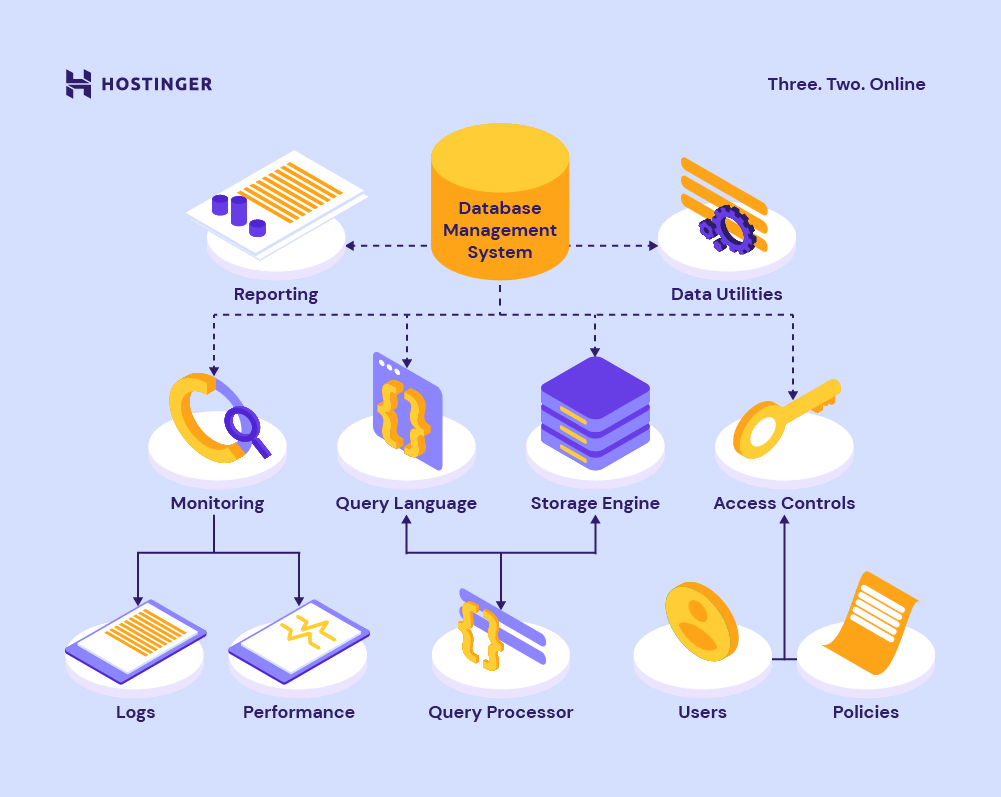](https://www.hostinger.com/tutorials/wp-content/uploads/sites/2/2022/05/Database-Management-System-DBMS-components-reporting-data-utilities-monitoring-query-language-storage-engine-and-access-controls..webp)
## Types of Database Management Systems
DBMSs are categorized based on their database distribution, data model, and the number of supported users. The following are the three main types:
### Relational Database Management System (RDBMS)
Relational database management systems have user-friendly interfaces and use structured data in a tabular form with predefined relationships. To interact with databases, RDBMSs use SQL.
Here are the distinguishing features of a RDBMS:
- **Structure.** Data is structured in the tabular format.
- **Users.** RDBMSs support multiple users operating it at the same time.
- **Programs.** RDBMSs control the relationships between incorporated data tables.
- **Data.** RDBMS can handle large amounts of data.
- **Distributed databases:** RDBMSs support distributed databases while DBMSs don’t.
- **Data redundancy:** RDBMSs have keys and indexes to prevent data redundancy. In comparison, DBMSs usually don’t have such features.
### Document Database Management System (DoDBMS)
Document database management systems organize data in JSON-like files with almost no relational structure. They usually use the MongoDB Query Language for database operations, including reading and writing.
### Columnar Database Management System (CDBMS)
CDBMSs manage databases in the column format to achieve high performance. CDBMSs provide fast analytical processing because they read data efficiently. That’s why businesses with disk-heavy data usually use CDBMS.
## The Most Popular Database Management Systems
In this section, we’ll go over five of the most popular DBMSs and discuss the features that set them apart.
### MySQL
[MySQL](https://www.hostinger.com/tutorials/what-is-mysql) is a relational database management system that is based on SQL and client-server architecture. It is one of the most used DBMSs since it is compatible with a number of computing platforms, including Linux distributions, Windows, and macOS. MySQL also supports C, C++, Java, Perl, PHP, Python, and Ruby.
MySQL is a RDBMS – this means that it uses the tabular format to organize data and maintains relations between elements.
[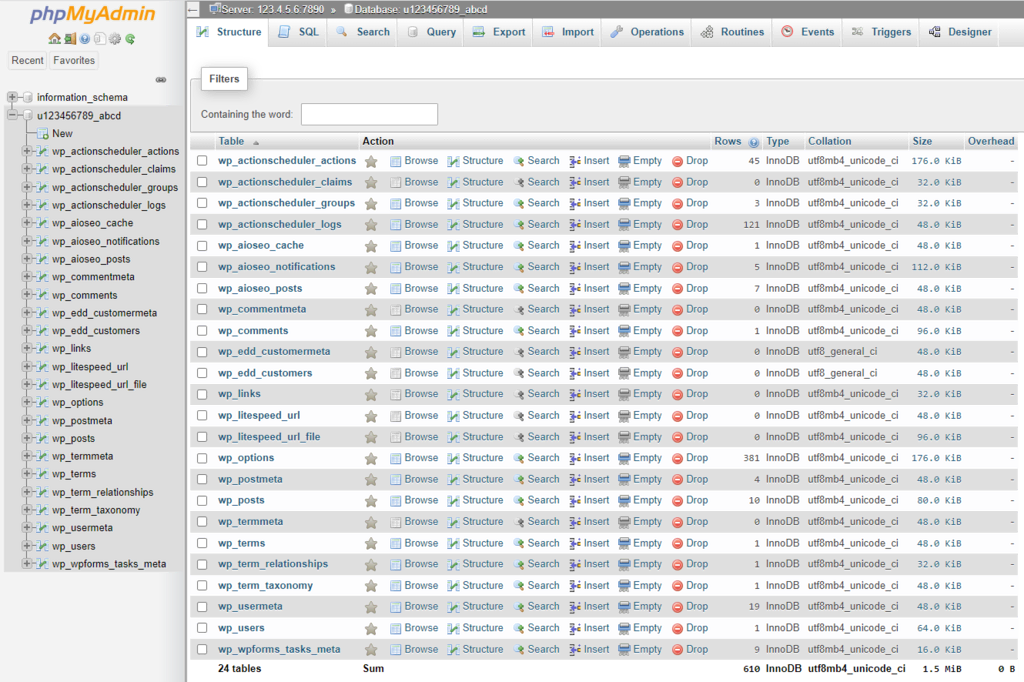](https://www.hostinger.com/tutorials/wp-content/uploads/sites/2/2022/05/phpMyAdmin-interface.webp)
As MySQL is open-source, anyone may modify, distribute, and publish it under the terms of the General Public License (GNU). However, you need to purchase the licensed version to integrate or include MySQL code in commercial applications.
If you [use MySQL](https://www.hostinger.com/tutorials/how-to-install-mysql-on-centos-7), you may find phpMyAdmin useful – it is a free web application that facilitates MySQL management with an intuitive interface. Feel free our setup guides for [phpMyAdmin on Ubuntu](https://www.hostinger.com/tutorials/how-to-install-and-setup-phpmyadmin-on-ubuntu) and [phpMyAdmin on CentOS](https://www.hostinger.com/tutorials/how-to-install-phpmyadmin-on-centos-7/).
### PostgreSQL
PostgreSQL is an open-source enterprise-class database management system that supports SQL for relational and JSON for non-relational queries. Its main users include developers and, database administrators who employ it to develop applications, protect data integrity, and establish fault-tolerant environments. PostgreSQL’s code is available for free under an open-source license.
With PostgreSQL, you can determine your data types, create custom functions, and write code in different programming languages without recompiling your databases. The system will compile the data in a catalog format, utilizing tables and columns and adding access method and function information.
PostgreSQL works on all major operating systems, including most Unix and Linux distributions, Windows, and macOS. It also supports various programming languages, such as Python, Ruby, Java, C, C++, and Perl. If you’re looking to install it on your Linux VPS, check out our guides for setting up [PostgreSQL on Ubuntu](https://www.hostinger.com/tutorials/how-to-install-postgresql-on-ubuntu/) as well as using [PostgreSQL on CentOS](https://www.hostinger.com/tutorials/how-to-install-postgresql-on-centos).
### MongoDB
MongoDB is a **not only SQL**(NoSQL) document database system that compiles information in collections and documents. Notable MongoDB features include unstructured data storage, full indexing support, and replication using APIs.
MongoDB supports schema-less databases that may consist of a single collection with multiple documents. The data inside a database doesn’t necessarily have to have defined relations. Because of its nature, MongoDB is best for large projects that contain millions of documents.
[MongoDB](https://www.hostinger.com/tutorials/how-to-install-mongodb-on-ubuntu/) is free software under the Server Side Public License (SSPL). It works with many programming languages, such as Node.js, PHP, Motor, Scala, Swift, and C#. MongoDB can run on all major operating systems, including Linux, Windows, and macOS.
### Cassandra Database
Cassandra is another NoSQL distributed database management system. It is notable for its scalability which allows users to add more nodes and machines to increase its computational power. This makes Cassandra excellent for work with large amounts of data.
Cassandra distributes databases by replicating their data across multiple data centers on the cloud. It implements Amazon’s Dinamo-style distributed storage and Google’s Big Table data model techniques which make the system highly available and with no single point of failure. As a result, many big companies such as Instagram, Spotify and Twitter use [Cassandra](https://www.hostinger.com/tutorials/set-up-and-install-cassandra-ubuntu/) to manage databases.
Cassandra is compatible with structured, semi-structured, and unstructured data formats that can be changed at any time. Furthermore, the database system is open-source and runs on Linux, Windows, and macOS.
### Oracle Database
According to the [DB-Engines ranking](https://db-engines.com/en/ranking), Oracle is the most popular DBMS. It is an RDBMS with an architecture split between logical and physical structures. One of the standout features of the Oracle database is enterprise grid computing which employs modular physical storage and servers whose size users can adjust.
Oracle is built on a memory caching architecture that ensures maximum performance for very large databases. It includes the Recovery Manager (RMAN) tool that secures data integrity by performing hot, cold, and incremental database backups and recoveries.
Oracle is committed to open technology, so you are free to use, embed, and distribute its code. It runs on all popular operating systems such as Linux, Unix, Windows, and macOS. The database system supports C, C++, Java, COBOL, PL/SQL, and Visual Basic languages for database application development.
[](https://www.hostinger.com/vps-hosting)
## Conclusion
A database management system is software that manages, runs, and retrieves queries and data. DBMSs serve as an interface between users and a database, allowing users to work with information while maintaining data integrity.
We’ve discussed the three main types of DBMSs – relational database management systems, document database management systems, and columnar database management systems.
Here are the five most popular DBMSs that we’ve covered in this article:
- **MySQL.** A relational database that stores data in the tabular form.
- **PostgreSQL.** A relational database that allows you to customize data types and functions.
- **MongoDB.** A document database system that converts JSON data into a binary file format.
- **Cassandra Database.** A distributed database system that replicates data across multiple machines.
- **Oracle Database.** A relational database that splits physical and logical structures in its system architecture.
We hope this article has helped you understand what DBMSs are. If you have any questions or suggestions, feel free to leave them in the comments section below.

The author
Noviantika G.
Noviantika is a web development enthusiast with customer obsession at heart. Linux commands and web hosting are like music to her ears. When she's not writing, Noviantika likes to snuggle with her cats and brew some coffee.
[More from Noviantika G.](https://www.hostinger.com/tutorials/author/noviantika)
[Copy link\\
\\
Copied!](https://www.hostinger.com/tutorials/dbms#)
## Related tutorials
[](https://www.hostinger.com/tutorials/how-to-fix-docker-permission-denied-error)
09 Apr •
[VPS](https://www.hostinger.com/tutorials/vps)• [Docker](https://www.hostinger.com/tutorials/vps/docker)•
##### [How to fix the permission denied error in Docker](https://www.hostinger.com/tutorials/how-to-fix-docker-permission-denied-error)
Docker is a powerful tool for deploying applications using lightweight, portable containers. However, one of the most common and frustrating issues...
[By Dominykas Jasiulionis](https://www.hostinger.com/tutorials/author/dominykasjasiulionis)
[](https://www.hostinger.com/tutorials/minecraft-gamerules)
03 Apr •
[VPS](https://www.hostinger.com/tutorials/vps)• [Gaming](https://www.hostinger.com/tutorials/vps/gaming)•
##### [How to use and customize Minecraft game rules](https://www.hostinger.com/tutorials/minecraft-gamerules)
Minecraft server management isn’t just about keeping things online – it’s about shaping the right experience for you and your players. Whether...
[By Alanas Makauskas](https://www.hostinger.com/tutorials/author/alanasmak)
[](https://www.hostinger.com/tutorials/best-social-media-automation-tools)
31 Mar •
[VPS](https://www.hostinger.com/tutorials/vps)• [Automation](https://www.hostinger.com/tutorials/vps/automation)•
##### [Top 10 social media automation tools for 2025: Supercharge your workflow](https://www.hostinger.com/tutorials/best-social-media-automation-tools)
Managing social media manually can be time-consuming and overwhelming. Between scheduling posts, engaging with followers, and analyzing performance,...
[By Dominykas Jasiulionis](https://www.hostinger.com/tutorials/author/dominykasjasiulionis)
## What our customers say
[Trustpilot](https://www.trustpilot.com/review/hostinger.com)
### Comments
[Leave a comment](https://www.hostinger.com/tutorials/dbms#comment-form)

Femi
July 23 2024
[Reply](https://www.hostinger.com/tutorials/dbms?replytocom=1455586#comment-form)
Please how can I learn this programming language online with certificate?

Benefita
July 24 2024
Hi Femi! You can [learn coding online for free](https://www.hostinger.com/tutorials/learn-coding-online-for-free) through platforms like Coursera, Udemy, and BitDegree. Each of these offers excellent courses to help you get started ;)
### Leave a reply [Cancel reply](https://www.hostinger.com/tutorials/dbms\#respond)
Please fill the required fields.Please accept the privacy checkbox.Please fill the required fields and accept the privacy checkbox.
By using this form you agree that your personal data would be processed in accordance with our [Privacy Policy](https://www.hostinger.com/legal/privacy-policy).
Δ
Thank you! Your comment has been successfully submitted. It will be approved within the next 24 hours.
## Hostinger Affiliate Program
## Lo que dicen nuestros socios

Nuestra experiencia colaborando con Hostinger ha sido realmente enriquecedora. Es una asociación que brinda una gran satisfacción y beneficios mutuos. Para quienes buscan un valor duradero en una colaboración, recomendamos Hostinger sin dudarlo.


Nuestra colaboración con Hostinger ha sido excepcional. No solo son confiables y profesionales, sino que también son muy amables y brindan un gran soporte. Su compromiso con ofrecer resultados de alta calidad de manera oportuna es inigualable. Trabajar con ellos ha sido un verdadero placer.


Excelentes tasas de conversión, pagos puntuales y un gran soporte. Esta colaboración ha contribuido en gran medida a nuestra generación de ingresos.

## Regístrate en el programa en 4 pasos

### Registro inmediato
Regístrate en menos de un minuto totalmente gratis. Verifícate y accede a tu panel de afiliado.

### Mira tu desempeño
Podrás acceder a uno de los mejores paneles de control para afiliados de la industria. Observa y mejora tus campañas.

### Utiliza los banners
Encuentra todos los materiales de marketing adaptados a tu estilo en un solo lugar.

### Obtén tu recompensa
Ganas una comisión por cada venta elegible que hagas. Empieza con 40% y aumenta con tus ventas.
[Convertirme en afiliado](https://affiliates.hostinger.com/)
## Marketing de afiliados efectivo

#### Tasas de conversión altas
Nuestra marca y nuestros materiales promocionales efectivos aseguran que el tráfico que envíes se convierta en ventas.

#### Comisiones basadas en el rendimiento
Cuantas más ventas realices, mayor será tu comisión.

#### Fácil de empezar y crecer
Impulsa las conversiones con paquetes de banners diseñados profesionalmente, capturas de pantalla y más.

## Respondemos las preguntas más comunes sobre el Programa de Afiliados
Echa un vistazo a las preguntas frecuentes para comenzar tu negocio de afiliados de la mejor manera.
[Obtener respuestas](https://www.hostinger.com/co/affiliates/faqs)
## Recursos de afiliados
Saca el máximo provecho de tu asociación con nuestros recursos de marca.
[Check all assets](https://www.hostinger.com/affiliates/assets)
## Acuerdo del Programa de afiliados
¿Quieres empezar ya? Échale un vistazo a nuestras guías y súmate al programa.
[Leer el acuerdo de afiliados](https://www.hostinger.com/co/legal/acuerdo-programa-afiliados)

## ¿Tienes grandes ambiciones?
Cuanto mejor sea tu desempeño, mayor será tu comisión. Te acompañamos en cada paso del camino.
[Quiero ser afiliado](https://affiliates.hostinger.com/)
## Reliable Cloud Hosting
Recommended by **WordPress.org**

Rating:
**4.8/5**
**1,237**
reviews

Rating:
**4.6/5**
**2,432**
reviews

Rating:
**4.7**
**874**
reviews
## Personalize your plan
Get started in complete confidence. Our 30-day money-back guarantee means it's risk-free.
### Cloud Startup
Optimized for business and ecommerce websites.
Startup
Professional
Enterprise
Resources
**2** CPU cores
**3 GB** RAM
**100 GB NVMe** storage
**2 000 000** inodes (files and directories)
**100** PHP workers
**100** websites
US$ 27.99SAVE 71%
US$ 7.99 /mo
+3 months free
For 48-month term. US$ 19.99/mo when you renew
Choose plan
30-day money-back guarantee
Domain included (US$ 9.99 value)
FREE
Unlimited SSL
FREE
**200 mailboxes** \- free for 1 year
FREE
Managed hosting for WordPress and WooCommerce
CDN included
Dedicated IP address
Priority 24/7 expert support
NEW
[View all features](https://www.hostinger.com/pricing?plan=cloud_hosting_grouped#compare-table)
The price displayed is the monthly rate excluding applicable taxes. The total price for the plan to be paid upfront at checkout includes the monthly rate multiplied by the number of months in your plan, along with any applicable taxes.

Whenever my clients ask for hosting recommendations, I always try to sell Hostinger’s services. Why? Because it offers **good prices**, an **intuitive panel**, and an **easy migration** process.
[Read the full story](https://www.hostinger.com/blog/pixel-digital)
Arthur Bourgeois
**Founder of Pixel Digital** \| pixel-digital.fr

I had used many other providers before, and there were always some issues – either with the interface or customer support. With Hostinger, I like how **everything is made with users in mind.**
[Read the full story](https://www.hostinger.com/blog/brandemic)
Pranay Jain
**Co-founder and Head of Web of Brandemic** \| brandemic.in
## Powerful solution for your business needs
**More power & flexibility.** Get 20x more resources than traditional web hosting. Upgrade your plan easily as your business grows.
**Stable & secure.** Stay online with a 99.9% uptime guarantee. Secure client data with daily backups and enhanced DDoS protection.
**Fully managed.** Instant account setup. Intuitive control panel. 24/7 expert support. Manage everything like a pro, without hiring one.


They are the best when it comes to ease of use and definitely the best immediate support you receive compared to others.

[SvgoChevronSmallRight](https://www.trustpilot.com/reviews/6438cc1c746ca7dfea090728)

Hostinger has been the best web hosting provider I've used. What sets it apart is its exceptional customer support.

[SvgoChevronSmallRight](https://www.trustpilot.com/reviews/64354796520b4a84cd0df059)

Hostinger's customer support has been absolutely phenomenal every step of the way.

[SvgoChevronSmallRight](https://www.trustpilot.com/reviews/64beebbec7897678615a04fe)
## WordPress tools. Built for your convenience
**Easy & quick setup.** Install WordPress and WooCommerce in one click. Start selling in no time.
**Smart auto updates.** Keep your site running smoothly and securely with pre-update backups and security adjustments – all automatically done by our system.
**Compatibility checker.** Prevent common issues that could slow down your website, or cause it to stop working completely.
**WordPress AI tools.** Catch and fix errors with AI Troubleshooter. Create unique content using AI Content Creator. And, much more with our AI tool suite.

## Create a WordPress site faster with AI
[Get started](https://www.hostinger.com/cloud-hosting#pricing)
## Your website data. Safe and sound
Secure your clients’ sensitive information with **free SSL certificates**.
Make sure your personal data remains personal with WHOIS **privacy protection**.
Identify malicious files early and remove them easily using a **malware scanner**.
Defend against DDoS attacks and unauthorized access with **Cloudflare protected nameservers**.

## Multiple projects. One easy dashboard
**Monitor everything that matters** to you and your clients – site security, performance, and more.
**Access and manage** your client accounts. **Collaborate** on exciting projects. All in one place.
**Get notified immediately** if something goes wrong, so you can get everything back on track.
**Create custom tags** to organize, search, and filter your website portfolio.

## Exceptional performance. Whatever your workload
Whether you host one website or 100, make sure they all run smoothly with sufficient **PHP workers** and **simultaneous database connections**.
Deliver a blazing-fast browsing experience with our in-house **CDN**, **ObjectCache**, **LiteSpeed web servers**, and **NVMe SSD storage**.
Enjoy superior server control, improved security, and better email deliverability with a **dedicated IP address**.

## The perfect environment for your business growth
[See pricing](https://www.hostinger.com/cloud-hosting#pricing)
## Free and easy website migration
Simply send a **migration request**, and our team will take care of the rest.
It usually takes **around 20 minutes** for your site to find its new home.
Migrate **as many websites as you like**. No charge. No worries.


Most of the time if there is something I am not sure how to do, I can find an article all about it in their support section. If I can't find a solution I just hop on the live chat and someone is there to help.

[SvgoChevronSmallRight](https://www.g2.com/products/hostinger/reviews/hostinger-review-8201575)

I work with almost every hosting company every day, and none of them is as simple as Hostinger when managing hosting, SSL, email, file management, domain management and client management.

[SvgoChevronSmallRight](https://www.g2.com/products/hostinger/reviews/hostinger-review-8252878)

The most helpful thing about Hostinger is the ease of setting up and getting everything up and running. The quick turnaround is what makes this platform different from the others. Plus, the pricing is super competitive, if not the best, currently.

[SvgoChevronSmallRight](https://www.g2.com/products/hostinger/reviews/hostinger-review-8096613)
## A global network
Select a data center location close to your target audience for faster loading times, at all times.
North AmericaSouth AmericaEuropeSouth AfricaAsiaAustralia
North AmericaSouth AmericaEuropeSouth AfricaAsiaAustralia
### Locations in North America
- Arizona
- Massachusetts
- New York
[See pricing](https://www.hostinger.com/cloud-hosting#pricing)

Locations with both Data Centers and CDNs
[See pricing](https://www.hostinger.com/cloud-hosting#pricing)
## Join 3+ million website owners
[Get started](https://www.hostinger.com/cloud-hosting#pricing)
## Cloud hosting FAQs
Find answers to frequently asked questions about cloud web hosting services.
### What is cloud hosting?
[Cloud hosting is](https://www.hostinger.com/tutorials/what-is-cloud-hosting) a faster, stronger, and more reliable alternative to shared hosting.
Hostinger’s managed cloud hosting offers 4X more speed and 20X more resources compared to traditional web hosting. It’s also fully managed – meaning that we take care of all the technical stuff, so you can focus on scaling your projects.
It’s the perfect solution for website owners looking for the power and stability of a virtual private server (VPS), without the complexity of managing one.
### Why should I get cloud hosting services?
Whether you’re running an eCommerce store that sells hundreds of products, or a business site handling hundreds of thousands of visitors each month, cloud server hosting has the computing power to maintain high performance and uptime, while still being easy to use.
It’s also the right choice for web developers and agencies that manage multiple clients and projects simultaneously. In fact, cloud hosting plans are among those we offer in our [agency hosting](https://www.hostinger.com/pro) services.
With hPanel, you can access your clients’ accounts from your own, organize websites with custom tags, invite your team to collaborate on projects, and monitor everything that matters to you: site security, performance, and more.
### How can I migrate my websites to Hostinger’s cloud plan?
[Migrating your website to Hostinger](https://www.hostinger.com/website-migration) is free and easy. Simply secure your cloud hosting plan, submit a migration request, and move as many websites as you want. Your website will still be online during the migration process, and we’ll help you prepare for DNS propagation to minimize downtime.
### How much does cloud hosting cost? How easy is it to upgrade to a cloud plan?
Depending on the size of your online project, you can buy one of the following cloud plans:
- **Cloud Startup – US$ 7.99/month for the 48-month plan**
- **Cloud Professional – US$ 15.99/month for the 48-month plan**
- **Cloud Enterprise – US$ 29.99/month for the 48-month plan**
Every cloud hosting package includes a free domain, free SSL certificates, free domain-based emails, and 24/7 priority support. Plus, we offer a 30-day money-back guarantee so you can explore our services without risk.
If you already have a web hosting plan, upgrading to managed cloud hosting services only takes a few clicks via our user-friendly hPanel. In case you get stuck, our Customer Success agents will be happy to help.
### What is the difference between cloud and traditional hosting?
One notable difference is that cloud server hosting gives you 4x more speed and 20x more resources compared to [traditional web hosting](https://www.hostinger.com/web-hosting). As a result, your website will perform at its very best no matter how busy it gets.
Cloud website hosting also comes with a dedicated IP address, ensuring better protection against security breaches and improved email deliverability. Unlike a shared IP address in traditional web hosting, spam activities performed by other users won’t negatively impact your domain name and branding.
### What is the difference between VPS and cloud server hosting?
[VPS hosting](https://www.hostinger.com/vps-hosting) provides dedicated resources and root access, ensuring rock-solid performance and allowing you to self-manage the server and customize your hosting environment to your specific needs. Since it’s a self-managed service, VPS hosting requires more technical skills.
Meanwhile, cloud hosting combines the power of a VPS and the simplicity of managed web hosting. It features a pre-built environment and an easy-to-use control panel, so you can enjoy a fast and secure website without dealing with the complexity of VPS hosting.
Our cloud hosting options also come with an integrated content delivery network (CDN). It automatically stores copies of your site’s content across a global network of servers, improving site performance by 40%.
With VPS hosting, your website data will be stored on a single physical server.
### What's the difference between a server and cloud hosting?
A server is basically a physical machine or a computer that stores website files. When you buy a hosting service, you essentially rent space in a server to host your site.
Now, you can rent the whole physical machine exclusively for your site. It’s called a dedicated server. However, it’s super expensive, and you need advanced technical knowledge to manage the server.
An easier and more affordable solution is to host multiple websites in one server, which is called shared hosting. Here, server maintenance is handled by the hosting provider, and you’ll get a control panel to manage your account easily.
But there’s also a downside to this: since you’re sharing server resources with other users, any issues experienced by other sites can directly affect your website too.
If you want to get the power of a dedicated server and the ease of use of shared hosting, a managed cloud hosting solution is the perfect choice. It gives you a lot more server resources and power than shared hosting, while still providing an intuitive control panel.
### What does expert priority support mean?
With priority support, your questions will go straight to our cloud hosting experts, instead of the general Customer Success specialists. These technical agents know the ins and outs of cloud hosting, which means you’ll get more accurate answers, faster.
Our priority support is available 24/7 via live chat, with a median response time of one minute for requests in English. Prefer to speak in your mother tongue? Don’t worry, [we support 10 other languages](https://www.hostinger.com/support/articles/1583778-which-languages-does-the-hostinger-support-team-speak), including Spanish, French, Portuguese, Chinese, and Arabic.
### What are the CPU, RAM, Inode, and Disk Limits of Hostinger plans?
To learn what resources our cloud hosting solutions provide, check out these [parameters and limits for hosting plans](https://www.hostinger.com/support/articles/6976044-parameters-and-limits-for-hosting-plans). You will find detailed information on the specific limits associated with each plan we offer, so you can make an informed choice based on your website's needs.
### Are you using SSD as storage for managed cloud hosting plans?
We use the NVMe SSD technology in all cloud hosting packages. It’s a storage protocol designed to read, write, and transfer data much faster than traditional solid-state drives (SSD).
NVMe SSD storage is suitable for projects that require high-speed data access and stable performance, such as eCommerce stores, online course platforms, community forums, travel aggregator sites, and others.
### Can I run Node.js on your cloud server?
Our cloud hosting platform currently doesn’t support Node.js. But you can still create and host your Node.js applications with our [VPS hosting plans](https://www.hostinger.com/vps-hosting).
## Web Hosting Plans
Web hosting
Website Builder
VPS hosting
Domains
Email
Type of hosting
Web hostingCloud hostingManaged hosting for WordPressManaged hosting for WooCommerce
Length of subscription
48-months24-months12-months1-month
Single
Ideal solution for beginners.
₱ 279.00SAVE 82%
₱ 49.00 /mo
0 months free
Choose plan
Renews at ₱129.00/mo for 4 years. Cancel anytime.
**1** website
Managed hosting for WordPress
**~10 000** visits monthly
**10 GB** SSD storage
**200 000** files and directories (inodes)
**Free** pre-built templates
**Free** automatic website migration
**Unlimited free** SSL
**1 mailbox** \- free for 1 year
**Weekly** backups
WordPress vulnerabilities scanner
Smart WordPress auto updates
**Standard** WordPress acceleration
**100 GB** bandwidth
**Free** domain (₱509.00 value)
**Free** CDN
WordPress AI tools
WordPress staging tool
Dedicated IP address
Priority support
MOST POPULAR
Premium
Everything you need to create your website.
₱ 409.00SAVE 73%
₱ 109.00 /mo
+3 months free
Choose plan
Renews at ₱169.00/mo for 4 years. Cancel anytime.
**25** websites
Managed hosting for WordPress
**~25 000** visits monthly
**25 GB** SSD storage
**400 000** files and directories (inodes)
**Free** pre-built templates
**Free** automatic website migration
**Unlimited free** SSL
**50 mailboxes** \- free for 1 year
**Weekly** backups
WordPress vulnerabilities scanner
Smart WordPress auto updates
**Standard** WordPress acceleration
**Unlimited** bandwidth
**Free** domain (₱509.00 value)
**Free** CDN
WordPress AI tools
WordPress staging tool
Dedicated IP address
Priority support
Business
Level up with more power and enhanced features.
₱ 479.00SAVE 65%
₱ 169.00 /mo
+3 months free
Choose plan
Renews at ₱339.00/mo for 4 years. Cancel anytime.
**50** websites
Managed hosting for WordPress
**~100 000** visits monthly
**50 GB** NVMe storage
**600 000** files and directories (inodes)
**Free** pre-built templates
**Free** automatic website migration
**Unlimited free** SSL
**100 mailboxes** \- free for 1 year
**Daily and on-demand** backups
WordPress vulnerabilities scanner
Smart WordPress auto updates
**Advanced** WordPress acceleration
**Unlimited** bandwidth
**Free** domain (₱509.00 value)
**Free** CDN
WordPress AI tools
WordPress staging tool
Dedicated IP address
Priority support
Cloud Startup
Enjoy optimized performance & powerful resources.
₱ 1,159.00SAVE 65%
₱ 409.00 /mo
+3 months free
Choose plan
Renews at ₱819.00/mo for 4 years. Cancel anytime.
**100** websites
Managed hosting for WordPress
**~200 000** visits monthly
**100 GB** NVMe storage
**2 000 000** files and directories (inodes)
**Free** pre-built templates
**Free** automatic website migration
**Unlimited free** SSL
**200 mailboxes** \- free for 1 year
**Daily and on-demand** backups
WordPress vulnerabilities scanner
Smart WordPress auto updates
**Advanced** WordPress acceleration
**Unlimited** bandwidth
**Free** domain (₱509.00 value)
**Free** CDN
WordPress AI tools
WordPress staging tool
Dedicated IP address
Priority support
[Compare plans](https://www.hostinger.com/ph/pricing#compare-table)
All plans are paid upfront. The monthly rate reflects the total plan price divided by the number of months in your plan.
### Enjoy all this. At no extra cost.
Unlimited SSL security certificates
Free domain (with annual plans)
Professionally designed templates
Automatic back-ups and updates
Email addresses
Unlimited web traffic
## Find the right hosting for you
FOR SMALL TO MEDIUM WEBSITES
Web hosting
Perfect for beginners. Everything you need to take your idea online.
eCommerce
500 products
Simplicity
High
Server control
Low
Scalability
Medium
FOR FANS OF WORDPRESS
Hosting for WordPress
Optimized hosting for the world’s most popular CMS. For medium size websites.
eCommerce
5 000 products
Simplicity
High
Server control
Low
Scalability
Medium
FOR LARGE SCALE PROJECTS
Cloud hosting
Take your business to the next level. Perfect for client website management.
eCommerce
5 000 products
Simplicity
High
Server control
Low
Scalability
High
[Get started](https://www.hostinger.com/ph/pricing#pricing)
## Compare our plans
See at a glance what each plan costs and what you get for your money.
### Plan features
Single
Premium
Business
Cloud Startup
Top features
website
Managed hosting for WordPress
Visits monthly
SSD storage
files and directories (inodes)
**Free** pre-built templates
**Free** automatic website migration
**Unlimited free** SSL
**1 mailbox** \- free for 1 year
**Weekly** backups
WordPress vulnerabilities scanner
Smart WordPress auto updates
**Standard** WordPress acceleration
Bandwidth
Free domain value
**Free** CDN
WordPress AI tools
WordPress staging tool
Dedicated IP address
Priority support
Managed hosting for WordPress
**Free** 1-click WordPress installation
**Free** 1-click Google integration
WordPress acceleration (LiteSpeed)
WordPress compatibility checker
**Starter** WooCommerce
WordPress multisite
WP-CLI and SSH
**Free** Amazon affiliate WordPress plugin
Object cache for WordPress
On-demand backup
Hostinger Website Builder
AI website builder
Drag & drop editor
150 templates
Marketing integrations
AI image generator
AI writer
AI blog generator
AI heatmaps
AI SEO tools
eCommerce features
0% transaction fees
100+ payment methods
Security
**Standard** DDoS protection
Web application firewall
Cloudflare protected nameservers
**Malware** Scanner
Secure access manager
Free domain WHOIS privacy protection value
Service and support
30-Day money-back guarantee
99.9% uptime guarantee
Global data centers
24/7 customer support
Technical details
PHP workers
Visits monthly
subdomains
MySQL max user connections
databases
FTP account
cronjobs
GIT access
Multiple PHP versions
DNS management
Cache manager
Powerful control panel
SSH access
1
10 000
10 GB
200 000
100 GB
₱509.00
₱509.00
25
10 000
2
25
2
1
2
25
25 000
25 GB
400 000
50
₱509.00
₱509.00
40
25 000
100
50
300
50
100 000
50 GB
600 000
100
₱509.00
₱509.00
60
100 000
100
75
300
100
200 000
100 GB
2 000 000
200
₱509.00
₱509.00
100
200 000
300
100
800
₱ 49.00 /mo
Choose plan
₱ 109.00 /mo
Choose plan
₱ 169.00 /mo
Choose plan
₱ 409.00 /mo
Choose plan
## Trusted by 3+ million website owners worldwide

Charlie Low
Co-founder of Nohma
Ever since we've been with Hostinger, it's been amazing. We've not really had any issues at all and if we ever do have a question, their customer service is incredible.
[Read the full story](https://www.hostinger.com/blog/climbingvan)

Jack Bies
Creative director
Hostinger’s Customer Success team goes above and beyond to understand my problem.
[Read the full story](https://www.hostinger.com/blog/jack-bies-shared-hosting-success-story)

Jhon Ortega
Entrepreneur
I was looking for a hosting company that is very intuitive for beginners and very well-configured for good performance.
[Read the full story](https://www.hostinger.com/blog/how-jhon-scaled-his-minecraft-business)
## Included with every plan

### Website Builder
Build your website in 3 simple steps, with AI tools. You’ll be going live in minutes.

### Total security
Relax, your websites and visitors are protected by the latest security software.

### 99.9% uptime. Guaranteed
Our 99.9% uptime guarantee means your website is always available.

### A single, simple dashboard
Designed to be easy-to-use for beginners and professionals alike, you can see at a glance how your site is performing.

### 24/7 customer support
Access expert support whenever you need it. We typically respond in under 2 minutes and our team speak 10+ languages.
[Get started](https://www.hostinger.com/ph/pricing#pricing)

We honestly reference **Hostinger as the benchmark** for our engineers when providing support.
[Read the full story](https://www.hostinger.com/blog/climbingvan)
Charlie Low and Dale Comely
nohma.com

Migrating to Hostinger was **the best decision** I ever made.
[Read the full story](https://www.hostinger.com/blog/gate-foot-forge)
Owen Phillips
gatefootforge.co.uk

I could **manage** the hosting, domain name, and SSL certificate **in one place**, which was really refreshing.
Gabrielle Scarlett
gabriellescarlett.com
## Save up to **82%** on your plan
If you are not 100% satisfied, you can request a refund of your payment within a period of 30 days after your purchase. The process is seamless and risk-free. For more information, please check our [refund policy](https://www.hostinger.com/legal/refund-policy) (exclusions may apply).
[Get started](https://www.hostinger.com/ph/pricing#pricing)
## Hostinger pricing FAQs
### How do I register the free domain included with annual hosting plans?
To activate the free 12-month domain included with every annual plan, simply log in to your dashboard, go to ‘domain’, find your perfect domain, and register it.
### How do I activate the free SSL certificate?
You don’t need to do anything. We automatically set up your SSL certificate when you sign up, so you can sit back and relax, safe in the knowledge your site is secure.
### Can I change my plan, if my circumstances change?
Yes, you can easily upgrade your plan if your circumstances change. Our scalable options allow you to seamlessly switch without any downtime.
### Why do different plans cost different amounts?
While all our web hosting plans include everything you need to get your website online, alongside performance and security you can rely on, each plan is tailored to suit different needs. For example, an individual’s professional portfolio website doesn’t require the same eCommerce resources that a medium-sized retailer would need for their online store, or a developer might need to host a dedicated online game server. By offering a variety of plans, we can ensure you only pay for the features and resources you need.
### Does Hostinger offer eCommerce hosting?
Yes, we offer a variety of eCommerce plans that include everything you need to open your online store and start selling. All our eCommerce plans include inventory management, multiple payment methods, marketing integrations, client appointment scheduling, and 0% transaction fees, so you keep more of what you make.
### Can I migrate existing websites to Hostinger?
Yes, you can quickly and easily migrate your existing website to Hostinger - and it’s free. We offer an unlimited website migrations service that handles everything and ensures you can transfer your site - or sites - without any hassle, cost, data loss, or downtime.
### I have a domain name at a different company. Can I transfer it to Hostinger?
Absolutely. You can transfer your domain name to Hostinger by following our simple domain transfer process. Then you can manage your domain and hosting services all in one place.
### I'm a professional web developer, which is better for me, web hosting, Cloud hosting, or VPS hosting?
Our Shared hosting is designed to be user-friendly, making it perfect for beginners and small businesses. However, professional-level developers and designers might benefit more from our VPS hosting, which offers more back-end control, flexibility, and resources. Our Cloud hosting plans sit in the middle offering more resources than shared hosting, but less control than VPS hosting.
### Can I build a website on WordPress and host it with Hostinger?
Yes. All our hosting plans are compatible with WordPress. Our Managed WordPress Hosting plan is perfect for making the most out of your WordPress website. Meanwhile, our WooCommerce hosting plan is ideal if you’re opening an online store.
## Hostinger Blog Insights
[Blog](https://www.hostinger.com/es/blog)
[Horizons NUEVO](https://www.hostinger.com/es/horizons)
Hosting
VPS
Email
Dominio
[Iniciar sesión](https://www.hostinger.com/cpanel-login)
_menu_
- [Noticias](https://www.hostinger.com/es/blog/noticias)
- [Clientes](https://www.hostinger.com/es/blog/historias-de-clientes)
- [WordPress](https://www.hostinger.com/es/blog/wordpress)
- [Ingeniería](https://www.hostinger.com/es/blog/ingenieria)
- [Vida diaria](https://www.hostinger.com/es/blog/vida-diaria)
_search_
- [Noticias](https://www.hostinger.com/es/blog/noticias)
- [Clientes](https://www.hostinger.com/es/blog/historias-de-clientes)
- [WordPress](https://www.hostinger.com/es/blog/wordpress)
- [Ingeniería](https://www.hostinger.com/es/blog/ingenieria)
- [Vida diaria](https://www.hostinger.com/es/blog/vida-diaria)
Topics
_menu_
_search_
_close_
[](https://www.hostinger.com/es/blog/frenesi-freelancer-la-constante)
Lo más nuevo
### [Frenesí freelancer: cuando el trabajo secundario se convierte en la constante](https://www.hostinger.com/es/blog/frenesi-freelancer-la-constante)
Como concepto, el trabajo independiente se refiere a la contratación de trabajadores temporales, como redactores, diseñadores gráficos, tutores online y desarrolladores web.&…

Luis Jordán
Jun 13, 2023
## Historias destacadas
[](https://www.hostinger.com/es/blog/seguridad-de-wordpress)
09 Jun •
[WordPress](https://www.hostinger.com/es/blog/wordpress)•
•
3min
##### [Seguridad de WordPress en 2022: qué hacemos para proteger a nuestros usuarios](https://www.hostinger.com/es/blog/seguridad-de-wordpress)
La seguridad de WordPress es un tema increíblemente popular.
Como el sistema de gestión de contenido más popular (en 2022, el 43,2 % de todos los sitios web se ejecutan en Word…
[](https://www.hostinger.com/es/blog/experiencia-de-migracion-de-jake-en-hostinger)
24 May •
[Negocios exitosos](https://www.hostinger.com/es/blog/historias-de-clientes/negocios-exitosos)•
•
2min
##### [Hostinger brinda migración completa de WordPress que permite a Jake centrarse en su portfolio](https://www.hostinger.com/es/blog/experiencia-de-migracion-de-jake-en-hostinger)
Enfrentado con problemas de servicio al cliente en sus proveedores de hosting anteriores, Jake, un diseñador de marca, empezó a buscar un nuevo servidor web. La función de ch…
[](https://www.hostinger.com/es/blog/programa-de-referidos-de-hostinger)
04 Apr •
[Noticias](https://www.hostinger.com/es/blog/noticias)• [Mejoras de producto](https://www.hostinger.com/es/blog/mejoras-de-producto)•
•
2min
##### [Presentamos el Programa de Referidos de Hostinger](https://www.hostinger.com/es/blog/programa-de-referidos-de-hostinger)
Tú lo pediste, así que aquí lo tienes. Nuestro Programa de Referidos de Hostinger te permite compartir tu amor por Hostinger con tus amigos y familiares. Además de obtener algo de…
## WordPress
Te traemos noticias frescas sobre las tendencias, lanzamientos y características de WordPress.
[](https://www.hostinger.com/es/blog/resumen-de-noviembre-de-wordpress)
13 Dec •
[WordPress](https://www.hostinger.com/es/blog/wordpress)•
•
4min
##### [Este mes en WordPress: resumen de noviembre](https://www.hostinger.com/es/blog/resumen-de-noviembre-de-wordpress)
A medida que 2023 llega a su fin, la comunidad de WordPress sigue activa. La mejora significativa final del año, WordPress 6.4, ha sido lanzada junto con un nuevo tema predetermin…
[](https://www.hostinger.com/es/blog/resumen-de-septiembre)
11 Oct •
[WordPress](https://www.hostinger.com/es/blog/wordpress)•
•
3min
##### [Este mes en WordPress: Resumen de septiembre](https://www.hostinger.com/es/blog/resumen-de-septiembre)
En septiembre hubo un cambio en la comunidad de WordPress. Ahora que concluyeron las principales WordCamps, toda la atención se centra ahora en WordPress 6.4, el último lanzamient…
[](https://www.hostinger.com/es/blog/este-mes-en-wordpress-resumen-de-agosto)
14 Sep •
[WordPress](https://www.hostinger.com/es/blog/wordpress)•
•
4min
##### [Este mes en WordPress: resumen de Agosto](https://www.hostinger.com/es/blog/este-mes-en-wordpress-resumen-de-agosto)
Agosto fue productivo tanto para la comunidad de WordPress como para Hostinger.
Vimos algunas actualizaciones interesantes: una nueva versión de WordPress, una función ad…
[Ver todo](https://www.hostinger.com/es/blog/wordpress)
## Todas las historias
Conoce los últimos lanzamientos, tendencias y noticias destacadas de Hostinger y de la industria del hosting.
[**000webhost se retira a medida que evoluciona el mercado del hosting web**\\
\\
Noticias \\
\\
\\
Después de 17 años, 000webhost, una marca de hosting web gratis, impulsada por Hostinger, cierra sus operaciones. El mercado del hosting web ha evolucionado, y ahora los consumido… \\
\\
\\
\\
35450\\
\\
\\
\\
0\\
\\
Jul 08, 2024 \\
\\
By Stefany F.](https://www.hostinger.com/es/blog/cierre-de-000webhost) [**Publica tu sitio web de afiliados de Amazon más fácilmente con Hostinger**\\
\\
Mejoras de producto \\
\\
\\
Empezar tu propio sitio web de marketing de afiliados es ahora mucho más rápido y fácil, gracias al tema y plugin Amazon afiliados de Hostinger para WordPress.\\
\\
Con estas dos he… \\
\\
\\
\\
3076\\
\\
\\
\\
0\\
\\
May 03, 2024 \\
\\
By Carlos M.](https://www.hostinger.com/es/blog/sitio-web-de-afiliados-de-amazon-con-hostinger) [**El Creador de sitios web de Zyro ahora integrado con Hostinger: logra más con solo una herramienta**\\
\\
Noticias \\
\\
\\
En un movimiento significativo para mejorar y expandir nuestros servicios de hosting web, nos emociona anunciar la integración de Zyro con Hostinger. Esta alianza estratégica sign… \\
\\
\\
\\
12397\\
\\
\\
\\
0\\
\\
Apr 03, 2024 \\
\\
By Carlos M.](https://www.hostinger.com/es/blog/zyro-y-hostinger-unen-fuerzas) [**Este mes en WordPress: resumen de noviembre**\\
\\
WordPress \\
\\
\\
A medida que 2023 llega a su fin, la comunidad de WordPress sigue activa. La mejora significativa final del año, WordPress 6.4, ha sido lanzada junto con un nuevo tema predetermin… \\
\\
\\
\\
2318\\
\\
\\
\\
0\\
\\
Dec 13, 2023 \\
\\
By Carlos M.](https://www.hostinger.com/es/blog/resumen-de-noviembre-de-wordpress) [**Softwine.ai: lleva tu pasión a Internet con la IA**\\
\\
Historias de clientes \\
\\
Negocios exitosos \\
\\
\\
Mike Rodden es un gestor de productos de software de Boston con una afición: la fuerza creativa detrás de Softwine.ai, un blog acerca de vino impulsado por la IA.\\
\\
Softwine.ai c… \\
\\
\\
\\
2432\\
\\
\\
\\
0\\
\\
Nov 01, 2023 \\
\\
By Carlos M.](https://www.hostinger.com/es/blog/softwine) [**Ser ecológico: la transición de Hostinger a la energía renovable de los centros de datos**\\
\\
Vida diaria \\
\\
\\
¿Te has preguntado alguna vez cómo contribuye el mundo de la tecnología al cambio climático? Aunque almacenar tus archivos en la nube suele ser más sostenible que imprimir papeles… \\
\\
\\
\\
2466\\
\\
\\
\\
0\\
\\
Oct 31, 2023 \\
\\
By Luis J.](https://www.hostinger.com/es/blog/hostinger-mas-ecologico) [**Este mes en WordPress: Resumen de septiembre**\\
\\
WordPress \\
\\
\\
En septiembre hubo un cambio en la comunidad de WordPress. Ahora que concluyeron las principales WordCamps, toda la atención se centra ahora en WordPress 6.4, el último lanzamient… \\
\\
\\
\\
2394\\
\\
\\
\\
0\\
\\
Oct 11, 2023 \\
\\
By Stefany F.](https://www.hostinger.com/es/blog/resumen-de-septiembre) [**Este mes en WordPress: resumen de Agosto**\\
\\
WordPress \\
\\
\\
Agosto fue productivo tanto para la comunidad de WordPress como para Hostinger. \\
\\
Vimos algunas actualizaciones interesantes: una nueva versión de WordPress, una función ad… \\
\\
\\
\\
2520\\
\\
\\
\\
0\\
\\
Sep 14, 2023 \\
\\
By Stefany F.](https://www.hostinger.com/es/blog/este-mes-en-wordpress-resumen-de-agosto) [**Este mes en WordPress: resumen de julio**\\
\\
WordPress \\
\\
\\
Como la primera beta de WordPress 6.3 llegó en junio, julio se dedicó a corregir errores, entregar notas de desarrollador y finalizar las versiones candidatas. Además, hubo noveda… \\
\\
\\
\\
2350\\
\\
\\
\\
0\\
\\
Aug 23, 2023 \\
\\
By Carlos M.](https://www.hostinger.com/es/blog/este-mes-en-wordpress-resumen-de-julio) [**Este mes en WordPress: resumen de junio**\\
\\
WordPress \\
\\
\\
Junio fue un mes emocionante para la comunidad de WordPress. WordCamp Europe se celebró con éxito en Atenas, Grecia, y los colaboradores lanzaron la primera versión beta de WordPr… \\
\\
\\
\\
2479\\
\\
\\
\\
0\\
\\
Jul 12, 2023 \\
\\
By Luis J.](https://www.hostinger.com/es/blog/resumen-de-junio-de-wordpress)
1 [2](https://www.hostinger.com/es/blog/page/2) [3](https://www.hostinger.com/es/blog/page/3) [4](https://www.hostinger.com/es/blog/page/4)… [15](https://www.hostinger.com/es/blog/page/15) [>](https://www.hostinger.com/es/blog/page/2)
## **¡Forma parte de Hostinger ahora!**
[Empezar](https://www.hostinger.com/career)
## Web Development Tutorials
[WordPress](https://www.hostinger.com/id/tutorial/wordpress)[VPS](https://www.hostinger.com/id/tutorial/vps)[Web Development](https://www.hostinger.com/id/tutorial/web-development)[Hosting](https://www.hostinger.com/id/tutorial/hosting)[Glosarium](https://www.hostinger.com/id/tutorial/glosarium)
[WordPress](https://www.hostinger.com/id/tutorial/wordpress)[VPS](https://www.hostinger.com/id/tutorial/vps)[Web Development](https://www.hostinger.com/id/tutorial/web-development)[Hosting](https://www.hostinger.com/id/tutorial/hosting)[Glosarium](https://www.hostinger.com/id/tutorial/glosarium)
# Cari Tutorial yang Anda Inginkan
Cari
[](https://www.hostinger.com/id/tutorial/cara-membuat-website)
Tutorial pilihan
### [Cara Membuat Website Tanpa Coding untuk Pemula dan Profesional](https://www.hostinger.com/id/tutorial/cara-membuat-website)
Anda mau membuat website, tapi belum tahu caranya? Jangan khawatir! Sekarang, ada banyak cara membuat website sendiri yang bisa Anda lakukan. Apalagi,...

Faradilla Ayunindya
Feb 20, 2025
## Tutorial Terpopuler
Kunjungan pertama Anda di Tutorial Hostinger? Lihat resource dan panduan Hostinger yang paling banyak dibaca.
[](https://www.hostinger.com/id/tutorial/cara-membuat-email)
22 Jan •
[Email](https://www.hostinger.com/id/tutorial/email)•
##### [Cara Membuat Email Baru di Gmail, Outlook, Yahoo, dan Layanan Profesional](https://www.hostinger.com/id/tutorial/cara-membuat-email)
Email benar-benar tak terpisahkan dari kehidupan masyarakat modern di masa kini. Mulai dari pekerjaan, sekolah, hingga keperluan administrasi,...
[](https://www.hostinger.com/id/tutorial/cara-mendapatkan-uang-dari-internet)
06 Sep •
[Toko Online dan Bisnis](https://www.hostinger.com/id/tutorial/toko-online-dan-bisnis)•
##### [25 cara menghasilkan uang dari internet untuk pemula dan profesional](https://www.hostinger.com/id/tutorial/cara-mendapatkan-uang-dari-internet)
Saat ini, peluang untuk menghasilkan uang dari internet semakin terbuka lebar berkat adanya berbagai platform online untuk mencari penghasilan....
[](https://www.hostinger.com/id/tutorial/apa-itu-domain)
26 Jun •
[Web Development](https://www.hostinger.com/id/tutorial/web-development)• [Domain](https://www.hostinger.com/id/tutorial/domain)•
##### [Apa Itu Domain? Pengertian Domain dan Jenis-Jenisnya](https://www.hostinger.com/id/tutorial/apa-itu-domain)
Domain adalah alamat atau nama yang menjadi identitas website atau komputer agar bisa lebih mudah diakses oleh pengguna. Untuk website, nama domain...
## WordPress
Bagi pemula maupun yang sudah ahli, kami sediakan update terbaru, tutorial, dan tips terbaik untuk proyek WordPress Anda.
[![10+ Cara Mempercepat Website WordPress, Terbukti! [2025]](https://www.hostinger.com/id/tutorial/wp-content/uploads/sites/37/2020/11/cara-mempercepat-loading-website-wordpress.webp)](https://www.hostinger.com/id/tutorial/cara-mempercepat-wordpress)
19 Nov •
[WordPress](https://www.hostinger.com/id/tutorial/wordpress)•
##### [10+ Cara Mempercepat Website WordPress, Terbukti! \[2025\]](https://www.hostinger.com/id/tutorial/cara-mempercepat-wordpress)
Semua webmaster pasti ingin websitenya bisa diakses dengan cepat, mudah, dan tanpa masalah. Situs yang berfungsi optimal bisa menjadi strategi efektif...
[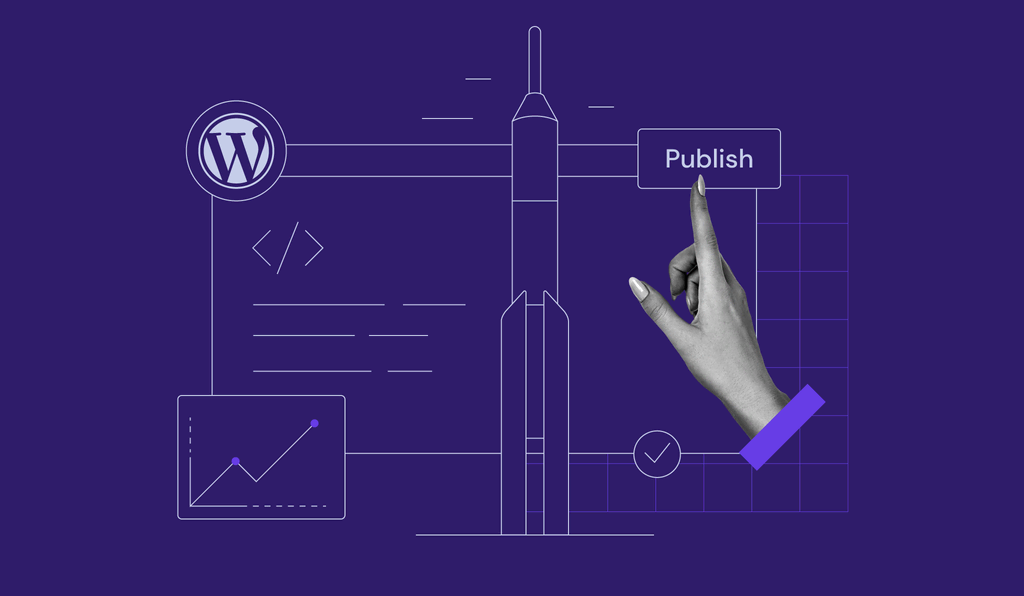](https://www.hostinger.com/id/tutorial/membuat-website-dengan-wordpress)
16 Jul •
[WordPress](https://www.hostinger.com/id/tutorial/wordpress)•
##### [Cara membuat website menggunakan WordPress untuk pemula dan profesional](https://www.hostinger.com/id/tutorial/membuat-website-dengan-wordpress)
Sekarang ini, website tidak hanya membantu Anda menjangkau audiens di internet, tapi juga membuka berbagai peluang baru untuk karier, hobi, maupun...
[](https://www.hostinger.com/id/tutorial/cara-seo-wordpress)
10 Jul •
[WordPress](https://www.hostinger.com/id/tutorial/wordpress)•
##### [30+ Cara SEO WordPress untuk Menaikkan Peringkat Website](https://www.hostinger.com/id/tutorial/cara-seo-wordpress)
SEO (Optimasi Mesin Pencari) membantu website WordPress Anda mendapatkan peringkat yang lebih tinggi di halaman hasil mesin pencari (SERP), yang juga...
[Lihat semua](https://www.hostinger.com/id/tutorial/wordpress)
## Video Tutorial
Instruktur Hostinger Academy akan membantu Anda dalam membuat website, mengelola hosting, dan mengembangkan skala bisnis online Anda.
[](https://www.hostinger.com/id/tutorial/video-panduan-cara-membuat-website-toko-online-sendiri)
22 Jun •
[Video](https://www.hostinger.com/id/tutorial/video)•
##### [Cara Membuat Website Toko Online Sendiri](https://www.hostinger.com/id/tutorial/video-panduan-cara-membuat-website-toko-online-sendiri)
Zaman makin maju. Penjual dan pembeli tidak perlu harus terus bertatap muka setiap saat ketika melakukan transaksi jual beli. Kenapa? Karena sekarang...
[![Cara Membuat Website [Terlengkap & Terbaru 2022]](https://www.hostinger.com/id/tutorial/wp-content/uploads/sites/37/2021/05/video-tutorial-cara-membuat-website.jpg)](https://www.hostinger.com/id/tutorial/video-panduan-cara-membuat-website)
30 May •
[Video](https://www.hostinger.com/id/tutorial/video)•
##### [Cara Membuat Website \[Terlengkap & Terbaru 2022\]](https://www.hostinger.com/id/tutorial/video-panduan-cara-membuat-website)
Ingin punya toko online? atau situs portofolio agar bisa menampilkan hasil karya? Kalian harus tahu dulu cara membuat website. Tidak perlu menyewa...
[![[Terbaru 2022] Cara Membuat Blog Bagi Pemula](https://www.hostinger.com/id/tutorial/wp-content/uploads/sites/37/2021/05/video-tutorial-cara-membuat-blog-bagi-pemula.jpg)](https://www.hostinger.com/id/tutorial/video-panduan-cara-membuat-blog)
30 May •
[Video](https://www.hostinger.com/id/tutorial/video)•
##### [\[Terbaru 2022\] Cara Membuat Blog Bagi Pemula](https://www.hostinger.com/id/tutorial/video-panduan-cara-membuat-blog)
Kalau kalian ingin tahu cara membuat blog bagi pemula, kalian berada di tempat yang tepat. Di video panduan ini, tak hanya pengertian blog, tapi...
[Lihat semua](https://www.hostinger.com/id/tutorial/video)
## Semua Tutorial Hostinger
Pelajari semua hal tentang web hosting, VPS, nama domain, SSL, dan lainya di artikel terbaru kami.
[**Mengenal Hostinger Horizons, tool keren untuk membuat aplikasi berbasis web**\\
\\
Hostinger Horizons \\
\\
Hostinger Horizons adalah tool berteknologi AI yang bisa membantu Anda membuat aplikasi web sesuai keinginan Anda tanpa coding. Baik untuk membuat... \\
\\
\\
\\
40\\
\\
\\
\\
0\\
\\
Apr 10, 2025 \\
\\
Oleh Faradilla A.](https://www.hostinger.com/id/tutorial/apa-itu-hostinger-horizons) [**Cara Membuat Website Sekolah dengan Mudah dan Biaya Rendah**\\
\\
Web Development \\
\\
Dewasa ini, website adalah sarana utama bagi masyarakat untuk mencari informasi. Tak terkecuali informasi mengenai pendidikan untuk buah hati mereka.... \\
\\
\\
\\
554\\
\\
\\
\\
0\\
\\
Mar 28, 2025 \\
\\
Oleh Faradilla A.](https://www.hostinger.com/id/tutorial/cara-membuat-website-sekolah) [**Apa itu PWA (Progressive Web App)? Definisi dan manfaatnya agar website lebih cepat**\\
\\
Glosarium \\
\\
Kunci sukses online adalah kecepatan. Tak terkecuali ketika melakukan pengembangan website atau web development yang akan menyasar pengguna mobile.... \\
\\
\\
\\
195\\
\\
\\
\\
0\\
\\
Mar 28, 2025 \\
\\
Oleh Faradilla A.](https://www.hostinger.com/id/tutorial/progressive-web-app-adalah) [**10 Ide Usaha Kecil Menengah Terbaik dan Cara Mudah Mengelolanya**\\
\\
Toko Online dan Bisnis \\
\\
Usaha Mikro, Kecil, dan Menengah (UMKM) merupakan salah satu roda penggerak perekonomian Indonesia. Sebelum membahas lebih lanjut mengenai aplikasi... \\
\\
\\
\\
296\\
\\
\\
\\
0\\
\\
Mar 28, 2025 \\
\\
Oleh Faradilla A.](https://www.hostinger.com/id/tutorial/contoh-usaha-umkm) [**Perbedaan Domain .COM dan .CO.ID: Pakai yang Mana Ya?**\\
\\
Domain \\
\\
Memilih domain untuk website memang bukan hal yang mudah. Apalagi kalau Anda harus memilih antara .com dan .co.id. Ini bisa jadi membingungkan kalau... \\
\\
\\
\\
179\\
\\
\\
\\
0\\
\\
Mar 28, 2025 \\
\\
Oleh Faradilla A.](https://www.hostinger.com/id/tutorial/perbedaan-domain-com-dan-co-id) [**Rekomendasi 7+ Domain untuk Yayasan dan Organisasi**\\
\\
Domain \\
\\
Semua website perlu domain yang tepat sebagai identitas online-nya, termasuk website untuk yayasan. Lalu, domain untuk yayasan harus seperti apa, ya?... \\
\\
\\
\\
172\\
\\
\\
\\
0\\
\\
Mar 28, 2025 \\
\\
Oleh Faradilla A.](https://www.hostinger.com/id/tutorial/domain-untuk-yayasan) [**Domain MY.ID: solusi ideal dan terjangkau untuk identitas online pribadi Anda**\\
\\
Domain \\
\\
Punya website pribadi atau blog portofolio tapi belum tahu nama domain yang cocok untuknya? Domain .my.id bisa menjadi pilihan yang tepat untuk Anda!... \\
\\
\\
\\
341\\
\\
\\
\\
0\\
\\
Mar 26, 2025 \\
\\
Oleh Faradilla A.](https://www.hostinger.com/id/tutorial/kelebihan-domain-my-id) [**Cara Membuat Website Berita dengan WordPress**\\
\\
WordPress \\
\\
Web Development \\
\\
Website adalah kumpulan halaman web yang memiliki tujuan tertentu, salah satunya untuk menampilkan berita. Namun, kebanyakan orang mungkin... \\
\\
\\
\\
193\\
\\
\\
\\
0\\
\\
Mar 26, 2025 \\
\\
Oleh Faradilla A.](https://www.hostinger.com/id/tutorial/cara-membuat-website-berita) [**Cara Membuat Website Desa: Panduan Lengkap, Manfaat, dan Contohnya**\\
\\
Web Development \\
\\
Potensi desa di Indonesia masih sangat besar dan perlu terus dikembangkan. Tidak hanya melalui pembangunan infrastruktur, tetapi juga promosi potensi... \\
\\
\\
\\
207\\
\\
\\
\\
0\\
\\
Mar 26, 2025 \\
\\
Oleh Faradilla A.](https://www.hostinger.com/id/tutorial/cara-membuat-website-desa)
1 [2](https://www.hostinger.com/id/tutorial/page/2) [3](https://www.hostinger.com/id/tutorial/page/3) [4](https://www.hostinger.com/id/tutorial/page/4)… [83](https://www.hostinger.com/id/tutorial/page/83) [>](https://www.hostinger.com/id/tutorial/page/2)
## Apa Kata Pelanggan Kami
[Trustpilot](https://www.trustpilot.com/review/hostinger.com)
## Reliable Web Hosting Services
Recommended by **WordPress.org**

Rating:
**4.8/5**
**1,237**
reviews

Rating:
**4.6/5**
**2,432**
reviews

Rating:
**4.7**
**874**
reviews
## Pick your perfect plan
Get started in complete confidence. Our 30-day money-back guarantee means it's risk-free.
Premium
Everything you need to create your website.
US$ 11.99SAVE 75%
US$ 2.99 /mo
For 48-month term
+3 months free
Choose plan
Renews at US$ 7.99/mo for 4 years. Cancel anytime.
**25** websites
Managed hosting for WordPress
**~25 000** visits monthly
**25 GB** SSD storage
**400 000** files and directories (inodes)
**Free** pre-built templates
**Free** automatic website migration
**Unlimited free** SSL
**50 mailboxes** \- free for 1 year
**Weekly** backups
WordPress vulnerabilities scanner
Smart WordPress auto updates
**Standard** WordPress acceleration
**Unlimited** bandwidth
**Free** domain (US$ 9.99 value)
**Free** CDN
WordPress AI tools
WordPress staging tool
Dedicated IP address
Priority support
See all features
MOST POPULAR
Business
Level up with more power and enhanced features.
US$ 13.99SAVE 71%
US$ 3.99 /mo
For 48-month term
+3 months free
Choose plan
Renews at US$ 8.99/mo for 4 years. Cancel anytime.
**50** websites
Managed hosting for WordPress
**~100 000** visits monthly
**50 GB** NVMe storage
**600 000** files and directories (inodes)
**Free** pre-built templates
**Free** automatic website migration
**Unlimited free** SSL
**100 mailboxes** \- free for 1 year
**Daily and on-demand** backups
WordPress vulnerabilities scanner
Smart WordPress auto updates
**Advanced** WordPress acceleration
**Unlimited** bandwidth
**Free** domain (US$ 9.99 value)
**Free** CDN
WordPress AI tools
WordPress staging tool
Dedicated IP address
Priority support
See all features
Cloud Startup
Enjoy optimized performance & powerful resources.
US$ 27.99SAVE 71%
US$ 7.99 /mo
For 48-month term
+3 months free
Choose plan
Renews at US$ 19.99/mo for 4 years. Cancel anytime.
**100** websites
Managed hosting for WordPress
**~200 000** visits monthly
**100 GB** NVMe storage
**2 000 000** files and directories (inodes)
**Free** pre-built templates
**Free** automatic website migration
**Unlimited free** SSL
**200 mailboxes** \- free for 1 year
**Daily and on-demand** backups
WordPress vulnerabilities scanner
Smart WordPress auto updates
**Advanced** WordPress acceleration
**Unlimited** bandwidth
**Free** domain (US$ 9.99 value)
**Free** CDN
WordPress AI tools
WordPress staging tool
Dedicated IP address
Priority support
See all features
Payment terms

We honestly reference Hostinger as the **benchmark** for our engineers when providing **support**.
[Read the full story](https://www.hostinger.com/blog/climbingvan)
Charlie Low & Dale Comley
**Co-founders of Nohma** \| nohma.com

I could **manage** the hosting, domain name, and SSL certificate **in one place**, which was really refreshing.
[Read the full story](https://www.hostinger.com/blog/gate-foot-forge)
Owen Phillips
**Blacksmith** \| gatefootforge.co.uk

The moment we migrated to Hostinger, our website **never went down**, and all our problems were solved. We’re very happy with the services.
[Read the full story](https://www.hostinger.com/blog/cinq-galerie)
Túlio & Eric
**Business partners** \| cinqgalerie.com
## 24/7 support for your success
Need help with your website? Get expert assistance via **live chat or email**.
Say goodbye to long waits – we will resolve any issues in under **3 minutes**.
Eliminate communication barriers – our agents are fluent in **10+ languages**.


They are the best when it comes to ease of use and definitely the best immediate support you receive compared to others.

[SvgoChevronSmallRight](https://www.trustpilot.com/reviews/6438cc1c746ca7dfea090728)

Hostinger has been the best web hosting provider I've used. What sets it apart is its exceptional customer support.

[SvgoChevronSmallRight](https://www.trustpilot.com/reviews/64354796520b4a84cd0df059)

Hostinger's customer support has been absolutely phenomenal every step of the way.

[SvgoChevronSmallRight](https://www.trustpilot.com/reviews/64beebbec7897678615a04fe)
## Launching a website is easier with AI
Get a ready-to-launch website with our AI-integrated **Hostinger blog theme**.
Generate unique and SEO-friendly content using the **AI assistant plugin**.
Save time – let **AI select relevant images** for your content.

## Unlock the Power of Managed Web Hosting
[Get started](https://www.hostinger.com/web-hosting#pricing)
## Security is our top priority
**Free SSL certificates** installed automatically to secure your clients’ sensitive information.
**Malware scanner** to proactively detect and remove harmful files.
**Privacy protection** to keep your personal information safe.
Defend against unwanted access by employing **IP and country blocking**, included with Hostinger CDN.

## Unmatched website performance
Experience minimal latency and maximum speed with **NVMe storage**.
Deliver a lightning-fast browsing experience with our in-house **CDN, ObjectCache** and **LiteSpeed** web server technology.
Handle peak traffic like a pro, thanks to **unlimited bandwidth**.


Hostinger is our number one pick for several reasons. When testing its service compared to others, our site performed the best while being hosted on Hostinger.

After running multiple tests on the Hostinger side, the average response time was between 450ms and 625ms, which is very good. Simply put, speed should not be an issue when using Hostinger.

For companies with a small or non-existent IT staff, expert customer service is a huge perk. It is the best option if you’re searching specifically for a shared hosting service that’s affordable and reliable.
## Get started with high-speed hosting
[See pricing](https://www.hostinger.com/web-hosting#pricing)
## Scale your business - we got your back
Prepare for traffic surges – try a higher-tier plan with the **free 24-hour plan boost option**.
Adjust your website’s resources up or down with our **scalable web hosting plans**.
Boost online visibility with a **free domain name, including .com, .net, and 20+** more extensions.
Enjoy high uptime and speedy content delivery with a **global data center network**.

## Migrate to Hostinger effortlessly
Move as many websites as you want for free with our **automatic website migration tool**.
Sit back and relax – our **dedicated migration team** will ensure a smooth transfer.
**No disruption** – your website will stay online during the entire migration process.


Most of the time if there is something I am not sure how to do, I can find an article all about it in their support section. If I can't find a solution I just hop on the live chat and someone is there to help.

[SvgoChevronSmallRight](https://www.g2.com/products/hostinger/reviews/hostinger-review-8201575)

I work with almost every hosting company every day, and none of them is as simple as Hostinger when managing hosting, SSL, email, file management, domain management and client management.

[SvgoChevronSmallRight](https://www.g2.com/products/hostinger/reviews/hostinger-review-8252878)

The most helpful thing about Hostinger is the ease of setting up and getting everything up and running. The quick turnaround is what makes this platform different from the others. Plus, the pricing is super competitive, if not the best, currently.

[SvgoChevronSmallRight](https://www.g2.com/products/hostinger/reviews/hostinger-review-8096613)
## Join over 3 million website owners
[Get started](https://www.hostinger.com/web-hosting#pricing)
## Web hosting FAQs
Find answers to frequently asked questions about website hosting services.
### What is web hosting and why do I need it?
Web hosting is a service that makes your website available on the internet. The hosting service provides a secure online space to store your website’s files: the code, images, text, and other content. Simply put, you need a hosting plan to make your site up and accessible for everyone.
The most popular website hosting services for both personal and business use include:
- **Shared hosting**. Multiple websites are hosted on a single server, and each user gets a certain amount of storage space and resources. It is the most affordable hosting solution, making it an excellent choice for beginners and bloggers.
- **WordPress hosting**. It works similarly to shared hosting. The difference is, Managed WordPress hosting companies offer plenty of tools and features to optimize your WordPress website for speed and performance, and facilitate site maintenance.
- **VPS hosting**. This type of web hosting service divides a physical server into several virtual machines, powering each user with dedicated resources and full root access. Virtual private server (VPS) hosting plans are more geared toward tech-savvy users who need more power and control.
- **Cloud hosting**. In this setup, websites run on multiple virtual servers, reducing possible downtime and hardware failure. Cloud hosting plans are ideal if you need stable website uptime and performance, for example, if you are a freelancer web developer with many clients.
Here at Hostinger, we offer Managed web hosting service with LiteSpeed technology. With this service, we help manage all the technical aspects of running your website, including server maintenance, security updates, backups, and more. This allows you to focus on your business or content creation without worrying about technical details. If you start with a Premium plan, you get a domain and hosting package with a website builder, a 1-click WordPress installer, plenty of NVMe SSD storage, unmetered bandwidth, and more, at a truly unbeatable price.
You can upgrade to [cloud hosting plans](https://www.hostinger.com/cloud-hosting) if you need more power, or choose VPS plans when you’re ready for a self-managed hosting solution.
Still unsure about the best website hosting plan for your needs? Read our tutorial on [how to choose a web hosting plan](https://hostinger.com/tutorials/how-to-choose-web-hosting-plan) for an in-depth comparison.
### How can I buy a hosting plan?
Buying a web hosting plan with Hostinger is very simple – scroll up to the pricing table, choose one of the web hosting packages, and click the Add to cart button.
Once you’ve entered the checkout page, select a subscription period. While you can pay for our web hosting services monthly, we recommend longer plans since they offer better value for your money.
Next, create a new Hostinger account or log in to your existing one, and pick a payment method. Enter your personal information and click the Submit Secure Payment button to finish the registration process.
After completing the payment, you will receive login details to access your hosting account. From there, you can manage multiple websites, domains, databases, files, [set up email accounts](https://www.hostinger.com/support/articles/1583217-how-to-create-and-manage-email-accounts-for-hostinger-email) and more. With our easy-to-use control panel and intuitive interface, you can launch your website within minutes.
Want to learn more about web hosting pricing? Read our tutorial on [how much website hosting costs](https://www.hostinger.com/tutorials/how-much-does-website-hosting-cost).
### What kind of support does web hosting have?
Hostinger is one of the few web hosting providers that offer multilingual support 24/7. You will get any kind of assistance you need – Hostinger’s Customer Success team consists of experts willing to go the extra mile to solve your issues as quickly as possible.
So, if you need any help, don’t hesitate to [reach out via live chat.](https://www.hostinger.com/support/articles/1583780-how-to-contact-live-support)
What’s more, we have a rich database of [Hostinger Tutorials](https://hostinger.com/tutorials) covering website troubleshooting, search engine optimization, digital marketing best practices, and more. For example, you can easily learn [how to secure your website](https://www.hostinger.com/tutorials/web-hosting-security) to make sure your data and your customer's data is safe. If you need your website to run faster, don't forget to check out this tutorial [to improve your website speed](https://www.hostinger.com/tutorials/website-speed-optimization) quickly. Alternatively, check out [Hostinger Academy](https://www.youtube.com/@HostingerAcademy) for easy-to-follow video tutorials.
### Do you offer a web hosting and domain package?
At Hostinger, all hosting plans – except Single – come with a free domain when ordering for one year or a longer period.
If you already have a domain from another registrar, simply [point it to Hostinger nameservers](https://www.hostinger.com/support/articles/1863967-how-to-point-a-domain-to-hostinger). Keeping your hosting and domain under one web host makes it easier to manage your website and troubleshoot issues.
### What are the differences between website hosting and domain?
Web hosting is a service that stores websites and makes them accessible on the internet. On the other hand, a [domain name](https://www.hostinger.com/domain-name-search) is essentially a website’s address, such as hostinger.com. Both are crucial elements for building a fully functional website.
Without a hosting plan, you need to transform your computer into a website server, which requires deep technical understanding and hefty maintenance costs. Without domains, users have to use an IP address to visit your website, which is harder to remember and simply unpractical.
### What are the CPU, RAM, inode and disk limits of managed Hostinger plans?
Visit our article on the [parameters and limits for hosting plans](https://www.hostinger.com/support/articles/6976044-parameters-and-limits-for-hosting-plans) to learn what resources our hosting solutions provide. This detailed article offers comprehensive information on the specific limits associated with each hosting plan we offer, helping you make an informed choice based on your website's requirements.
### Can I migrate my existing website to Hostinger?
Yes, we offer free unlimited [website migration](https://www.hostinger.com/website-migration) with no downtime.
Before moving websites from other hosting companies to Hostinger, buy one of our hosting plans first. After that, access hPanel to submit a request for automatic website migration or manually transfer your website’s files.
If you don’t use a typical CMS, such as WordPress, or need help along the way, our Customer Success team will guide you through the process at no additional cost.
### Do I need web hosting services for WordPress?
In short, yes. While WordPress is a free content management system, you need to buy a hosting plan and a domain name to create a WordPress website.
To save money, consider hosting sites with our [managed WordPress hosting](https://www.hostinger.com/wordpress-hosting) – all plans come with a domain name when ordering for one year or a longer period, a 1-click WordPress installation tool, and unlimited SSL certificates.
Plus, your website will enjoy WordPress optimization features such as LiteSpeed and Object Cache, automated updates, and built-in AI tools for faster content creation.
### What are the benefits of choosing managed web hosting services?
Managed web hosting simplifies the technical management of your website by providing enhanced security with regular scans and automatic backups, performance optimizations for faster load times, and scalability to accommodate growth. It includes a powerful control panel with essential tools, over 100 one-click app installations, and an AI assistant, all designed for ease of use without requiring technical expertise.
Moreover, with 24/7 expert support available, you can ensure smooth operations and quick resolutions to any issues. The combination of user-friendly tools and comprehensive support makes managed web hosting a perfect choice for anyone looking to focus on their business while leaving technical management to the experts.
### Do I need technical knowledge to use website hosting services?
No. Hostinger’s managed hosting plans make it as easy as possible for beginners to create and grow their websites.
Thanks to our intuitive hPanel, you can perform multiple tasks easily without prior technical knowledge. Those include setting up a professional email address, installing a content management system, and using our [website builder](https://www.hostinger.com/website-builder) to speed up website creation.
If you need [web hosting plans for professionals](https://www.hostinger.com/pro), we've got you covered as well. We offer various developer-dedicated tools for managing multiple client websites.
If you face any issues, we offer 24/7 support and a variety of online guides to walk you through all sorts of tasks.
### Does managed web hosting come with a control panel?
Yes, each managed web hosting package comes with [hPanel](https://hostinger.com/tutorials/hpanel-tutorial), our custom-built control panel. It helps you [set up your website hosting accounts](https://www.hostinger.com/support/articles/6926920-how-to-set-up-a-hosting-plan), manage your services, monitor resource usage, create email addresses, and install a content management system. Besides that, every user can have full control over their website hosting services by getting access to tools like SSH, WP-CLI, PHP version control, Git integration, MySQL manager, and many more. All can be found in hPanel control panel.
A web hosting control panel is different from the admin panel of your website, which is created when installing a CMS. WordPress dashboard is one of the most popular examples of such panels.
### What server locations do you provide?
We have server locations all around the world. During the setup process, you can choose the server location closest to your users for optimal performance. As available locations might differ depending on your hosting plan, be sure to check out our article on [Hostinger’s server locations](https://www.hostinger.com/support/articles/1583267-where-are-hostinger-servers-located).
## Descontos em Alojamento Web
## Descontos especiais para alojamento web
Pretende criar um blog, site pessoal ou um site de eCommerce? Graças ao cupão de alojamento web da Hostinger, pode obter um plano de alojamento hoje por uma fração do seu preço normal. Para sua comodidade, nem precisa de inserir o código do cupão - este é aplicado automaticamente.
Construa a sua presença online com garantia de 99,9% de uptime e apoio ao cliente 24/7.
[Começar](https://www.hostinger.com/pt/cupoes#pricing)


Classificação:
**4.8/5**
**1,237**
opiniões

Classificação:
**4.6/5**
**2,432**
opiniões

Classificação:
**4.7**
**874**
opiniões
## Escolha o plano perfeito para si
Cupão 'COUPONSPAGE' aplicado com sucesso.
Premium
Tudo o que precisa para criar o seu site
11,99 €POUPE 76%
2,84 € /mês
\*Ao subscrever por 48 meses; IVA não incluído
Usar cupão
Renova por 5,99 €/mês por 4 anos. Cancele a qualquer altura.
**25** Sites
Alojamento gerido para WordPress
**~25 000** Visitas Mensais
**25 GB** de espaço SSD
**400 000** Ficheiros e Diretórios (inodes)
Domínio **gratuito** (valor de 9,99 €)
Templates pré-construídos **gratuitos**
Migração automática de sites **gratuita**
SSL **Grátis ilimitado**
**50 caixas de correio** \- grátis durante 1 ano
Backups **Semanais**
Scanner de Vulnerabilidades
Atualizações automáticas **inteligentes** do WordPress
Aceleração WordPress **Standard**
Largura de banda **ilimitada**
CDN **Gratuito**
Ferramenta de Teste WordPress
Endereço IP dedicado
Apoio **Prioritário**
Ver todos os recursos
Mais popular
Business
Maximize o seu site com mais recursos e funcionalidades
14,99 €POUPE 75%
3,79 € /mês
\*Ao subscrever por 48 meses; IVA não incluído
Usar cupão
Renova por 7,99 €/mês por 4 anos. Cancele a qualquer altura.
**50** Sites
Alojamento gerido para WordPress
**~100 000** Visitas Mensais
**50 GB** de Armazenamento NVMe
**600 000** Ficheiros e Diretórios (inodes)
Domínio **gratuito** (valor de 9,99 €)
Templates pré-construídos **gratuitos**
Migração automática de sites **gratuita**
SSL **Grátis ilimitado**
**100 caixas de correio** \- grátis durante 1 ano
Backups **Diários e On-demand**
Scanner de Vulnerabilidades
Atualizações automáticas **inteligentes** do WordPress
Aceleração WordPress **Avançada**
Largura de banda **ilimitada**
CDN **Gratuito**
Ferramenta de Teste WordPress
Endereço IP dedicado
Apoio **Prioritário**
Ver todos os recursos
Cloud Startup
Desfrute de um desempenho otimizado e recursos dedicados.
25,99 €POUPE 71%
7,59 € /mês
\*Ao subscrever por 48 meses; IVA não incluído
Usar cupão
Renova por 19,99 €/mês por 4 anos. Cancele a qualquer altura.
**100** Sites
Alojamento gerido para WordPress
**~200 000** Visitas Mensais
**100 GB** de Armazenamento NVMe
**2 000 000** Ficheiros e Diretórios (inodes)
Domínio **gratuito** (valor de 9,99 €)
Templates pré-construídos **gratuitos**
Migração automática de sites **gratuita**
SSL **Grátis ilimitado**
**200 caixas de correio** \- grátis durante 1 ano
Backups **Diários e On-demand**
Scanner de Vulnerabilidades
Atualizações automáticas **inteligentes** do WordPress
Aceleração WordPress **Avançada**
Largura de banda **ilimitada**
CDN **Gratuito**
Ferramenta de Teste WordPress
Endereço IP dedicado
Apoio **Prioritário**
Ver todos os recursos
Termos de pagamento
## Como usar cupões da Hostinger
Siga estes 3 passos simples para usar os códigos e cupões da Hostinger.

### Escolha o código do seu cupão
Reivindique o seu código promocional da Hostinger clicando no cupão escolhido e indo para a página de checkout.

### Avance pelo processo de checkout
Preencha os dados de pagamento e conclua a transação para aceder à área de membros.

### Desfrute do seu alojamento web
É aqui que a sua jornada começa. Escolha a sua ferramenta de criação de sites ou carregue um site existente.
## Garantia de 30 dias com reembolso
Se não ficar 100% satisfeito, pode solicitar o reembolso do seu pagamento num prazo de 30 dias após a compra. O processo é simples e sem riscos. Para mais informações, consulte a nossa [política de reembolsos](https://www.hostinger.pt/legal/politica-de-reembolso) (podem aplicar-se exclusões).
[Começar](https://www.hostinger.com/pt/cupoes#pricing)
## Códigos e Cupões Hostinger FAQ
Encontre respostas para perguntas frequentes sobre os códigos de desconto para os nossos planos anuais de alojamento.
### Quantos códigos de desconto de alojamento web estão disponíveis atualmente?
Os cupões e códigos promocionais da Hostinger não são ilimitados, portanto, aproveite as ofertas antes que desapareçam.
Quando certas ofertas atingem a data de validade, outros descontos de alojamento web assumem o seu lugar. Há sempre algo interessante que podemos oferecer aos nossos clientes.
Portanto, certifique-se de voltar para verificar os descontos e ofertas da Hostinger de tempos a tempos.
### A Hostinger oferece cupões de alojamento web para clientes existentes?
Oferecemos descontos incríveis na renovação dos nossos serviços de alojamento web, que podem ser acedidos diretamente do hPanel. Os clientes existentes também podem usar os códigos de desconto da Hostinger ao solicitar novos planos de alojamento.
Portanto, embora tenhamos uma oferta de alojamento de inscrição exclusiva para novos clientes, os nossos clientes existentes também obtêm ótimas ofertas da Hostinger.
### Que tipo de poupança posso obter com os códigos de desconto da Hostinger?
Isso depende dos descontos e vendas disponíveis no momento em que ler isto.
Muitas vezes, oferecemos descontos de até 90% em determinados planos de alojamento web. Outras vezes, o cupão de alojamento web pode não ser tão grande, mas as opções serão muito maiores.
### Para que serviços de alojamento web oferecem descontos?
A Hostinger oferece uma variedade de diferentes pacotes de alojamento web, incluindo [alojamento cloud](https://www.hostinger.pt/alojamento-cloud), [alojamento WordPress](https://www.hostinger.pt/alojamento-wordpress), [alojamento web](https://www.hostinger.pt/hospedagem-barata), e muito mais. Alguns desses planos de alojamento já vêm com um domínio gratuito por um ano e um certificado SSL gratuito.
Quando se trata de descontos e vendas, a Hostinger pode oferecer um código promocional para qualquer um dos planos mencionados acima. Depende das ofertas actuais, que mudam regularmente.
### Posso usar mais de um cupão ao mesmo tempo?
Os cupões da Hostinger são limitados a um por pedido. Por isso, infelizmente não, não poderá usar vários cupões ao mesmo tempo.
### A Hostinger tem promoções e ofertas frequentes?
Com certeza. A Hostinger oferece várias promoções e ofertas.
Certifique-se de verificar os descontos nesta página e usar os códigos promocionais da Hostinger antes das datas de expiração para obter os nossos planos de alojamento por um preço muito melhor.
## VPS Hosting Solutions
## Trusted by over 3 million customers worldwide

Rating:
**4.8/5**
**1,237**
reviews

Rating:
**4.6/5**
**2,432**
reviews

Rating:
**4.7**
**874**
reviews
## Buy a VPS hosting plan
KVM 1
US$ 13.99SAVE 64%
US$ 4.99 /mo
For 24-month term
Choose plan
Renews at US$ 8.99/mo for 2 years. Cancel anytime.
**1** vCPU core
**4 GB** RAM
**50 GB** NVMe disk space
**4 TB** bandwidth
Data centers worldwide
Linux operating systems
MOST POPULAR
KVM 2
US$ 17.99SAVE 61%
US$ 6.99 /mo
For 24-month term
Choose plan
Renews at US$ 10.99/mo for 2 years. Cancel anytime.
**2** vCPU cores
**8 GB** RAM
**100 GB** NVMe disk space
**8 TB** bandwidth
Data centers worldwide
Linux operating systems
KVM 4
US$ 29.99SAVE 67%
US$ 9.99 /mo
For 24-month term
Choose plan
Renews at US$ 22.99/mo for 2 years. Cancel anytime.
**4** vCPU cores
**16 GB** RAM
**200 GB** NVMe disk space
**16 TB** bandwidth
Data centers worldwide
Linux operating systems
KVM 8
US$ 59.99SAVE 67%
US$ 19.99 /mo
For 24-month term
Choose plan
Renews at US$ 45.99/mo for 2 years. Cancel anytime.
**8** vCPU cores
**32 GB** RAM
**400 GB** NVMe disk space
**32 TB** bandwidth
Data centers worldwide
Linux operating systems
Payment terms
### NVMe SSD storage and AMD EPYC processors
Have an exciting project idea? We have the technology to make it happen. Experience rock-solid performance with NVMe SSD storage and AMD EPYC processors running on industry-leading HPE and DELL servers, spread across four continents. Industry-standard KVM virtualization platform ensures your full ownership of hardware resources.

### 300 Mb/s network
Our fiber-connected infrastructure offers a 300 Mb/s network speed for VPS hosting clients, ensuring higher uptime and faster loading speed. This makes our VPS plans suitable for gaming, streaming, and anything in between.

### Backups and snapshots
Your data is safe with our automated weekly backups. Need to perform major changes? Create a manual snapshot with ease. In case an error occurs, you can revert to the previous version within minutes.


We have been using the virtual private server services from Hostinger for a few years now, and everything has been very stable.

[SvgoChevronSmallRight](https://www.trustpilot.com/reviews/64551a1d6564e0c144cf3635)

Definitely the best hosting service I've used thus far. No gimmicks, perfectly supports my site.

[SvgoChevronSmallRight](https://www.trustpilot.com/reviews/62eedbfd4c35e69ec525a1a4)

Pretty well VPS, great support (live chat), nice dashboard, I can say it’s a great service, and I'll use it whenever I have the choice to choose for my clients.

[SvgoChevronSmallRight](https://www.trustpilot.com/reviews/5f63de9d02e8570acc3a8038)
## Install software with 1-click for your virtual server
You can find all available VPS templates in our [knowledge base](https://www.hostinger.com/support/articles/1583571-what-are-the-available-operating-systems-for-vps).
### Operating systems
Choose from the most popular Linux-based operating systems for your virtual servers, and we will install it automatically for you.

### Control panels and apps
Manage your server with a reliable control panel and install web applications of your choice. With our VPS templates, setting up your applications only takes minutes.


## Firewall and DDoS protection
Secure your virtual server every step of the way. With our Wanguard DDoS filtering and easy-to-configure firewall, you can keep any harmful traffic at bay.
[Get started](https://www.hostinger.com/vps-hosting#pricing)

## Ask Kodee
Kodee – your knowledgeable AI assistant – is here to help with all your VPS server needs.
From configuring your server to managing it effectively and easily long-term, Kodee is ready to execute commands or answer all your VPS-related queries instantly.

## Browser terminal
Run shortcuts, manage files, or tweak VPS settings right from your browser. No need to install additional software – just enter your commands and execute them via the web-based terminal.

## Scalable VPS hosting
Start small and scale when you outgrow your plan. Whenever you need more server resources for your projects, upgrading to a higher-tier VPS hosting plan takes just a few clicks.


I purchased a VPS a while back and have never faced any downtime. The support team is fast and helpful as well

[SvgoChevronSmallRight](https://www.trustpilot.com/reviews/632879b76a3e1ed2c3d6d0e5)

We have been using the virtual private server services from Hostinger for a few years now, and it has been very stable. The support team has been quite helpful over the years when we have needed guidance for improving our website experience and operation. We are very happy with the overall experience.

[SvgoChevronSmallRight](https://www.trustpilot.com/reviews/64551a1d6564e0c144cf3635)

What stands out about Hostinger's process is that you can upgrade your VPS in your dashboard.

[SvgoChevronSmallRight](https://www.trustpilot.com/reviews/635d9153b84cc27618dceabb)
## Data centers worldwide
Our data centers are strategically located across Asia, Europe, North America, and South America. Choose a server closest to your target audience for faster content delivery.

## Easy VPS management: Install software instantly
Our VPS hosting solutions support various operating systems, control panels, and applications – simply choose one and install it in a few clicks.
[Appwrite](https://www.hostinger.com/vps/appwrite-hosting) [ASP.NET](https://www.hostinger.com/vps/asp-net-hosting) [CloudPanel](https://www.hostinger.com/vps/cloudpanel-hosting) [ClusterControl](https://www.hostinger.com/vps/clustercontrol-hosting) [Coolify](https://www.hostinger.com/vps/coolify-hosting) [cPanel](https://www.hostinger.com/vps/cpanel-hosting) [CyberPanel](https://www.hostinger.com/vps/cyberpanel-hosting) [DirectAdmin](https://www.hostinger.com/vps/directadmin-hosting) [Discourse](https://www.hostinger.com/vps/discourse-hosting) [Django](https://www.hostinger.com/vps/django-hosting) [Docker](https://www.hostinger.com/vps/docker-hosting) [Dokku](https://www.hostinger.com/vps/dokku-hosting) [Dokploy](https://www.hostinger.com/vps/dokploy-hosting) [Forex](https://www.hostinger.com/vps/forex-hosting) [freePBX](https://www.hostinger.com/vps/freepbx-hosting) [Ghost](https://www.hostinger.com/vps/ghost-hosting) [GitLab](https://www.hostinger.com/vps/gitlab-hosting) [Grafana](https://www.hostinger.com/vps/grafana-hosting) [Jitsi](https://www.hostinger.com/vps/jitsi-hosting) [LAMP](https://www.hostinger.com/vps/lamp-hosting)
View more
## 30-day money-back guarantee
If you are not 100% satisfied, you can request a refund of your payment within a period of 30 days after your purchase. The process is seamless and risk-free. For more information, please check our [refund policy](https://www.hostinger.com/legal/refund-policy) (exclusions may apply).
[Get started](https://www.hostinger.com/vps-hosting#pricing)
## VPS hosting FAQs
Find answers to frequently asked questions about our virtual server hosting.
### What is a VPS? What is KVM? What are the KVM benefits?
A virtual private server (VPS) virtualizes an entire machine: its own kernel, network card, disk, and graphics adapter. It runs its own operating system and has its own dedicated resources, including CPU, RAM, storage, and bandwidth.
Hostinger offers self-managed VPS services with kernel-based virtual machine (KVM) technology. KVM is a full virtualization solution that turns your VPS into a completely independent server. This gives you more resources, provides more isolation, and increases customizability. It is a perfect option for web professionals who need flexibility and power for their projects.
With KVM VPS hosting services, you’ll be in complete control – freely customize the OS, control panel, and software to match your needs. While you’re responsible for your virtual private servers, we will take care of physical servers to ensure speed, high uptime, and stability.
With our KVM hosting, you’ll also get cutting-edge HPE and DELL hardware, lightning-fast NVMe SSD storage, and the robust power of AMD EPYC processors. This winning combination ensures exceptional performance and responsiveness for your website or application.
For more information, check out our complete [guide on virtual private servers](https://www.hostinger.com/tutorials/what-is-vps-hosting).
### Why choose VPS hosting? When should I upgrade to a VPS?
Virtual private servers are ideal for building complex projects like resource-intensive websites, web apps, online gaming servers, and WordPress multisite. You can install your own operating system and set up a perfect server environment tailored to your needs.
Unlike traditional web hosting, you will get dedicated resources, such as CPU power, RAM, or disk space.
Consider upgrading to VPS solutions once your [managed web hosting](https://www.hostinger.com/web-hosting) no longer meets your requirements and you know how to manage a virtual server. If it's your first time upgrading to a VPS platform, check out our tutorial on [how to host a website on VPS](https://www.hostinger.com/tutorials/host-website-on-vps) to understand all the basics.
If you want to [upgrade your current VPS plan](https://www.hostinger.com/support/articles/1583229-how-to-upgrade-a-vps-server), go to your Hostinger account and click the **Upgrade** button.
### Are KVM-based virtual private servers safe?
Yes. Our VPS web hosting is securely partitioned to ensure top-notch protection. We also use advanced DDoS counter-measures and an AI-powered firewall with an integrated server defense to safeguard our infrastructure.
Furthermore, every KVM VPS client gets a dedicated IP address. This lets you implement stronger security measures, such as setting firewall rules specific to your IP address.
Finally, you will get a malware scanner that can automatically detect and remove any malicious files.
### Can I install custom software on my virtual server hosting?
Yes. With full root access, you can transform your VPS for many purposes, including a VPN, website, email, or game server. The power of the VPS solution lies in its unparalleled control – you can customize the server and its resources any way you want.
We also provide the best-in-business control panels like cPanel, Plesk, and DirectAdmin. Equipped with features like server monitoring and resource usage statistics, these panels make managing your own virtual server easy.
### How much does virtual server hosting cost? How do I choose the right VPS plan for my needs?
Our KVM VPS hosting plans range from **US$ 4.99–US$ 19.99/month**:
- KVM 1 – **US$ 4.99/month**
- KVM 2 – **US$ 6.99/month**
- KVM 4 – **US$ 9.99/month**
- KVM 8 – **US$ 19.99/month**
When choosing a package, consider your needs first. For instance, the KVM 2 plan comes with two virtual CPU cores, 8 GB of RAM, and 100 GB of NVMe SSD storage – enough power for small-to-medium businesses and eCommerce stores.
There’s no need to worry about picking the wrong VPS hosting plan. You can always start small and upgrade to higher-tier plans whenever you need more resources.
### What are the CPU, RAM, inode, and disk limits of Hostinger plans?
Visit our article on the [parameters and limits for hosting plans](https://www.hostinger.com/support/articles/6976044-parameters-and-limits-for-hosting-plans) to learn what resources our hosting solutions provide. This detailed article offers comprehensive information on the specific limits associated with each hosting plan we offer, helping you make an informed choice based on your online project's requirements.
### How can I get started with VPS hosting on your platform?
To help you get started with VPS hosting, we've created a comprehensive onboarding process – you can simply choose a pre-installed operating system and software for a smoother start.
For more detailed instructions, follow our tutorials on [getting started with VPS hosting](https://www.hostinger.com/tutorials/getting-started-with-vps-hosting) and [what to do after buying a VPS](https://www.hostinger.com/tutorials/i-bought-a-vps-now-what).
### What operating systems does Hostinger VPS hosting support?
Our VPS hosting platform offers a wide range of operating systems to suit different needs and preferences.
For more information, check out our article on the [available operating systems for VPS hosting](https://www.hostinger.com/support/articles/1583571-what-are-the-available-operating-systems-for-vps).
### Will I get any kind of assistance with VPS hosting?
As our VPS solutions are self-managed, you will get full freedom to configure and manage the virtual server. To make server management and configuration easier, we provide:
- User-friendly dashboard with pre-made templates.
- [Hostinger Tutorials](https://www.hostinger.com/tutorials) for in-depth guides on virtual private servers.
- [Quick step-by-step guides](https://www.hostinger.com/support/collections/944797-vps).
- [Hostinger Academy videos](https://www.youtube.com/hostingeracademy).
- Kodee AI assistant to answer any VPS-related questions and even guide you through all sorts of tasks.
For any general questions you might have about our VPS hosting plans, such as billing methods, feel free to contact our Customer Success agents via live chat 24/7.
### What is the difference between VPS hosting and cloud hosting?
Both our VPS hosting and cloud hosting plans are suitable for resource-intensive websites that require high availability, top speed, and security.
The main difference lies in their management. As we offer [managed cloud hosting](https://www.hostinger.com/cloud-hosting) services, we take care of your server security. Besides 24/7 Customer Success support, our cloud hosting comes with various features, such as automatic WordPress updates. That said, you won’t be able to play with server settings.
On the other hand, you will get full control over your virtual private server. This means you can install any operating system and additional software as well as configure the settings. However, you need to have some IT knowledge to manage the server.
### Does Hostinger VPS have a public API?
Yes, Hostinger VPS provides a public API that lets you interact with your server effortlessly via code. Through a comprehensive set of endpoints, you can easily manage various aspects of your server without needing to access its interface.
Here are the key benefits of Hostinger’s VPS API:
- **Seamless integration** – expand your VPS capability with any platform you wish, whether a custom control panel or deployment tools, to build the ideal hosting infrastructure for your needs.
- **Effortless automation** – set up an automation workflow for repetitive tasks like backing up, and our API will handle the rest.
- **Real-time insights** – maintain optimal service uptime with instant access to vital VPS resource data, such as CPU, RAM, storage, and network usage.
[Hostinger’s Public API](https://www.hostinger.com/support/articles/10840865-what-is-hostinger-api) is available with all VPS hosting plans and easily configurable via hPanel. Visit our [dedicated developer page](https://developers.hostinger.com/) to learn more about how to use it.
## Google Workspace Plans
## Get your Google Workspace plan now
Business Starter
US$ 5.99 /mo
For 12-month term
Choose plan
Renews at US$ 5.99/mo for a year. Cancel anytime.
Secure custom business email, you@your-company.com
**30 GB** storage per mailbox
**100** participant video meetings
Security and management controls
Standard support
Appointment booking pages
Email layouts and mail merge
MOST POPULAR
Business Standard
US$ 11.99 /mo
For 12-month term
Choose plan
Renews at US$ 11.99/mo for a year. Cancel anytime.
Secure custom business email, you@your-company.com
**2 TB** storage per mailbox
**150** participant video meetings + recording, noise cancellation
Security and management controls
Standard support
Appointment booking pages
Email layouts and mail merge
Business Plus
US$ 17.99 /mo
For 12-month term
Choose plan
Renews at US$ 17.99/mo for a year. Cancel anytime.
Secure custom business email, you@your-company.com
**5 TB** storage per mailbox
**500** participant video meetings + recording, noise cancellation
**Enhanced** security and management controls including Vault and advanced endpoint management
Standard support
Appointment booking pages
Email layouts and mail merge
Payment terms
## Get Gmail for business
Leverage new admin controls, no ads and your own personalized professional addresses. Swap @gmail.com with sales@examples.com.
[Start now](https://www.hostinger.com/google-workspace#pricing)

## Stay connected with your team from anywhere
Meet safely with your team from anywhere, using the premium video conferencing built on Google’s robust infrastructure.
[Start now](https://www.hostinger.com/google-workspace#pricing)

## Work faster, work smarter
Collaborate on files in real time, set up meetings in a few clicks, and get deadlines and calendar notifications. Google Workspace centralizes every tool you need to be productive.
[Start now](https://www.hostinger.com/google-workspace#pricing)

## Designed to protect you from threats
Gmail’s machine learning models block 99.9% of spam, phishing and malware threats reaching your inbox, making Google Workspace safe and secure.
[Start now](https://www.hostinger.com/google-workspace#pricing)

## Google Workspace FAQs
Find answers to frequently asked questions about Google Workspace
### What is Google Workspace?
Google Workspace (formerly G Suite) is a collection of cloud-based productivity and collaboration tools developed by Google. It comes with a custom email for your business. It’s everything you need to get anything done, now in one place.
### What is the difference between G Suite and Google Workspace?
G Suite has been rebranded to Google Workspace to reflect the platform’s vision to offer you an integrated experience across multiple communication and collaboration tools. However, most of G Suite’s functionalities and programs remain the same.
### What do I get with Google Workspace?
You will get a Gmail connected with your business email address and other familiar tools (Calendar, Meet, Chat, Drive, Docs, Sheets, Slides, Forms, Sites, and more) all built with trusted Google security and best-in-class search technology.
### How to sign up for Google Workspace?
Choose the proposed package at our pricing table above. After adding it to the cart and completing your purchase, you will be redirected to hPanel. Here, you will be able to take control of your Google Workspace account.
### When do I need to choose Google Workspace?
Whether you are just starting your own business or already running a small enterprise, Google Workspace is ready to fit your needs, including security tools, compliance features, and multiple cloud storage options.
### What Workspace plan do you offer?
We offer the Google Workspace package with 30GB storage per mailbox, antivirus feature and advanced malware protection. You can create a custom and secure email address based on your domain name in the format user@yourdomain.com.
## Fix ERR_NAME_NOT_RESOLVED
[WordPress](https://www.hostinger.com/tutorials/wordpress)[VPS](https://www.hostinger.com/tutorials/vps)[Website development](https://www.hostinger.com/tutorials/website-development)[eCommerce](https://www.hostinger.com/tutorials/ecommerce)[Hostinger Horizons](https://www.hostinger.com/tutorials/hostinger-horizons)[How to make a website](https://www.hostinger.com/tutorials/how-to-make-a-website)
_search_
[Errors](https://www.hostinger.com/tutorials/errors)
Aug 27, 2024
Leonardus N.
6min Read
# ERR\_NAME\_NOT\_RESOLVED: 6 proven methods to fix it
[Copy link\\
\\
Copied!](https://www.hostinger.com/tutorials/err_name_not_resolved#)
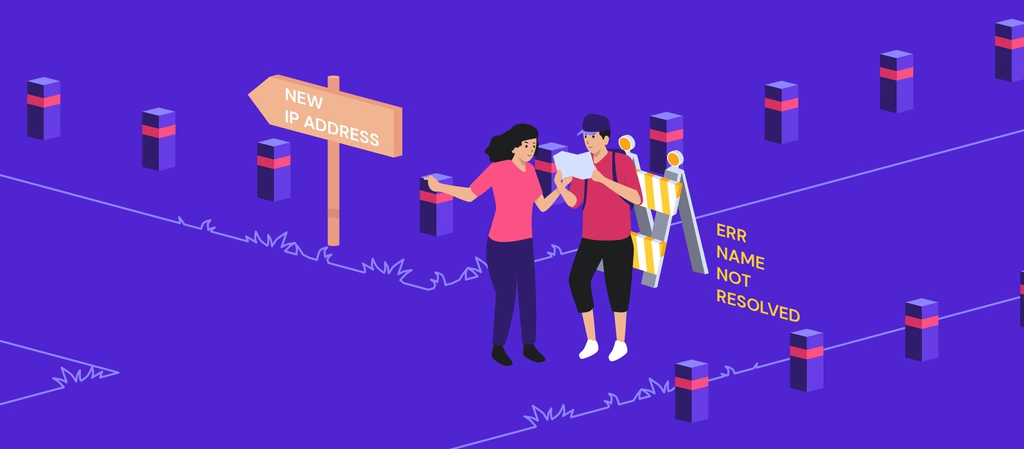
[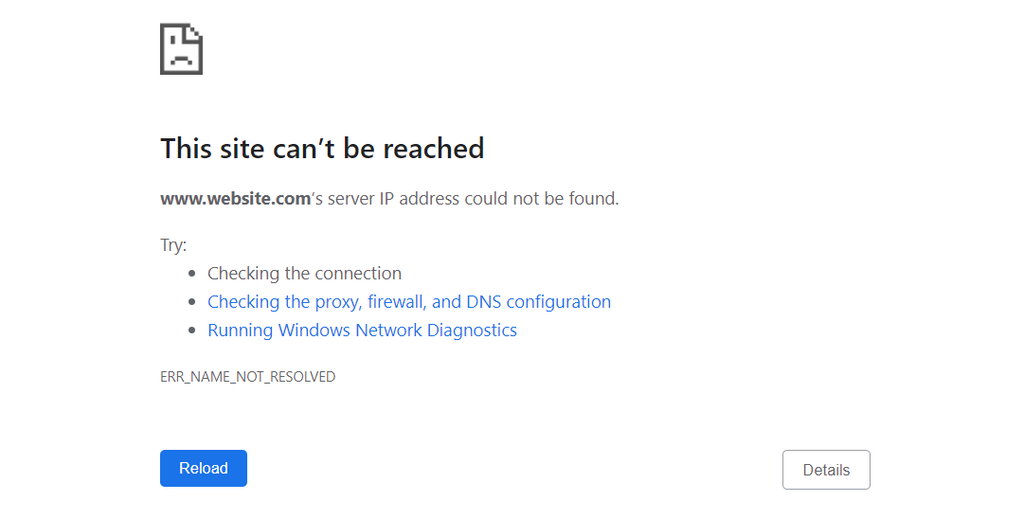](https://www.hostinger.com/tutorials/wp-content/uploads/sites/2/2021/11/err-name-not-resolved.webp)
To understand the ERR\_NAME\_NOT\_RESOLVED error fully, you have to know [how DNS works](https://www.hostinger.com/tutorials/what-is-dns). When you type a website address such as **hostinger.com**, your computer sends a DNS request to get the IP address of the [web server](https://www.hostinger.com/tutorials/what-is-a-web-server) that hosts the website.
The lookup process can be quick if the browser or internet service provider has already stored the IP address in its cached files. If it can’t find the matching address in the DNS entries, it will go through the DNS domain name resolution process to get the IP address.
Sometimes, the website may have moved to another IP address, but the system is still storing the old cached address. The browser will get the outdated address from the cache, so the domain name cannot be resolved, and the error message will be triggered.
However, there are other possible causes for this error too. This includes network configuration, browser or internet settings, and DNSSEC application.
[](https://assets.hostinger.com/content/tutorials/pdf/How-to-Speed-Up-Your-Website-EN.pdf)
| | |
| --- | --- |
| **Error code** | ERR\_NAME\_NOT\_RESOLVED |
| **Error type** | DNS |
| **Error variations** | NET::ERR\_NAME\_NOT\_RESOLVED
The webpage is not available
The site can’t be reached |
| **Error causes** | Cached data
Network settings
Enabled DNSSEC
Firewall or antivirus software misconfiguration
Browser settings |
## How to fix ERR\_NAME\_NOT\_RESOLVED – video guide
If you prefer a visual tutorial to guide you through the process, follow our video tutorial on how to fix ERR\_NANE\_NOT\_RESOLVED.

Subscribe For more educational videos!Hostinger Academy
[Subscribe](http://www.youtube.com/channel/UCbNIC-svDbtUOH2qsLnPQPg?sub_confirmation=1)
## 6 ways to fix ERR\_NAME\_NOT\_RESOLVED on Windows, Mac, and Linux
**Important!** Before proceeding, check the domain name on [Hostinger’s WHOIS database](https://www.hostinger.com/whois) to see if it hasn’t expired or been suspended.
Since there are several possible causes for the ERR\_NAME\_NOT\_RESOLVED error, we will discuss six different methods to fix it. These include simple fixes, such as clearing browser cache and data, and more technical ones, like modifying the **hosts** file and disabling DNSSEC.
### 1\. Flush DNS cache on your device
One of the most common causes of the ERR\_NAME\_NOT\_RESOLVED error is outdated cache. Therefore, it’s best to start by flushing the DNS cache on your operating system.
The DNS flush method differs depending on the operating system – we have a complete [DNS flush tutorial](https://www.hostinger.com/tutorials/how-to-flush-dns) for Microsoft Windows, macOS, and Linux. In essence, it’s as simple as using the Windows command prompt window or the terminal on Linux and macOS to execute a command.
We recommend periodically clearing and renewing the DNS cache to prevent security vulnerabilities such as DNS spoofing and behavior tracking.
### 2\. Check Google Chrome browser settings
The Google Chrome browser also stores DNS data to boost page load speed on revisits. However, an outdated entry in the DNS cache could trigger the ERR\_NAME\_NOT\_RESOLVED error message if the website has moved to a different IP address.
Clear the host cache on Google Chrome by following these steps:
1. Open Google Chrome and type **chrome://net-internals/#dns** in the browser’s address bar and press **Enter**.
2. Click **Clear host cache**.
[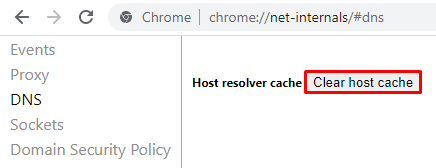](https://www.hostinger.com/tutorials/wp-content/uploads/sites/2/2021/11/chrome-clear-host-cache.webp)
We also recommend periodically clearing browser cookies from Google Chrome. Browser cookies can block your internet DNS, triggering the ERR\_NAME\_NOT\_RESOLVED error message.
#### Suggested Reading
Check our complete guide on how to [clear browsing data](https://www.hostinger.com/tutorials/clear-browser-cache) on various browsers.
Another Google Chrome setting that’s worth checking is the page preloading service. This feature prefetches the resources of web pages related to sites you have already visited, including DNS preloading.
The main goal is to improve user experience as the prefetched page will load faster. However, this feature is also known to cause the ERR\_NAME\_NOT\_RESOLVED error.
Thus, it’s best to disable the prediction service to prevent the error from happening. Moreover, prefetching the pages uses your internet bandwidth and takes up local resources.
Follow these steps to do so:
1. Click on the three dots at the top-right corner of the Google Chrome window and select **Settings**.
[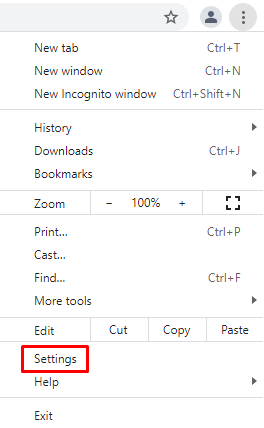](https://www.hostinger.com/tutorials/wp-content/uploads/sites/2/2021/11/chrome-settings.webp)
2. Click **Privacy and security**.
[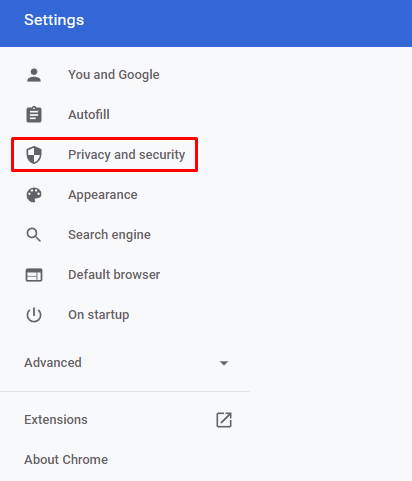](https://www.hostinger.com/tutorials/wp-content/uploads/sites/2/2021/11/chrome-privacy-security.webp)
3. Select **Cookies and other site data**.
[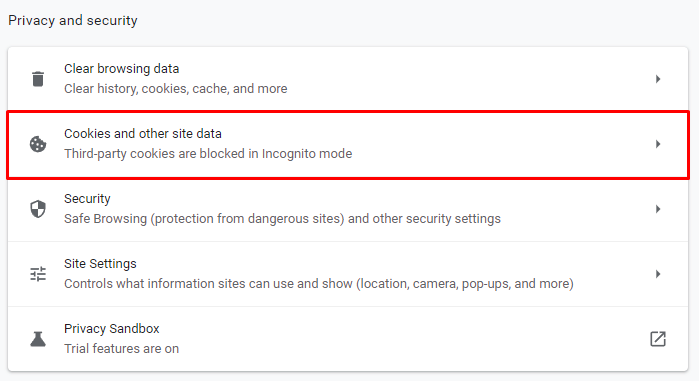](https://www.hostinger.com/tutorials/wp-content/uploads/sites/2/2021/11/chrome-cookies.webp)
4. Scroll down and find **Preload pages for faster browsing and searching**. Switch the toggle off.
[](https://www.hostinger.com/tutorials/wp-content/uploads/sites/2/2021/11/chrome-preload-settings.webp)
### 3\. Reset your firewall and DNS server addresses
A firewall or security software can block the internet connection and cause the ERR\_NAME\_NOT\_RESOLVED DNS error, especially if you accidentally misconfigured it. Resetting your firewall settings is a possible quick fix.
Follow these steps to do so on a Windows computer:
1. Right-click on the **Windows icon**, then select **Search**.
2. Type **Control Panel** and click the result to open it.
[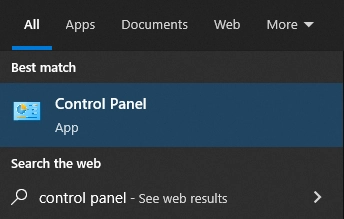](https://www.hostinger.com/tutorials/wp-content/uploads/sites/2/2021/11/windows-control-panel.webp)
3. Select **System and Security**.
[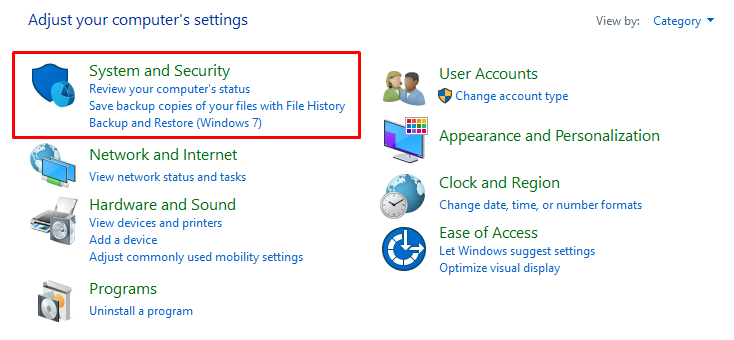](https://www.hostinger.com/tutorials/wp-content/uploads/sites/2/2021/11/control-panel-security.webp)
4. Click on **Windows Defender Firewall**.
[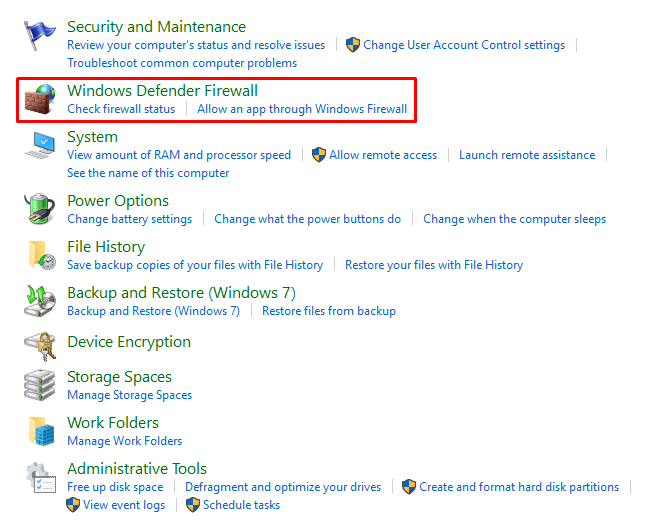](https://www.hostinger.com/tutorials/wp-content/uploads/sites/2/2021/11/windows-firewall-settings.webp)
5. Select **Restore defaults**.
[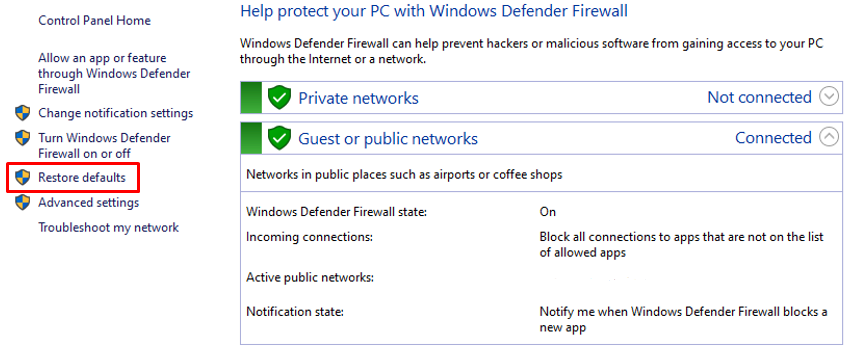](https://www.hostinger.com/tutorials/wp-content/uploads/sites/2/2021/11/windows-firewall-control-panel.webp)
6. Click on the **Restore defaults button**.
[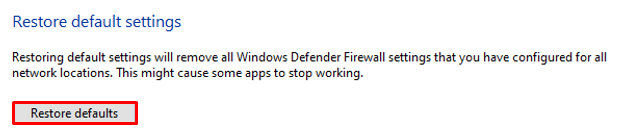](https://www.hostinger.com/tutorials/wp-content/uploads/sites/2/2021/11/firewall-restore-defaults.webp)
Another possible cause of this error is that the [DNS server is not working](https://www.hostinger.com/tutorials/dns-server-not-responding) properly. Therefore, when you try to access the website, the DNS query can’t be resolved.
In this case, using one of the following DNS server addresses from Google and Cloudflare public servers should solve the problem.
| | | |
| --- | --- | --- |
| **DNS Server** | **IPv4** | **IPv6** |
| Google | 8.8.8.8 | 2001:4860:4860::8888 |
| Google | 8.8.4.4 | 2001:4860:4860::8844 |
| Cloudflare | 1.1.1.1 | 2606:4700:4700::1111 |
| Cloudflare | 1.0.0.1 | 2606:4700:4700::1001 |
To do so, you need to configure the DNS server on your computer. Here are the steps to change the DNS address on a Windows computer:
1. Open the **Control Panel**.
2. Go to **Network and Internet**-> **Network and Sharing Center**.
3. Click on **Change Adapter Settings**.
[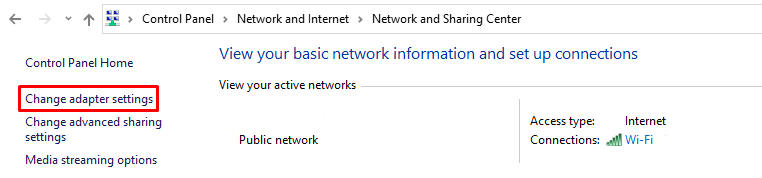](https://www.hostinger.com/tutorials/wp-content/uploads/sites/2/2021/11/control-panel-adapter-settings.webp)
4. Right-click the network adapter that you use to connect to the Internet, then select **Properties**.
[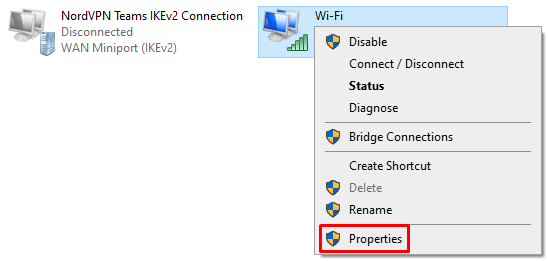](https://www.hostinger.com/tutorials/wp-content/uploads/sites/2/2021/11/windows-wifi-properties.webp)
5. Double-click **Internet Protocol Version 4 (TCP/IPv4)** or **Internet Protocol Version 6 (TCP/IPv6)**.
6. Enter the public DNS server address for the **preferred DNS server** and **alternate DNS server**. Use IPv4 and IPv6 accordingly.
If you’re using macOS, here are the steps:
1. Open **System Preferences** and select **Network**.
2. Click **Advanced** and open the **DNS** tab.
[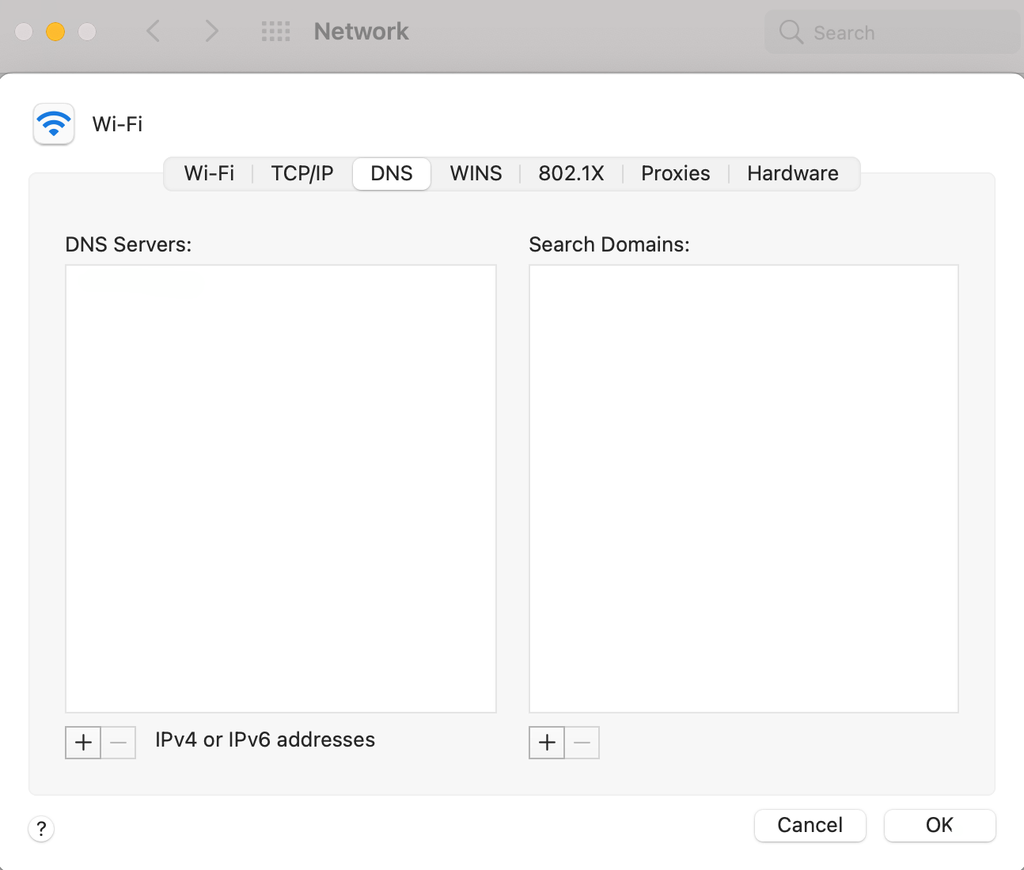](https://www.hostinger.com/tutorials/wp-content/uploads/sites/2/2021/11/macos-dns.webp)
3. Click the **+** button to add a new DNS server.
4. Type in one of the public DNS servers.
5. Click **OK**. A prompt message will appear – click **Apply**.
If you’re using the Linux operating system, you’ll have to use the terminal to change the DNS address.
1. Press **CTRL+T** to open the terminal.
2. The DNS server configuration is stored in the **/etc/resolv.conf** file. Use the following command to open it with the **Nano** text editor:
`sudo nano /etc/resolv.conf`
3. Type the following command to define the DNS server. Replace the IP addresses with the servers you want to use:
`nameserver 8.8.8.8`
`nameserver 8.8.4.4`
4. Save and close the file by pressing **CTRL+X** and then **Y**.
5. Type the following command to make the file unchangeable:
`sudo chattr +i /etc/resolv.conf`
6. Reboot the computer.
### 4\. Try amending your hosts file
There’s a **hosts** file in your computer that contains domain names and their IP addresses. When you visit a website, the computer will first look at the **hosts** file to find a matching domain name and IP address. The system will only send a DNS request if it doesn’t find any matches.
Adding the website’s IP address to the **hosts** file can fix browsing problems caused by the DNS. It’s also useful for finding out the error source. If you can access the website after adding the domain name and its IP address to the host file, the problem was coming from your side.
#### Suggested Reading
Check our complete guide for [editing the hosts file](https://www.hostinger.com/tutorials/how-to-edit-hosts-file) on Windows, Linux, and macOS.
In summary, find the **hosts** file in the Windows system folder and open it using **Notepad**. As for Linux and macOS, use the terminal and a text editor to open and edit the file.
[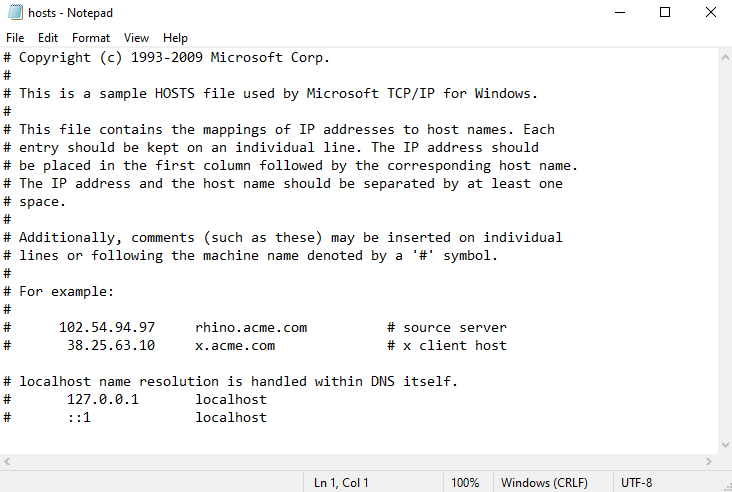](https://www.hostinger.com/tutorials/wp-content/uploads/sites/2/2021/11/windows-local-hosts.webp)
### 5\. Test using a different internet connection
Problems with your internet connection and WiFi router can be another reason why the ERR\_NAME\_NOT\_RESOLVED error occurs.
There are two tests you can do to confirm this. The first one is reaccessing the website using a different, stable internet connection.
For example, create a mobile hotspot from your mobile phone and use that to connect your computer to the network. Revisit the website and see if it loads normally. If that is the case, there’s a chance that the previous internet connection is the root cause of the ERR\_NAME\_NOT\_RESOLVED error.
Another option is adding various devices to the same internet connection and using them to open the same website. If all devices show the same error, then the internet connection must be the main issue.
Turn off the router and disconnect the power supply. Wait for at least 30 seconds before reconnecting the power and turning on the router again.
Keep in mind that the router takes a while to become fully functional. Wait until the internet light turns green before connecting your computer to the network and testing it again.
### 6\. Disable DNSSEC for your domain
If you have tried all methods above and the error persists, check the domain on WHOIS to see if DNSSEC is enabled.
It’s an additional layer of protection that uses cryptographic signatures. While it protects the access to the DNS records from unauthorized users, it can also prevent the domain from propagating properly, and thus triggering the error.
[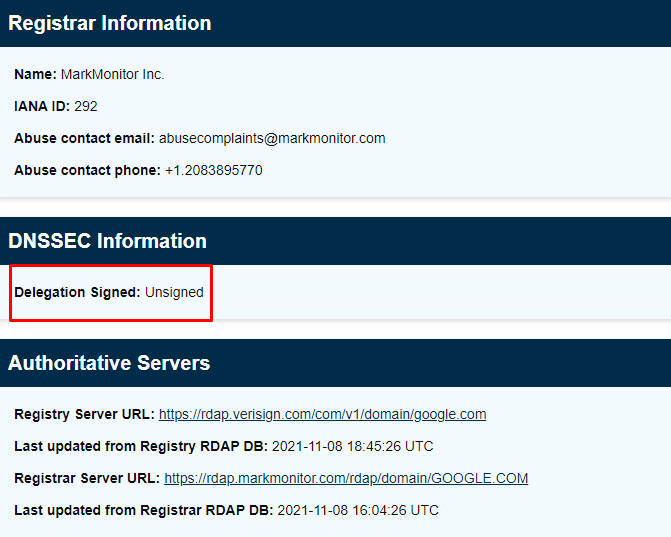](https://www.hostinger.com/tutorials/wp-content/uploads/sites/2/2021/11/whois-dnssec.webp)
If that’s the case and it’s not your domain or website, there’s not much you can do other than inform the website owner about the ERR\_NAME\_NOT\_RESOLVED DNS error. However, if it’s your domain or website, disable DNSSEC from your domain account.
If you use Hostinger, disable DNSSEC by accessing your domain configuration panel.
1. Log in to your Hostinger account.
2. Click **Domains** at the top of the page, and select the domain you want to configure.
3. Select **DNS/Nameservers**.
[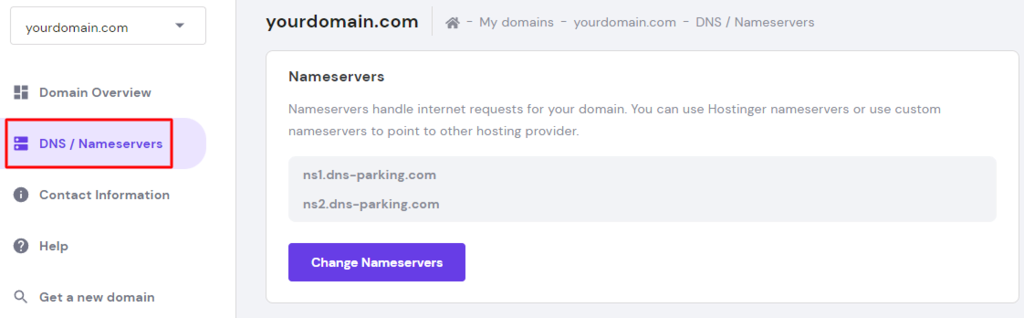](https://www.hostinger.com/tutorials/wp-content/uploads/sites/2/2021/11/hpanel-nameservers.webp)
4. Open the **DNSSEC** tab. If there’s a DNSSEC record on the list, remove it.
## Conclusion
The ERR\_NAME\_NOT\_RESOLVED error happens because the system can’t find the correct IP address or the computer is storing old and outdated information.
Clearing cached data from your system is the primary method to fix the ERR\_NAME\_NOT\_RESOLVED error.
However, there are other ways to solve this problem as there can be other contributing factors. Here is a recap:
1. Clear DNS cache on the operating system.
2. Inspect the Google Chrome browser settings and clear browser history, cookies, and cache.
3. Reset the firewall and use public DNS servers.
4. Add the website’s IP address to the **hosts** file.
5. Use a different internet connection.
6. Disable DNSSEC for your domain.
If none of these methods fixed the ERR\_NAME\_NOT\_RESOLVED error on your website, contact your hosting provider’s customer support team for further assistance.
## ERR\_NAME\_NOT\_RESOLVED FAQs
Take a look at the following frequently asked questions about the error.
### Is the ERR\_NAME\_NOT\_RESOLVED error a common problem?
Yes, theERR\_NAME\_NOT\_RESOLVED error is a common issue that occurs when your browser is unable to resolve the DNS address of a website you are trying to access. The cause of this issue is often due to your internet connection, DNS server, or the website’s domain name configuration.
### Is there a way to prevent the ERR\_NAME\_NOT\_RESOLVED error?
One way to prevent the **ERR\_NAME\_NOT\_RESOLVED** error is to ensure that the domain name is correctly spelled and that the DNS server is functioning properly. Another way is to clear the browser cache or try accessing the website from a different browser or device.

The author
Leonardus Nugraha
Leo is a Content SEO Specialist and WordPress contributor. Armed with his experience as a WordPress Release Co-Lead and Documentation Team Representative, he loves sharing his knowledge to help people build successful websites. Follow him on [LinkedIn](https://linkedin.com/in/leonardus-nugraha-34484b105).
[More from Leonardus Nugraha](https://www.hostinger.com/tutorials/author/leonardus)
[Copy link\\
\\
Copied!](https://www.hostinger.com/tutorials/err_name_not_resolved#)
## Related tutorials
[](https://www.hostinger.com/tutorials/how-to-fix-err-quic-protocol-error)
03 Feb •
[Errors](https://www.hostinger.com/tutorials/errors)•
##### [How to Fix ERR\_QUIC\_PROTOCOL\_ERROR in Google Chrome: 3 Methods](https://www.hostinger.com/tutorials/how-to-fix-err-quic-protocol-error)
Despite being a widely-used web browser, Google Chrome is still prone to errors that can hinder your site’s accessibility. One of them is...
[By Ignas R.](https://www.hostinger.com/tutorials/author/ignasr)
[](https://www.hostinger.com/tutorials/inet_e_resource_not_found)
24 Nov •
[Errors](https://www.hostinger.com/tutorials/errors)•
##### [10 Ways to Fix INET\_E\_RESOURCE\_NOT\_FOUND Error](https://www.hostinger.com/tutorials/inet_e_resource_not_found)
INET\_E\_RESOURCE\_NOT\_FOUND is an error code Windows users may encounter when the visited websites can’t load. While it usually occurs on Microsoft...
[By Aris Sentika](https://www.hostinger.com/tutorials/author/aris)
[](https://www.hostinger.com/tutorials/err_connection_closed)
29 Sep •
[Errors](https://www.hostinger.com/tutorials/errors)•
##### [ERR\_CONNECTION\_CLOSED: what it is and 3 ways to fix it](https://www.hostinger.com/tutorials/err_connection_closed)
ERR\_CONNECTION\_CLOSED indicates that the connection to the website is disrupted because of a server or hosting service flaw. The target host cannot...
[By Noviantika G.](https://www.hostinger.com/tutorials/author/noviantika)
## What our customers say
[Trustpilot](https://www.trustpilot.com/review/hostinger.com)
## Domain Extensions and Prices
# Sve ekstenzije i cijene domena
Odaberite jednu od najpopularnijih ekstenzija imena domena za svoju web stranicu.
Pretraga
.eu
6,99 €3,49 €
.com
15,99 €9,99 €
.shop
32,99 €0,99 €
.pro
23,99 €2,99 €
.net
14,99 €13,99 €
.xyz
13,99 €1,99 €
\*Prva godina uz registraciju na 2 ili više godina
Besplatna zaštita privatnosti uključena je uz svaku prihvatljivu domenu
Već imate domenu?
[Prenesite je](https://www.hostinger.com/hr/transfer-domene)
## Najbolje ekstenzije domena za 2025
.eu
6,99 €UŠTEDITE 46%
3,49 € /godišnje
Registrirajte
.com
15,99 €UŠTEDITE 69%
9,99 € /godišnje
Registrirajte
.shop
32,99 €UŠTEDITE 97%
0,99 € /godišnje
Registrirajte
.io
54,99 €UŠTEDITE 45%
29,99 € /godišnje
Registrirajte
.icu
14,99 €UŠTEDITE 93%
0,99 € /godišnje
Registrirajte
.xyz
13,99 €UŠTEDITE 86%
1,99 € /godišnje
Registrirajte
.pro
23,99 €UŠTEDITE 88%
2,99 € /godišnje
Registrirajte
.cloud
18,99 €UŠTEDITE 90%
1,99 € /godišnje
Registrirajte
.eu
6,99 €UŠTEDITE 46%
3,49 € /godišnje
Registrirajte
.com
15,99 €UŠTEDITE 69%
9,99 € /godišnje
Registrirajte
.shop
32,99 €UŠTEDITE 97%
0,99 € /godišnje
Registrirajte
.io
54,99 €UŠTEDITE 45%
29,99 € /godišnje
Registrirajte
.icu
14,99 €UŠTEDITE 93%
0,99 € /godišnje
Registrirajte
.xyz
13,99 €UŠTEDITE 86%
1,99 € /godišnje
Registrirajte
.pro
23,99 €UŠTEDITE 88%
2,99 € /godišnje
Registrirajte
.cloud
18,99 €UŠTEDITE 90%
1,99 € /godišnje
Registrirajte
## Zašto kupovati domene s Hostingerovog popisa TLD-ova

### Ugled i pouzdanost
Mi smo ugledni registrar registriran pri ICANN-u koji nudi opsežan popis ekstenzija domena. Birajte između više od 100 završetaka domena i započnite svoje online putovanje na pravi način.

### Sigurnost i privatnost
WHOIS zaštita privatnosti domene besplatno je uključena za podržane TLD-ove u Hostingeru. Zaštitite svoje kontaktne podatke, ime i druge osobne podatke od javnog pristupa.

### Stalna profesionalna podrška
Ako naiđete na tehničke probleme s vašom web stranicom ili ekstenzijom imena domene, naš tim stručnjaka uvijek je dostupan za pomoć.
## Sve što vam je potrebno za pokretanje vašeg online poslovanja
Pronađite potrebne alate za postizanje uspjeha na svom online putu. Sve počinje sa savršenim imenom domene.
## Istražite sve ekstenzije domena
Naš popis TLD-ova sadrži: generičke vršne domene, državne i nove TLD-ove. Pronaći ćete najbolje ekstenzije domena za svoje online projekte. Iskoristite naš [pretraživač domena](https://www.hostinger.com/hr/provjera-domene) da provjerite je li dostupna.

## Izradite svoju web stranicu
Nudimo brz i pouzdan [web hosting](https://www.hostinger.com/hr/web-hosting) koji dolazi s garancijom dostupnosti od 99,9 %. Odaberite između Dijeljenih, Cloud ili Upravljanih WordPress web hosting planova i nikad više ne morate brinuti o lošim performansama ili sporom učitavanju vaše web stranice.

## Profesionalni e-mail
Unaprijedite reputaciju svog online poslovanja dobivanjem [profesionalne e-mail adrese](https://www.hostinger.com/hr/email-hosting). A ako smatrate da vam je potreban opsežniji alat za upravljanje poslovanjem, odaberite [Google Workspace](https://www.hostinger.com/hr/google-workspace).

## Istražite mogućnosti i odaberite najbolju vršnu domenu (TLD) za svoju web stranicu
[.club](https://www.hostinger.com/hr/tld/club-domena) [.com](https://www.hostinger.com/hr/tld/com-domena) [.es](https://www.hostinger.com/hr/tld/es-domena) [.info](https://www.hostinger.com/hr/tld/info-domena) [.io](https://www.hostinger.com/hr/tld/io-domena) [.me](https://www.hostinger.com/hr/tld/me-domena) [.net](https://www.hostinger.com/hr/tld/net-domena) [.online](https://www.hostinger.com/hr/tld/online-domena) [.org](https://www.hostinger.com/hr/tld/org-domena) [.shop](https://www.hostinger.com/hr/tld/shop-domena) [.site](https://www.hostinger.com/hr/tld/site-domena) [.space](https://www.hostinger.com/hr/tld/space-domena) [.store](https://www.hostinger.com/hr/tld/store-domena) [.tech](https://www.hostinger.com/hr/tld/tech-domena) [.us](https://www.hostinger.com/hr/tld/us-domena) [.xyz](https://www.hostinger.com/hr/tld/xyz-domena)
## Ekstenzije domena - FAQ
Odgovori na često postavljana pitanja o završecima domena.
### Što su ekstenzije domena?
Ekstenzija domene, također poznata kao vršna domena (TLD), završni je dio domene koji se nalazi iza zadnje točke. .com je najpopularniji TLD koji se često koristi za web adrese.
Završeci domena pomažu ljudima da prepoznaju svrhu web stranice ili geografsku lokaciju. Na primjer, stranica koja završava s .us usmjerena je na američku publiku. Internetska organizacija za dodjeljivanje naziva i brojeva (ICANN), koja održava TLD-ove, dijeli sve ekstenzije domena u pet kategorija: generičke ekstenzije domena (gTLD), sponzorirane (sTLD), državne (ccTLD), infrastrukturne i testne (tTLD).
Kombiniranje pravog naziva web stranice sa savršenom ekstenzijom domene osigurat će kredibilitet vašem poslovanju, poboljšati SEO, privući više posjetitelja i uspostaviti vaš brend online.
### Kako mogu kupiti domenu sa željenom ekstenzijom?
Domenu možete kupiti u dva koraka:
1\. Unesite ime web stranice u [gornji pretraživač](https://www.hostinger.com/hr/tld#domain-header) i odaberite željeni TLD klikom na Dodaj u košaricu.
2\. Idite na stranicu za plaćanje, odaberite trajanje registracije i dovršite kupnju.
Čestitamo! Sada imate web adresu za cijelo razdoblje registracije.
### Trebam li nabaviti novu ekstenziju domene?
Da. Nova ekstenzija domene ima specifično značenje koje može pomoći potencijalnim klijentima da odmah prepoznaju svrhu vaše web stranice.
Na primjer, lokalne tvrtke koje koriste ekstenzije s kodom zemlje jasno će dati do znanja koje je njihovo ciljano tržište. One mogu izgraditi vjerodostojnost i poboljšati vaš brend, čineći kupnju nove ekstenzije domene isplativom.
Također možete [dobiti besplatno ime domene](https://www.hostinger.com/hr/besplatna-domena) kupnjom našeg Premium, Business, ili bilo kojeg Cloud ili WordPress hosting plana. Ovi planovi dolaze s besplatnom registracijom domene na godinu dana, e-mail adresama temeljenim na domeni i svim značajkama potrebnim za web stranicu s visokim učinkom.
### Kako pronaći pamtljivu domenu?
Kada pokrećete posao ili gradite brend, odabir prepoznatljive ekstenzije domene vrlo je dobra praksa. Olakšava pamćenje vaše web stranice, potencijalno poboljšavajući njen promet i privlačeći nove klijente.
Ostali aspekti koji čine odlično ime domene su:
Duljina – vaša domena treba imati do 2-3 riječi.
Jednostavnost – izbjegavajte brojeve, crtice i kratice.
Relevantne ključne riječi – mogu vam pomoći da se bolje rangirate na tražilicama.
### Što ako najbolje ekstenzije domena nisu dostupne?
Ako je vaše željeno ime domene netko već registrirao, pokušajte upotrijebiti [WHOIS pretraživač](https://www.hostinger.com/hr/whois) kako biste pronašli kontakt podatke trenutnog vlasnika, te ponudite otkup. Ili pričekajte da vlasništvo nad domenom istekne i kupite je tada.
Međutim, najbolje je odabrati drugo ime web stranice ili istražiti novije ekstenzije domene koje su dostupne za registraciju. Možda čak pronađete i bolju opciju.
### Koliko dugo traje registracija imena domene?
Iako bi mnogi od nas željeli kupiti adresu svoje web stranice zauvijek, to nažalost nije moguće. Standardno razdoblje registracije domene traje jednu godinu, ali imat ćete opciju da je obnovite.
Možete također registrirati svoje ime domene na dulje razdoblje. Ovisno o TLD-u, svoju web adresu možete registrirati do tri godine, čime se štedite gnjavaže ponavljanja procesa plaćanja svake godine.
Također, smanjuje se rizik da zaboravite obnoviti svoje ime domene na vrijeme i izgubite je.
### Kako prebaciti ime domene na Hostinger?
Možete prebaciti ime svoje web stranice na Hostinger u nekoliko koraka:
1\. Idite na naš [alat za prijenos domene](https://www.hostinger.com/hr/transfer-domene) i unesite ime domene koju želite prebaciti.
2\. Dovršite kupnju i unesite [EPP kod](https://www.hostinger.com/support/articles/1583441-what-is-the-epp-code-and-how-to-use-it?_ga=2.265459788.2115818993.1691994878-939302750.1691503366&_gl=1*jekfpn*_ga*OTM5MzAyNzUwLjE2OTE1MDMzNjY.*_ga_73N1QWLEMH*MTY5MjAxNDI4NS4xOS4xLjE2OTIwMTk1NDcuNTkuMC4w) kojeg dobivate od svog trenutnog registrara domene.
3\. Primit ćete e-mail kojim se potvrđuje da je prijenos dovršen.
To je to – postupak je stvarno tako jednostavan.
### Trebam li kupiti novo ime domene za online prisutnost?
Ne morate nužno kupiti ime domene da biste izgradili online prisutnost. Možete objaviti svoj sadržaj na web stranicama trećih strana, ali imajte na umu da će oni vjerojatno zadržati vlasništvo nad vašim radom, a ponekad vas i spriječiti da ga premjestite ili koristite na drugim web stranicama.
Kupnja nove domene daje vam potpuno vlasništvo nad vašom web stranicom, sadržajem i, što je najvažnije, brendom. Nitko drugi neće moći koristiti isto ime – ono je rezervirano samo za vašu upotrebu tijekom cijelog razdoblja registracije.
Osim toga, posjedovanjem vršne domene djelovat ćete mnogo profesionalnije. Dakle, potražite svoj idealni TLD danas.
## Hostinger Pro Hosting
Recommended by **WordPress.org**

Rating:
**4.8/5**
**1,237**
reviews

Rating:
**4.6/5**
**2,432**
reviews

Rating:
**4.7**
**874**
reviews
## Web hosting designed for professionals and agencies
Get started in complete confidence. Our 30-day money-back guarantee means it's risk-free.
### Agency Startup
Optimized for business and ecommerce websites.
Agency Startup
Agency Professional
Resources
**6** CPU cores
**12 GB** RAM
**300 GB NVMe** storage
**4 000 000** inodes (files and directories)
**100** websites
₱ 3389SAVE 60%
₱ 1,359.00 /mo
Para sa 12-buwang termino. ₱ 2379/buwan kapag nag-renew ka
Choose plan
30-day money-back guarantee
Priority 24/7 expert support
Full website isolation
NEW
Access sharing per site
NEW
CDN included
Unlimited SSL
FREE
Dedicated IP address
Managed hosting for WordPress and WooCommerce
**Daily** backups
Custom PHP Applications
COMING SOON
The price displayed is the monthly rate excluding applicable taxes. The total price for the plan to be paid upfront at checkout includes the monthly rate multiplied by the number of months in your plan, along with any applicable taxes.
[Explore standard plans](https://www.hostinger.com/ph/pricing#compare-table)
## Talk with our sales team
Get advice on the best solution and migration options.
[Talk with a Sales Specialist](https://calendly.com/d/cq6j-vxr-rwt)

Hostinger impressed me with **the amazing customer experience**. Finally, I don’t have to worry about any technical challenges, and I can fully dedicate myself to the creative aspects of my job.
[Read the full story](https://www.hostinger.com/blog/jakes-migration-experience)
Jake Sinclair
**Brand designer** \| jakesinclair.ca

I really enjoy the UI. I can set up **a client project** and take it off the ground **in 30 minutes**.
[Read the full story](https://www.hostinger.com/blog/rsnl-creative)
Dino Valdez
**Co-founder of RSNL Creative** \| rsnlcreative.com

**Hostinger specialists were always there to help me** immediately whenever I struggled to migrate my customers’ domains or access the backend of my website.
[Read the full story](https://www.hostinger.com/blog/why-mohamed-chose-hostinger)
Mohamed Yaseen Sattar
**Graphic & web designer** \| designbymys.com
## Here to help, 24/7
Expert support whenever you need it
Rapid response times, typically under 2 minutes
Specialists fluent in 10+ languages ensuring smooth communication


One of the best customer service you can find. Instant support. Patient, detailed and very hands-on support. I am a fan!

[SvgoChevronSmallRight](https://www.trustpilot.com/reviews/61e9c6aea16c1e751f6face9)

The best support in the industry. Amazing. Never fails to impress. Keep it up.

[SvgoChevronSmallRight](https://www.trustpilot.com/reviews/6249a678c7628b203ba129e4)

Support is fast and good. A company that still puts the customer first!

[SvgoChevronSmallRight](https://www.trustpilot.com/reviews/5f2cf1e51a5a69073c6e7c20)
## Performance you can count on
12x better - optimized LiteSpeed Web Servers deliver improved WordPress performance
30% faster - automatically connect to your local data center in our global network, at no extra cost
99.9% uptime - guaranteed

## Security you can trust
Regular automatic backups and two-factor authentication keep your files safe and sound
Unlimited SSL security certificates encrypt website traffic
Proactive protection from DDoS attacks from Cloudflare-protected nameservers

## Referral income for you. Discounts for your customers.
Earn up to 450 USD for your first referral!
Give your clients 20% discount on their purchases.
Refer a specific plan that’d be best for your client.
Manage your referred clients with easy access sharing tool.
[Refer clients](https://auth.hostinger.com/ph/register?r=%2Fjump-to%2Fnew-panel%2Fsection%2Freferrals)

## Agency web hosting FAQs
Find answers to the most frequently asked questions about Hostinger Pro services.
### What is agency web hosting?
Agency hosting is web hosting service tailored specifically for web developers, freelancers, and agencies who look after multiple client websites to efficiently manage various sites under one account, via one easy-to-use dashboard. Alongside managing multiple websites from one place, Hostinger Pro offers optimal performance, full security, the ability to scale your business and 24/7 expert support.
### Can I share access to specific website hosted on my Agency plan?
Yes, you can invite a collaborator or your client to manage specific websites.
### How much can I earn from the referral program?
Refer your clients to Hostinger and earn a commission every time they sign up for one of our annual plans - equivalent to 20% of the plan’s price. Plus, your referred clients earn a 20% discount too. Win-win.
And, because the number of referrals is unlimited, so is your earning potential.
### How many customers can I manage with Hostinger?
The sky's the limit – Using our Access Sharing feature, add as many clients as you want to the hPanel.
### How can I get access to my clients’ sites?
Once you add a client, they will need to verify your access request. Then, you will be able to manage their services and websites directly from your hPanel.
This is a great solution when it comes to agencies and freelancers that have many clients – no more switching between different hosting control panels and dashboards.
### What kind of access will I have?
You have full ownership and access to your client’s account - depending on the access level and services chosen. That means you do not have to manually log in to their account to manage their websites and services.
### How much does it cost to join the referral program?
Hostinger Referral program is free to join. Simply [sign up](https://auth.hostinger.com/ph/register?r=%2Fjump-to%2Fnew-panel%2Fsection%2Freferrals) to create your free account and begin adding clients.
### What kind of support can I expect?
Hostinger offers priority support with all cloud plans. Our Customer Success team has highly skilled professionals available 24/7.
We’re ready to answer any question you may have, including but not limited to selecting hosting plans, and setting up services, as well as technical topics related to WordPress, website troubleshooting, migrations, and backups.
## AI Business Website Builder
[Trustpilot](https://www.trustpilot.com/review/www.hostinger.com)

Rating:
**4.8/5**
**1,237**
reviews

Rating:
**4.6/5**
**2,432**
reviews
## Find the perfect plan for your business
Whether you want to sell products, offer services, or just try out multiple business ideas – our plans give you everything you need to succeed.
Premium Website Builder
Get the essentials you need to create a website
US$ 11.99SAVE 75%
US$ 2.99 /mo
For 48-month term
+3 months free
Choose plan
Renews at US$ 7.99/mo for 4 years. Cancel anytime.
Top features
**25** websites
**50 mailboxes** \- free for 1 year
Drag & drop editor
150 templates
Marketing integrations
Google Ads App
NEW
Mobile editing
30-Day money-back guarantee
24/7 customer support
**Free** domain (US$ 9.99 value)
AI tools
AI website builder
AI image generator
AI writer
AI blog generator
AI heatmaps
AI SEO tools
AI logo maker
AI product generator
eCommerce
eCommerce features
0% transaction fees
100+ payment methods
MOST POPULAR
Business Website Builder
Grow with advanced AI tools and eCommerce features
US$ 13.99SAVE 68%
US$ 4.49 /mo
For 48-month term
+3 months free
Choose plan
Renews at US$ 8.99/mo for 4 years. Cancel anytime.
Top features
**50** websites
**100 mailboxes** \- free for 1 year
Drag & drop editor
150 templates
Marketing integrations
Google Ads App
NEW
Mobile editing
30-Day money-back guarantee
24/7 customer support
**Free** domain (US$ 9.99 value)
AI tools
AI website builder
AI image generator
AI writer
AI blog generator
AI heatmaps
AI SEO tools
AI logo maker
AI product generator
eCommerce
eCommerce features
0% transaction fees
100+ payment methods
Payment terms
## Create a business website in 3 easy steps

### 1\. Choose how to build
Describe your business idea and watch as AI transforms it into a website. Still brainstorming? No problem – explore our 150 designer-made templates for inspiration.

### 2\. Play with your website
Choose colors and fonts that reflect your brand. Edit text and move things around with an easy drag-and-drop editor. Keep everything neat and tidy with smart grid guidelines.

### 3\. Go online
Create a memorable domain name and choose from 300+ extensions, including **.com** and **store**. Once you publish your website – use our built-in AI SEO tools and or third-party marketing integrations to get more traffic and sales.
Get started


## Let AI do the hard work for you
Our AI business website builder can turn any website idea you have into reality, whether it's for selling products and services or booking appointments. Write content, find images, create a bespoke logo, generate product descriptions based on images, or predict user behavior – AI makes it all easy.
[Get started](https://www.hostinger.com/business-website#pricing)
## Find inspiration with business templates
Still working on your website idea? Get inspired by our 150 ready-to-use mobile-friendly designs suitable for any business niche.
[Get started](https://www.hostinger.com/business-website#pricing)
PortfolioBusiness showcaseOnline storeBlogOther
PortfolioBusiness showcaseOnline storeBlogOther
[](https://builder.hostinger.com/templates?preview=ginza&hideRating=1)[](https://builder.hostinger.com/templates?preview=presson&hideRating=1)[](https://builder.hostinger.com/templates?preview=navy&hideRating=1)[](https://builder.hostinger.com/templates?preview=poveda&hideRating=1)

## Run your online business smoothly
Sell up to 500 products, manage orders and stocks, set up appointments, add discounts, and more – all in one easy dashboard.
Protect customer data with [100+ trusted payment solutions](https://www.hostinger.com/support/articles/6538413-website-builder-online-payment-gateways). Keep 100% of your profit – we don’t charge any transaction fees.
Manage your business with your preferred third-party marketing tools, such as Google Analytics, Hotjar, and WhatsApp.
[Get started](https://www.hostinger.com/business-website#pricing)

Turning my vision into a website using Hostinger Website Builder **was a breeze**, all thanks to its simplicity and speed.
Indira Prieto
**Lettering artist, illustrator & graphic designer** \| indiraprietocreative.com
## We’re here for you, 24/7
Not sure how to navigate the platform and find certain features? Ask Kodee – your friendly AI assistant – and get instant answers. If you need further help, our Customer Success team is here whenever you need us.

All-in-one business solution
## Create your business website today. **It’s easier than you think** with Hostinger AI website builder.
[Get started](https://www.hostinger.com/business-website#pricing)
## Business website FAQs
Find answers to commonly asked queries about building a small business website.
### What are business websites?
A business website is an online platform where customers can purchase your products, book appointments, or learn more about your services. For many potential customers, your website will be their first interaction with your brand, so it’s essential to make it professional, easy to navigate, and mobile-friendly.
For your inspiration, take a look at the [top small business website examples](https://www.hostinger.com/tutorials/small-business-website-examples) that balance the best web design practices with great user experience.
### Is it worth having a business website?
Absolutely! A business website helps you showcase your unique offers and attract potential customers from all over the world, day and night.
According to the latest [small business statistics](https://www.hostinger.com/tutorials/small-business-statistics), more than half (56%) of customers prefer shopping online rather than in-person. This shows that having a website is crucial to generate more sales.
Interestingly, only 27% of small companies currently have a website, meaning there are still plenty of opportunities to create a stand-out online presence.
### How do I create a website for my business?
Firstly, you need to determine the purpose of your website. If you only want a website to share information about your business, such as your products and contact details, opt for our Premium Website Builder plan, starting at **US$ 2.99/month**. If you want to sell online and get all of our AI tools, go for the Business Website Plan, starting at **US$ 3.99/month**.
Both plans include the AI builder, secure web hosting, as well as a free custom domain name and a free email with yearly plans. Once you have your plan, follow these steps:
1. Describe your business idea and watch as AI creates a fully functional website from scratch. Alternatively, explore 150 ready-to-use and mobile-friendly website templates.
2. Drag and drop website elements as you want. Edit text, change fonts, play with colors – do what you need to do to make the website truly yours. No coding or design skills needed.
3. If you want to sell online, add up to 500 products. Our AI technology can describe your physical products based on their pictures. Note that we won't charge any transaction fees – your profits are all yours. That said, you might need to pay for your payment provider.
4. Once everything is ready, select a memorable domain name and launch your website with one click.
5. Optimize the site further to attract more traffic and make more sales with our SEO tools and marketing integrations. Our AI SEO capabilities include generating an XML sitemap, writing meta titles and descriptions, and producing SEO-friendly content by default with AI Writer.
### How much does it cost to build a small business website?
With Hostinger Website Builder, you can make a business website without breaking the bank – our plans start at just **US$ 2.99/month**. Plus, we have a 30-day money-back policy, so you can easily request a refund if our services don’t meet your expectations.
Each package comes with everything your business needs, including [website design tools](https://www.hostinger.com/website-design), a free domain name and up to 100 business email accounts to make your brand look more professional.
You’ll also get unlimited free SSL certificates that protect your customer data from hackers, keeping your reputation and credibility intact.
If you have a few business ideas you want to try, go ahead and test all of them – you can create up to 100 websites with a single subscription.
### What features can I use with the AI business website builder?
Hostinger’s business website maker offers essential features for SMBs:
- **AI site builder**. Answer simple questions, and watch as AI generates your corporate site in seconds. Yes, it’s that easy.
- **Professional designs**. Alternatively, choose from 150 industry-specific templates built to perform well on both desktop and mobile devices.
- **An intuitive editor**. Drag and drop elements into place, play around with different brand colors and fonts, and do anything you need to achieve your desired look.
- **Built-in AI tools**. Get relevant content and unique illustrations that resonate with your audience, optimize your site for search results, create a bespoke logo, place CTAs in strategic areas, and more.
- **eCommerce features**. Selling products or services online is easy, thanks to multiple payment options, various shipping methods, and product management tools, all accessible through a comprehensive store dashboard.
- **SEO and marketing tools**. Secure a high position in search engines, gather customer insights using analytic tools, optimize marketing campaigns, and connect with your customers through WhatsApp.
### How do I promote my website and increase ranking?
Good SEO strategies will rank your site higher on search engines like Google, including keyword optimization and quality content creation. To help you achieve this, our built-in SEO tools will give you suggestions regarding keywords, meta titles, and meta descriptions.
You can also use social media and email marketing to build authentic connections with potential customers and, eventually, boost brand awareness. If you prefer immediate visibility and have the budget to back it up, consider paid advertising options like Google Ads.
You can check out our in-depth article to learn more about [both free and paid practices to drive traffic to your website](https://www.hostinger.com/tutorials/drive-traffic-to-your-website).
### Can I sell products on my small business website?
Absolutely. Our eCommerce tools allow you to sell up to 500 both physical and digital products online with secure payment gateways. Easily upload your product photos, integrate payment processor options, and manage stock inventory conveniently, all in one place. Save time working on physical product descriptions – our AI can produce them based on your image.
Running a service-based business? No worries. You can also set up appointment bookings in just a few clicks.
Note that these features are available only with the Business Website Builder plan.
### We care about your privacy
This website uses cookies that are needed for the site to work properly and to get data on how you interact with it, as well as for marketing purposes. By accepting, you agree to the use of cookies for ads and analytics as described in our [Cookie policy](https://www.hostinger.com/legal/cookie-policy). You can change your cookie settings or use Opt out anytime.
Got it
Opt out
Cookie settings
## WHOIS Domain Information
# Cek Informasi WHOIS Domain
Cari tahu pemilik, masa aktif, hingga registrar domain.
Cari
Tool cek domain
[Transfer domain](https://www.hostinger.com/id/transfer-domain)

### Cek ketersediaan domain
Gunakan [Tool Cek WHOIS Hostinger](https://www.hostinger.com/id/domain-murah) untuk melihat ketersediaan domain. Jika tersedia, langsung daftarkan domain sebelum diambil orang!

### Informasi Kepemilikan Domain
Dengan tool Cek WHOIS, Anda bisa menemukan informasi terkait registrar dan pemilik domain, seperti nama dan rincian kontak pribadi.

### Lihat Masa Aktif Domain
Cari tahu masa aktif domain agar bisa segera Anda daftarkan setelah pemilik tidak lagi memperpanjang masa langganannya.
## Apa Itu Tool Cek WHOIS?
Tool Cek WHOIS domain adalah tool gratis dari Hostinger untuk mencari informasi domain, seperti detail kepemilikan domain dan informasi kontak pemilik. Tool ini bisa Anda gunakan kapan saja secara gratis!
### Bagaimana Cara Kerjanya?
Dalam proses registrasi domain, Anda diwajibkan memberikan informasi pribadi, seperti nama, nomor telepon, dan alamat, ke ICANN. Semua informasi ini dapat diakses oleh siapa saja melalui database WHOIS dan layanan cek WHOIS domain Hostinger.

## Tanya Jawab (FAQ) Seputar WHOIS Domain
Pertanyaan dan jawaban seputar Tool Cek WHOIS.
### Apa itu WHOIS Database?
Database WHOIS menyimpan semua nama domain yang terdaftar di internet. Database WHOIS dikelola dan diupdate secara berkala oleh ICANN (Internet Corporation for Assigned Names and Numbers).
Di database ini, Anda bisa menemukan berbagai informasi domain, seperti informasi kepemilikan domain, tanggal registrasi dan masa berlaku domain, registrar domain, nameserver domain, dan bahkan informasi kontak pemilik domain.
### Apa itu Privasi WHOIS?
Untuk proses verifikasi, Anda diwajibkan untuk menyertakan nama, alamat, nomor telepon, dan email saat mendaftarkan domain.
Informasi ini akan disimpan di database WHOIS, jadi siapa pun bisa melihat dan mengakses informasi ini. Namun, data pribadi dari domain yang terdaftar di Uni Eropa dan dilindungi oleh GDPR atau domain yang memiliki fitur Proteksi Privasi Domain tidak akan dimunculkan.
Proteksi Privasi Domain WHOIS akan melindungi informasi data registrant dan menggantinya dengan detail proxy server. Semua domain di Hostinger sudah dilengkpai fitur Proteksi Privasi Domain, yang bisa Anda diaktifkan di hPanel.
### Apakah tool Cek WHOIS domain Hostinger gratis?
Tentu saja. Anda bisa menggunakan [tool cek WHOIS](https://www.hostinger.com/id/whois#whois-search) secara gratis untuk mencari data dan informasi seputar domain yang Anda perlukan.
### Bagaimana cara menggunakan tool Cek WHOIS?
Cara menggunakan tool Cek WHOIS sangat mudah. Ketik nama domain di [kolom pencarian](https://www.hostinger.com/id/whois#whois-search) dan klik "Cek Domain". Tool akan memeriksa database dan menampilkan catatan registrasi domain yang dicari.
### Bagaimana cara update informasi WHOIS domain saya?
Informasi atau data domain wajib diupdate agar sesuai dengan aturan ICANN. Misalnya, jika Anda mengganti email atau alamat rumah. Anda wajib memberikan data yang akurat agar provider dapat menghubungi Anda.
Anda bisa update informasi WHOIS dan kontak Anda dengan login ke hPanel, lalu ubah info kontak di [bagian Kepemilikan Domain](//www.hostinger.com/id/support/).
### Mengapa beberapa entri WHOIS domain tidak muncul?
Pemilik domain bisa mengaktifkan Proteksi Privasi WHOIS dan registrar domain akan mengganti informasi yang ada dengan data proxy server.
Domain registrar juga bisa menyembunyikan beberapa informasi dengan mengikuti aturan perlindungan data setempat dan perlindungan hukum dan privasi, seperti GDPR.
### Bagaimana cara menyembunyikan informasi WHOIS domain?
Setiap pembelian domain di Hostinger sudah termasuk GRATIS Proteksi Privasi WHOIS domain. Anda bisa mengaktifkan layanan proteksi privasi domain ini di hPanel dengan mengikuti [panduan aktivasi privasi WHOIS](https://www.hostinger.com/id/support/1583419-cara-mengaktifkan-proteksi-privasi-whois).
Catatan: Anda tidak perlu mengaktifkan proteksi privasi WHOIS apabila domain terdaftar di EU.
### Apakah tool Cek WHOIS bisa digunakan untuk registrasi domain?
//www.hostinger.com/id/support/
Bisa. Gunakan [tool cek WHOIS domain](https://www.hostinger.com/id/whois#whois-search) untuk mencari informasi dan status domain. Jika domain belum digunakan, Anda bisa langsung membeli dan mendaftarkannya di Hostinger.
Anda juga bisa mencari alternatif [domain murah lainnya](https://www.hostinger.com/id/domain-murah) di Hostinger jika domain yang Anda inginkan sudah terdaftar!
## ERR_CONNECTION_CLOSED Solutions
[WordPress](https://www.hostinger.com/tutorials/wordpress)[VPS](https://www.hostinger.com/tutorials/vps)[Website development](https://www.hostinger.com/tutorials/website-development)[eCommerce](https://www.hostinger.com/tutorials/ecommerce)[Hostinger Horizons](https://www.hostinger.com/tutorials/hostinger-horizons)[How to make a website](https://www.hostinger.com/tutorials/how-to-make-a-website)
_search_
[Errors](https://www.hostinger.com/tutorials/errors)
Aug 12, 2024
Noviantika G.
6min Read
# ERR\_CONNECTION\_CLOSED: what it is and 3 ways to fix it
[Copy link\\
\\
Copied!](https://www.hostinger.com/tutorials/err_connection_closed#)

ERR\_CONNECTION\_CLOSED indicates that the connection to the website is disrupted because of a server or hosting service flaw. The target host cannot process the request and instead sends the ERR\_CONNECTION\_CLOSED response.
| | |
| --- | --- |
| **Error code** | Connection refused |
| **Error type** | Network communication protocol error |
| **Error causes** | Network problem
Incorrect SSH installation
Wrong credentials
Security system configuration |
Some common causes of the connection closed error include:
- **Null route** – the server or host may experience downtime, making the system unavailable.
- **Hitting server limits** – the current hosting usage may overload the server resources.
- **Internet connection** – slow or unstable internet may interrupt the network connection.
- **Browser or DNS cache** – corrupted cache may cause connectivity issues.
- [**Virtual Private Network (VPN)**](https://www.hostinger.com/tutorials/what-is-vpn) **service issues** – settings inside the VPN software may block specific sites.
[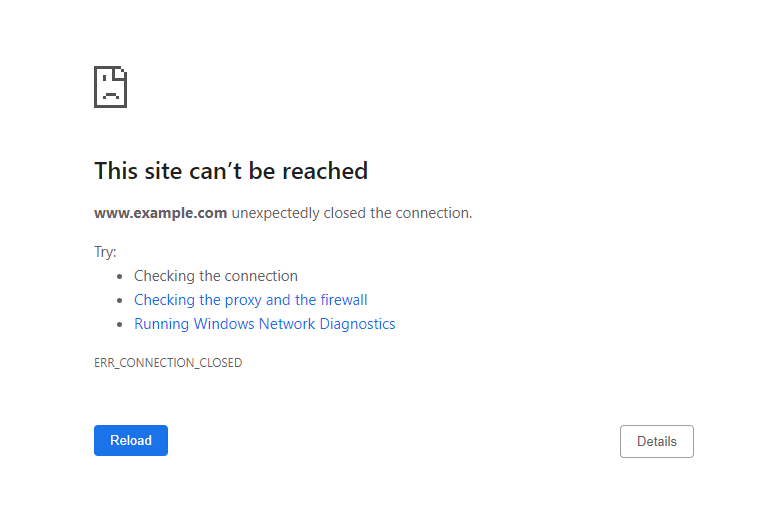](https://www.hostinger.com/tutorials/wp-content/uploads/sites/2/2022/09/The-ERR_CONNECTION_CLOSED-page-on-Google-Chrome.webp)
[](https://assets.hostinger.com/content/tutorials/pdf/How-to-Speed-Up-Your-Website-EN.pdf)
## What Does ERR\_CONNECTION\_CLOSED Mean?
ERR\_CONNECTION\_CLOSED is a Chrome error that indicates that the browser fails to connect to the web server. The connection is closed, and the error occurs.
## 3 effective methods to fix ERR\_CONNECTION\_CLOSED
First, you should ensure the error is not just a temporary glitch. Here are several simple solutions to try:
- Check your internet connection by accessing other websites.
- Restart your internet router to fix connectivity issues.
- Check if [the website is just down for you or everyone else](https://www.hostinger.com/tutorials/website/how-to-check-if-website-is-working-worldwide/). This will show whether the issue is with the server or the device you’re using.
- [Delete browser cache](https://www.hostinger.com/tutorials/clear-browser-cache) via Chrome settings to clear browsing data and history.
- Disable your VPN service or proxy server since it may block the website you’re trying to access.
- [Flush the DNS cache](https://www.hostinger.com/tutorials/how-to-flush-dns) to remove all existing DNS lookup records and establish a new connection.
- Access the website using a different network connection to ensure your Internet Service Provider (ISP) doesn’t block the site you’re trying to visit.
- Temporarily disable the firewall system or antivirus software as it may block specific websites.
- Reset Chrome settings to default. Doing so will also remove all the installed extensions, cookies, and other temporary site data.
- Use the [Google DNS](https://developers.google.com/speed/public-dns).
- Reinstall Chrome.
If none of the above fixes resolve the error, proceed to the following methods.
### 1\. Check the hosting IP address
The ERR\_CONNECTION\_CLOSED error may occur if the web hosting is experiencing a null route. The most convenient way to check whether the server is up and running is by using the ping command.
The ping command will send a data packet to the target host and transmit it over the network’s switch and router. The command usually submits four to five pings at once to ensure the result is valid.
Upon receiving a data packet, the machine with the specified address returns a pong reply, confirming that it is online.
Before running the command, make sure to know your hosting’s [Internet Protocol (IP) address](https://www.hostinger.com/tutorials/what-is-ip-address). If you’re a Hostinger user, you can find it in **hPanel → Hosting → Plan details**.
[](https://www.hostinger.com/tutorials/wp-content/uploads/sites/2/2021/12/hpanel-hosting-plandetails-sidebar.webp)
Here’s how to [ping an IP address](https://www.hostinger.com/tutorials/ping-an-ip) on Windows:
1. Open **Command Prompt** by typing in the search field on the taskbar. Alternatively, use the keyboard shortcut **WIN + R**, type in **cmd,** and press **Enter**.
2. Run the **ping** command along with the **domain name or IP address** you want to check. For example, we will **ping 8.8.4.4**.
[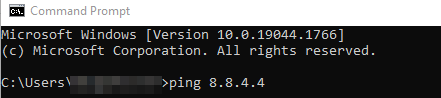](https://www.hostinger.com/tutorials/wp-content/uploads/sites/2/2022/09/The-ping-command-on-the-Windows-Command-Prompt.webp)
3. Press **Enter**. The pong reply will appear four times.
[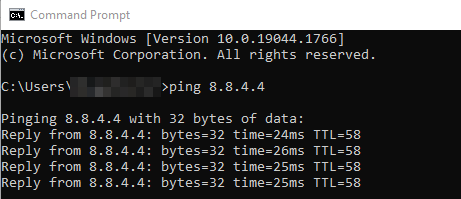](https://www.hostinger.com/tutorials/wp-content/uploads/sites/2/2022/09/Running-the-ping-command-on-the-Windows-Command-Prompt.webp)
The command prompt will show the ping statistics at the end of the fourth reply.
[](https://www.hostinger.com/tutorials/wp-content/uploads/sites/2/2022/09/Ping-statistics-on-the-Windows-Command-Prompt.webp)
Follow these steps to ping an IP address on macOS:
1. Access **Terminal** by clicking the **Launchpad** icon in the **Dock** and typing in the search field. Alternatively, select **Finder**, open **/Applications/Utilities**, and double-click on **Terminal**.
2. In this example, we will enter **ping 8.8.8.8**.
[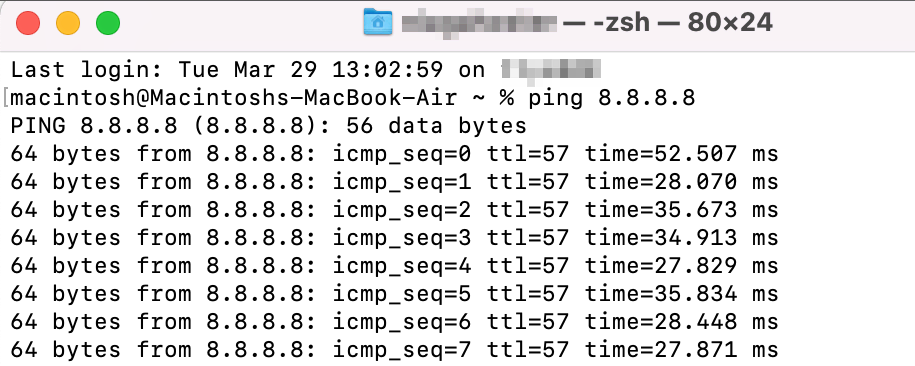](https://www.hostinger.com/tutorials/wp-content/uploads/sites/2/2022/09/Running-the-ping-command-using-Terminal-on-macOS.webp)
3. To stop the **ping** command from running, press **Ctrl + C**. The ping statistics will show once the connection is closed.
[](https://www.hostinger.com/tutorials/wp-content/uploads/sites/2/2022/09/Ping-statistics-on-the-macOS-Terminal.webp)
Here’s how to ping an IP address on Ubuntu:
1. Open **Terminal** using **Ctrl + Alt + T** shortcut. Alternatively, click the **Show Applications** button on the bottom-left corner of your screen and type in **Terminal**.
2. Run the **ping** command followed by the **IP address** you want to check.
[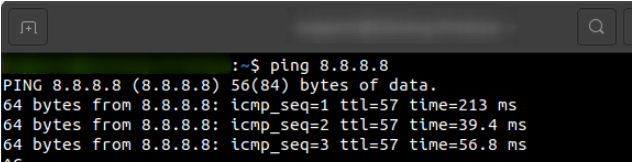](https://www.hostinger.com/tutorials/wp-content/uploads/sites/2/2022/09/Running-the-ping-command-using-Terminal-on-Ubuntu.webp)
3. Hit **Ctrl + C** to close the connection, and the ping statistics will appear.
[](https://www.hostinger.com/tutorials/wp-content/uploads/sites/2/2022/09/Ping-statistics-on-the-Ubuntu-Terminal.webp)
#### Pro Tip
The [ping command in Linux](https://www.hostinger.com/tutorials/linux-ping-command-with-examples/) lets you modify the packets sent to the server. For example, you can set a specific number of packets or change the interval.
Alternatively, you can check the state of the website server using online ping tools, such as [DNSChecker](https://dnschecker.org/ping-ipv4.php), [ping.eu](https://ping.eu/ping/), and [PingTool.org](https://pingtool.org/).
If the host doesn’t send a pong reply, it may be causing the ERR\_CONNECTION\_CLOSED issue.
### 2\. Check the hosting resources
The ERR\_CONNECTION\_CLOSED error may occur if your hosting is hitting its resource limits. To prevent this issue, we recommend continuous monitoring. This includes CPU, memory, processes, entry processes, inodes, and disk usage.
Note that hitting the resource limits can also cause the [503 Service Unavailable](https://www.hostinger.com/tutorials/503-service-unavailable) error message.
Here’s how to check the **Order Usage** for Hostinger users:
1. Log in to your **Hostinger account**.
2. On the **hPanel** dashboard, select the **Home** tab and find the **Hosting** section.
3. Choose the hosting you want to check and click **Manage**.
4. On the **Hosting Account**, go to **Hosting → Resources Usage**.
[](https://www.hostinger.com/tutorials/wp-content/uploads/sites/2/2021/12/hpanel-hosting-resourcesusage-sidebar.webp)
5. See the **CPU**, **Memory, NPROC**, and **Entry Processes** tab. Check if any of them has reached your plan’s maximum capacity.
[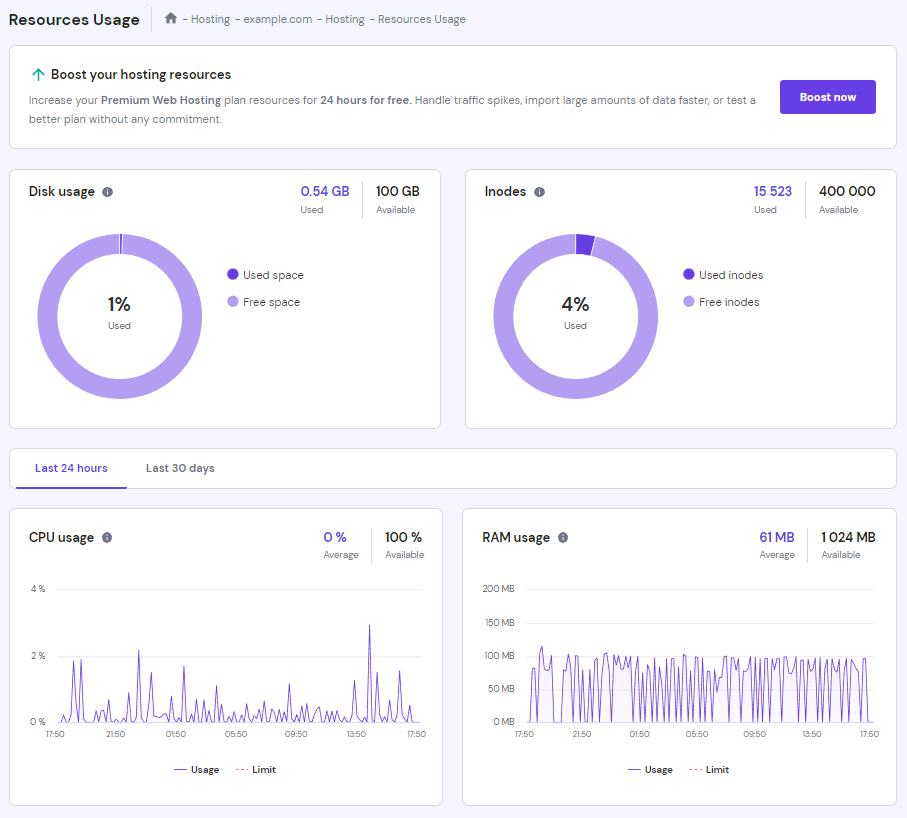](https://www.hostinger.com/tutorials/wp-content/uploads/sites/2/2021/12/hpanel-hosting-resourcesusage.webp)
6. If either **NPROC** or **Entry Processes** hit the limit, scroll down to find the **Stop running processes** option and click **Stop**. However, this is only a temporary solution. You still need to find the root cause by disabling certain plugins and reducing the number of running [cron jobs](https://www.hostinger.com/tutorials/cron-job).
[](https://www.hostinger.com/tutorials/wp-content/uploads/sites/2/2022/09/hpanel-hosting-resourcesusage-stoprunningprocesses.webp)
7. If most parameters inside **Order Usage** are constantly high, try to [optimize the website](https://www.hostinger.com/tutorials/website-optimization).
8. If there are sudden spikes in both **Order Usage** and **Total Requests**, the error may be caused by DDoS attacks. To solve this issue you’ll need to work on your [website security](https://www.hostinger.com/tutorials/how-to-secure-wordpress).
Alternatively, check the disk and inodes usage to determine the root cause of this error message. You can check them on the same **Resources Usage** page.
If one or both statistics hit the limits, remove unnecessary files using [**File Manager**](https://www.hostinger.com/tutorials/how-to-use-hostinger-file-manager/) to reduce the resources used. After that, hit the **Recalculate usage** button on the **Resources Usage** page:
[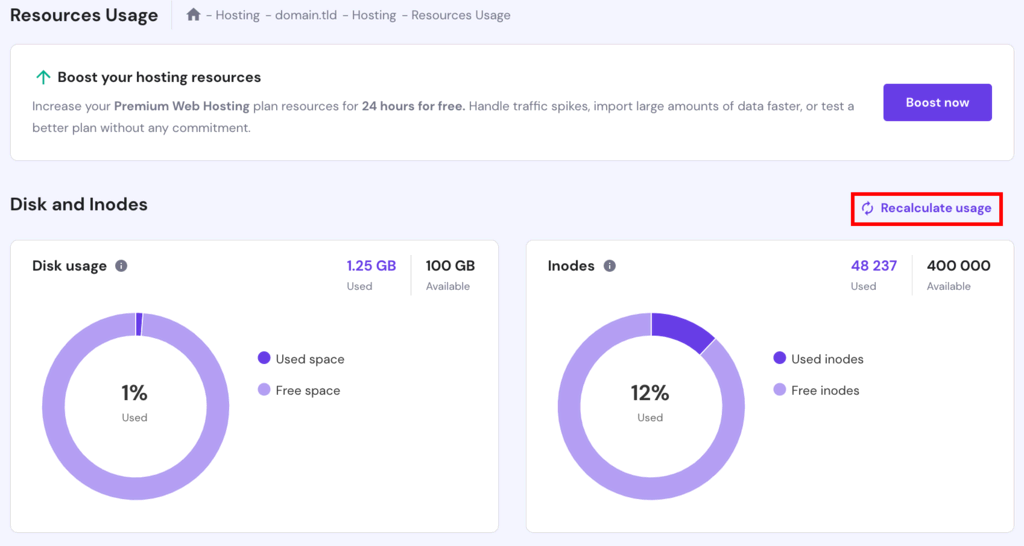](https://www.hostinger.com/tutorials/wp-content/uploads/sites/2/2022/09/hpanel-hosting-resourcesusage-recalculateusage-highlighted.webp)
If you have checked your hosting resources and they are still well within limits, performing a server transfer is best. Our Customer Success team can assist you with the procedure.
### 3\. Contact support
Since the connection closed error occurs on the server side, it can be tricky to solve it from the client side. Although there are methods to try on that end, most require prior technical knowledge.
So if the earlier solutions can’t fix ERR\_CONNECTION\_CLOSED on the website, we suggest contacting your hosting or internet service provider for help.
[](https://www.hostinger.com/web-hosting)
## Other error messages similar to ERR\_CONNECTION\_CLOSED
Here are five common error messages similar to the connection closed error:
**ERR\_CONNECTION\_TIMED\_OUT**
[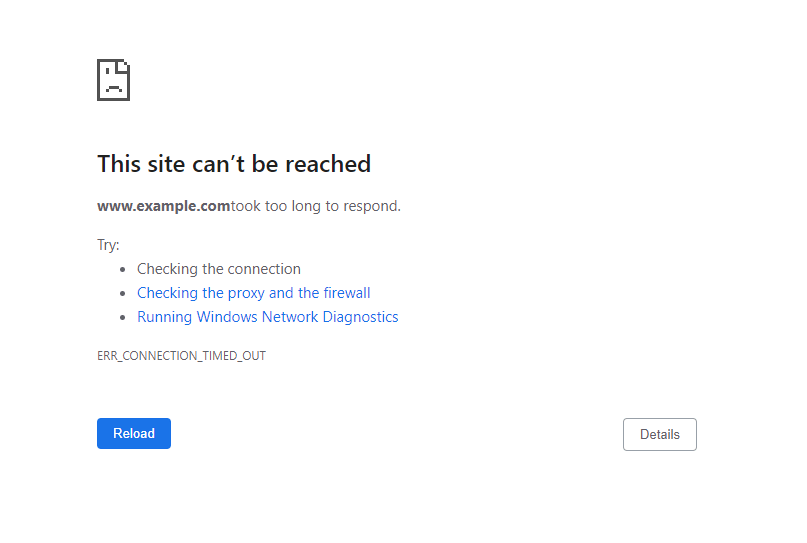](https://www.hostinger.com/tutorials/wp-content/uploads/sites/2/2022/09/The-ERR_CONNECTION_TIMED_OUT-page-on-Google-Chrome.webp)
[ERR\_CONNECTION\_TIMED\_OUT](https://www.hostinger.com/tutorials/fix-err_connection_timed_out) indicates that the browser is trying to load more than the server can handle, thus overloading the system.
This problem may occur for many reasons, such as exceeded hosting resource limits, incorrect internet settings, VPN connection issues, or faulty proxy server configuration.
Aside from that, the error message may occur if your internet is slow. The system can’t establish a reliable connection with the server and takes too long to respond.
**ERR\_CACHE\_MISS**
[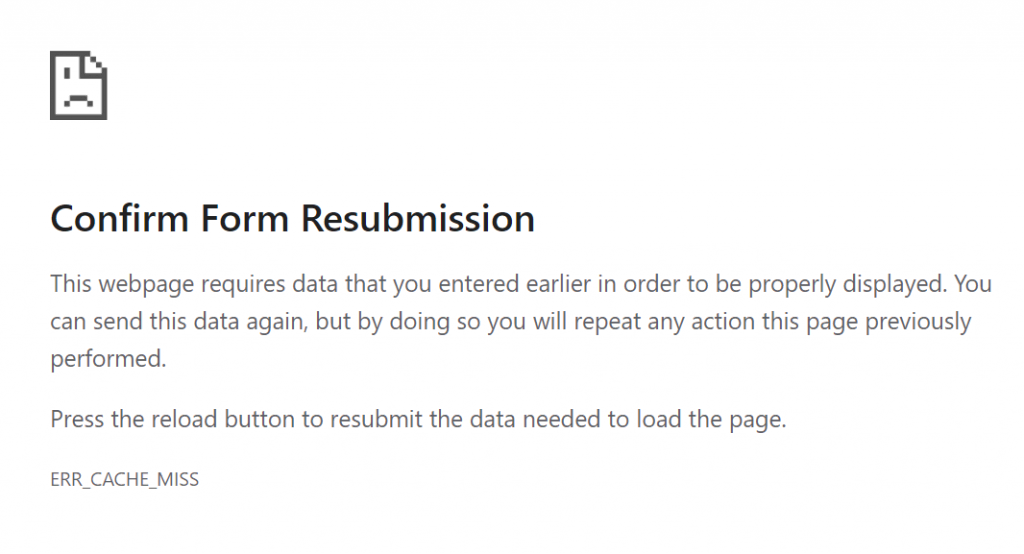](https://www.hostinger.com/tutorials/wp-content/uploads/sites/2/2022/09/The-ERR_CACHE_MISS-page-on-Google-Chrome.webp)
[ERR\_CACHE\_MISS](https://www.hostinger.com/tutorials/err_cache_miss) is a common Chrome browser problem that indicates a caching-related issue or incorrect DNS settings. However, it is more of a warning than a standard error.
The Confirm Form Resubmission message may appear when a user reloads a web page or clicks the back button after submitting a form to a site. It usually occurs alongside the ERR\_CACHE\_MISS error.
This warning’s purpose is to stop the Google Chrome browser from unintentionally duplicating information entered on a web form.
**ERR\_NAME\_NOT\_RESOLVED**
[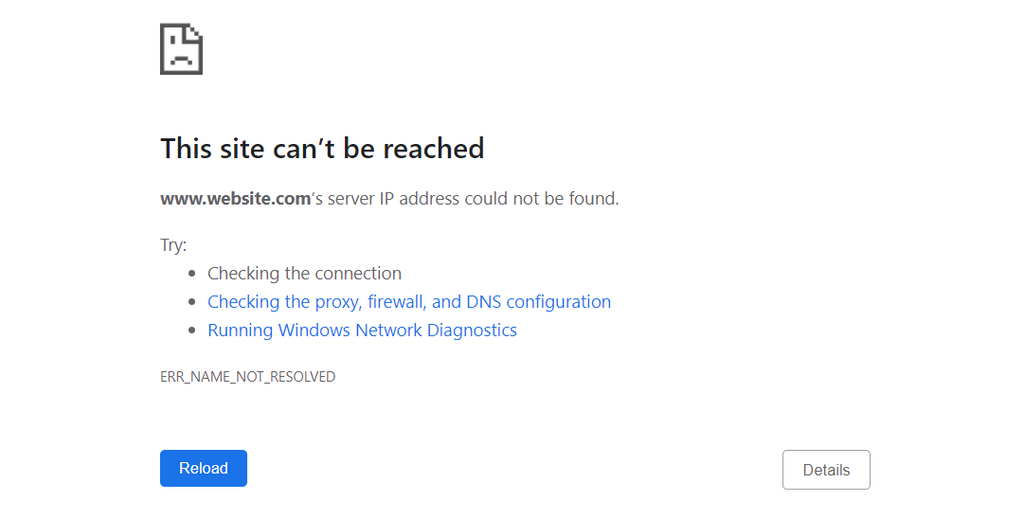](https://www.hostinger.com/tutorials/wp-content/uploads/sites/2/2022/09/The-ERR_NAME_NOT_RESOLVED-page-on-Google-Chrome.webp)
When visiting a website, your computer sends a DNS request to get the server’s IP address.
Sometimes, the website may have moved to another address, but the system still cached the old one. Since the browser can’t find the IP address of the domain you want to visit, it throws the [ERR\_NAME\_NOT\_RESOLVED](https://www.hostinger.com/tutorials/err_name_not_resolved) error message.
Possible causes of this issue include problems with the DNS settings or cache, local network configurations, a flaw with the firewall system, and DNSSEC issues.
**ERR\_CONNECTION\_REFUSED**
[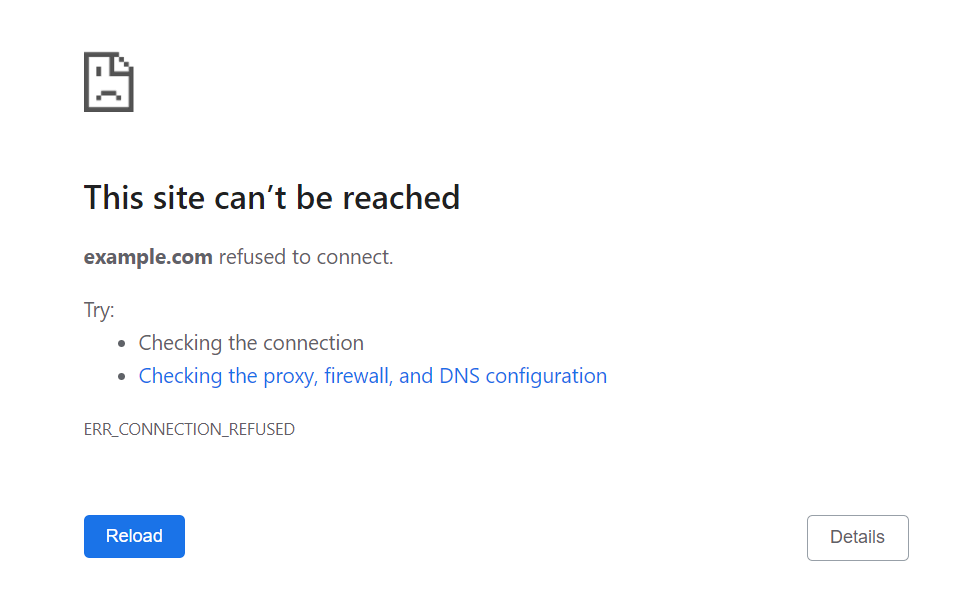](https://www.hostinger.com/tutorials/wp-content/uploads/sites/2/2022/09/The-ERR_CONNECTION_REFUSED-page-on-Google-Chrome.webp)
[ERR\_CONNECTION\_REFUSED](https://www.hostinger.com/tutorials/err_connection_refused) is an error that indicates a browser’s attempt to connect to a website is being refused.
Usually, it is a client-side issue related to local network settings, browser extensions, synchronization, or third-party applications. In rare cases, it can be caused by server downtime.
This error also appears on other browsers. Microsoft Edge shows “Hmmm…can’t reach this page”. Meanwhile, Mozilla Firefox displays the “Unable to connect” message instead.
**ERR\_CONNECTION\_RESET**
[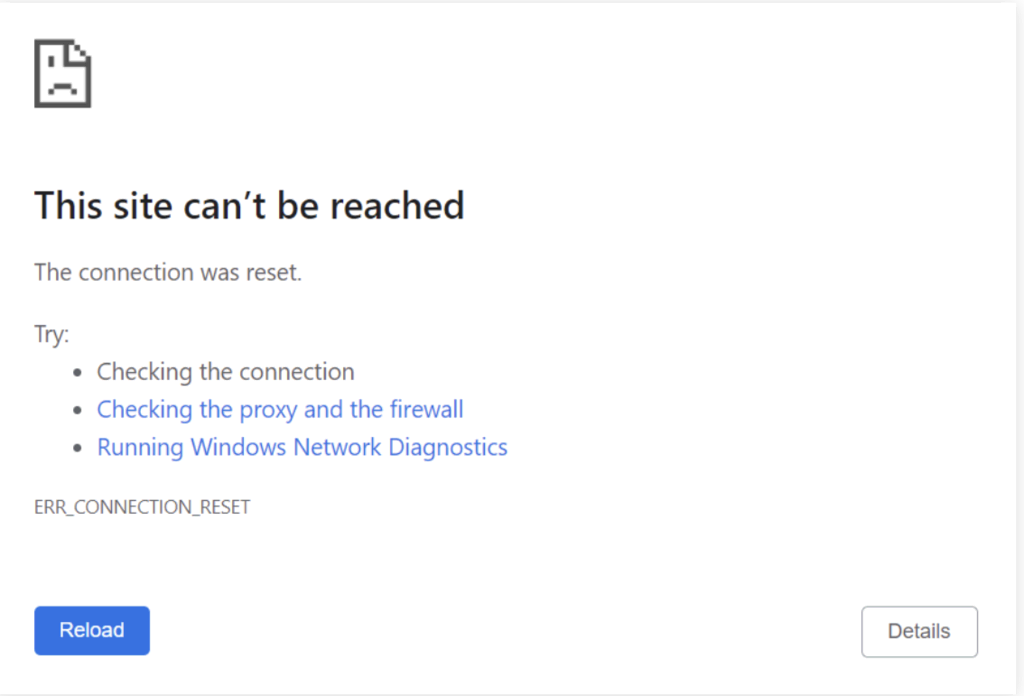](https://www.hostinger.com/tutorials/wp-content/uploads/sites/2/2022/09/Screenshot-2023-03-16-at-15.07.18.webp)
[ERR\_CONNECTION\_RESET](https://www.hostinger.com/tutorials/how-to-fix-err-connection-reset-error) is a frequent Chrome error that occurs when the browser fails to connect with a target host. In this case, the server cannot process the request or send the data back to the browser.
Identifying the exact reason for this error message can be tricky. In most cases, the root issue lies with the client’s side. This could include incorrect Chrome settings, third-party software interference, outdated browser cache, network device problems, or bad proxy.
## Conclusion
ERR\_CONNECTION\_CLOSED is a Chrome error that indicates the connection between the browser and the server is closed. Since the target host fails to process the request and send the data, the browser can’t load the website.
Before examining the server state, try simple fixes first:
- Check your internet connection.
- Disable the proxy server.
- Reset Chrome settings.
- Clear cache.
- Use a different network
- Restart the internet router.
- Reactivate the firewall system.
- Flush DNS.
If the above fixes don’t work, verify if the IP address is online, check the hosting resources, and contact your hosting’s support team.
We hope this article has helped you solve this Chrome error. Feel free to leave a comment if you have any questions or suggestions.
## ERR\_CONNECTION\_CLOSED FAQs
Take a look at the following frequently asked questions.
### What causes an ERR\_CONNECTION\_CLOSED?
ERR\_CONNECTION\_CLOSED is an error that occurs when the web browser is unable to establish a connection to the web server. Also, when the server abruptly terminates an existing connection. Some of the causes include network connectivity issues, server overload, and misconfigured firewalls.
### How can I prevent ERR\_CONNECTION\_CLOSED?
To prevent ERR\_CONNECTION\_CLOSED errors, ensure that the internet connection is stable. Also, check that the web server is accessible and properly configured.
### What other problems can ERR\_CONNECTION\_CLOSED cause?
ERR\_CONNECTION\_CLOSED can cause various problems while browsing the internet. These include the inability to access websites, incomplete or corrupt data transfers, and failed downloads. It can also impact the performance and stability of web applications, resulting in degraded user experiences or disrupted business operations.

The author
Noviantika G.
Noviantika is a web development enthusiast with customer obsession at heart. Linux commands and web hosting are like music to her ears. When she's not writing, Noviantika likes to snuggle with her cats and brew some coffee.
[More from Noviantika G.](https://www.hostinger.com/tutorials/author/noviantika)
[Copy link\\
\\
Copied!](https://www.hostinger.com/tutorials/err_connection_closed#)
## Related tutorials
[](https://www.hostinger.com/tutorials/how-to-fix-err-quic-protocol-error)
03 Feb •
[Errors](https://www.hostinger.com/tutorials/errors)•
##### [How to Fix ERR\_QUIC\_PROTOCOL\_ERROR in Google Chrome: 3 Methods](https://www.hostinger.com/tutorials/how-to-fix-err-quic-protocol-error)
Despite being a widely-used web browser, Google Chrome is still prone to errors that can hinder your site’s accessibility. One of them is...
[By Ignas R.](https://www.hostinger.com/tutorials/author/ignasr)
[](https://www.hostinger.com/tutorials/inet_e_resource_not_found)
24 Nov •
[Errors](https://www.hostinger.com/tutorials/errors)•
##### [10 Ways to Fix INET\_E\_RESOURCE\_NOT\_FOUND Error](https://www.hostinger.com/tutorials/inet_e_resource_not_found)
INET\_E\_RESOURCE\_NOT\_FOUND is an error code Windows users may encounter when the visited websites can’t load. While it usually occurs on Microsoft...
[By Aris Sentika](https://www.hostinger.com/tutorials/author/aris)
[](https://www.hostinger.com/tutorials/err_spdy_protocol_error)
09 Sep •
[Errors](https://www.hostinger.com/tutorials/errors)•
##### [How to Fix the ERR\_SPDY\_PROTOCOL\_ERROR in Google Chrome: 7 Solutions](https://www.hostinger.com/tutorials/err_spdy_protocol_error)
Encountering the ERR\_SPDY\_PROTOCOL\_ERROR in Chrome can be irritating for website visitors. The message indicates the browser’s inability to connect...
[By Noviantika G.](https://www.hostinger.com/tutorials/author/noviantika)
## What our customers say
[Trustpilot](https://www.trustpilot.com/review/hostinger.com)
### Leave a reply [Cancel reply](https://www.hostinger.com/tutorials/err_connection_closed\#respond)
Please fill the required fields.Please accept the privacy checkbox.Please fill the required fields and accept the privacy checkbox.
By using this form you agree that your personal data would be processed in accordance with our [Privacy Policy](https://www.hostinger.com/legal/privacy-policy).
Δ
Thank you! Your comment has been successfully submitted. It will be approved within the next 24 hours.
## Web Hosting Services
WIOSENNA WYPRZEDAŻ
ZŁAP OKAZJĘ

Ocena:
**4.8/5**
**1,237**
recenzji

Ocena:
**4.6/5**
**2,432**
recenzji

Ocena:
**4.7**
**874**
recenzji
## Wybierz swój idealny plan
Zacznij bez obaw. Dzięki 30-dniowej gwarancji zwrotu pieniędzy nie ma żadnego ryzyka.
Premium
Wszystko, czego potrzebujesz do stworzenia swojej strony internetowej
49,99 złRABAT 80%
9,99 zł /mies.
\*Przy zakupie na 48 mies. Cena netto.
+3 miesiące ZA DARMO
Wybierz plan
Odnawia się w cenie 22,99 zł/mies. na okres 4 lat. Anuluj w dowolnym momencie.
**25** stron www
Zarządzany hosting pod WordPress
**~25 000** wizyt miesięcznie
**25 GB** pamięci SSD
**400 000** plików i katalogów (i-węzłów)
**Darmowe** szablony do szybkiego użycia
**Darmowa** i automatyczna migracja strony
**Nielimitowane i darmowe** SSL
**Skrzynki pocztowe: 50** \- bezpłatnie przez 1 rok
**Cotygodniowe** kopie zapasowe
Skaner **WordPress Vulnerabilities**
**Automatyczne i inteligentne** aktualizacje WordPress
**Standardowe** przyspieszenie WordPress
**Nieograniczona** przepustowość
**Darmowa** domena (wartość: 43,99 zł)
**Darmowa** sieć CDN
Narzędzia AI **Wordpress**
Narzędzie WordPress Staging
Dedykowany adres IP
**Priorytetowe** wsparcie
Zobacz wszystkie funkcje
Najpopularniejszy
Business
Zyskaj więcej mocy z dostępem do zaawansowanych funkcji
59,99 złRABAT 77%
13,99 zł /mies.
\*Przy zakupie na 48 mies. Cena netto.
+3 miesiące ZA DARMO
Wybierz plan
Odnawia się w cenie 27,99 zł/mies. na okres 4 lat. Anuluj w dowolnym momencie.
**50** stron www
Zarządzany hosting pod WordPress
**~100 000** wizyt miesięcznie
**50 GB** pamięci NVMe
**600 000** plików i katalogów (i-węzłów)
**Darmowe** szablony do szybkiego użycia
**Darmowa** i automatyczna migracja strony
**Nielimitowane i darmowe** SSL
**Skrzynki pocztowe: 100** \- bezpłatnie przez 1 rok
**Codzienne i na żądanie** kopie zapasowe
Skaner **WordPress Vulnerabilities**
**Automatyczne i inteligentne** aktualizacje WordPress
**Zaawansowane** przyspieszenie WordPress
**Nieograniczona** przepustowość
**Darmowa** domena (wartość: 43,99 zł)
**Darmowa** sieć CDN
Narzędzia AI **Wordpress**
Narzędzie WordPress Staging
Dedykowany adres IP
**Priorytetowe** wsparcie
Zobacz wszystkie funkcje
Cloud Startup
Ciesz się zoptymalizowaną wydajnością i potężnymi zasobami
112,99 złRABAT 69%
34,99 zł /mies.
\*Przy zakupie na 48 mies. Cena netto.
+3 miesiące ZA DARMO
Wybierz plan
Odnawia się w cenie 86,99 zł/mies. na okres 4 lat. Anuluj w dowolnym momencie.
**100** stron www
Zarządzany hosting pod WordPress
**~200 000** wizyt miesięcznie
**100 GB** pamięci NVMe
**2 000 000** plików i katalogów (i-węzłów)
**Darmowe** szablony do szybkiego użycia
**Darmowa** i automatyczna migracja strony
**Nielimitowane i darmowe** SSL
**Skrzynki pocztowe: 200** \- bezpłatnie przez 1 rok
**Codzienne i na żądanie** kopie zapasowe
Skaner **WordPress Vulnerabilities**
**Automatyczne i inteligentne** aktualizacje WordPress
**Zaawansowane** przyspieszenie WordPress
**Nieograniczona** przepustowość
**Darmowa** domena (wartość: 43,99 zł)
**Darmowa** sieć CDN
Narzędzia AI **Wordpress**
Narzędzie WordPress Staging
Dedykowany adres IP
**Priorytetowe** wsparcie
Zobacz wszystkie funkcje
Warunki płatności

Traktujemy Hostinger jako **standard**, do którego odnoszą się nasi eksperci, gdy udzielają **wsparcia technicznego**.
[Przeczytaj całą opinię](https://www.hostinger.com/blog/climbingvan)
Charlie Low & Dale Comley
**Współzałożyciele Nohma** \| nohma.com

Możliwość zarządzania hostingiem, domeną i certyfikatem SSL w jednym miejscu była dla mnie naprawdę orzeźwiająca.
[Przeczytaj całą opinię](https://www.hostinger.com/blog/gate-foot-forge)
Owen Phillips
**Kowal** \| gatefootforge.co.uk

Podczas przenoszenia strony do Hostingera utrzymaliśmy jej ciągłą dostępność, a wszystkie nasze problemy zostały rozwiązane. Jesteśmy bardzo zadowoleni z usług.
[Przeczytaj całą opinię](https://www.hostinger.com/blog/cinq-galerie)
Túlio & Eric
**Partnerzy biznesowi** \| cinqgalerie.com
## Wsparcie w trybie 24/7
Potrzebujesz wsparcia? Nasi eksperci służą pomocą za pomocą **czatu na żywo lub wiadomości e-mail**.
Zapomnij o długim oczekiwaniu — każdy problem rozwiązujemy w mniej niż **3 minuty**.
Pozbądź się barier komunikacyjnych — nasi agenci płynnie operują **w ponad 10 językach**.


Hostinger to najlepszy dostawca jeśli chodzi o prostotę obsługi i pomoc techniczną. Naprawdę najlepsze wsparcie, z jakim miałem styczność.

[SvgoChevronSmallRight](https://www.trustpilot.com/reviews/6438cc1c746ca7dfea090728)

Najlepszy dostawca usług hostingowych, z jakiego korzystałem. Świetna firma i profesjonalne podejście do klienta.

[SvgoChevronSmallRight](https://www.trustpilot.com/reviews/64354796520b4a84cd0df059)

Obsługa klienta Hostinger jest świetna na każdym kroku. Naprawdę godna polecenia!

[SvgoChevronSmallRight](https://www.trustpilot.com/reviews/64beebbec7897678615a04fe)
## Opublikuj swoją stronę w kilka chwil dzięki AI
Stwórz w pełni funkcjonalną stronę dzięki **motywom na bloga Hostinger** z wbudowaną sztuczną inteligencją.
Generuj unikalne i przyjazne dla SEO treści za pomocą **wtyczki Asystent AI**.
Oszczędzaj czas — pozwól **AI dobrać odpowiednie obrazy** dla Twoich treści.

## Odkryj siłę zarządzanego hostingu stron
[Rozpocznij](https://www.hostinger.com/pl/hosting#pricing)
## Bezpieczeństwo jest naszym priorytetem
**Darmowe certyfikaty SSL** instalowane automatycznie pozwolą Ci zabezpieczyć poufne informacje klientów.
**Skaner złośliwego oprogramowania** umożliwi Ci wykrywanie i usuwanie szkodliwych plików.
**Ochrona prywatności** zabezpieczy Twoje dane osobowe.
Bezpieczna sieć Hostinger CDN i **blokada IP z wybranych krajów** ochronią Twoją witrynę przed niepożądanym i złośliwym dostępem.

## Bezkonkurencyjna wydajność witryny
Ciesz się minimalnymi opóźnieniami i maksymalną prędkością witryny za sprawą pamięci masowej **NVMe**.
Zapewnij błyskawiczne przeglądanie dzięki naszemu autorskiemu **CDN, ObjectCache** i **technologii serwera LiteSpeed.**
Zarządzaj dużym ruchem z łatwością dzięki **nieograniczonej przepustowości**.


Hostinger jest naszym wyborem numer jeden z wielu powodów. Po porównaniu usług różnych dostawców, to właśnie na platformie Hostingera nasza witryna funkcjonowała najlepiej.

Po przeprowadzeniu wielu testów na stronach hostowanych u Hostingera średni czas odpowiedzi wynosił od 450 ms do 625 ms, co jest świetnym wynikiem. Krótko mówiąc, szybkość to ogromna zaleta Hostingera.

Dla małych firm, które nie posiadają działu IT, fachowa obsługa klienta jest ogromnym plusem. To świetna opcja, jeśli szukasz hostingu współdzielonego, który jest niedrogi i niezawodny.
## Rozpocznij przygodę z szybkim hostingiem
[Sprawdź ceny](https://www.hostinger.com/pl/hosting#pricing)
## Wspieramy Twój sukces online
Przygotuj się na duży ruch — wypróbuj **wyższy plan hostingowy za darmo przez 24 godziny.**
**Skaluj plan hostingowy** swojej witryny z łatwością w zależności od potrzeb.
Zwiększ widoczność w sieci dzięki **darmowej nazwie domeny .com, .net oraz ponad 20 innych** rozszerzeń.
**Centra danych rozmieszczone na całym świecie** zapewnią szybkość i niezawodność Twojej witrynie.

## Przenieś się do Hostinger bez wysiłku
Przenieś dowolną liczbę witryn za darmo dzięki naszemu narzędziu **Automatycznej migracji witryn**.
Usiądź wygodnie i zrelaksuj się — nasz **zespół ekspertów ds. migracji** zapewni płynny transfer Twojej witryny.
**Zero przestojów** — podczas całego procesu migracji Twoja witryna pozostanie zawsze online.


Jeśli nie jestem pewien, jak coś zrobić, szukam odpowiedzi w artykułach na ten temat w sekcji pomocy technicznej. Jeśli nadal nie mogę znaleźć rozwiązania, wskakuję do czatu na żywo, gdzie uzyskuje natychmiastową pomoc.

[SvgoChevronSmallRight](https://www.g2.com/products/hostinger/reviews/hostinger-review-8201575)

Pracuję z wieloma firmami hostingowymi i żadna z nich nie ma tak uproszczonych procesów jak Hostinger. Zarządzanie hostingiem, SSL, pocztą e-mail, plikami, domenami, a nawet klientami jest mega przyjemne i proste.

[SvgoChevronSmallRight](https://www.g2.com/products/hostinger/reviews/hostinger-review-8252878)

Największą zaletą Hostinger jest prostota konfiguracji oraz szybkie wdrożenie wszystkich usług. Szybkość realizacji wyróżnia tę platformę na tle konkurencji, a aktualne ceny są jednymi z najkorzystniejszych na rynku.

[SvgoChevronSmallRight](https://www.g2.com/products/hostinger/reviews/hostinger-review-8096613)
## Dołącz do ponad 3 mln właścicieli stron
[Rozpocznij](https://www.hostinger.com/pl/hosting#pricing)
## Hosting stron www – najczęściej zadawane pytania
Znajdź odpowiedzi na najczęściej zadawane pytania odnośnie hostingu stron internetowych.
### Co to jest hosting stron i dlaczego go potrzebuję?
Hosting to usługa umożliwiająca opublikowanie strony www, podczas gdy dostawca usług hostingowych udostępnia miejsce na serwerze internetowym, na którym przechowywane są pliki i zasoby strony internetowej. Mówiąc krótko, potrzebujesz planu hostingowego, aby uruchomić swoją witrynę.
Aby mieć pewność, że witryna będzie zawsze dostępna online i otrzymasz wsparcie, gdy napotkasz na jakiekolwiek trudności w procesie tworzenie czy publikowania, najlepiej wybrać usługi sprawdzonego hosta i odpowiedni rodzaj hostingu dla swoich potrzeb. Najpopularniejsze usługi hostingowe zarówno do użytku osobistego, jak i biznesowego obejmują:
- **Hosting współdzielony**. Hosting współdzielony oznacza, że wiele różnych stron jest hostowanych na tym samym fizycznym serwerze, przy czym każdemu użytkownikowi przydziela się określoną ilość przestrzeni na przechowywanie danych i określoną ilość zasobów. Hosting ten jest najbardziej przystępną cenowo opcją, co czyni go doskonałym wyborem dla początkujących, jaki i blogerów.
- **Hosting WordPress**. Działa podobnie do hostingu współdzielonego. Różnica polega na tym, że zarządzane plany hostingowe WordPress oferują wiele narzędzi i funkcji dedykowanych do optymalizacji tej platformy pod kątem szybkości, wydajności, jaki i ułatwiających jej zarządzanie.
- **Hosting VPS**. Usługa hostingu wirtualnego serwera prywatnego dzieli serwer fizyczny na wiele instancji, które są całkowicie odizolowane, zapewniając każdemu użytkownikowi dedykowane zasoby i pełny dostęp do roota. Plany hostingu VPS są skierowane do bardziej zaawansowanych technicznie użytkowników, którzy potrzebują większej mocy i kontroli.
- **Hosting w chmurze**. Przy tej opcji strony internetowe działają na wielu serwerach wirtualnych, co ogranicza możliwe przestoje i awarie sprzętu. Plany hostingowe w chmurze są idealne dla tych, którzy potrzebują wydajnej witryny ze stabilnym czasem dostępności, jak na przykład dla freelancerów tworzących witryny dla wielu klientów.
Ważnym dodatkiem do usługi hostingowej jest kreator stron internetowych, który ułatwia tworzenie witryn. Upewnij się również, że dostawca hostingu obsługuje systemy zarządzania treścią (CMS).
Hostinger nie tylko oferuje bezkonkurencyjne ceny, ale również nasze plany obejmują kreator stron internetowych, instalator WordPress 1 kliknięciem i szybki hosting stron internetowych z gwarancją czasu dostępności na poziomie 99,9%. Swoją przygodę z tworzeniem witryn możesz zacząć od hostingu współdzielonego, następnie możesz rozszerzyć swój plan do [hostingu w chmurze](https://www.hostinger.com/pl/hosting-w-chmurze), który oferuje więcej mocy, a potem do „szytego na miarę” [hostingu VPS](https://www.hostinger.com/pl/hosting-vps).
Jeśli nadal nie możesz się zdecydować, który plan hostingowy najlepiej odpowiada Twoim potrzebom, sprawdź nasz poradnik: [Jak wybrać odpowiedni plan hostingowy?](https://hostinger.com/tutorials/how-to-choose-web-hosting-plan) (dostępny w języku angielskim).
### Jak mogę kupić plan hostingowy?
Kupno jednego z naszych planów nie sprawi Ci żadnych problemów — to niezwykle prosty proces. Wystarczy, że przejdziesz do naszego cennika, wybierzesz plan i dodasz go do koszyka.
Po przejściu do strony płatności możesz wybrać okres subskrypcji. Za nasze usługi możesz płacić co miesiąc, jednak zalecamy wykupienie planów na dłuższy okres, ponieważ oferują najlepszy stosunek jakości do ceny.
Po utworzenia nowego konta w Hostinger lub zalogowaniu się do konta, które już posiadasz, możesz wybrać metodę płatności. Aby zakończyć proces rejestracji, wystarczy, że wprowadzisz swoje dane kontaktowe i klikniesz przycisk „Zapłać bezpiecznie”.
Po dokonaniu płatności otrzymasz dane do logowania do swojego konta hostingowego. Z poziomu panelu klienta możesz zarządzać wieloma stronami internetowymi, domenami, kontami e-mail, bazami danych, plikami i wiele więcej.
### Jakiego rodzaju wsparcia mogę oczekiwać?
Hostinger jest jednym z niewielu dostawców usług hostingowych, który oferuje wielojęzyczne wsparcie w trybie 24/7. Nasz zespół ds. obsługi klienta dokłada wszelkich starań, aby rozwiązać Twoje problemy tak szybko, jak to możliwe.
Nie wahaj się [z nami skontaktować](https://www.hostinger.com/support/articles/1583780-how-to-contact-live-support), jeśli masz jakiekolwiek pytania — nasz przyjazny zespół jest zawsze gotów, aby na nie odpowiedzieć.
Dodatkowo oferujemy bogatą bazę [poradników Hostinger](https://hostinger.com/tutorials) (dostępnych w języku angielskim), które pomogą Ci rozwiązać problemy związane z witryną, optymalizacją SEO, jaki i pokażą Ci najlepsze praktyki marketingu oraz wiele więcej. Możesz również sprawdzić [Akademię Hostinger](https://www.youtube.com/@HostingerAcademy), która zawiera wiele pomocnych filmików instruktażowych (dostępnych w języku angielskim).
### Jak kupić hosting www wraz z domeną?
W Hostinger wszystkie plany hostingowe — z wyjątkiem planu Single, zawierają darmową domenę, jeśli zdecydujesz się na okres subskrypcji na okres minimum jednego roku.
Jeśli posiadasz już własną domenę, wykupioną u innego rejestratora, wystarczy, że [skierujesz ją na dedykowane serwery nazw Hostinger.](https://www.hostinger.com/support/articles/1863967-how-to-point-a-domain-to-hostinger). Posiadanie konta hostingowego oraz domeny w tej samej firmie hostingowej zdecydowanie usprawnia zarządzanie stroną oraz skuteczne rozwiązywanie wszelkich problemów.
### Czym różni się hosting stron internetowych od domeny?
Hosting strony internetowej to usługa polegająca na przechowywaniu stron www i udostępnianiu ich w sieci, natomiast domena to adres URL witryny, taki jak **hostinger.com**. Oba te elementy są niezbędne dla stworzenia w pełni funkcjonalnej strony internetowej.
Jeśli nie istniałyby usługi hostingowe, trzeba by było przekształcić własny komputer w serwer strony internetowej, co wymaga głębokiej wiedzy technicznej i wysokich kosztów utrzymania. Bez domen internetowych, użytkownicy sieci musieliby zapamiętać długi i skomplikowany adres IP strony, co byłoby nie tylko trudne, ale i bardzo niepraktyczne.
### Jakie są limity CPU, RAM, i-węzłów oraz pojemności dysków w planach Hostinger?
Odwiedź nasz artykuł na temat [parametrów i limitów planów hostingowych](https://www.hostinger.com/support/articles/6976044-parameters-and-limits-for-hosting-plans), aby dowiedzieć się, jakie zasoby oferują nasze rozwiązania hostingowe. Znajdziesz w nim szczegółowe informacje dotyczące limitów przypisanych do każdego z naszych planów, co pomoże Ci świadomie wybrać opcję najlepiej dopasowaną do potrzeb Twojej strony internetowej.
### Czy mogę przenieść moją stronę www do Hostinger?
Tak, oferujemy bezpłatną i nieograniczoną [migrację witryny](https://www.hostinger.com/pl/migracja-strony), która odbywa się bez żadnych przestojów.
Aby przenieść witrynę WordPress z innej firmy do Hostinger, wybierz jeden z naszych zarządzanych planów hostingowych WordPress. Po opłaceniu planu otrzymasz dostęp do panelu hPanel, gdzie możesz wysłać prośbę o automatyczne przeniesienie witryny lub podjąć się tego procesu manualnie.
Jeśli nie korzystasz z platformy CMS lub potrzebujesz pomocy w procesie migracji, nasz zespół ds. obsługi klienta przeprowadzi Cię przez ten proces bez żadnych dodatkowych opłat.
### Czy potrzebuję hostingu, aby korzystać z WordPressa?
Tak. Chociaż WordPress jest darmowym systemem zarządzania treścią, to aby utworzyć witrynę WordPress, należy osobno kupić plan hostingowy i nazwę domeny.
Jeśli zależy Ci na efektywnym zarządzaniu budżetem, warto wybrać naszą ofertę [zarządzanego hostingu WordPress](https://www.hostinger.com/pl/hosting-wordpress), którego plany zawierają bezpłatną domenę przy subskrypcji na okres minimum roku, proste narzędzia do błyskawicznej instalacji WordPressa oraz nielimitowane certyfikaty SSL.
Dodatkowo możesz korzystać z funkcji optymalizacji prędkości, jak LiteSpeed i Object Cache, automatycznych aktualizacji i wbudowanych narzędzi AI do szybszego tworzenia treści.
### Czy oferujecie automatyczne instalatory skryptów?
Tak. Hostinger oferuje specjalnie opracowane narzędzie, które umożliwia instalowanie ponad 100 aplikacji na Twojej stronie jednym kliknięciem. Nasz automatyczny instalator pozwala na szybkie i wygodne przetestowanie różnych skryptów, aby znaleźć ten, który najlepiej pasuje do Twojej witryny.
### Czy potrzebuję zaawansowanej wiedzy technicznej do korzystania z hostingu współdzielonego?
Nie. Nasze zarządzane plany hostingowe maksymalnie ułatwiają początkującym użytkownikom tworzenie i rozwijanie stron www.
Dzięki naszemu intuicyjnemu panelowi hPanel możesz łatwo wykonywać wiele zadań bez konieczności posiadania wiedzy technicznej. Dzięki naszym narzędziom możesz w mgnieniu oka stworzyć własną witrynę, korzystając z konfiguracji profesjonalnego adresu e-mail, instalacji systemu zarządzania treścią oraz z naszego [kreatora stron www](https://www.hostinger.com/pl/kreator-stron).
W naszej ofercie znajdziesz również [pakiety hostingowe dla profesjonalistów](https://www.hostinger.com/pl/pro), które zawierają szeroki wybór narzędzi dedykowanych dla deweloperów, ułatwiając zarządzanie wieloma stronami klientów.
A jeśli napotkasz na jakiekolwiek problemy nasze wsparcie w trybie 24/7 i szereg poradników online pomogą Ci rozwiać Twoje wątpliwości.
### Czy hosting współdzielony zawiera panel klienta?
Tak. Każdy plan hostingu współdzielonego oferuje dostęp do naszego specjalnie zaprojektowanego panelu zarządzania [hPanel](https://hostinger.com/tutorials/hpanel-tutorial). Dzięki niemu, z łatwością możesz zarządzać kontem hostingowym, monitorować wykorzystanie zasobów, tworzyć skrzynki e-mail i instalować system zarządzania treścią.
Panel klienta różni się od panelu administracyjnego witryny, który jest tworzony podczas instalacji systemu CMS. Pulpit nawigacyjny WordPress jest jednym z najpopularniejszych przykładów takich paneli.
### Jakie lokalizacje serwerów są dostępne w waszej ofercie?
Nasze serwery znajdują się w wielu lokalizacjach na całym świecie. Podczas konfiguracji możesz wybrać serwer zlokalizowany najbliżej Twojej grupy docelowej, aby zapewnić optymalną wydajność. Aby sprawdzić, jakie lokalizacje są dostępne w zależności od planu hostingowego, przeczytaj nasz artykuł na temat [lokalizacji serwerów Hostinger](https://www.hostinger.com/support/articles/1583267-where-are-hostinger-servers-located).
## Hosting asequible y rápido

Hostinger supera a la mayoría de la competencia


Excelente servicio al cliente y tiempo de actividad


Del marketing hasta la IU para gestionar tu sitio, se siente como host premium


## Soporte en directo 24/7
Nuestro equipo de amables expertos está aquí para ayudarte. Cualquier problema, en cualquier momento. Tu éxito es nuestro éxito.

## Configuración en segundos
Establécete con un clic. Hostinger está hecho para facilitar la conexión rápida de tu sitio.

## Creado para la velocidad
La velocidad lo es todo. Puede hacer o deshacer el éxito de tu sitio web. Maximiza tu potencial con un sitio web ultrarrápido.

## Hostinger califica como excelente en
### Estoy enamorada de Hostinger
Estoy enamorada de Hostinger, desde la perspectiva del usuario final hasta la de un afiliado. Tienen un soporte increíble, tanto por chat en directo, email y administrador de cuentas. ¡Nunca tuve problemas con el hosting y el Cloud hosting es muy RÁPIDO! Siempre lo recomiendo a mis clientes. He usado varios proveedores de hosting, no hubo uno que fuera mejor en panel de control, soporte, precios, rendimiento, etc. Otra vez, ¡enamorada de Hostinger!
#### ¡Gran equipo de compra y soporte!
¡Gran equipo de compra y soporte! Compré una suscripción y recibí un dominio gratis junto con ayuda y seguir adelante con la transferencia de mi otro dominio.
#### Más de 4 meses y sin problemas en absoluto.
Estoy con el plan "Premium". He instalado varios sitios web y todo funciona bien hasta el momento. Excelente servicio al cliente también. 👌 ¡Sigan así!
#### Hostinger es lo mejor
El hosting de Hostinger es el mejor con el que me he estado en dos años. Los servidores responden y son rápidos. Un equipo respetable.
#### ¡Servicio fantástico!
He estado con Hostinger durante varios años y siempre he obtenido el mejor rendimiento en servicios de hosting web. Excelente servicio al cliente y precios asequibles. ¡Fantástico!
### ¡El equipo Éxito del cliente es genial!
Registré el dominio incorrecto y necesitaba cambiar unas cosas. Me contacté con el equipo Éxito del cliente y les di la información. Luego cambié mi sitio web al nombre de dominio correcto. Agne era la representante de servicio al cliente. Una vez que se conectó, tuvo todo manejado en 10 minutos. ¡Rápido y eficiente! Todo es increíble.
## Hostinger califica como excelente en
### Estoy enamorada de Hostinger
Estoy enamorada de Hostinger, desde la perspectiva del usuario final hasta la de un afiliado. Tienen un soporte increíble, tanto por chat en directo, email y administrador de cuentas. ¡Nunca tuve problemas con el hosting y el Cloud hosting es muy RÁPIDO! Siempre lo recomiendo a mis clientes. He usado varios proveedores de hosting, no hubo uno que fuera mejor en panel de control, soporte, precios, rendimiento, etc. Otra vez, ¡enamorada de Hostinger!
#### ¡Gran equipo de compra y soporte!
¡Gran equipo de compra y soporte! Compré una suscripción y recibí un dominio gratis junto con ayuda y seguir adelante con la transferencia de mi otro dominio.
#### Más de 4 meses y sin problemas en absoluto.
Estoy con el plan "Premium". He instalado varios sitios web y todo funciona bien hasta el momento. Excelente servicio al cliente también. 👌 ¡Sigan así!
#### Hostinger es lo mejor
El hosting de Hostinger es el mejor con el que me he estado en dos años. Los servidores responden y son rápidos. Un equipo respetable.
#### ¡Servicio fantástico!
He estado con Hostinger durante varios años y siempre he obtenido el mejor rendimiento en servicios de hosting web. Excelente servicio al cliente y precios asequibles. ¡Fantástico!
### ¡El equipo Éxito del cliente es genial!
Registré el dominio incorrecto y necesitaba cambiar unas cosas. Me contacté con el equipo Éxito del cliente y les di la información. Luego cambié mi sitio web al nombre de dominio correcto. Agne era la representante de servicio al cliente. Una vez que se conectó, tuvo todo manejado en 10 minutos. ¡Rápido y eficiente! Todo es increíble.
[Más opiniones de Hostinger en Trustpilot](https://www.trustpilot.com/review/hostinger.com)
## 30 días de garantía para la devolución del dinero
Si no te satisface al 100%, podrás solicitar la devolución de tu pago en un plazo de 30 días después de tu compra. El proceso es sin problemas ni riesgos. Para obtener más información, consulta nuestra [Política de reembolso](https://www.hostinger.com/mx/legal/reembolsos) (pueden aplicarse exclusiones).
[Comenzar](https://www.hostinger.com/mx/opiniones#pricing)
## Hosting web líder en la industria


### ¡El mejor proveedor de hosting asequible y de calidad!
Estaba buscando un proveedor de hosting asequible pero también de calidad. Después de comparar algunas opiniones, decidí elegir Hostinger. Y sin ningún arrepentimiento. Muy buen sitio web, con una explicación muy clara sobre la configuración y la migración de un sitio web existente. La migración fue perfecta y la creación de un sitio web adicional con dominio (oferta gratuita) tuvo un problema de SSL, pero esto fue resuelto muy rápido y muy bien por su empleado de servicio de asistencia profesional y amigable que piensa junto contigo. El servicio de asistencia técnica está disponible 24/7, responden rápido y están orientados al servicio. Muy recomendable para aquellos que buscan un proveedor de hosting confiable, asequible y de alta calidad.
#### Agnė de Hostinger resolvió mi problema en...
Agnė de Hostinger resolvió mi problema súper rápido. Compré por error hosting Premium, bajo la primera opción Hosting web. Le pregunté a Agnė qué hacer e inmediatamente me ofrecieron un reembolso. Así que fui a obtener el paquete de hosting para WordPress llamado WordPress Starter. ¡Esto es genial! ¡Gracias por ayudarme!
#### Soporte extraordinario
Tuve un problema con el registro de un dominio gratuito de mi elección y el equipo respondió rápidamente con cariño y simpatía. Me impresionó tanto su compromiso con la satisfacción del usuario que desplegaré mi aplicación web en producción con Hostinger y de hecho, podría asociarme con ustedes.
### ¡El mejor soporte por siempre!
He probado varios proveedores de hosting web en los últimos 4 años y debo admitir que Hostinger es, por mucho, el mejor en términos de velocidad, precios y sobre todo, su soporte. Como diseñador web, es importante contar con un apoyo rápido, debido a que alojo los sitios web de mis clientes en Hostinger. Han pasado casi dos años con ellos y no podría estar más satisfecho. Se lo recomendaría a cualquiera que quiera iniciar un negocio de diseño web o simplemente crear un sitio web para sí mismo.
### Plataforma fácil de usar, soporte amigable, servicio de hosting económico
Estaba buscando un servicio de hosting confiable y barato. Encontré Hostinger. Leí as opiniones positivas, me comuniqué con el servicio de atención al cliente. Su equipo de soporte fue útil y rápido. También su interfaz de usuario fue muy fácil de usar, lo que hace que sea sencillo hacer las cosas por mi cuenta sin la necesidad de alguien más. Recomendado.
## Hosting web líder en la industria


### ¡El mejor proveedor de hosting asequible y de calidad!
Estaba buscando un proveedor de hosting asequible pero también de calidad. Después de comparar algunas opiniones, decidí elegir Hostinger. Y sin ningún arrepentimiento. Muy buen sitio web, con una explicación muy clara sobre la configuración y la migración de un sitio web existente. La migración fue perfecta y la creación de un sitio web adicional con dominio (oferta gratuita) tuvo un problema de SSL, pero esto fue resuelto muy rápido y muy bien por su empleado de servicio de asistencia profesional y amigable que piensa junto contigo. El servicio de asistencia técnica está disponible 24/7, responden rápido y están orientados al servicio. Muy recomendable para aquellos que buscan un proveedor de hosting confiable, asequible y de alta calidad.
#### Agnė de Hostinger resolvió mi problema en...
Agnė de Hostinger resolvió mi problema súper rápido. Compré por error hosting Premium, bajo la primera opción Hosting web. Le pregunté a Agnė qué hacer e inmediatamente me ofrecieron un reembolso. Así que fui a obtener el paquete de hosting para WordPress llamado WordPress Starter. ¡Esto es genial! ¡Gracias por ayudarme!
#### Soporte extraordinario
Tuve un problema con el registro de un dominio gratuito de mi elección y el equipo respondió rápidamente con cariño y simpatía. Me impresionó tanto su compromiso con la satisfacción del usuario que desplegaré mi aplicación web en producción con Hostinger y de hecho, podría asociarme con ustedes.
### ¡El mejor soporte por siempre!
He probado varios proveedores de hosting web en los últimos 4 años y debo admitir que Hostinger es, por mucho, el mejor en términos de velocidad, precios y sobre todo, su soporte. Como diseñador web, es importante contar con un apoyo rápido, debido a que alojo los sitios web de mis clientes en Hostinger. Han pasado casi dos años con ellos y no podría estar más satisfecho. Se lo recomendaría a cualquiera que quiera iniciar un negocio de diseño web o simplemente crear un sitio web para sí mismo.
### Plataforma fácil de usar, soporte amigable, servicio de hosting económico
Estaba buscando un servicio de hosting confiable y barato. Encontré Hostinger. Leí as opiniones positivas, me comuniqué con el servicio de atención al cliente. Su equipo de soporte fue útil y rápido. También su interfaz de usuario fue muy fácil de usar, lo que hace que sea sencillo hacer las cosas por mi cuenta sin la necesidad de alguien más. Recomendado.
[Más opiniones de Hostinger en G2](https://www.g2.com/products/hostinger/reviews)
## Hostinger califica como excelente en

### Hostinger: 100% recomendado
Llevo un año trabajando con el plan de hosting Premium de Hostinger y me brindan todos los elementos que necesito para administrar mis sitios web y mis bases de datos con óptimos resultados. Instalación con 1 solo clic, espacio ilimitado en disco SSD e instalación sencilla de certificados SSL. Además, ofrecen un servicio de ayuda increíble y rápido en el que su principal objetivo es resolver tus problemas de la manera más precisa y rápida posible. Sin lugar a dudas, recomiendo Hostinger como proveedor de hosting profesional.
#### Un profesional del diseño satisfecho
Soy un diseñador que necesita servicios de hosting web fiable. Hostinger es fenomenal en términos de calidad y servicio al cliente. La interfaz de usuario es una de las mejores. Intuitivo y fácil de usar. A diferencia de otros tiburones más grandes que se preocupan por sacarte más dinero luego del 1er año.
#### Testimonios
En nombre de mis entidades, me gustaría agradecerles, Hostinger, por su increíble apoyo, especialmente al mejorar nuestro plan de hosting web. ¡Esperamos recibir una oferta impresionante de Hostinger para un plan de cloud hosting de vanguardia!
#### Maravillosa experiencia con Hostinger hasta ahora
Maravillosa experiencia con Hostinger hasta ahora y solo llevo 3 meses en mi aventura de 4 años con ellos... Maravilloso equipo de éxito 24/7... De Hostinger al mundo. 😍
#### La mejor empresa proveedora de hosting que...
La mejor empresa proveedora de hosting profesional que puede brindar el mejor servicio y soporte web y mucho más. Personalmente, me gusta su servicio y recomiendo a otros que tomen los servicios de Hostinger.mx.
### Excelente servicio al cliente
Excelente servicio al cliente, ¡fue más allá de lo que se esperaba de ellos! Incluso yendo tan lejos como para acreditar mis compras del año anterior, algo que ningún otro proveedor de hosting se atrevería a tocar. Un agradecimiento masivo a mi representante de atención al cliente, Neringa, por hacerlo posible. 10/5.
## Hostinger califica como excelente en

### Hostinger: 100% recomendado
Llevo un año trabajando con el plan de hosting Premium de Hostinger y me brindan todos los elementos que necesito para administrar mis sitios web y mis bases de datos con óptimos resultados. Instalación con 1 solo clic, espacio ilimitado en disco SSD e instalación sencilla de certificados SSL. Además, ofrecen un servicio de ayuda increíble y rápido en el que su principal objetivo es resolver tus problemas de la manera más precisa y rápida posible. Sin lugar a dudas, recomiendo Hostinger como proveedor de hosting profesional.
#### Un profesional del diseño satisfecho
Soy un diseñador que necesita servicios de hosting web fiable. Hostinger es fenomenal en términos de calidad y servicio al cliente. La interfaz de usuario es una de las mejores. Intuitivo y fácil de usar. A diferencia de otros tiburones más grandes que se preocupan por sacarte más dinero luego del 1er año.
#### Testimonios
En nombre de mis entidades, me gustaría agradecerles, Hostinger, por su increíble apoyo, especialmente al mejorar nuestro plan de hosting web. ¡Esperamos recibir una oferta impresionante de Hostinger para un plan de cloud hosting de vanguardia!
#### Maravillosa experiencia con Hostinger hasta ahora
Maravillosa experiencia con Hostinger hasta ahora y solo llevo 3 meses en mi aventura de 4 años con ellos... Maravilloso equipo de éxito 24/7... De Hostinger al mundo. 😍
#### La mejor empresa proveedora de hosting que...
La mejor empresa proveedora de hosting profesional que puede brindar el mejor servicio y soporte web y mucho más. Personalmente, me gusta su servicio y recomiendo a otros que tomen los servicios de Hostinger.mx.
### Excelente servicio al cliente
Excelente servicio al cliente, ¡fue más allá de lo que se esperaba de ellos! Incluso yendo tan lejos como para acreditar mis compras del año anterior, algo que ningún otro proveedor de hosting se atrevería a tocar. Un agradecimiento masivo a mi representante de atención al cliente, Neringa, por hacerlo posible. 10/5.
[Ver más testimonios en Hostadvice](https://hostadvice.com/hosting-company/hostinger-reviews)
## ¿Estás en busca de algo más?
[**Hosting web** Optimizado para empresas y sitios de eCommerce\\
\\
desdeMX$ 29.99 /mes](https://www.hostinger.com/mx/hosting-web)
[**Cloud hosting** Para proyectos de gran escala\\
\\
desdeMX$ 140.99 /mes](https://www.hostinger.com/mx/cloud-hosting)
[**Hosting VPS** Crea un proyecto a tu modo\\
\\
desdeMX$ 94.99 /mes](https://www.hostinger.com/mx/vps-hosting)
[**Hosting para WordPress** Ideal para sitios personales\\
\\
desdeMX$ 49.99 /mes](https://www.hostinger.com/mx/hosting-wordpress)
[**Dominios** Encuentra tu dominio soñado\\
\\
desdeMX$ 20.99 /año](https://www.hostinger.com/mx/dominios)
[**Correo Empresarial** Correo profesional para tus proyectos\\
\\
desdeMX$ 12.99 /mes](https://www.hostinger.com/mx/correo-empresarial)
## Hostinger Logo Maker

Rating:
**4.8/5**
**1,237**
reviews
## Create a Logo in 4 Steps
With Hostinger Logo Maker, you can create a logo that looks professional in just a few minutes.
### 1\. Tell us your brand name
Start by entering your company name and your slogan.
### 2\. Describe the ideal logo
Tell the AI logo generator what needs to be in your custom logo design.
### 3\. Choose a design
Pick your favorite logo from the AI-generated logo styles and adjust it to your liking.
### 4\. Download your logo
Download the high-resolution logo files and start using your logo.


## AI Logo Generator That Works Like a Professional Designer
Hostinger Logo Maker is all you need to create your dream logo. Get a business logo for your brand - no need to hire a designer.
### Get unique logo designs
Leave a strong impression on your audience with a unique logo design. No matter how out-of-the-box your idea is, our AI logo creator will create a cutting-edge design never seen anywhere else.
### Get unlimited logo designs
Leave the manual labor to our AI. Whether you're using the design for a personal or commercial project, the logo creator will generate dozens of styles to choose from.

### Zero design skills needed
Hostinger logo maker makes the logo creation process seamless and intuitive. Simply enter your business details, fill out the logo description, and choose your new company logo.
### Make beautiful logos in minutes
Skip the headache of hiring a designer and get straight to work. In just a few clicks, you'll have a custom logo design ready to use on websites, branded business cards, social profiles, and more.

## Give your brand the professional look it deserves
[Design your logo](https://www.hostinger.com/logo-maker#pricing)
## AI Logo Generator FAQs
Find answers to frequently asked questions about our AI logo maker.
### Why are logos important?
Logos are more than just images – they are the foundation of your brand identity.
The right logo leaves a memorable impression and sets your business apart from the competition. Imagine Nike without its signature swoosh, or Apple without, well, the apple.
Furthermore, a professional logo design shows customers that you’re a legitimate brand and inspires confidence to do business with you.
### How do I create a logo with the AI Logo Generator?
The easiest and quickest method is to use online logo makers.
To create a logo, all you have to do is enter your brand name in the AI logo generator, fill out your logo design descriptions, and choose one of the logo templates made for you. You can adjust the slogan, layout, font, and icon size and download the files when you’re ready.
Use the design as your website logo, business logo, or company logo – anywhere you like, really.
### How to make a good logo?
The perfect logo should be easily recognizable and visually appealing, no matter where it’s displayed. This is why most businesses choose a simple design with unique shapes, a complementary color scheme, and readable typefaces.
Most importantly, your business logo design should reflect your brand personality. For instance, if your company sells luxury items, consider using a black-and-gold color scheme and a cursive font. Consumers typically associate opulence with these visual elements.
Before using a logo creator, look at your brand guidelines to get a rough idea of what you want to see in the logo. Then fill out the description as detailed as possible so the AI can generate the exact logo you need.
### Can I add a slogan to the AI Logo Maker?
Absolutely. With Hostinger AI logo generator, including your company name and slogan is easy. Either add your slogan to your logo from the start, or add it to your design later. Feel free to play around with the text placement and font until you’re happy with the final design.
### Can I use my image in my own logo design?
Unfortunately, using your own image isn’t possible at the moment. That said, our logo maker will give you dozens of AI-generated logos based on your description.
Whether you’re building a personal brand or a full-blown marketing agency, we’ve got you covered. Get a one-of-a-kind logo that stands out from the crowd in minutes. Make some final adjustments to the font and layout, and download your logo for use.
### What is a standard size for a logo?
The standard size for a logo depends on the image placement. That’s why we recommend having multiple logo files with different sizes.
If you’re displaying the logo on a website header, the standard size is 160 x 160 px. For a favicon, the number ranges from 16 x 16 px up to 48 x 48 px. Social media platforms also have their own sizing rules for displaying logos on a profile picture and cover image.
With our AI logo maker, you will get a package of high-resolution logo files in PNG or SVG – from small to large. This way, your custom logo design will look good no matter where it’s displayed.
### Can I download my logo from the AI Logo Creator for Free?
Yes. Once you’ve created the perfect logo for your business, you can download your logo package files for free. Note that you need to be an existing Hostinger client to access the AI logo creator.
### Who owns the rights to the logo?
You do. Hostinger Logo Maker offers royalty-free logos that you can use for non-commercial or commercial use. In other words, you have the full freedom to edit the logo further and display it anywhere to market your business.
## Web Hosting Solutions
Хостинг сайтів
Конструктор сайтів
VPS hosting
Домени
Пошта
Тип хостингу
Web hostingCloud hostingХостинг для WordPressКерований хостинг для WooCommerce
Тривалість підписки
48 місяців24 місяці12 місяців1 місяць
Single
Найкраще рішення для початківців
199,00 ₴ЗНИЖКА 80%
39,00 ₴ /міс.
0 міс. БЕЗПЛАТНО
Вибрати тариф
Вартість продовження 89,00 ₴/міс. на 4 р. Підписку можна скасувати у будь-який час.
Сайтів: **1**
Керований хостинг для WordPress
**~10 000** відвідувань/міс.
SSD-диск **10 ГБ**
Файлів і каталогів (інодів): **200 000**
**Безплатні** готові шаблони
**Безплатна** автоматична міграція сайтів
**Необмежені безплатні** SSL
**1 поштова скринька** – безплатно на 1 рік
**Щотижневі** бекапи
Сканер вразливостей **WordPress**
Розумне автооновлення **WordPress**
**Стандартне** прискорення WordPress
Трафік **100 ГБ**
**Безплатний** домен (вартістю 379,00 ₴)
**Безплатна** CDN
Розумні інструменти для **WordPress**
Проміжне середовище WordPress
Виділена IP-адреса
**Професійна** підтримка
Найпопулярніший
Premium
Усе необхідне для створення сайту
299,00 ₴ЗНИЖКА 74%
79,00 ₴ /міс.
+3 міс. безплатно
Вибрати тариф
Вартість продовження 129,00 ₴/міс. на 4 р. Підписку можна скасувати у будь-який час.
Cайтів: **25**
Керований хостинг для WordPress
**~25 000** відвідувань/міс.
SSD-диск **25 ГБ**
Файлів і каталогів (інодів): **400 000**
**Безплатні** готові шаблони
**Безплатна** автоматична міграція сайтів
**Необмежені безплатні** SSL
**Поштових скриньок: 50**. Безплатно на 1 рік
**Щотижневі** бекапи
Сканер вразливостей **WordPress**
Розумне автооновлення **WordPress**
**Стандартне** прискорення WordPress
**Необмежений** трафік
**Безплатний** домен (вартістю 379,00 ₴)
**Безплатна** CDN
Розумні інструменти для **WordPress**
Проміжне середовище WordPress
Виділена IP-адреса
**Професійна** підтримка
Business
Більше ресурсів і вдосконалені функції
349,00 ₴ЗНИЖКА 63%
129,00 ₴ /міс.
+3 міс. безплатно
Вибрати тариф
Вартість продовження 249,00 ₴/міс. на 4 р. Підписку можна скасувати у будь-який час.
Cайтів: **50**
Керований хостинг для WordPress
**~100 000** відвідувань/міс.
Диск NVMe **50 ГБ**
Файлів і каталогів (інодів): **600 000**
**Безплатні** готові шаблони
**Безплатна** автоматична міграція сайтів
**Необмежені безплатні** SSL
**Поштових скриньок: 100**. Безплатно на 1 рік
Бекапи: **щоденні та за запитом**
Сканер вразливостей **WordPress**
Розумне автооновлення **WordPress**
**Розширене** прискорення WordPress
**Необмежений** трафік
**Безплатний** домен (вартістю 379,00 ₴)
**Безплатна** CDN
Розумні інструменти для **WordPress**
Проміжне середовище WordPress
Виділена IP-адреса
**Професійна** підтримка
Cloud Startup
Насолоджуйтеся оптимізованою продуктивністю та потужними ресурсами
849,00 ₴ЗНИЖКА 65%
299,00 ₴ /міс.
+3 міс. безплатно
Вибрати тариф
Вартість продовження 599,00 ₴/міс. на 4 р. Підписку можна скасувати у будь-який час.
Cайтів: **100**
Керований хостинг для WordPress
**~200 000** відвідувань/міс.
Диск NVMe **100 ГБ**
Файлів і каталогів (інодів): **2 000 000**
**Безплатні** готові шаблони
**Безплатна** автоматична міграція сайтів
**Необмежені безплатні** SSL
**Поштових скриньок: 200**. Безплатно на 1 рік
Бекапи: **щоденні та за запитом**
Сканер вразливостей **WordPress**
Розумне автооновлення **WordPress**
**Розширене** прискорення WordPress
**Необмежений** трафік
**Безплатний** домен (вартістю 379,00 ₴)
**Безплатна** CDN
Розумні інструменти для **WordPress**
Проміжне середовище WordPress
Виділена IP-адреса
**Професійна** підтримка
[Порівняти тарифи](https://www.hostinger.com/ua/tsiny#compare-table)
Всі тарифи можна придбати за передплатою. Зазначена сума становить загальну вартість продукту, поділену на кількість місяців, протягом яких діятиме ваш тариф.
### Насолоджуйтесь усіма послугами без додаткової плати.
Необмежені SSL-сертифікати
Безплатний домен (з річним тарифом)
Професійні шаблони
Автоматичні бекапи та оновлення
Електронна пошта
Необмежений трафік
## Виберіть ідеальний хостинг
ДЛЯ МАЛИХ І СЕРЕДНІХ САЙТІВ
Web hosting
Ідеальний варіант для початківців. Включає все необхідне для запуску сайту.
eCommerce
500 товарів
Простота
Високий
Управління сервером
Низький
Масштабованість
Середній
ДЛЯ ШАНУВАЛЬНИКІВ WORDPRESS
Хостинг для WordPress
Оптимізований хостинг для найпопулярнішої CMS. Підходить для середніх сайтів.
eCommerce
5 000 товарів
Простота
Високий
Управління сервером
Низький
Масштабованість
Середній
ДЛЯ ВЕЛИКИХ ПРОЄКТІВ
Cloud hosting
Виведіть свій бізнес на новий рівень. Ідеально підходить для управління сайтами клієнтів.
eCommerce
5 000 товарів
Простота
Високий
Управління сервером
Низький
Масштабованість
Високий
[Почати](https://www.hostinger.com/ua/tsiny#pricing)
## Порівняйте наші тарифи
Дізнайтеся скільки коштує кожен тариф і які ресурси ви отримаєте
### Характеристики
Single
Premium
Business
Cloud Startup
Основні характеристики
Сайтів:
Керований хостинг для WordPress
Відвідувань/міс.
SSD-диск
Файлів і каталогів (інодів):
**Безплатні** готові шаблони
**Безплатна** автоматична міграція сайтів
**Необмежені безплатні** SSL
**1 поштова скринька** – безплатно на 1 рік
**Щотижневі** бекапи
Сканер вразливостей **WordPress**
Розумне автооновлення **WordPress**
**Стандартне** прискорення WordPress
Трафік
Вартість безплатного домену
**Безплатна** CDN
Розумні інструменти для **WordPress**
Проміжне середовище WordPress
Виділена IP-адреса
**Професійна** підтримка
Керований хостинг для WordPress
**Безплатне** встановлення WordPress за 1 клік
**Безплатна** інтеграція з Google за 1 клік
Прискорення **WordPress** (LiteSpeed)
Перевірка сумісності **WordPress**
**Стартовий** WooCommerce
**WordPress** Multisite
**WP-CLI** і SSH
**Безплатний** плагін Amazon affiliate WordPress
**Кеш об'єктів** для WordPress
Резервне копіювання **за запитом**
Конструктор сайтів Hostinger
Конструктор сайтів **ШІ**
**Drag-and-drop** редактор
**150** шаблонів
Маркетингові інтеграції
Генератор зображень **ШІ**
Генератор текстів **ШІ**
Генератор блогів **ШІ**
Теплові карти **ШІ**
SEO-оптимізація **ШІ**
Функції eCommerce
**0%** комісії за транзакцію
100+ способів оплати
Безпека
**Стандартний** захист від DDoS
Брандмауер **вебдодатків**
Захищені **Cloudflare** сервери імен
Сканер **шкідливих програм**
**Безпечний** менеджер доступу
Вартість захисту конфіденційності WHOIS
Сервіс і підтримка
Гарантія повернення грошей **30 днів**
Аптайм **99.9%**
**Глобальні** дата-центри
Підтримка **онлайн**
Технічні можливості
PHP Workers:
Відвідувань/міс.
Піддоменів:
Підключень до MySQL:
Баз даних:
FTP-акаунтів:
Cron-задач:
Доступ до GIT
**Різні** версії PHP
Управління **DNS**
Менеджер **кешу**
**Потужна** панель управління
Доступ через **SSH**
1
10 000
10 GB
200 000
100 GB
379,00 ₴
379,00 ₴
25
10 000
2
25
2
1
2
25
25 000
25 GB
400 000
50
379,00 ₴
379,00 ₴
40
25 000
100
50
300
50
100 000
50 GB
600 000
100
379,00 ₴
379,00 ₴
60
100 000
100
75
300
100
200 000
100 GB
2 000 000
200
379,00 ₴
379,00 ₴
100
200 000
300
100
800
39,00 ₴ /міс.
Вибрати тариф
79,00 ₴ /міс.
Вибрати тариф
129,00 ₴ /міс.
Вибрати тариф
299,00 ₴ /міс.
Вибрати тариф
## Нам довіряють понад 3 мільйона власників сайтів по всьому світу

Charlie Low
Співзасновниця "Nohma"
Ми скористалися послугами Hostinger і отримали лише позитивний досвід. Якщо у нас виникнуть проблеми, впевнені, що їхня команда підтримки надасть професійну допомогу.
[Читати повністю](https://www.hostinger.com/blog/climbingvan)

Jack Bies
Креативний директор
Команда підтримки Hostinger зробила все можливе, щоб розв'язати мою проблему.
[Читати повністю](https://www.hostinger.com/blog/jack-bies-shared-hosting-success-story)

Jhon Ortega
Підприємець
Я шукав хостинг, який інтуїтивно зрозумілий для початківців і забезпечує високу продуктивність.
[Читати повністю](https://www.hostinger.com/blog/how-jhon-scaled-his-minecraft-business)
## Входить до всіх тарифів

### Конструктор сайтів
Створіть сайт за 3 прості кроки, використовуючи інструменти ШІ. Ви запустите свій онлайн-ресурс всього за кілька хвилин.

### Безпечний хостинг
Ваші сайти захищено найновішим програмним забезпеченням.

### Гарантія аптайм 99,9%
Ваш сайт працюватиме безперебійно завдяки гарантії аптайм 99,9%.

### Проста панель управління
Підходить як для початківців, так і для професіоналів. Слідкуйте за роботою сайту та вносьте зміни у будь-який час.

### Онлайн-підтримка 24/7
Отримайте професійну підтримку у будь-який час. Наша команда відповідає менше ніж за 2 хвилини та володіє понад 10 мовами.
[Почати](https://www.hostinger.com/ua/tsiny#pricing)

Ми завжди посилаємося на **Hostinger як на взірець** для наших менеджерів з підтримки клієнтів.
[Читати повністю](https://www.hostinger.com/blog/climbingvan)
Charlie Low and Dale Comely
nohma.com

Перенести сайт у Hostinger – це **найкраще рішення** для мого бізнесу.
[Читати повністю](https://www.hostinger.com/blog/gate-foot-forge)
Owen Phillips
gatefootforge.co.uk

Я можу **керувати** хостингом, доменом і SSL-сертифікатом **в одному місці**, що дуже зручно.
Gabrielle Scarlett
gabriellescarlett.com
## Зекономте до **80%** на тарифі
Якщо ви задоволені не на 100%, ви можете подати запит на повернення коштів протягом 30 днів після покупки. Жодного ризику. Щоб отримати додаткову інформацію, перегляньте наші [умови повернення коштів](https://www.hostinger.com.ua/legal/umovy-povernennia-koshtiv) (можуть застосовуватися винятки).
[Почати](https://www.hostinger.com/ua/tsiny#pricing)
## Поширені запитання про ціни Hostinger
### Як зареєструвати безплатний домен, включений до річного хостинг-тарифу?
Щоб активувати безплатний 12-місячний домен, який входить до кожного річного тарифу, просто увійдіть в панель управління, перейдіть до розділу "Домени", знайдіть ідеальний домен і зареєструйте його.
### Як активувати безплатний SSL-сертифікат?
Вам нічого не потрібно робити. Ми автоматично встановлюємо SSL-сертифікат під час реєстрації. Тож ви можете не хвилюватися щодо безпеки вашого сайту.
### Чи можу я змінити тариф?
Так, ви можете легко змінити тариф за потреби. Наші параметри масштабування дозволяють легко перемикатися без простоїв.
### Чому тарифи мають різні ціни?
Хоча всі наші тарифи Web hosting включають усе необхідне для розміщення сайту в інтернеті, а також продуктивність і безпеку, на які ви можете покластися, кожен тариф розроблено відповідно до різних потреб. Наприклад, сайт професійного портфоліо приватної особи не потребує тих самих ресурсів електронної комерції, які потрібні для середнього інтернет-магазину, або ж розробнику може знадобитися хостинг виділеного сервера для онлайн-ігор. Пропонуючи різноманітні тарифи, ми можемо гарантувати, що ви платите лише за ті функції та ресурси, які вам потрібні.
### Чи пропонує Hostinger хостинг для eCommerce?
Так, ми пропонуємо різноманітні тарифи для електронної комерції, які включають усе необхідне для запуску інтернет-магазину. Ви зможете керувати товарами, використовувати різноманітні способи оплати, маркетингові інтеграції, планувати зустрічі із клієнтами. Окрім того, ми не стягуємо комісії за транзакції.
### Чи можу я перенести наявні сайти в Hostinger?
Так, ви можете швидко й легко перенести наявний сайт в Hostinger. Окрім того, це безплатно. Ми пропонуємо необмежену послугу міграції сайтів, завдяки якій ви можете перенести свої сайти без жодних проблем, додаткових витрат, втрати даних або простою.
### У мене є доменне ім'я в іншого провайдера. Чи можу я перенести його в Hostinger?
Звісно. Ви можете перенести доменне ім’я в Hostinger, виконавши декілька простих кроків. Після цього ви матимете змогу керувати доменом і послугами хостингу в одному місці.
### Який хостинг найкраще підходить для професійних розробників?
Shared hosting ідеально підходить для початківців і малого бізнесу. Розробникам і дизайнерам професійного рівня краще підійде VPS hosting, який пропонує більше внутрішнього контролю, гнучкості та ресурсів. Натомість Cloud hosting має більше ресурсів, ніж Shared hostin, але менше контролю, ніж VPS hosting.
### Чи можу я створити сайт на WordPress і розмістити його у Hostinger?
Так. Усі наші хостинг-тарифи сумісні з WordPress. Наш тариф керованого хостингу для WordPress ідеально підходить для того, щоб максимально ефективно використовувати сайт WordPress. Тим часом хостинг для WooCommerce може стати чудовим варіантом для тих, хто запускає інтернет-магазин.
## Hostinger: Your Online Success Partner
## Tentang kami
### Raih Sukses Online Bersama Hostinger
Hostinger berkomitmen membantu siapa saja di seluruh dunia, mulai dari developer, blogger, hingga pemilik bisnis, untuk berkembang dan dikenal luas melalui internet. Dengan hosting cepat, AI Website Builder, dan hPanel intuitif kami, sukses online jadi lebih cepat dan mudah.

### Web Host Terbaik Pilihan Pelanggan
Sejak didirikan di Lithuania tahun 2004, Hostinger sebagai startup teknologi, telah berkembang menjadi penyedia layanan web hosting terbaik di dunia. Dipercaya lebih dari 3 juta pelanggan yang tersebar di 150+ negara.
Dengan dedikasi dan kepercayaan pelanggan, Hostinger terpilih sebagai brand layanan hosting dengan perkembangan paling pesat pada tahun 2020\*. Kami akan terus mengembangkan layanan kami, membuka potensi pasar baru, dan tentunya menjadi bagian dari kisah sukses Anda.
\*Diakui [Bitcatcha](https://www.bitcatcha.com/research/web-hosting-market-trends).

## Perjalanan Hostinger

### 2004
Pada bulan November, sekelompok entrepreneur muda di Kaunas, Lituania mendirikan perusahaan bootstrap "Hosting media".

### 2007
000webhost.com, pelopor penyedia layanan web hosting gratis tanpa iklan, diluncurkan.

### 2008
Kami meluncurkan first class cPanel web hosting dari brand Hosting24.com.

### 2011
Lahirnya Hostinger dan hPanel (control panel buatan kami sendiri).

### 2016
Pelanggan layanan cloud hosting kami mulai meningkat pesat.

### 2019
Hostinger semakin bertumbuh dengan 400+ anggota tim dari seluruh dunia.

### 2020
Hostinger diakui oleh berbagai pelaku bisnis sebagai layanan web hosting tercepat.

### 2021
Hostinger mengintegrasikan Website Builder Zyro sebagai bagian dari layanannya.

### 2023
AI chatbot hadir untuk membantu klien kami.

### 2024
Jumlah klien lebih dari 3 juta.
## Keunggulan Kami
### Berbagai tool manajemen
### Loading website cepat
### Bantuan CS 24/7
Berbagai tool manajemen
Website builder dan control panel kami sangat mudah digunakan, baik oleh pemula atau web developer profesional. Anda bisa mengelola domain, web hosting, akun email, dan lainnya di hPanel. Anda juga bisa membuat dan mengonlinekan website dalam sekejap dengan AI Website Builder drag and drop Hostinger.
Loading website cepat
Kami ingin menjadi bagian dari kesuksesan bisnis Anda. Berangkat dari hal ini, kami menghadirkan server dengan jaminan uptime 99,9% di seluruh dunia untuk meningkatkan performa dan kecepatan website Anda. Berikan pengalaman terbaik bagi pengunjung dan raih peringkat satu di Google.
Bantuan CS 24/7
Tim Customer Success kami siap membantu Anda kapan saja. Layanan Customer Success kami tersedia dalam 10+ bahasa termasuk bahasa Indonesia. Hubungi kami kapan pun Anda butuh bantuan teknis atau punya pertanyaan terkait layanan web hosting kami.
## Ribuan Pelanggan Puas dengan Layanan Kami
Jadilah bagian dari ribuan pelanggan yang puas dengan layanan hosting kami. Coba sekarang dan buktikan sendiri!
Podaz Store
Toko Online
Customer service Hostinger terbaik dan sangat bisa diandalkan. Sangat responsif, informatif, dan membantu. Masalah saya bisa diatasi dengan cepat dan tuntas.
Andrew
Web Developer
Saya baru saja menyelesaikan kursus web desain dan web development. Jadi, saya mencari web hosting yang bagus dan murah untuk membuat website pertama saya. Pilihan saya jatuh pada Hostinger karena hPanel-nya mudah digunakan dan sesuai dengan kebutuhan saya.
Jeremiah Kobina
Software Engineer
Ada 94 website klien saya yang dihosting di Hostinger. Menurut saya, ada dua hal yang membuat Hostinger unggul, yakni kecepatan server dan layanan Customer Success. Sampai sekarang, Hostinger masih menjadi provider hosting terbaik untuk pemula hingga pro developer!
[Lihat Testimoni Pelanggan](https://www.hostinger.com/id/review)
TEKNOLOGI
## Selalu Berkembang dan Berinovasi
Sebagai salah satu provider web hosting terbaik di dunia, kami selalu berkembang mengikuti teknologi terbaru dan canggih untuk mempercepat perkembangan dunia online. Kami secara konsisten memperbaiki infrastruktur layanan kami dengan menghadirkan anti-DDoS, LiteSpeed, dan hPanel terbaik untuk server Anda.
[Lihat teknologi canggih Hostinger](https://www.hostinger.com/id/technology)

TIM TERBAIK
## Tim Penuh Komitmen
Hostinger berkembang menjadi provider web hosting dan AI website builder terbaik, dengan lebih dari 1000 karyawan di 54 negara. Kami selalu mendukung pengembangan diri semua karyawan dan bersama membantu klien kami meraih kesuksesan mereka. Jika Anda tertarik menjadi bagian dari tim kami, klik tautan di bawah ini!
[Lihat lowongan baru di Hostinger](https://www.hostinger.com/career)

CUSTOMER OBSESSION
## Pelanggan adalah yang Utama
Kebutuhan pelanggan adalah prioritas kami. Semua masukan dan keluhan Anda membantu meningkatkan kualitas produk dan layanan kami. Kami selalu berupaya mendapatkan masukan dari pelanggan melalui survei, ulasan di media sosial, dan interview secara langsung.
[Hubungi kami](https://www.hostinger.com/id/kontak)

## Artikel Blog Terbaru
[\\
Hostinger masuk di pilihan terbaik HostingAdvice untuk pemula website\\
HostingAdvice.com dibuat oleh para ahli website, programmer, dan manajer teknologi untuk membagikan informasi penting dan mengedukasi pengunjung tentang dunia web hosting.\\
Ieva T.](https://www.hostinger.com/blog/hostinger-is-recommended-by-hostingadvice-experts)
[\\
Apa makna customer loyalty bagi Hostinger?\\
Dalam dunia bisnis, customer loyalty (kesetiaan pelanggan) merupakan kemampuan perusahaan untuk memberikan nilai tambah bagi layanan mereka agar pelanggan tetap loyal.\\
antoniskazoulis](https://www.hostinger.com/blog/customer-loyalty-hostinger)
[\\
Hostinger masuk daftar provider web hosting #1 pada tahun 2021\\
Hostinger terpilih menjadi provider web hosting no. 1 pada tahun 2021\\
Ieva T.](https://www.hostinger.com/blog/hostinger-no1-web-hosting-provider-in-2021)

Hosting Hostinger terbukti solid


Layanan dengan uptime terbaik


Hosting lengkap, kualitas premium


## Hostinger Affiliate Program
## ماذا يقوله شركاؤنا

لقد كانت تجربة تعاوننا مع Hostinger مثرية حقًا. إنها شراكة توفر لنا الكثير من الرضا والفائدة المتبادلة. نوصي بشدة بـ Hostinger لكل من يسعى إلى الحصول على قيمة ثابتة في الشراكة.


لقد كانت شراكتنا مع Hostinger استثنائية. فهم ليسوا موثوقين ومحترفين فحسب، بل أيضاً ودودين ومتعاونين جداً. الالتزام الذي يظهرونه بتقديم نتائج عالية الجودة في وقت وجيز لا مثيل له. لقد استمتعت حقاً بالعمل معهم.


معدلات تحويل رائعة ومدفوعات في الموعد ودعم ممتاز. ساهمت هذه الشراكة بشكل كبير في زيادة إيراداتنا.

## انضم إلى البرنامج في أربع خطوات سهلة

### تسجيل فوري
سجل في أقل من دقيقة، إنه مجاني تمامًا. تحقق من حسابك واحصل على إمكانية الوصول إلى لوحة معلومات التسويق بالعمولة.

### تتبع أداءك
استخدم واحدة من أفضل لوحات التحكم الخاصة ببرامج الإحالة في هذا المجال. تتبّع حملاتك وطوّرها بسهولة.

### استخدم لافتات الإحالة
لن تبدأ من الصفر. احصل على جميع المواد التسويقية المخصّصة لأسلوبك في مكان واحد.

### أحصل على أرباحك
تكسب عمولة مقابل كل عملية بيع مؤهلة تكملها. تبدأ العمولات من 40% وتتزايد حسب حجم المبيعات.
[اصبح مسوقاً بالعمولة](https://affiliates.hostinger.com/)
## نظام الإحالة الذي يضع المستخدم أولا

#### معدلات تحويل عالية
تساعدك علامتنا التجارية وموادنا الترويجية الفعّالة على تحويل الزيارات التي ترسلها إلينا إلى عملاء.

#### عمولات على أساس الأداء
كلما زادت مبيعاتك، كلما زادت عمولتك.

#### سهل البدء والتطوير
عزّز من تحويلاتك باستخدام حزم اللافتات المصمّمة باحترافية ولقطات الشاشة والمزيد.

## الأسئلة الشائعة حول نظام الإحالة
راجع الأسئلة الشائعة لبدء عمل التسويق بالعمولة بالطريقة الصحيحة.
[احصل على إجابات لأسئلتك](https://www.hostinger.com/ae/affiliates/faqs)
## موارد التسويق بالعمولة
حقّق أقصى استفادة من شراكتك مع مواردنا الخاصة.
[Check all assets](https://www.hostinger.com/affiliates/assets)
## اتفاقية برنامج الإحالة
هل أنت متشوق للبدء؟ اقرأ إرشاداتنا بعناية وانضم إلى البرنامج!
[اقرأ اتفاقية الشراكة](https://www.hostinger.com/ae/legal/affiliate-program-agreement)

## إلى أي مدى يمكنك الوصول؟
كلما كان أداؤك أفضل، كلما زادت عمولتك. نحن هنا لدعمك في كل خطوة.
[انضم إلى برنامج الإحالة](https://affiliates.hostinger.com/)
## Notepad++ Overview
[Blog](https://www.hostinger.com/blog)
[Horizons NEW](https://www.hostinger.com/horizons)
Hosting
VPS
Email
Domain
[Log In](https://www.hostinger.com/cpanel-login)
_menu_
- [Clients](https://www.hostinger.com/blog/client-stories)
- [Product Updates](https://www.hostinger.com/blog/product-updates)
- [Daily Life](https://www.hostinger.com/blog/daily-life)
- [News](https://www.hostinger.com/blog/news)
- [WordPress](https://www.hostinger.com/blog/wordpress)
- [Engineering](https://www.hostinger.com/blog/engineering)
- [Insights](https://www.hostinger.com/blog/insights)
_search_
- [Clients](https://www.hostinger.com/blog/client-stories)
- [Product Updates](https://www.hostinger.com/blog/product-updates)
- [Daily Life](https://www.hostinger.com/blog/daily-life)
- [News](https://www.hostinger.com/blog/news)
- [WordPress](https://www.hostinger.com/blog/wordpress)
- [Engineering](https://www.hostinger.com/blog/engineering)
- [Insights](https://www.hostinger.com/blog/insights)
Topics
_menu_
_search_
_close_
[Copy link\\
\\
Copied!](https://www.hostinger.com/blog/notepad#)
[Customer Spotlight](https://www.hostinger.com/blog/client-stories/customer-spotlight)
Thursday November 17, 2022
Damien C.
# Notepad++: Why the World’s Best Software Will Always Be Free
[Copy link\\
\\
Copied!](https://www.hostinger.com/blog/notepad#)

**Notepad++ founder’s award-winning open-source text and code editor has been downloaded over 28 million times.**
In 1999, Don Ho, a computer science student at the University of Paris, heard about the Free Software Foundation (FSF) movement.
It suggested that software would work better if the code were accessible to the people that used it. Developers would be able to build programs around their own needs without getting caught up in copyright infringements. To achieve this, FSF came up with the GNU General Public License (GPL).
The idea stuck, and in 2003, as a young developer working for another company, Don developed a prototype source code editor written in C++ to substitute the Java-based tool the company was using that was underperforming. He did what any FSF-minded developer would do and proposed the prototype to his boss as a way to sidestep the problems he saw.
The proposal was refused. Don continued to work on the prototype, and on the 25th of November 2003, he made it available on Sourceforge as [Notepad++](https://notepad-plus-plus.org/). Nearly twenty years later, it is one of the world’s most popular source-code editors and boasts around eighty thousand daily downloads.
[](https://www.hostinger.com/web-hosting?utm_source=blog&utm_medium=clientstories&utm_campaign=intext&utm_content=20230411-notepad-web-hosting)
## Needs-Based Innovation
The issues with the old editor the company was using were not just related to the limitations of Java. It also lacked the functionality that Don wanted in a genuinely needs-based source code editor.
The ideas that set Notepad++ apart at the time might sound obvious now. Still, features like autosave, tabbing, and find & replace – elements that make a developer’s job so much easier were not commonplace at the time.
Inspired by the FSF, Notepad++ has been open-source since day one. Still, Notepad++ is not just an open-source project but, more specifically, “free software,” which gives people the legal right and freedom to modify the code.
Allowing the community into the creative process has driven the program’s success, and in 2011, the influential blog Lifehacker crowned Notepad++ as “The Best Programming Text Editor for Windows.”
## Developing an Open-source Mentality
KISS (Keep It Simple, Stupid) is the ethos Don follows as he develops Notepad++. Still, since Notepad++ has so many features, the biggest challenge is ensuring top-class functionality while keeping the editor simple for use.
The only solution is to let the community decide which features they like and don’t by allowing them to edit the program.
It’s one of Don’s core beliefs. The idea that he can’t do whatever he wants is challenging, but his belief in the open-source mentality always wins out in the end. It reminds him that responding to the community is best for the project and the only way to keep complex ideas on track.
That belief would be vindicated in 2014, when [Lifehacker proclaimed Notepad++](https://lifehacker.com/most-popular-text-editor-notepad-1567287033) the “Most Popular Text Editor,” as evidenced by the sheer size of its dedicated community of developers and the efficiency and simplicity of its creative model.
Contributions to Notepad++ are centralized on GitHub. Coders fix bugs or implement features with pull requests; Don then accepts or rejects them. And that’s how the community refines the product and guides the project in the right direction.
It’s a model that has worked cleanly over the years, and Don stands by its success. He believes that open source is the most efficient method for software development, and he’s confident that in the future, there will be more and more open-source projects, especially for commercial use.
## By the Community, for the Community
For Don, the time commitment to developing Notepad++ has always been the most challenging aspect. As always, the answer to his and Notepad++’s problems lay within the developer community.
“Without the Notepad++ community, it wouldn’t have become what it is today,” he says. Having spent a lot of time with the people involved, he realized that the project was not manageable by one person alone. So, instead of controlling the community, Don prefers to guide it by providing the infrastructure and workflow that allows it to manage itself.
As for keeping every user and contributor happy? “Well, it’s impossible,” he says, “but at least I do my best.” His best, however, is an exceptional standard. Today, Notepad++ supports 78 coding languages and has been downloaded over 28 million times.
Now, after two decades, Notepad++ is still completely free and one of the best source code editors available online.
## Hosting and Distributing World Beating Software
Notepad++, like VLC, GIMP, or Audacity, has become a staple of the open-source software movement and is known for offering high-quality performance for free. Distributing the world’s most popular text editor requires a reliable, highly flexible, and, most importantly, secure central location.
Sourceforge, the original place to access Notepad++, had been repeatedly compromised.
To avoid running the risk of both real and reputational damage to the Notepad++ project, Don decided that the only answer to his problem was to build a website of his own.
In the beginning, friends took care of hosting the website, but in 2019 Don moved the website to Hostinger. “I tried some hosts and found that Hostinger is the most featured, ergonomic, and affordable.”
It stands as a testament to the lightweight nature of Notepad++ that a website supporting software as popular as Notepad++ runs perfectly on Hostinger’s Business Shared plan. And he is sure that the move to Hostinger was the right one for his project. “The features of Hostinger are rich, the technical support is proactive and efficient, and the stability is amazing. Once the website is set up, it works like a charm.”
With the right distribution platform, supported by the right hosting, and a committed community, Don has slowly learned to let go of his desire to control the process from start to finish, trust in the developers, and enjoy coding an excellent product for himself and everyone around the world.
His advice: “You don’t need to have the ambition to make your project popular or successful; just enjoy it. That way, your project could be a success, but even if it isn’t, at least you’ll have fun and get to enjoy the most interesting part – coding and managing open-source software.”

The author
Damien C.
Damien is a self-professed, semi-obsessed word-freak that wants nothing more than to tell small-business stories in a big way. Always scouring the market to find the right tools for the job, he is focused on finding creative ways to bring them to the people.
[More from Damien C.](https://www.hostinger.com/blog/author/damien)
## Related posts
[](https://www.hostinger.com/blog/wakamegirl)
30 Jan •
[Client Stories](https://www.hostinger.com/blog/client-stories)• [Customer Spotlight](https://www.hostinger.com/blog/client-stories/customer-spotlight)•
•
5min
##### [Wakame Girl: The taste of seaweed-selling success](https://www.hostinger.com/blog/wakamegirl)
Did you know Japanese seaweed (AKA wakame) is one of nature’s most powerful health ingredients? Darcy Recio, Founder of Wakame Girl, harnessed these powers to create tasty wakame …
[By Steph Whalley](https://www.hostinger.com/blog/author/steph)
[](https://www.hostinger.com/blog/bookwise-a-love-of-books-technology-and-simplicity)
13 Dec •
[Uncategorized](https://www.hostinger.com/blog/uncategorized)• [Client Stories](https://www.hostinger.com/blog/client-stories)• [Customer Spotlight](https://www.hostinger.com/blog/client-stories/customer-spotlight)•
•
4min
##### [Bookwise: A love of books, technology, and simplicity](https://www.hostinger.com/blog/bookwise-a-love-of-books-technology-and-simplicity)
Richard loves reading, technology, and simplicity.
Richard does not love complexity, eBooks, or servers that stumble.
So, when he set out to make reading online …
[By Andy L](https://www.hostinger.com/blog/author/andy)
[](https://www.hostinger.com/blog/be-mag)
12 Sep •
[Client Stories](https://www.hostinger.com/blog/client-stories)• [Customer Spotlight](https://www.hostinger.com/blog/client-stories/customer-spotlight)•
•
4min
##### [Be-Mag: Reinventing the wheel, one spin at a time](https://www.hostinger.com/blog/be-mag)
Be-Mag is a rollerblading magazine founded in 1996 – one of the longest-running media companies in its niche. What started as a humble email newsletter evolved into a printed maga…
[By Nadia Maya Ardiani](https://www.hostinger.com/blog/author/nadiaardiani)
### Leave a reply [Cancel reply](https://www.hostinger.com/blog/notepad\#respond)
Please fill the required fields.Please accept the privacy checkbox.Please fill the required fields and accept the privacy checkbox.
By using this form you agree that your personal data would be processed in accordance with our [Privacy Policy](https://www.hostinger.com/legal/privacy-policy).
Δ
Thank you! Your comment has been successfully submitted. It will be approved within the next 24 hours.
## **Become a part of Hostinger now!**
[Get Started](https://www.hostinger.com/career)
[Share This](https://x.com/intent/tweet?via=%username%&url=%url%&text=%prefix%%text%%suffix%&hashtags=%hashtags%)
### Share on Mastodon
Enter your Mastodon instance URL (optional)Share
## Hostinger Web Hosting Coupons
## Special discounts for web hosting
Looking to start a blog, personal website, or eCommerce website? Thanks to Hostinger web hosting coupon, you can get a hosting plan today for a fraction of its regular price. For your convenience, you won’t even have to insert the coupon code - it is applied automatically.
Build your online presence with a guarantee of 99.9% uptime and 24/7 customer support.
[Get started](https://www.hostinger.com/pk/coupons#pricing)


Rating:
**4.8/5**
**1,237**
reviews

Rating:
**4.6/5**
**2,432**
reviews

Rating:
**4.7**
**874**
reviews
## Pick your perfect plan
Single
Ideal solution for beginners.
Rs. 1,399SAVE 79%
Rs. 299 /mo
Use coupon
Renews at Rs.699/mo for 4 years. Cancel anytime.
**1** website
Managed hosting for WordPress
**~10 000** visits monthly
**10 GB** SSD storage
**200 000** files and directories (inodes)
**Free** domain (Rs.2,499 value)
**Free** pre-built templates
**Free** automatic website migration
**Unlimited free** SSL
**1 mailbox** \- free for 1 year
**Weekly** backups
WordPress vulnerabilities scanner
Smart WordPress auto updates
**Standard** WordPress acceleration
**Unlimited** bandwidth
**Free** CDN
WordPress staging tool
Dedicated IP address
Priority support
See all features
MOST POPULAR
Premium
Everything you need to create your website.
Rs. 1,999SAVE 73%
Rs. 531 /mo
Use coupon
Renews at Rs.1,099/mo for 4 years. Cancel anytime.
**25** websites
Managed hosting for WordPress
**~25 000** visits monthly
**25 GB** SSD storage
**400 000** files and directories (inodes)
**Free** domain (Rs.2,499 value)
**Free** pre-built templates
**Free** automatic website migration
**Unlimited free** SSL
**50 mailboxes** \- free for 1 year
**Weekly** backups
WordPress vulnerabilities scanner
Smart WordPress auto updates
**Standard** WordPress acceleration
**Unlimited** bandwidth
**Free** CDN
WordPress staging tool
Dedicated IP address
Priority support
See all features
Business
Level up with more power and enhanced features.
Rs. 2,499SAVE 66%
Rs. 854 /mo
Use coupon
Renews at Rs.1,899/mo for 4 years. Cancel anytime.
**50** websites
Managed hosting for WordPress
**~100 000** visits monthly
**50 GB** NVMe storage
**600 000** files and directories (inodes)
**Free** domain (Rs.2,499 value)
**Free** pre-built templates
**Free** automatic website migration
**Unlimited free** SSL
**100 mailboxes** \- free for 1 year
**Daily and on-demand** backups
WordPress vulnerabilities scanner
Smart WordPress auto updates
**Advanced** WordPress acceleration
**Unlimited** bandwidth
**Free** CDN
WordPress staging tool
Dedicated IP address
Priority support
See all features
Cloud Startup
Enjoy optimized performance & powerful resources.
Rs. 5,699SAVE 65%
Rs. 1,994 /mo
Use coupon
Renews at Rs.4,099/mo for 4 years. Cancel anytime.
**100** websites
Managed hosting for WordPress
**~200 000** visits monthly
**100 GB** NVMe storage
**2 000 000** files and directories (inodes)
**Free** domain (Rs.2,499 value)
**Free** pre-built templates
**Free** automatic website migration
**Unlimited free** SSL
**200 mailboxes** \- free for 1 year
**Daily and on-demand** backups
WordPress vulnerabilities scanner
Smart WordPress auto updates
**Advanced** WordPress acceleration
**Unlimited** bandwidth
**Free** CDN
WordPress staging tool
Dedicated IP address
Priority support
See all features
Payment terms
## How to redeem Hostinger coupons
Follow these 3 simple steps to use the Hostinger codes and coupons.

### Choose your plan with coupon applied
Claim your Hostinger promo code by clicking on your chosen plan in the table above and going to the checkout page.

### Go through the checkout process
Fill in the payment details and complete the transaction to reach the members area.

### Enjoy your web hosting
This is where your journey begins. Choose your website creation tool or upload an existing site.
## 30-Day Money-Back Guarantee
If you are not 100% satisfied, you can request a refund of your payment within a period of 30 days after your purchase. The process is seamless and risk-free. For more information, please check our [refund policy](https://www.hostinger.com/pk/legal/refund-policy) (exclusions may apply).
[Get started](https://www.hostinger.com/pk/coupons#pricing)
## Hostinger coupon codes FAQs
Find answers to frequently asked questions about the discount codes for our yearly hosting plans.
### How many web hosting discount codes are currently available?
Hostinger coupons and promo codes are not unlimited, so be sure to take advantage of the deals before they disappear.
When certain deals reach their expiration date, other web hosting discounts take their place, so there’s always something exciting we can offer our customers.
So make sure to come back to check Hostinger discounts and deals from time to time.
### Does Hostinger offer web hosting coupons for existing customers?
We offer amazing renewal discounts for our web hosting services, which can be accessed right from the hPanel. Existing customers can also use Hostinger discount codes when ordering new hosting plans.
So while we provide an exclusive sign-up hosting offer for new customers, our existing clients get great Hostinger deals too.
### What kind of savings can I get with Hostinger discount codes?
This depends on the discounts and sales available at the time of you reading this.
We often offer customer discounts of up to 90% on certain web hosting plans. Other times, the web hosting coupon may not be as big, but the choices will be much larger.
### Which web hosting services do you offer discounts for?
Hostinger offers a variety of different web hosting packages, including [cloud hosting](https://www.hostinger.com/cloud-hosting), [WordPress hosting](https://www.hostinger.com/wordpress-hosting), [web hosting](https://www.hostinger.com/web-hosting), and more. Some of these hosting plans already come with a free domain for a year and a free SSL certificate.
When it comes to discounts and sales, Hostinger may offer a promo code for any one of the plans mentioned above. It depends on the current deals, which change on a regular basis.
### Can I use more than one coupon at one time?
Hostinger coupons are limited to one per order, so unfortunately no, you cannot use multiple coupons at the same time.
### Does Hostinger have frequent sales and deals?
Absolutely. Hostinger offers various deals and sales all the time.
Be sure to check out the discounts on this page and use the Hostinger promo codes before the expiration dates in order to get our hosting plans for a much better price.
## Affordable Web Hosting
Empfohlen von **WordPress.org**

Note:
**4.8/5**
**1,237**
Bewertungen

Note:
**4.6/5**
**2,432**
Bewertungen

Note:
**4.7**
**874**
Bewertungen
## Wählen Sie den perfekten Plan
Starten Sie mit ruhigem Gewissen. Unsere 30 Tage Geld-zurück-Garantie bedeutet, dass Sie kein Risiko eingehen.
Premium
Perfektes Paket für persönliche Websites
11,99 €75 % SPAREN
2,99 € /Mon.
bei Bestellung für 48 Monate; ohne MwSt.
+3 Monate GRATIS
Plan wählen
Verlängerungspreis 5,99 €/Mon. für 4 Jahre. Jederzeit kündbar.
**25** Websites
Managed Hosting für WordPress
**~25 000** Besuche mtl.
**25 GB** SSD-Speicher
**400 000** Dateien und Verzeichnisse (Inodes)
**Kostenlose** gebrauchsfertige Vorlagen
**Kostenloser** automatischer Website-Umzug
**Unbegrenzt kostenloses** SSL
**50 Postfächer** – 1 Jahr lang kostenlos
**Wöchentliche** Backups
**WordPress** Schwachstellen-Scanner
**Intelligente WordPress** Auto-Updates
**Standard** WordPress-Beschleunigung
**Unbegrenzte** Bandbreite
**Kostenlose** Domain (i.W.v. 9,99 €)
**Kostenloses** CDN
**WordPress** KI-Tools
WordPress Staging-Tool
Eigene IP-Adresse
**Prioritätssupport**
Alle Leistungen anzeigen
BESTSELLER
Business
Mehr Leistung und erweiterte Funktionen
14,99 €73 % SPAREN
3,99 € /Mon.
bei Bestellung für 48 Monate; ohne MwSt.
+3 Monate GRATIS
Plan wählen
Verlängerungspreis 7,99 €/Mon. für 4 Jahre. Jederzeit kündbar.
**50** Websites
Managed Hosting für WordPress
**~100 000** Besuche mtl.
**50 GB** NVMe-Speicher
**600 000** Dateien und Verzeichnisse (Inodes)
**Kostenlose** gebrauchsfertige Vorlagen
**Kostenloser** automatischer Website-Umzug
**Unbegrenzt kostenloses** SSL
**100 Postfächer** – 1 Jahr lang kostenlos
**Tägliche** Backups und **nach Bedarf**
**WordPress** Schwachstellen-Scanner
**Intelligente WordPress** Auto-Updates
**Fortgeschrittene** WordPress-Beschleunigung
**Unbegrenzte** Bandbreite
**Kostenlose** Domain (i.W.v. 9,99 €)
**Kostenloses** CDN
**WordPress** KI-Tools
WordPress Staging-Tool
Eigene IP-Adresse
**Prioritätssupport**
Alle Leistungen anzeigen
Cloud Startup
Optimierte Performance und leistungsstarke Ressourcen
25,99 €69 % SPAREN
7,99 € /Mon.
bei Bestellung für 48 Monate; ohne MwSt.
+3 Monate GRATIS
Plan wählen
Verlängerungspreis 19,99 €/Mon. für 4 Jahre. Jederzeit kündbar.
**100** Websites
Managed Hosting für WordPress
**~200 000** Besuche mtl.
**100 GB** NVMe-Speicher
**2 000 000** Dateien und Verzeichnisse (Inodes)
**Kostenlose** gebrauchsfertige Vorlagen
**Kostenloser** automatischer Website-Umzug
**Unbegrenzt kostenloses** SSL
**200 Postfächer** – 1 Jahr lang kostenlos
**Tägliche** Backups und **nach Bedarf**
**WordPress** Schwachstellen-Scanner
**Intelligente WordPress** Auto-Updates
**Fortgeschrittene** WordPress-Beschleunigung
**Unbegrenzte** Bandbreite
**Kostenlose** Domain (i.W.v. 9,99 €)
**Kostenloses** CDN
**WordPress** KI-Tools
WordPress Staging-Tool
Eigene IP-Adresse
**Prioritätssupport**
Alle Leistungen anzeigen
Zahlungsbedingungen

Wir können Hostinger als Benchmark für unsere Ingenieure in Bezug auf Support voll und ganz empfehlen.
[Lesen Sie die ganze Bewertung](https://www.hostinger.com/blog/climbingvan)
Charlie Low & Dale Comley
**Mitbegründer von Nohma** \| nohma.com

Ich konnte das Hosting, den Domainnamen und das SSL-Zertifikat an einem Ort verwalten, was wirklich hilfreich war.
[Lesen Sie die ganze Bewertung](https://www.hostinger.com/blog/gate-foot-forge)
Owen Phillips
**Schmied** \| gatefootforge.co.uk

Seitdem wir zu Hostinger migriert sind, fällt unsere Website nicht mehr aus, und alle unsere Probleme waren gelöst. Wir sind sehr zufrieden mit den Dienstleistungen.
[Lesen Sie die ganze Bewertung](https://www.hostinger.com/blog/cinq-galerie)
Túlio & Eric
**Geschäftspartner** \| cinqgalerie.com
## 24/7 Support für Ihren Erfolg
Benötigen Sie Hilfe mit Ihrer Website? Holen Sie sich fachkundige Unterstützung per **Live-Chat oder E-Mail**.
Verabschieden Sie sich von langen Wartezeiten – wir lösen jedes Problem in weniger als **3 Minuten**.
Vergessen Sie Kommunikationsbarrieren – unsere Mitarbeiter sprechen **mehr als 10 Sprachen** fließend.


Sie sind die Besten, wenn es um Benutzerfreundlichkeit geht und definitiv der beste Sofort-Support, den Sie im Vergleich zu anderen erhalten.

[SvgoChevronSmallRight](https://www.trustpilot.com/reviews/6438cc1c746ca7dfea090728)

Hostinger ist der beste Webhosting-Anbieter, den ich je genutzt habe. Was ihn auszeichnet, ist sein außergewöhnlicher Kundensupport.

[SvgoChevronSmallRight](https://www.trustpilot.com/reviews/64354796520b4a84cd0df059)

Der Kundensupport von Hostinger war in jeder Phase des Projekts großartig.

[SvgoChevronSmallRight](https://www.trustpilot.com/reviews/64beebbec7897678615a04fe)
## Der Start einer Website ist einfacher mit KI
Mit unserem KI-integrierten **Hostinger Blog-Theme** erhalten Sie eine sofort einsatzbereite Website.
Generieren Sie einzigartige und SEO-freundliche Inhalte mit dem **KI-Assistent-Plugin**.
Sparen Sie Zeit – lassen Sie **KI relevante Bilder** für Ihre Inhalte auswählen.

## Nutzen Sie die Vorteile von Managed Hosting
[Jetzt starten](https://www.hostinger.com/de/webhosting#pricing)
## Sicherheit ist unsere oberste Priorität
**Kostenlose SSL-Zertifikate** werden automatisch installiert, um die sensiblen Daten Ihrer Kunden zu schützen.
**Malware-Scanner** zur proaktiven Erkennung und Entfernung schädlicher Dateien.
**Schutz der Privatsphäre**, um Ihre persönlichen Daten zu schützen.
Schutz vor unerwünschten Zugriffen **durch IP- und Ländersperren**, die im Hostinger CDN enthalten sind.

## Unerreichte Website-Leistung
Erleben Sie minimale Latenzzeiten und maximale Geschwindigkeit mit **NVMe-Speicher**.
Bieten Sie mit unserem hauseigenen **CDN, Objekt-Cache** und der **LiteSpeed** Webserver-Technologie ein blitzschnelles Surferlebnis.
Bewältigen Sie Spitzenbelastungen wie ein Profi – dank **unbegrenzter Bandbreite**.


Hostinger ist aus mehreren Gründen unsere erste Wahl. Im Vergleich zu anderen Anbietern schnitt unsere Website bei Hostinger am besten ab.

Nach mehreren Tests auf der Hostinger-Seite lag die durchschnittliche Antwortzeit zwischen 450 ms und 625 ms, was sehr gut ist. Einfach ausgedrückt: Geschwindigkeit sollte bei der Nutzung von Hostinger kein Problem sein.

Für Unternehmen mit wenig oder gar keinem IT-Personal ist der kompetente Kundendienst ein großer Vorteil. Es ist die beste Option, wenn Sie speziell nach einem Shared-Hosting-Service suchen, der erschwinglich und zuverlässig ist.
## Starten Sie mit Homepage-Hosting
[Preise ansehen](https://www.hostinger.com/de/webhosting#pricing)
## Vergrößern Sie Ihr Unternehmen – wir stehen hinter Ihnen
Seien Sie bereit für erhöhten Traffic – probieren Sie einen höherwertigen Plan mit der kostenlosen **24-Stunden-Boost-Option** aus.
Passen Sie die Ressourcen Ihrer Website mit unseren **skalierbaren Webhosting-Tarifen** nach oben oder unten an.
Steigern Sie Ihre Online-Präsenz mit einem **kostenlosen Domainnamen, einschließlich .com, .net und mehr als 20** weiteren Endungen.
Genießen Sie hohe Uptime und eine schnelle Bereitstellung von Inhalten mit einem **globalen Rechenzentrumsnetzwerk**.

## Mühelos zu Hostinger wechseln
Übertragen Sie mit unserem Tool zum **automatischen Website-Umzug** kostenlos so viele Websites wie Sie möchten.
Lehnen Sie sich zurück und entspannen Sie sich – unser **engagiertes Team** sorgt für eine reibungslose Übertragung.
**Keine Unterbrechung** – Ihre Website bleibt während des gesamten Transferprozesses online.


Wenn ich mir nicht sicher bin, wie ich etwas machen soll, finde ich meistens einen Artikel darüber im Support-Bereich. Wenn ich keine Lösung finde, gehe ich einfach in den Live-Chat und jemand hilft mir sofort.

[SvgoChevronSmallRight](https://www.g2.com/products/hostinger/reviews/hostinger-review-8201575)

Ich arbeite jeden Tag mit fast allen Hosting-Unternehmen zusammen, und keines von ihnen ist so einfach wie Hostinger, wenn es um die Verwaltung von Hosting, SSL, dem E-Mail-Postfach, Dateien, Domains und Kunden geht.

[SvgoChevronSmallRight](https://www.g2.com/products/hostinger/reviews/hostinger-review-8252878)

Das Hilfreichste an Hostinger ist die Einfachheit der Einrichtung und der Inbetriebnahme. Die schnelle Abwicklung ist das, was diese Plattform von anderen unterscheidet. Außerdem ist die Preisgestaltung sehr wettbewerbsfähig, wenn nicht sogar die beste, die es derzeit gibt.

[SvgoChevronSmallRight](https://www.g2.com/products/hostinger/reviews/hostinger-review-8096613)
## Schließen Sie sich 3 Millionen Website-Besitzern an
[Loslegen](https://www.hostinger.com/de/webhosting#pricing)
## Webhosting: Häufig gestellte Fragen (FAQ)
Antworten auf häufig gestellte Fragen zum Thema Webhosting
### Was ist Webhosting und warum brauche ich es?
Webhosting ist ein Service, der Ihre Website im Internet verfügbar macht. Ein Webhosting-Anbieter stellt Ihnen einen Webserver zur Verfügung, auf dem die Dateien Ihrer Website gespeichert sind. Einfach ausgedrückt: Sie brauchen einen Hosting-Plan, um Ihre Website zum Laufen zu bringen.
Um sicherzustellen, dass Ihre Website online bleibt und Sie bei Bedarf Unterstützung erhalten, wählen Sie am besten einen zuverlässigen Webhoster und eine für Ihre Bedürfnisse geeignete Art von Webhosting. Zu den beliebtesten Webhosting-Diensten für die private oder geschäftliche Nutzung gehören:
- **Shared Hosting**. Mehrere Websites werden auf einem einzigen Server gehostet, und jeder Benutzer erhält eine bestimmte Menge an Domains-Speicherplatz und Ressourcen. Shared Hosting ist der günstigste Hosting-Service und daher eine ausgezeichnete Wahl für Anfänger und Blogger.
- **WordPress-Hosting**. Es funktioniert ähnlich wie das Shared Hosting. Der Unterschied besteht darin, dass Managed WordPress Hosting-Pläne zahlreiche Tools und Funktionen bieten, um die Geschwindigkeit und Leistung Ihrer WordPress-Website zu optimieren und die Wartung der Website zu erleichtern.
- **VPS-Hosting**. Bei dieser Art von Webhosting-Service wird ein physischer Server in mehrere virtuelle Maschinen unterteilt, so dass jeder Benutzer über dedizierte Ressourcen und vollen Root-Zugriff verfügt. VPS-Hosting-Angebote (Virtual Private Server) richten sich eher an technisch versierte Benutzer, die mehr Leistung und Kontrolle benötigen.
- **Cloud-Hosting**. Bei dieser Variante werden Websites auf mehreren virtuellen Servern ausgeführt, wodurch mögliche Ausfallzeiten und Hardwarefehler reduziert werden. Cloud-Hosting-Tarife sind ideal, wenn Sie eine stabile Verfügbarkeit und Leistung Ihrer Website benötigen, z. B. wenn Sie ein freiberuflicher Webentwickler mit vielen Kunden sind.
Vergessen Sie außerdem nicht, zu überprüfen, ob der von Ihnen gewählte Webhost einen Website-Baukasten enthält oder das von Ihnen gewünschte Content Management System (CMS) unterstützt, um die Erstellung Ihrer Website zu erleichtern.
Hier bei Hostinger bieten wir Ihnen einen Website-Baukasten, einen 1-Klick-WordPress-Installer und Hochgeschwindigkeits-Hosting mit 99,9 % Betriebszeit zu einem wirklich unschlagbaren Preis. Beginnen Sie mit Shared Webhosting und steigen Sie auf einen [Cloud-Plan](https://www.hostinger.com/de/cloud-hosting) um, wenn Sie mehr Leistung benötigen, oder entscheiden Sie sich für [VPS-Pläne](https://www.hostinger.com/de/vps), wenn Sie für eine maßgeschneiderte Lösung bereit sind.
Sind Sie immer noch unsicher, welches Webhosting-Angebot am besten zu Ihren Bedürfnissen passt? Lesen Sie unsere Anleitung zur [Auswahl eines Webhosting-Angebots](https://hostinger.com/tutorials/how-to-choose-web-hosting-plan) für einen ausführlichen Vergleich.
### Wie kann ich einen Hosting-Plan kaufen?
Eine Hostingdienstleistung bei Hostinger zu bestellen ist ganz einfach: Scrollen Sie nach oben zur Preistabelle, wählen Sie eines der Webhosting-Pakete aus und klicken Sie auf die Schaltfläche Bestellen.
Sobald Sie auf der Kassenseite sind, wählen Sie einen Abonnementzeitraum aus. Sie können unsere Webhosting-Dienste zwar monatlich bezahlen, wir empfehlen jedoch längere Laufzeiten, da diese ein besseres Preis-Leistungs-Verhältnis bieten.
Erstellen Sie dann ein neues Hostinger-Konto oder melden Sie sich bei Ihrem bestehenden Konto an und wählen Sie eine Zahlungsmethode. Geben Sie Ihre persönlichen Daten ein und klicken Sie auf die Schaltfläche „Jetzt sicher zahlen“, um den Registrierungsprozess abzuschließen.
Nachdem Sie die Zahlung abgeschlossen haben, erhalten Sie die Zugangsdaten zu Ihrem Hosting-Konto. Von dort aus können Sie mehrere Websites, Domains, E-Mail-Postfächer, Datenbanken, Dateien und mehr verwalten.
### Welche Art von Support erhalte ich beim Hosting-Service?
Hostinger ist einer der wenigen Webhosting-Anbieter, die einen mehrsprachigen 24/7-Support anbieten. Sie erhalten jede Art von Unterstützung, die Sie benötigen - das Customer Success Team von Hostinger besteht aus Experten, die stets bereit sind, Ihre Probleme so schnell wie möglich zu lösen.
Wenn Sie also Hilfe benötigen, zögern Sie nicht, sich [per Live-Chat zu melden](https://www.hostinger.com/support/articles/1583780-how-to-contact-live-support).
Darüber hinaus verfügen wir über eine umfangreiche Datenbank mit [Hostinger Tutorials](https://www.hostinger.com/de/tutorials/), die sich mit der Fehlerbehebung bei Websites, der Suchmaschinenoptimierung, den besten Methoden des digitalen Marketings und vielem mehr befassen. Alternativ dazu finden Sie in der [Hostinger Academy](https://www.youtube.com/@HostingerAcademy) leicht verständliche Video-Tutorials.
### Wie kann ich Domain und Hosting kaufen?
Bei Hostinger erhalten Sie bei allen Webhosting-Paketen - außer Single, unserem Einsteiger-Paket - eine kostenlose Domain, wenn Sie sie für mindestens ein Jahr bestellen.
Wenn Sie bereits eine Domain von einem anderen Registrar haben, [verweisen Sie diese einfach auf die Nameserver von Hostinger](https://www.hostinger.com/support/articles/1863967-how-to-point-a-domain-to-hostinger). Wenn Sie Ihr Hosting-Konto und Ihre Domain bei einem einzigen Webhosting-Unternehmen haben, ist es einfacher, Ihre Website zu verwalten und Probleme zu beheben.
### Was sind die Unterschiede zwischen Website-Hosting und Domain?
Webhosting ist ein Service, der Websites speichert und sie im Internet zugänglich macht. Ein Domainname hingegen ist im Wesentlichen die Adresse einer Website, wie z. B. **hostinger.de**. Beides sind entscheidende Elemente für die Erstellung einer voll funktionsfähigen Website.
Ohne Hosting-Service müssten Sie Ihren Computer in einen Website-Server verwandeln, was ein tiefes technisches Verständnis und hohe Wartungskosten erfordert. Ohne Domain müsste man eine IP-Adresse verwenden, um Ihre Website zu besuchen. Das ist schwieriger zu merken und einfach unpraktisch.
### Was sind die CPU-, RAM-, Inode- und Speicherplatzgrenzen der Hostinger-Pläne?
Lesen Sie unseren Artikel über die [Parameter und Grenzen für Hosting-Pakete](https://www.hostinger.com/support/articles/6976044-parameters-and-limits-for-hosting-plans), um zu erfahren, welche Ressourcen unsere Server für Webhosting bieten. Dieser detaillierte Artikel bietet umfassende Informationen über die spezifischen Limits, die mit jedem von uns angebotenen Hosting-Angebot verbunden sind, und hilft Ihnen dabei, eine fundierte Wahl auf der Grundlage der Anforderungen Ihrer Website zu treffen.
### Kann ich meine bestehende Website zu Hostinger übertragen?
Ja, wir bieten einen kostenlosen, unbegrenzten [Website-Umzug](https://www.hostinger.com/de/Website-Umzug) ohne Ausfallzeiten.
Bevor Sie WordPress-Websites von anderen Hosting-Anbietern zu Hostinger verschieben, sichern Sie sich zunächst eines unserer Managed WordPress Hosting-Angebote. Danach greifen Sie auf das hPanel zu, um einen Antrag auf automatische Website-Migration zu stellen oder die Dateien Ihrer Website manuell zu übertragen.
Wenn Sie kein typisches CMS verwenden oder Hilfe benötigen, wird unser Kundenerfolgs-Team Sie ohne zusätzliche Kosten durch den Prozess führen.
### Brauche ich Webserver-Hosting-Services für WordPress?
Kurz gesagt, ja. WordPress ist zwar ein kostenloses Content Management System, aber Sie müssen einen Hosting-Plan und einen Domainnamen separat kaufen, um eine WordPress-Website zu erstellen.
Um Geld zu sparen, sollten Sie unser [Managed WordPress Hosting](https://www.hostinger.com/de/wordpress-hosting) in Erwägung ziehen – alle Pläne beinhalten einen Domainnamen bei der Bestellung für mindestens ein Jahr, ein 1-Klick-WordPress-Installationstool, unbegrenzte SSL-Zertifikate, mehrere E-Mail-Konten und E-Mail-Weiterleitungen.
Außerdem profitiert Ihre WordPress-Website von Geschwindigkeitsoptimierungs-Funktionen wie LiteSpeed und Objekt-Cache, automatischen Updates und integrierten KI-Tools zur schnelleren Erstellung von Inhalten.
### Bietet Hostinger ein automatisches Skript-Installationsprogramm an?
Ja, mit unserem speziell entwickelten Tool können Sie über 100 Web-Anwendungen mit einem einzigen Klick installieren. Unser Auto-Installer macht es schneller und einfacher, verschiedene Skripte auszuprobieren und die besten für Ihre Website zu finden.
### Brauche ich technische Kenntnisse, um Hosting für Websites zu nutzen?
Nein. Die Managed Hosting-Angebote von Hostinger machen es Anfängern so einfach wie möglich, ihre Website zu erstellen und zu erweitern.
Dank unseres intuitiven hPanels können Sie zahlreiche Aufgaben auch dann erledigen, wenn PHP Memory Limit, DDos-Schutz und SSH-Zugang Fremdwörter für Sie sind. Dazu gehören das Einrichten einer professionellen E-Mail-Adresse, die Installation eines Content-Management-Systems und die Verwendung unseres [Website-Baukastens](https://www.hostinger.com/de/website-erstellen), um die Erstellung einer Website oder eines Online-Shops zu beschleunigen.
Wenn Sie [Webhosting-Angebote für Profis](https://www.hostinger.com/de/pro) suchen, sind Sie bei uns an der richtigen Adresse. Wir bieten verschiedene Tools für Entwickler zur Verwaltung mehrerer Kunden-Websites.
Sollten Sie Probleme haben, bieten wir Ihnen einen 24/7-Support und eine Vielzahl von Online-Anleitungen, die Sie durch alle möglichen Aufgaben führen.
### Gibt es beim Shared Hosting ein Control Panel?
Ja, jeder Shared Hosting Plan ist mit [hPanel](https://hostinger.com/tutorials/hpanel-tutorial), unserem speziell entwickelten Control Panel, ausgestattet. Es hilft Ihnen, Ihr Hosting-Konto zu verwalten, die Ressourcennutzung zu überwachen, E-Mail-Adressen zu erstellen und ein Content Management System zu installieren.
Ein Control Panel unterscheidet sich vom Admin-Panel Ihrer Website, das bei der Installation eines CMS erstellt wird. Das WordPress-Dashboard ist eines der bekanntesten Beispiele für solche Panels.
### Welche Serverstandorte bieten Sie an?
Wir haben Serverstandorte auf der ganzen Welt. Während des Einrichtungsprozesses können Sie den Serverstandort wählen, der Ihren Nutzern am nächsten liegt, um eine optimale Leistung zu erzielen. Da die verfügbaren Standorte je nach Hosting-Plan unterschiedlich sein können, sollten Sie sich unseren Artikel über [Hostingers Serverstandorte](https://www.hostinger.com/support/articles/1583267-where-are-hostinger-servers-located) ansehen.
## Web Hosting Plans
Web hosting
Creador de páginas web
Hosting VPS
Dominios
Email
Tipo de hosting
Hosting webCloud hostingHosting para WordPressHosting administrado para WooCommerce
Duración de la suscripción
48 meses24 meses12 meses1 mes
Single
El host perfecto para novatos
CO$ 25.900AHORRA 81%
CO$ 4.900 /mes
0 meses gratis
Elegir plan
Se renueva a CO$ 12.900/mes por 4 años. Cancela cuando quieras.
**1** sitio web
Hosting administrado para WordPress
**~10 000** visitas al mes
**10 GB** de almacenamiento SSD
**200 000** archivos y directorios (inodos)
Plantillas prediseñadas **gratis**
Migración automática de sitios web **gratis**
SSL **gratis e ilimitado**
**1 buzón**: gratis durante 1 año
Copias de seguridad **semanales**
Escáner de vulnerabilidades de **WordPress**
Actualizaciones automáticas **inteligentes de WordPress**
Aceleración WordPress **estándar**
**100 GB** de ancho de banda
Dominio **gratis** (CO$ 36.900)
CDN **gratis**
Herramientas de **WordPress** con IA
Herramienta WordPress staging
Dirección IP dedicada
Soporte **prioritario**
Más vendido
Premium
El paquete perfecto para sitios web personales
CO$ 39.900AHORRA 78%
CO$ 8.900 /mes
+3 meses GRATIS
Elegir plan
Se renueva a CO$ 21.900/mes por 4 años. Cancela cuando quieras.
**25** sitios web
Hosting administrado para WordPress
**~25 000** visitas al mes
**25 GB** de almacenamiento SSD
**400 000** archivos y directorios (inodos)
Plantillas prediseñadas **gratis**
Migración automática de sitios web **gratis**
SSL **gratis e ilimitado**
50 buzones: gratis durante 1 año
Copias de seguridad **semanales**
Escáner de vulnerabilidades de **WordPress**
Actualizaciones automáticas **inteligentes de WordPress**
Aceleración WordPress **estándar**
Ancho de banda **ilimitado**
Dominio **gratis** (CO$ 36.900)
CDN **gratis**
Herramientas de **WordPress** con IA
Herramienta WordPress staging
Dirección IP dedicada
Soporte **prioritario**
Business
Sube de nivel con más potencia y funciones mejoradas
CO$ 54.900AHORRA 75%
CO$ 13.900 /mes
+3 meses GRATIS
Elegir plan
Se renueva a CO$ 37.900/mes por 4 años. Cancela cuando quieras.
**50** sitios web
Hosting administrado para WordPress
**~100 000** visitas al mes
**50 GB** de almacenamiento NVMe
**600 000** archivos y directorios (inodos)
Plantillas prediseñadas **gratis**
Migración automática de sitios web **gratis**
SSL **gratis e ilimitado**
100 buzones: gratis durante 1 año
Copias de seguridad **diarias y bajo demanda**
Escáner de vulnerabilidades de **WordPress**
Actualizaciones automáticas **inteligentes de WordPress**
Aceleración WordPress **avanzada**
Ancho de banda **ilimitado**
Dominio **gratis** (CO$ 36.900)
CDN **gratis**
Herramientas de **WordPress** con IA
Herramienta WordPress staging
Dirección IP dedicada
Soporte **prioritario**
Cloud Startup
Disfruta de un rendimiento optimizado y recursos potentes.
CO$ 101.900AHORRA 71%
CO$ 29.900 /mes
+3 meses GRATIS
Elegir plan
Se renueva a CO$ 72.900/mes por 4 años. Cancela cuando quieras.
**100** sitios web
Hosting administrado para WordPress
**~200 000** visitas al mes
**100 GB** de almacenamiento NVMe
**2 000 000** archivos y directorios (inodos)
Plantillas prediseñadas **gratis**
Migración automática de sitios web **gratis**
SSL **gratis e ilimitado**
200 buzones: gratis durante 1 año
Copias de seguridad **diarias y bajo demanda**
Escáner de vulnerabilidades de **WordPress**
Actualizaciones automáticas **inteligentes de WordPress**
Aceleración WordPress **avanzada**
Ancho de banda **ilimitado**
Dominio **gratis** (CO$ 36.900)
CDN **gratis**
Herramientas de **WordPress** con IA
Herramienta WordPress staging
Dirección IP dedicada
Soporte **prioritario**
El pago se puede realizar en hasta 12 cuotas

[Comparar planes](https://www.hostinger.com/co/precios#compare-table)
Todos los planes se pagan por adelantado. La tarifa mensual refleja el precio total del plan dividido entre la cantidad de meses que lo componen.
### Disfruta de todo esto sin ningún costo adicional.
Certificados de seguridad SSL ilimitados
Dominio gratis (con planes anuales)
Plantillas diseñadas profesionalmente
Copias de seguridad y actualizaciones automáticas
Direcciones de email
Tráfico web ilimitado
## Encuentra el plan de hosting adecuado para ti
PARA SITIOS WEB PEQUEÑOS Y MEDIANOS
Hosting web
Perfecto para principiantes. Todo lo que necesitas para traer tu idea a Internet.
eCommerce
500 productos
Simplicidad
Alto
Control del servidor
Bajo
Escalabilidad
Medio
PARA FANÁTICOS DE WORDPRESS
Hosting para WordPress
Hosting optimizado para el CMS más popular del mundo. Para sitios web medianos.
eCommerce
5 000 productos
Simplicidad
Alto
Control del servidor
Bajo
Escalabilidad
Medio
PARA PROYECTOS DE GRAN ESCALA
Cloud hosting
Lleva tu negocio al siguiente nivel. Perfecto para la administración de sitios web de clientes.
eCommerce
5 000 productos
Simplicidad
Alto
Control del servidor
Bajo
Escalabilidad
Alto
[Empezar ya](https://www.hostinger.com/co/precios#pricing)
## Compara nuestros planes
Echa un vistazo cuánto cuesta cada plan y qué obtienes al pagar por ello.
### Características
Single
Premium
Business
Cloud Startup
Funciones principales
sitio web
Hosting administrado para WordPress
Visitas mensuales
Almacenamiento SSD
archivos y directorios (inodos)
Plantillas prediseñadas **gratis**
Migración automática de sitios web **gratis**
SSL **gratis e ilimitado**
**1 buzón**: gratis durante 1 año
Copias de seguridad **semanales**
Escáner de vulnerabilidades de **WordPress**
Actualizaciones automáticas **inteligentes de WordPress**
Aceleración WordPress **estándar**
Ancho de banda
Dominio gratis
CDN **gratis**
Herramientas de **WordPress** con IA
Herramienta WordPress staging
Dirección IP dedicada
Soporte **prioritario**
Hosting administrado para WordPress
Instalación de WordPress con 1 clic **gratis**
Integración **gratuita** de Google con un solo clic
Aceleración de **WordPress** (LiteSpeed)
Verificador de compatibilidad **WordPress**
WooCommerce **Starter**
**WordPress** multisitio
**WP-CLI** y SSH
Plugin Amazon afiliados de WordPress **gratis**
**Object Cache** para WordPress
Respaldo **bajo demanda**
Creador de sitios web de Hostinger
Creador de sitios web con **IA**
Editor de **arrastrar y soltar**
**150** plantillas
Integraciones de marketing
Generador de imágenes con **IA**
Escritor con **IA**
Generador de blogs con **IA**
Mapas de calor con **IA**
Optimizaciones SEO con **IA**
Funciones de eCommerce
Comisiones de transacción del **0 %**
+100 métodos de pago
Seguridad
Protección DDoS **estándar**
Firewall de **aplicaciones web**
Nameservers protegidos por **Cloudflare**
Escáner de **malware**
Administrador de acceso **seguro**
Protección de la privacidad WHOIS gratis
Servicio y soporte
Garantía de reembolso del dinero por **30 días**
Garantía de **99.9%** de uptime
Centros de datos **globales**
Atención **24/7**
Detalles técnicos
PHP workers
Visitas mensuales
subdominios
conexiones de MySQL MAX
bases de datos
cuenta FTP
Cronjobs
Acceso GIT
**Múltiples** versiones de PHP
Gestión de **DNS**
Administrador de **caché**
**Potente** Panel de control
Acceso **SSH**
1
10 000
10 GB
200 000
100 GB
CO$ 36.900
CO$ 36.900
25
10 000
2
25
2
1
2
25
25 000
25 GB
400 000
50
CO$ 36.900
CO$ 36.900
40
25 000
100
50
300
50
100 000
50 GB
600 000
100
CO$ 36.900
CO$ 36.900
60
100 000
100
75
300
100
200 000
100 GB
2 000 000
200
CO$ 36.900
CO$ 36.900
100
200 000
300
100
800
CO$ 4.900 /mes
Elegir plan
CO$ 8.900 /mes
Elegir plan
CO$ 13.900 /mes
Elegir plan
CO$ 29.900 /mes
Elegir plan
## Con la confianza de +3 millones de propietarios de sitios web en todo el mundo

Charlie Low
Cofundador de Nohma
Desde que trabajamos con Hostinger, todo ha sido fantástico. Nunca hemos tenido ningún problema y cuando tenemos alguna pregunta, su servicio de atención al cliente trabaja increíble.
[Leer toda la historia](https://www.hostinger.com/blog/climbingvan)

Jack Bies
Director creativo
El equipo Éxito del cliente de Hostinger hace todo lo posible para conocer más mi problema.
[Leer toda la historia](https://www.hostinger.com/blog/jack-bies-shared-hosting-success-story)

Jhon Ortega
Emprendedor
Estaba buscando una empresa de hosting que fuera intuitiva para principiantes y bien configurada para un buen rendimiento.
[Leer toda la historia](https://www.hostinger.com/blog/how-jhon-scaled-his-minecraft-business)
## Incluido con cada plan

### Creador de sitios web
Crea tu sitio web en 3 sencillos pasos usando herramientas con IA. Tu web online en minutos.

### Seguridad absoluta
Puedes relajarte, tus sitios web y visitantes están protegidos por el software de seguridad más reciente.

### 99,9% de tiempo de actividad garantizado
Nuestra garantía de actividad del 99,9% significa que tu sitio web siempre estará disponible.

### Un único y sencillo panel de control
Diseñado para ser fácil de usar para principiantes y profesionales. Puedes ver de un vistazo cómo funciona tu sitio web.

### Atención al cliente siempre que la necesites
Obtén asistencia de expertos siempre que la necesites. Respondemos en menos de 2 minutos y nuestro equipo habla +10 idiomas, incluyendo el español.
[Empezar ya](https://www.hostinger.com/co/precios#pricing)

Honestamente, tomamos como referencia a **Hostinger** para nuestros ingenieros al momento de brindar soporte.
[Leer toda la historia](https://www.hostinger.com/blog/climbingvan)
Charlie Low and Dale Comely
nohma.com

Migrar a Hostinger fue **la mejor decisión** que tomé.
[Leer toda la historia](https://www.hostinger.com/blog/gate-foot-forge)
Owen Phillips
gatefootforge.co.uk

Pude **administrar** el hosting, nombre de dominio y certificado SSL **en un solo lugar**. Es increíble.
Gabrielle Scarlett
gabriellescarlett.com
## Ahorra hasta 81% en tu plan
Si no te satisface al 100%, podrás solicitar la devolución de tu pago en un plazo de 30 días después de tu compra. El proceso es sin problemas ni riesgos. Para obtener más información, consulta nuestra [Política de reembolso](https://www.hostinger.com/co/legal/reembolsos) (pueden aplicarse exclusiones).
[Empezar](https://www.hostinger.com/co/precios#pricing)
## Preguntas frecuentes sobre los precios de hosting
### ¿Cómo registro el dominio gratis incluido en los planes de hosting anuales?
Para activar el dominio gratis de 12 meses incluido en cada plan anual, solo ingresa a tu panel de control, ve a "Dominios", busca tu dominio perfecto y regístralo.
### ¿Cómo activo el certificado SSL gratuito?
No necesita hacer nada. Configuramos automáticamente tu certificado SSL cuando te registras, para que puedas relajarte y tener la tranquilidad de saber que tu sitio web está protegido.
### ¿Puedo cambiar mi plan si mis circunstancias cambian?
Sí, puedes mejorar fácilmente tu plan si tus circunstancias cambian. Nuestras opciones escalables te permiten cambiar sin problemas y sin tiempo de inactividad.
### ¿Por qué los distintos planes tienen precios de hosting diferentes?
Si bien todos nuestros planes de hosting web incluyen todo lo que necesitas para publicar tu sitio web, junto con el rendimiento y la seguridad en los que puedes confiar, cada plan está diseñado para satisfacer diferentes necesidades. Por ejemplo, el sitio web de portafolio profesional de una persona no requiere los mismos recursos de eCommerce que necesitaría un minorista de tamaño mediano para su tienda online o un desarrollador podría necesitar alojar un servidor de juegos online dedicado. Al ofrecer una variedad de planes, podemos garantizar que solo pagues por las funciones y los recursos que necesitas.
### ¿Hostinger ofrece hosting para eCommerce?
Sí, ofrecemos una variedad de planes de eCommerce que incluyen todo lo que necesitas para abrir tu tienda online y empezar con tus ventas. Todos nuestros planes de eCommerce vienen con administración de inventario, múltiples métodos de pago, integraciones de marketing, programación de reuniones con clientes y tarifas de transacción del 0%, para que puedas conservar más de lo que ganas.
### ¿Puedo migrar sitios web que ya existen a Hostinger?
Sí, puedes migrar tu sitio web actual a Hostinger de forma rápida y sencilla y lo mejor es que es gratis. Ofrecemos un servicio de migración de sitios web ilimitado que se encarga de todo y garantiza que puedas transferir tu sitio web (o sitios web) sin problemas, costos, pérdida de datos o tiempo de inactividad.
### Tengo un nombre de dominio en otra empresa. ¿Puedo transferirlo a Hostinger?
Por supuesto. Puedes transferir tu nombre de dominio a Hostinger siguiendo nuestro sencillo proceso de transferencia de dominio. Luego, podrás administrar tu dominio y los servicios de hosting en un solo lugar.
### Soy un desarrollador web profesional, ¿qué es mejor para mí, hosting web, cloud hosting o hosting VPS?
Nuestro hosting web convencional está diseñado para ser fácil de usar, lo que lo hace perfecto para principiantes y pequeñas empresas. Sin embargo, los desarrolladores y diseñadores de nivel profesional pueden beneficiarse más de nuestro hosting VPS, que ofrece más control, flexibilidad y recursos de back-end. Nuestros planes de cloud hosting se encuentran en el medio, brindando más recursos que el hosting convencional, pero menos control que el hosting VPS.
### ¿Puedo crear un sitio web en WordPress y alojarlo con Hostinger?
Sí. Todos nuestros planes de hosting son compatibles con WordPress. Nuestro plan de hosting administrado para WordPress es ideal para aprovechar al máximo tu sitio web WordPress. Mientras que, nuestro plan de hosting para WooCommerce es ideal si estás abriendo una tienda online.
## Premium Hosting Services

Hostinger memiliki performa yang unggul.


Customer service dan garansi uptime terbaik.


Tool UI atau marketing? Semuanya ada. Hosting yang beneran premium.


## Live Chat 24/7
Tim terbaik kami siap bantu atasi berbagai masalah teknis. Kapan pun Anda butuh bantuan, segera hubungi kami.

## Setup mudah
Sekali klik, website siap online. Nikmati kemudahan dan tool terlengkap untuk buat website.

## Hosting tercepat
Loading lama akan menghambat kesuksesan bisnis online Anda. Maksimalkan performa website & datangkan lebih banyak traffic.

## Rating Excellent di
### Hostinger sangat memuaskan
Sebagai pengguna dan afiliate Hostinger, saya puas dengan layanan tim CS-nya, baik lewat live chat, email, ataupun account manager. Sampai saat ini saya belum pernah mengalami masalah terkait hosting. Cloud hostingnya juga CEPAT BANGET!! Dan selalu saya rekomendasikan ke klien. Sudah banyak provider hosting yang saya coba, tapi hanya Hostinger yang kualitasnya terbaik. Mulai dari control panel, tim support, harga, sampai kinerja, dll. Benar-benar memuaskan.
#### Promo dan tim support top!
Beli hosting di Hostinger dapat domain gratis. Tim CS sangat membantu dalam proses beli hosting dan transfer domain.
#### 4 bulan pemakaian belum ada kendala
Saya beli paket "Premium Shared Hosting" dan instal beberapa website. Sejauh ini semuanya masih berfungsi normal. Pelayanan CSnya juga memuaskan. Pertahankan terus 👌
#### Hosting terbaik
Saya sudah berlangganan hosting di sini selama dua tahun. Dan buat saya, Hostinger udah yang paling bagus. Servernya responsif dan cepat. Respect untuk tim CS Hostinger!
#### Fantastis!!
Saya sudah lama pakai Hostinger dan web hosting saya selalu dalam performa terbaik. Tim CSnya cepat tanggap dan harga layanannya juga terjangkau. Fantastis!!
### Tim Customer Success super responsif
Pernah suatu ketika saya daftar domain yang salah dan ingin menggantinya dengan yang baru. Saya lalu hubungi tim CS dan memberikan info yang diperlukan supaya bisa pakai domain yang benar. Waktu itu saya dibantu CS namanya Agne. Dan hanya 10 menit sudah solved. Memang tim CSnya gercep banget!
## Rating Excellent di
### Hostinger sangat memuaskan
Sebagai pengguna dan afiliate Hostinger, saya puas dengan layanan tim CS-nya, baik lewat live chat, email, ataupun account manager. Sampai saat ini saya belum pernah mengalami masalah terkait hosting. Cloud hostingnya juga CEPAT BANGET!! Dan selalu saya rekomendasikan ke klien. Sudah banyak provider hosting yang saya coba, tapi hanya Hostinger yang kualitasnya terbaik. Mulai dari control panel, tim support, harga, sampai kinerja, dll. Benar-benar memuaskan.
#### Promo dan tim support top!
Beli hosting di Hostinger dapat domain gratis. Tim CS sangat membantu dalam proses beli hosting dan transfer domain.
#### 4 bulan pemakaian belum ada kendala
Saya beli paket "Premium Shared Hosting" dan instal beberapa website. Sejauh ini semuanya masih berfungsi normal. Pelayanan CSnya juga memuaskan. Pertahankan terus 👌
#### Hosting terbaik
Saya sudah berlangganan hosting di sini selama dua tahun. Dan buat saya, Hostinger udah yang paling bagus. Servernya responsif dan cepat. Respect untuk tim CS Hostinger!
#### Fantastis!!
Saya sudah lama pakai Hostinger dan web hosting saya selalu dalam performa terbaik. Tim CSnya cepat tanggap dan harga layanannya juga terjangkau. Fantastis!!
### Tim Customer Success super responsif
Pernah suatu ketika saya daftar domain yang salah dan ingin menggantinya dengan yang baru. Saya lalu hubungi tim CS dan memberikan info yang diperlukan supaya bisa pakai domain yang benar. Waktu itu saya dibantu CS namanya Agne. Dan hanya 10 menit sudah solved. Memang tim CSnya gercep banget!
[Baca review lainnya di Trustpilot](https://www.trustpilot.com/review/hostinger.com)
## Jaminan 30 hari uang kembali
Apabila dalam jangka waktu 30 hari Anda tidak puas dengan layanan Hostinger, kami kembalikan uang Anda sepenuhnya tanpa syarat. Untuk informasi selengkapnya, baca [Kebijakan Pengembalian Uang](https://www.hostinger.com/id/legal/kebijakan-pengembalian-uang) kami (pengecualian mungkin berlaku).
[Coba Sekarang](https://www.hostinger.com/id/review#pricing)
## Layanan Web Hosting Terdepan


### Hosting kualitas premium dengan harga terjangkau
Setelah baca beberapa review hosting, saya yakin pilih Hostinger. Sepertinya ini satu-satunya provider yang punya hosting berkualitas dengan harga terjangkau. Proses beli hosting juga mudah dan cepat. Artikel tutorial untuk mengatur dan memindahkan website ke Hostinger juga mudah dipahami. Proses migrasi web lancar walau ada kendala dengan SSL saya. Tapi saya bisa langsung dapat bantuan dari tim CS. Tim ini selalu on 24/7 dan cepat tanggap. Keren. Bagi saya Hostinger sangat recommended bagi yang cari hosting berkualitas premium dengan harga terjangkau!!
#### Mbak Putri bantu menangani kendala saya...
Mba Putri menangani kendala saya dengan sangat cepat. Saya harusnya beli paket WordPress Hosting, tapi saya malah beli paket Premium Shared Hosting. Mba Putri menawarkan jaminan uang kembali dan membantu saya membeli paket WordPress Starter. Terima kasih!!
#### Pelayanan CS SANGAT BAIK
Saya punya kendala saat registrasi domain gratis. Untungnya, tim CS cepat tanggap dan solutif. Saya sangat terkesan dengan pelayanan CS Hostinger. Ingin sekali rasanya berpartner bersama Hostinger untuk mengembangkan aplikasi web in-production saya.
### Bantuan CS sangat memuaskan
Sudah 4 tahun saya coba berbagai provider web hosting. Saya akui Hostinger adalah yang terbaik dalam hal kecepatan, harga, dan layanan bantuan pelanggan. Sebagai desainer web yang menghosting web klien di Hostinger, saya sangat butuh respon cepat dari tim CS. Sekarang sudah 2 tahun sejak saya pakai layanan ini. Pelayanan CS sangat memuaskan. Saya sangat merekomendasikan Hostinger bagi siapa saja yang mau buat website atau mulai bisnis desain web.
### Mudah, CS cepat, harga terjangkau
Saya tahu Hostinger saat sedang mencari layanan hosting yang bagus tapi dengan harga terjangkau. Saya baca Hostinger dapat banyak review positif. Jadi saya langsung hubungi CS. Tim CS sangat membantu dan cepat menjawab pertanyaan saya. Tampilan UI-nya juga mudah saya pakai. Sangat recommended.
## Layanan Web Hosting Terdepan


### Hosting kualitas premium dengan harga terjangkau
Setelah baca beberapa review hosting, saya yakin pilih Hostinger. Sepertinya ini satu-satunya provider yang punya hosting berkualitas dengan harga terjangkau. Proses beli hosting juga mudah dan cepat. Artikel tutorial untuk mengatur dan memindahkan website ke Hostinger juga mudah dipahami. Proses migrasi web lancar walau ada kendala dengan SSL saya. Tapi saya bisa langsung dapat bantuan dari tim CS. Tim ini selalu on 24/7 dan cepat tanggap. Keren. Bagi saya Hostinger sangat recommended bagi yang cari hosting berkualitas premium dengan harga terjangkau!!
#### Mbak Putri bantu menangani kendala saya...
Mba Putri menangani kendala saya dengan sangat cepat. Saya harusnya beli paket WordPress Hosting, tapi saya malah beli paket Premium Shared Hosting. Mba Putri menawarkan jaminan uang kembali dan membantu saya membeli paket WordPress Starter. Terima kasih!!
#### Pelayanan CS SANGAT BAIK
Saya punya kendala saat registrasi domain gratis. Untungnya, tim CS cepat tanggap dan solutif. Saya sangat terkesan dengan pelayanan CS Hostinger. Ingin sekali rasanya berpartner bersama Hostinger untuk mengembangkan aplikasi web in-production saya.
### Bantuan CS sangat memuaskan
Sudah 4 tahun saya coba berbagai provider web hosting. Saya akui Hostinger adalah yang terbaik dalam hal kecepatan, harga, dan layanan bantuan pelanggan. Sebagai desainer web yang menghosting web klien di Hostinger, saya sangat butuh respon cepat dari tim CS. Sekarang sudah 2 tahun sejak saya pakai layanan ini. Pelayanan CS sangat memuaskan. Saya sangat merekomendasikan Hostinger bagi siapa saja yang mau buat website atau mulai bisnis desain web.
### Mudah, CS cepat, harga terjangkau
Saya tahu Hostinger saat sedang mencari layanan hosting yang bagus tapi dengan harga terjangkau. Saya baca Hostinger dapat banyak review positif. Jadi saya langsung hubungi CS. Tim CS sangat membantu dan cepat menjawab pertanyaan saya. Tampilan UI-nya juga mudah saya pakai. Sangat recommended.
[Baca review dari para ahli di G2](https://www.g2.com/products/hostinger/reviews)
## Peringkat Superb! di

### Hostinger 100% recommended
Saya sudah pakai paket Premium Hostinger selama setahun. Semua elemen yang diperlukan untuk mengelola website dan database saya sudah disediakan. Saya bisa instal dengan 1 kali klik, ada disk space SSD unlimited, dan mudah sekali instal sertifikat SSL. CS Hostinger juga responsif dan sangat membantu mengatasi kendala yang saya hadapi. Tidak perlu diragukan lagi, saya Hostinger 100% recommended untuk yang sedang cari provider hosting.
#### Review dari desainer
Sebagai desainer, saya butuh layanan web hosting yang andal. Hostinger punya kualitas, layanan CS, dan desain UI yang sangat bagus. Tampilannya intuitif dan mudah digunakan. Dibandingkan dengan yang lain, harga langganan setelah satu tahun di Hostinger jauh lebih murah.
#### Testimoni
Terima kasih sudah membantu proses upgrade paket Shared Web Hosting saya. Tidak sabar menunggu promo khusus untuk layanan Cloud Hosting.
#### Hostinger tetap yang terbaik
Saya beli paket 48 bulan di Hostinger. Selama 3 bulan ini, layanannya masih memuaskan. 😍 Tim customer success selalu siap membantu 24/7. Sukses terus ya!
#### Provider hosting terbaik yang...
Provider hosting yang punya banyak layanan web hosting dan customer support terbaik. Saya pribadi puas dengan pelayanannya dan sangat merekomendasikan Hostinger kepada orang lain.
### Layanan customer servicenya mantap
Layanan customer service Hostinger melebihi ekspektasi saya. CS membantu menghitung tagihan pembelian layanan saya tahun lalu. Jarang sekali mendapatkan pelayanan seperti ini. Terima kasih kak Neringa atas bantuannya. Bintang 10/5
## Peringkat Superb! di

### Hostinger 100% recommended
Saya sudah pakai paket Premium Hostinger selama setahun. Semua elemen yang diperlukan untuk mengelola website dan database saya sudah disediakan. Saya bisa instal dengan 1 kali klik, ada disk space SSD unlimited, dan mudah sekali instal sertifikat SSL. CS Hostinger juga responsif dan sangat membantu mengatasi kendala yang saya hadapi. Tidak perlu diragukan lagi, saya Hostinger 100% recommended untuk yang sedang cari provider hosting.
#### Review dari desainer
Sebagai desainer, saya butuh layanan web hosting yang andal. Hostinger punya kualitas, layanan CS, dan desain UI yang sangat bagus. Tampilannya intuitif dan mudah digunakan. Dibandingkan dengan yang lain, harga langganan setelah satu tahun di Hostinger jauh lebih murah.
#### Testimoni
Terima kasih sudah membantu proses upgrade paket Shared Web Hosting saya. Tidak sabar menunggu promo khusus untuk layanan Cloud Hosting.
#### Hostinger tetap yang terbaik
Saya beli paket 48 bulan di Hostinger. Selama 3 bulan ini, layanannya masih memuaskan. 😍 Tim customer success selalu siap membantu 24/7. Sukses terus ya!
#### Provider hosting terbaik yang...
Provider hosting yang punya banyak layanan web hosting dan customer support terbaik. Saya pribadi puas dengan pelayanannya dan sangat merekomendasikan Hostinger kepada orang lain.
### Layanan customer servicenya mantap
Layanan customer service Hostinger melebihi ekspektasi saya. CS membantu menghitung tagihan pembelian layanan saya tahun lalu. Jarang sekali mendapatkan pelayanan seperti ini. Terima kasih kak Neringa atas bantuannya. Bintang 10/5
[Baca testimoni lainnya di Hostadvice](https://hostadvice.com/hosting-company/hostinger-reviews)
## Cek Layanan Hostinger Lainnya
[**Web Hosting** Untuk bisnis kecil dan menengah\\
\\
mulai dariRp 12.900 /bln](https://www.hostinger.com/id/web-hosting)
[**Cloud hosting** Untuk website skala besar\\
\\
mulai dariRp 116.900 /bln](https://www.hostinger.com/id/cloud-hosting)
[**VPS Hosting** Untuk membantu mengelola proyek online Anda\\
\\
mulai dariRp 83.900 /bln](https://www.hostinger.com/id/hosting-vps)
[**Hosting untuk WordPress** Hosting teroptimasi untuk WordPress\\
\\
mulai dariRp 12.900 /bln](https://www.hostinger.com/id/wordpress-hosting)
[**Domain** Temukan domain impian Anda\\
\\
mulai dariRp 16.900 /tahun](https://www.hostinger.com/id/domain-murah)
[**Email Hosting** Wujudkan email bisnis yang profesional\\
\\
mulai dariRp 5.900 /bln](https://www.hostinger.com/id/email-hosting)
## VPS Hosting Solutions
## Scelto da oltre 3 milioni di clienti in tutto il mondo

Valutazione
**4.8/5**
**1,237**
recensioni

Valutazione
**4.6/5**
**2,432**
recensioni

Valutazione
**4.7**
**874**
recensioni
## Scegli il tuo piano di hosting VPS
KVM 1
13,99 €64% DI RISPARMIO
4,99 € /mese
\*con ordini di 24 mesi; IVA non inclusa
Scegli un piano
Si rinnova a 8,99 €/mese per 2 anni. Puoi annullare in qualsiasi momento.
**1** vCPU Core
**4GB** di RAM
**50 GB** spazio su disco NVMe
**4TB** largezza di banda
**Data center** in tutto il mondo
Sistemi operativi **Linux**
Popolare
KVM 2
17,99 €61% DI RISPARMIO
6,99 € /mese
\*con ordini di 24 mesi; IVA non inclusa
Scegli un piano
Si rinnova a 10,99 €/mese per 2 anni. Puoi annullare in qualsiasi momento.
**2** vCPU Core
**8GB** di RAM
**100 GB** spazio su disco NVMe
**8TB** largezza di banda
**Data center** in tutto il mondo
Sistemi operativi **Linux**
KVM 4
29,99 €67% DI RISPARMIO
9,99 € /mese
\*con ordini di 24 mesi; IVA non inclusa
Scegli un piano
Si rinnova a 22,99 €/mese per 2 anni. Puoi annullare in qualsiasi momento.
**4** vCPU Core
**16GB** di RAM
**200 GB** spazio su disco NVMe
**16TB** largezza di banda
**Data center** in tutto il mondo
Sistemi operativi **Linux**
KVM 8
59,99 €67% DI RISPARMIO
19,99 € /mese
\*con ordini di 24 mesi; IVA non inclusa
Scegli un piano
Si rinnova a 45,99 €/mese per 2 anni. Puoi annullare in qualsiasi momento.
**8** vCPU Core
**32GB** di RAM
**400 GB** spazio su disco NVMe
**32TB** largezza di banda
**Data center** in tutto il mondo
Sistemi operativi **Linux**
Termini di pagamento
### Archiviazione SSD NVMe e processori AMD EPYC
Hai in mente un progetto entusiasmante? Abbiamo a disposizione la tecnologia per realizzarlo. Sperimenta prestazioni eccellenti con l'archiviazione SSD NVMe e i processori AMD EPYC in esecuzione su server HPE e DELL leader del settore, distribuiti in quattro continenti. La piattaforma di virtualizzazione KVM standard del settore garantisce la piena proprietà delle risorse hardware.

### Rete da 300 Mb/sec
La nostra infrastruttura connessa mediante fibra offre una velocità di rete di 300 Mb/s per i client di VPS hosting, garantendo un tempo di attività più elevato e una maggiore velocità di caricamento. Questo rende i nostri piani VPS adatti per giochi, streaming e qualsiasi altra cosa simile.

### Backup e snapshot
I tuoi dati sono al sicuro con i nostri backup settimanali automatizzati. Hai bisogno di apportare modifiche importanti? Crea facilmente uno snapshot manuale. In caso di errore, puoi ripristinare la versione precedente in pochi minuti.


Utilizziamo i servizi di Virtual Private Server di Hostinger da alcuni anni e tutto funziona in modo efficiente.

[SvgoChevronSmallRight](https://www.trustpilot.com/reviews/64551a1d6564e0c144cf3635)

Sicuramente il miglior servizio di hosting che ho usato finora. Nessun espediente, supporta perfettamente il mio sito.

[SvgoChevronSmallRight](https://www.trustpilot.com/reviews/62eedbfd4c35e69ec525a1a4)

VPS abbastanza buono, ottimo supporto (live chat), bella dashboard, posso dire che è un ottimo servizio e lo userò ogni volta che avrò la possibilità di scegliere per i miei clienti.

[SvgoChevronSmallRight](https://www.trustpilot.com/reviews/5f63de9d02e8570acc3a8038)
## Installa software con 1 click per il tuo server virtuale
Puoi trovare tutti i template VPS disponibili nella nostra [base di conoscenza](https://www.hostinger.com/support/articles/1583571-what-are-the-available-operating-systems-for-vps).
### Sistemi operativi
Scegli tra i più diffusi sistemi operativi basati su Linux per i tuoi server virtuali e lo installeremo automaticamente per te.

### Pannelli di controllo e app
Gestisci il tuo vps server con un pannello di controllo affidabile e installa applicazioni web di tua scelta. Con i nostri template VPS, la configurazione delle tue applicazioni richiede solo pochi minuti.


## Firewall e protezione DDoS
Proteggi il tuo virtual server in ogni fase del processo. Con il nostro filtro DDoS Wanguard e il firewall facile da configurare, puoi tenere a bada il traffico indesiderato.
[Inizia](https://www.hostinger.com/it/vps#pricing)

## AI Assistant
Il nostro AI Assistant rende la gestione dei VPS ancora più semplice. Immagina di avere un aiutante esperto pronto a guidarti attraverso tutti i tipi di attività, dall'installazione di WordPress alla configurazione delle regole del firewall.

## Terminale browser
Esegui scorciatoie, gestisci file o modifica le impostazioni VPS direttamente dal tuo browser. Non è necessario installare un software aggiuntivo: basta inserire i comandi ed eseguirli tramite il terminale web.

## Hosting VPS potenziabile
Inizia in piccolo e amplia il tuo piano quando lo superi. Ogni volta che hai bisogno di più risorse server per i tuoi progetti, l'aggiornamento a un piano di hosting virtuale di livello superiore richiede solo pochi click.


Ho acquistato un VPS qualche tempo fa e non ho mai avuto downtime. Anche il team di assistenza è veloce e disponibile.

[SvgoChevronSmallRight](https://www.trustpilot.com/reviews/632879b76a3e1ed2c3d6d0e5)

L'assistenza clienti è sempre molto reattiva e disponibile. Mi piace soprattutto il fatto che posso aggiornare o fare il downgrade del mio VPS a piacimento e che nessuna di queste operazioni mi viene addebitata.

[SvgoChevronSmallRight](https://www.trustpilot.com/reviews/64551a1d6564e0c144cf3635)

Quello che fa la differenza nel processo di Hostinger è che puoi aggiornare il tuo VPS nella tua dashboard.

[SvgoChevronSmallRight](https://www.trustpilot.com/reviews/635d9153b84cc27618dceabb)
## Data center in tutto il mondo
I nostri data center sono strategicamente posizionati in Asia, Europa, Nord America e Sud America. Scegli un server vps più vicino al tuo pubblico di destinazione per una consegna più rapida dei contenuti.

## Gestione VPS semplice: installa il software all'istante
Le nostre soluzioni di VPS hosting supportano vari sistemi operativi, pannelli di controllo e applicazioni: scegline semplicemente uno e installalo in pochi click.
[CyberPanel](https://www.hostinger.com/it/vps/hosting-cyberpanel) [DirectAdmin](https://www.hostinger.com/it/vps/directadmin-hosting) [Django](https://www.hostinger.com/it/vps/django-hosting) [Docker](https://www.hostinger.com/it/vps/docker-hosting) [Forex](https://www.hostinger.com/it/vps/forex-hosting) [Linux](https://www.hostinger.com/it/vps/hosting-linux) [Magento](https://www.hostinger.com/it/vps/hosting-magento) [Moodle](https://www.hostinger.com/it/vps/hosting-moodle) [Nextcloud](https://www.hostinger.com/it/vps/nextcloud-hosting) [Node.js](https://www.hostinger.com/it/vps/nodejs-hosting) [Plesk](https://www.hostinger.com/it/vps/plesk-hosting)
## Soddisfatti o rimborsati in 30 giorni
Se non sei soddisfatto al 100%, puoi chiedere un rimborso entro 30 giorni dall'acquisto, senza rischi. Per più informazioni, consulta la nostra [politica di rimborso](https://www.hostinger.com/it/vps) (potrebbero essere previste eccezioni).
[Inizia](https://www.hostinger.com/it/vps#pricing)
## FAQ sul VPS hosting
Trova le risposte alle domande frequenti sui nostri piani di VPS hosting.
### Che cos'è un VPS? Che cos'è KVM? Quali sono i vantaggi di KVM?
Un server privato virtuale (VPS) virtualizza un'intera macchina: il suo kernel, la scheda di rete, il disco e la scheda grafica. Esegue il suo sistema operativo e ha le sue risorse dedicate, tra cui CPU, RAM, spazio di archiviazione e larghezza di banda.
Hostinger offre servizi VPS autogestiti con tecnologia kernel-based virtual machine (KVM). KVM è una soluzione di virtualizzazione completa che trasforma il tuo VPS in un server completamente indipendente. Questo ti offre più risorse, fornisce più isolamento e aumenta la personalizzazione. È un'opzione perfetta per i professionisti del web che hanno bisogno di flessibilità e potenza per i loro progetti.
Con i servizi di hosting VPS KVM, avrai il controllo completo: personalizza liberamente il sistema operativo, il pannello di controllo e il software in base alle tue esigenze. Mentre sei responsabile dei tuoi server privati virtuali, noi ci occuperemo dei server fisici per garantire velocità, uptime elevati e stabilità.
Con il nostro hosting KVM, otterrai anche hardware HPE e DELL all'avanguardia, spazio di archiviazione SSD NVMe ultraveloce e la potenza robusta dei processori AMD EPYC. Questa combinazione vincente assicura prestazioni e reattività eccezionali per il tuo sito web o applicazione.
Per maggiori informazioni, consulta la nostra [guida completa sui server privati virtuali](https://www.hostinger.com/it/tutorial/cos-e-il-vps-hosting).
### Perché scegliere il VPS hosting? Quando dovrei passare a un VPS?
I server privati virtuali sono ideali per la creazione di progetti complessi come siti web ad alta intensità di risorse, app web, server di gioco online e WordPress multisito. Puoi installare il tuo sistema operativo e configurare un ambiente server perfetto su misura per le tue esigenze.
A differenza del web hosting tradizionale, otterrai risorse dedicate, come potenza della CPU, RAM o spazio su disco.
Valuta l'aggiornamento a soluzioni VPS quando il tuo [web hosting gestito](https://www.hostinger.com/it/hosting) non soddisfa più i tuoi requisiti e sai come gestire un server virtuale. Se è la prima volta che esegui l'upgrade a una piattaforma VPS, dai un'occhiata al nostro tutorial su [come ospitare un sito web su VPS](https://www.hostinger.com/tutorials/host-website-on-vps) per comprendere tutte le nozioni di base.
Se desideri [aggiornare il tuo attuale piano VPS](https://www.hostinger.com/support/articles/1583229-how-to-upgrade-a-vps-server), vai al tuo account Hostinger e clicca sul pulsante **Aggiorna**.
### I server privati virtuali basati su KVM sono sicuri?
Sì. Il nostro web hosting VPS è partizionato in modo sicuro per garantire la massima protezione. Utilizziamo anche contromisure DDoS avanzate e un firewall basato sull'AI con una difesa del server integrata per salvaguardare la nostra infrastruttura.
Inoltre, ogni client VPS KVM ottiene un indirizzo IP dedicato. Questo ti consente di implementare misure di sicurezza più efficaci, come l'impostazione di regole firewall specifiche per il tuo indirizzo IP.
Infine, otterrai uno scanner antimalware in grado di rilevare e rimuovere automaticamente qualsiasi file dannoso.
### Posso installare software personalizzato sul mio hosting server virtuale?
Sì. Con accesso root completo, puoi trasformare il tuo VPS per molti scopi, tra cui VPN, sito web, email o server di gioco. La potenza della soluzione VPS risiede nel suo controllo senza pari: puoi personalizzare il server e le sue risorse come preferisci.
Offriamo anche i migliori pannelli di controllo del settore come cPanel, Plesk e DirectAdmin. Dotati di funzionalità come monitoraggio del server e statistiche sull'utilizzo delle risorse, questi pannelli semplificano la gestione del tuo server virtuale.
### Quanto costa l'hosting di un server virtuale? Come faccio a scegliere il piano VPS più adatto alle mie esigenze?
I nostri piani di hosting KVM VPS vanno da **4,99 € a 19,99 € al mese**:
- KVM 1 – **4,99 €/mese**
- KVM 2 – **6,99 €/mese**
- KVM 4 – **9,99 €/mese**
- KVM 8 – **19,99 €/mese**
Quando scegli un pacchetto, considera prima le tue esigenze. Ad esempio, il piano KVM 2 viene fornito con due core CPU virtuali, 8 GB di RAM e 100 GB di archiviazione SSD NVMe: potenza sufficiente per le piccole e medie imprese e i negozi di e-commerce.
Non devi preoccuparti di scegliere il piano VPS sbagliato. Puoi sempre iniziare in piccolo e passare a piani di livello superiore ogni volta che hai bisogno di più risorse.
### Quali sono i limiti di CPU, RAM, inode e disco dei piani Hostinger?
Visita il nostro articolo sui [parametri e limiti per i piani di hosting](https://www.hostinger.com/support/articles/6976044-parameters-and-limits-for-hosting-plans) per scoprire quali risorse forniscono le nostre soluzioni di hosting. Questo articolo dettagliato offre informazioni complete sui limiti specifici associati a ciascun piano di hosting che offriamo, aiutandoti a fare una scelta informata in base ai requisiti del tuo progetto online.
### Come posso iniziare a utilizzare il VPS hosting sulla vostra piattaforma?
Per aiutarti a iniziare con il VPS hosting, abbiamo creato un processo di onboarding completo: puoi semplicemente scegliere un sistema operativo e un software preinstallati per un inizio più fluido.
Per istruzioni più dettagliate, segui i nostri tutorial su [come iniziare con il VPS hosting](https://www.hostinger.com/tutorials/getting-started-with-vps-hosting) e su [cosa fare dopo aver acquistato un VPS](https://www.hostinger.com/tutorials/i-bought-a-vps-now-what).
### Quali sistemi operativi supporta il VPS hosting di Hostinger?
La nostra piattaforma di VPS hosting offre un'ampia gamma di sistemi operativi per soddisfare esigenze e preferenze diverse.
Per maggiori informazioni, consulta il nostro articolo sui [sistemi operativi disponibili per il VPS hosting](https://www.hostinger.com/support/articles/1583571-what-are-the-available-operating-systems-for-vps).
### Riceverò qualche tipo di assistenza per il VPS hosting?
Poiché le nostre soluzioni VPS sono autogestite, avrai piena libertà di configurare e gestire il server virtuale. Per semplificare la gestione e la configurazione del server, forniamo:
- Dashboard intuitiva con template predefiniti.
- [Tutorial di Hostinger](https://www.hostinger.com/it/tutorial) per guide approfondite sui server virtuali privati.
- [Guide rapide passo dopo passo](https://www.hostinger.com/support/collections/944797-vps).
- [Video della Accademia di Hostinger](https://www.youtube.com/hostingeracademy).
- Assistente AI Kodee per rispondere a qualsiasi domanda relativa ai VPS e persino guidarti attraverso tutti i tipi di attività.
Per qualsiasi domanda generale sui nostri piani di hosting VPS, come i metodi di fatturazione, non esitare a contattare i nostri agenti dell'assistenza clienti tramite chat dal vivo 24/7.
### Qual è la differenza tra VPS hosting e cloud hosting?
Sia i nostri piani di VPS hosting che quelli di cloud hosting sono adatti per siti web che richiedono risorse intensive, elevata disponibilità, velocità massima e sicurezza.
La differenza principale sta nella loro gestione. Poiché offriamo servizi di [cloud hosting gestito](https://www.hostinger.com/it/cloud-hosting), ci prendiamo cura della sicurezza del tuo server. Oltre all'assistenza 24/7, il nostro cloud hosting è dotato di varie funzionalità, come gli aggiornamenti automatici di WordPress. Detto questo, non potrai giocare con le impostazioni del server.
D'altra parte, avrai il pieno controllo del tuo server virtuale privato. Questo significa che puoi installare qualsiasi sistema operativo e software aggiuntivo, nonché configurare le impostazioni. Tuttavia, devi avere alcune conoscenze informatiche per gestire il server.
### Il VPS di Hostinger ha un'API pubblica?
Sì, il VPS di Hostinger fornisce un'API pubblica che ti consente di interagire con il tuo server senza sforzo tramite codice. Grazie a un set completo di endpoint, puoi gestire facilmente vari aspetti del tuo server senza dover accedere alla sua interfaccia.
Ecco i principali vantaggi dell'API VPS di Hostinger:
- **Integrazione perfetta**: espandi le capacità del tuo VPS con qualsiasi piattaforma desideri, che si tratti di un pannello di controllo personalizzato o di strumenti di distribuzione, per creare l'infrastruttura di hosting ideale per le tue esigenze.
- **Automazione senza sforzo**: imposta un flusso di lavoro di automazione per attività ripetitive come il backup e la nostra API gestirà il resto.
- **Informazioni in tempo reale**: mantieni tempi di attività ottimali del servizio con accesso immediato ai dati vitali delle risorse VPS, come CPU, RAM, storage e utilizzo della rete.
[L'API pubblica di Hostinger](https://www.hostinger.com/support/articles/10840865-what-is-hostinger-api) è disponibile con tutti i piani di VPS hosting e facilmente configurabile tramite hPanel. Visita la nostra [pagina dedicata agli sviluppatori](https://developers.hostinger.com/) per saperne di più su come utilizzarlo.
## PrestaShop Hosting Plans


## Choose PrestaShop web hosting plan
Business
Level up with more power and enhanced features.
US$ 13.99SAVE 71%
US$ 3.99 /mo
For 48-month term
Choose plan
Renews at US$ 8.99/mo for 4 years. Cancel anytime.
**50** websites
**50 GB** NVMe disk space
**1.5 GB** RAM
**2** CPU cores
**100 mailboxes** \- free for 1 year
**Unlimited free** SSL
**Free** domain (US$ 9.99 value)
**Daily** backups (US$ 25.08 value)
**Unlimited** bandwidth
**Unlimited** databases
**Free** website migration
Managed hosting for WordPress
WordPress acceleration
Object cache for WordPress
WordPress staging tool
Website builder
30-Day money-back guarantee
Global data centers
Dedicated resources
Dedicated IP address
See all features
MOST POPULAR
Cloud Startup
Enjoy optimized performance & powerful resources.
US$ 27.99SAVE 71%
US$ 7.99 /mo
For 48-month term
Choose plan
Renews at US$ 19.99/mo for 4 years. Cancel anytime.
**100** websites
**100 GB** NVMe disk space
**3 GB** RAM
**2** CPU cores
**200 mailboxes** \- free for 1 year
**Unlimited free** SSL
**Free** domain (US$ 9.99 value)
**Daily** backups (US$ 25.08 value)
**Unlimited** bandwidth
**Unlimited** databases
**Free** website migration
Managed hosting for WordPress
WordPress acceleration
Object cache for WordPress
WordPress staging tool
Website builder
30-Day money-back guarantee
Global data centers
Dedicated resources
Dedicated IP address
See all features
Cloud Professional
Optimized for scaling professional websites.
US$ 47.99SAVE 67%
US$ 15.99 /mo
For 48-month term
Choose plan
Renews at US$ 34.99/mo for 4 years. Cancel anytime.
**100** websites
**200 GB** NVMe disk space
**6 GB** RAM
**4** CPU cores
**200 mailboxes** \- free for 1 year
**Unlimited free** SSL
**Free** domain (US$ 9.99 value)
**Daily** backups (US$ 25.08 value)
Dedicated resources
Dedicated IP address
**Free** website migration
Managed hosting for WordPress
WordPress acceleration
Object cache for WordPress
WordPress staging tool
Website builder
30-Day money-back guarantee
Global data centers
**Unlimited** bandwidth
**Unlimited** databases
See all features
Payment terms
## PrestaShop hosting built for success
Launching an online store doesn't have to be hard. With Hostinger, you'll have everything you need to be at the top of the eCommerce world. Ensure peak cart performance and conversion rate with the best hosting for PrestaShop.
[Start your website now](https://www.hostinger.com/prestashop-hosting#pricing)

24/7 live support
The road to success can be a tough one, but Hostinger will always be by your side! Passionate and professional customer support agents will be available 24/7/365 to answer any questions or queries.
PrestaShop optimized servers
As with building a house, you have to make sure your online store’s foundation is solid and reliable. LiteSpeed Cache guarantees the best PrestaShop hosting performance by enhancing our servers with custom settings and configuration.
Free domain name
Every online store needs a catchy and memorable name. Make a good first impression with the right domain name. All 12-month or longer PrestaShop web hosting plans come with a free domain name for the first year.
## Why PrestaShop?
It packs all the best features to build your online store. Whether you're a seasoned developer or just starting your first eCommerce site, PrestaShop is one of the most powerful and reliable picks.
### Easy to use
Starting your own online business store just got easier. PrestaShop has the tools you need to achieve success: a flexible administrative panel, extensive documentation, and more. You don’t need any technical knowledge to build an online shop!
### Mobile-friendly
Keep up with the latest trends and technological advancements. Mobile search traffic has more volume than ever before, so drive it all to your mobile-friendly PrestaShop store and make more sales!
### eCommerce oriented
Build your store on a platform that means business! PrestaShop is purely focused on eCommerce – it will provide you with the best cart performance and features available.

## Your own PrestaShop store just a few steps away!
Follow three simple steps to get your online store up and running.
01
Choose your PrestaShop hosting plan
Pick one of the three available options and review your cart items. Order a 12-month cycle to get a free domain!
02
Set up your online store
Complete the cart checkout process and go through the initial order setup to get started.
03
Enjoy your PrestaShop hosting
That's where the real journey begins – install PrestaShop in one click, add your products or services, and start making sales.
## All you need for a top-tier PrestaShop store
We work for your success – we want to make sure you have all the tools you need to reach your goals. Check out these PrestaShop hosting features that will get you to the top.

### 1-click setup
Time is money. Manual installations can be long and bothersome, which is why you'll find a reliable 1-click installer on your control panel.

### SSL/TLS secured
Stay safe and ahead of the competition. All annual plans get a lifetime SSL/TLS certificate for secure on-site transactions and better SEO.

### DDoS protection
Speed and uptime are crucial for every successful online store. Move forward with inbuilt DDoS attack protection.

### Integrated caching
Faster speeds and better performance mean impressed visitors and higher conversion rates. That's what our static server-side caching is all about.

### Growth focused
No matter how large your online store grows, we'll always have a solution. Start small and grow big with Hostinger!

### Access manager
Sharing information when building a store with others can be delicate. Easily cooperate with people working on the same project via the access manager.
## 30-day money-back guarantee
If you are not 100% satisfied, you can request a refund of your payment within a period of 30 days after your purchase. The process is seamless and risk-free. For more information, please check our [refund policy](https://www.hostinger.com/legal/refund-policy) (exclusions may apply).
[Get started](https://www.hostinger.com/prestashop-hosting#pricing)
## PrestaShop hosting FAQs
Find answers to frequently asked questions about PrestaShop hosting.
### What is PrestaShop?
Primarily used to build online stores, PrestaShop is an open-source eCommerce solution. Developed using PHP and MySQL, it is a robust platform with all the essential tools to set up a store and make sales online.
For detailed instructions on how to start using this platform, check out our [PrestaShop tutorial](https://www.hostinger.com/tutorials/prestashop-tutorial).
### What is PrestaShop hosting? Can I host my PrestaShop store on a VPS?
Yes, you can host your PrestaShop on a VPS, and you must. [VPS hosting](https://www.hostinger.com/vps-hosting) offers the best environment possible for your online store’s growth.
With Hostinger’s PrestaShop VPS hosting, you’ll have full root access to configure the LiteSpeed server and install the latest PHP and MySQL versions. You'll also benefit from integrated caching and HTTP/2 to supercharge your eCommerce site’s performance.
Plus, when your PrestaShop store grows bigger, upgrading your server resources only takes a few clicks. This allows you to deliver a good shopping experience consistently, no matter how busy your site gets.
### How do I access the back office of PrestaShop?
At Hostinger, each installation of PrestaShop receives a unique directory name for the administrative area. Compiled using random letters and numbers, it aims to protect the back end of your website from hacking or brute force attempts. To find your unique PrestaShop admin area URL, review the installed folders using File Manager. Once located, access it through your browser (for example: https://www.myprestastore.com/exampleadmin).
### How does PrestaShop calculate shipping costs?
Having a strategy for handling shipping is important for any online shop with physical products. PrestaShop calculates the shipping prices based on either price or weight ranges. A few other aspects are also taken into account, such as the geographical area, country, and currency. Luckily, you’ll be able to configure and edit all these values via the local settings of your PrestaShop admin area.
### Does PrestaShop provide multistore functionality?
It sure does! PrestaShop's multistore feature lets you manage your storefront efficiently. Whether you want to create a multilingual shop or accept payments in more than one currency, the multistore functionality is a great way to achieve your goals.
### How many modules can I install with PrestaShop hosting?
Our PrestaShop Hosting plans do not limit the number of modules you can implement. As long as you have the resources, you can add as many extensions to your online store as you need. If you require more power, scaling your plan only takes a few clicks.
### Are all PrestaShop modules free?
While there is a moderate selection of free PrestaShop modules, most of them have a price tag. However, they also include refund policies, which let you test everything out risk-free. That said, the free module library contains the most essential tools that online shops need.
### Do you have any inbuilt security features? What are the best practices for securing my PrestaShop store?
All PrestaShop Hosting servers are protected with our custom-built web application firewall and the award-winning Wanguard DDoS protection technology. For an additional layer of security, consider setting up an SSL/TLS certificate. Properly encrypted connection will boost trust and protect user data against man-in-the-middle attacks.
### Can I try other eCommerce scripts if I don’t like PrestaShop?
You sure can! A one-click installer will be available on your hPanel account. Using it, you can set up and remove popular content management systems with just a few mouse clicks! In case PrestaShop is not the right solution for you, you can try a lot of other popular eCommerce platforms such as WordPress+WooCommerce.
### We care about your privacy
This website uses cookies that are needed for the site to work properly and to get data on how you interact with it, as well as for marketing purposes. By accepting, you agree to the use of cookies for ads and analytics as described in our [Cookie policy](https://www.hostinger.com/legal/cookie-policy). You can change your cookie settings or use Opt out anytime.
Got it
Opt out
Cookie settings
## Data Processing Addendum
[Information Security Policy](https://www.hostinger.com/legal/security-policy)
[Privacy Policy](https://www.hostinger.com/legal/privacy-policy)
[Registrar Information](https://www.hostinger.com/legal/registrar-information)
[Terms of Service](https://www.hostinger.com/legal/universal-terms-of-service-agreement)
### Agreements
[Affiliate Program Agreement](https://www.hostinger.com/legal/affiliate-program-agreement)
[Change of Registrant Agreement](https://www.hostinger.com/legal/change-registrant-agreement)
[Data Processing Addendum](https://www.hostinger.com/legal/dpa)
[Domain Name Registration Agreement](https://www.hostinger.com/legal/domain-name-registration-agreement)
[Domain Name Transfer Agreement](https://www.hostinger.com/legal/domain-name-transfer-agreement)
[Domain Registrant Agreement](https://www.hostinger.com/legal/domain-registrant-agreement)
[Hosting Agreement](https://www.hostinger.com/legal/hosting-agreement)
[Hostinger Horizons Special Terms](https://www.hostinger.com/legal/special-terms)
[Referral Program Agreement](https://www.hostinger.com/legal/referral-program-agreement)
[Reseller Master Agreement](https://www.hostinger.com/legal/reseller-master-agreement)
### Policies
[Abuse Handling Policy](https://www.hostinger.com/legal/abuse-policy)
[Brand Guidelines and Permissions](https://www.hostinger.com/legal/brand-guidelines-permissions)
[Cookie Policy](https://www.hostinger.com/legal/cookie-policy)
[Customer Service Policy](https://www.hostinger.com/legal/customer-service-policy)
[Domain Name Dispute Resolution](https://www.hostinger.com/legal/domain-name-dispute-resolution)
[Expired Registration Recovery Policy](https://www.hostinger.com/legal/expired-registration-recovery-policy)
[Hostinger Responsible Disclosure Policy and Bug Reward Program](https://www.hostinger.com/legal/responsible-disclosure-policy)
[Refund Policy](https://www.hostinger.com/legal/refund-policy)
[TLD Registry Policies](https://www.hostinger.com/legal/tld-registry-policy)
[Trademark/Copyright](https://www.hostinger.com/legal/trademark-copyright-infringement)
### Company’s policies
[Third Party Code of Conduct](https://www.hostinger.com/legal/third-party-code-of-conduct)
The English version of legal agreements and policies is considered as the only current and valid version of this document. Any translated version is provided for your convenience only, to facilitate reading and understanding of the English version. Any translated versions are not legally binding and cannot replace the English versions. In the event of disagreement or conflict, the English language legal agreements and policies shall prevail.
Information Security PolicyPrivacy PolicyRegistrar InformationTerms of ServiceAgreementsAffiliate Program AgreementChange of Registrant AgreementData Processing AddendumDomain Name Registration AgreementDomain Name Transfer AgreementDomain Registrant AgreementHosting AgreementHostinger Horizons Special TermsReferral Program AgreementReseller Master AgreementPoliciesAbuse Handling PolicyBrand Guidelines and PermissionsCookie PolicyCustomer Service PolicyDomain Name Dispute ResolutionExpired Registration Recovery PolicyHostinger Responsible Disclosure Policy and Bug Reward ProgramRefund PolicyTLD Registry PoliciesTrademark/CopyrightCompany’s policiesThird Party Code of Conduct
Information Security PolicyPrivacy PolicyRegistrar InformationTerms of ServiceAgreementsAffiliate Program AgreementChange of Registrant AgreementData Processing AddendumDomain Name Registration AgreementDomain Name Transfer AgreementDomain Registrant AgreementHosting AgreementHostinger Horizons Special TermsReferral Program AgreementReseller Master AgreementPoliciesAbuse Handling PolicyBrand Guidelines and PermissionsCookie PolicyCustomer Service PolicyDomain Name Dispute ResolutionExpired Registration Recovery PolicyHostinger Responsible Disclosure Policy and Bug Reward ProgramRefund PolicyTLD Registry PoliciesTrademark/CopyrightCompany’s policiesThird Party Code of Conduct
Last revised: 2025-03-17 11:40:25
This Data Processing Addendum (the “Addendum”) is executed by and between Hostinger International Ltd. (a Cyprus private limited company, registered address 61 Lordou Vironos str., 6023 Larnaca, Cyprus) or Hostinger UK Limited (UK private limited company, registered address Nwms Center, 31 Southampton Row, Office 3.11, 3rd Floor, London, England, WC1B 5HJ) and, if applicable, its Affiliates (“Hostinger”) and you (“Customer”) and is annexed to and supplements our [Terms of Service](https://www.hostinger.com/legal/universal-terms-of-service-agreement) and any and all agreements governing Covered Services (collectively, the “Terms of Service”).
### 1\. DEFINITIONS
1.1 Unless otherwise defined in this Addendum, all capitalized terms not defined in this Addendum will have the meanings given to them in the Terms of Service.
“Affiliates” means any entity which is controlled by, controls or is in common control with Hostinger.
“Covered Services” means hosted services that could involve our Processing of Personal Data, such as: (1) Hosting Services, (2) VPS Services, (3) Email Services, (4) Domain Services, (5) Website Builder, (6) Hostinger Horizons.
“Customer Data” means the Personal Data of any Data Subject Processed by Hostinger within the Hostinger Network on behalf of Customer pursuant to or in connection with the Terms of Service.
“Data Protection Laws” means all data protection or privacy laws and regulations applicable to the Processing of Personal Data under the Agreement, including but not limited to the (i) the Australian Privacy Principles and the Australian Privacy Act (1988), (ii) Brazil’s Lei Geral de Proteção de Dados (LGPD), (iii) the California Consumer Privacy Act (CCPA), (iv) Canada’s Federal Personal Information Protection and Electronic Documents Act (PIPEDA), (v) the EU GDPR, (vi) any national data protection laws made under or pursuant to the GDPR (vii) the EU e-Privacy Directive (Directive 2002/58/EC), (viii) Singapore’s Personal Data Protection Act 2012 (PDPA), (ix) the Swiss Federal Data Protection Act of 19 June 1992 and its Ordinance, and (x) UK GDPR or Data Protection Act 2018; in each case as may be amended, superseded or replaced.
“EEA” means the European Economic Area.
“EU GDPR” means the Regulation (EU) 2016/679 of the European Parliament and of the Council of 27 April 2016 on the protection of natural persons with regard to the Processing of personal data and on the free movement of such data, and repealing Directive 95/46/EC.
“EU Standard Contractual Clauses” means the standard data protection clauses approved by the European Commission decision 2021/914 of 4 June 2021, incorporated herein by reference. Module Two (Controller to Processor) EU Standard Contractual Clauses and Module Three (Processor to Processor) EU Standard Contractual Clauses are available for download at the [EUR-Lex website](https://eur-lex.europa.eu/eli/dec_impl/2021/914/oj?uri=CELEX%3A32021D0914&locale=en).
“Hostinger Network” means Hostinger’s data center facilities, servers, networking equipment, and host software systems (e.g., virtual firewalls) that are within Hostinger’s control and are used to provide the Covered Services.
“Security Incident”means a breach of security of the Hostinger Security Standards resulting in the accidental or unlawful destruction, loss, alteration, unauthorized disclosure of, or access to, any Customer Data on systems managed or controlled by Hostinger.
“Security Standards” means the security standards attached to this Addendum as Appendix 2.
"Sensitive Data" means (a) social security number, passport number, driver’s license number, or similar identifier (or any portion thereof); (b) credit or debit card number (other than the truncated (last four digits) of a credit or debit card), financial information, banking account numbers or passwords; (c) employment, financial, genetic, biometric or health information; (d) racial, ethnic, political or religious affiliation, trade union membership, or information about sexual life or sexual orientation; (e) account passwords, mother’s maiden name, or date of birth; (f) criminal history; or (g) any other information or combinations of information that falls within the definition of “special categories of data” under GDPR or any other applicable law or regulation relating to privacy and data protection.
“Sub-Processor” means any Processor engaged by Hostinger to Process data on behalf of Customer.
“UK GDPR” means the EU GDPR as amended and incorporated into UK law under the UK European Union (Withdrawal) Act 2018, and applicable secondary legislation made under that Act.
“UK International Data Transfer Addendum” means the International Data Transfer Addendum to the EU Standard Contractual Clauses issued by the UK Information Commissioner, Version B1.0, in force 21 March 2022, incorporated herein by reference. The UK International Data Transfer Addendum is available for download at the [UK Information Commissioner's Website](https://ico.org.uk/for-organisations/guide-to-data-protection/guide-to-the-general-data-protection-regulation-gdpr/international-data-transfer-agreement-and-guidance/)
1.2 The terms “Personal Data”, “Data Subject”, “Processing”, “Controller” and “Processor” as used in this Addendum have the meanings given in the EU GDPR irrespective of which Data Protection Laws apply.
### 2\. SCOPE OF THE DATA PROCESSING AND RELATIONSHIP OF PARTIES
2.1 Hostinger as Processor. The parties acknowledge and agree as follows: (i) that Hostinger is a Processor of Customer Data under Data Protection Laws; (ii) that Customer is a Controller or Processor, as applicable, of the Customer Data under Data Protection Laws; and (iii) that each party will comply with its obligations under applicable Data Protection Laws with respect to the Processing of Customer Data.
2.2 Details of Data Processing. The subject matter of Processing Customer Data by Hostinger is the performance of the Covered Services pursuant to the Terms of Service. Hostinger shall only process Customer Data for the following purposes: (i) Processing in accordance with the Terms of Service; (ii) Processing initiated by end users in their use of the Covered Services; (iii) Processing to comply with other documented, reasonable instructions provided by Customers (ex. via email) where such instructions are consistent with the Terms of Service. Hostinger shall not: (a) process, retain, use, sell, or disclose Customer Data except as necessary to provide Covered Services pursuant to the Terms of Service, or as required by law; (b) sell such Customer Data to any third party; (c) retain, use, or disclose such Customer Data outside of the direct business relationship between Hostinger and Customer, unless otherwise required by law.
For the avoidance of doubt, Processing of Customer Data shall comply with all Data Protection Laws. Customer shall have sole responsibility for the accuracy, quality, and legality of Customer Data and the means by which Customer acquired Customer Data. If Customer is a Controller of the Customer Data, Customer acknowledges and agrees as follows: (i) Customer must use commercially reasonable efforts to disclose clearly, and obtain consent to, any data collection, sharing and usage that takes place on any Covered Services; and (ii) Customer must make clear that as a consequence of your use of Covered Services, end user’s data may be processed outside of their country of origin. If Customer is a Processor of the Customer Data, Customer warrants that Customer’s instructions and actions with respect to Customer Data, including the appointment of Hostinger as another Processor, have been authorized by the relevant Controller. Hostinger shall not be required to comply with or observe Customer’s instructions if such instructions would violate Data Protection Laws. The duration of the Processing, the nature and purpose of the Processing, the types of Personal Data and categories of Data Subjects Processed under this Addendum are further specified in Appendix 1 (‘Details of the Processing’) to this Addendum.
### 3\. CONFIDENTIALITY OF CUSTOMER DATA
Hostinger will not disclose Customer Data to any government or any other third party, except as necessary to comply with the law or a valid and binding order of a law enforcement agency (such as a subpoena or court order). In the event Hostinger receives a valid civil subpoena, and to the extent permitted, Hostinger will endeavor to provide Customer with reasonable notice of the demand via email or postal mail to allow Customer to seek a protective order or other appropriate remedy (unless otherwise required by subpoena, court order or any other valid legal document).
### 4\. SHARED RESPONSIBILITY MODEL OF SECURITY
4.1 Hostinger has implemented and will maintain the technical and organizational measures for the Hostinger Network as described herein this Section and as further described in Appendix 2 to this Addendum, Security Standards. In particular, Hostinger has implemented and will maintain the following technical and organizational measures that address the (i) security of the Hostinger Network; (ii) physical security of the facilities; (iii) controls around employee and contractor access to (i) and/or (ii); and (iv) processes for testing, assessing and evaluating the effectiveness of technical and organizational measures implemented by Hostinger. In the event that we are not able to meet any of our obligations set forth herein, we will provide written notice (via our website or email) as soon as practically feasible.
4.2 Hostinger makes available a number of security features and functionalities that Customer may elect to use in relation to the Covered Services. Customer is responsible for (a) properly configuring the Covered Services, (b) using the controls available in connection with the Covered Services (including the security controls) to ensure the ongoing confidentiality, integrity, availability and resilience of Processing systems and services, (c) taking such steps as Hostinger considers adequate to maintain appropriate security, protection, and deletion of Customer Data, which includes use of encryption technology to protect Customer Data from unauthorized access and measures to control access rights to Customer Data.
### 5\. DATA SUBJECT RIGHTS
Taking into account the nature of the Covered Services, Hostinger offers Customer certain controls that Customer may elect to use to retrieve, correct, delete or restrict use and sharing of Customer Data as described in the Covered Services. Customer may use these controls as technical and organizational measures to assist it in connection with its obligations under Data Protection Laws, including its obligations relating to responding to requests from Data Subjects. As commercially reasonable, and to the extent lawfully required or permitted, Hostinger shall promptly notify Customer if Hostinger directly receives a request from a Data Subject to exercise such rights under any applicable Data Protection Laws (“Data Subject Request”). In addition, where Customer’s use of the Covered Services limits its ability to address a Data Subject Request, Hostinger may, where legally permitted and appropriate and upon Customer’s specific request, provide commercially reasonable assistance in addressing the request, at Customer’s cost (if any).
### 6\. SUB-PROCESSING
6.1 Authorized Sub-Processors. Customer agrees that Hostinger may use Sub-Processors to fulfil its contractual obligations under its Terms of Service and this Addendum or to provide certain services on its behalf, such as providing support services. Customer hereby consents to Hostinger’s use of Sub-Processors as described in this Section.
6.2 Sub-Processor Obligations. Where Hostinger uses any authorized sub-Processor as described in Section 6.1:
(i) Hostinger will restrict the sub-Processor’s access to Customer Data only to what is necessary to maintain the Covered Services or to provide the Covered Services to Customer and any end users in accordance with the Terms of Service. Hostinger will prohibit the sub-Processor from accessing Customer Data for any other purpose;
(ii) Hostinger will enter into a written agreement with the sub-Processor and, to the extent that the sub-Processor is performing the same data Processing services that are being provided by Hostinger under this Addendum, Hostinger will impose on the sub-Processor substantially similar contractual obligations that Hostinger has under this Addendum; and
(iii) Hostinger will remain responsible for its compliance with the obligations of this Addendum and for any acts or omissions of the sub-Processor that cause Hostinger to breach any of Hostinger’s obligations under this Addendum.
6.3 New Sub-Processors. From time to time, Hostinger may engage new Sub-Processors under and subject to the terms of this Addendum. New Sub-Processors will be added to the Appendix 3. If Customer does not approve of a new Sub-Processor, then Customer may terminate any Covered Services without penalty by providing, within 10 days or receipt of notice from Hostinger, written notice of termination that includes an explanation of the reasons for your non-approval. If the Covered Services are part of a bundle or bundled purchase, then any termination will apply to its entirety.
### 7\. SECURITY INCIDENT
7.1 Security Incident. If Hostinger becomes aware of a Security Incident, Hostinger will without undue delay: (a) notify Customer of the Security Incident; and (b) take reasonable steps to mitigate the effects and to minimize any damage resulting from the Security Incident.
7.2 Hostinger Assistance. To assist Customer in relation to any Personal Data breach notifications Customer is required to make under Data Protection Laws, Hostinger will include in the notification such information about the Security Incident as Hostinger is reasonably able to disclose to Customer, taking into account the nature of the Covered Services, the information available to Hostinger, and any restrictions on disclosing the information, such as confidentiality.
7.3 Failed Security Incidents. Customer agrees that a failed Security Incident will not be subject to the terms of this Addendum. A failed Security Incident is one that results in no unauthorized access to Customer Data or to any of Hostinger’s Network, equipment, or facilities storing Customer Data, and may include, without limitation, pings and other broadcast attacks on firewalls or edge servers, port scans, unsuccessful login attempts, denial of service attacks, packet sniffing (or other unauthorized access to traffic data that does not result in access beyond headers) or similar incidents.
7.4 Notification. Notification of Security Incidents, if any, will be delivered to one or more of Customer’s administrators by any means Hostinger selects, including via email. It is Customer’s sole responsibility to ensure Customer’s administrators maintain accurate contact information on the Hostinger management console and secure transmission at all times.
7.5 No Acknowledgement of Fault by Hostinger: Hostinger’s obligation to report or respond to a Security Incident under this Section is not and will not be construed as an acknowledgement by Hostinger of any fault or liability of Hostinger with respect to the Security Incident.
### 8\. CUSTOMER RIGHTS
8.1 Independent Determination. Customer is responsible for reviewing the information made available by Hostinger relating to data security and its Security Standards and making an independent determination as to whether the Covered Services meets Customer’s requirements and legal obligations as well as Customer’s obligations under this Addendum. The information made available is intended to assist Customer in complying with Customer’s obligations under applicable Data Protection Laws. Customer agrees that the Covered Services and the Security Standards implemented and maintained by Hostinger provide a level of security appropriate to the risk to Personal Data (taking into account the state of the art, the costs of implementation and the nature, scope, context and purposes of the Processing of Personal Data as well as the risks to individuals).
8.2 Customer Audit Rights. Customer has the right to confirm Hostinger’s compliance with this Addendum as applicable to the Covered Services by making a specific request in writing, at reasonable intervals, to the address set forth in the Terms of Service. If Hostinger declines to follow any instruction requested by Customer regarding a properly requested and scoped audit or inspection, Customer is entitled to terminate this Addendum and the Terms of Service.
### 9\. TRANSFERS OF CUSTOMER DATA
9.1 Application of EU Standard Contractual Clauses. Module Two (Controller to Processor) EU Standard Contractual Clauses or Module Three (Processor to Processor) EU Standard Contractual Clauses will apply to Customer Data that is transferred outside the EEA, either directly or via onward transfer, to any country not recognized by the European Commission as providing an adequate level of protection for Customer Data. These EU Standard Contractual Clauses will not apply to Customer Data that is not transferred, either directly or via onward transfer, outside the EEA. Notwithstanding the foregoing, these EU Standard Contractual Clauses will not apply where the data is transferred in accordance with a recognized compliance standard for the lawful transfer of Personal Data outside the EEA, such as when necessary for the performance of Covered Services pursuant to the Terms of Service or with your consent.
1. For each Module, where applicable:
01. in Clause 7 of the EU Standard Contractual Clauses, the optional docking clause will not apply;
02. in Clause 9 of the EU Standard Contractual Clauses, Option 2 will apply and the time period for prior written notice of sub-Processor changes will be as set forth in Section 6.3 (New Sub-Processors) of this Addendum;
03. in Clause 11 of the EU Standard Contractual Clauses, the optional language is English;
04. in Clause 17 (Option 1), the EU Standard Contractual Clauses will be governed by Cyprus law;
05. in Clause 18(b) of the EU Standard Contractual Clauses, disputes will be resolved before the courts of the Cyprus;
06. in Appendix I, Part A of the EU Standard Contractual Clauses:
- List of Parties
Data Exporter(s): The data exporter is the entity identified as “Customer” in the Addendum
Signature and date: As of the date of Data Exporter’s electronic acceptance of Data Importer’s Terms of Service, Data Exporter is deemed to have signed these EU Standard Contractual Clauses.
Role: Controller (under Module Two) or Processor (under Module Three)
Data importer(s): Hostinger International Ltd.
Contact details: gdpr@hostinger.com
Signature and date: As of the date of Data Exporter’s electronic acceptance of Data Importer’s Terms of Service, Data Importer is deemed to have signed these EU Standard Contractual Clauses.
Role: Processor
07. in Appendix 1, Part B of the EU Standard Contractual Clauses:
- Description of Transfer
Categories of Data Subjects whose Personal Data is transferred are described in Appendix 1 of the Addendum.
Categories of Personal Data transferred are described in Appendix 1 of the Addendum. Sensitive data transferred are described in Appendix 1 of this Addendum.
The frequency of the transfer is a continuous basis for the duration of the Terms of Service.
Nature of the Processing is described in Section 2.2 and Appendix 1 of the Addendum.
Purpose(s) of the data transfer and further Processing are described in Section 2.2 and Appendix 1 of this Addendum.
The period for which the Personal Data will be retained described in Appendix 1 of this Addendum.
For transfers to (sub-) Processors, the subject matter, nature and duration of the Processing is set forth in Appendix 3 to the Standard Contractual Clauses.
08. in Appendix 1, Part C of the EU Standard Contractual Clauses:
- Competent Supervisory Authority
Office of the Commissioner for Personal Data Protection (Cyprus) is the competent supervisory authority.
09. in Appendix 2 of the EU Standard Contractual Clauses:
The technical and organizational security measures implemented by the Data Importer are as in Appendix 2 of the Addendum.
10. in Appendix 3 of the EU Standard Contractual Clauses:
List of sub-Processors are in Appendix 3 of this Addendum.
9.3 Application of UK International Data Transfer Addendum. The UK International Data Transfer Addendum will apply to Customer Data transferred via Covered Services from the United Kingdom, either directly or via onward transfer, to any country not recognized by the competent United Kingdom regulatory authority or governmental body as providing an adequate level of protection for Customer Data. The UK International Data Transfer Addendum will not apply to Customer Data that is not transferred, either directly or via onward transfer, outside the United Kingdom. Notwithstanding the foregoing, the UK International Data Transfer Addendum will not apply where the data is transferred in accordance with a recognized compliance standard for the lawful transfer of Customer Data outside the United Kingdom, such as when necessary for the performance of Covered Services pursuant to the Terms of Service or with your consent.
1. For data transfers from the United Kingdom that are subject to the UK International Data Transfer Addendum, the UK International Data Transfer Addendum will be deemed entered into (and incorporated into this Addendum by this reference) and completed as follows:
1. In Table 1 of the UK International Data Transfer Addendum, the parties’ details and key contact information is located in Section 9.2 (i)(f) of this Addendum.
2. In Table 2 of the UK International Data Transfer Addendum, information about the version of the EU Standard Contractual Clauses, modules and selected clauses which this UK International Data Transfer Addendum is appended to is located in Section 9.2 (EU Standard Contractual Clauses) of this Addendum.
3. In Table 3 of the UK International Data Transfer Addendum:
1. The list of Parties is located in Section 9.2 (i)(f) of this Addendum.
2. The description of the transfer is set forth in Section 1 (Nature and Purpose of the Processing) of Appendix 1 (Details of the Processing) of this Addendum.
3. Appendix 2 is located in Appendix 2 (Security Standards) of this Addendum
4. The list of sub-Processors is in Appendix 3 of this Addendum.
4. In Table 4 of the UK International Data Transfer Addendum, both the Importer and the Exporter may end the UK International Data Transfer Addendum in accordance with the terms of the UK International Data Transfer Addendum.
### 10\. TERMINTION OF THE ADDENDUM
This Addendum will continue in force until the termination of our Processing in accordance with the Terms of Service (the “Termination Date”).
### 11\. RETURN OR DELETION OF CUSTOMER DATA
As described in the Covered Services, the Customer may be provided controls that may use to retrieve or delete Customer Data. Deletion of Customer Data will take place thirty (30) days following Termination Date, subject to the terms of the particular Covered Services. Customer acknowledges that it is Customer’s responsibility to export, before the Termination Date, any Customer Data you want to retain after the Termination Date.
### 12\. LIMITATIONS OF LIABILITY
The liability of each party under this Addendum will be subject to the exclusions and limitations of liability set out in the Terms of Service. Customer agrees that any regulatory penalties incurred by Hostinger in relation to the Customer Data that arise as a result of, or in connection with, Customer’s failure to comply with its obligations under this Addendum and any applicable Data Protection Laws will count towards and reduce Hostinger’s liability under the Terms of Service as if it were liability to the Customer under the Terms of Service.
### 13\. ENTIRE TERMS OF SERVICE; CONFLICT
This Addendum supersedes and replaces all prior or contemporaneous representations, understandings, agreements, or communications between Customer and Hostinger, whether written or verbal, regarding the subject matter of this Addendum, including any data Processing addenda entered into between Hostinger and Customer with regard to the Processing of Personal Data and on the free movement of such data. To the extent there is any conflict or inconsistency between the EU Standard Contractual Clauses or UK International Data Transfer Addendum and any other terms in this Addendum or the Terms of Service, the provisions of the EU Standard Contractual Clauses or UK International Data Transfer Addendum, as applicable, will prevail. Except as amended by this Addendum, the Terms of Service will remain in full force and effect. If there is a conflict between the Terms of Service and this Addendum, the terms of this Addendum will control.
### APPENDIX 1
### DETAILS OF THE PROCESSING
1. Nature and Purpose of Processing. Hostinger will Process Customer Data as necessary to perform the Covered Services pursuant to the Terms of Service and as further instructed by Customer throughout its use of the Covered Services.
2. Duration of Processing. Subject to Section 10 and 11 of this Addendum, Hostinger will Process Customer Data during the effective date of the Terms of Service. Notwithstanding the foregoing, Hostinger may retain Customer Data, or any portion of it, if required by applicable laws or regulation, including applicable Data Protection Laws, provided that such Customer Data remains protected in accordance with the terms of this Addendum and applicable Data Protection Laws.
3. Categories of Data Subjects. Customer may upload Personal Data in the course of its use of the Covered Services, the extent to which is determined and controlled by Customer in its sole discretion, and which may include, but is not limited to Personal Data relating to the following categories of Data Subjects:
- Prospects, customers, business partners and vendors of Customer (who are natural persons)
- Employees or contact persons of Customer’s prospects, customers, business partners and vendors
- Employees, agents, advisors, freelancers of Customer (who are natural persons)
- Customer’s users authorized by Customer to use the Covered Services
4. Categories of Personal Data. Customer may upload Personal Data in the course of its use of the Covered Services, the type of and extent to which is determined and controlled by Customer in its sole discretion, and which may include, but is not limited to the following categories of Personal Data of Data Subjects:
- Name
- Address
- Telephone number
- Date of birth
- Email address
- Other data collected that could directly or indirectly identify Data Subjects.
5. Sensitive Data or Special Categories of Data. Customer may upload Sensitive Data in the course of its use of the Covered Services, the type of and extent to which is determined and controlled by Customer in its sole discretion. Customer is responsible for applying restrictions or safeguards that fully take into consideration the nature of the data and the risks involved prior to transmitting or Processing any Sensitive Data via the Covered Services.
### APPENDIX 2
### SECURITY STANDARDS
I. Technical and Organizational Measures
We are committed to protect our customers' information. Taking into account the best practices, the costs of implementation and the nature, scope, circumstances and purposes of Processing as well as the different likelihood of occurrence and severity of the risk to the rights and freedoms of natural persons we take the following technical and organizational measures. When selecting the measures the confidentiality, integrity, availability and resilience of the systems are considered.
II. Data Privacy Program
Our Data Privacy Program is established to maintain a global data governance structure and secure information throughout its lifecycle. We regularly test, assess and evaluate the effectiveness of its Data Privacy Program and Security Standards.
1\. Confidentiality. “Confidentiality means that Personal Data is protected against unauthorized disclosure.”
We use a variety of physical and logical measures to protect the confidentiality of its customers' Personal Data. Those measures include:
Physical Security
- Physical access control systems in place (Badge access control, Security event monitoring etc.)
- Surveillance systems including alarms and, as appropriate, CCTV monitoring
- Destruction of data on physical documents (shredding)
Access Control & Prevention of Unauthorized Access
- User access restrictions applied and role-based access permissions provided/reviewed based on segregation of duties principle
- Strong authentication and authorization methods
- Centralized password management and strong/complex password policies (minimum length, complexity of characters, expiration of passwords etc.)
- Controlled access to e-mails and the Internet
- Anti-virus management
Encryption
- Encryption of external and internal communication via strong cryptographic protocols
- Encrypting Personal Data and sensitive data at rest (databases, shared directories etc.)
- Full disk encryption for company PCs and laptops
- Remote connections to the company networks are encrypted via VPN
Data Minimization
- PII/SPI minimization in application, debugging and security logs
- Pseudonymization of Personal Data to prevent directly identification of an individual
- Segregation of data stored by function (test, staging, live)
- Logical segregation of data by role based access rights
- Defined data retention periods for Personal Data
Security Testing
- Penetration Testing for critical company networks and platforms hosting Personal Data
- Regular network and vulnerability scans
2\. Integrity. “Integrity refers to ensuring the correctness (intactness) of data and the correct functioning of systems. When the term integrity is used in connection with the term "data", it expresses that the data is complete and unchanged.”
Appropriate change and log management controls are in place, in addition to access controls to be able to maintain the integrity of Personal Data such as:
Change & Release Management
- Change and release process including (impact analysis, approvals, testing, security reviews, staging, monitoring etc.)
- Role & Function based (Segregation of Duties) access provisioning on production environments
Logging & Monitoring
- Logging of access and changes on data
- Centralized audit & security logs
- Monitoring of the completeness and correctness of the transfer of data (end-to-end check)
3\. Availability. “The availability of services and IT systems, IT applications, and IT network functions or of information is guaranteed, if the users are able to use them at all times as intended.”
We implement appropriate continuity and security measures to maintain the availability of its services and the data residing within those services:
- Regular fail-over alerts applied for critical services
- Extensive performance/availability monitoring and reporting for critical systems
- Incident response programme
- Critical data either replicated or backed up (Cloud Backups/Hard Disks/Database replication etc.)
- Planned software, infrastructure and security maintenance in place (Software updates, security patches etc.)
- Use of uninterruptible power supplies, fail redundant hardware and network systems
- Alarm, security systems in place
- Physical Protection measures in place for critical sites (surge protection, raised floors, cooling systems, fire and/or smoke detectors, fire suppression systems etc.)
- DDOS protection to maintain availability
- Load & Stress Testing
4. Data Processing Instructions. "Data Processing Instructions refers to ensuring that Personal Data will only be processed in accordance with the instructions of the data Controller and the related company measures"
We have established internal privacy policies, agreements and conduct regular privacy trainings for employees to ensure Personal Data is processed in accordance with customers’ preferences and instructions.
- Privacy and confidentiality terms in place within employee contracts
- Regular data privacy and security trainings for employees
- Appropriate contractual provisions to the agreements with sub-contractors to maintain instructional control rights
- Regular privacy checks for external service providers
- Providing customers full control over their data Processing preferences
### APPENDIX 3
### SUB-PROCESSORS
- AMAZON WEB SERVICES EMEA SARL
- Google Cloud EMEA Limited
- Cloudflare, Inc.
- MailChannels Corporation
- Proofpoint, Inc.
### We care about your privacy
This website uses cookies that are needed for the site to work properly and to get data on how you interact with it, as well as for marketing purposes. By accepting, you agree to the use of cookies for ads and analytics as described in our [Cookie policy](https://www.hostinger.com/legal/cookie-policy). You can change your cookie settings or use Opt out anytime.
Got it
Opt out
Cookie settings
## Domain Name Search
# Buscar un nombre de dominio
Descubre, compra y registra tu dominio único con nuestra búsqueda de nombres de dominio o con el Generador de dominios con IA
Búsqueda de dominios
Generador de dominios con IA
Buscar
.mx
MX$ 816.99MX$ 571.99
.com
MX$ 299.99MX$ 176.99
.shop
MX$ 714.99MX$ 20.99
.pro
MX$ 510.99MX$ 61.99
.net
MX$ 326.99MX$ 306.99
.xyz
MX$ 285.99MX$ 40.99
\*1er año con matrícula de 2 o más años
Se incluye una protección de privacidad gratis con cada dominio elegible
¿Ya tienes un dominio?
[Transferirlo](https://www.hostinger.com/mx/transferir-dominio)
## Elige entre los dominios más populares

Atrae clientes mexicanos con un dominio .mx
MX$ 816.99AHORRA 30%
MX$ 571.99 /año
Registrar

Inspira confianza con este dominio reconocido.
MX$ 299.99AHORRA 67%
MX$ 176.99 /año
Registrar

Potencia tu tienda con los dominios .shop
MX$ 714.99AHORRA 97%
MX$ 20.99 /año
Registrar

Tu proyecto tecnológico en internet con los dominios .io
MX$ 1,204.99AHORRA 46%
MX$ 653.99 /año
Registrar

Muéstrale al mundo que haces negocios con dominios .icu
MX$ 326.99AHORRA 94%
MX$ 20.99 /año
Registrar

Un dominio único y popular para el éxito de tu negocio.
MX$ 285.99AHORRA 86%
MX$ 40.99 /año
Registrar

Demuestra tus habilidades con un dominio .pro.
MX$ 510.99AHORRA 88%
MX$ 61.99 /año
Registrar

Potencia tus proyectos en la nube con un dominio .cloud
MX$ 408.99AHORRA 90%
MX$ 40.99 /año
Registrar

Atrae clientes mexicanos con un dominio .mx
MX$ 816.99AHORRA 30%
MX$ 571.99 /año
Registrar

Inspira confianza con este dominio reconocido.
MX$ 299.99AHORRA 67%
MX$ 176.99 /año
Registrar

Potencia tu tienda con los dominios .shop
MX$ 714.99AHORRA 97%
MX$ 20.99 /año
Registrar

Tu proyecto tecnológico en internet con los dominios .io
MX$ 1,204.99AHORRA 46%
MX$ 653.99 /año
Registrar

Muéstrale al mundo que haces negocios con dominios .icu
MX$ 326.99AHORRA 94%
MX$ 20.99 /año
Registrar

Un dominio único y popular para el éxito de tu negocio.
MX$ 285.99AHORRA 86%
MX$ 40.99 /año
Registrar

Demuestra tus habilidades con un dominio .pro.
MX$ 510.99AHORRA 88%
MX$ 61.99 /año
Registrar

Potencia tus proyectos en la nube con un dominio .cloud
MX$ 408.99AHORRA 90%
MX$ 40.99 /año
Registrar
## 6 consejos antes de comprar dominios de internet

### Fácil de recordar
Intenta que tu nombre de dominio tenga menos de tres palabras. Esto facilita su lectura y memorización.

### Menos es más
Evita los guiones, los números, la jerga y las palabras difíciles de escribir, debido a que hacen que los dominios sean más difíciles de escribir y recordar.

### Usa el nombre de tu marca
Usa el nombre de tu marca o palabras clave relevantes para aumentar el reconocimiento y la visibilidad en los resultados de búsqueda.

### Consulta la disponibilidad
Busca el dominio que quieres para ver si está disponible. Recuerda también comprobar que no esté registrado como marca.

### Piensa a nivel local
Si el dominio .com ya está tomado, prueba una extensión específica del país, como .co.uk, .us o .pk, para una mejor segmentación regional.

### Actúa ya mismo
Los buenos dominios se venden rápidamente. Busca y asegura el tuyo hoy mismo para publicar tu proyecto o negocio en Internet.
## Protege tu privacidad, gratis
Con Hostinger tendrás tus datos personales protegidos. Contamos con protección de privacidad de dominio, lo cual mantendrá la información personal y nombre de dominio lejos de terceros.
Pero no tiene por qué ser así.
En Hostinger, la protección de la privacidad de WHOIS está incluida en todos los registros de dominios elegibles. Esto mantiene tu información personal oculta a terceros.
Buscar dominio

## ¿Ya tienes un dominio web? Transfiérelo a Hostinger hoy
Si ya tienes dominios registrados, puedes transferirlos a Hostinger desde otro proveedor de alojamiento sin problemas. Transferirte a Hostinger solo te tomará un par de clics, y nuestro equipo de Éxito al Cliente te puede asistir en caso que lo necesites.
[Transfiere tu dominio](https://www.hostinger.com/mx/transferir-dominio)

## Obtén un dominio gratis
La mayoría de los planes de hosting que ofrecemos incluyen un dominio gratuito. Puedes obtener tu nombre acompañado de una extensión popular, como .com, .net, .org o cualquier otra.
Buscar dominio

## ¿Por qué comprar nombres de dominio en Hostinger?
Encuentra el nombre de dominio perfecto y tu web estará online en minutos con un proveedor confiable usado por millones de personas en todo el mundo.
Soporte en directo cuando lo necesites
¿Necesitas ayuda? Contacta con nuestro equipo Éxito del cliente en cualquier momento.
Registrador de dominios de confianza
Hostinger está acreditado por la ICANN y ofrece 300 extensiones de dominio.
Configuración rápida, fácil administración
Registra tu dominio en solo unos pocos clics. No necesitas habilidades técnicas.
## Un futuro .online
Compra un dominio de internet y hazle saber a todos, que siempre estás en línea.
### Construye tu marca online
Al comprar un dominio con esta extensión, dará la impresión de que estás creando un web moderna y tecnológica. Demuéstrale a tus visitantes de que se trata tu sitio en segundos con esta TLD.
### Accesible, disponible, unico
Consigue atraer a una audiencia global que siempre está [online](https://www.hostinger.com/mx/tld/dominio-online). Además, otra ventaja de esta extensión, es que será más fácil encontrar dominios disponibles que aún no hayan sido registrados, así como ahorrar un poco de dinero, ya que otras extensiones podrían ser más costosas.

## Los dominios .xyz siempre están libres
Esta extensión única puede ayudarte a pasar con éxito la verificación de disponibilidad del dominio.
### Destaca entre la mayoría
Los nombres de dominio ideales no siempre son los más caros o los más populares. El objetivo principal es que el nombre de tu web destaque en internet. Y la [extensión .xyz](https://www.hostinger.com/mx/tld/dominio-xyz) definitivamente es inolvidable.
### El dominio de tus sueños a un precio excelente
El precio es una de las mejores características de esta extensión de dominio. Solo ingresa el nombre que buscas en la barra de arriba y compruébalo por ti mismo.

## Descubre todas las posibilidades y escoge la mejor
[.ai](https://www.hostinger.com/mx/tld/dominio-ai) [.app](https://www.hostinger.com/mx/tld/dominio-app) [.asia](https://www.hostinger.com/mx/tld/dominio-asia) [.at](https://www.hostinger.com/mx/tld/dominio-at) [.biz](https://www.hostinger.com/mx/tld/dominio-biz) [.ca](https://www.hostinger.com/mx/tld/dominio-ca) [.cc](https://www.hostinger.com/mx/tld/dominio-cc) [.ch](https://www.hostinger.com/mx/tld/dominio-ch) [.cloud](https://www.hostinger.com/mx/tld/dominio-cloud) [.club](https://www.hostinger.com/mx/tld/dominio-club) [.co](https://www.hostinger.com/mx/tld/dominio-co) [.com](https://www.hostinger.com/mx/tld/dominio-com) [.com.mx](https://www.hostinger.com/mx/tld/dominio-com-mx) [.dev](https://www.hostinger.com/mx/tld/dominio-dev) [.es](https://www.hostinger.com/mx/tld/dominio-es) [.eu](https://www.hostinger.com/mx/tld/dominio-eu) [.info](https://www.hostinger.com/mx/tld/dominio-info) [.io](https://www.hostinger.com/mx/tld/dominio-io) [.it](https://www.hostinger.com/mx/tld/dominio-it) [.me](https://www.hostinger.com/mx/tld/dominio-me) [.mx](https://www.hostinger.com/mx/tld/dominio-mx) [.net](https://www.hostinger.com/mx/tld/dominio-net) [.nl](https://www.hostinger.com/mx/tld/dominio-nl) [.online](https://www.hostinger.com/mx/tld/dominio-online) [.org](https://www.hostinger.com/mx/tld/dominio-org) [.pl](https://www.hostinger.com/mx/tld/dominio-pl) [.pro](https://www.hostinger.com/mx/tld/dominio-pro) [.se](https://www.hostinger.com/mx/tld/dominio-se) [.shop](https://www.hostinger.com/mx/tld/dominio-shop) [.site](https://www.hostinger.com/mx/tld/dominio-site) [.space](https://www.hostinger.com/mx/tld/dominio-space) [.store](https://www.hostinger.com/mx/tld/dominios-store) [.tech](https://www.hostinger.com/mx/tld/dominio-tech) [.tv](https://www.hostinger.com/mx/tld/dominio-tv) [.us](https://www.hostinger.com/mx/tld/dominio-us) [.xyz](https://www.hostinger.com/mx/tld/dominio-xyz)
Ver más
## Preguntas frecuentes: dominio web
Respondemos las preguntas más comunes sobre cómo comprar un dominio web
### ¿Qué es un nombre de dominio?
Puedes pensar en un dominio como una dirección física, ya que funciona como el medio que las personas usan para encontrar tu sitio o página web en Internet. Por lo tanto servirá también para atraer más visitantes a tu sitio web.
Hostinger.com es un nombre de dominio, así como Google.com o Facebook.com. Lo ideal es que tu nombre de dominio sea registrado bajo el mismo nombre que tu sitio web o marca.
### ¿Por qué necesito comprar un nombre de dominio?
Es importante tener dominios que ayuden a los clientes potenciales a encontrar tu sitio web. Sin nombres asignados, solo podríamos acceder a ellos a través de una dirección IP.
Al añadir palabras claves y el nombre de tu marca al dominio, es mucho más fácil para las personas encontrar el sitio web y lo que buscan online.
### ¿Cómo elegir un buen nombre de dominio?
Al buscar dominios disponibles para tu proyecto, hay algunas recomendaciones que debes tener en cuenta para escoger el mejor:
**Longitud.** Mantenlo corto, 2-3 palabras es lo ideal
**Simple.** No uses palabras largas o difíciles de deletrear.
**Palabras claves.** Utiliza una palabra clave de tu nicho. Por ejemplo, si vendes granos de café en México, prueba con granoscafemexico.com
**Evita los números.** Son difíciles de recordar y más complicados.
**Nombre de tu marca.** Registra tu dominio con el nombre de tu marca para mayor reconocimiento.
### Una vez que registro un dominio, ¿puedo cambiarlo más tarde?
No, una vez registrado el dominio, no puedes cambiarlo. Pero, puedes comprar un dominio libre nuevo y mover tu sitio web.
### ¿Cuánto tiempo dura el registro de un nombre de dominio?
El tiempo mínimo de registro de los dominios web es un año, sin embargo, con Hostinger puedes registrar TLDs como .com, .net y .org por tres años.
Si quieres seguir siendo el dueño de tu dominio y asegurar que siempre pertenezca a tu sitio web, puedes configurar pagos automáticos. Dependiendo del periodo que escojas, este pago sucederá al año o 3 años después.
### ¿Debo agregar www delante del dominio?
No. El www al frente de la URL no es parte del dominio. Es parte de los subdominios.
Si añades el www al frente de tu dominio registrado, la dirección web final sería algo como esto: www.wwwejemplo.com. Por esta razón, solo añade las palabras exactas que quieres que aparezcan.
### ¿Cómo comprobar la disponibilidad del dominio?
Escribe el nombre que quieras en la herramienta de búsqueda de nombres de dominio para verificar su disponibilidad.
Si no está en uso, puedes añadirlo al carrito y completar el proceso de registro del dominio. Si ya está en uso, te ofreceremos otras excelentes opciones.
### ¿Cuáles son los requisitos para comprar dominios en Hostinger?
No existen requisitos especiales para el registro de dominio. Solo requerimos información de contacto básica y un método de pago válido.
También puedes comprar dominios con nosotros y dirigirlos a otro proveedor de hosting.
### Ya compré un dominio. ¿Puedo transferirlo a Hostinger?
Por supuesto. Cuando registras un dominio, te pertenece a ti, no a la empresa con la que lo registraste.
Es fácil usar nuestro [servicio de transferencia de dominio](https://www.hostinger.com/mx/transferir-dominio) para cambiar a Hostinger. Te guiaremos en cada paso del proceso.
### ¿Qué son los TLD, ccTLD y gTLD?
TLD significa dominio de nivel superior (top-level domain en inglés). Es la parte final de cualquier dominio como .com, .org o .gov
ccTLD significa dominios de nivel superior de código de país. Es una subcategoría que se utiliza para identificar un país en particular. Por ejemplo, .co, .uk, .es, mx, .de.
gTLD significa dominio genérico de nivel superior. Los gTLD son el tipo de nombre de dominio más común. En parte porque esta categoría incluye dominios .com, que tienen más registros que todos los ccTLD combinados.
Históricamente, los principales gTLD eran .com, .org, .net, .edu, .gov y .mil, pero la cantidad de gTLD disponibles se ha ampliado con el resultado de que ahora hay cientos de gTLD disponibles, incluidos .online, . xyz y .name
### ¿Cuánto tiempo lleva registrar un dominio?
Hostinger ofrece registro y activación de dominio instantáneos, por lo que puedes asegurar que tu nuevo dominio estará listo para usar de inmediato.
Hicimos que el proceso sea lo más rápido posible. Solo toma un par de minutos para pasar de verificar la disponibilidad a registrarlo exitosamente.
### ¿Cómo puedo obtener un dominio gratis?
Hostinger ofrece la mejor manera de obtener un dominio gratis. Solo necesitas adquirir un plan de hosting web Premium o Business por 12 meses o más y obtendrás un registro de dominio gratis por un año.
Aprende cómo [reclamar tu dominio gratis](https://www.hostinger.com/mx/dominios-gratis).
### ¿Qué pasa si el dominio no está disponible en los resultados del verificador de dominios?
Si al momento de buscar el dominio ya se encuentra registrado, puedes intentar cambiar la extensión. Normalmente, las extensiones más populares ya están en uso pero una extensión del tipo ccTLD como .uk, .es, .co o incluso las extensiones como .xyz o .online quizás sigan disponibles. Nuestra herramienta de búsqueda de dominios web también te sugerirá otras grandes opciones.
### ¿Qué es la protección de la privacidad?
La protección de la privacidad a veces se denomina protección de WHOIS porque oculta cierta información sobre el propietario de un nombre de dominio que de otro modo se podría descubrir mediante una búsqueda de WHOIS.
La protección de la privacidad permite al registrador del dominio reemplazar tu nombre, dirección, teléfono, email y nombre corporativo con un conjunto de información genérica y no identificable.
### ¿Cuál es la diferencia entre .com, .net, .org y .info?
Cada gTLD tiene un significado ligeramente diferente, por lo que generalmente es mejor elegir uno que sea más relevante para tu sitio web.
Los nombres de dominio que terminan en .com se usan comúnmente con fines corporativos, aunque se están volviendo cada vez más la opción predeterminada ya que tienen una cierta cantidad de confianza. Los dominios .net fueron utilizados originalmente por empresas de redes, como proveedores de servicios de Internet, pero ahora son multipropósito.
Los dominios que terminan en .org todavía se usan en gran medida como se pretendía originalmente, como gTLD para organizaciones benéficas, comunidades y organizaciones locales. Mientras tanto, .info está dirigido a sitios web basados en información, como wikis y sitios de tutoriales.
Con todos estos gTLD, hay cierto margen de maniobra. No existe ninguna regla que indique que debas utilizar un tipo de nombre de dominio u otro. Piensa en la información anterior como una guía.
### ¿Cuál es la diferencia entre un dominio en Internet y un hosting web?
Tu dominio es como tu dirección y tu hosting es la estructura física. Si quieres empezar un sitio web necesitarás ambos, uno de los dominios libres para que la gente te encuentre y un hosting, el cual almacena el sitio web.
Los nombres de dominio y el hosting web tienen una especie de relación simbiótica. Si bien es técnicamente posible tener uno sin el otro, funcionan mejor cuando trabajan juntos, razón por la cual muchas empresas de hosting ofrecen nombres de dominios libres y muchos registradores ofrecen web hosting.
## Web Hosting Plans
Hosting stron internetowych
Kreator stron www
Hosting VPS
Domeny
E-mail
Rodzaj hostingu
Hosting stronHosting w chmurzeHosting WordPressZarządzany hosting WooCommerce
Długość subskrypcji
48 miesięcy24 miesiące12 miesięcy1 miesiąc
Premium
Wszystko, czego potrzebujesz do stworzenia swojej strony internetowej
49,99 złRABAT 80%
9,99 zł /mies.
\*Przy zakupie na 48 mies. Cena netto.
+3 miesiące ZA DARMO
Wybierz plan
Odnawia się w cenie 22,99 zł/mies. na okres 4 lat. Anuluj w dowolnym momencie.
**25** stron www
Zarządzany hosting pod WordPress
**~25 000** wizyt miesięcznie
**25 GB** pamięci SSD
**400 000** plików i katalogów (i-węzłów)
**Darmowe** szablony do szybkiego użycia
**Darmowa** i automatyczna migracja strony
**Nielimitowane i darmowe** SSL
**Skrzynki pocztowe: 50** \- bezpłatnie przez 1 rok
**Cotygodniowe** kopie zapasowe
Skaner **WordPress Vulnerabilities**
**Automatyczne i inteligentne** aktualizacje WordPress
**Standardowe** przyspieszenie WordPress
**Nieograniczona** przepustowość
**Darmowa** domena (wartość: 43,99 zł)
**Darmowa** sieć CDN
Narzędzia AI **Wordpress**
Narzędzie WordPress Staging
Dedykowany adres IP
**Priorytetowe** wsparcie
Najpopularniejszy
Business
Zyskaj więcej mocy z dostępem do zaawansowanych funkcji
59,99 złRABAT 77%
13,99 zł /mies.
\*Przy zakupie na 48 mies. Cena netto.
+3 miesiące ZA DARMO
Wybierz plan
Odnawia się w cenie 27,99 zł/mies. na okres 4 lat. Anuluj w dowolnym momencie.
**50** stron www
Zarządzany hosting pod WordPress
**~100 000** wizyt miesięcznie
**50 GB** pamięci NVMe
**600 000** plików i katalogów (i-węzłów)
**Darmowe** szablony do szybkiego użycia
**Darmowa** i automatyczna migracja strony
**Nielimitowane i darmowe** SSL
**Skrzynki pocztowe: 100** \- bezpłatnie przez 1 rok
**Codzienne i na żądanie** kopie zapasowe
Skaner **WordPress Vulnerabilities**
**Automatyczne i inteligentne** aktualizacje WordPress
**Zaawansowane** przyspieszenie WordPress
**Nieograniczona** przepustowość
**Darmowa** domena (wartość: 43,99 zł)
**Darmowa** sieć CDN
Narzędzia AI **Wordpress**
Narzędzie WordPress Staging
Dedykowany adres IP
**Priorytetowe** wsparcie
Cloud Startup
Ciesz się zoptymalizowaną wydajnością i potężnymi zasobami
112,99 złRABAT 69%
34,99 zł /mies.
\*Przy zakupie na 48 mies. Cena netto.
+3 miesiące ZA DARMO
Wybierz plan
Odnawia się w cenie 86,99 zł/mies. na okres 4 lat. Anuluj w dowolnym momencie.
**100** stron www
Zarządzany hosting pod WordPress
**~200 000** wizyt miesięcznie
**100 GB** pamięci NVMe
**2 000 000** plików i katalogów (i-węzłów)
**Darmowe** szablony do szybkiego użycia
**Darmowa** i automatyczna migracja strony
**Nielimitowane i darmowe** SSL
**Skrzynki pocztowe: 200** \- bezpłatnie przez 1 rok
**Codzienne i na żądanie** kopie zapasowe
Skaner **WordPress Vulnerabilities**
**Automatyczne i inteligentne** aktualizacje WordPress
**Zaawansowane** przyspieszenie WordPress
**Nieograniczona** przepustowość
**Darmowa** domena (wartość: 43,99 zł)
**Darmowa** sieć CDN
Narzędzia AI **Wordpress**
Narzędzie WordPress Staging
Dedykowany adres IP
**Priorytetowe** wsparcie
[Porównaj plany](https://www.hostinger.com/pl/cennik#compare-table)
Wszystkie plany są opłacane z góry. Miesięczna stawka odzwierciedla całkowitą cenę planu podzieloną przez liczbę miesięcy w planie.
### Pełny pakiet bez dodatkowych opłat
Nielimitowane certyfikaty SSL
Darmowa domena (w rocznych planach)
Profesjonalnie szablony stron
Automatyczne kopie i aktualizacje
Adresy e-mail
Nielimitowany ruch
## Wybierz plan hostingowy dopasowany do Twoich potrzeb
DLA STRON O MAŁEJ I ŚREDNIEJ SKALI
Hosting stron
Świetne rozwiązanie dla początkujących. Kompletny pakiet do tworzenia stron.
E-Commerce
500 produktów
Prostota
Wysoka
Kontrola serwera
Niska
Skalowalność
Średnia
DLA MIŁOŚNIKÓW WORDPRESS
Hosting pod WordPress
Idealny dla najczęściej używanego CMS na świecie. Doskonały dla stron średniej skali.
E-Commerce
5000 produktów
Prostota
Wysoka
Kontrola serwera
Niska
Skalowalność
Średnia
DO PROJEKTÓW O DUŻEJ SKALI
Hosting w chmurze
Przenieś swój biznes na wyższy poziom. Idealne rozwiązanie do obsługi stron klientów.
E-Commerce
5000 produktów
Prostota
Wysoka
Kontrola serwera
Niska
Skalowalność
Wysoka
[Rozpocznij](https://www.hostinger.com/pl/cennik#pricing)
## Porównaj nasze plany
Z łatwością odkryj, co oferują poszczególne plany i jakie mają ceny.
### Funkcje
Premium
Business
Cloud Startup
Najważniejsze funkcje
stron www
Zarządzany hosting pod WordPress
Liczba wizyt miesięcznie
Pamięć SSD
plików i katalogów (i-węzłów)
**Darmowe** szablony do szybkiego użycia
**Darmowa** i automatyczna migracja strony
**Nielimitowane i darmowe** SSL
**Skrzynki pocztowe:** \- bezpłatnie przez 1 rok
**Cotygodniowe** kopie zapasowe
Skaner **WordPress Vulnerabilities**
**Automatyczne i inteligentne** aktualizacje WordPress
**Standardowe** przyspieszenie WordPress
**Nieograniczona** przepustowość
Darmowa domena (wartość)
**Darmowa** sieć CDN
Narzędzia AI **Wordpress**
Narzędzie WordPress Staging
Dedykowany adres IP
**Priorytetowe** wsparcie
Zarządzany hosting WordPress
**Darmowa** konfiguracja WordPress 1 kliknięciem
**Darmowa** integracja z Google 1 kliknięciem
Akceleracja (LiteSpeed) **WordPress**
**WordPress** Compatability Checker
WooCommerce **Starter**
**WordPress** w trybie Multisite
**WP-CLI** oraz dostęp SSH
**Darmowa** wtyczka Amazon Affiliate WordPress
**Object Cache** pod WordPress
Kopia zapasowa **na żądanie**
Kreator stron www Hostinger
Kreator stron www **AI**
Edytor **przeciągnij i upuść**
**150** szablonów
Integracje marketingowe
Generator obrazów **AI**
Generator treści **AI**
Generator treści na blog AI
Heatmapa **AI**
Narzędzia SEO **AI**
Narzędzia e-commerce
**0%** opłat transakcyjnych
Ponad 100 metod płatności
Bezpieczeństwo
**Standardowa** ochrona DDoS
**Ochrona aplikacji webowych** Firewall
**Cloudflare** — chronione serwery nazw
Skaner **Malware**
**Bezpieczny** Menedżer dostępu
Darmowa ochrona prywatności WHOIS (wartość)
Usługa i wsparcie
**30 dni** gwarancji zwrotu pieniędzy
Gwarancja **99,9%** dostępności
Centra danych **na całym świecie**
Wsparcie **24/7**
Dane techniczne
PHP workers
Liczba wizyt miesięcznie
subdomen
połączeń do bazy MySQL
baz danych
**Nielimitowane** konta FTP
**Nielimitowane** Cronjobs
Dostęp do GIT
**Wiele** wersji PHP
Zarządzanie **DNS**
**Cache** Manager
**Funkcjonalny** panel sterowania
Dostęp do **SSH**
25
25 000
25 GB
400 000
50
43,99 zł
43,99 zł
40
25 000
100
50
300
50
100 000
50 GB
600 000
100
43,99 zł
43,99 zł
60
100 000
100
75
300
100
200 000
100 GB
2 000 000
200
43,99 zł
43,99 zł
100
200 000
300
100
800
9,99 zł /mies.
Wybierz plan
13,99 zł /mies.
Wybierz plan
34,99 zł /mies.
Wybierz plan
## Zaufało nam już ponad 3 mln użytkowników na świecie

Charlie Low
Współzałożycielka Nohma
Odkąd korzystamy z usług Hostinger, wszystko działa naprawdę super. Nie natknęliśmy się na żadne problemy, a obsługa klienta jest zawsze gotowa, żeby służyć pomocą.
[Przeczytaj całą opinię](https://www.hostinger.com/blog/climbingvan)

Jack Bies
Dyrektor kreatywny
Zespół ds. sukcesu klienta Hostinger zrobił wszystko, co mógł, aby zrozumieć mój problem.
[Przeczytaj całą opinię](https://www.hostinger.com/blog/jack-bies-shared-hosting-success-story)

Jhon Ortega
Przedsiębiorca
Intuicyjny hosting — łatwy w obsłudze nawet dla początkujących. Dodatkowo wydajność godna polecenia.
[Przeczytaj całą opinię](https://www.hostinger.com/blog/how-jhon-scaled-his-minecraft-business)
## W pakiecie z każdym planem

### Kreator stron www
Dzięki AI stworzysz stronę w 3 prostych krokach i uruchomisz ją w minutę.

### Pełne bezpieczeństwo
Śpij spokojnie, wiedząc, że Twoje strony internetowe i odwiedzający są chronieni przez najnowsze zabezpieczenia.

### Gwarantowany czas działania 99,9%
Nasza gwarancja 99,9% dostępności zapewnia, że strona jest zawsze online.

### Prosty i intuicyjny panel
Niezależnie od poziomu zaawansowania, nasz panel umożliwia szybki podgląd wyników działania Twojej strony.

### Wsparcie klienta 24/7
W każdej chwili możesz liczyć na pomoc ekspertów. Odpowiadamy zwykle w mniej niż 2 minuty, a nasz zespół mówi w ponad 10 językach.
[Rozpocznij](https://www.hostinger.com/pl/cennik#pricing)

Traktujemy **Hostinger jako standard**, do którego odnoszą się nasi eksperci, gdy udzielają wsparcia technicznego.
[Przeczytaj całą opinię](https://www.hostinger.com/blog/climbingvan)
Charlie Low and Dale Comely
nohma.com

Decyzja o migracji do Hostinger była **najlepszym wyborem** z możliwych.
[Przeczytaj całą opinię](https://www.hostinger.com/blog/gate-foot-forge)
Owen Phillips
gatefootforge.co.uk

**Zarządzanie** hostingiem, nazwą domeny i certyfikatem SSL **w jednym miejscu** okazało się naprawdę wygodne.
Gabrielle Scarlett
gabriellescarlett.com
## Zgarnij nawet do **80%** zniżki na plan
Gwarancja satysfakcji: jeśli nasze usługi Cię nie zadowolą, zwrócimy pieniądze w ciągu 30 dni od zakupu. Aby uzyskać więcej informacji, zapoznaj się z naszą [Polityką zwrotów](https://www.hostinger.com/pl/cennik) (mogą obowiązywać ograniczenia).
[Rozpocznij](https://www.hostinger.com/pl/cennik#pricing)
## Ceny hostingu Hostinger – najczęściej zadawane pytania
### Jak zarejestrować darmową domenę dołączoną do rocznych planów hostingowych?
Darmową domenę, która jest dostępna w ramach każdego planu hostingowego na pierwszy rok użytkowania, możesz zarejestrować, logując się do swojego panelu klienta, przechodząc do sekcji „Domeny” i wybierając oraz rejestrując swoją nazwę domeny.
### Jak aktywować darmowy certyfikat SSL?
Nie musisz się o nic martwić ani podejmować żadnych działań. To my zajmiemy się automatyczną konfiguracją certyfikatu SSL, dbając o bezpieczeństwo Twojej strony.
### Czy mogę zmienić swój plan, jeśli zajdzie taka potrzeba?
Oczywiście. Możesz z łatwością zmienić swój plan, gdy Twoje potrzeby się zmienią. Nasze rozwiązania są elastyczne i pozwalają na płynne przejście — bez żadnych przestojów.
### Dlaczego ceny planów różnią się między sobą?
Każdy z naszych planów hostingowych zapewnia wszystko, co potrzebne do uruchomienia strony internetowej, ale każdy z nich odpowiada różnym potrzebom. Na przykład, strona portfolio nie wymaga takich samych zasobów co sklep internetowy czy serwer gier. Dzięki różnorodnym planom płacisz tylko za to, czego naprawdę potrzebujesz.
### Czy Hostinger oferuje hosting e-commerce?
Tak, nasze plany e-commerce oferują kompleksowe rozwiązania do uruchomienia sklepu internetowego i rozpoczęcia sprzedaży online. Każdy plan obejmuje zarządzanie zapasami, różne metody płatności, integracje marketingowe oraz możliwość rezerwacji spotkań z klientami. Dodatkowo nie pobieramy opłat za transakcje, co oznacza, że cały zysk z Twojego sklepu zostaje w Twojej kieszeni.
### Czy mogę przenieść moje strony www do Hostinger?
Oczywiście. Migracja istniejącej strony do Hostinger jest szybka i darmowa. Nasza usługa migracji bez limitów obsługuje cały proces, zapewniając przeniesienie Twojej strony (lub stron) bez dodatkowych kosztów, utraty danych oraz przestojów.
### Posiadam już domenę. Czy mogę przekierować ją do Hostinger?
Tak. Transfer domeny do Hostinger przebiega szybko i bezproblemowo – wystarczy postępować zgodnie z naszymi instrukcjami. Po przeniesieniu domeny zyskasz wygodę zarządzania zarówno domeną, jak i hostingiem z poziomu jednego panelu.
### Jaki rodzaj hostingu będzie lepszy dla profesjonalnego dewelopera — współdzielony, w chmurze czy VPS?
Hosting współdzielony jest prosty w użyciu, co sprawia, że jest idealny dla początkujących i małych firm. VPS oferuje większą kontrolę i elastyczność, co czyni go najlepszym wyborem dla profesjonalnych web deweloperów. Hosting w chmurze zapewnia więcej zasobów niż współdzielony, ale mniej niż VPS.
### Czy mogę zbudować stronę WordPress i hostować ją w Hostinger?
Tak. Wszystkie nasze plany hostingowe obsługują WordPress. Nasz zarządzany hosting WordPress jest świetny do optymalizacji strony, a hosting WooCommerce doskonale sprawdzi się przy uruchamianiu sklepu internetowego.
## cPanel Tutorial Guide
[WordPress](https://www.hostinger.com/tutorials/wordpress)[VPS](https://www.hostinger.com/tutorials/vps)[Website development](https://www.hostinger.com/tutorials/website-development)[eCommerce](https://www.hostinger.com/tutorials/ecommerce)[Hostinger Horizons](https://www.hostinger.com/tutorials/hostinger-horizons)[How to make a website](https://www.hostinger.com/tutorials/how-to-make-a-website)
_search_
[Website development](https://www.hostinger.com/tutorials/website-development) [Production](https://www.hostinger.com/tutorials/website-development/production)
Feb 19, 2025
Luqmanul M.
28min Read
# cPanel Tutorial
[Copy link\\
\\
Copied!](https://www.hostinger.com/tutorials/cpanel/#)
[cPanel is](https://www.hostinger.com/tutorials/what-is-cpanel) the most popular web hosting control panel. It’s the place to manage the back-end of your website.
Understanding cPanel is essential for website management, just as selecting the [best web hosting service](https://www.hostinger.com/tutorials/best-web-hosting) lays the foundation for a successful online presence.
However, you may come across a question or two while using it. That’s why in this all-in-one cPanel tutorial series, we’ll cover all of the common questions related to cPanel.
[](https://assets.hostinger.com/content/tutorials/pdf/How-to-Speed-Up-Your-Website-EN.pdf)
## Hostinger cPanel Hosting – Video Tutorial
If you prefer video content, check out our video tutorial on Hostinger cPanel Hosting.
## How to Use cPanel’s File Manager
The **File Manager** is the tool that you need to do basic file management for your cPanel. Besides uploading and extracting files, you can also use it for creating files and folders, assigning permission, etc.
Basically, it shares the same functionality as an [FTP](https://www.hostinger.com/tutorials/what-is-ftp) client, although not as powerful.
### Step 1. How to Find the File Manager
1. Once you’ve logged into your cPanel account, you should find the **File Manager**. It’s located under the **Files** section. Or, you can also search for it by name as we did in the previous tutorial. [](https://www.hostinger.com/tutorials/wp-content/uploads/sites/2/2019/04/file-manager-tool.webp)
2. When you open the tool, you’ll be directed to a new window that shows you navigation and management options along with a directory of folders and files that your website has. [](https://www.hostinger.com/tutorials/wp-content/uploads/sites/2/2019/04/file-manager-dashboard.webp)
**Important!** From here on we’ll only work with the **public\_html** folder. All of the remaining folders are mostly required by the system to ensure the cPanel service is working properly.
### Step 2. How to Navigate the File Manager
First of all, there’s a window section that shows you a folder tree on the left, and a folder’s contents on the right. You can navigate to a folder by clicking on the appropriate one. For example, clicking the **public\_html** folder will show you its content – **.well-known, cgi-bin, robots.txt,** etc.
[](https://www.hostinger.com/tutorials/wp-content/uploads/sites/2/2019/04/main-windows.webp)
Alternatively, you can also navigate to a specific folder by writing its full name path and clicking **Go** from the folder tree search feature.
[](https://www.hostinger.com/tutorials/wp-content/uploads/sites/2/2019/04/insert-the-folder-path.webp)
There are several navigation functions available:
- **Home** — when you click it, it will show you the **Home** folder and its content
- **Up One Level** — goes up one level from your current place. For example, when you’re on **cgi-bin** folder and click this, it’ll bring you back to the **public\_html** folder, which is a higher level than the cgi-bin folder
- **Back/Forward** — works pretty much the same as back/forward navigation in your web browser
- **Reload** — refresh the page to show changes made
- **Select/Unselect All** — to select or unselect files or folders
- **View Trash** — shows the **Trash** folder where all deleted files reside
- **Empty Trash** — to clear the **Trash** folder. You can only use this feature while in the **Trash** folder
### Step 3. Using the File Management Features
After learning about navigation, the next important thing is to get to know the file management features. There is a toolbar available to help you but you can also access most of the features by right-clicking on a specific item.
[](https://www.hostinger.com/tutorials/wp-content/uploads/sites/2/2019/04/file-management-toolbar.webp)
- **File** – you can create a new file inside a selected folder by using this feature. Here we’ll create an **index.php** file in the **public\_html** folder.
- **Folder** – this feature lets you create a new folder. Here, we’ll create one named **test-folder**.
- **Copy**– you can copy the selected file to a specific destination. We’re going to copy the **index.php** that we’ve created to the **test-folder**.
- **Move** – This feature works exactly like **Copy**. The only difference is that the file will be removed from its original location.
- **Upload** – here you can upload a file to your hosting account. However, you can’t upload folders. To upload folder or larger file, you can use an [FTP client like FileZilla](https://www.hostinger.com/tutorials/ftp/filezilla-ftp-configuration). You have two options to upload the file, either directly drag and drop it or select the file from your computer manually. Once you finished, click the **Go Back to** link.
- **Download –** this feature will download the selected files to your computer.
- **Delete** – this option moves the selected file to the Trash folder. If you want to remove the file permanently, check the Skip the trash and permanently delete the files box.
- **Restore –** This feature is only available when you’re in the Trash folder. You can restore a removed file to its folder origin.
- **Rename/Edit/HTML Editor –** You’ll need these features to edit your files. They work pretty similarly like any text editor software and can be quite a help for editing on the go. Though it uses a [WYSIWYG](https://www.hostinger.com/tutorials/wysiwyg-web-builders) interface, it’s not quite powerful as other [HTML editor](https://www.hostinger.com/tutorials/best-html-editors) [softw](https://www.hostinger.com/tutorials/best-html-editors) [are](https://www.hostinger.com/tutorials/best-html-editors).
- **Permissions** – You need this feature to assign permission to a specific file or folder. We recommend you don’t change anything unless you completely understand what you’re doing, as changing the wrong permission can cause your website problems.
- **View** – Use this to view a file, for example, to open a picture or view the content of the **index.php** file.
- **Extract/Compress –** With compress, you can archive chosen content to a Zip, Gzip, or Bzip2 format. Extract will do the opposite – extract an archive.
- **Settings –** With this feature you can set up your preferences. For example, you can set the default folder to open whenever you use the **File Manager**. You can also choose to **Show Hidden Files (dotfiles)**. For example, if you want to edit [.htaccess to restrict access](https://www.hostinger.com/tutorials/htaccess/how-to-restrict-access-to-your-website-for-everyone-except-you) to certain aspects of your website.
That’s basically all you need to know about the navigation and management features on the **File Manager**. Next, we’ll discuss bandwidth usage, which is another important aspect for your hosting plan.
[](https://www.hostinger.com/web-hosting)
## How to Check Bandwidth
Bandwidth is all of the incoming and outgoing traffic or data being transferred on your hosting account. The usage depends on many factors, including visitors, email communication, and may include the FTP connection.
You need to take a closer look at bandwidth usage, as it usually relates to the hosting plan that you subscribed to. cPanel will send an automated email notification when you’re close to the limit.
### Step 1. Access a Short Summary of Bandwidth Usage
When you log in, you can immediately see the bandwidth use summary in the right-hand panel under the statistics section.
[](https://www.hostinger.com/tutorials/wp-content/uploads/sites/2/2019/04/bandwidth-summary.webp)
### Step 2. Access the Bandwidth Statistics in cPanel
You can find the full statistics presented in detail by clicking the **Bandwidth** link from the previous step. Alternatively, you can also search bandwidth by name with the search feature.
[](https://www.hostinger.com/tutorials/wp-content/uploads/sites/2/2019/04/bandwidth-search.webp)
When you click either of the two options, it will direct you to a new window that shows the consumption based on a daily, weekly, and monthly basis as well as the total sum of your usage.
Have a look at our development site’s daily bandwidth use as an example.
[](https://www.hostinger.com/tutorials/wp-content/uploads/sites/2/2019/04/daily-usage.webp)
And as you can see, cPanel currently monitors traffic coming from these sources:
- **HTTP Traffic** – represents the data sent and received over the protocol
- **FTP Traffic** – tracks the transfer protocol that you use to access and share files between your computer and the [web server](https://www.hostinger.com/tutorials/what-is-a-web-server)
- [IMAP/POP3/SMTP](https://www.hostinger.com/tutorials/email/pop3-imap-smtp-protocols-explained-ports) **Traffic** – represent the email communication that happens between your server and a computer/mail client
There you have it, all you need to know about bandwidth usage. It’s very helpful to understand what’s causing you reaching the quota limit and act accordingly.
## How to Check Disk Space Usage
Your disk space usage is the total sum of all data in your account including websites files, MySQL databases, and e-mail messages.
cPanel will automatically send disk space warnings to your e-mail address once you have reached 80%, 90%, 98%, and 100% disk usage. You can update your contact e-mail address in cPanel under **Preferences** section.
### Checking the short summary of Disk Space Usage
Login to your **cPanel**, and on the right-hand side, you will see a short summary of your **Disk Space Usage**.

### Step 2 — Checking Disk Space Usage statistics
Full details of your **Disk Space Usage** can be found by clicking on **Disk Usage** button under **Files** section of your cPanel.

Scroll down the page, then expand the folders with the **>** sign to the left of each folder. This will show exactly where your disk space is being used.

In order to remove unwanted files, click on the desired folder and File Manager will be opened in your browser.
Congratulations, you have learned how to check your Disk Space Usage in cPanel. It can be useful when you need to know what is causing you to reach the disk space quota limit.
Now let’s make your cPanel account more secure, by using two-factor authentication.
## How to Set Up Two-Factor Authentication
Since data on your cPanel account is very important, adding two-factor authentication (2FA) to it can be beneficial.
In brief, it’s one way to boost your account’s security. You can use software to generate a time-based one-time password (TOTP), which will give you an individual code that you have to input before accessing your account.
### Step 1. Enabling Two-Factor Authentication in cPanel
1. Once you have logged in to your cPanel account, open the **Two-Factor Authentication** tool. Then, click the **Set Up Two-Factor Authentication** button. [](https://www.hostinger.com/tutorials/wp-content/uploads/sites/2/2019/04/two-factor-authentication-tool-in-cpanel.webp)
2. Now open your Authy app. From there you can either scan the **QR code** or enter the **Key** manually. [](https://www.hostinger.com/tutorials/wp-content/uploads/sites/2/2019/04/scan-qr-code.webp)
3. Once scanned, you need to enter the six-digit token that appears on your Authy app. Then click **Configure Two-Factor Authentication**.
[](https://www.hostinger.com/tutorials/wp-content/uploads/sites/2/2019/04/security-token.webp)
### Step 2. Logging Back to cPanel
Once you click **Go Back**, it will direct you back to the login window. You’ll need to enter the six-digit token found on your Authy app. You’ll need to do this every time you attempt to log in.
[](https://www.hostinger.com/tutorials/wp-content/uploads/sites/2/2019/04/security-code.webp)
Now, you’ve successfully created an additional security layer, making you a lot safer even when an unauthorized person has your account’s password.
In next part of our cPanel tutorial, we’ll show you how to create Add-on Domain in cPanel.
## How to Create an Add-On Domain
Add-on domains are additional domains stored as a subdomain of your main site. cPanel allows you to create and control multiple domains with a single account, and you can easily do so using the **Addon Domains** tool. Let’s get started.
Things needed:
- Access to your cPanel account
### Step 1. Access Addon Domains Tool
From your main dashboard, search and open **Addon Domains**.
[](https://www.hostinger.com/tutorials/wp-content/uploads/sites/2/2019/04/addon-domains-tool.webp)
### Step 2. Create an Addon Domain
Once you open the tool, you need to fill out the form. Here’s the explanation for each field:
- **New Domain Name** — you simply need to enter the name of the domain you wish to add. In this case, we’re using **hostinger-dev-cp-2.tech**
- **Subdomain** — cPanel will automatically add the subdomain name. If you only plan to add one domain name, leave that be. Otherwise, if you’re planning to add two domains with the same name but different TLDs, e.g., **samedomainname.com** and **samedomainname.net**, you need to modify it
- **Document Root** — it will also automatically fill itself. This is the path for your addon domain’s content
- **Create an FTP Account (Optional)** — this option allows you to create a different FTP account for the new addon domain. If you’re going to manage that domain yourself, you don’t need to create one. However, if you wish to set up the addon domain for someone else, you can check the **Create an FTP account associated with this Addon Domain**. With a separate account, they will only have access to the files of that particular addon domain
Once you’ve filled that, click the **Add Domain** button.
[](https://www.hostinger.com/tutorials/wp-content/uploads/sites/2/2019/04/filled-the-form.webp)
Now the addon domain is successfully created, you start [uploading the website’s](https://www.hostinger.com/tutorials/website/how-to-upload-your-website) file to the newly created subfolder from the **File Manager** in your cPanel account.
### Step 3. Manage the Addon Domains
Once the domain added, you should see it in the **Modify Addon Domain** list. Here’s the description for that section:
[](https://www.hostinger.com/tutorials/wp-content/uploads/sites/2/2019/04/modify-addon.webp)
- **Addon Domains** — you can see all the domains you add here
- **Document Root** — folder path for that specific domain. When you click the link, it will direct you to the **File Manager**
- **Subdomain** — an automatic name created in the form
- **Redirects to** — you can redirect the domain to somewhere else, it shares the same feature as **Aliases**. Since we’re not doing that, it says **not redirected**. However, if you want to do that, simply click the **Manage Redirection** button, and it will open a new window where you can assign the path for redirection
[](https://www.hostinger.com/tutorials/wp-content/uploads/sites/2/2019/04/manage-redirection-1.webp)
- **Actions** — an option to remove the addon domain from the list
Now you’ve learned how to create and manage addon domains from your cPanel account. You can upload files and do backend management for a different domain by just using the same account.
## How to Create a Subdomain
Subdomains are extensions of a domain. They function separately from the main domain, thus they can be used to host additional websites. The format of a subdomain is: _subdomain.domain.com_.
Let’s say we have a domain _mywebsite.com_ and we want to create a forum and a blog for the main site. We could locate them on _forum.mywebsite.com_ and _blog.mywebsite.com_. These subdomains can also be accessed via _mywebsite.com/forum_ and _mywebsite.com/blog_.
To create a subdomain, access subdomains section in cPanel.

1. **Subdomain** field represents the name of a subdomain. In this section, **only** the subdomain extension has to be entered.
2. **Domain** field lets you choose the domain under which the subdomain will be created.
3. **Document Root** is the root directory of a subdomain. This folder is created in **public\_html** by default.
4. After clicking **Create**, this message will appears on your screen.

If any errors or issues are encountered during this step, the hosting provider should be contacted for assistance.
### Uploading files to subdomain Document Root
All files/scripts should be uploaded to the **Document Root** directory specified in Step 2. The directory is automatically created in **public\_html** and can be easily accessed using **File Manager** section of cPanel. If a subdomain is created using an **Addon Domain**, the subdomain’s **Document Root** will be created inside the root directory of the addon domain, for example: **public\_html/addon\_domain\_root/subdomain\_root**.

### Deleting a subdomain
If a subdomain is no longer required, or the name was enterred incorrectly, it is always possible to remove it. A subdomain can be deleted by pressing the **Remove** button in **cPanel->Subdomains** section.

**Important!** The root directory and files of the subdomain will **not** be removed. A manual deletion will have to be performed by using the **File Manager** or any FTP client.
If the goal is to create a subdomain with a different name while displaying the same content, the best way would be to delete the old subdomain and create a new one with the **same** root directory as the deleted subdomain.
To sum up, subdomains are a fast, cheap and effective way to create additional websites, as there is no need to purchase additional domain names. They can also be used to set up specific areas for your main website, such as a forum, blog, shop etc.
- Subdomains are separately functioning domain extensions.
- Subdomain DNS configuration can be changed without affecting the main domain.
## How to Park a Domain
Having a different type of domain is a great way of “protecting” your brand. So, when you want your brand to be online, you probably would buy several domain names.
For example, when you launch the brand under **yourdomain.com**, you can also buy other popular TLDs for it, such as **.org**, **.net**, and specific country code options ( **.us** for webmasters in the United States, or **.jp** for Japan).
So whenever visitors go to **yourdomain.org**, they’ll be pointed to your primary domain instead, **yourdomain.com**. You can set this up by using the domain parking method. cPanel provides you a tool called **Aliases** to do just that.
Things needed:
- Access to your cPanel account
- Multiple domain names
### Step 1. Access Aliases
From your cPanel’s main dashboard, open the **Aliases** tool under the **Domains** section.
[](https://www.hostinger.com/tutorials/wp-content/uploads/sites/2/2019/04/aliases-tool.webp)
### Step 2. Create a New Parked Domain
Enter the domain name you want to add under the **Create a New Alias** section and click **Add Domain**.
[](https://www.hostinger.com/tutorials/wp-content/uploads/sites/2/2019/04/add-parked-domain.webp)
In this example, we’re adding **hostinger-dev-cp-1.tech** as an alias. So, when you visit that URL, you’ll get the same result as visiting **hostinger-dev-cp-1.xyz**.
You need to add a domain from a valid domain registrar. Otherwise, you’ll get an error message. You’ll also find necessary nameserver information and instructions to point out the DNS from your registrar.
#### Pro Tip
If you want to check and register domain names, you can do so using our [domain name search tool](https://www.hostinger.com/domain-name-search).
.
### Step 3. Manage Redirection
Once you add the domain, it will appear in the aliases list. Now, click **Manage Redirection**.
[](https://www.hostinger.com/tutorials/wp-content/uploads/sites/2/2019/04/manage-redirection.webp)
### Step 4. Alias Redirection
In the form, enter the primary domain you want the alias to point to and click **Save**.
[](https://www.hostinger.com/tutorials/wp-content/uploads/sites/2/2019/04/alias-redirection.webp)
When you’ve successfully added the redirection, it takes up to 24 hours for the change to take effect, due to DNS propagation worldwide.
## How to Edit DNS Zone Using cPanel’s DNS Zone Editor
You’ve learned how to create an SRV record in the previous tutorial, so you must be quite familiar with the **DNS Zone Editor** interface. Here, we’ll discuss other things that you can do in it.
cPanel actually offers two different types of **Zone Editor** – **Simple DNS Zone Editor** and **Advanced DNS Zone Editor**. Let’s talk about the first option.
### Option 1. Simple DNS Zone Editor
Once you open the tool, you’ll get the option to perform four different actions using the simple interface.
[](https://www.hostinger.com/tutorials/wp-content/uploads/sites/2/2019/04/simple-zone-editor.webp)
#### A Record
The first action allows you to add an **A Record** on your domain name. You can use this to map a domain’s IP address from a hosting service. Additionally, you can also use it to provide domain redundancy, by adding multiple **A Records** for the same domain.
To add one, simply click the button and fill all the required fields. In **Name**, you can enter the hostname for the record. In **Address**, you can enter the IPv4 address that you would like to point to. When finished, click **Add an A Record**.
[](https://www.hostinger.com/tutorials/wp-content/uploads/sites/2/2019/04/add-a-record.webp)
#### CNAME Record
A Canonical Name, or simply CNAME, can be used to map an alias name to a true domain name. You can use this to map a subdomain, such as **www** or **mail**, to its content from the main domain name. If you use Google Suite, you would also [take a closer look of your CNAME Records](https://support.google.com/a/answer/112037?hl=en).
Click **CNAME Record**. In the **Name**, enter the hostname for the record. And in **CNAME**, enter the subdomain name that you want to map.
[](https://www.hostinger.com/tutorials/wp-content/uploads/sites/2/2019/04/cname-record.webp)
#### MX Record
Mail servers will use the Mail Exchange (MX) Record to determine the location of email delivery. You should provide the same value for **MX Record** and **A Record**, as they usually work hand in hand.
To add one, click the **MX Record button**. For **Priority**, the higher the value means preferable. As for **Destination**, you can use the same value for the appropriate **A Record**.
[](https://www.hostinger.com/tutorials/wp-content/uploads/sites/2/2019/04/mx-records.webp)
#### Manage
If you want to access the **Advanced DNS Zone Editor**, select it in the panel. It also contains a list of all different DNS records in your domain.
### Option 2. Advanced DNS Zone Editor
With the advanced editor, you can edit and set custom a TTL value for each of your records. This is pretty handy, especially if you want to edit a record from an inactive domain. Besides editing three previous settings, you can also create other types of records including:
- **AAAA Record** — maps a domain name to IPv6 Address
- **Certification Authority Authorization (CAA) Record** — allows a certain authority to issue certificates for the domain
- **Domain-based Message Authentication, Reporting, and Conformance (DMARC) Record** — enhances security against fraudulent attempts or suspicious emails. Google Suite users [might find this tutorial helpful](https://support.google.com/a/answer/2466563?hl=en)
- **SRV Record** — maps one domain to another, as we did in the previous tutorial
- **TXT Record** — uses to hold any type of text information. For example, it commonly uses to hold DMARC content
Now you’ve learned how to use the **Zone Editor**, and you can now easily add, edit, or remove any records in your domain.
In the next cPanel tutorial, we’ll show you how to set up an SRV record in cPanel.
## How to Add SRV Record
SRV records allow you to define the location of specific services to a different location. It’s commonly used for connecting websites and services that are hosted separately. Several services that usually use this are IMAP/POP3/ [SMTP](https://www.hostinger.com/tutorials/smtp-port), Minecraft servers, Teamspeak 3, etc.
### SRV Record Details
There are several details in the SRV record that you need to input according to the **service**, **protocol**, and **host** that you use:
- **Name** — the domain name used by the service. It should end with a dot, e.g., **\_minecraft.\_tcp.yourdomain.com.** ( **Note:** Only use underscores before **service** and **protocol**)
- **TTL** (Time to Live) — limits the lifetime of a specific record. The default value is 14400
- **Priority** — defines which records should be prioritized. Lower value is better
- **Weight** — determines which records have the same preference should be prioritized first. A higher value means preferable
- **Port** — the port number used by the service
- **Target** — the destination **hostname** where the SRV record will be pointed to, e.g., **minecraft.server.com**
In this tutorial for cPanel, we’ll use Minecraft as an example. You can get the value details directly from the service provider — they will generate the SRV record details for you. Now, let’s add them.
### Step 1. Find the DNS Zone Editor
When you log in, find the **DNS Zone** tool. It is available under the **Domains** section.
[](https://www.hostinger.com/tutorials/wp-content/uploads/sites/2/2019/04/zone-editor-tool.webp)
### Step 2. Add an SRV Record
1. Choose the domain you want to add the SRV record to, and click **Manage**. Right beside the filter search bar, click the **dropdown** at the **Add Record** button, and choose **Add SRV Record**. [](https://www.hostinger.com/tutorials/wp-content/uploads/sites/2/2019/04/click-srv-record.webp)
2. A new form will appear underneath, fill in all the required details. Once finished, click **Add Record**. [](https://www.hostinger.com/tutorials/wp-content/uploads/sites/2/2019/04/fill-the-details.webp)
Once you’re done, the newly created record should appear in the **Zone Record** list. It usually takes less than 15 minutes for the SRV Record to take effect, but sometimes it might take up to 24 hours.
Should your SRV Record not start within 24 hours, you need to contact your hosting provider, to make sure that the details are in the correct format and the port number isn’t blocked.
For the next cPanel guide, we’ll talk about [MySQL database](https://www.hostinger.com/tutorials/what-is-mysql).
## How to Create MySQL Database
Every website needs a place to store its data. Here, we’ll create a database for your website, along with creating and permitting a user to access it.
### Step 1. Access the MySQL Databases
Once logged in, navigate to the **MySQL Databases** tool.
[](https://www.hostinger.com/tutorials/wp-content/uploads/sites/2/2019/04/mysql-databases-tool.webp)
### Step 2. Create a New MySQL Database
You’ll be directed to the MySQL Databases window. To create a database, input the name (without spaces) in the appropriate field and click **Create Database**. Once done, click **Go Back**.
[](https://www.hostinger.com/tutorials/wp-content/uploads/sites/2/2019/04/create-database.webp)
### Step 3. Create and Add New MySQL User
When you scroll down, you’ll find the **Add New User** form available. When filling it out, enter the username without spaces. Enter your **password** and repeat it.
You can also use the **Password Generator** to create a stronger password combination. If you did, click **I have copied this password in a safe place** and click **Use Password**.
Once done, click **Create User**.
[](https://www.hostinger.com/tutorials/wp-content/uploads/sites/2/2019/04/create-user.webp)
Once you click **Go Back**, you can fill the form **Add User To Database**. Select the user from the drop-down list, and choose the database to which the user would be assigned.
[](https://www.hostinger.com/tutorials/wp-content/uploads/sites/2/2019/04/add-user-to-database.webp)
Once you click **Add**, you’ll be directed to the **Manage User Privileges** window.
### Step 4. Provide Privileges to the New User
In this step, all you have to do is to grant privileges to the user. If you’re creating an admin, you can check **ALL PRIVILEGES** and click the **Make Changes** button.
[](https://www.hostinger.com/tutorials/wp-content/uploads/sites/2/2019/04/grant-privileges.webp)
There you have it, you have successfully created a database, user and granted privileges that are required to access the website’s database. Keep in mind, we only created an empty database with this tutorial, so you need to manually create or import all the tables and entries to it.
For the next tutorial, we’ll be covering the **Site Publisher**, which has gained a lot of popularity for offering a simple way to publish a temporary website.
## How to Use Remote MySQL Feature
Enabling remote MySQL access can be beneficial for several reasons. This feature allows remote hosts (different servers) to access your mySQL database. For example, if you want to allow a third party, such as a shopping cart application, to use the database.
Things needed:
- Access to your cPanel account
- The IP address or domain name you want to grant access to
### Step 1. Find and Access the Remote MySQL Feature
Find and open **Remote MySQL®** tool under the **Databases** section.
[](https://www.hostinger.com/tutorials/wp-content/uploads/sites/2/2019/04/remote-mysql-tool.webp)
### Step 2. Allow Remote Server Access to Your Databases
Enter the hostname or IP address in the **Host** field. If you want to access the database from the [localhost](https://www.hostinger.com/tutorials/what-is-localhost), you can use your public IP address which can [be found here](http://whatismyipaddress.com/). Or, simply enter a fully qualified domain name, like www.3dcart.com, then click **Add Host**.
[](https://www.hostinger.com/tutorials/wp-content/uploads/sites/2/2019/04/example-host.webp)
#### Pro Tip
You can use the (%) character as a wildcard. For example, if you wish to grant access for all IPs that begin with 192.168.0, simply enter 192.168.0.%.
.
### Step 3. Delete Remote Server Access to Your Databases
To remove previously granted access, you can do the following:
1. Find the hostname you wish to remove in the **Manage Access Hosts** list, and click **Delete**. [](https://www.hostinger.com/tutorials/wp-content/uploads/sites/2/2019/04/remove-hostname.webp)
2. A confirmation window will show up, and simply click **Remove Access Host**.
[](https://www.hostinger.com/tutorials/wp-content/uploads/sites/2/2019/04/confirm-to-remove-hostname.webp)
And that’s it. You can easily allow and remove remote access to your MySQL databases. For security reasons, please don’t give permission to an unauthorized person.
## How to Setup an Email Account
Creating an email account using the cPanel is a pretty straightforward process.
### Step 1. Locate and Enter the Email Accounts Section
In your cPanel’s main dashboard, navigate to the **Email** section, or simply search for the **Email Accounts** tool.
[](https://www.hostinger.com/tutorials/wp-content/uploads/sites/2/2019/04/email-accounts-tool.webp)
### Step 2. Creating an Email Account Using cPanel
1. Once it’s opened, click the **Create** button and a new window will open. [](https://www.hostinger.com/tutorials/wp-content/uploads/sites/2/2019/04/click-and-create-email.webp)
2. You need to provide the details for each field:
- **Username** — specifies the username you want to use for the email. For example, if you wish to use info@yourdomain.com, then simply enter **info** in the field
- **Security** — requires you to input a password for the email account. Having a strong password, with a combination of uppercase letters and numbers, is highly recommended. You can use the cPanel password generator to create one
- **(Optional) Provide an alternate email** — if you wish to reset the email password with another email account, you can write the alternative email here
- **Storage Space** — provides you with two options, limited or unlimited. With limited storage, once the email reaches the set amount, you won’t be able to receive any messages. On the other hand, you shouldn’t be worried if you choose unlimited storage
Once everything is set up, click the **Create** button.
[](https://www.hostinger.com/tutorials/wp-content/uploads/sites/2/2019/04/fill-the-details-2.webp)
If you checked the **Send a welcome email with instructions to set up a mail client**, you’ll receive a configuration detail to set up an email client. You can then use it to set up your webmail through a client such as Mail, Microsoft Outlook, Mozilla Thunderbird, etc.
And that’s it, now you can use that email address to correspond with your audience.
## How to Create a Website via cPanel’s Site Publisher
The **Site Publisher** is a useful tool, enabling you to quickly create a simple website, even if you have never created one before. This interface provides templates to choose from, and you then simply add the appropriate information to it.
### Step 1. Access the Site Publisher
The **Site Publisher** tool is available under the **Domains** section.
[](https://www.hostinger.com/tutorials/wp-content/uploads/sites/2/2019/04/site-publisher-tool.webp)
### Step 2. Choosing Website Location and the Template
1. Once you click the tool, you have to choose which domain or subdomain the publisher should use.
2. Once selected, it will show you several templates that you can choose. Here, we’ll use **Under Construction**. [](https://www.hostinger.com/tutorials/wp-content/uploads/sites/2/2019/04/choose-template.webp)
3. All that’s left is filling out some details. When finished, hit the **Publish** button. [](https://www.hostinger.com/tutorials/wp-content/uploads/sites/2/2019/04/fill-the-details-1.webp)
**Important!** If you’re website somehow doesn’t show up, you need to delete the **index.php** file in the **public\_html** folder that we created in the earlier tutorial.
Now, you’ve successfully created a new temporary website to inform your visitors about what you wish. Here’s how ours look.
[](https://www.hostinger.com/tutorials/wp-content/uploads/sites/2/2019/04/end-result.webp)
While you’re developing the website, let’s first create an official email account. So your eager audience can still get in touch.
Next, we’ll show you how to back up your website.
## How to Backup Your Website
You’ve probably heard this over and over again – backups are one of the most important things to do. As you need to have your website data in a safe place, just in case something went awry or you simply want to transfer the data somewhere else.
Even if your hosting provider helps you create a backup, we still highly recommend to perform this yourself. With cPanel, you can do that pretty easily.
### Understanding Type of Backup in cPanel
- **Full Account Backup** — here you can download a backup of your cPanel account’s details, including Files, DNS Zones, Databases, etc
- **Full Website Backup** — this will help download a backup of your website’s data only, including the home directory, MySQL databases, email forwarders, and filter configurations. You need this when you wish to transfer your cPanel account to another hosting provider
- **Partial Website Backup** — here, you can manually select the data you want to backup. For example, if you only need to back up MySQL databases
### Full Account Backup Using cPanel
1. From your cPanel main dashboard, search and open the **Full Account Backups** tool. [](https://www.hostinger.com/tutorials/wp-content/uploads/sites/2/2019/04/full-account-backup.webp)
2. A **JetBackup** window will pop up, and here you’ll see a list of your account’s backups. [](https://www.hostinger.com/tutorials/wp-content/uploads/sites/2/2019/04/jetbackup.webp)
3. Click the **Generate Download** button by the file you wish to download, and you’ll get a download confirmation. Then, simply hit the **Add to Download Queue** button and click **Go Back**. [](https://www.hostinger.com/tutorials/wp-content/uploads/sites/2/2019/04/backup-confirmation.webp)
4. Once it’s done, there will be a **Download** button next to the file you wish to download. [](https://www.hostinger.com/tutorials/wp-content/uploads/sites/2/2019/04/backupdownloaded.webp)
### Full Website Backup Using cPanel
1. Search for and open the **Backup Wizard** tool from your dashboard. [](https://www.hostinger.com/tutorials/wp-content/uploads/sites/2/2019/04/backup-wizard.webp)
2. On the new window, click **Backup**. [](https://www.hostinger.com/tutorials/wp-content/uploads/sites/2/2019/04/backup-wizard-window.webp)
3. Now you have the option to do a full or partial backup. Choose **Full Backup**. [](https://www.hostinger.com/tutorials/wp-content/uploads/sites/2/2019/04/full-backup.webp)
4. You can generate the backup, and choose how to save the archive file. You’ll have four options here:
- **Home Directory** — saving the file on your current server
- **Remote FTP Server** — using FTP to save the backup file on a remote server
- **Remote FTP Server (Passive Mode Transfer)** — using passive FTP mode to save the backup file
- **SCP (Secure Copy Protocol)** — using [SCP to transfer the file](https://www.hostinger.com/tutorials/using-scp-command-to-transfer-files/) to another server
In this tutorial, we’re saving the backup file on our **Home Directory**.
Click **Generate Backup**. Depending on your account size, it may take a while to generate the backup file.
[](https://www.hostinger.com/tutorials/wp-content/uploads/sites/2/2019/04/generate-full-backup.webp)
5. Once it’s generated, there will be a link under the **Backups Available for Download section**. You can then download and keep the file somewhere safe.
[](https://www.hostinger.com/tutorials/wp-content/uploads/sites/2/2019/04/backup-generated.webp)
### Partial Website Backup Using cPanel
1. From the **Backup Wizard** window, select **partial backup**. In this tutorial, we’re going to download **MySQL Databases**. [](https://www.hostinger.com/tutorials/wp-content/uploads/sites/2/2019/04/partial-backup.webp)
2. Once clicked, you’ll get directed to final step window and easily locate the database file there. Click the link to save it. [](https://www.hostinger.com/tutorials/wp-content/uploads/sites/2/2019/04/partial-backup-final-step.webp)
There you have it, all you need to know about backups with cPanel. There are three options available, tailored to your needs.
## How to Use cPanel’s Optimize Website Tool
In this part of cPanel tutorial, we will show you how to use the cPanel’s implemented **Optimize Website** feature. It allows you to compress certain types of files in order to enhance your website’s performance.
### Step 1 — Accessing the Optimize Website tool
First of all, you need to enter your cPanel. After doing that, you can either use the cPanel’s search feature or manually find the **Optimize Website** tool:

After entering the tool’s page, you should see this window:

### Step 2 — Working with the Optimize Website tool
Refer to the previous image and follow the instructions below:
1. Here you can choose the compression option:
- **Disabled** will simply disable this feature and will not perform any compression action.
- **Compress All Content** will compress all the content of your website.
- **Compress the specified MIME types** will let you choose what kind of content will be compressed.
2. The **MIME types** field allows you to specify what kind of files/content will be compressed. Enter the **space separated** list of the content that you wish to compress.
3. After making your choice, click on **Update Settings** to apply the settings you have made. You should see this confirmation message after doing that:

**Important!** Do not add image types in the field, for example, _.jpg_ or _.png_. These types are already compressed by default.
Congratulations, you have enabled **cPanel’s Optimize Website** feature for your website.
**cPanel’s Optimize Website** feature is useful if you wish for your site visitors to have a slightly better and faster experience when browsing your website. The website’s content is compressed before sending it to the visitor’s browser, therefore, it will take less time to load.
## How to Create Custom Error Pages
Error pages help inform visitors that there’s an issue with the webpage they’re trying to reach. A code number usually represents every error. For example, when a visitor is entering a nonexistent URL, they will get a 404 error. While unauthorized visitors accessing your website’s restricted area will see a [401 error](https://www.hostinger.com/tutorials/how-to-fix-the-401-unauthorized-error).
Your web server software usually takes care of basic error pages. In this tutorial, you’ll learn how to create a custom one using the cPanel, to show [HTTP status codes](https://developer.mozilla.org/en-US/docs/Web/HTTP/Status) from 400 to 510.
### Step 1. Locate and Enter the Error Pages
The **Error Pages** tool is located under the **Advanced** section. Find and open it.
### [](https://www.hostinger.com/tutorials/wp-content/uploads/sites/2/2019/04/error-pages-tool.webp) Step 2. Select an Error Page for Editing
Once it is opened, you can do the following:
- **Managing** — here you can select the domain that will use the error page
- **Error Code List** — you need to select the proper error page to make. By default, cPanel only shows the five most common error pages. If you want to see the remaining list, click the **Show All HTTP Error Status Codes** tab
[](https://www.hostinger.com/tutorials/wp-content/uploads/sites/2/2019/04/error-code-list.webp)
### Step 3. Edit the Error Page
Once you choose which code to work with, you’ll be directed to the editing screen. Here you can use HTML code and insert some tags.
- **Referring URL** — shows the URL that visitors come from
- **Visitor’s IP Address** — shows the visitors’ IP
- **Requested URL** — shows the URL that visitors are trying to access
- **Server Name** — shows the server name
- **Visitor’s Browser** — shows the browser type the visitor uses
- **Redirect Status Code** — shows the error code
[](https://www.hostinger.com/tutorials/wp-content/uploads/sites/2/2019/04/editing-the-page.webp)
You can experiment with the variables to create a better custom error page. In the example, we’re trying to retain visitors by giving them a link to our homepage. Once you’re satisfied with the result, click **Save**.
You can simulate how the error page looks by simply entering a non-existing URL, such as **https://www.yourdomain.com/non-existing-url.html** to your browser.
It’s a good thing to have custom error pages, as not all visitors understand status codes. It’s also an effective way to retain visitors on your website, by offering them a chance to navigate to a URL that actually exists.
## How to Use cPanel Proxy
Sometimes, when you’re trying to access cPanel an error message stating “ **IP address has changed**” appears. In most cases, this message is displayed when you establish a connection while using a network that has strict firewall rules. Or, you use a virtual private network (VPN) that occasionally changes your IP address.
As a security measure, cPanel doesn’t tolerate dynamic IP addresses. To fix this issue, you can use a custom tool called a **cPanel proxy**.
Things needed for this tutorial:
- Access to your cPanel account
- [cPanel Proxy](https://sourceforge.net/projects/cpanelproxy/) tool
### Step 1. Delete Existing Default cPanel DNS Entries
1. Login to your [cPanel hosting](https://www.hostinger.com/cpanel-hosting) account.
2. Find the **Zone Editor** tool and open it. [](https://www.hostinger.com/tutorials/wp-content/uploads/sites/2/2019/04/zone-editor-tool-in-cpanel.webp)
3. You’ll get a window that has a list of your domains. Click **Manage** next to the one you want to fix. [](https://www.hostinger.com/tutorials/wp-content/uploads/sites/2/2019/04/manage-domain.webp)
4. It will direct you to a new window that has a collection of DNS records. Because we want to fix the cPanel login issue, the **cpanel.yourdomain.com** DNS record is the one to look at. Find and delete it. [](https://www.hostinger.com/tutorials/wp-content/uploads/sites/2/2019/04/delete-the-record.webp)
#### Pro Tip
If you have the same problem when accessing **Webmail** or **WHM**, you can also delete the appropriate DNS records here.
.
### Step 2. Create a New Subdomain for the cPanel Proxy
1. Now go back to cPanel’s main dashboard, find the **Subdomains** tool and open it. [](https://www.hostinger.com/tutorials/wp-content/uploads/sites/2/2019/04/subdomains.webp)
2. The subdomain list should be empty at the moment. Now, in the **Create a Subdomain** form, write **cpanel** as the subdomain. The other fields will automatically be filled. Click **Create**. And when finished, click **Go Back**. [](https://www.hostinger.com/tutorials/wp-content/uploads/sites/2/2019/04/create-subdomain.webp)
#### Pro Tip
If you previously deleted the **Webmail** and **WHM** entries, you might also create the subdomains named **webmail** and **whm** respectively.
.
1. You should see the newly created subdomains on the list. Remember your cPanel link name in the **Document Root** section, as it’s where you’re going to navigate to for the next step. [](https://www.hostinger.com/tutorials/wp-content/uploads/sites/2/2019/04/document-root.webp)
### Step 3. Download, Upload and Extract the cPanel Proxy
1. Go to the [cPanel proxy](https://sourceforge.net/projects/cpanelproxy/) homepage and download the tool. [](https://www.hostinger.com/tutorials/wp-content/uploads/sites/2/2019/04/download-cpanel-proxy-tool.webp)
2. Go back to the cPanel main dashboard, find the **File Manager** and open it. [](https://www.hostinger.com/tutorials/wp-content/uploads/sites/2/2019/04/file-manager.webp)
3. From the folder tree section, navigate to your **cpanel.yourdomain.com**. Once you’re inside the directory, click the **Upload** button from the navigation bar. [](https://www.hostinger.com/tutorials/wp-content/uploads/sites/2/2019/04/the-document-root.webp)
4. It will open a new window. You can either drag and drop the **cPanelProxy.zip** file directly or select the file to upload it. Once the upload is completed, you can click the **Go Back to** link. [](https://www.hostinger.com/tutorials/wp-content/uploads/sites/2/2019/04/upload-the-tool.webp)
5. Now the cPanel proxy tool should be placed in the directory, and the only thing left is to extract the file. You can either right click the file and choose **Extract**, or click the **Extract** button on the toolbar. [](https://www.hostinger.com/tutorials/wp-content/uploads/sites/2/2019/04/extract-the-tool.webp)
6. A confirmation window will pop up as soon as you click the **Extract**. Here you can review the execution path. Once confirmed, click the **Extract File(s)** button. [](https://www.hostinger.com/tutorials/wp-content/uploads/sites/2/2019/04/confirmation.webp)
#### Pro Tip
Repeat **Step 3** if you have the same issue with **Webmail** and **WHM**, and extract the tool in the appropriate directory.
.
You have successfully installed the **cPanel proxy** tool, helping access your cPanel account with ease. You can also login to the cPanel window directly, by entering **cpanel.yourdomain.com** in your browser.
## How to Create a Cron Job
In this section, you will learn how to use Cron Jobs feature. [Cron jobs](https://www.hostinger.com/tutorials/cron-job) allow you to automate certain commands or scripts on your site. You can set a command or script to run at a specific time every day, week, etc. For example, you could set a Cron job to delete temporary files every week to free up disk space.
Access your cPanel using your login credentials. Afterward, you will need to find the **Cron Jobs** feature, which is located under **Advanced** section.

### Step 1. Adding Cron Email
- Cron Email feature sends an email with the output of your command, if any, every time the Cron job runs.
You can have Cron send an email every time it runs a command which produces output. If you do not want an email to be sent for an individual cron job you can redirect the command’s output to /dev/null like this: `mycommand >/dev/null 2>&1`.
- If You want to use this feature, simply input your email address in the **Email** field and click **Update Email** button below.

### Step 2. Adding a new Cron job
To add a new Cron job, it is required to fill out the following fields:
- **Common Settings**. This dropdown menu allows you to select a predefined setting for your command, you can either use this feature to set up the time for you or you can use custom time values in the fields below.
- **Minute**. This field is used to specify the minute value when your command will run.
- **Hour**. This field is used to specify the hour value when your command will run.
- **Day**. This field is used to specify the day value when your command will run.
- **Month**. This field is used to specify the month value when your command will run.
- **Weekday**. This field is used to specify the weekday value when your command will run.
- **Command**. In this field, you must enter the Linux command that will run at the times specified by the fields above.
For example, you can use this command to run a PHP script located in your public\_html directory at the specified times:
`php -f /home/YOUR_CPANEL_USERNAME/public_html/file.php`
IMPORTANT! You must insert your actual cPanel username instead of `YOUR_CPANEL_USERNAME`.

Click **Add New Cron Job** button. After clicking the button You will see `cPanel successfully added the cron job.` message, this means that the Cron job was added successfully.

### Step 3. Removing and editing existing Cron jobs
To remove your current Cron job, perform the following steps:

- Click the **Delete** icon next to the Cron job that you want to remove.

- Click **Delete** button.
To edit your current Cron job, perform the following steps:

- Click the **Edit** icon next to the Cron job that you want to edit.

- Update Your settings with new settings and click the **Edit Line** button.
After following this cPanel guide you will be able to add, remove and edit Cron jobs to automate commands or scripts on your website. In the next tutorial, you’ll learn how to set up cPanel/WHM on your virtual private server (VPS).
## How to Set Up cPanel/WHM on VPS
If you’re using Hostinger, once you’ve subscribed to [cPanel VPS hosting](https://www.hostinger.com/vps/cpanel-hosting), you’ll get the option to have a server run on CentOS 9 Stream with cPanel/WHM pre-installed. If that’s the case, you need to set up cPanel/WHM first.
#### Pro Tip
Hostinger offers a wide range of OS to install on your server, this includes CentOS, Debian, Fedora, Suse, and Ubuntu. You can easily install them with just a few clicks from your hPanel.
.
WHM allows you to perform global VPS configurations, install TLS, create accounts, and more. cPanel, grants you access to manage the backend of your website.
cPanel and Web Host Manager (WHM) are two different yet compatible services, that are essential when running a fully-functioning website or selling hosting packages.
Things needed:
- VPS hosting with pre-installed cPanel/WHM
- Root login details
### Step 1. Access the WHM Setup Wizard
You can access WHM using the IP address of your server on the port 2086 (HTTP) or 2087 (HTTPS/TLS). For example, say your VPS IP is 31.220.57.32. To reach WHM you can either enter http://31.220.57.32:2086/ or https://31.220.57.32:2087/ in your browser.
If you’re getting **your connection is not private** warning, don’t worry. WHM uses a self-signed certificate, which is not recognized by your browser. If you use Chrome, simply click the **Advanced** button and select **Proceed to IP Address (unsafe)**.
[](https://www.hostinger.com/tutorials/wp-content/uploads/sites/2/2019/04/bad-connection-alert-when-connecting-whm.webp)
Once clicked, you’ll be directed to the WHM login window. You need to fill in the root login details here.
### Step 2. Confirm cPanel & WHM User Agreement
Once logged in, you’ll get to the user agreement windows, which is the first section for the initial setup. Review the notes and click **Agree to All**.
[](https://www.hostinger.com/tutorials/wp-content/uploads/sites/2/2019/04/user-agreement.webp)
### Step 3. Configure Nameservers
In this section, you need to configure the nameservers. Nameservers map the server’s DNS information, allowing visitors to access the website hosted on your server. Once filled, click **Finish**.
[](https://www.hostinger.com/tutorials/wp-content/uploads/sites/2/2019/04/enter-the-nameserver.webp)
Now you’ve successfully installed WHM/cPanel on your server. Note that the trial license activates immediately, you can use it for free up to 15-days. After that, you need to purchase a full license. Next, we’ll show you how to create a new feature list in WHM.
[](https://www.hostinger.com/tutorials/wp-content/uploads/sites/2/2019/04/whm-dashboard.webp)
#### Suggested Reading
If you’re looking for a more detailed guide on hosting a website on a virtual private server, check out our guide on [How to Host a Website on a VPS](https://www.hostinger.com/tutorials/host-website-on-vps).
## How to Create a New Feature List in WHM
If you’re a hosting reseller and want to sell different packages and features for each of your client’s cPanel accounts, you can do so by using the **Feature Manager** from your Web Host Manager (WHM) account.
Things needed:
- Access to your WHM account
### Step 1. Access the Feature Manager
1. Once logged in to WHM open the **Feature Manager** tool. You can search it by name, or find it available under the **Packages** section. [](https://www.hostinger.com/tutorials/wp-content/uploads/sites/2/2019/04/feature-manager.webp)
2. Enter the feature list’s name and click the Add Feature List button
### Step 2. Configure the Feature List
Once you clicked add, a window with a list of features will appear. Choose the appropriate features you want to enable for a specific hosting package that you offered to a client. When you’re finished, click **Save**.
[](https://www.hostinger.com/tutorials/wp-content/uploads/sites/2/2019/04/feature-list.webp)
You’ll receive a confirmation message when it’s successfully created. The feature list management box will also appear.
[](https://www.hostinger.com/tutorials/wp-content/uploads/sites/2/2019/04/success-message.webp)
Now you can offer a hosting package with custom features tailored to different kinds of clients. If you need more information on how to create a new account and assign the package.
## How to Transfer Full cPanel Backup to VPS
If you’re migrating from shared hosting to VPS, you can transfer the full cPanel backup to the new server. For a safe and efficient migration, we’ll show you how to move the backup using **Secure Copy Protocol (SCP)** from the cPanel.
Things needed:
- Access to your shared cPanel account
- Access to your VPS
### Step 1. Obtain VPS Access Details
Login to your VPS member area and copy the dedicated IP, SSH username and password, and port values to a text editor, we’ll need it for the next step. If you’re on Hostinger, the details are available under the **Server Management** section.
[](https://www.hostinger.com/tutorials/wp-content/uploads/sites/2/2019/04/ssh-details.webp)
### Step 2. Create and Transfer the Backup
You’ve already learned how to create a backup in previous tutorial. For this step, instead of saving the file to the **Home Directory**, select **SCP** as the **Backup Destination**. You need to enter the following information into the fields:
- **Remote Server** — enter your VPS IP address
- **Remote User** — enter your VPS SSH username
- **Remote Password** — enter the password for the SSH username
- **Port** — the default port number is 22. Otherwise, use any port number listed on your VPS details
- **Remote Dir** — specify the backup directory. You should placed it in **/home, /home2, /home3, /root, /usr, /usr/home,** or **/web** directories to ensure a successful backup restoration afterwards
Once you fill all the information, click **Generate Backup** button.
[](https://www.hostinger.com/tutorials/wp-content/uploads/sites/2/2019/04/generate-full-backup-1.webp)
Once you clicked that, a notification window stating the backup is in progress appears. cPanel will also inform you about the backup’s status in your specified email address.
Please be aware that the backup generation and transfer can take some time, as it depends on your account’s size. When your data is fully transferred, we’re going to restore the backup on your new VPS.
## How to Restore Backup on VPS running cPanel/WHM
Now, once the previous backup transfer is completed, you’ll receive an email notification message. All you have to do is restore it on the VPS so that you can manage the account in its new home.
There are two methods that you can do to restore the file, restoring from the existing backup or a local backup file. Either way, you need to have the proper file in hand.
Things needed:
- Access to the WHM
- Full cPanel backup. A transferred file uploaded to the VPS or the one that you save locally
### Step 1. Restore From the Existing Backup
1. Once you’re logged into your WHM account, search and open **Restore a Full Backup/cpmove File** tool that is available under the **Backup** section. [](https://www.hostinger.com/tutorials/wp-content/uploads/sites/2/2019/04/restore-a-full-backup.webp)
2. You’ll get directed to a new window, scroll down to the Settings section. Here are explanations for each of the options:
- **Restore with Username** — this is the default option, you need to use this to restore the backup you’ve transferred on the server
- **Restore with File** — alternative restoration option, you need to locate the backup file and upload it from your computer
- **Username for the account that you wish to restore** — list of available backups will be available here. You can choose which account should be restored. In our case, it’s **hosti647**
- **Update the A records** — you have two options here, to update all the DNS records or replace basic A Records provided by cPanel. If you don’t want to use any services from the previous provider, you can choose the first option
- **Overwrite the existing user** — you can use this option to update data of an existing user on your VPS
- **Assign a Dedicated IP Address** — you can assign a specific IP to a user, so they can access the directory using the IP address
[](https://www.hostinger.com/tutorials/wp-content/uploads/sites/2/2019/04/restoration.webp)
When you’re satisfied with the settings, click the **Restore** button. You’ll see a progress window while the process takes place.
[](https://www.hostinger.com/tutorials/wp-content/uploads/sites/2/2019/04/restore-progress.webp)
Once it’s complete, you’ll also see a summary reporting the upload result. If you see any issues associated with the services you use, please contact your former provider.
Your new account should now be available on the **List Accounts** section.
[](https://www.hostinger.com/tutorials/wp-content/uploads/sites/2/2019/04/local-summary.webp)
### Step 2. Restore From a Local Backup File
Restoring an account with a local file is also a straightforward process. Open the tool from the previous step, here choose the **Restore with File** option instead. Locate the backup (it should be an archive file) on your computer.
[](https://www.hostinger.com/tutorials/wp-content/uploads/sites/2/2019/04/local-restore.webp)
Once you’re finished with the settings, click **Restore**. You’ll see the same progress window and summary like in the previous section.
Now you’ve learned how to restore your account using an existing transferred backup, or by uploading a local file directly to your VPS. You’re ready for the last tutorial, to fully migrate from a shared hosting service to VPS.
## Conclusion
Congratulations! You’ve completed all of the tutorials in this cPanel series, addressing the most common questions you and other webmasters have when starting to use cPanel/WHM.
Of course, there are other features and tasks that we haven’t covered yet. That’s why, if you stumble upon new issues or find any cool tricks in cPanel/WHM, don’t be shy and share them in the comment section below!

The author
Luqmanul M.
Luqman is a self-proclaimed social scientist. He is passionate about education, technology, and everything in between. He wants to help create a high-quality education system. Having spent the past four years as a social researcher and blog guru, he lends his skills to Hostinger's digital content team. As for free time, he enjoys reading scientific (and not-so-scientific) literature with a cup of black arabica coffee as a companion.
[More from Luqmanul M.](https://www.hostinger.com/tutorials/author/luqman)
[Copy link\\
\\
Copied!](https://www.hostinger.com/tutorials/cpanel/#)
## Related tutorials
[](https://www.hostinger.com/tutorials/create-nonprofit-org-website)
09 Apr •
[Website development](https://www.hostinger.com/tutorials/website-development)• [Domain](https://www.hostinger.com/tutorials/website-development/domain)•
##### [From idea to impact: how to set up your nonprofit .org website with Hostinger](https://www.hostinger.com/tutorials/create-nonprofit-org-website)
You may already know that a website is a powerful tool for nonprofit organizations to spread their message and rally support. But did you know that a...
[By Jordana Alexandrea](https://www.hostinger.com/tutorials/author/jordana)
[](https://www.hostinger.com/tutorials/how-to-choose-website-builder)
20 Mar •
[Website development](https://www.hostinger.com/tutorials/website-development)•
##### [How to choose a website builder: A complete guide](https://www.hostinger.com/tutorials/how-to-choose-website-builder)
Whether for a side hustle, a personal project, or a small business, it’s now easier than ever to create a stunning website without any coding...
[By Simon Lim](https://www.hostinger.com/tutorials/author/simonlim)
[](https://www.hostinger.com/tutorials/how-to-create-an-ebook)
12 Mar •
[Website development](https://www.hostinger.com/tutorials/website-development)• [Production](https://www.hostinger.com/tutorials/website-development/production)•
##### [How to create an ebook and sell it: The process explained](https://www.hostinger.com/tutorials/how-to-create-an-ebook)
Ebooks are digital books designed for reading on electronic devices, which makes them convenient, accessible, and cost-effective. These benefits,...
[By Rea Gierran](https://www.hostinger.com/tutorials/author/reagierran)
## What our customers say
[Trustpilot](https://www.trustpilot.com/review/hostinger.com)
### Comments
[Leave a comment](https://www.hostinger.com/tutorials/cpanel/#comment-form)

Shaban Lukyamuzi
May 03 2019
[Reply](https://www.hostinger.com/tutorials/cpanel/?replytocom=105264#comment-form)
Very informative

Joel Lee
March 25 2020
[Reply](https://www.hostinger.com/tutorials/cpanel/?replytocom=116888#comment-form)
Really nice & informative tutorials on cPanel & It would be really helpful for the beginners. As all the points for beginners like an explanation of cPanel file manager, Adding an add on Domain, Checking the bandwidth & disk space usage is really important to understand for the ones who are managing their website. As before going to the tutorial on cPanel, Beginners need to get detailed information on cPanel firstly with advantages & many more so there is a complete guide on cPanel for beginners, Hope this helps the beginners to understand detailed about cPanel.
### Leave a reply [Cancel reply](https://www.hostinger.com/tutorials/cpanel/\#respond)
Please fill the required fields.Please accept the privacy checkbox.Please fill the required fields and accept the privacy checkbox.
By using this form you agree that your personal data would be processed in accordance with our [Privacy Policy](https://www.hostinger.com/legal/privacy-policy).
Δ
Thank you! Your comment has been successfully submitted. It will be approved within the next 24 hours.
## Web Development Tutorials
[WordPress](https://www.hostinger.com/es/tutoriales/wordpress)[VPS](https://www.hostinger.com/es/tutoriales/vps)[Desarrollo Web](https://www.hostinger.com/es/tutoriales/desarrollo-web)[eCommerce](https://www.hostinger.com/es/tutoriales/ecommerce)[Glosario](https://www.hostinger.com/es/tutoriales/glosario)
[WordPress](https://www.hostinger.com/es/tutoriales/wordpress)[VPS](https://www.hostinger.com/es/tutoriales/vps)[Desarrollo Web](https://www.hostinger.com/es/tutoriales/desarrollo-web)[eCommerce](https://www.hostinger.com/es/tutoriales/ecommerce)[Glosario](https://www.hostinger.com/es/tutoriales/glosario)
# Encuentra el tutorial que necesitas
Buscar
[](https://www.hostinger.com/es/tutoriales/como-crear-una-pagina-web)
Tutorial destacado
### [Cómo crear una página web desde cero: guía para principiantes](https://www.hostinger.com/es/tutoriales/como-crear-una-pagina-web)
Tanto si quieres ampliar tu negocio en internet, mostrar tu portfolio o crear un blog, un sitio web es tu puerta de entrada para llegar a un público...

Diego Boada
Mar 05, 2025
## Tutoriales más populares
¿Eres nuevo en Hostinger Tutoriales? Comienza con nuestras guías y recursos más vistos.
[](https://www.hostinger.com/es/tutoriales/como-ganar-dinero-por-internet)
27 Aug •
[eCommerce](https://www.hostinger.com/es/tutoriales/ecommerce)•
##### [25 formas ideales para ganar dinero por Internet en 2025](https://www.hostinger.com/es/tutoriales/como-ganar-dinero-por-internet)
¿Estás buscando recibir ingresos extra desde casa para pagar algunas cuentas o reemplazar tu trabajo actual? Cualquiera que sea tu motivación,...
[](https://www.hostinger.com/es/tutoriales/ideas-negocios-pequenos)
29 Jan •
[eCommerce](https://www.hostinger.com/es/tutoriales/ecommerce)•
##### [Las 32 mejores ideas de negocios pequeños para empezar en 2025](https://www.hostinger.com/es/tutoriales/ideas-negocios-pequenos)
Empezar un pequeño negocio es una forma estupenda de generar ingresos pasivos. Además, si se planifica bien y se trabaja duro, siempre existe la...
[](https://www.hostinger.com/es/tutoriales/mejores-plataformas-ecommerce)
21 Sep •
[eCommerce](https://www.hostinger.com/es/tutoriales/ecommerce)•
##### [Las 17 mejores plataformas de venta online para crear tu tienda online en 2025](https://www.hostinger.com/es/tutoriales/mejores-plataformas-ecommerce)
Crear un sitio web de comercio electrónico ayuda a ampliar tu mercado objetivo, aumentar la posibilidad de descubrir tu negocio e incrementar los...
## WordPress
No importa si eres un experto o principiante, tenemos las últimas actualizaciones, tutoriales y consejos para tus proyectos de WordPress.
[](https://www.hostinger.com/es/tutoriales/que-es-wordpress)
11 Jun •
[WordPress](https://www.hostinger.com/es/tutoriales/wordpress)•
##### [Guía completa sobre WordPress: ¿Qué es, cómo funciona y cómo empezar a usarlo?](https://www.hostinger.com/es/tutoriales/que-es-wordpress)
WordPress es la herramienta de creación de sitios web líder en todo el mundo, impulsando más de la mitad del contenido en internet. Este sistema de...
[](https://www.hostinger.com/es/tutoriales/mejores-plugins-wordpress)
01 Feb •
[WordPress](https://www.hostinger.com/es/tutoriales/wordpress)• [Plugins](https://www.hostinger.com/es/tutoriales/wordpress/plugins)•
##### [41 de los mejores plugins de WordPress en 2025](https://www.hostinger.com/es/tutoriales/mejores-plugins-wordpress)
WordPress es un sistema de gestión de contenidos muy flexible para la creación de páginas web. Una de las principales razones es la gran variedad...
[](https://www.hostinger.com/es/tutoriales/mejores-plantillas-wordpress)
13 Sep •
[WordPress](https://www.hostinger.com/es/tutoriales/wordpress)• [Temas](https://www.hostinger.com/es/tutoriales/wordpress/temas)•
##### [Las 67 mejores plantillas gratis de WordPress](https://www.hostinger.com/es/tutoriales/mejores-plantillas-wordpress)
Una plantilla gratuita de WordPress puede ofrecerte un punto de partida muy rentable para diseñar tu página web. Instalar un tema de WordPress que...
[Ver todo](https://www.hostinger.com/es/tutoriales/wordpress)
## Video tutoriales
Nuestros instructores de Academia de Hostinger te enseñan cómo crear un sitio web, administrar tu hosting y escalar tu negocio en línea.
[](https://www.hostinger.com/es/tutoriales/como-arreglar-error-dns_probe_finished_nxdomain-video-explicativo)
17 Mar •
[Video](https://www.hostinger.com/es/tutoriales/video)•
##### [¿Cómo Arreglar el Error DNS\_PROBE\_FINISHED\_NXDOMAIN? – Video Explicativo](https://www.hostinger.com/es/tutoriales/como-arreglar-error-dns_probe_finished_nxdomain-video-explicativo)
Si te has encontrado con el error DNS\_PROBE\_FINISHED\_NXDOMAIN, has llegado al lugar correcto. Este video te presenta diferentes métodos para...
[](https://www.hostinger.com/es/tutoriales/como-crear-un-blog-video-explicativo)
10 Mar •
[Video](https://www.hostinger.com/es/tutoriales/video)•
##### [¿Cómo Crear un Blog? – Video Explicativo](https://www.hostinger.com/es/tutoriales/como-crear-un-blog-video-explicativo)
Si quieres empezar un blog, encontrarás todo lo que necesitas en este video. Algunas de las cosas que aprenderás son: Cómo obtener un hosting...
[](https://www.hostinger.com/es/tutoriales/que-es-un-hosting-video-explicativo)
28 Jan •
[Video](https://www.hostinger.com/es/tutoriales/video)•
##### [¿Qué es un Hosting? – Video explicativo](https://www.hostinger.com/es/tutoriales/que-es-un-hosting-video-explicativo)
Para estar disponibles en línea, los sitios web necesitan un hosting. El hosting es un servicio de alojamiento que te proporciona espacio en un...
[Ver todo](https://www.hostinger.com/es/tutoriales/video)
## Selección semanal del editor
Cada semana, nuestros editores seleccionan el mejor contenido para que logres el éxito en línea.
[](https://www.hostinger.com/es/tutoriales/temor-ia-destruya-empleos-en-espana)
10 Apr •
[Hostinger](https://www.hostinger.com/es/tutoriales/hostinger)•
##### [El 90 por ciento de los españoles teme que la IA destruya empleos, pero la mayoría cree que beneficiará a emprendedores y funcionarios](https://www.hostinger.com/es/tutoriales/temor-ia-destruya-empleos-en-espana)
El debate sobre si la inteligencia artificial (IA) nos arrebatará el empleo o nos hará la vida más fácil está más vivo que nunca. Mientras que...
[](https://www.hostinger.com/es/tutoriales/44-porciento-espanoles-ve-irrelevante-digitalizacion-para-mejorar-vida-autonomos)
16 Jan •
[Hostinger](https://www.hostinger.com/es/tutoriales/hostinger)•
##### [El 44 por ciento de los españoles aún ve irrelevante la digitalización para mejorar la vida a los autónomos](https://www.hostinger.com/es/tutoriales/44-porciento-espanoles-ve-irrelevante-digitalizacion-para-mejorar-vida-autonomos)
El estudio “Observatorio Hostinger de la Transformación Digital”, que recoge datos sobre el impacto de la tecnología en la sociedad, pone de...
[](https://www.hostinger.com/es/tutoriales/mujeres-en-it-inteligencia-artificial)
12 Dec •
[Hostinger](https://www.hostinger.com/es/tutoriales/hostinger)•
##### [El 56 porciento de los españoles cree que las mujeres se enfrentarán a más dificultades que los hombres en el entorno laboral debido a la IA](https://www.hostinger.com/es/tutoriales/mujeres-en-it-inteligencia-artificial)
La mitad de los encuestados advierte que no hay suficientes perfiles femeninos en el sector tecnológico, según datos del “Observatorio Hostinger...
## Todos los tutoriales de Hostinger
Obtén más información sobre hosting web, VPS, nombres de dominio, SSL y más con nuestros últimos lanzamientos.
[**El 90 por ciento de los españoles teme que la IA destruya empleos, pero la mayoría cree que beneficiará a emprendedores y funcionarios**\\
\\
Hostinger \\
\\
El debate sobre si la inteligencia artificial (IA) nos arrebatará el empleo o nos hará la vida más fácil está más vivo que nunca. Mientras que... \\
\\
\\
\\
34\\
\\
\\
\\
0\\
\\
Apr 10, 2025 \\
\\
Por Deyimar A.](https://www.hostinger.com/es/tutoriales/temor-ia-destruya-empleos-en-espana) [**Cómo vender arte en online y ganar dinero en 2025**\\
\\
eCommerce \\
\\
Vender arte por Internet nunca ha sido tan fácil. Imagínate tomando café en pijama mientras alguien al otro lado del mundo compra tu última obra... \\
\\
\\
\\
47\\
\\
\\
\\
0\\
\\
Apr 09, 2025 \\
\\
Por Diego B.](https://www.hostinger.com/es/tutoriales/como-vender-arte-online) [**En una misión: Egidijus Navardauskas**\\
\\
Hostinger \\
\\
Blog \\
\\
Los retos son más grandes que los temores de nuevas responsabilidades Un héroe entre bastidores de Hostinger, Egidijus comparte su experiencia y... \\
\\
\\
\\
111\\
\\
\\
\\
0\\
\\
Apr 03, 2025 \\
\\
Por Diego B.](https://www.hostinger.com/es/tutoriales/historia-de-egidijus-navardauskas-en-hostinger) [**Hostinger es recomendado por Romuald Fons como el mejor proveedor de Hosting Web**\\
\\
Hostinger \\
\\
Blog \\
\\
Romuald Fons es un conocido experto en SEO y marketing digital, que ayuda a las personas a hacer crecer sus negocios online al conseguir las... \\
\\
\\
\\
98\\
\\
\\
\\
0\\
\\
Apr 03, 2025 \\
\\
Por Diego B.](https://www.hostinger.com/es/tutoriales/hostinger-recomendado-por-romuald-fons) [**Cómo Hostinger ayuda a la red corporativa Ethereal a capacitar a más de 10.000 estudiantes**\\
\\
Hostinger \\
\\
Historias de clientes \\
\\
La velocidad y una interfaz intuitiva eran dos elementos clave que faltaban en el anterior proveedor de hosting de Shreyash. Como CEO de una empresa... \\
\\
\\
\\
90\\
\\
\\
\\
0\\
\\
Apr 03, 2025 \\
\\
Por Diego B.](https://www.hostinger.com/es/tutoriales/historia-de-ethereal-corporate-network-en-hostinger) [**El cambio a Cloud hosting de Hostinger redujo los costos de Deividas a un 23%**\\
\\
Hostinger \\
\\
Historias de clientes \\
\\
Desde una interfaz de usuario obsoleta hasta la falta de soporte para las últimas versiones de PHP, Deividas tuvo que encarar varios desafíos con su... \\
\\
\\
\\
119\\
\\
\\
\\
0\\
\\
Apr 03, 2025 \\
\\
Por Diego B.](https://www.hostinger.com/es/tutoriales/historia-de-deividas-dauksys-en-hostinger) [**Creative Graphics UK ahorró tiempo y dinero después de migrar 60 sitios web a Hostinger**\\
\\
Hostinger \\
\\
Historias de clientes \\
\\
Administrar múltiples sitios web a través de diferentes proveedores de hosting fue agotador, costoso y requería mucho tiempo para David. Para... \\
\\
\\
\\
73\\
\\
\\
\\
0\\
\\
Apr 03, 2025 \\
\\
Por Diego B.](https://www.hostinger.com/es/tutoriales/historia-de-creative-graphics-uk-en-hostinger) [**Hostinger es recomendado como mejor opción para principiantes en la web por expertos en HostingAdvice**\\
\\
Hostinger \\
\\
Blog \\
\\
HostingAdvice.com se erige como un sitio de autoridad creado por un equipo de verdaderos expertos web, programadores de tiempo completo y gerentes de... \\
\\
\\
\\
101\\
\\
\\
\\
0\\
\\
Apr 03, 2025 \\
\\
Por Carlos M.](https://www.hostinger.com/es/tutoriales/hostingadvice-recomienda-hostinger) [**Arquitectura BDSM: una versión pervertida de los negocios**\\
\\
Hostinger \\
\\
Historias de clientes \\
\\
Edgar y Sally tienen una pasión y la han convertido en un negocio. Es hacer muebles fetichistas: “Nos llamamos a nosotros mismos el Ikea... \\
\\
\\
\\
87\\
\\
\\
\\
0\\
\\
Apr 03, 2025 \\
\\
Por Diego B.](https://www.hostinger.com/es/tutoriales/historia-de-bdsm-architecture-en-hostinger)
1 [2](https://www.hostinger.com/es/tutoriales/page/2) [3](https://www.hostinger.com/es/tutoriales/page/3) [4](https://www.hostinger.com/es/tutoriales/page/4)… [104](https://www.hostinger.com/es/tutoriales/page/104) [>](https://www.hostinger.com/es/tutoriales/page/2)
## Lo que dicen nuestros clientes
[Trustpilot](https://www.trustpilot.com/review/hostinger.com)
## Professional Web Hosting

Rating:
**4.8/5**
**1,237**
reviews

Rating:
**4.6/5**
**2,432**
reviews

Rating:
**4.7**
**874**
reviews
## 为专业人士和机构设计的网络托管
放心试用。我们提供 30 天退款保证,让您无风险试用。
### 代理初创企业
针对商业和电子商务网站进行了优化。
代理初创企业
Agency Professional
资源
**6** 个CPU内核
**12 GB** RAM
**300 GB NVMe** 存储
**4 000 000** 索引节点(文件和目录)
**100** 个网站
CNY 504.99节省 58%
CNY 211.99 /月
期限为 12 个月。续订价格为每月 CNY 358.99
选择套餐
30天退款保证
全天候24小时优先客户支持
全面网站隔离
新
按站点共享访问权限
新
包含CDN
无限SSL
免费
专用 IP 地址
WordPress 和 WooCommerce专用自托管主机
**每日** 备份
自定义 PHP 应用程序
即将推出
显示的价格为单月价格,且不包含税费。结账时的总价为单月价格乘以套餐月数,以及任何适用税费。
[探索标准套餐](https://www.hostinger.com/hk/jiage#compare-table)
## 与我们的销售团队对话
获取最佳解决方案和迁移的建议。
[与销售专家对话](https://calendly.com/d/cq6j-vxr-rwt)

Hostinger 的超乎预期的客户体验给我留下了深刻的印象。我终于不用担心会出现任何技术难题,让我手足无措了,我可以完全投入到工作的创意方面。
[阅读完整故事](https://www.hostinger.com/blog/jakes-migration-experience)
Jake Sinclair
**品牌设计师** \| jakesinclair.ca

我真的很喜欢这个用户界面。我可以设置一个客户项目,然后在30 分钟内启动它。
[阅读完整故事](https://www.hostinger.com/blog/rsnl-creative)
Dino Valdez
**RSNL创意联合创始人** \| rsnlcreative.com

当我在迁移客户域名过程中,或访问网站后台的时候遇到困难,Hostinger的专家们始终能够立即为我提供帮助。
[阅读完整故事](https://www.hostinger.com/blog/why-mohamed-chose-hostinger)
Mohamed Yaseen Sattar
**图形和网页设计师** \| designbymys.com
## 24小时全天候为您提供帮助
随时获得专家支持
少于2分钟的快速响应时间
精通 10 多种语言的专家确保沟通顺畅


是互联网上为数不多的最优秀的服务团队之一。即时支持。耐心、细致且非常实事求是。我是他们的忠实粉丝!

[SvgoChevronSmallRight](https://www.trustpilot.com/reviews/61e9c6aea16c1e751f6face9)

业内最佳的支持。太棒了。从不让人失望。继续保持。

[SvgoChevronSmallRight](https://www.trustpilot.com/reviews/6249a678c7628b203ba129e4)

支持快速,服务优质。公司始终把客户放在第一位!

[SvgoChevronSmallRight](https://www.trustpilot.com/reviews/5f2cf1e51a5a69073c6e7c20)
## 值得信赖的服务
12 倍强化 - 优化的 LiteSpeed Web 服务器可提供更好的 WordPress 性能
速度提高 30% - 自动连接到我们全球网络中的本地数据中心,无需额外费用
99.9% 的正常运行时间保证

## 值得信赖的安全性
定期自动备份和双因素身份验证,确保您的文件安全无虞
无限 SSL 安全证书,加密网站流量
通过受 Cloudflare 保护的域名服务器,主动防御 DDoS 攻击

## 为您带来推荐收入。同时为您的客户提供折扣。
每推荐一位客户可赚取高达 200 美元。请留意特别活动,最多可赚取 400 美元!
为客户的首次托管和电子邮件套餐提供 20% 的折扣。
推荐最适合客户的特定套餐。
使用易于访问的共享工具管理您推荐的客户。
[推荐客户](https://auth.hostinger.com/cn/register?r=%2Fjump-to%2Fnew-panel%2Fsection%2Freferrals)

## 专业虚拟主机常见问题解答
查找有关 Hostinger Pro 服务的最常见问题解答。
### 什么是代理网络托管?
代理托管是专为负责多个客户网站的网页开发人员、自由职业者和代理机构量身定制的网页托管服务,通过一个易于使用的控制面板,在一个帐户下高效管理多个网站。除此功能外,Hostinger Pro 还提供最佳性能、全面安全性、扩展业务以及全天候专家支持。
### 我能得到什么样的支持?
Hostinger 为所有云套餐提供优先支持。我们的客户成功团队拥有高技能的专业人员,他们全天候待命 - 我们将在一分钟内回复您。
随时为您回答有关选择托管套餐、设置服务以及与 WordPress、迁移和备份相关的技术问题。
### 我可以从推荐计划中赚多少钱?
将您的客户推荐给 Hostinger,您可以通过他们注册我们的年度套餐,获得佣金 - 相当于套餐价格的 20%。此外,您推荐的客户也可以获得 20% 的折扣。这简直是双赢。
而且,由于推荐数量不受限制,您的收入潜力也不受限制。
### 我可以使用 Hostinger 管理多少个客户?
天空是极限 \- 使用我们的访问共享功能,您可以将任意数量的客户端添加到 hPanel。
### 我如何才能访问客户的网站?
添加客户后,他们需要验证您的访问请求。然后,您可以直接从 hPanel 管理他们的服务和网站。
对于同时负责多个客户的代理商和自由职业者来说,这是一个非常合适的解决方案 \- 不需要切换托管控制面板。
### 我可以享有什么类型的访问权限?
您拥有客户帐户的全部所有权和访问权限 \- 具体取决于所选的访问级别和服务。您无需手动登录他们的帐户即可管理他们的网站和服务。
### 加入推荐计划需要花多少钱?
免费加入Hostinger 推荐计划。只需 [注册](https://auth.hostinger.com/cn/register?r=%2Fjump-to%2Fnew-panel%2Fsection%2Freferrals) 即可创建您的免费帐户,介绍客户加入我们。
### 我能得到什么样的支持?
Hostinger 为所有云套餐提供优先支持。我们的客户成功团队拥有高技能的专业人员,全天候待命。
随时回答您的任何问题,包括且不限于选择托管套餐和设置服务,以及与 WordPress、网站故障排除、迁移和备份相关的技术主题。
## Portfolio Website Builder

Rating:
**4.8/5**
**1,237**
reviews
## Choose your perfect portfolio builder plan
Get everything you need for a smooth start. Establish your brand with a free domain and a free email. Make your site with AI builder or designer-made templates.
Premium Website Builder
Get the essentials you need to create a website
US$ 11.99SAVE 75%
US$ 2.99 /mo
For 48-month term
+3 months free
Choose plan
Renews at US$ 7.99/mo for 4 years. Cancel anytime.
Top features
**25** websites
**50 mailboxes** \- free for 1 year
Drag & drop editor
150 templates
Marketing integrations
Google Ads App
NEW
Mobile editing
30-Day money-back guarantee
24/7 customer support
**Free** domain (US$ 9.99 value)
AI tools
AI website builder
AI image generator
AI writer
AI blog generator
AI heatmaps
AI SEO tools
AI logo maker
AI product generator
eCommerce
eCommerce features
0% transaction fees
100+ payment methods
MOST POPULAR
Business Website Builder
Grow with advanced AI tools and eCommerce features
US$ 13.99SAVE 71%
US$ 3.99 /mo
For 48-month term
+3 months free
Choose plan
Renews at US$ 8.99/mo for 4 years. Cancel anytime.
Top features
**50** websites
**100 mailboxes** \- free for 1 year
Drag & drop editor
150 templates
Marketing integrations
Google Ads App
NEW
Mobile editing
30-Day money-back guarantee
24/7 customer support
**Free** domain (US$ 9.99 value)
AI tools
AI website builder
AI image generator
AI writer
AI blog generator
AI heatmaps
AI SEO tools
AI logo maker
AI product generator
eCommerce
eCommerce features
0% transaction fees
100+ payment methods
Payment terms
## Build your online portfolio in 3 easy steps

### 1\. Choose how to build
Let AI generate a portfolio site for you, or pick from 150 fully customizable templates.

### 2\. Customize your portfolio
Keep what you like. Change what you don't. Easily move elements with a drag-and-drop editor and experiment with different colors and fonts. No coding or web design skills required.

### 3\. Go live
Launch your portfolio and set up a custom domain name in just a few clicks. Rest assured, we’ve got your security and performance covered.
Start building


## Portfolio maker with AI
Simply answer a few questions and get a unique and well-structured website with all the relevant pages in seconds. Need ideas on how to describe your projects? Use AI writer to generate text and make it more engaging with AI image generator.
[Start building](https://www.hostinger.com/portfolio-website#pricing)
## Showcase your work with a professional portfolio website template
Choose the perfect template for your portfolio. Customize it as much as you want to make it unique. Don’t worry – all of them are mobile-friendly by default.
[Start building](https://www.hostinger.com/portfolio-website#pricing)
PortfolioBusiness showcaseOnline storeBlogOther
PortfolioBusiness showcaseOnline storeBlogOther
[](https://builder.hostinger.com/templates?preview=noble&hideRating=1)[](https://builder.hostinger.com/templates?preview=millen&hideRating=1)[](https://builder.hostinger.com/templates?preview=niko&hideRating=1)[](https://builder.hostinger.com/templates?preview=lucca&hideRating=1)

## Grow your personal brand for long-term success
Monitor and analyze site performance to boost website growth.
Reach more clients – integrate social media profiles into your portfolio site.
Rank higher on search engines and be more visible with AI SEO tools.
[Start building](https://www.hostinger.com/portfolio-website#pricing)

Hostinger Website Builder is **one of the best** in terms of the price and capabilities it gives you.
Bisi Otulana
**Photographer** \| reflectionsinfocus.com
## 24/7 help to create a professional portfolio
Need help navigating the platform or finding certain features? Chat with our AI assistant. For any other questions, reach out to our customer success team, ready to help you 24/7.

Portfolio website building solution
## Launch your portfolio website today. **It’s easier than you think** with Hostinger portfolio creator.
[Start building](https://www.hostinger.com/portfolio-website#pricing)
## Portfolio website maker FAQs
Find answers to the most common questions about portfolio websites.
### What is a portfolio website?
A portfolio website or an online portfolio presents a person's work, skills, and accomplishments. Having your own site is very popular among professionals in creative fields, such as photography, art, web development, and design, to showcase their work online and gain recognition in their industry.
If you need any inspiration for creating your own portfolio site, explore our list of the [best online portfolios](https://www.hostinger.com/tutorials/portfolio-website-examples).
### Why is an online portfolio important?
A website is a perfect platform to showcase your creativity to potential clients and employers around the world. You can give your audience a glimpse of what you can create and what services you offer.
It’s also a great way to [establish your brand identity](https://www.hostinger.com/tutorials/how-to-build-a-brand), giving you an edge over the competition. Besides showcasing your best projects and sharing your contact details, you can tell a bit about yourself to help win clients over.
Finally, having a professional online portfolio can boost your income. For example, you can set up an [appointment booking page](https://www.hostinger.com/support/articles/6538407-website-builder-how-to-accept-appointments) so it’s easier for potential clients to find you. Alternatively, sell your work through the website and accept payments online – with Hostinger Website Builder, you can sell up to 500 products and keep all the profit to yourself as we don’t charge any transaction fees.
### How to make a portfolio website?
There are a few simple steps to creating your portfolio website with Hostinger:
1. **Choose how to build**. Either describe your vision to our AI portfolio generator and watch as it creates your website, or explore 150 professional, SEO-friendly, and mobile-optimized templates.
2. **Customize your website**. Change images, fonts, colors, edit text, and move elements with a drag-and-drop editor. Need help or inspiration? Use our AI tools for content, images, SEO, and more.
3. **Go live**. Once you’re happy with the design, simply hit the Go Live button.
Explore a step-by-step guide on [how to make an online portfolio](https://www.hostinger.com/tutorials/how-to-make-an-online-portfolio) for detailed instructions.
For instant support, use our AI Assistant or contact our Customer Success team anytime.
### How much does it cost to make an online portfolio?
To save time and money on web development, hosting, and a custom domain name, opt for an all-in-one solution. Starting at just **US$ 2.99/month**, our Premium website builder plan includes web hosting, a free email account, and a free domain name for the first year.
### Do I need a domain name for my portfolio website?
We recommend getting a custom domain name for your online portfolio to sound more professional and help your marketing efforts. Having your own name or your personal brand as the website address will make it more memorable and easier to share.
You can also choose a [.pro](https://www.hostinger.com/tld/pro-domain), [.dev](https://www.hostinger.com/tld/dev-domain), or any other available domain extension to make your web address more playful.
Use the [domain name checker](https://www.hostinger.com/domain-name-search) to check whether your desired domain name is available. If not, our tool will offer some alternatives. Whether you go with our Premium or Business website builder plan, you’ll get a free domain name for your first year.
### Are coding and technical knowledge necessary to build a portfolio?
No, you don’t need to have coding and technical expertise to create an online portfolio. In fact, you just need to have an idea and describe it in a few simple sentences to our AI portfolio generator. Alternatively, you simply have to choose from 150 ready-to-use templates.
Then, play around with colors, and fonts, and move the elements around with a drag-and-drop site editor. Thanks to Smart Grid, your design will look proportional.
We also offer a variety of AI tools – create content with AI Writer, add captivating visuals with AI Image Generator, predict user behavior with AI Heatmap, and drive more traffic with AI SEO features. Our online portfolio maker also supports popular third-party marketing tools, for example, [adding WhatsApp to the site](https://www.hostinger.com/support/articles/6454538-website-builder-how-to-connect-whatsapp) for easier client communication.
Should you need any help, drop a question to our AI Assistant or reach out to Customer Success 24/7.
### What pages should I include?
We recommend adding the following essential pages to your online portfolio:
- **Home** – make your homepage intuitive and user-friendly to create a great first impression and keep visitors engaged with your content.
- **Work examples** – feature your best projects client list along with the timeline, amount of work done, and project fee. Based on your digital portfolio type, feel free to call this page Gallery, Videos, or Designs.
- **Contact** – include your phone number, email address, or other preferred way for potential employers or clients to contact you. This page can also list your social media accounts.
- **Pricing** – list your services along with pricing options. This page should make it easy for site visitors to determine whether they can afford your services.
- **Blog** – a blog section can strengthen your personal brand. Share your opinion about industry news and the main takeaways from the conferences you attended.
- **Testimonials** – display positive comments about your services. Doing so will convince visitors that you run a reliable business.
### Will my portfolio website be mobile-friendly?
Yes, your portfolio website will be mobile-friendly by default, no matter how you create it.
If you opt for the AI builder and answer a few simple questions about your portfolio, our AI technology will automatically adjust the layout, fonts, images, and other elements of your website. This ensures optimal readability and navigation on smaller screens.
Or, choose from designer-made website templates tailored for [portfolios](https://www.hostinger.com/templates/portfolio) and [resumes](https://www.hostinger.com/templates/resume) – all of them are mobile-optimized to provide a seamless and engaging experience for your visitors.
What’s more, you will be able to edit your portfolio on your smartphone – no need to use a desktop device.
## Logo Maker Tool

Rating:
**4.8/5**
**1,237**
reviews
## Lag din egen logo på 4 steg
Med Hostinger logooppretter kan du designe profesjonelle logoer på bare noen få minutter.
### 1\. Opplys ditt merkenavn
Start med å fylle ut firmaets navn og ditt slagord.
### 2\. Beskriv den ideele logoen
Fortell nett-logooppretteren hva som trengs i ditt tilpassede logodesignet.
### 3\. Velg et design
Velg din favorittlogo fra de AI-genererte logostilene og juster den etter eget ønske.
### 4\. Last ned din logo
Last ned de høytoppløste filene og start å bruke logoen din.


## En logooppretter som fungerer som en profesjonell designer
Hostinger logooppretter er alt du trenger for å lage din drømmelogo. Få merket ditt på nett raskt - helt uten å ansette en designer.
### Skaff deg unike logodesign
Gi et sterkt inntrykk på dine besøkende med en original logo. Spiller ingen rolle hvor mye ut-av-boksen ideen din er, vårt AI-verktøy vil lage en banebrytende design som aldri har blitt sett før.
### Få ubegrensede logodesign
Overlat arbeidet til vår AI. Om du bruker designet for en personlig eller kommersiell prosjekt, vil logooppretteren generere dusinvis av stiler å velge mellom.

### Null designerferdigheter kreves
Hostinger logooppretter gjør skapningsprosessen sømløs og intuitiv. Bare tast inn dine bedriftsdetaljer, fyll ut logo-beskrivelsen og velg din nye bedriftslogo.
### Lag vakre logoer på få minutter
Slipp bekymringen med å ansette en designer og gå rett på sak. På kun få klikk har du en tilpasset logo klar til å brukes på nettsidene, merkede visittkort, SoMe-profiler og mer.

## Gi varemerket ditt det profesjonelle utseendet det fortjener
[Design din logo](https://www.hostinger.com/no/logooppretter#pricing)
## Ofte stilte spørsmål om Hostinger AI-logooppretter
Finn svar på ofte stilte spørsmål om vår AI-logooppretter
### Hvorfor er logoer viktig?
Logoer er mer enn bare bilder - de er grunnlaget for identiteten til varemerket ditt.
Den riktige logoen gir et minneverdig inntrykk og skiller ut din bedrift fra konkurransen. Forestill deg Adidas uten sine signaturstriper eller Apple uten, vel, eplet.
I tillegg viser et tilpasset logodesign kunder at merket ditt er legitimt og skaper tillit til å handle med deg.
### Hvordan lager jeg en logo?
Det er mange måter du kan lage en logo på, men den enkleste og raskeste metoden er å bruke en online AI-logooppretter slik som vår.
Alt du trenger å gjøre er å taste inn navnet til merket ditt i logooppretteren, fyll ut logoens beskrivelse og velge en av profesjonelle logomaler som er laget for deg. Du kan justere slagord, layout, font og ikonstørrelse og laste ned filene når du er klar.
Bruk gjerne vårt tilpassede logo-design hvor du måtte ønske - på nettside, sosiale medier, visittkort og mer.
### Hva kjennetegner en god logo?
Den perfekte logoen bør være enkelt å gjenkjenne og visuelt tiltalende, uansett hvor den vises. Det er derfor de fleste bedrifter velger en enkel design med unike former, et komplementært fargevalg og lesbare skrifttyper.
Det viktigste er at bedriftslogo designet bør gjenspeile personligheten til varemerket ditt. For eksempel, hvis selskapet ditt selger luksus varer vurder å bruke en sort-og-gull fargevalg og kursiv font. Forbrukere forbinder vanligvis overflod med disse visuelle elementene.
Før du bruker Hostinger logooppretter bør du se på retningslinjer for ditt merke for å få en løs idé om hva du vil se i logoen. Deretter fyll ut beskrivelsen så detaljert som mulig slik at AI-en kan opprette den eksakte logoen du trenger.
### Kan jeg legge til et slagord til logoen min?
Så absolutt. Med Hostinger logooppretter er det enkelt å inkludere både selskapets navn og slagord i ditt logodesign. Enten legg til ditt slagord fra starten eller legg det til designet ditt senere. Lek gjerne litt rundt med plasseringen av teksten og fonten til du er fornøyd med sluttresultatet.
### Kan jeg bruke mitt eget bilde i mitt logodesign?
Dessverre er det ikke mulig å bruke egne bilder for øyeblikket. Når det er sagt, vil vår AI-logooppretter lage dusinvis av profesjonelle logodesign basert på din beskrivelse.
Uansett om du lager et personlig merke eller en fullstendig markedsføringsbyrå kan du stole på oss. Få en unik logo som skiller seg ut i mengden på minutter. Gjør siste justeringer til fonten og layouten og last ned logoen din til bruk.
### Hva er en standard størrelse for en logo?
Standard størrelsen for logo er avhengig av plasseringen av bildet. Det er derfor vi anbefaler å ha flere logofiler med forskjellige størrelser.
Hvis du viser logoen på nettsidens hovedlinjen er standardstørrelsen 160x160 px. For et favikon varierer nummeret fra 16 x 16px til 48 x 48 px. SoMe-plattformer har også deres egne regler for størrelser for å vise logoer på profilbildet eller et coverbilde.
Med vår AI-logooppretter vil du få en pakke med logofiler i høy oppløsning i PNG eller SVG - fra liten til stor. På denne måten vil logodesignet ditt se bra ut uansett hvor det måtte vises.
### Kan jeg laste med min gratis logo?
Klart. Når du har laget den perfekte logoen for din bedrift kan du laste ned dine logo-filpakker gratis. Merk at du må være en eksisterende Hostinger kunde for å ha tilgang til online logooppretter.
### Hvem eier rettighetene til logoen?
Det er det du som gjør. Hostinger logooppretter tilbyr lisensfrie logoer som du kan bruke til ikke-kommersiell og kommersiell bruk. Med andre ord har du den fullstendige friheten til å regidere logoen videre og vise den hvor du ønsker for å markedsføre din virksomhet.
## WordPress Tutorial Guide
[WordPress](https://www.hostinger.com/tutorials/wordpress)[VPS](https://www.hostinger.com/tutorials/vps)[Website development](https://www.hostinger.com/tutorials/website-development)[eCommerce](https://www.hostinger.com/tutorials/ecommerce)[Hostinger Horizons](https://www.hostinger.com/tutorials/hostinger-horizons)[How to make a website](https://www.hostinger.com/tutorials/how-to-make-a-website)
_search_
# WordPress Tutorial
### In this tutorial, we will cover everything you need to know about WordPress.
[WordPress](https://www.hostinger.com/tutorials/wordpress) [Customization](https://www.hostinger.com/tutorials/wordpress/customization)
_access\_time_
March 31, 2025
[Copy link\\
\\
Copied!](https://www.hostinger.com/tutorials/wordpress#)
Originally created as a platform for bloggers, [WordPress](https://www.hostinger.com/tutorials/what-is-wordpress) has evolved into a powerful tool for building all kinds of websites – from personal blogs to complex eCommerce sites. Its flexibility, ease of use, and richness of plugins and themes have earned it a dominant 60% share of the CMS market.
In this WordPress tutorial, you’ll find everything you need to kickstart your journey. From setting up your website to troubleshooting issues, we’ll walk you through every step to master WordPress.
For more tips and resources, check out our latest WordPress tutorials at the end of this page.
## WordPress basics
WordPress is a [content management system (CMS)](https://www.hostinger.com/tutorials/what-is-a-cms/) built on PHP and MySQL that allows you to create, modify, and publish digital content – individually or as a team. It supports various text formatting, images, videos, and custom code, making it convenient to display engaging website content.
There are two types of WordPress – [WordPress.org and WordPress.com](https://www.hostinger.com/tutorials/wordpress-org-vs-wordpress-com). The difference between the two isn’t only about the name but how you will host your website.
**WordPress.org**, which we will focus on in this tutorial, is a self-hosted platform. That means you can download the WordPress software for free and use it on a third-party hosting provider like Hostinger.
On the other hand, WordPress.com is a hosted platform that lets you create websites for free with certain limitations. You’ll need to sign up for the premium plans to unlock the restrictions, like adding plugins and connecting a custom domain name.
[WordPress pricing](https://www.hostinger.com/tutorials/wordpress-pricing) varies by version, with WordPress.org usually costing less, as you can choose your web host and domain registrar.
## Installing WordPress
You can install WordPress locally on your computer after downloading the software files from [WordPress.org](https://wordpress.org/download/). However, your website won’t be accessible online.
To make it publicly available, you’ll need to [choose a web host](https://www.hostinger.com/tutorials/how-to-choose-a-web-hosting-provider) for your WordPress installation. At the very least, you should look for one that fulfills the recommended WordPress system requirements:
- PHP version 7.4 or greater
- MySQL version 8.0 or greater OR MariaDB version 10.5 or greater
- HTTPS support
A managed hosting service simplifies [launching a WordPress website](https://www.hostinger.com/tutorials/launch-a-wordpress-site) for complete beginners or advanced users wanting simplified website management.
For example, Hostinger [Managed WordPress hosting](https://www.hostinger.com/wordpress-hosting) offers an auto-installer, a smart auto-update tool, a WordPress AI Troubleshooter, and many more features to ease your website management tasks.
[](https://www.hostinger.com/wordpress-hosting)
[Installing WordPress](https://www.hostinger.com/tutorials/how-to-install-wordpress) is generally easy, but hosting providers may have different approaches to simplify it. At Hostinger, we provide these three easy methods:
- **Using WordPress auto-installer on** [hPanel](https://www.hostinger.com/tutorials/hpanel-tutorial). After you’ve purchased a Hostinger hosting plan, WordPress will be installed automatically by completing the initial onboarding steps. Alternatively, use hPanel’s auto-installer tool to install WordPress in a single click.
- **Using Hostinger VPS template**. If you choose a VPS hosting plan, Hostinger’s VPS template can help you easily set up WordPress and the server operating system without using the command line.
- **Installing WordPress manually**. This method involves downloading the WordPress installation files from WordPress.org and extracting them to the **public\_html** directory on your hosting file manager. Do note that this method requires manually setting up a [WordPress database](https://www.hostinger.com/tutorials/wordpress-database) for the website.
## Installing WordPress themes
[WordPress themes](https://www.hostinger.com/tutorials/what-is-a-wordpress-theme) lay the foundation of your site’s appearance and certain functions. While some can be used on any website, others are built for eCommerce or portfolio websites, for example.
To [install a WordPress theme](https://www.hostinger.com/tutorials/wordpress/how-to-install-wordpress-themes), access **Appearance → Themes** from your WordPress dashboard.
Clicking the **Add New Theme** button lets you browse thousands of free themes on the WordPress’ official repository. Visit our list of the [best free WordPress themes](https://www.hostinger.com/tutorials/best-free-wordpress-themes) to help you filter out the options.
Alternatively, you can buy a premium theme from third-party marketplaces or developers. If you do, upload the theme files manually.
[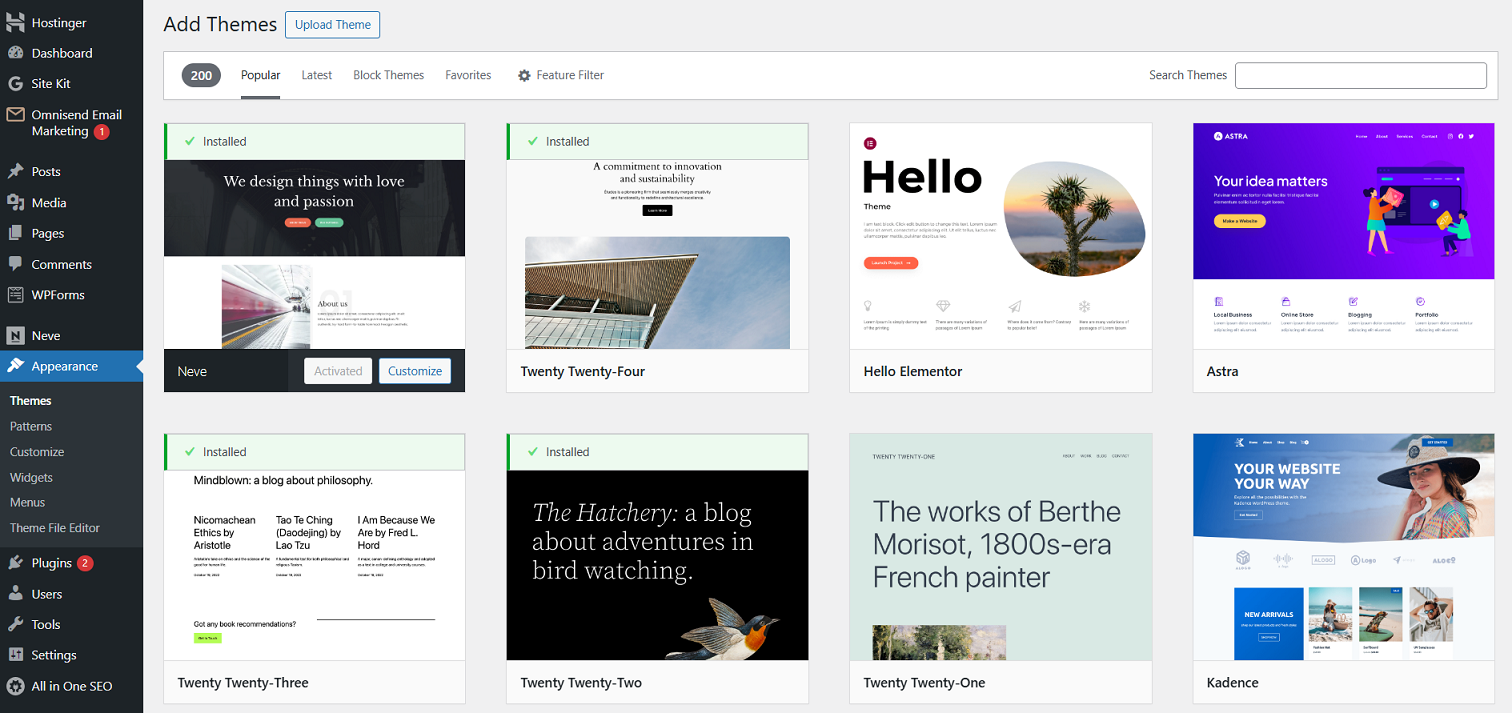](https://www.hostinger.com/tutorials/wp-content/uploads/sites/2/2024/12/wordpress-add-new-theme-interface.png)
## Installing WordPress plugins
With [WordPress plugins](https://www.hostinger.com/tutorials/what-is-wordpress-plugin), you can add plenty of new website features without any coding. Thousands of free and paid plugins are built for different purposes – from social media sharing to site security.
Like themes, you can [install a WordPress plugin](https://www.hostinger.com/tutorials/wordpress/how-to-install-wordpress-plugins) by going to the official WordPress plugin repository or manually uploading the plugin’s files.
Navigate to **Plugins → Add New Plugin** to browse, install, and activate the [best WordPress plugins](https://www.hostinger.com/tutorials/best-wordpress-plugins) for your website needs.
[](https://www.hostinger.com/tutorials/wp-content/uploads/sites/2/2024/12/wordpress-add-new-plugin-interface.png)
While there’s no cap on how many you can use, avoid [installing too many plugins](https://www.hostinger.com/tutorials/how-many-plugins-are-too-many) on your site to keep it running smoothly. Activate plugins you truly need, as piling up rarely used ones will bloat your site and make it prone to security vulnerabilities.
**Important!** If you want to find any plugins or themes outside the WordPress official repository, always make sure that the site is legitimate before downloading the files. Also, avoid installing any cracked versions of premium plugins at all costs.
## Publishing content
Creating a WordPress website involves publishing a new [post and page](https://www.hostinger.com/tutorials/wordpress-post-vs-page). Through content, you can implement numerous on-page [WordPress search engine optimization (SEO)](https://www.hostinger.com/tutorials/wordpress-seo-tips) strategies to help you drive website traffic.
**Pages** are for static content that doesn’t change often, such as **Contact Us**, **About**, or [landing pages](https://www.hostinger.com/tutorials/how-to-create-a-landing-page-in-wordpress) that serve various purposes.
**Posts**, on the other hand, are for time-sensitive content, like blog updates or news articles. They can be categorized, tagged, and archived for easy navigation.
First released in WordPress 5.0, the [Gutenberg editor](https://www.hostinger.com/tutorials/gutenberg-wordpress) has been integrated to make creating and editing posts and pages easier. This improvement lets you build content with a variety of [WordPress blocks](https://www.hostinger.com/tutorials/wordpress-blocks), including text, images, videos, and buttons.
### Creating a new post
To [add a new WordPress post](https://www.hostinger.com/tutorials/how-to-add-a-new-post-in-wordpress), navigate to **Posts → Add New Post** from the dashboard’s left sidebar. Alternatively, select **New → Post** on the top toolbar.
You will see the WordPress post editor interface, which has various features.
[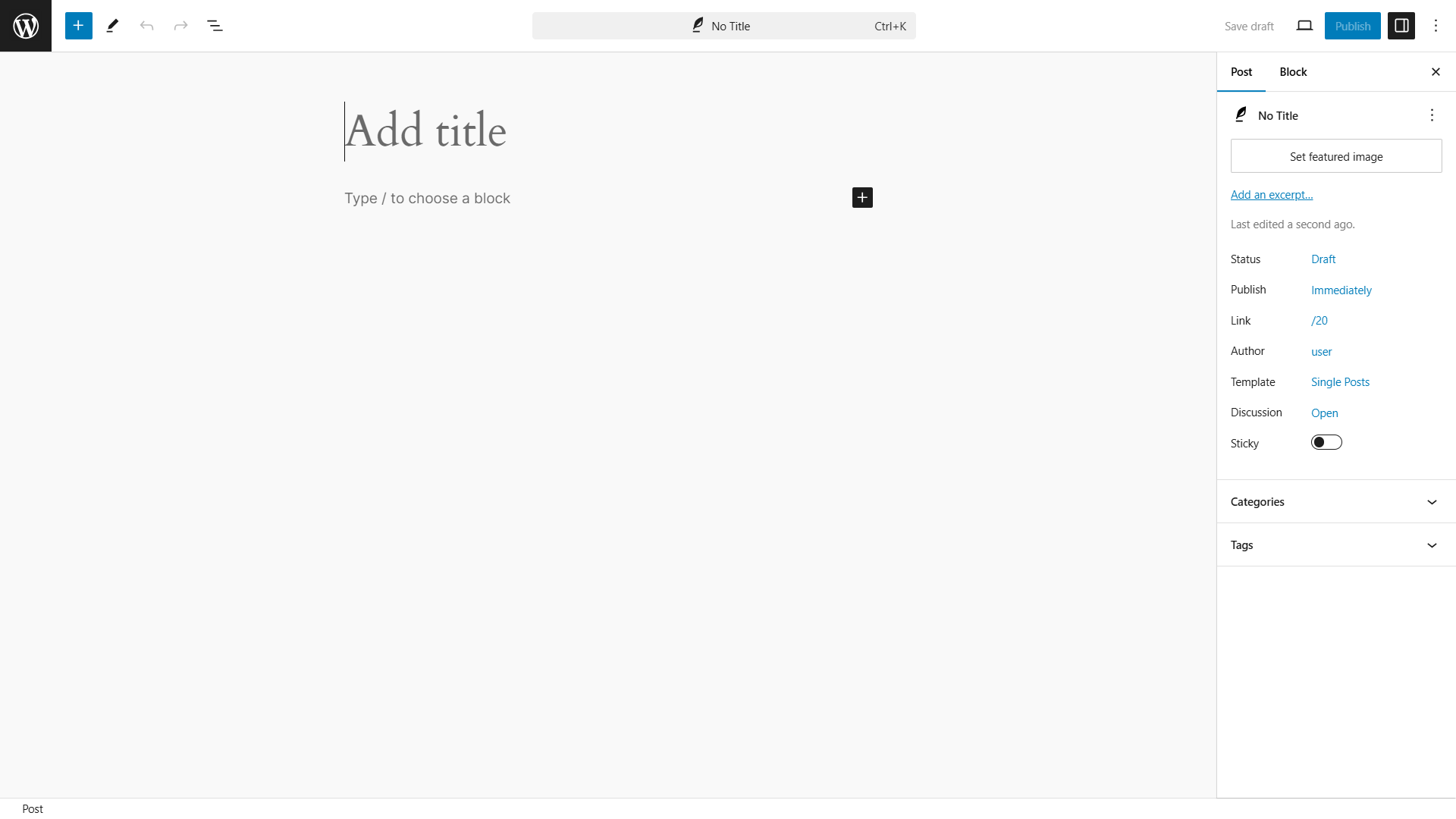](https://www.hostinger.com/tutorials/wp-content/uploads/sites/2/2024/12/wordpress-post-editor-interface.png)
The first step is to enter your blog post title. Then, write the actual blog post content with blocks. If you want to format the text, use the block toolbar options.
The post settings panel is on the right side of the screen, with each section serving a particular function:
- **Post Summary**. Change the status and visibility of the post and schedule it. To make the [blog post sticky](https://www.hostinger.com/tutorials/what-is-sticky-post-wordpress), select the **Stick to the top of the blog** option.
- **Categories**. Add, delete, or edit the post category in this box.
- **Tags**. This box helps you to add new tags quickly.
- **Featured Image**. Assign a featured image, which will be visible at the top of the post.
To launch the post, click the **Publish** button at the top-right corner. That’s it!
As you continue creating posts, they pile up, so consider grouping them using [WordPress taxonomy](https://www.hostinger.com/tutorials/wordpress-taxonomy/) to facilitate easier navigation for your site visitors. That said, you need to understand the [difference between categories and tags](https://www.hostinger.com/tutorials/difference-between-wordpress-categories-and-tags) to use the taxonomy properly.
### Creating a new page
Creating a new page involves the same WordPress block editor. Therefore, text input and formatting are similar to making a post.
To create a new WordPress page, click **Pages → Add New Page**.
The Pages menu does not have **Tags** and **Categories** options. Instead, it has a section called **Page Attributes**. There, you can change the order of the pages and set parent pages.
[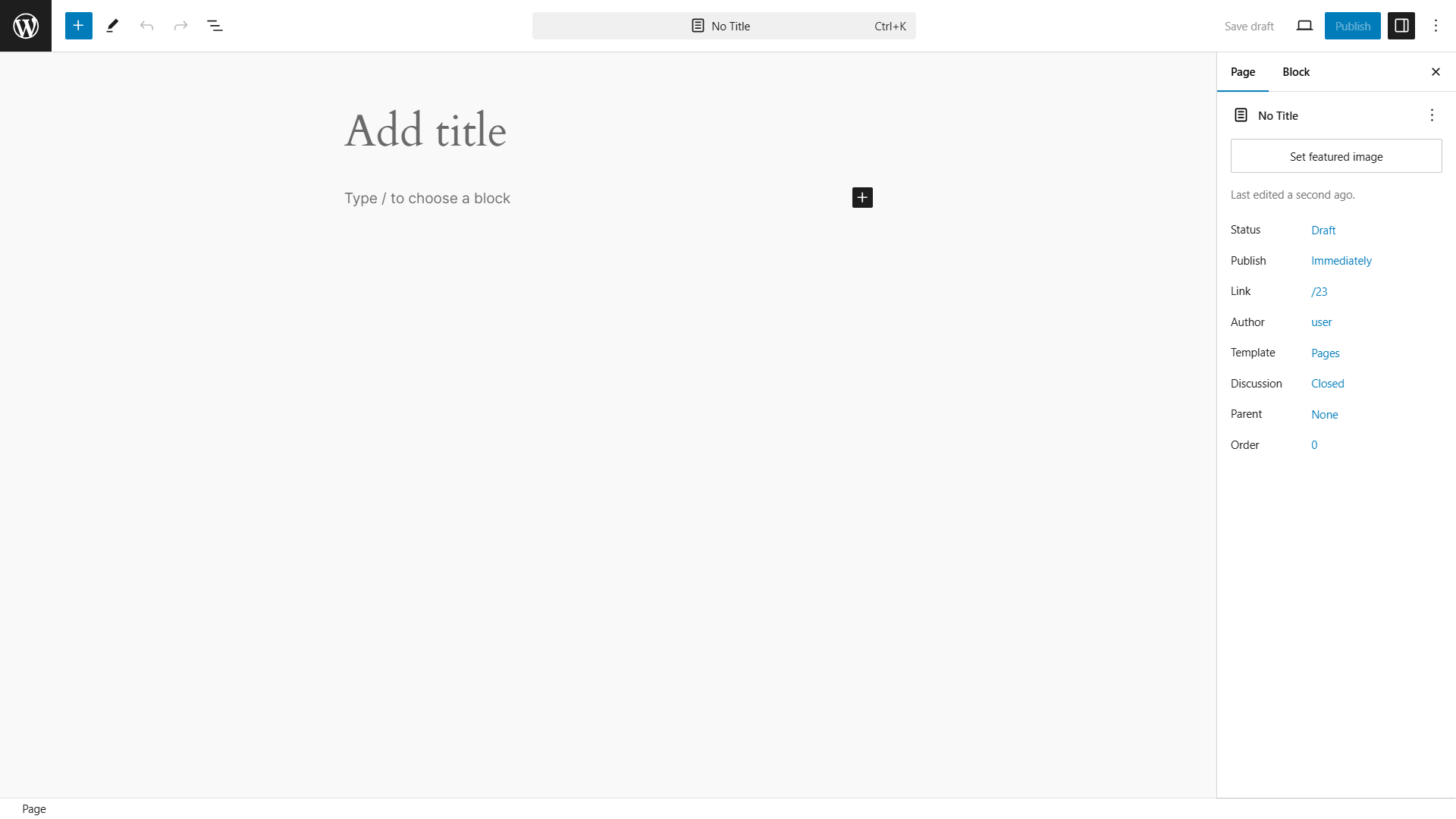](https://www.hostinger.com/tutorials/wp-content/uploads/sites/2/2024/12/wordpress-page-editor-interface.png)
#### Pro tip
Customizing the [WordPress permalink](https://www.hostinger.com/tutorials/what-is-a-permalink) of your posts and pages makes them easier to identify, making your site more user-friendly.
## Optimizing WordPress performance
As your WordPress website grows, so does the amount of text, images, code, and other media files it contains. With more content to load, your [WordPress site’s performance can slow down](https://www.hostinger.com/tutorials/why-is-my-wordpress-site-so-slow).
Worry not – there are plenty of methods to [speed up your WordPress website](https://www.hostinger.com/tutorials/speed-up-wordpress)! With a wide range of plugins and tools available, optimizing your site’s performance is easier than ever, even if you don’t have any technical expertise:
**[Optimize WordPress images](https://www.hostinger.com/tutorials/optimize-images-wordpress/)**
Large, uncompressed images can slow loading times, but resizing or compressing them can reduce file sizes without sacrificing quality. Therefore, consider resizing high-resolution images or activating an image optimization plugin.
**[Enable GZIP compression for WordPress](https://www.hostinger.com/tutorials/enable-gzip-compression)**
This method effectively improves your site’s loading speed by reducing file sizes, particularly for repetitive HTML and CSS files.
**[Set up a content delivery network (CDN)](https://www.hostinger.com/tutorials/improving-website-performance-using-a-cdn)**
Speeds up WordPress by caching content in multiple global data centers and delivering it from the closest one to the visitor. Moreover, CDNs also pair well with caching plugins.
**Activate a [WordPress caching plugin](https://www.hostinger.com/tutorials/wordpress-cache-plugin)**
Creates a static version of your website to reduce the need to load PHP scripts on every visit. This allows browsers to retrieve some content from their cache, minimizing server requests and speeding up load times. With Hostinger’s Managed WordPress hosting, you’ll get pre-configured server-level website optimization with the LiteSpeed Cache plugin.
**Enable lazy loading**
Typically, a web page loads all content at once, but [WordPress lazy loading](https://www.hostinger.com/tutorials/wordpress-lazy-load) delays some objects until they’re needed. For example, images load only when they come into the visitor’s view.
**Defer JavaScript parsing**
Themes, plugins, and social media add-ons often load JavaScript first, delaying the appearance of HTML and visual content. By [deferring JavaScript parsing in WordPress](https://www.hostinger.com/tutorials/wordpress/how-to-defer-parsing-of-javascript-in-wordpress), visual elements will load faster, while JavaScript-based content loads afterward.
## Maintaining and securing WordPress
Thanks to its large user community, the ways to prevent [WordPress’ common security issues](https://www.hostinger.com/tutorials/wordpress-security-issues) are widely shared and discussed. Based on that, here are the basic [WordPress security measures](https://www.hostinger.com/tutorials/how-to-secure-wordpress) to implement on your site:
**Keeping WordPress updated**
Using the latest WordPress core software, themes, and plugins version means updating security fixes to protect against known vulnerabilities. While [updating WordPress](https://www.hostinger.com/tutorials/how-to-update-wordpress) is easy, consider automating the process to avoid missing any update notice.
[**Creating a WordPress backup**](https://www.hostinger.com/tutorials/backup-wordpress)
Backing up your WordPress site is essential to ensure you have a clean copy to restore if things go south. While you can back up manually by downloading files and the MySQL database, this can be daunting for frequent updates or multiple sites. WordPress backup plugins and many hosting providers, including Hostinger, offer automated backups.
**Using unique usernames and passwords**
Using generic usernames and passwords makes your [WordPress site prone to hacking](https://www.hostinger.com/tutorials/hacked-wordpress), so making them hard to guess is important for added security.
Create a strong password by incorporating numbers, capital letters, and special characters to make it more difficult to guess. If remembering the password is hard, use a dedicated password manager like 1Password to store them securely.
[**Set up two-factor authentication (2FA)**](https://www.hostinger.com/tutorials/wordpress-two-factor-authentication)
Two-factor authentication adds an extra layer of security to your WordPress login. It requires users to provide a second piece of information, usually a one-time code sent to their mobile device or email, in addition to their password. Doing so makes it harder for hackers to access your site, even if they have your password.
**Limit user access and roles**
If you’re building a website with multiple team members, you can assign different [WordPress user roles](https://www.hostinger.com/tutorials/wordpress-user-roles-guide) for every person. For example, if a user only needs to write content, assign them the **Author** role instead of **Editor**. This practice limits the risk of unauthorized changes to your site’s configurations and credentials.
## Making money with WordPress
WordPress’ extensive collection of themes and plugins lets you build any type of website, including those to generate a profitable online presence, such as:
**Creating an online store**
[Building your own online store](https://www.hostinger.com/tutorials/how-to-create-an-online-store-with-wordpress) lets you sell products while controlling your branding, customer experience, and sales strategies without platform restrictions.
As the most popular [WordPress eCommerce plugin](https://www.hostinger.com/tutorials/wordpress-ecommerce), WooCommerce has extensive add-ons, themes, and resources to facilitate a convenient selling journey. From [payment gateways](https://www.hostinger.com/tutorials/woocommerce-payment-gateways) to shipping calculators, there’s a solution for almost everything you want to add to your store.
Additionally, [WooCommerce](https://www.hostinger.com/tutorials/what-is-woocommerce) can scale with your business. You can start small and gradually grow your online store with more products, features, and functionality – the sky is the limit.
If creating an online store is your primary website creation goal, consider signing up for [fast WooCommerce hosting](https://www.hostinger.com/woocommerce-hosting) to provide a seamless shopping experience for your customers.
[](https://www.hostinger.com/woocommerce-hosting)
**Building an affiliate marketing business**
Affiliate marketing is a business model where you earn commissions by promoting products or services through referral links. To start earning money, you’ll need to join an [affiliate marketing program](https://www.hostinger.com/tutorials/affiliate-marketing-programs), which sometimes requires website ownership.
There are multiple ways you can try to promote your affiliate links, and [starting a blog](https://www.hostinger.com/tutorials/how-to-start-a-blog) becomes one of the most effective ones with WordPress. Whether you’re promoting through blog posts, product reviews, or curated lists, the CMS provides all the tools you need to build a [successful affiliate business](https://www.hostinger.com/tutorials/how-to-start-affiliate-marketing).
**Building a membership website**
[Building a membership website](https://www.hostinger.com/tutorials/how-to-create-a-membership-website-wordpress) means offering exclusive content or services behind a paywall, where users pay a subscription fee for access.
This business model provides a recurring revenue stream, making it a good choice for a passive income source. It also lets you build a loyal audience by offering valuable content that keeps users engaged and encourages them to return.
With [WordPress membership plugins](https://www.hostinger.com/tutorials/best-wordpress-membership-plugins) like MemberPress or Paid Member Subscriptions, you can add the features you need to manage memberships, control access levels, and create multiple subscription tiers with different benefits.
## Troubleshooting WordPress
Encountering errors in WordPress is normal, and most of the time, you can troubleshoot them yourself. These are some of the most common WordPress errors:
- [White screen of death](https://www.hostinger.com/tutorials/fix-wordpress-white-screen-of-death). This error occurs when your WordPress site shows a blank white screen. It is usually caused by plugin conflicts, theme issues, or PHP errors. It can be resolved by disabling plugins or switching to a default theme.
- [“There Has Been a Critical Error on This Website”](https://www.hostinger.com/tutorials/how-to-fix-there-has-been-a-critical-error-on-your-website). This error message appears when a fatal PHP error occurs, often due to a plugin or theme conflict, or a problem with the site’s code. You can usually fix this by identifying the faulty plugin or theme
- [HTTP Error 500](https://www.hostinger.com/tutorials/how-to-fix-500-internal-server-error-in-wordpress). Also known as an “Internal Server Error,” it is a general issue that can result from server misconfigurations, plugin conflicts, or corrupted **.htaccess files**. Troubleshooting the error involves checking server logs or deactivating plugins and themes.
- [“Error Establishing A Database Connection”](https://www.hostinger.com/tutorials/wordpress-error-establishing-database-connection). This error happens when WordPress can’t connect to its database, often due to incorrect database credentials, a downed server, or a corrupted database. It can typically be fixed by verifying your **wp-config.php** file or repairing the database.
If you encounter errors that aren’t listed above, you can also try [debugging WordPress](https://www.hostinger.com/tutorials/debug-wordpress) to troubleshoot them. We highly recommend using a [WordPress staging site](https://www.hostinger.com/tutorials/wordpress-staging-environment) when tweaking code in your WordPress site, so you can test the changes without affecting the live site.
#### Pro tip
Hostinger offers a [WordPress AI Troubleshooter tool](https://www.hostinger.com/blog/wordpress-ai-troubleshooter) to detect errors on your website and help solve them.
## Migrate to WordPress
If your website is currently hosted on a different platform, there are several options to [migrate it to WordPress](https://www.hostinger.com/tutorials/how-to-migrate-wordpress):
- **Use WordPress importer**. WordPress has a built-in importer tool that lets you import a website from other platforms.
- **Use WordPress importer plugins**. If the built-in importer tool doesn’t support the platform you currently use, look for WordPress importer plugins.
- **Use [Hostinger’s free migration service](https://www.hostinger.com/website-migration)**. We’ll handle the migration if you want to move your WordPress site from another hosting provider to Hostinger.
## Latest WordPress tutorials
In this guide, we’ve covered the basics of navigating WordPress, including how to install themes and plugins, plus a few other tips to help your site run smoothly. If you’re eager to learn more on [how to use WordPress](https://www.hostinger.com/tutorials/how-to-use-wordpress), check out our latest WordPress tutorials below!
[Copy link\\
\\
Copied!](https://www.hostinger.com/tutorials/wordpress#)
[](https://www.hostinger.com/tutorials/wordpress-search-function)
31 Mar •
[WordPress](https://www.hostinger.com/tutorials/wordpress)• [Customization](https://www.hostinger.com/tutorials/wordpress/customization)•
##### [How does the WordPress search function work?](https://www.hostinger.com/tutorials/wordpress-search-function)
If you’re running a content-heavy website, your visitors may still struggle to find what they need no matter how well-organized your navigation is....
[By Ksenija Drobac Ristovic](https://www.hostinger.com/tutorials/author/ksenija)
[](https://www.hostinger.com/tutorials/get_template_part)
31 Mar •
[WordPress](https://www.hostinger.com/tutorials/wordpress)• [Advanced](https://www.hostinger.com/tutorials/wordpress/advanced)•
##### [What is the get\_template\_part function and how to use it in WordPress](https://www.hostinger.com/tutorials/get_template_part)
Knowing how to customize your WordPress theme is a crucial step in shaping your site to match your vision. Key to helping you achieve this is the...
[By Jordana Alexandrea](https://www.hostinger.com/tutorials/author/jordana)
[](https://www.hostinger.com/tutorials/wordpress-recovery-mode)
27 Mar •
[WordPress](https://www.hostinger.com/tutorials/wordpress)• [Troubleshooting](https://www.hostinger.com/tutorials/wordpress/troubleshooting)•
##### [What is WordPress recovery mode and how to use it](https://www.hostinger.com/tutorials/wordpress-recovery-mode)
Have you ever tried logging into your WordPress admin panel, only to see a “There has been a critical error on this website” message instead of...
[By Ksenija Drobac Ristovic](https://www.hostinger.com/tutorials/author/ksenija)
[](https://www.hostinger.com/tutorials/wordpress-security-checklist)
20 Mar •
[WordPress](https://www.hostinger.com/tutorials/wordpress)• [Security](https://www.hostinger.com/tutorials/wordpress/security)•
##### [WordPress security checklist: 30 measures to safeguard your site](https://www.hostinger.com/tutorials/wordpress-security-checklist)
WordPress is built with strong security measures. It also gets regular updates to patch any vulnerabilities. But no system is foolproof. Gaps like...
[By Elena Mazaheri](https://www.hostinger.com/tutorials/author/elenamazaheri)
[](https://www.hostinger.com/tutorials/how-to-edit-wordpress-site)
20 Mar •
[WordPress](https://www.hostinger.com/tutorials/wordpress)• [Basics](https://www.hostinger.com/tutorials/wordpress/basics)•
##### [How to edit a WordPress site: a comprehensive guide for beginners](https://www.hostinger.com/tutorials/how-to-edit-wordpress-site)
Navigating WordPress is not always simple, especially if you’re new to building websites. However, with the right guidance, managing your WordPress...
[By Ankit Mayur Vora](https://www.hostinger.com/tutorials/author/ankitmayurvora)
[](https://www.hostinger.com/tutorials/woocommerce-api)
19 Mar •
[WordPress](https://www.hostinger.com/tutorials/wordpress)• [Advanced](https://www.hostinger.com/tutorials/wordpress/advanced)•
##### [WooCommerce REST API: A complete guide](https://www.hostinger.com/tutorials/woocommerce-api)
Are you looking to connect your WooCommerce store with external platforms? The WooCommerce REST API is a good friend! It makes it easy to access and...
[By Larassatti D.](https://www.hostinger.com/tutorials/author/larassatti)
[](https://www.hostinger.com/tutorials/why-is-my-wordpress-site-so-slow)
17 Mar •
[WordPress](https://www.hostinger.com/tutorials/wordpress)• [Optimization](https://www.hostinger.com/tutorials/wordpress/optimization-wordpress)•
##### [Why is my WordPress site so slow?](https://www.hostinger.com/tutorials/why-is-my-wordpress-site-so-slow)
If your WordPress site is slow, we can tell you right away that it’s unlikely to be broken. Chances are, it’s just running slow because it’s...
[By Ksenija Drobac Ristovic](https://www.hostinger.com/tutorials/author/ksenija)
[](https://www.hostinger.com/tutorials/wordpress-seo-checklist)
13 Mar •
[WordPress](https://www.hostinger.com/tutorials/wordpress)• [Optimization](https://www.hostinger.com/tutorials/wordpress/optimization-wordpress)•
##### [WordPress SEO checklist: 40 tasks to improve your site’s performance](https://www.hostinger.com/tutorials/wordpress-seo-checklist)
Is your WordPress site not getting the traffic you expected? Are you struggling to increase your site’s search engine rankings? Is your search...
[By Ksenija Drobac Ristovic](https://www.hostinger.com/tutorials/author/ksenija)
[](https://www.hostinger.com/tutorials/difference-between-wordpress-categories-and-tags)
26 Feb •
[WordPress](https://www.hostinger.com/tutorials/wordpress)• [Basics](https://www.hostinger.com/tutorials/wordpress/basics)•
##### [WordPress categories vs. tags: What are the differences?](https://www.hostinger.com/tutorials/difference-between-wordpress-categories-and-tags)
Suppose you wanted to start a blog and share your passion for food with the world. You plan to publish all kinds of content – recipes, restaurant...
[By Ninad Pathak](https://www.hostinger.com/tutorials/author/ninad)
1 [2](https://www.hostinger.com/tutorials/wordpress/page/2) [3](https://www.hostinger.com/tutorials/wordpress/page/3) [4](https://www.hostinger.com/tutorials/wordpress/page/4)… [44](https://www.hostinger.com/tutorials/wordpress/page/44) [>](https://www.hostinger.com/tutorials/wordpress/page/2)
## Hostinger Contact Page
## 我们能帮你什么吗?
如果你还不是 Hostinger 客户,或者你的问题涉及其他内容,以下是一些其他选项。
[帐户恢复\\
\\
向我们的帐户恢复团队发送电子邮件](https://auth.hostinger.com/account-recovery) [安全、垃圾邮件、网络钓鱼和恶意软件\\
\\
报告任何安全问题、垃圾邮件、网络钓鱼或恶意软件。](https://www.hostinger.com/hk/report-abuse) [知识库\\
\\
查找我们的常见问题解答,了解从建站助手和hPanel到域名,以及 DNS 的所有常见问题](https://www.hostinger.com/support) [Hostinger学院\\
\\
观看500多个视频,了解并探索如何在网上推进你的业务](https://www.youtube.com/HostingerAcademy) [教程\\
\\
学习所有相关技能,从使用AI构建网站到 20 种在线赚钱的方法](https://www.hostinger.com/tutorials/) [客户成功案例和博客\\
\\
了解我们的客户如何取得成功,阅读我们最新的文章](https://www.hostinger.com/blog/)
## 了解更多
通过与销售专家进行沟通,或向我们的新闻团队发送电子邮件来获取您的答案。

### 媒体和新闻
您是否正在查找一些信息,或者存在疑惑?
[向我们的新闻团队发送电子邮件](mailto:press@hostinger.com)

### 和销售专家进行沟通
获取最佳解决方案和迁移方式的相关建议。
联系我们的销售团队
## 我们的办公地点

### 考纳斯,立陶宛
Hostinger, UAB
Jonavos g. 60C, 44192

### 维尔纽斯,立陶宛
Hostinger, UAB
Švitrigailos str. 34, 03230

### 拉纳卡,塞浦路斯
Hostinger International Ltd.
61 Lordou Vironos Street, 6023

### 日惹,印度尼西亚
Hostinger国际有限公司
帕拉甘·坦塔拉·佩拉贾 81, 55581
## Hostinger Tutorials
[Tutorials](https://www.hostinger.com/nl/tutorials)
[Horizons NIEUW](https://www.hostinger.com/nl/horizons)
Hosting
VPS
Email
Domein
[Inloggen](https://www.hostinger.com/cpanel-login)
_menu_
[Website Ontwikkeling](https://www.hostinger.com/nl/tutorials/website/)[WordPress](https://www.hostinger.com/nl/tutorials/wordpress)[VPS](https://www.hostinger.com/nl/tutorials/vps)[e-commerce](https://www.hostinger.com/nl/tutorials/category/e-commerce/)
[Website Ontwikkeling](https://www.hostinger.com/nl/tutorials/website/)[WordPress](https://www.hostinger.com/nl/tutorials/wordpress)[VPS](https://www.hostinger.com/nl/tutorials/vps)[e-commerce](https://www.hostinger.com/nl/tutorials/category/e-commerce/)
# Volg een van onze tutorials
Zoeken
## Meest populaire tutorials
Nieuw bij Hostinger tutorials? Begin bij onze meest bekeken handleidingen en informatiebronnen.
[](https://www.hostinger.com/nl/tutorials/blog-voorbeelden)
31 Jul •
[Bloggen](https://www.hostinger.com/nl/tutorials/category/bloggen/)•
##### [55+ Populairste Blog Voorbeelden die je moet bekijken voor inspiratie](https://www.hostinger.com/nl/tutorials/blog-voorbeelden)
Een blog is een website of pagina die deel uitmaakt van een grotere website. Meestal staan er artikelen op die geschreven zijn in een conversatiestijl...
[](https://www.hostinger.com/nl/tutorials/online-geld-verdienen)
19 Jul •
[e-commerce](https://www.hostinger.com/nl/tutorials/category/e-commerce/)•
##### [Online Geld Verdienen op 20+ Manieren](https://www.hostinger.com/nl/tutorials/online-geld-verdienen)
Het internet is een goudmijn aan mogelijkheden om online geld te verdienen. Of je nu op zoek bent naar financiële onafhankelijkheid of naar wat extra...
[](https://www.hostinger.com/nl/tutorials/502-bad-gateway)
19 Jul •
[Errors](https://www.hostinger.com/nl/tutorials/category/errors/)•
##### [Hoe kun je een 502 Bad Gateway Error oplossen](https://www.hostinger.com/nl/tutorials/502-bad-gateway)
Een 502 Bad Gateway foutmelding is een veelvoorkomende HTTP-statuscode die je gemakkelijk kunt oplossen. In deze handleiding beschrijven we tien...
## Alle Hostinger tutorials
Leer meer over webhosting, VPS, domeinnamen, SSL en meer met onze nieuwste releases.
[**WordPress prijzen in 2025 – hoeveel kost een WordPress website?**\\
\\
WordPress \\
\\
WordPress is begonnen als een simpel blog platform, maar is inmiddels uitgegroeid tot een veelzijdig Content Management Systeem (CMS) waarmee je... \\
\\
\\
\\
22\\
\\
\\
\\
0\\
\\
Apr 09, 2025 \\
\\
By Lisa B.](https://www.hostinger.com/nl/tutorials/wordpress-prijzen) [**Hoe vind en maak je het WordPress .htaccess bestand in cPanel en hPanel**\\
\\
WordPress \\
\\
Wanneer je WordPress op je hostingaccount installeert, voegt de software een lijst met directory’s aan je webserver toe. Van wp-admin, waar... \\
\\
\\
\\
19\\
\\
\\
\\
0\\
\\
Apr 09, 2025 \\
\\
By Angelique T.](https://www.hostinger.com/nl/tutorials/wordpress-htaccess) [**Hoe kun je je WordPress wachtwoord wijzigen (3 methoden)**\\
\\
WordPress \\
\\
Iedereen moet van tijd tot tijd wel eens één van zijn wachtwoorden opnieuw instellen. In WordPress kun je eenvoudig je wachtwoord wijzigen als dat... \\
\\
\\
\\
58\\
\\
\\
\\
0\\
\\
Mar 31, 2025 \\
\\
By Angelique T.](https://www.hostinger.com/nl/tutorials/wordpress-wachtwoord-wijzigen) [**WordPress lokaal installeren op 3 manieren**\\
\\
WordPress \\
\\
Het testen van nieuwe thema’s en plug-ins op je live website kan problemen veroorzaken, zoals trage laadtijden of zelfs storingen. Zonder een... \\
\\
\\
\\
55\\
\\
\\
\\
0\\
\\
Mar 31, 2025 \\
\\
By Angelique T.](https://www.hostinger.com/nl/tutorials/wordpress-lokaal-installeren) [**Wat is een Permalink? Een complete gids**\\
\\
WordPress \\
\\
Wat is een permalink? Kort gezegd; een permalink is de URL van een specifieke blogpost of webpagina. Het is wat je in de adresbalk van je browser typt... \\
\\
\\
\\
70\\
\\
\\
\\
0\\
\\
Mar 31, 2025 \\
\\
By Lisa B.](https://www.hostinger.com/nl/tutorials/wat-is-een-permalink) [**Hoe gebruik je het tar command voor het archiveren en comprimeren van bestanden in Linux?**\\
\\
VPS \\
\\
tar staat voor tape archive en is een veelgebruikt Linux command programma voor het archiveren en comprimeren van bestanden. Linux is de kernel (de... \\
\\
\\
\\
97\\
\\
\\
\\
0\\
\\
Mar 31, 2025 \\
\\
By Angelique T.](https://www.hostinger.com/nl/tutorials/tar-command) [**20 voorbeelden van websites voor kleine bedrijven: Van kledingwinkels tot restaurants**\\
\\
Website Ontwikkeling \\
\\
Meer dan 89% van de consumenten onderzoekt een bedrijf online voordat ze een aankoop doen. Zonder een sterke online aanwezigheid loop je het risico om... \\
\\
\\
\\
94\\
\\
\\
\\
0\\
\\
Mar 31, 2025 \\
\\
By Angelique T.](https://www.hostinger.com/nl/tutorials/websites-voor-kleine-bedrijven) [**Een WordPress website verwijderen: Een veilige en eenvoudige handleiding voor het starten van een nieuwe website**\\
\\
WordPress \\
\\
Wil je een WordPress Website verwijderen? Weten hoe je WordPress verwijdert, is handig als je opnieuw wilt beginnen of je website helemaal wilt... \\
\\
\\
\\
51\\
\\
\\
\\
0\\
\\
Mar 26, 2025 \\
\\
By Patty R.](https://www.hostinger.com/nl/tutorials/wordpress-website-verwijderen) [**Hoe maak je een WordPress Staging Site met hPanel, een plug-in en een subdomein?**\\
\\
WordPress \\
\\
WordPress websites hebben een groot voordeel: je kunt een staging omgeving opzetten om wijzigingen en updates te testen voordat ze live gaan. Met... \\
\\
\\
\\
45\\
\\
\\
\\
0\\
\\
Mar 26, 2025 \\
\\
By Lisa B.](https://www.hostinger.com/nl/tutorials/wordpress-staging-omgeving) [**Domeinnaamservers wijzigen: Verwijs naar een andere provider (GoDaddy, Namecheap en andere aanbieders)**\\
\\
DNS \\
\\
Naamservers bepalen wie de DNS-zone van je domein beheert en koppelen domeinnamen aan IP-adressen. Wanneer je van hosting provider wisselt, werkt je... \\
\\
\\
\\
89\\
\\
\\
\\
0\\
\\
Mar 26, 2025 \\
\\
By Lisa B.](https://www.hostinger.com/nl/tutorials/naamservers-wijzigen)
1 [2](https://www.hostinger.com/nl/tutorials/page/2) [3](https://www.hostinger.com/nl/tutorials/page/3) [4](https://www.hostinger.com/nl/tutorials/page/4)… [12](https://www.hostinger.com/nl/tutorials/page/12) [>](https://www.hostinger.com/nl/tutorials/page/2)
## Wat onze klanten zeggen
[Trustpilot](https://www.trustpilot.com/review/hostinger.com)
## Web Hosting Pricing
เว็บโฮสติ้ง
เครื่องมือสร้างเว็บไซต์
โฮสติ้ง VPS
โดเมน
อีเมล
ประเภทของการโฮสติ้ง
เว็บโฮสติ้งCloud hostingWordPress Hostingโฮสติ้งที่มีการจัดการสำหรับ WooCommerce
ระยะเวลาการสมัคร
48 เดือน24 เดือน12 เดือน1 เดือน
Single
โซลูชันในอุดมคติสำหรับมือใหม่
฿ 169.00ประหยัด 83%
฿ 29.00 /เดือน
0 เดือน ฟรี
เลือกแพ็กเกจ
ต่ออายุที่ ฿79.00/เดือน เป็นเวลา 4 ปี ยกเลิกได้ตลอดเวลา
**1** เว็บไซต์
โฮสติ้งที่มีการจัดการสำหรับ WordPress
เข้าชม **~10 000** ต่อเดือน
พื้นที่ SSD **10 GB**
ไฟล์และไดเร็กทอรี (inodes) **200 000**
**ฟรี** เทมเพลตที่สร้างไว้ล่วงหน้า
**ฟรี** การย้ายเว็บไซต์อัตโนมัติ
SSL **ฟรีแบบไม่จำกัด**
**1 กล่องจดหมาย** \- ฟรี 1 ปี
สำรองข้อมูล **รายสัปดาห์**
ตัวสแกนจุดอ่อนของระบบ **WordPress**
**Smart WordPress** อัปเดตอัตโนมัติ
การเร่งความเร็ว WordPress **มาตรฐาน**
แบนด์วิดท์ **100 GB**
**ฟรี** โดเมน (฿309.00)
**ฟรี** CDN
**WordPress** เครื่องมือ AI
เครื่องมือออกแบบ **WordPress**
ที่อยู่ IP เฉพาะ
ให้ความช่วยเหลือ **เป็นอันดับแรก**
นิยมมากที่สุด
Premium
ทุกสิ่งที่คุณต้องการสำหรับการสร้างเว็บไซต์
฿ 249.00ประหยัด 76%
฿ 59.00 /เดือน
+3 เดือน ฟรี
เลือกแพ็กเกจ
ต่ออายุที่ ฿109.00/เดือน เป็นเวลา 4 ปี ยกเลิกได้ตลอดเวลา
**25** เว็บไซต์
โฮสติ้งที่มีการจัดการสำหรับ WordPress
เข้าชม **~25 000** ต่อเดือน
พื้นที่ SSD **25 GB**
ไฟล์และไดเร็กทอรี (inodes) **400 000**
**ฟรี** เทมเพลตที่สร้างไว้ล่วงหน้า
**ฟรี** การย้ายเว็บไซต์อัตโนมัติ
SSL **ฟรีแบบไม่จำกัด**
**50 กล่องจดหมาย** \- ฟรี 1 ปี
สำรองข้อมูล **รายสัปดาห์**
ตัวสแกนจุดอ่อนของระบบ **WordPress**
**Smart WordPress** อัปเดตอัตโนมัติ
การเร่งความเร็ว WordPress **มาตรฐาน**
**ไม่จำกัด** แบนด์วิดท์
**ฟรี** โดเมน (฿309.00)
**ฟรี** CDN
**WordPress** เครื่องมือ AI
เครื่องมือออกแบบ **WordPress**
ที่อยู่ IP เฉพาะ
ให้ความช่วยเหลือ **เป็นอันดับแรก**
Business
ยกระดับด้วยพลังที่มากขึ้นและฟีเจอร์ที่พัฒนาแล้ว
฿ 289.00ประหยัด 62%
฿ 109.00 /เดือน
+3 เดือน ฟรี
เลือกแพ็กเกจ
ต่ออายุที่ ฿209.00/เดือน เป็นเวลา 4 ปี ยกเลิกได้ตลอดเวลา
**50** เว็บไซต์
โฮสติ้งที่มีการจัดการสำหรับ WordPress
เข้าชม **~100 000** ต่อเดือน
พื้นที่จัดเก็บ NVMe **50 GB**
ไฟล์และไดเร็กทอรี (inodes) **600 000**
**ฟรี** เทมเพลตที่สร้างไว้ล่วงหน้า
**ฟรี** การย้ายเว็บไซต์อัตโนมัติ
SSL **ฟรีแบบไม่จำกัด**
**100 กล่องจดหมาย** \- ฟรี 1 ปี
การสำรองข้อมูล **รายวันและตามต้องการ**
ตัวสแกนจุดอ่อนของระบบ **WordPress**
**Smart WordPress** อัปเดตอัตโนมัติ
การเร่งความเร็ว WordPress **ขั้นสูง**
**ไม่จำกัด** แบนด์วิดท์
**ฟรี** โดเมน (฿309.00)
**ฟรี** CDN
**WordPress** เครื่องมือ AI
เครื่องมือออกแบบ **WordPress**
ที่อยู่ IP เฉพาะ
ให้ความช่วยเหลือ **เป็นอันดับแรก**
Cloud Startup
เพลิดเพลินกับการปรับปรุงประสิทธิภาพและทรัพยากรเฉพาะ
฿ 689.00ประหยัด 64%
฿ 249.00 /เดือน
+3 เดือน ฟรี
เลือกแพ็กเกจ
ต่ออายุที่ ฿489.00/เดือน เป็นเวลา 4 ปี ยกเลิกได้ตลอดเวลา
**100** เว็บไซต์
โฮสติ้งที่มีการจัดการสำหรับ WordPress
เข้าชม **~200 000** ต่อเดือน
พื้นที่จัดเก็บ NVMe **100 GB**
ไฟล์และไดเร็กทอรี (inodes) **2 000 000**
**ฟรี** เทมเพลตที่สร้างไว้ล่วงหน้า
**ฟรี** การย้ายเว็บไซต์อัตโนมัติ
SSL **ฟรีแบบไม่จำกัด**
**200 กล่องจดหมาย** \- ฟรี 1 ปี
การสำรองข้อมูล **รายวันและตามต้องการ**
ตัวสแกนจุดอ่อนของระบบ **WordPress**
**Smart WordPress** อัปเดตอัตโนมัติ
การเร่งความเร็ว WordPress **ขั้นสูง**
**ไม่จำกัด** แบนด์วิดท์
**ฟรี** โดเมน (฿309.00)
**ฟรี** CDN
**WordPress** เครื่องมือ AI
เครื่องมือออกแบบ **WordPress**
ที่อยู่ IP เฉพาะ
ให้ความช่วยเหลือ **เป็นอันดับแรก**
[เปรียบเทียบแพ็กเกจ](https://www.hostinger.com/th/pricing#compare-table)
แพ็กเกจทั้งหมดจะต้องชำระเงินล่วงหน้า อัตราค่าบริการรายเดือนจะแสดงราคาแพ็กเกจทั้งหมดหารด้วยจำนวนเดือนในแพ็กเกจของคุณ
### เพลิดเพลินไปกับสิ่งเหล่านี้โดยไม่มีค่าใช้จ่ายเพิ่มเติม
ใบรับรองความปลอดภัย SSL แบบไม่จำกัด
โดเมนฟรี (พร้อมแพ็กเกจรายปี)
เทมเพลตที่ออกแบบอย่างมืออาชีพ
การสำรองข้อมูลและอัปเดตอัตโนมัติ
ที่อยู่อีเมล
ปริมาณการเข้าชมเว็บไซต์แบบไม่จำกัด
## ค้นหาโฮสติ้งที่เหมาะกับคุณ
สำหรับเว็บไซต์ขนาดเล็กถึงขนาดกลาง
เว็บโฮสติ้ง
เหมาะสำหรับผู้เริ่มต้น ทุกสิ่งที่คุณต้องการเพื่อนำไอเดียของคุณไปสู่โลกออนไลน์
อีคอมเมิร์ซ
สินค้า 500 ชิ้น
ความเรียบง่าย
สูง
การควบคุมเซิร์ฟเวอร์
ต่ำ
ปรับขนาดได้
ปานกลาง
สำหรับผู้ชื่นชอบ WordPress
โฮสติ้งสำหรับ WordPress
โฮสติ้งที่ได้รับการปรับให้เหมาะสมสำหรับ CMS ที่ได้รับความนิยมมากที่สุดในโลก สำหรับเว็บไซต์ขนาดกลาง
อีคอมเมิร์ซ
สินค้า 5,000 รายการ
ความเรียบง่าย
สูง
การควบคุมเซิร์ฟเวอร์
ต่ำ
ปรับขนาดได้
ปานกลาง
สำหรับโครงการขนาดใหญ่
Cloud Hosting
ยกระดับธุรกิจของคุณให้สูงขึ้น เหมาะสำหรับการจัดการเว็บไซต์ของลูกค้า
อีคอมเมิร์ซ
สินค้า 5,000 รายการ
ความเรียบง่าย
สูง
การควบคุมเซิร์ฟเวอร์
ต่ำ
ปรับขนาดได้
สูง
[เริ่มใช้งาน](https://www.hostinger.com/th/pricing#pricing)
## เปรียบเทียบแพ็กเกจของเรา
ลองดูว่าแต่ละแพ็กเกจราคาเท่าไหร่และคุณจะได้รับอะไรจากเงินที่จ่ายไป
### ฟีเจอร์แพ็กเกจ
Single
Premium
Business
Cloud Startup
คุณสมบัติเด่น
เว็บไซต์
โฮสติ้งที่มีการจัดการสำหรับ WordPress
การเข้าชมต่อเดือน
พื้นที่เก็บข้อมูล SSD
ไฟล์และไดเร็กทอรี (inodes)
**ฟรี** เทมเพลตที่สร้างไว้ล่วงหน้า
**ฟรี** การย้ายเว็บไซต์อัตโนมัติ
SSL **ฟรีแบบไม่จำกัด**
**1 กล่องจดหมาย** \- ฟรี 1 ปี
สำรองข้อมูล **รายสัปดาห์**
ตัวสแกนจุดอ่อนของระบบ **WordPress**
**Smart WordPress** อัปเดตอัตโนมัติ
การเร่งความเร็ว WordPress **มาตรฐาน**
แบนด์วิดท์
โดเมนฟรี
**ฟรี** CDN
**WordPress** เครื่องมือ AI
เครื่องมือออกแบบ **WordPress**
ที่อยู่ IP เฉพาะ
ให้ความช่วยเหลือ **เป็นอันดับแรก**
โฮสติ้งที่มีการจัดการสำหรับ WordPress
**ฟรี** การติดตั้ง WordPress เพียงคลิกเดียว
**ฟรี** รวมเข้ากับ Google ในคลิกเดียว
**WordPress** การเร่งความเร็ว (LiteSpeed)
**WordPress** เครื่องมือตรวจความเข้ากัน
**Starter** WooCommerce
**WordPress** Multisite
**WP-CLI** และ SSH
**ฟรี** Amazon Affiliate WordPress ปลั๊กอิน
**ข้อมูลแคช** สำหรับ WordPress
การสำรองข้อมูล **ตามความต้องการ**
เครื่องมือสร้างเว็บไซต์ Hostinger
**AI** เครื่องมือสร้างเว็บไซต์
ตัวแก้ไข **ลากและวาง**
**150** เทมเพลต
การผสานเข้ากับเครื่องมือทางการตลาด
**AI** เครื่องสร้างภาพ
**AI** นักเขียน
**AI** เครื่องมือสร้างบทความ
**AI** Heatmaps
**AI** เครื่องมือ SEO
ฟีเจอร์อีคอมเมิร์ซ
ค่าธรรมเนียมการทำธุรกรรม **0%**
ช่องทางการชำระเงินมากกว่า 100 วิธี
ความปลอดภัย
การป้องกัน DDoS **มาตรฐาน**
**เว็บแอปพลิเคชัน** ไฟร์วอลล์
**Cloudflare** ปกป้อง Name Server
ตัวสแกน **มัลแวร์**
**ปลอดภัย** ตัวจัดการการเข้าถึง
ฟรีค่าการปกป้องความเป็นส่วนตัวของโดเมน WHOIS
บริการและช่วยเหลือ
30-วัน **ไม่พึงพอใจยินดีคืนเงิน**
รับประกันความพร้อมใช้งาน **99.9%**
ศูนย์ข้อมูล **ทั่วโลก**
ทีมช่วยเหลือ **ตลอด 24 ชั่วโมง**
ข้อมูลทางเทคนิค
พนักงาน PHP
การเข้าชมต่อเดือน
โดเมนย่อย
การเชื่อมต่อผู้ใช้ MySQL สูงสุด
ฐานข้อมูล
บัญชี FTP
Cronjobs
การเข้าถึง GIT
**รองรับ PHP** หลายเวอร์ชัน
การจัดการ **DNS**
**Cache** Manager
**สุดยอด** Control Panel
**SSH** ใช้งานได้
1
10 000
10 GB
200 000
100 GB
฿309.00
฿309.00
25
10 000
2
25
2
1
2
25
25 000
25 GB
400 000
50
฿309.00
฿309.00
40
25 000
100
50
300
50
100 000
50 GB
600 000
100
฿309.00
฿309.00
60
100 000
100
75
300
100
200 000
100 GB
2 000 000
200
฿309.00
฿309.00
100
200 000
300
100
800
฿ 29.00 /เดือน
เลือกแพ็กเกจ
฿ 59.00 /เดือน
เลือกแพ็กเกจ
฿ 109.00 /เดือน
เลือกแพ็กเกจ
฿ 249.00 /เดือน
เลือกแพ็กเกจ
## ได้รับความไว้วางใจจากเจ้าของเว็บไซต์มากกว่า 3 ล้านคนทั่วโลก

Charlie Low
ผู้ร่วมก่อตั้ง Nohma
นับตั้งแต่ที่เราได้ใช้บริการ Hostinger มันก็ยอดเยี่ยมมาก เราไม่ได้มีปัญหาใดๆ เลย และถ้าหากมีคำถาม ฝ่ายดูแลลูกค้าก็ให้การช่วยเหลือเป็นอย่างดี
[อ่านเรื่องราวทั้งหมด](https://www.hostinger.com/blog/climbingvan)

Jack Bies
ซีเนียกราฟฟิกดีไซน์
ตอนที่เห็น hPanel ของ Hostinger ก็รู้ได้ทันทีเลยว่ามันใช้งานง่ายมาก นักพัฒนาเว็บไซต์หลายคนอาจชอบตัวเลือกอื่น แต่ส่วนตัวแล้วผมชอบ hPanel
[อ่านเรื่องราวทั้งหมด](https://www.hostinger.com/blog/jack-bies-shared-hosting-success-story)

Jhon Ortega
เจ้าของกิจการ
ผมกำลังมองหาบริษัทโฮสติ้งที่ง่ายสำหรับผู้เริ่มต้นและมีการกำหนดค่าพร้อมใช้งานเพื่อประสิทธิภาพที่ดี
[อ่านเรื่องราวทั้งหมด](https://www.hostinger.com/blog/how-jhon-scaled-his-minecraft-business)
## รวมเข้าไว้กับทุกแพ็กเกจ

### เครื่องมือสร้างเว็บไซต์
สร้างเว็บไซต์ของคุณใน 3 ขั้นตอนง่ายๆ ด้วยเครื่องมือ AI คุณจะเริ่มออนไลน์ได้ภายในไม่กี่นาที

### ความปลอดภัยครบวงจร
วางใจได้ เพราะเว็บไซต์และผู้เยี่ยมชมของคุณได้รับการปกป้องด้วยซอฟต์แวร์ความปลอดภัยล่าสุด

### รับประกันความพร้อมใช้งาน 99.9%
การรับประกันความพร้อมใช้งาน 99.9% ของเราหมายความว่าเว็บไซต์ของคุณจะพร้อมใช้งานเสมอ

### แดชบอล์ดเดียวที่เรียบง่าย
ถูกออกแบบมาให้ใช้งานง่ายสำหรับทั้งผู้เริ่มต้นและผู้เชี่ยวชาญ โดยคุณสามารถดูได้ทันทีว่าไซต์ของคุณทำงานอย่างไร

### สนับสนุนทุกวันตลอด 24 ชั่วโมง
เข้าถึงการสนับสนุนจากผู้เชี่ยวชาญได้ทุกเมื่อที่คุณต้องการ โดยปกติเราจะตอบกลับภายใน 2 นาที และทีมงานของเราสามารถพูดได้มากกว่า 10 ภาษา
[เริ่มเลย](https://www.hostinger.com/th/pricing#pricing)

เราขอบอกว่า **Hostinger เป็นมืออาชีพ** ในการช่วยเหลือวิศวกรของเราจริงๆ
[อ่านเรื่องราวทั้งหมด](https://www.hostinger.com/blog/climbingvan)
Charlie Low and Dale Comely
nohma.com

การย้ายไปใช้ Hostinger เป็น **การตัดสินใจที่ดีที่สุด** เท่าที่เคยทำมา
[อ่านเรื่องราวทั้งหมด](https://www.hostinger.com/blog/gate-foot-forge)
Owen Phillips
gatefootforge.co.uk

ผมสามารถ **จัดการ** โฮสติ้ง ชื่อโดเมน และใบรับรอง SSL **ได้ในที่เดียว** ซึ่งถือว่าสะดวกมากๆ
Gabrielle Scarlett
gabriellescarlett.com
## ประหยัดสูงสุด **83%** สำหรับแพ็กเกจของคุณ
หากคุณไม่พอใจแบบ 100% คุณสามารถขอคืนเงินได้ภายใน 30 วันหลังจากการสั่งซื้อ ขั้นตอนนี้ง่ายและไม่มีความเสี่ยง สำหรับข้อมูลเพิ่มเติม โปรดดู [นโยบายการคืนเงิน](https://www.hostinger.in.th/legal/refund-policy) ของเรา (อาจมีข้อยกเว้น)
[เริ่มเลย](https://www.hostinger.com/th/pricing#pricing)
## คำถามที่พบบ่อยเกี่ยวกับราคาของ Hostinger
### ฉันจะจดทะเบียนโดเมนฟรีที่รวมอยู่ในแพ็กเกจโฮสติ้งรายปีได้อย่างไร?
หากต้องการเปิดใช้งานโดเมนฟรี 12 เดือนซึ่งรวมอยู่ในแพ็กเกจรายปีทุกแพ็กเกจ เพียงเข้าสู่ระบบแดชบอร์ดของคุณ ไปที่ "โดเมน" ค้นหาโดเมนที่เหมาะกับคุณ แล้วจดทะเบียน
### ฉันจะเปิดใช้งานใบรับรอง SSL ฟรีได้อย่างไร?
คุณไม่จำเป็นต้องทำอะไรเลย เราจะตั้งค่าใบรับรอง SSL ให้คุณโดยอัตโนมัติเมื่อคุณสมัครใช้งาน คุณจึงสามารถนั่งพักผ่อนอย่างสบายใจโดยมั่นใจว่าเว็บไซต์ของคุณปลอดภัยได้เลย
### ฉันสามารถเปลี่ยนแพ็กเกจของฉันได้ไหม หากเว็บไซต์มีการเปลี่ยนแปลง?
ครับ คุณสามารถอัปเกรดแพ็กเกจของคุณได้อย่างง่ายดายหากสถานการณ์ของคุณเปลี่ยนไป ตัวเลือกที่ปรับขนาดได้ของเราช่วยให้คุณสลับไปมาได้อย่างราบรื่นโดยไม่ทำให้ระบบหยุดทำงาน
### ทำไมแพ็กเกจต่างๆ ถึงมีราคาแตกต่างกัน?
แม้ว่าแพ็กเกจโฮสติ้งเว็บทั้งหมดของเราจะรวมทุกอย่างที่คุณต้องการเพื่อให้เว็บไซต์ของคุณออนไลน์ได้ ควบคู่ไปกับประสิทธิภาพและความปลอดภัยที่คุณวางใจได้ แต่ละแพ็กเกจจะถูกปรับแต่งให้เหมาะกับความต้องการที่แตกต่างกัน ตัวอย่างเช่น เว็บไซต์พอร์ตโฟลิโอระดับมืออาชีพของแต่ละบุคคล ไม่จำเป็นต้องใช้ทรัพยากรอีคอมเมิร์ซแบบเดียวกับที่ร้านค้าปลีกขนาดกลางต้องการ หรือผู้พัฒนาที่ต้องโฮสต์เซิร์ฟเวอร์เกมออนไลน์เฉพาะ ด้วยการนำเสนอแพ็กเกจต่างๆ มากมาย เราจึงมั่นใจได้ว่าคุณจะจ่ายเฉพาะคุณสมบัติและทรัพยากรที่คุณต้องการเท่านั้น
### Hostinger เสนอบริการโฮสติ้ง eCommerce หรือไม่?
เราเสนอแพ็กเกจอีคอมเมิร์ซหลากหลายรูปแบบที่รวมทุกอย่างที่คุณต้องการสำหรับการเปิดร้านค้าออนไลน์ แพ็กเกจอีคอมเมิร์ซทั้งหมดของเราประกอบด้วยการจัดการสินค้าคงคลัง วิธีการชำระเงินหลายรูปแบบ การบูรณาการการตลาด การนัดหมายลูกค้า และค่าธรรมเนียมธุรกรรม 0% คุณจึงประหยัดเงินได้มากขึ้น
### ฉันสามารถย้ายเว็บไซต์ที่มีอยู่ไปยัง Hostinger ได้หรือไม่?
คุณสามารถย้ายเว็บไซต์ที่มีอยู่ของคุณไปยัง Hostinger ได้อย่างรวดเร็วและง่ายดาย และยังฟรีอีกด้วย เราให้บริการย้ายเว็บไซต์แบบไม่จำกัดจำนวนที่จัดการทุกอย่างให้ เพื่อรองรับการย้ายเว็บไซต์ของคุณ - หรือไซต์อื่นๆ ได้ - โดยไม่มีปัญหาในเรื่องของค่าใช้จ่าย การสูญเสียข้อมูล หรือเวลาหยุดทำงาน
### ฉันมีชื่อโดเมนอยู่กับบริษัทอื่น ฉันสามารถโอนชื่อโดเมนไปที่ Hostinger ได้หรือไม่?
คุณสามารถโอนชื่อโดเมนของคุณไปยัง Hostinger ได้ โดยทำตามขั้นตอนการโอนโดเมนง่ายๆ ของเรา จากนั้นคุณก็สามารถจัดการโดเมนและบริการโฮสติ้งทั้งหมดได้ในที่เดียว
### ฉันเป็นนักพัฒนาเว็บไซต์มืออาชีพ ควรใช้อะไรดีกว่าระหว่างเว็บโฮสติ้ง, Cloud hosting หรือ VPS hosting?
โฮสติ้งแบบแชร์ของเราถูกออกแบบมาให้ใช้งานง่าย จึงเหมาะสำหรับผู้เริ่มต้นและธุรกิจขนาดเล็ก แต่นักพัฒนาและนักออกแบบระดับมืออาชีพจะเหมาะกับโฮสติ้ง VPS ของเรามากกว่า ซึ่งให้การควบคุมแบ็กเอนด์ ความยืดหยุ่น และทรัพยากรมากกว่า แพ็กเกจ Cloud hosting ของเราอยู่ในระดับกลางจะมีทรัพยากรมากกว่าโฮสติ้งแบบแชร์ แต่จะควบคุมได้น้อยกว่าโฮสติ้ง VPS
### ฉันสามารถสร้างเว็บไซต์บน WordPress และโฮสต์กับ Hostinger ได้หรือไม่?
ใช่ แพ็กเกจโฮสติ้งของเราทั้งหมดสามารถใช้งานร่วมกับ WordPress ได้ แพ็กเกจโฮสติ้ง WordPress ที่เราจัดการนั้นเหมาะอย่างยิ่งสำหรับการใช้ประโยชน์สูงสุดจากเว็บไซต์ WordPress ของคุณ ในขณะเดียวกัน แพ็กเกจโฮสติ้ง WooCommerce ของเราเหมาะอย่างยิ่งหากคุณกำลังเปิดร้านค้าออนไลน์
### เราใส่ใจเรื่องความเป็นส่วนตัวของคุณ
This website uses cookies that are needed for the site to work properly and to get data on how you interact with it, as well as for marketing purposes. By accepting, you agree to the use of cookies for ads and analytics as described in our [Cookie policy](https://www.hostinger.com/th/legal/cookie-policy). You can change your cookie settings or use Opt out anytime.
Got it
Opt out
การตั้งค่าคุกกี้
## Hostinger Affiliate Program
## Qué dicen nuestros socios

Nuestra experiencia de colaboración con Hostinger ha sido verdaderamente enriquecedora. Es una asociación que ofrece una enorme satisfacción y un beneficio mutuo. Para quienes buscan un valor duradero en una asociación, recomendamos Hostinger sin dudarlo.


Nuestra relación con Hostinger ha sido excepcional. No solo son confiables y profesionales, sino también increíblemente cálidos y serviciales. El compromiso que demuestran para entregar resultados de alta calidad en tiempo y forma es incomparable, trabajar con ellos ha sido un absoluto placer.


Tasas de conversión increíbles, pagos puntuales y excelente soporte. Esta asociación ha contribuido enormemente a nuestros ingresos.

## Formá parte del programa en solo 4 pasos

### Registro inmediato
Registrate en menos de un minuto, es totalmente gratis. Verificate y accedé a tu panel de afiliados.

### Rastreá tu rendimiento
Accedé a uno de los mejores paneles de control de afiliados. Seguí y optimizá fácilmente tus campañas.

### Banners para afiliados
Te brindamos todo lo necesario. Recursos de marketing a medida en un mismo lugar.

### Recibí tu pago
Con cada venta elegible, ganás una comisión que empieza en un 40% y crece según la cantidad de ventas.
[Unite como afiliado](https://affiliates.hostinger.com/)
## Marketing de afiliados que prioriza al usuario

#### Altas tasas de conversión
Nuestra marca y nuestros efectivos recursos promocionales van a aumentar la tasa de conversión del tráfico que nos envíes.

#### Comisiones basadas en el rendimiento
Cuanto más vendés, mejor es la comisión.

#### Es fácil empezar y crecer
Aumentá las conversiones con banners diseñados por profesionales, screenshots y más.

## Preguntas comunes sobre el Programa de afiliados
Chequeá las preguntas frecuentes para empezar tu negocio de afiliados con el pie derecho.
[Ver respuestas](https://www.hostinger.com/ar/affiliates/faqs)
## Recursos para afiliados
Aprovechá al máximo el programa de afiliados usando nuestros recursos de marca.
[Check all assets](https://www.hostinger.com/affiliates/assets)
## Acuerdo del Programa de afiliados
¿Listo para empezar? Leé con detenimiento los términos y condiciones y unite al programa.
[Leer el Acuerdo de afiliados](https://www.hostinger.com/ar/legal/acuerdo-programa-afiliados)

## ¿Qué tan lejos podés llegar?
Cuanto mejores sean tus resultados, mejores serán las comisiones. Te guiamos en cada paso.
[Unite como afiliado](https://affiliates.hostinger.com/)